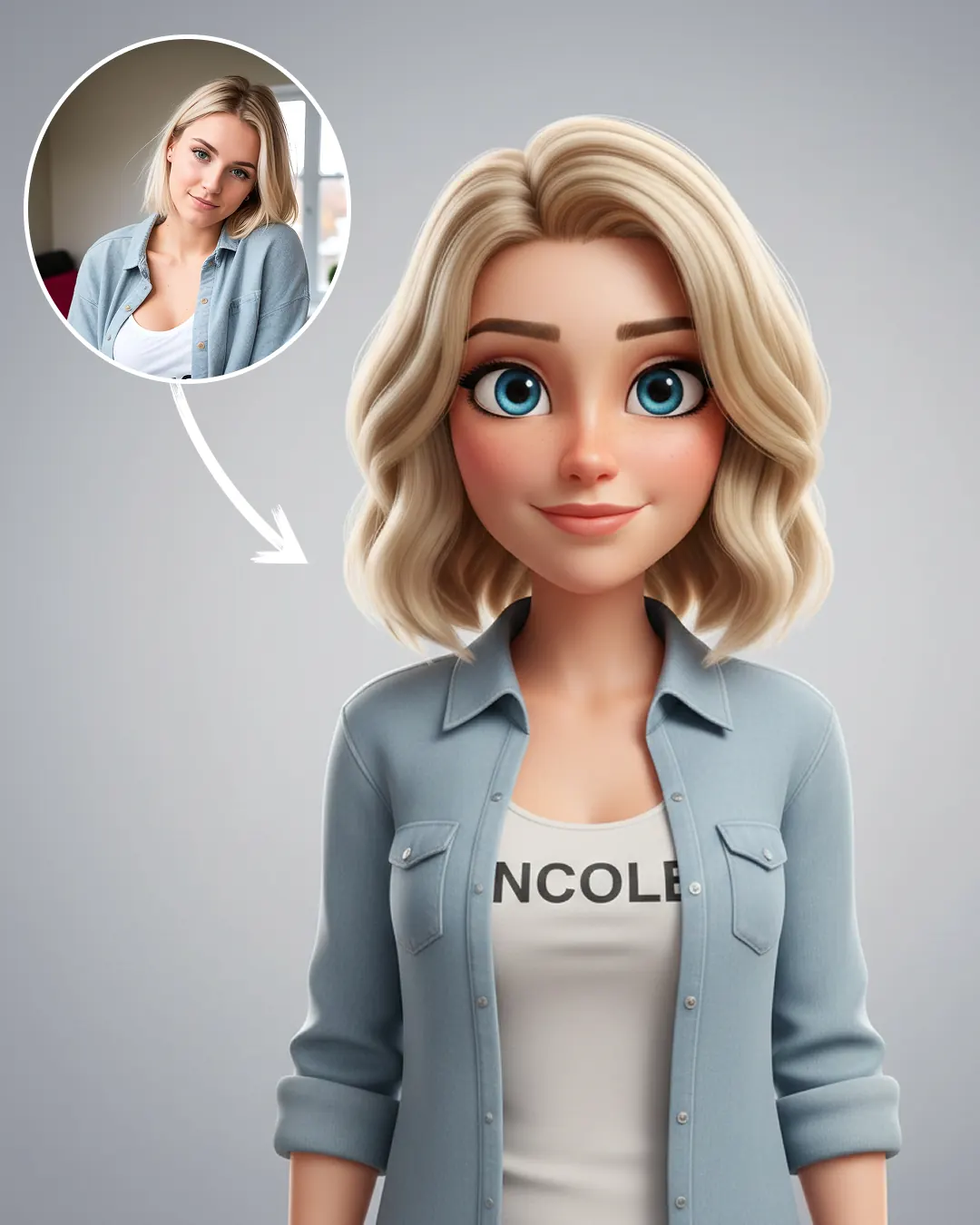
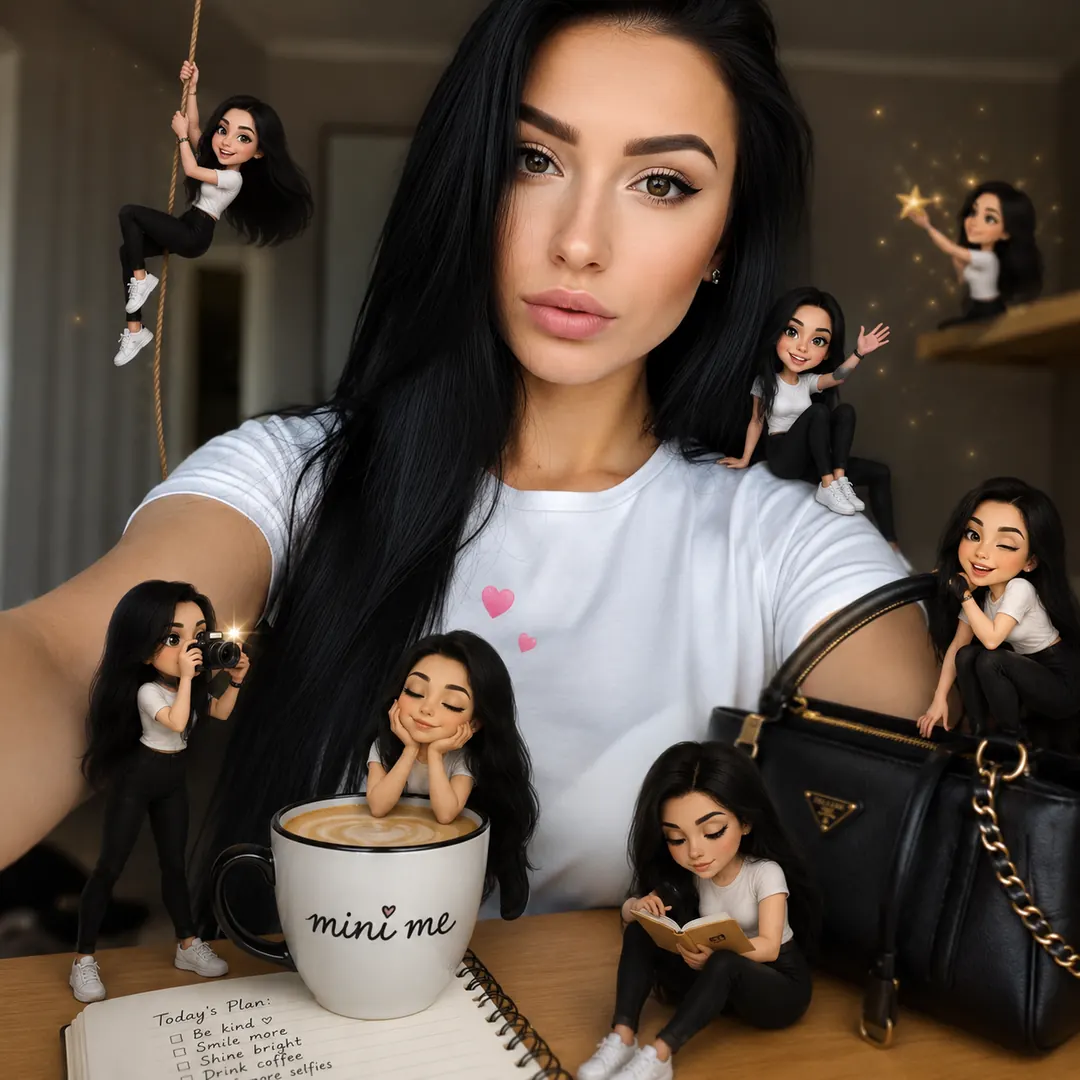
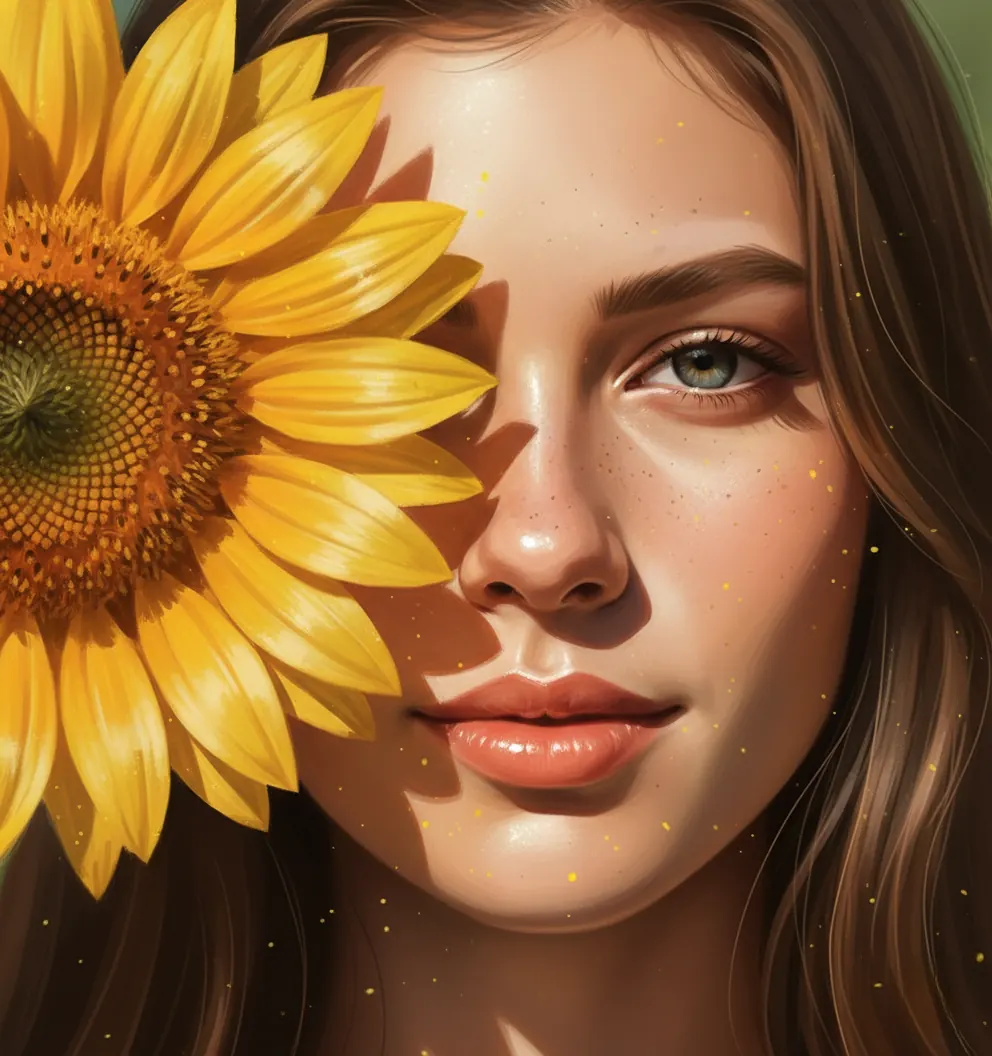
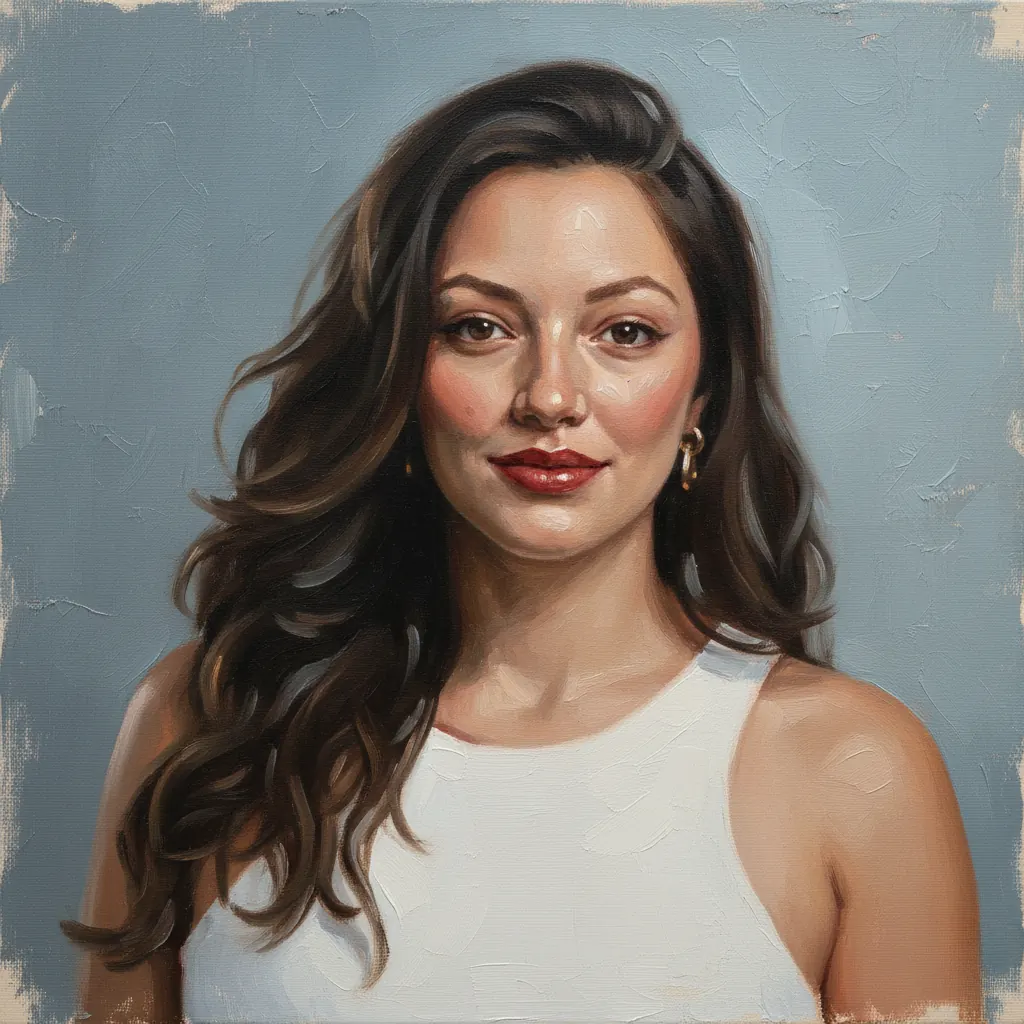
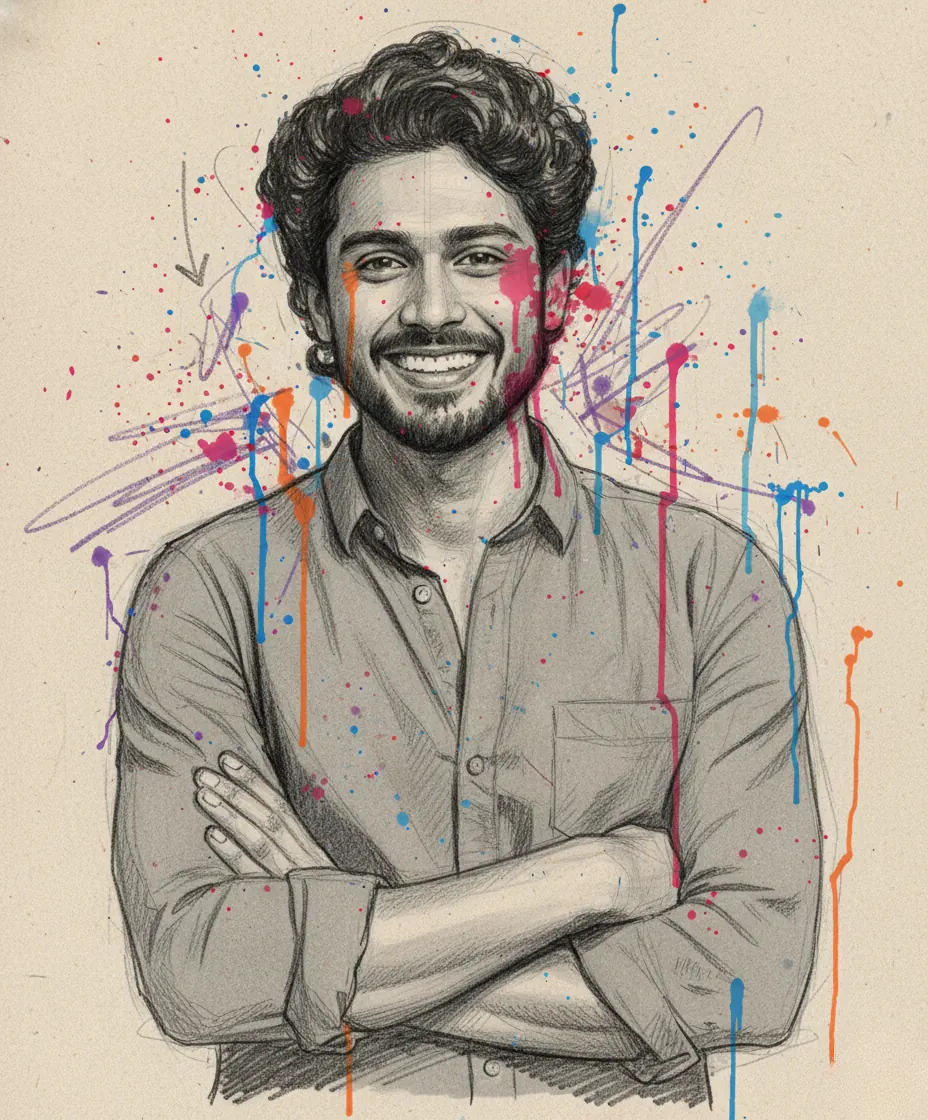
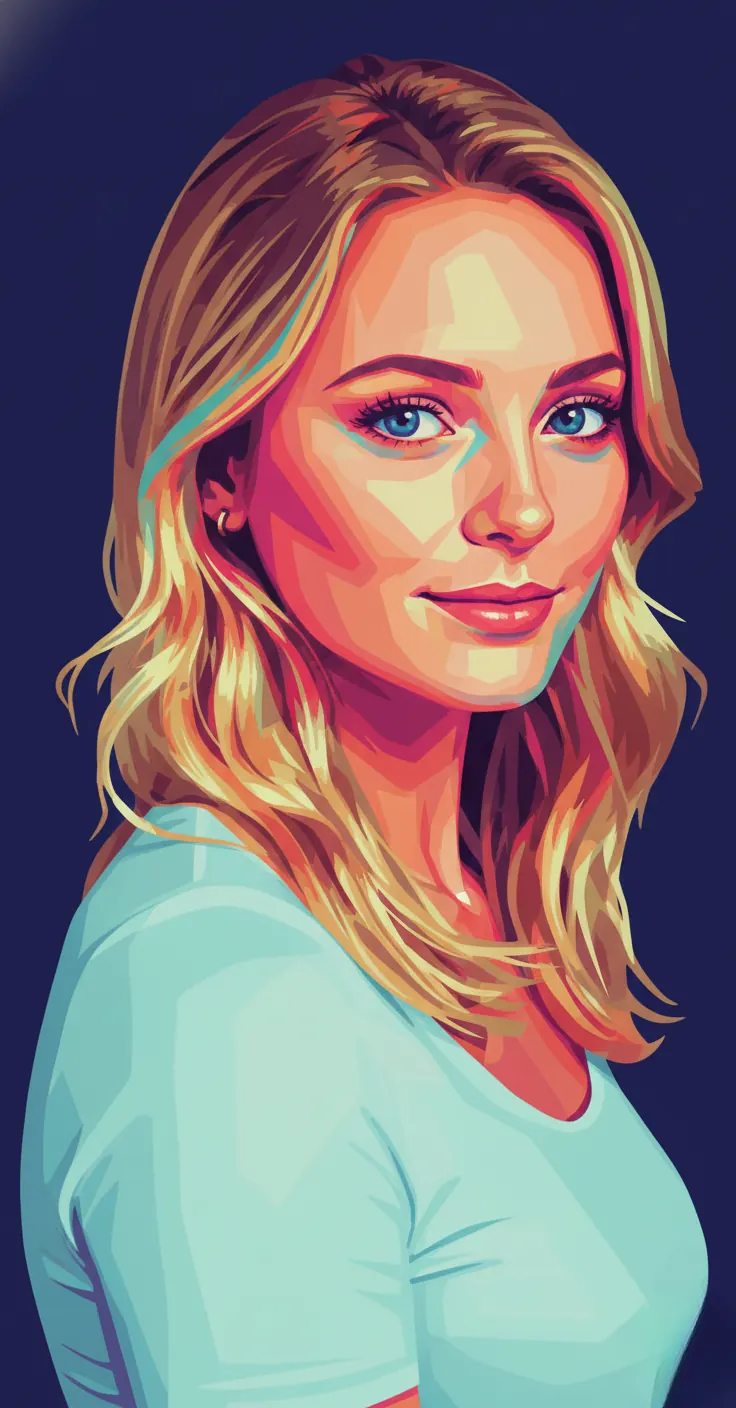
AI caricature from photo

Turn your selfie into a cartoon caricature of you at your job, surrounded by the tools of your trade.

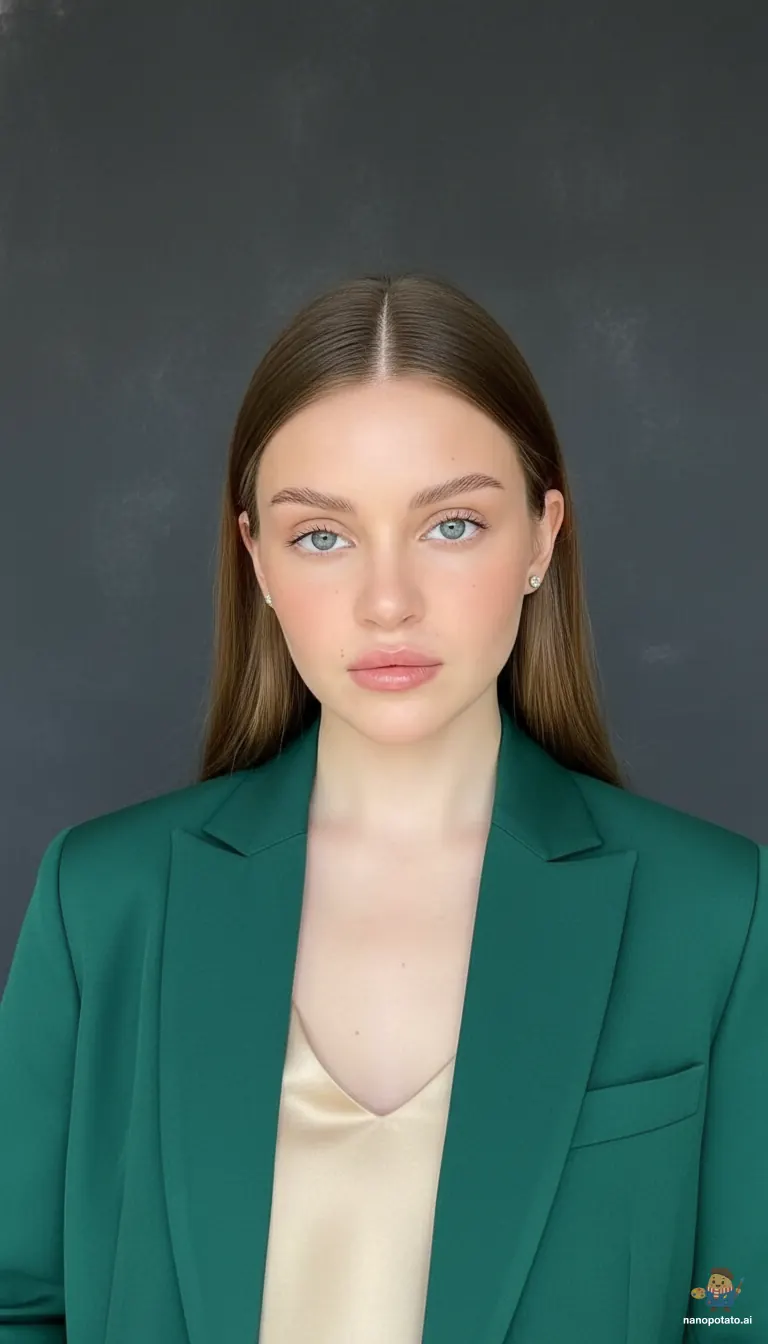
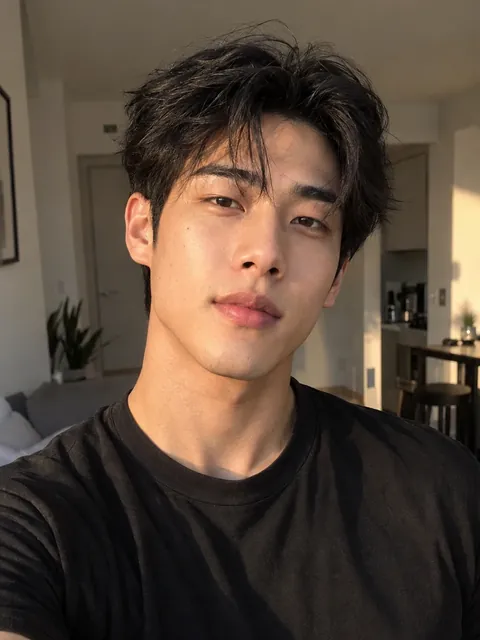
Before: the selfie usedBefore
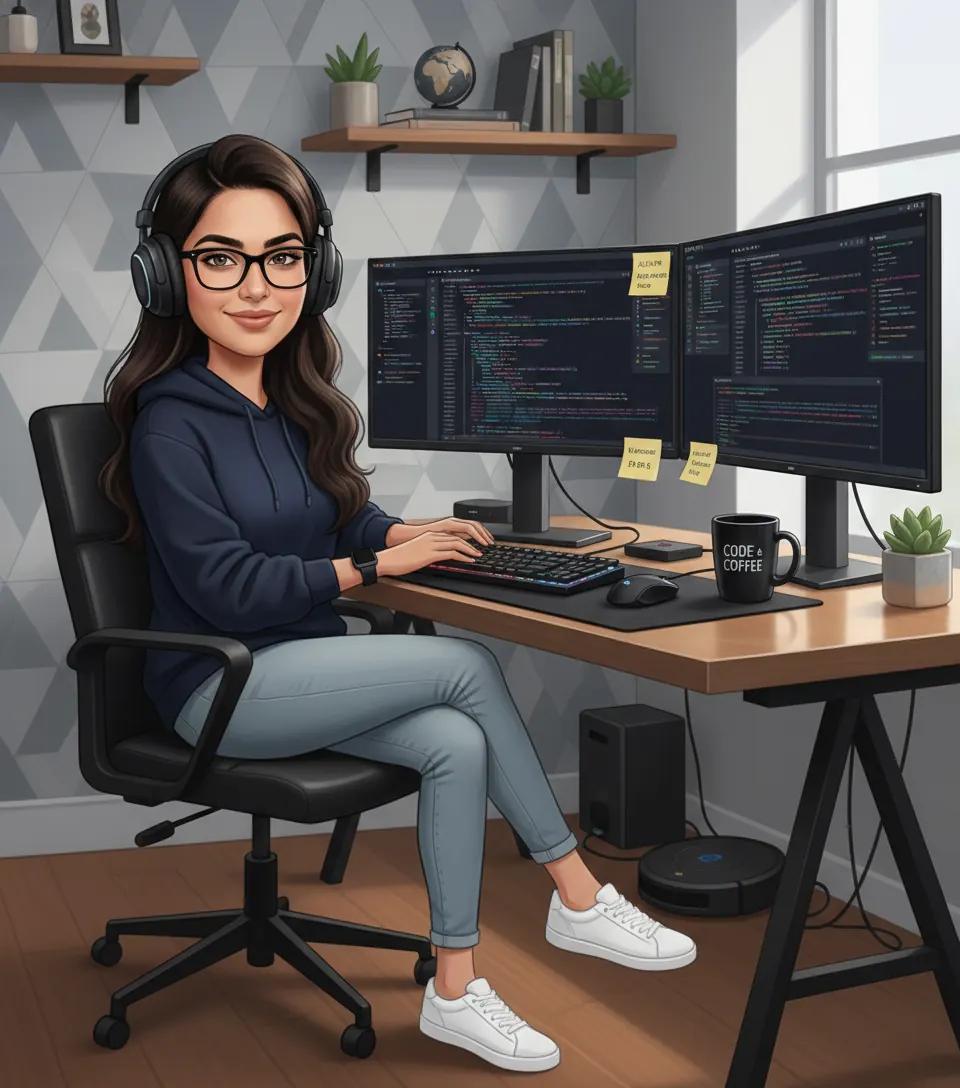
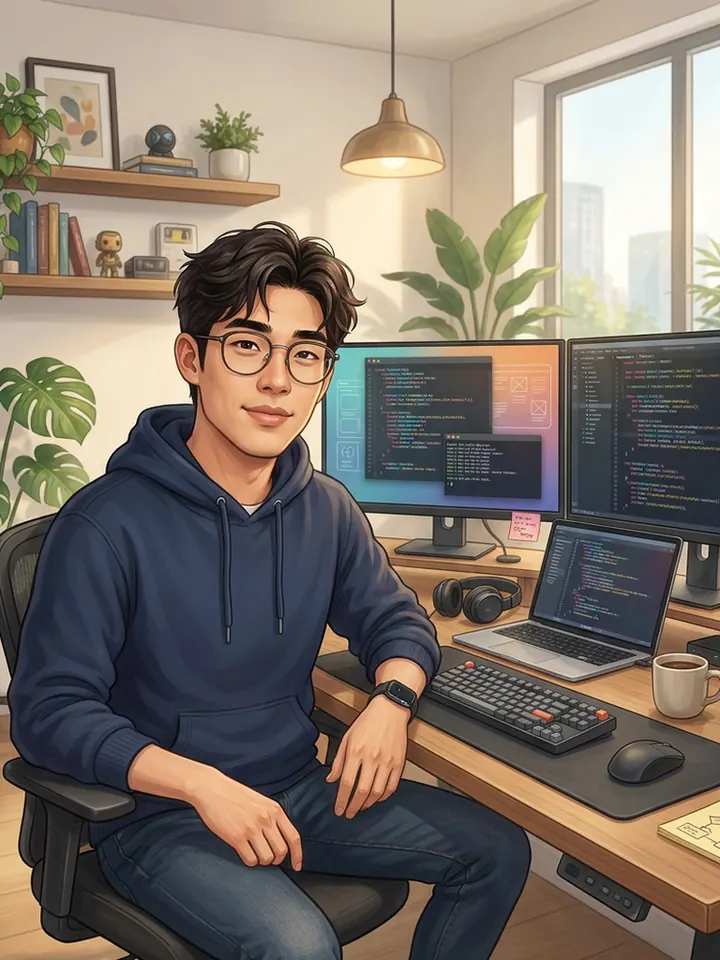
After: DevStudio style, made from the selfie in the cornerDevStudio
The selfies show fictional people made for our examples.

In short

The AI caricature generator in Rizz AI Photo turns one selfie into a cartoon of you at work, with 8 Work Caricatures, one per job: software developer, UI and UX designer, data analyst, content creator, architect, newsroom media pro, travel photographer and chef.

Pick your profession, upload one photo and the caricature is ready in about 20 seconds.

All 8 Work Caricature styles

What is an AI caricature from a photo?

A caricature is a playful drawing of a person that exaggerates a few features, usually a bigger head, bigger eyes and a bigger smile, while staying instantly recognisable. Traditional caricature artists draw them at fairs and parties. An AI caricature generator does the same thing from a photo, in seconds.

The version everyone is sharing right now is the work caricature: a cartoon of you at your desk or in your workplace, surrounded by the things that define your job. Code on the monitors for a developer, colour swatches for a designer, a ring light for a creator, pans and fresh ingredients for a chef. It became one of the biggest AI photo trends of 2026 on LinkedIn, Instagram and TikTok.

Rizz AI Photo runs on Nano Banana 2.1, Google's Gemini image model, behind the scenes. Each Work Caricature has its own written direction for the workspace, the outfit and the props, so you get a detailed, polished scene instead of a generic cartoon filter. Rizz AI Photo is an independent app and is not affiliated with Google.

Every style is a generic job character. The props, screens and offices are made up, with no real company logos, real people or celebrities. The only real person in the picture is you.

Why do work caricatures get so much attention? They are personal without being too personal. People see your face, but they also see what you care about: the code, the colours, the kitchen or the camera. Colleagues comment because they recognise your desk, friends comment because they finally understand what you do, and recruiters remember you because you are the one with the cartoon chef hat.
The 8 Work Caricature styles, explained

Each style is named after a job. Pick the one closest to what you do, or the one you wish you did.

Tech and design

  • DevStudio: the developer caricature. You sit in a desk chair with headphones on, two big monitors full of code, a coffee mug, sticky notes and a plant on a shelf. Hoodie, jeans and clean sneakers.
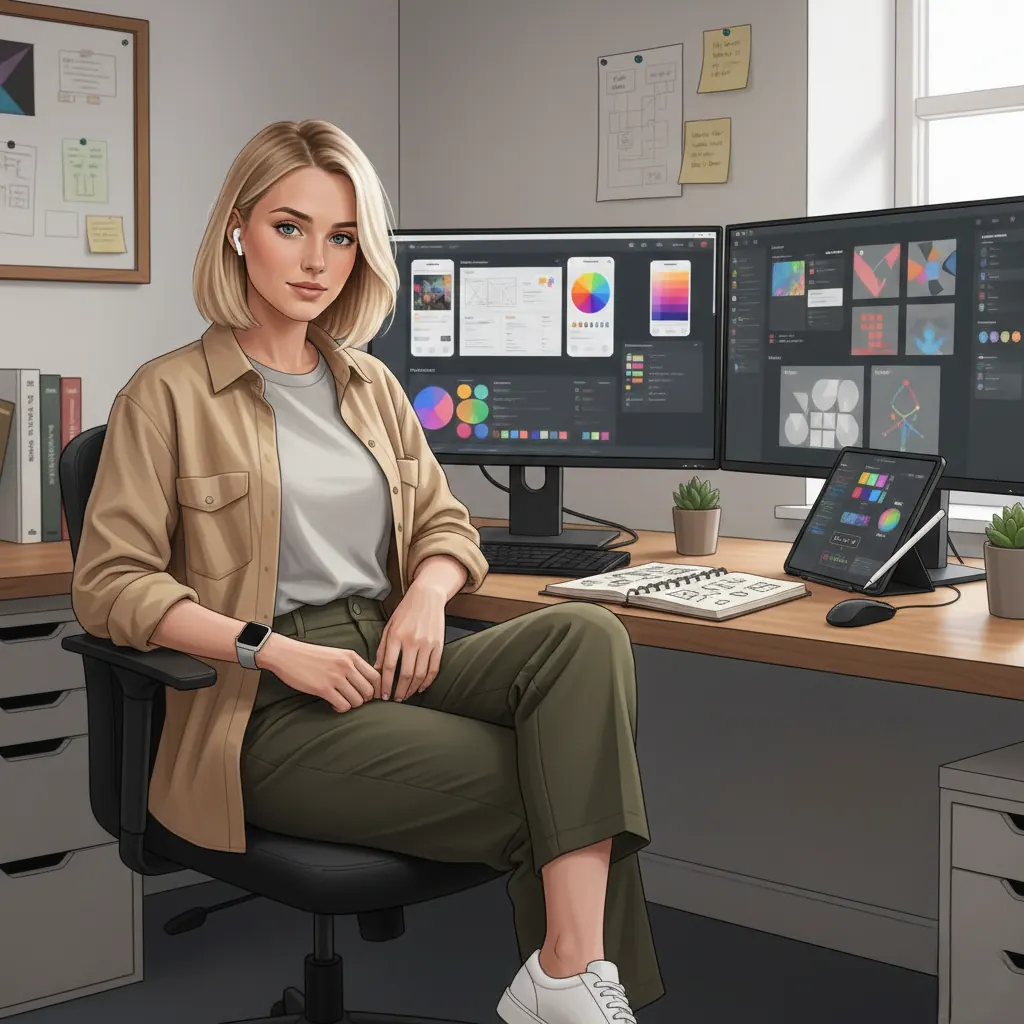
  • PixelCraft: the designer caricature. A desk with app screens, colour wheels and a drawing tablet, sketches pinned to the wall and a relaxed overshirt look.
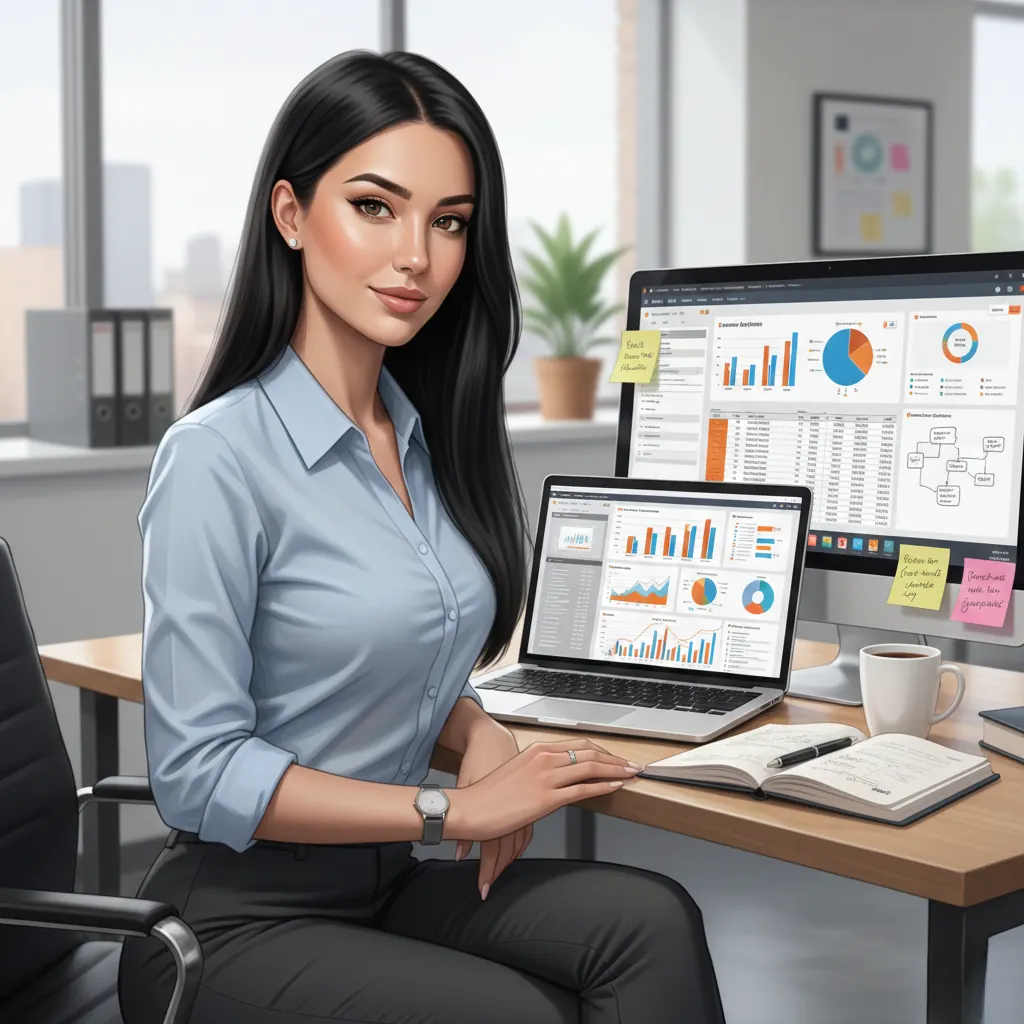
  • InsightPro: the data analyst caricature. A bright office with charts and dashboards on a monitor and a laptop, a notebook and a mug, in a crisp blue shirt.

Creative and media

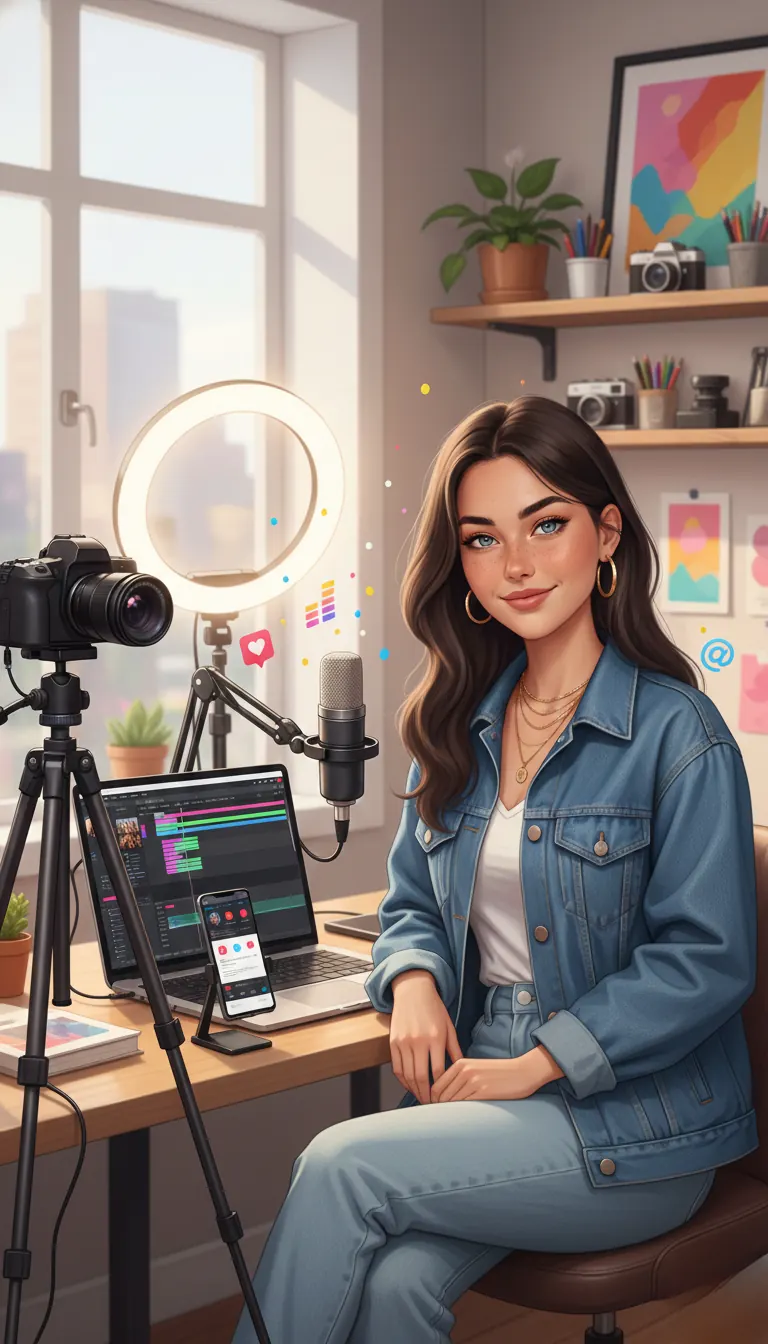
  • ContentCore: the content creator caricature. A cosy studio corner with a ring light, a camera on a tripod, a podcast mic and video editing on the laptop, with colourful art behind you.
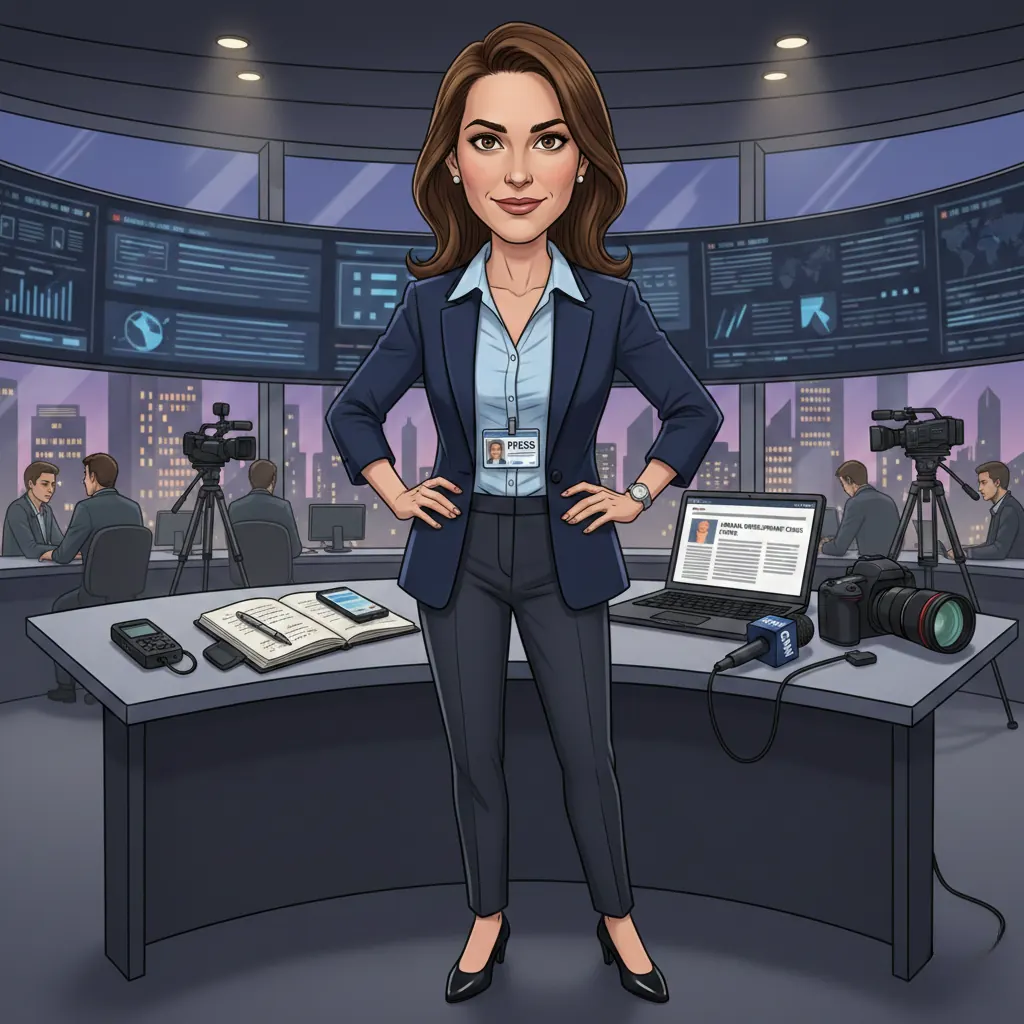
  • MediaCraft: the newsroom caricature. You stand confidently in a broadcast control room with a wall of screens, studio cameras and a press badge on your blazer.
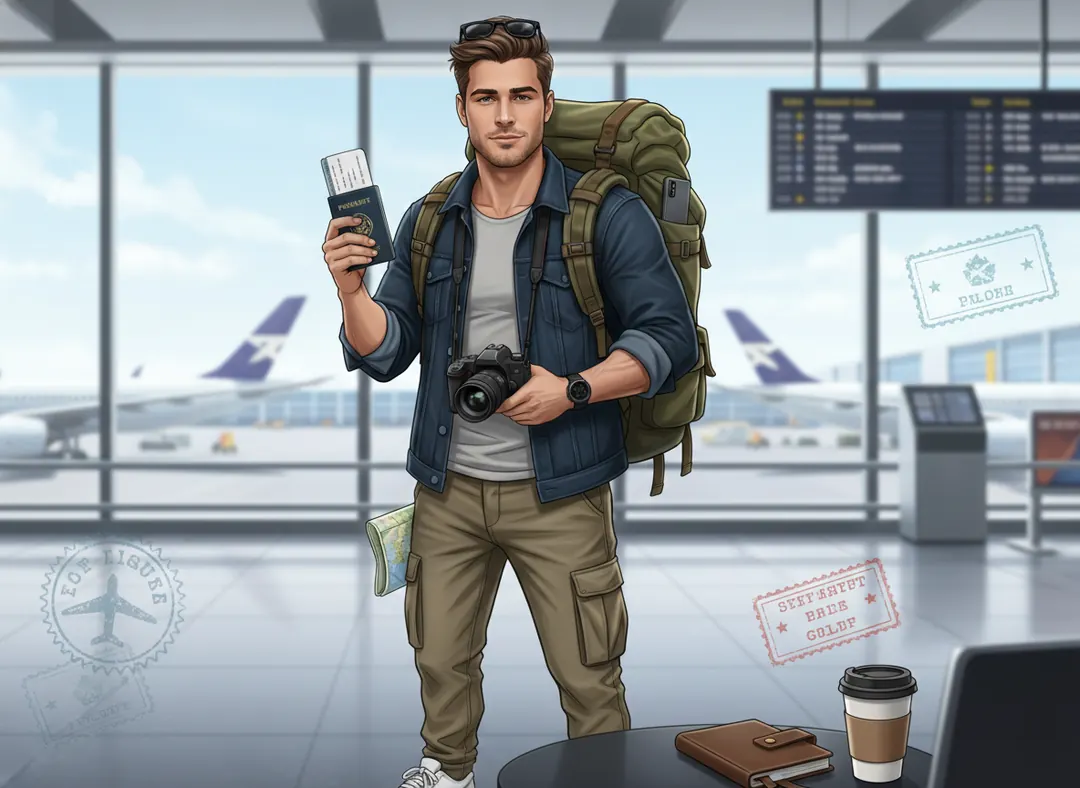
  • NomadFrame: the travel photographer caricature. An airport gate with planes outside the window, a big backpack, a camera in hand and a passport with a boarding pass.

Building and food

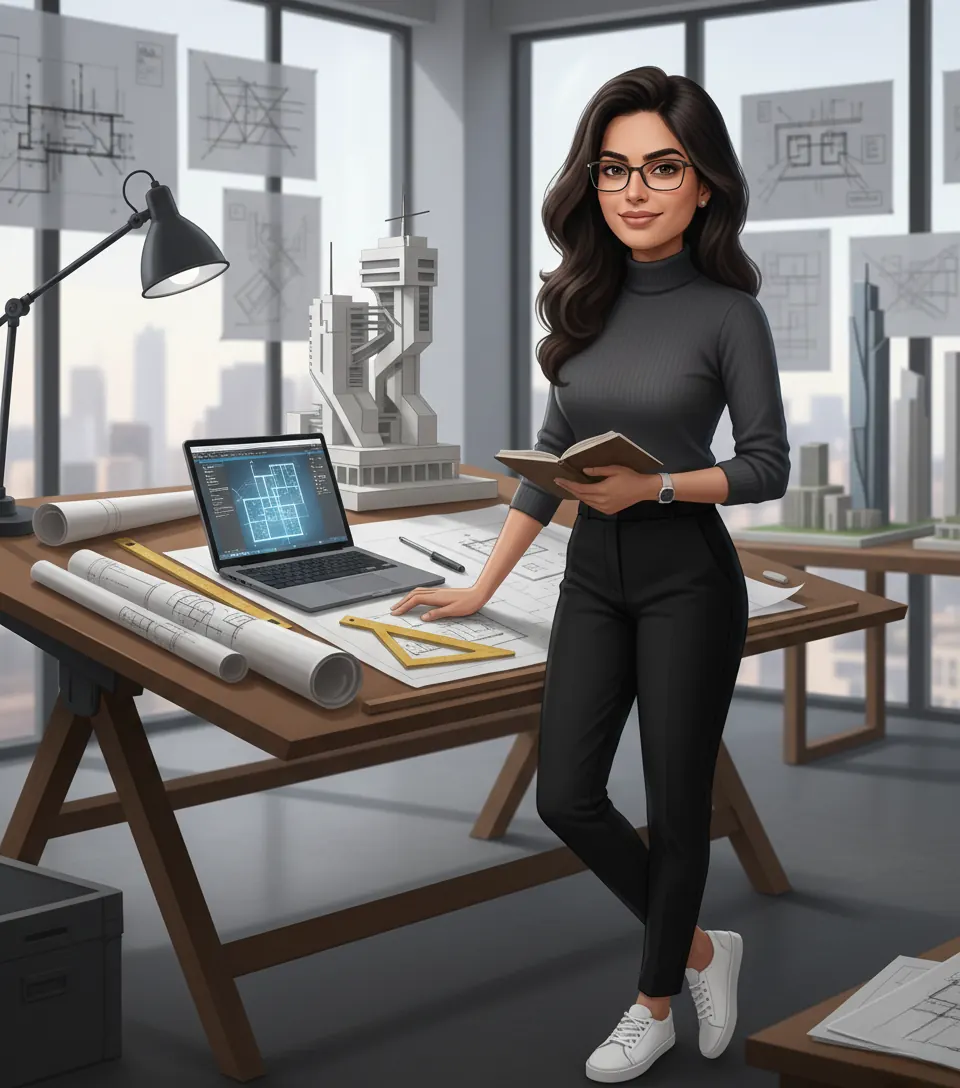
  • ArcStudio: the architect caricature. A drafting table covered in blueprints, rulers and a white scale model of a tower, with a city skyline outside the window.
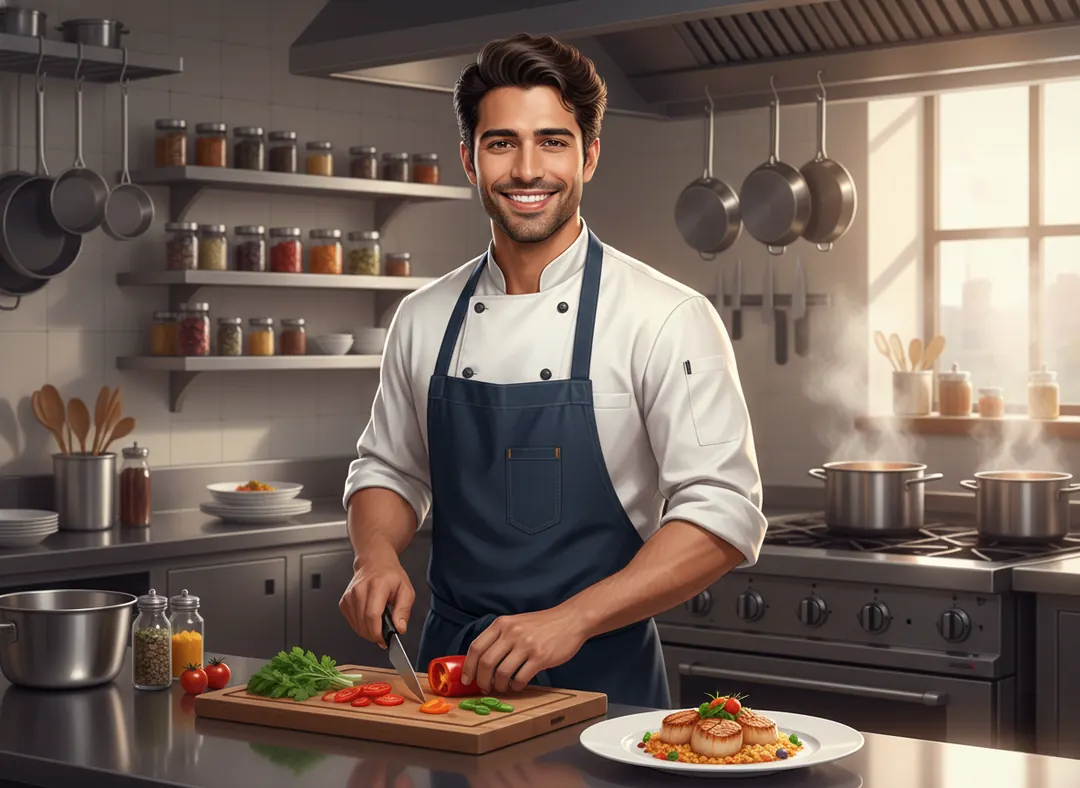
  • TasteMaker: the chef caricature. A busy restaurant kitchen with copper pans, steaming pots and fresh vegetables on the board, in chef whites and an apron, plating a dish.

Doing a job that is not on the list? Pick the closest scene. A teacher or writer often fits InsightPro, a marketer fits ContentCore and an engineer fits DevStudio or ArcStudio.

Pick your job. All 8 Work Caricatures sit in their own row on the Rizz AI Photo Home screen.Try free

How to make an AI caricature from a photo

  1. 1Download Rizz AI PhotoInstall Rizz AI Photo from the App Store or Google Play and sign in with Apple or Google.
  2. 2Open Work CaricaturesScroll the Home screen to the Work Caricatures row and swipe through the 8 jobs.
  3. 3Choose your jobTap the style that matches your work, for example DevStudio for a developer or TasteMaker for a chef.
  4. 4Upload one clear photoUse a sharp, front facing selfie of just you, with your face well lit.
  5. 5GenerateTap Generate. Your caricature is ready in about 20 seconds.
  6. 6Compare, save and shareDrag the before and after slider to see the change, then save the image or share it straight to LinkedIn, Instagram or a work chat. It also stays in your in app gallery.

Want to see yourself in other jobs? Use the same selfie with a second or third style. A "me in another life" set of three is a fun post on its own.

Which photo works best for a caricature

A caricature exaggerates your features, so the photo needs to show them clearly. These tips make the biggest difference:

  • One person per photo. Each style draws one character. Group photos confuse the result.
  • Front facing, eyes visible. Caricatures lean on the eyes and smile, so avoid sunglasses and side angles.
  • Show your signature look. Glasses, curls, a beard, a fringe: if it is in the photo, it ends up in the cartoon.
  • Smile if you want a smiling cartoon. The expression in your selfie carries through.
  • Good light. Window light is ideal. Dark or blurry photos lose detail.
  • No beauty filters. Filters erase the small details that make the caricature look like you.

If the cartoon does not look enough like you, try a sharper, front facing photo before trying another style. That fixes most likeness problems.

Rizz AI Photo vs Gemini prompts vs a caricature artist

There are three ways to get a caricature of yourself. Each one suits a different need.

  • Looks

    Rizz AI Photo Work Caricatures
    8 ready made job scenes
    Writing prompts in Gemini
    Whatever you can describe
    Hiring a caricature artist
    Hand drawn in the artist's style
  • Likeness

    Rizz AI Photo Work Caricatures
    Strong, tuned per style
    Writing prompts in Gemini
    Good if you ask for it
    Hiring a caricature artist
    Depends on the artist
  • Detail in the scene

    Rizz AI Photo Work Caricatures
    Full workspace with props
    Writing prompts in Gemini
    Varies by prompt
    Hiring a caricature artist
    Usually face and simple props
  • Effort

    Rizz AI Photo Work Caricatures
    One tap
    Writing prompts in Gemini
    Write and rewrite prompts
    Hiring a caricature artist
    Brief, wait, request changes
  • Time

    Rizz AI Photo Work Caricatures
    About 20 seconds
    Writing prompts in Gemini
    A few minutes per try
    Hiring a caricature artist
    Days to weeks
  • Group caricatures

    Rizz AI Photo Work Caricatures
    One person per image
    Writing prompts in Gemini
    Possible, less reliable
    Hiring a caricature artist
    Yes
  • Cost

    Rizz AI Photo Work Caricatures
    Free to download, credits per image
    Writing prompts in Gemini
    Free within daily limits
    Hiring a caricature artist
    A paid commission

For a framed gift with a whole team in it, a real artist is still special. For a quick, polished caricature of you that you can post today, the app is the fastest route.

Ways to use your work caricature

LinkedIn and work profiles

A work caricature is a friendly, memorable alternative to a formal headshot on a team page, a work chat or an internal directory. For your main LinkedIn photo, a real headshot still works best; see our free AI headshot generator. The caricature shines as a post or a banner.

Posts that get comments

  1. Join the trend: post your caricature with a short line about what you actually do all day.
  2. Before and after: your plain selfie first, then the cartoon of you at work.
  3. Me in another job: three caricatures from one selfie, for example developer, chef and travel photographer.
  4. Ask your team to make theirs and post them as a carousel for a work anniversary or launch.
  5. Career change post: show the old job and the new job side by side.

Gifts and cards

Print a caricature for a retirement card, a promotion, a first day welcome or a farewell mug. A chef caricature for a friend opening a café, or an architect caricature for a graduation, lands better than any stock card.

Portfolios and channels

Creators and freelancers use the caricature as a channel avatar, a newsletter header or a "meet the maker" image on a portfolio site. It is friendly and on brand without showing a real photo everywhere.

Your caricature in 20 seconds. One selfie, 8 jobs, no drawing skills needed.Try free

Free AI caricature prompts for Gemini

Want to try it yourself? Attach your selfie in Gemini and paste one of these. Swap the job details for your own. Expect to retry a few times for the best likeness.

Developer caricature at the desk

Use my photo as the only person in the image. A polished cartoon caricature of me as a software developer with a slightly bigger head and expressive eyes, sitting in an office chair with over ear headphones on. Two large monitors full of colourful code, sticky notes, a coffee mug and a small plant on the desk. Navy hoodie, jeans and white sneakers. Clean 3D cartoon illustration style, soft daylight, full body. No real logos or brand names. Keep the face, hair and skin tone exactly the same as the photo.

Skip the prompt: try the ready made styles in Rizz AI Photo →

Chef caricature in the kitchen

Use my photo as the only person in the image. A friendly cartoon caricature of me as a chef in a busy restaurant kitchen, slightly bigger head and big smile, chopping fresh vegetables on a wooden board with a finished plated dish beside me. White chef jacket, dark apron, copper pans hanging behind and steam rising from the pots. Bright, detailed illustration, waist up. No text or logos. Keep the face, hair and skin tone exactly the same as the photo.

Skip the prompt: try the ready made styles in Rizz AI Photo →

Content creator caricature

Use my photo as the only person in the image. A colourful cartoon caricature of me as a content creator in a cosy home studio, slightly exaggerated features, sitting beside a ring light, a camera on a tripod and a podcast microphone, video editing on a laptop. Denim jacket, colourful art prints on the wall, floating like and comment icons. Soft, detailed illustration, full body. Keep the face, hair and skin tone exactly the same as the photo.

Skip the prompt: try the ready made styles in Rizz AI Photo →

Caricature of me at my job

Use my photo as the only person in the image. A detailed cartoon caricature of me at work as a [YOUR JOB], with a slightly bigger head, expressive eyes and a warm smile. Fill the scene with the tools, objects and setting of this job, arranged neatly around me. Outfit that suits the job, bright friendly colours, clean illustration style, full body. No real logos, brand names or other people. Keep the face, hair and skin tone exactly the same as the photo.

Skip the prompt: try the ready made styles in Rizz AI Photo →

Is it safe to use?

Use photos of yourself, or of colleagues and friends who are happy for you to use theirs. The caricature styles are friendly job scenes with no real logos, real people or celebrities. For how your photos are handled, see our privacy policy.

More styles you might like

FAQ

How do I make an AI caricature from my photo?

Open Rizz AI Photo, scroll to Work Caricatures, pick the job that fits you, upload a clear selfie and tap Generate. Your caricature is ready in about 20 seconds.

What is the best AI caricature generator?

For a detailed scene and a reliable likeness in one tap, an app with ready made caricature styles works best. Rizz AI Photo has 8 Work Caricatures, from developer to chef.

Is there a free AI caricature generator?

Rizz AI Photo is free to download, and generating images uses credits from a subscription or a credit pack. The free prompts on this page also work in Gemini within its daily limits.

How do I do the AI caricature of me at my job trend?

Pick the Work Caricature closest to your job in Rizz AI Photo and upload a selfie. Or paste the "caricature of me at my job" prompt on this page into Gemini and fill in your job.

Which jobs are available?

Software developer (DevStudio), designer (PixelCraft), data analyst (InsightPro), content creator (ContentCore), newsroom media pro (MediaCraft), travel photographer (NomadFrame), architect (ArcStudio) and chef (TasteMaker).

My job is not on the list. What should I pick?

Choose the closest scene. Office and teaching jobs fit InsightPro, marketing fits ContentCore and engineering fits DevStudio or ArcStudio. For any job, try the custom Gemini prompt on this page.

Does the caricature still look like me?

Yes. The styles exaggerate a little, like a real caricature, but keep your face, hair and skin tone. A sharp, front facing selfie gives the best likeness.

Can I make a caricature of a celebrity?

No. The styles are made for your own photo, and the scenes are generic job characters with no real people or celebrities.

Can I make a group caricature of my team?

Each image is for one person. Make one caricature per person and post them together as a team carousel.

Can I use it as my LinkedIn photo?

It works well as a LinkedIn post or banner. For the main profile photo, a realistic headshot usually performs better.

Is it a 2D drawing or 3D cartoon?

It is a polished cartoon illustration with soft shading and a detailed workspace, somewhere between a hand drawn caricature and an animated film still.

Can I print my caricature?

Yes. Save the image and print it on a card, a mug or a small frame. It is a popular farewell and promotion gift.

Are there other cartoon styles?

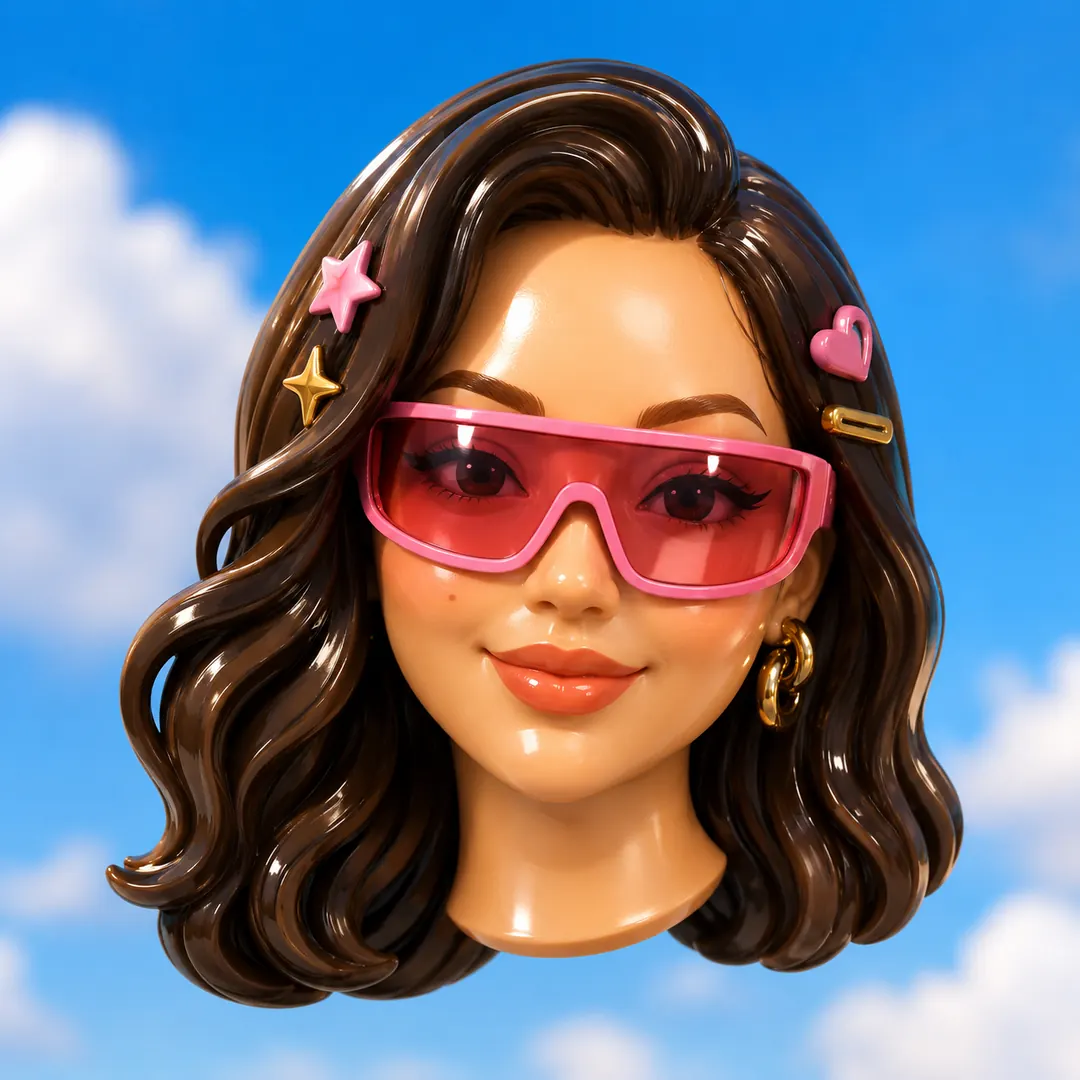
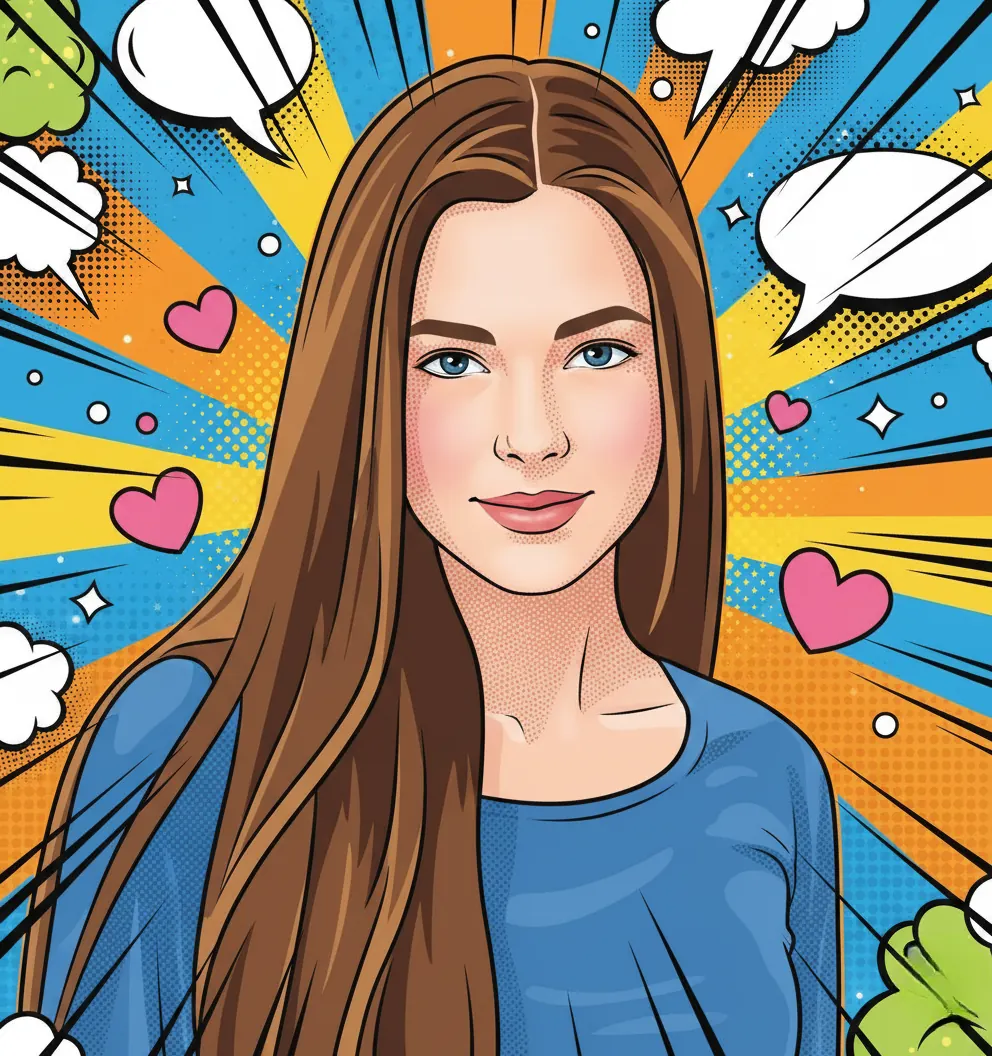
Yes. The Fine Art Portraits section has 3D Toon Studio, Toon Twin, Pop Art and more cartoon and painted looks.

Can I make a caricature of my pet?

The Work Caricatures are for people. Rizz AI Photo has a separate Pet Portraits section for pets.

Keep reading

By the Rizz AI Photo team · Updated

Skip the prompt.
Get the photo.

Rizz AI Photo runs Nano Banana 2.1 behind ready made styles. Upload a selfie, tap a style, and get your image in seconds. No prompt writing needed.