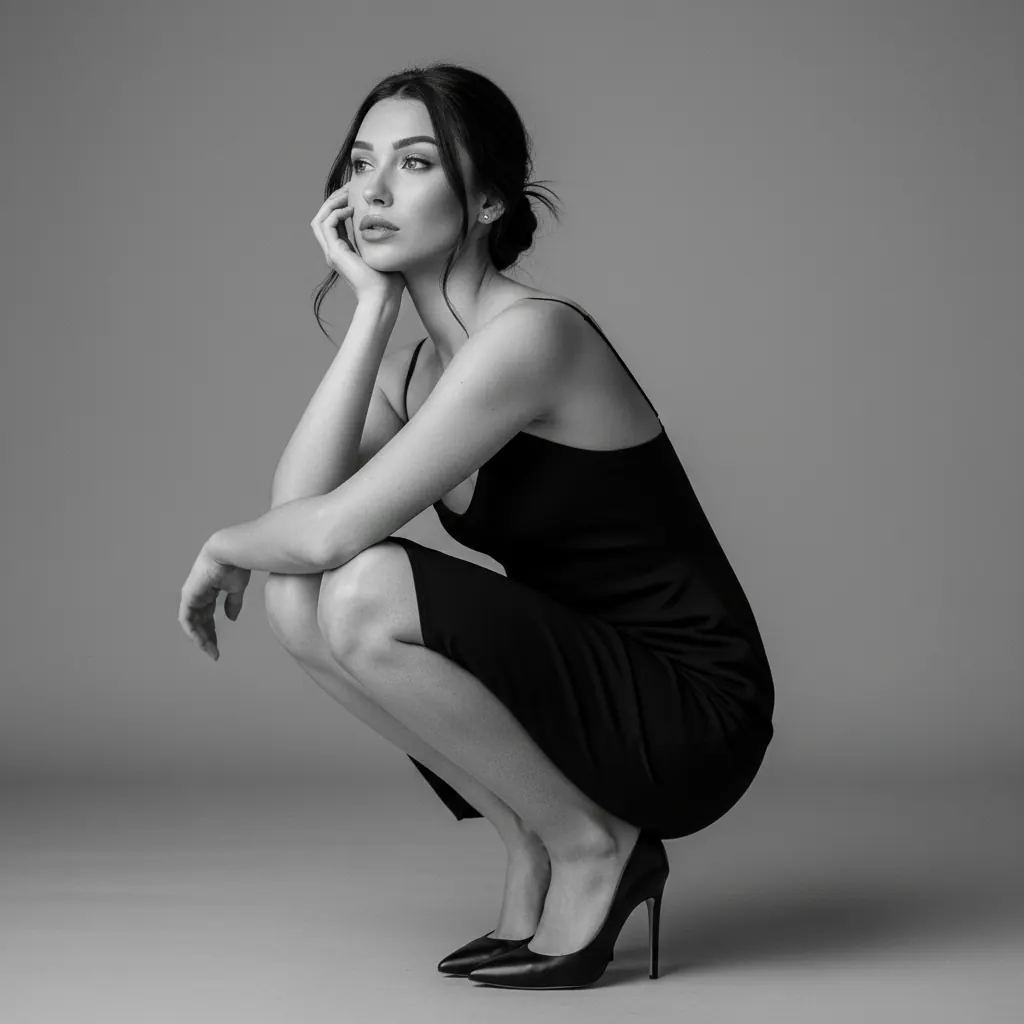
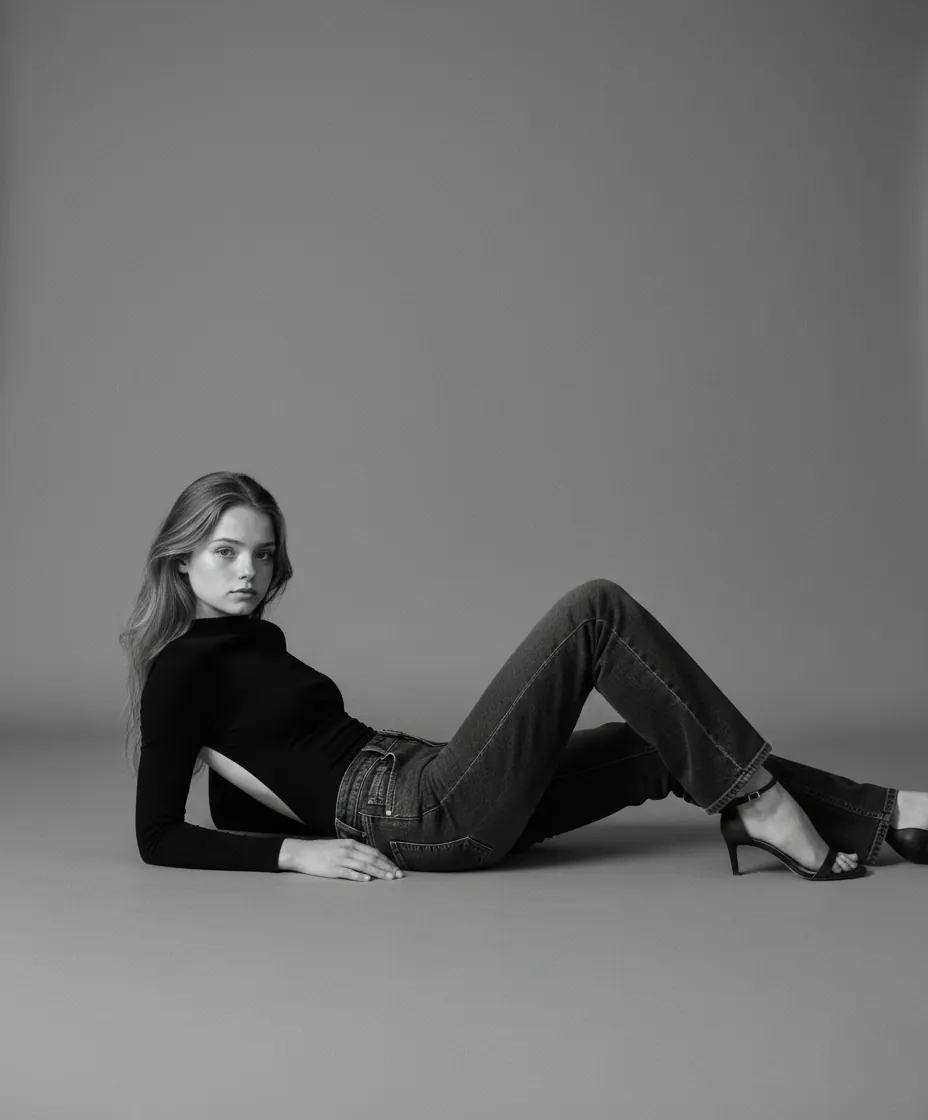
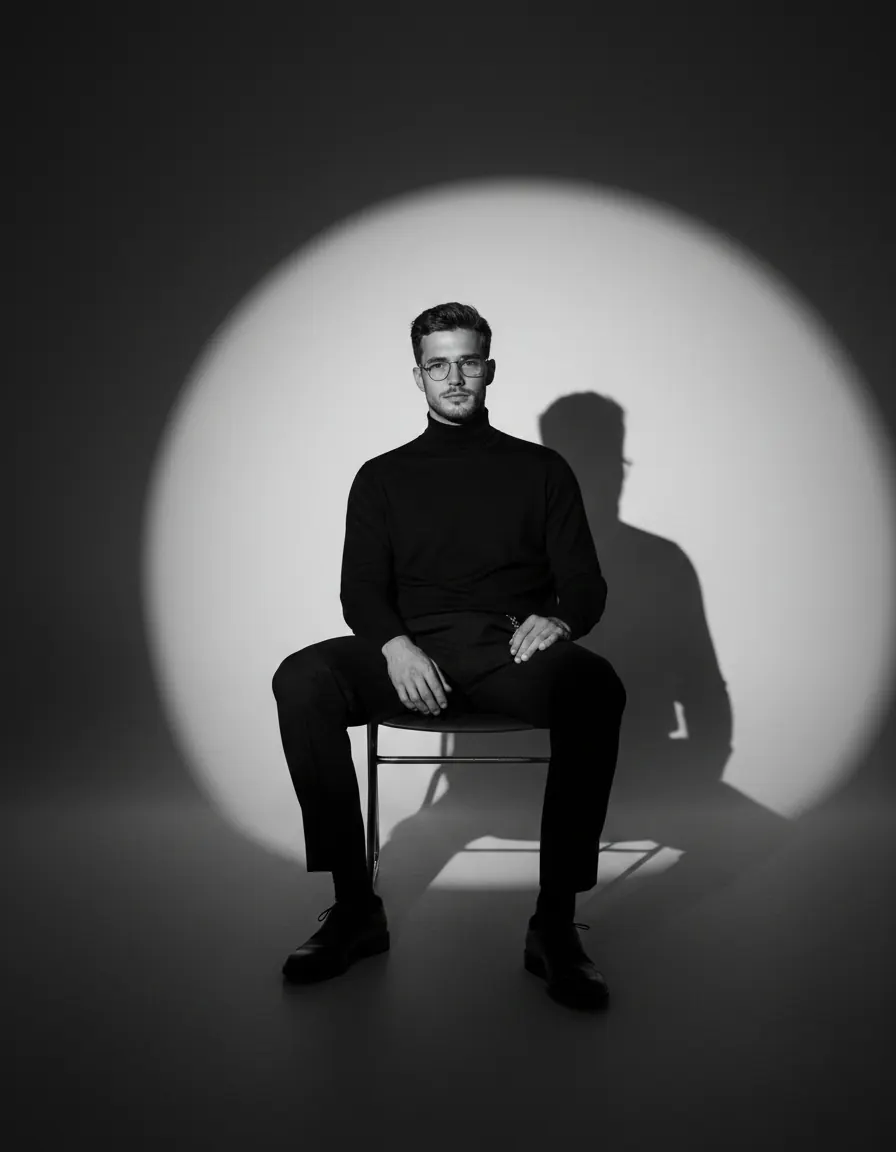
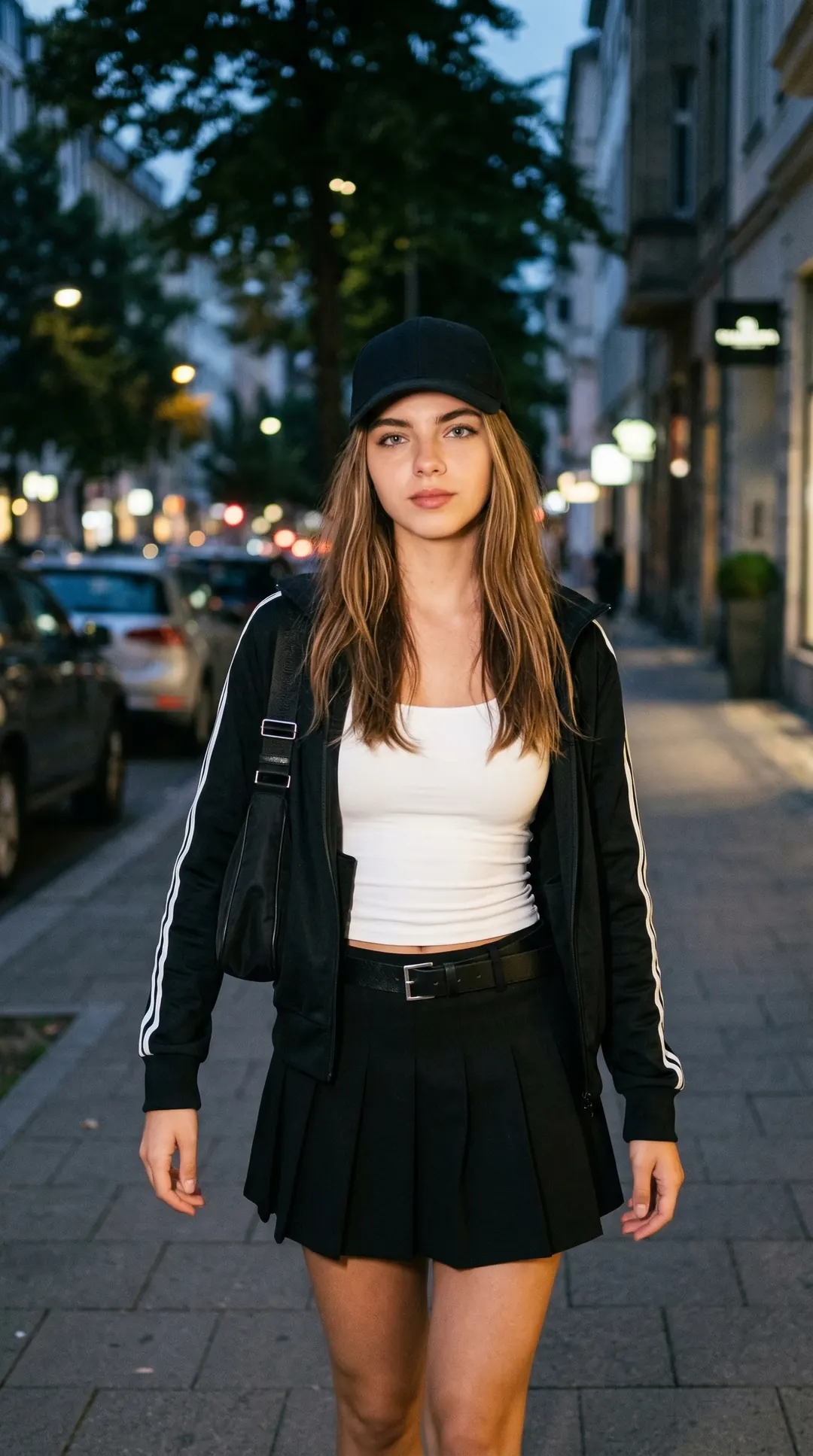
AI portrait generator

Get a painted, sketched or cartoon portrait of yourself without commissioning an artist.

In short

The AI portrait generator in Rizz AI Photo turns one selfie into an art portrait, with 10 Fine Art Portraits styles from a classic oil painting and a pencil sketch to comic Pop Art, a 3D toon character, a Toon Twin and Mini Me.

Upload one selfie, pick a style, and your portrait is ready in about 20 seconds with your own face.

All 10 Fine Art Portrait styles

What is an AI portrait generator?

An AI portrait generator takes an ordinary photo of you and redraws it as a finished piece of art: an oil painting, a pencil sketch, a pop art print or a 3D cartoon character. The likeness comes from your photo. The medium, the colours and the brushwork come from the style.

It is the quickest way to get a portrait that feels made by hand. A painted portrait from an artist can take weeks. A good sketch takes hours. A styled AI portrait takes about 20 seconds, and you can try ten different looks with the same selfie before choosing a favourite.

Rizz AI Photo runs on Nano Banana 2.1, Google's Gemini image model, behind the scenes. Each portrait style has its own written direction for the medium, the palette, the framing and the texture, so an oil painting has real brushstrokes and a sketch has real graphite shading. Rizz AI Photo is an independent app and is not affiliated with Google.

This page covers the art portraits. If you want a realistic photo portrait instead, such as a headshot or a studio shoot, see our AI headshot generator and AI photoshoot generator.

Painted, pop art or cartoon: which should you pick?

Pick a painted or drawn style when the portrait is going on a wall, in a frame or in a card, because it feels timeless and personal. Pick a pop art style when you want something bold for a profile picture or a poster, since flat colours and strong outlines read well even when tiny. Pick a 3D cartoon style when the goal is fun: a post that makes friends laugh, a sticker or a reel. If you cannot decide, make one of each from the same selfie and let your friends vote.
The 10 Fine Art Portrait styles, explained

The styles fall into three families: painted and drawn, pop art, and 3D cartoon. Here is what each one looks like and where it works best.

Painted and drawn portraits

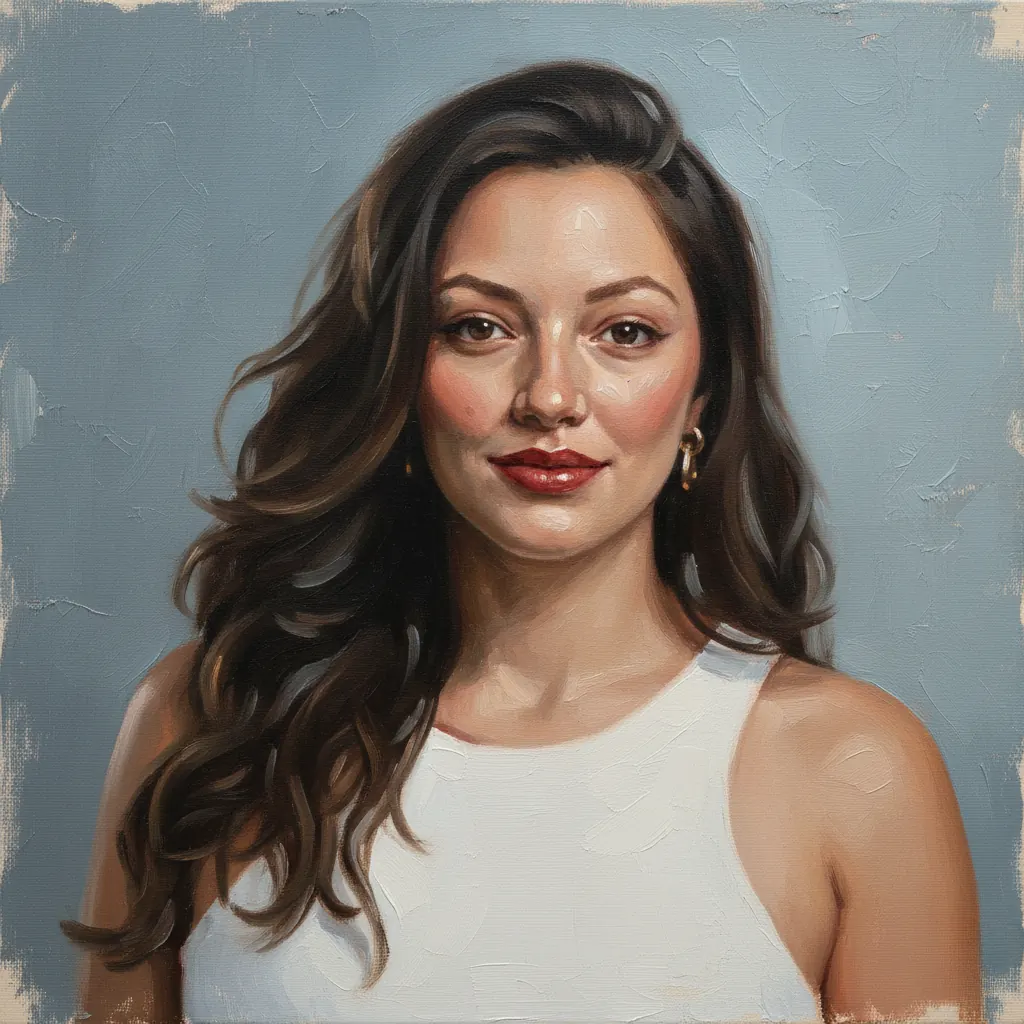
  • Painterly Realism: a classic oil painting, shoulders up, with visible brushstrokes, soft skin tones and a textured blue grey backdrop. The most timeless option and the best one to print and frame.
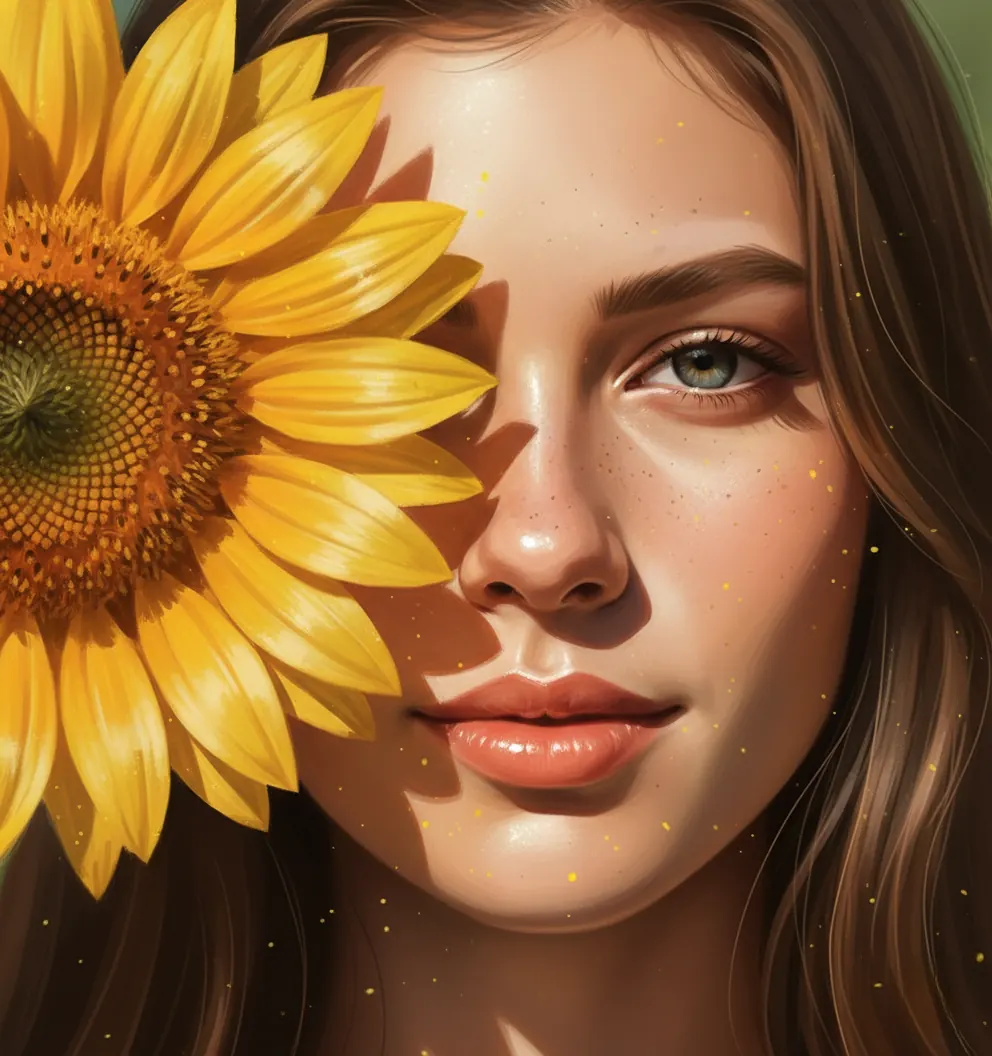
  • Golden Bloom: a glowing close up painting with a large sunflower covering one eye, warm golden light, freckles and tiny flecks of gold. Dreamy and very shareable.
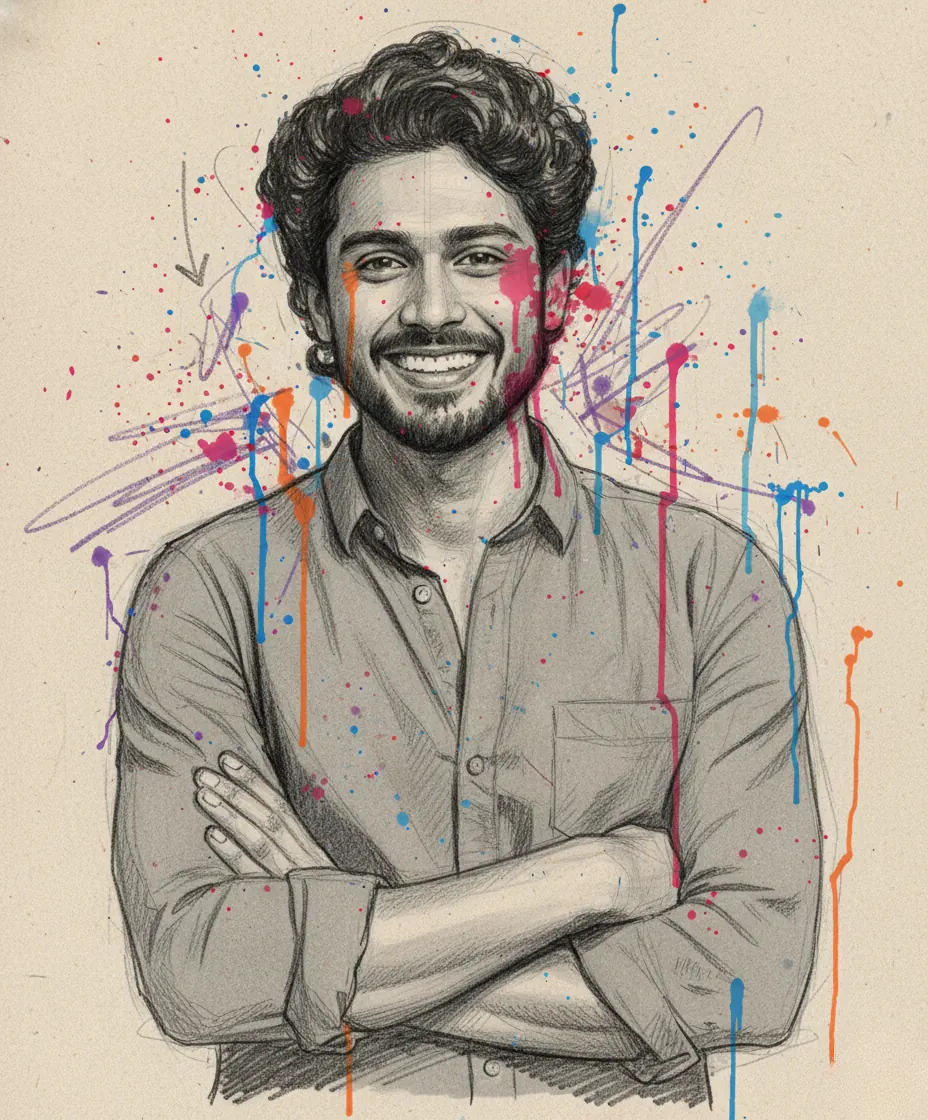
  • Raw Sketch Art: a graphite pencil sketch on cream paper with bright splashes and drips of paint across it. Feels like a page torn from an artist's sketchbook.
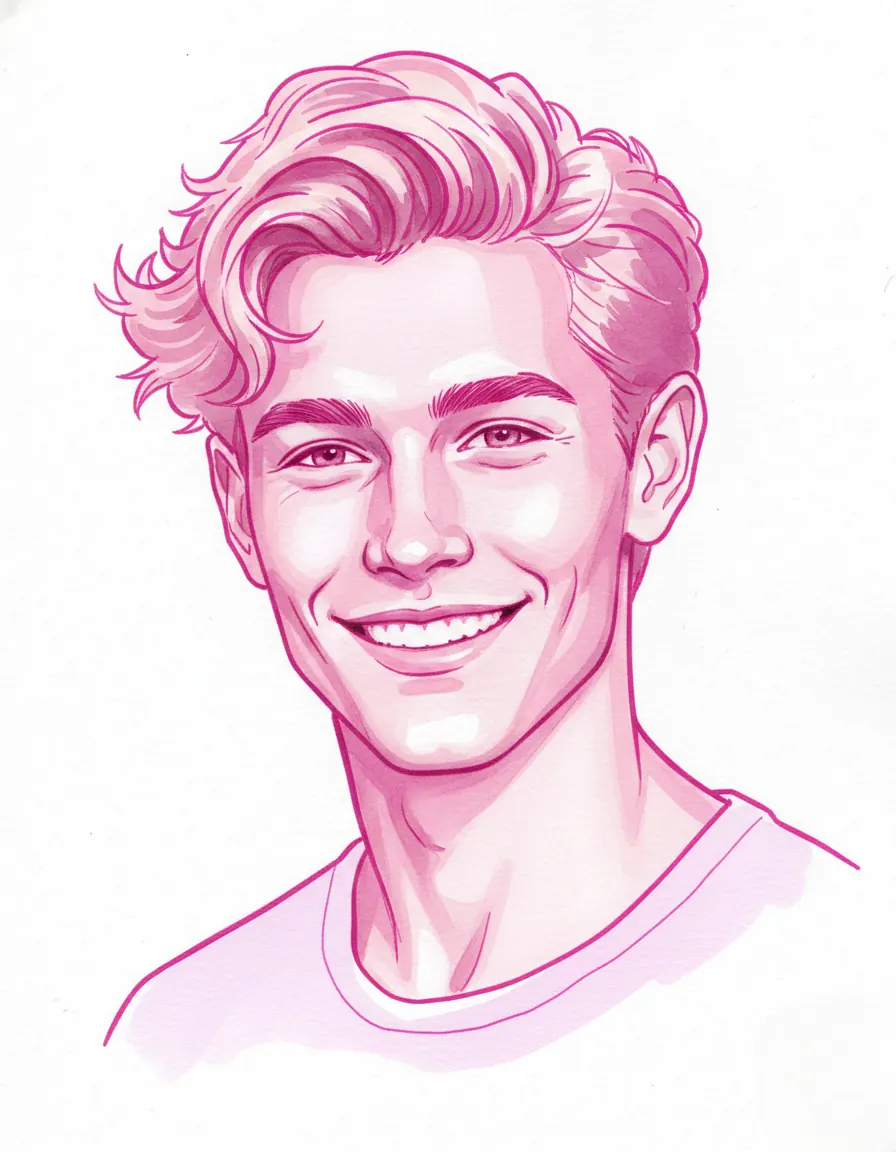
  • Monochrome Marker: a clean one colour marker drawing on white paper, in bold confident lines with light shading. Minimal and perfect for a profile picture or a print.

Pop art portraits

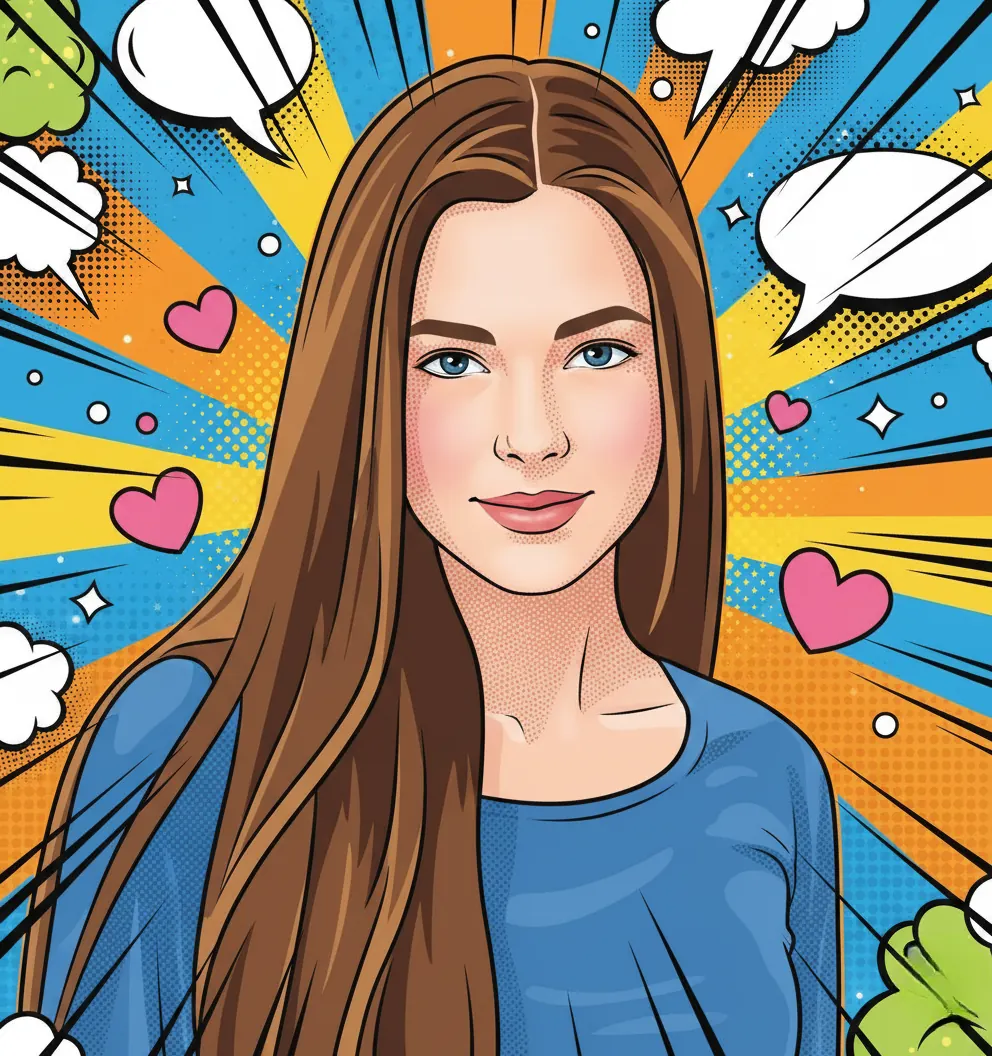
  • Pop Art: a comic book portrait with bold outlines, halftone dots, a sunburst of colour, speech bubbles and hearts. Loud, fun and great on a feed.
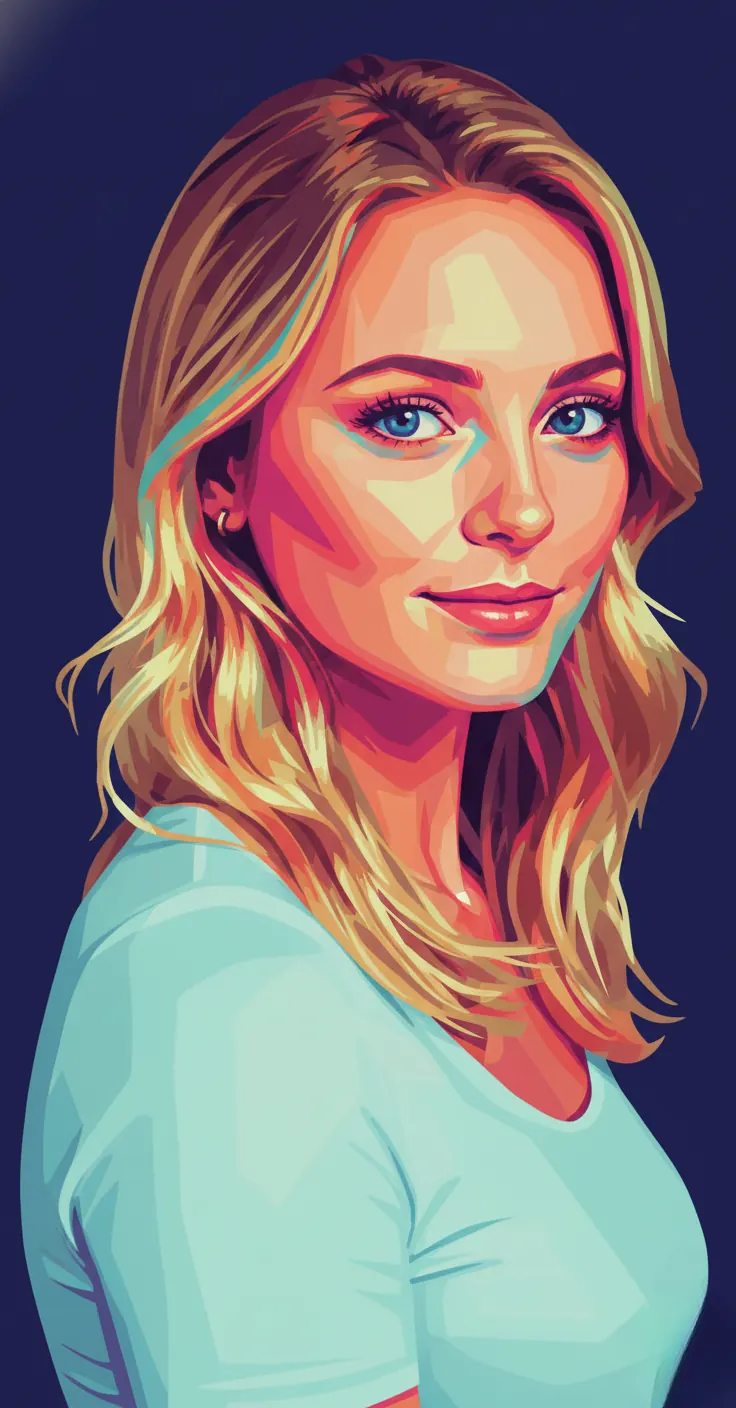
  • Neon Pop: a vector portrait built from faceted blocks of neon pink, orange, teal and violet on a deep navy background. Graphic and striking at small sizes.
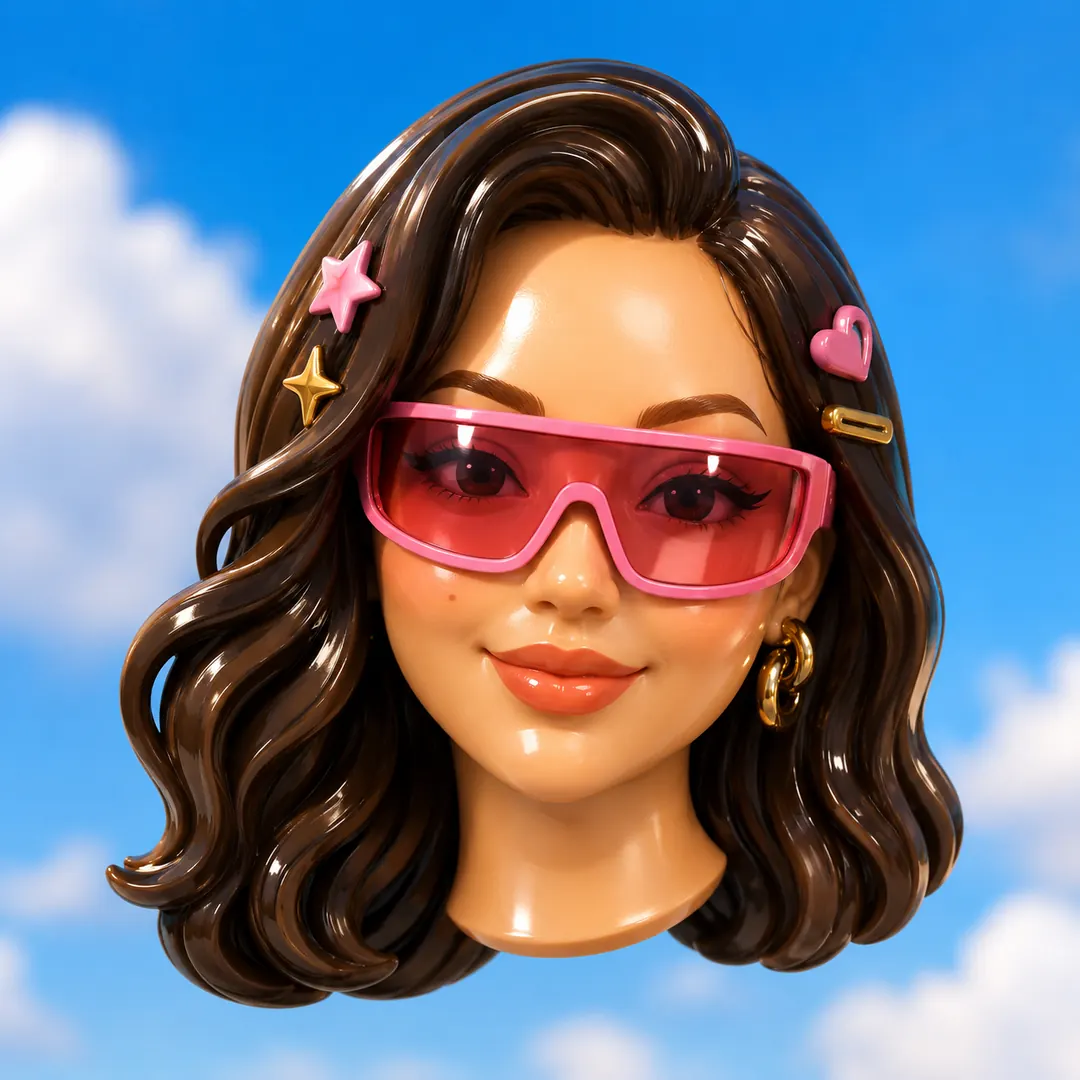
  • GlossPop Icon: a shiny 3D head like a collectible vinyl toy, with oversized pink sunglasses and star clips in your hair, floating against a bright blue sky.

3D cartoon portraits

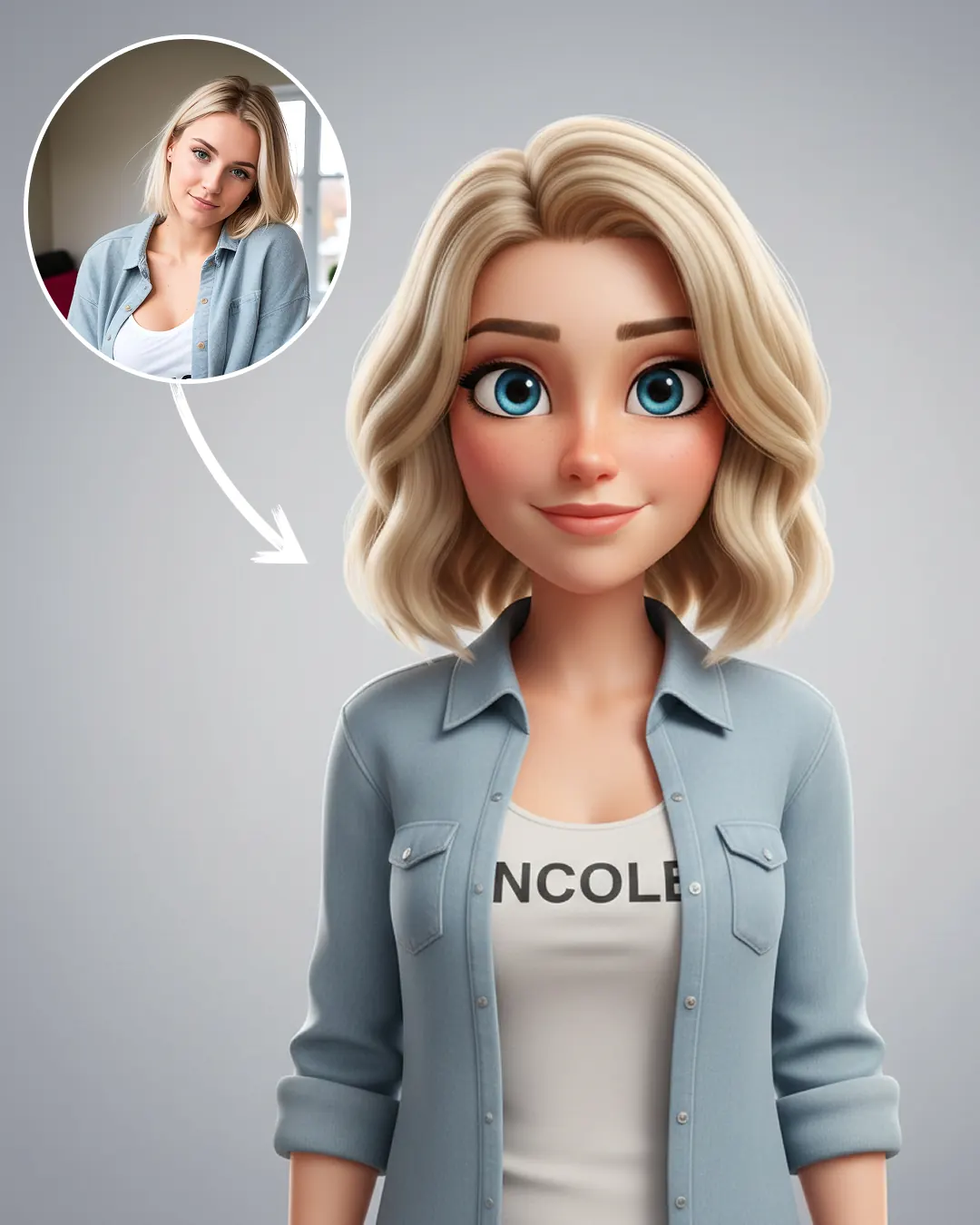
  • 3D Toon Studio: you as an animated film character on a soft grey studio background, with your original photo in a small circle and an arrow pointing to the cartoon. Built for before and after posts.
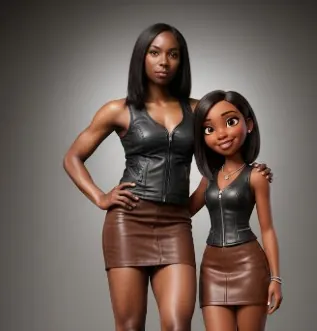
  • Toon Twin: a realistic you standing side by side with your 3D cartoon twin in the same outfit, as if you just met your animated double.
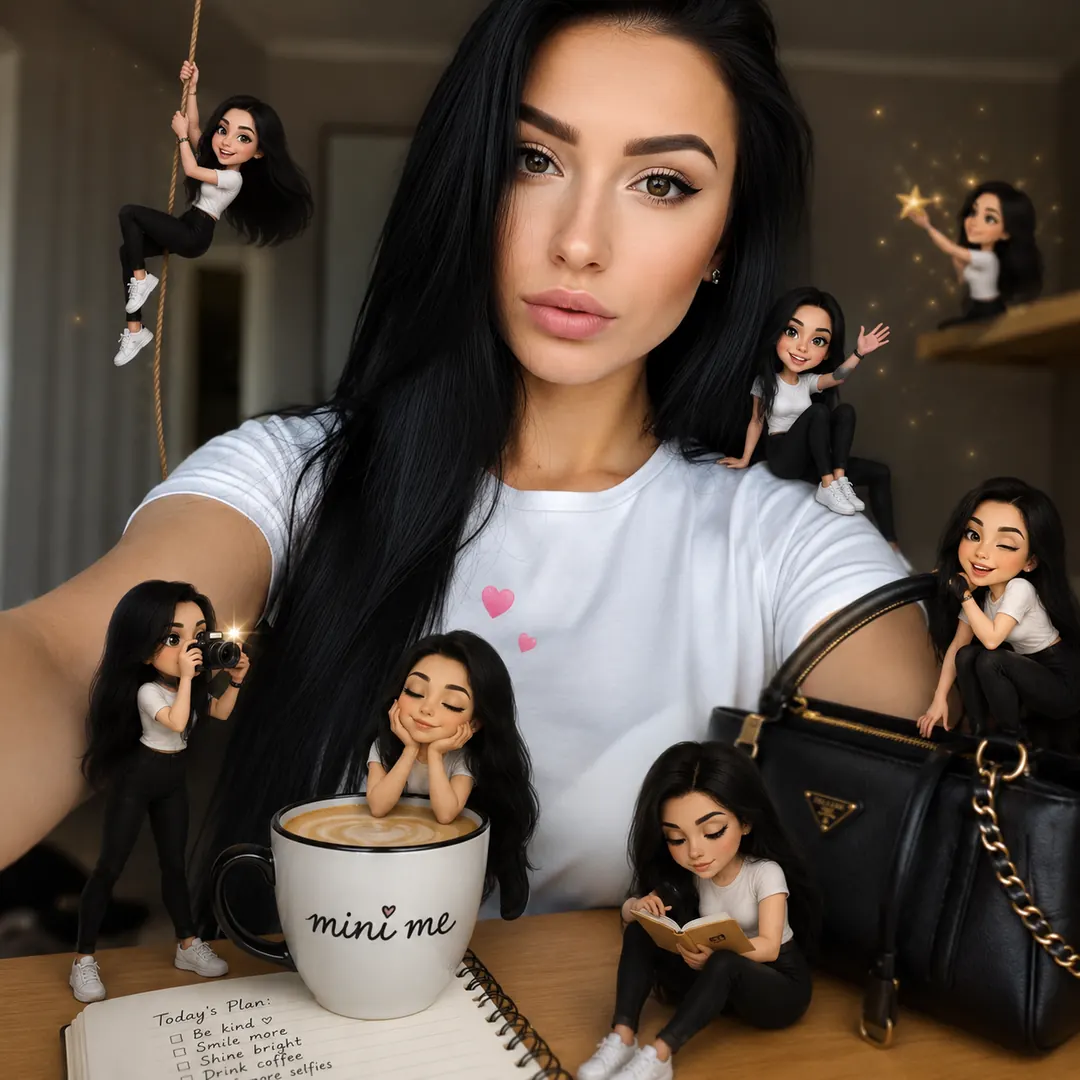
  • Mini Me: a real looking selfie where tiny cartoon versions of you climb, read and relax around you, one even sitting in your coffee cup. The most playful style in the section.
Pick your portrait style. All 10 Fine Art Portraits sit in their own row on the Rizz AI Photo Home screen.Try free

How to make an AI portrait from a photo

  1. 1Download Rizz AI PhotoInstall Rizz AI Photo from the App Store or Google Play and sign in with Apple or Google.
  2. 2Open Fine Art PortraitsScroll the Home screen to the Fine Art Portraits row and swipe through the 10 covers.
  3. 3Choose a styleStart with Painterly Realism for a classic painting, Raw Sketch Art for a drawing or Toon Twin for a cartoon.
  4. 4Upload one clear photoUse a sharp, well lit selfie of just you, from the chest up and looking near the camera.
  5. 5GenerateTap Generate. Your portrait is ready in about 20 seconds.
  6. 6Compare, save and shareDrag the before and after slider, save the portrait to your phone or share it straight to Instagram, TikTok or a group chat. It also stays in your in app gallery.

Try a few styles with the same selfie. A painting, a sketch and a pop art version side by side make an eye catching carousel.

Which photo works best for a portrait

Portrait styles zoom in on the face, so the photo matters more here than for a full body scene.

  • One person per photo. Each style draws a single portrait. Group photos can blend faces.
  • Chest up or closer. The painted, sketch and pop art styles are close portraits, so a tight selfie gives the most detail.
  • Even, soft light. Window light gives the cleanest skin tones in paint and pencil.
  • Face the camera. A straight or slight three quarter angle works best. Avoid strong side profiles.
  • Clear eyes. No sunglasses. GlossPop Icon adds its own.
  • No beauty filters. Filters remove the small details an artist would draw.

For the 3D toon styles, a smiling photo gives the friendliest cartoon. For Painterly Realism and Monochrome Marker, a calm, soft expression looks the most like a commissioned portrait.

Rizz AI Photo vs Gemini prompts vs commissioning an artist

Three common ways to get a portrait of yourself, and how they compare.

  • Styles

    Rizz AI Photo Fine Art Portraits
    10 ready made art styles
    Writing prompts in Gemini
    Whatever you can describe
    Commissioning an artist
    The artist's own style
  • Likeness

    Rizz AI Photo Fine Art Portraits
    Strong, tuned per style
    Writing prompts in Gemini
    Good if you ask for it
    Commissioning an artist
    Depends on the artist
  • Effort

    Rizz AI Photo Fine Art Portraits
    One tap per style
    Writing prompts in Gemini
    Write, test and rewrite prompts
    Commissioning an artist
    Brief, wait, request changes
  • Time

    Rizz AI Photo Fine Art Portraits
    About 20 seconds
    Writing prompts in Gemini
    A few minutes per try
    Commissioning an artist
    Days to weeks
  • Try many looks

    Rizz AI Photo Fine Art Portraits
    Yes, same selfie, any style
    Writing prompts in Gemini
    Yes, one prompt at a time
    Commissioning an artist
    Usually one piece
  • Original physical artwork

    Rizz AI Photo Fine Art Portraits
    No, a digital image
    Writing prompts in Gemini
    No, a digital image
    Commissioning an artist
    Yes
  • Cost

    Rizz AI Photo Fine Art Portraits
    Free to download, credits per image
    Writing prompts in Gemini
    Free within daily limits
    Commissioning an artist
    A paid commission

Many people use the app to find the style they love, then print it, or take it to a local artist as a reference for a hand painted piece.

Ways to use your AI portrait

Profile pictures

Monochrome Marker, Neon Pop and GlossPop Icon stay readable at tiny sizes, which makes them ideal profile pictures for social apps, gaming accounts and newsletters. They stand out in a list of ordinary photos.

Prints and gifts

Painterly Realism and Raw Sketch Art look great printed on matte paper or canvas. Make a portrait of a parent or grandparent from a favourite photo for a birthday or an anniversary, or print a sketch for a graduation card.

Posts and reels

  1. Make a "same face, five artists" carousel: painting, sketch, pop art, neon and 3D toon.
  2. Use 3D Toon Studio for a quick before and after, since the original is already in the frame.
  3. Post Mini Me with a caption about your daily routine. Every tiny you is doing something different.
  4. Pair Toon Twin with a "me and my cartoon self" caption. It gets a lot of shares.
  5. Try Golden Bloom for a soft, aesthetic post in a warm feed.

Creative projects

Use a portrait as an album cover, a podcast thumbnail, a sticker or the hero image of a personal website. For more cartoon ideas, read our guide on how to turn yourself into a cartoon.

Your portrait in 20 seconds. One selfie, 10 art styles, from oil paint to 3D toon.Try free

Free AI portrait prompts for Gemini

Prefer to try it yourself? Attach your selfie in Gemini and paste one of these. They are simpler versions of the app styles, so expect a few tries for the best likeness.

Oil painting portrait

Use my photo as the only person in the image. A realistic oil painting portrait of me from the shoulders up, painted on canvas with visible, confident brushstrokes and soft blending on the skin. Simple white top, calm expression, looking at the viewer. Textured muted blue grey backdrop, warm natural light from one side, fine canvas texture, museum quality. Keep the face, hair and skin tone exactly the same as the photo.

Skip the prompt: try the ready made styles in Rizz AI Photo →

Pencil sketch with paint splashes

Use my photo as the only person in the image. A detailed graphite pencil sketch of me, chest up, on cream sketchbook paper, with fine hatching and soft shading. Add loose splashes and drips of bright watercolour paint in pink, blue, orange and purple across the drawing. Visible pencil construction lines, natural smile. Keep the face, hair and skin tone exactly the same as the photo.

Skip the prompt: try the ready made styles in Rizz AI Photo →

Comic pop art portrait

Use my photo as the only person in the image. A bold comic book pop art portrait of me, chest up, with thick black outlines, flat bright colours and halftone dots on the skin. Behind me a sunburst of yellow, blue and orange rays with empty speech bubbles and small pink hearts. Cheerful expression, crisp print look, no text. Keep the face, hair and skin tone exactly the same as the photo.

Skip the prompt: try the ready made styles in Rizz AI Photo →

3D animated character portrait

Use my photo as the only person in the image. Turn me into a 3D animated film character with slightly larger eyes, soft shading and a friendly smile, waist up, wearing the same outfit as in my photo. Plain soft grey studio background, gentle key light, polished family film look, clean and detailed. Keep the face, hair and skin tone exactly the same as the photo.

Skip the prompt: try the ready made styles in Rizz AI Photo →

Is it safe to use?

Use photos of yourself, or of friends and family who are happy for you to use theirs. The portrait styles are tasteful and family friendly, and they never add logos, brand names or characters. For how your photos are handled, see our privacy policy.

More styles you might like

FAQ

What is the best AI portrait generator?

For a reliable likeness and many art styles in one tap, an app with ready made portrait styles works best. Rizz AI Photo has 10 Fine Art Portraits, from oil painting and pencil sketch to pop art and 3D toon.

Is the AI portrait generator free?

Rizz AI Photo is free to download. Generating images uses credits from a subscription or a credit pack. The free prompts on this page also work in Gemini within its daily limits.

How do I turn my photo into a painting?

Open Rizz AI Photo, go to Fine Art Portraits, tap Painterly Realism, upload a clear selfie and tap Generate. Your oil painting style portrait is ready in about 20 seconds.

Can I turn my photo into a pencil sketch?

Yes. Raw Sketch Art makes a graphite sketch with colourful paint splashes, and Monochrome Marker makes a clean one colour marker drawing.

Can I make a pop art portrait of myself?

Yes. Pop Art gives a comic book look with halftone dots and speech bubbles, and Neon Pop gives a faceted neon vector portrait.

How do I make a 3D cartoon of myself?

Use 3D Toon Studio for an animated film character, or Toon Twin to stand next to your 3D cartoon double.

What is the Mini Me style?

Mini Me is a realistic selfie surrounded by tiny cartoon versions of you, climbing, reading and even sitting in a coffee cup.

Does the portrait keep my face?

Yes. Each style is tuned to keep your face, hair and skin tone while changing the medium. A sharp, front facing photo gives the best likeness.

Can I make a portrait of two people?

Each style is made for one person per photo. Make a portrait of each person and frame them side by side.

Can I print the portrait?

Yes. Save the image and print it on matte paper or canvas. Painterly Realism and Raw Sketch Art look especially good printed.

Which style is best for a profile picture?

Monochrome Marker, Neon Pop and GlossPop Icon stay clear at small sizes and stand out in a list of photos.

Can I make a portrait from an old photo?

Yes, as long as the face is clear and only one person is in it. A sharper photo gives a closer likeness.

Can I make a portrait of my pet?

The Fine Art Portraits are for people. Rizz AI Photo has a separate Pet Portraits section for pets.

Do I need to write a prompt?

No. Every style is ready made. You only upload a photo and tap Generate.

Are there realistic portrait styles too?

Yes. The Model Shoot section has studio portraits like Timeless Monochrome and Modern Poise, and Vintage Aura has retro portraits like 1950s Retro Portrait.

Keep reading

By the Rizz AI Photo team · Updated

Skip the prompt.
Get the photo.

Rizz AI Photo runs Nano Banana 2.1 behind ready made styles. Upload a selfie, tap a style, and get your image in seconds. No prompt writing needed.