AI photo generator

Upload one photo of yourself, pick a look and get a new photo that still looks like you.

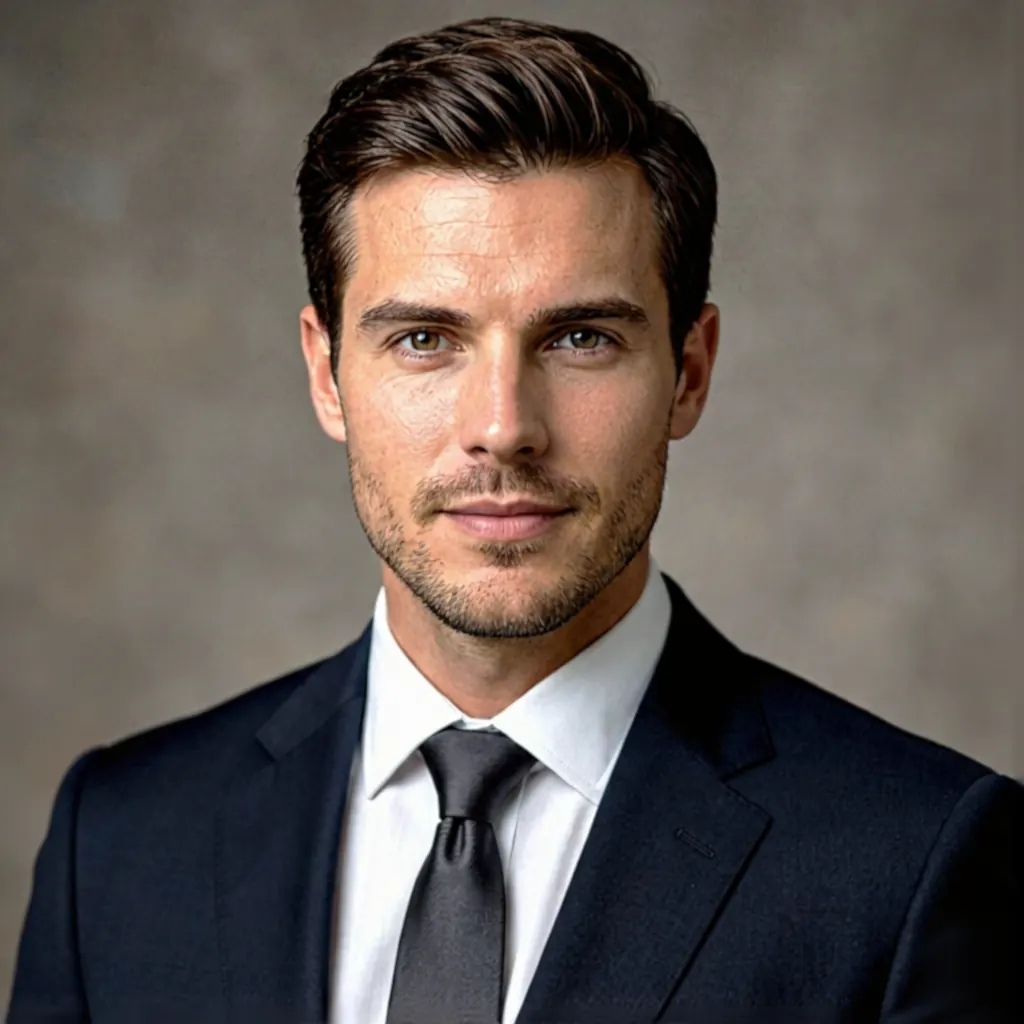
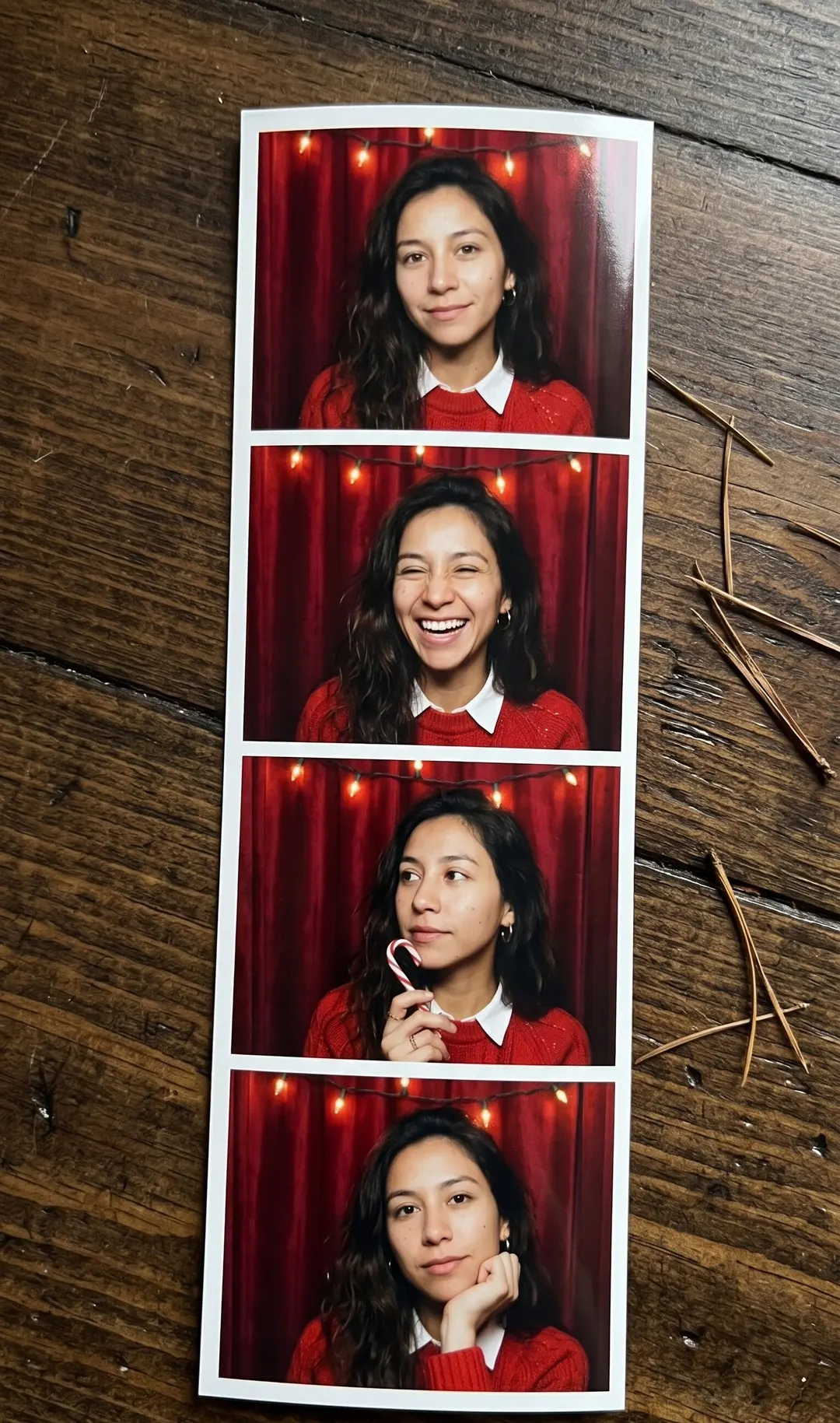
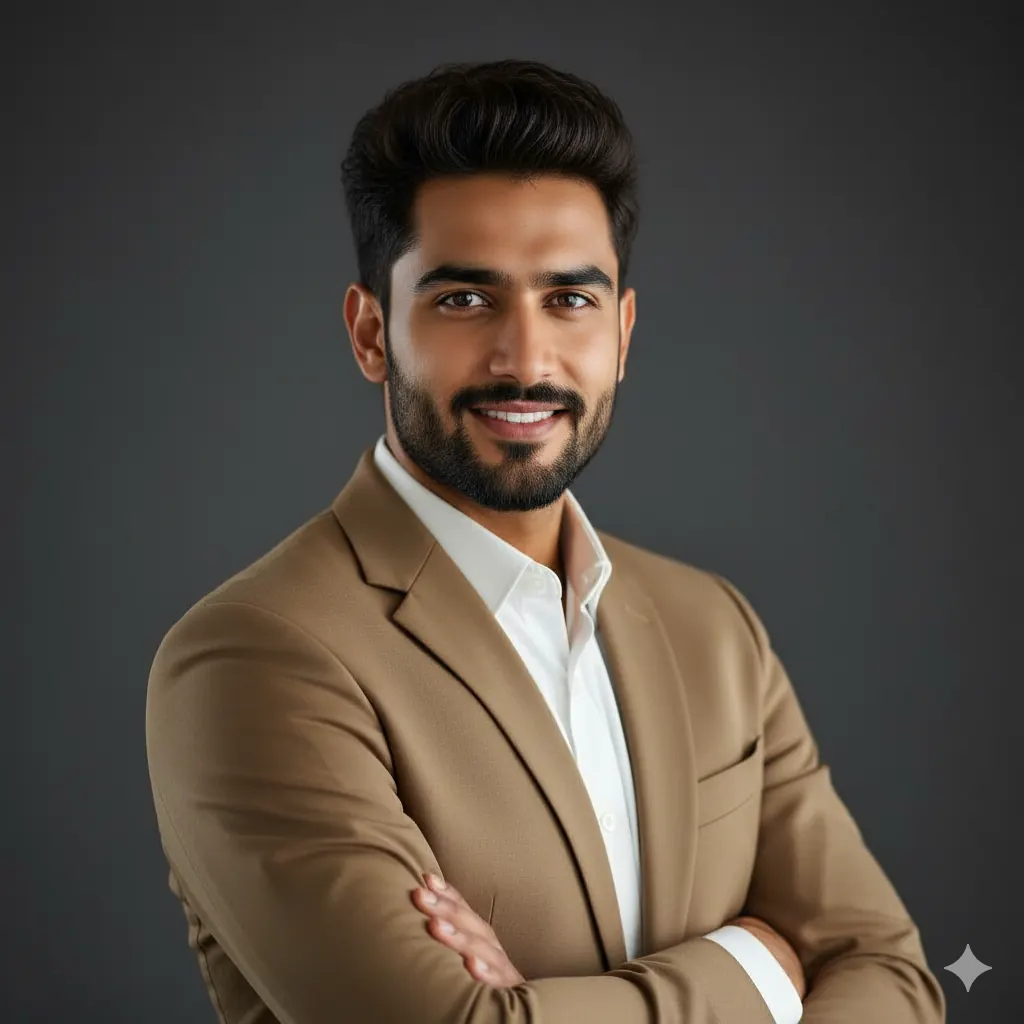
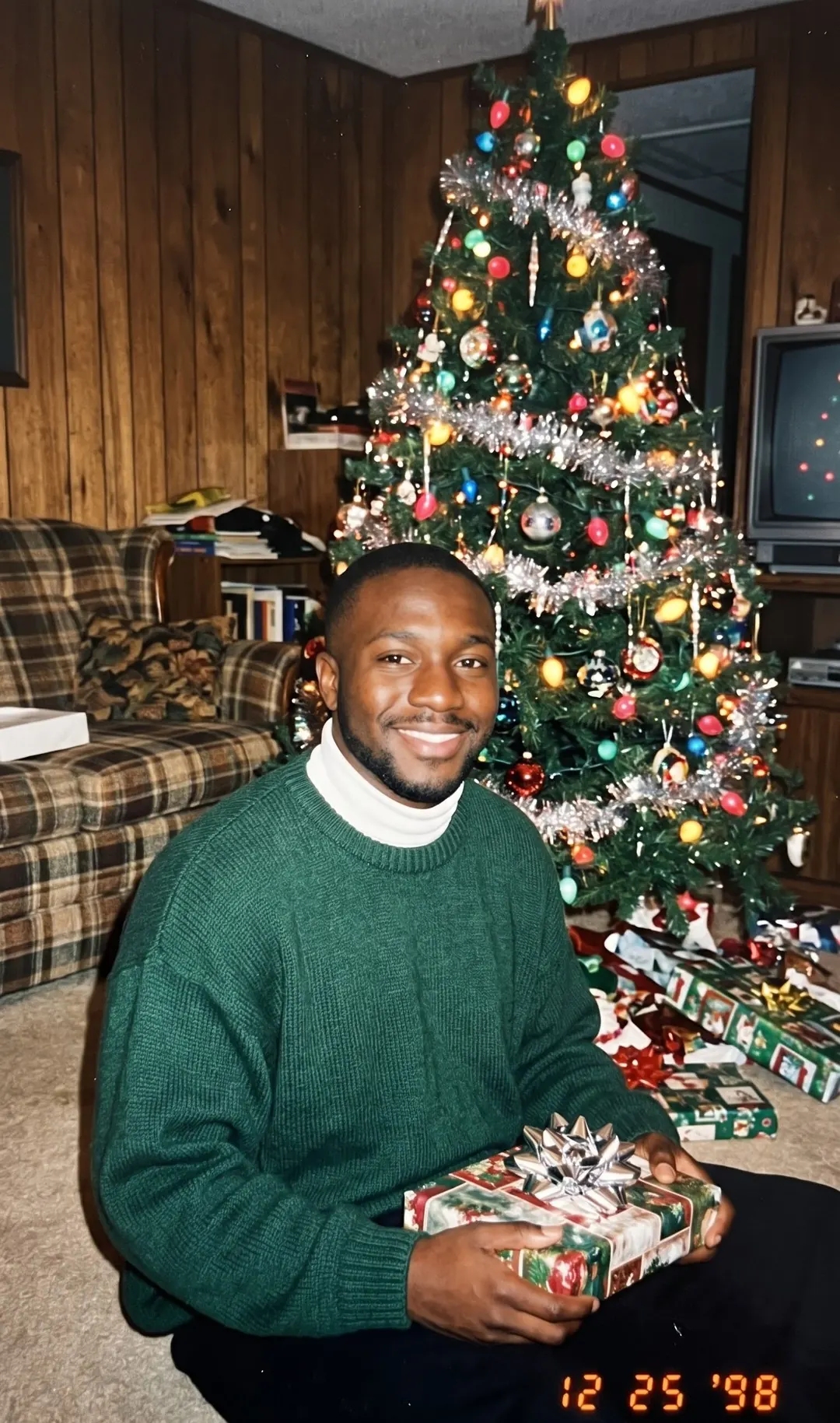
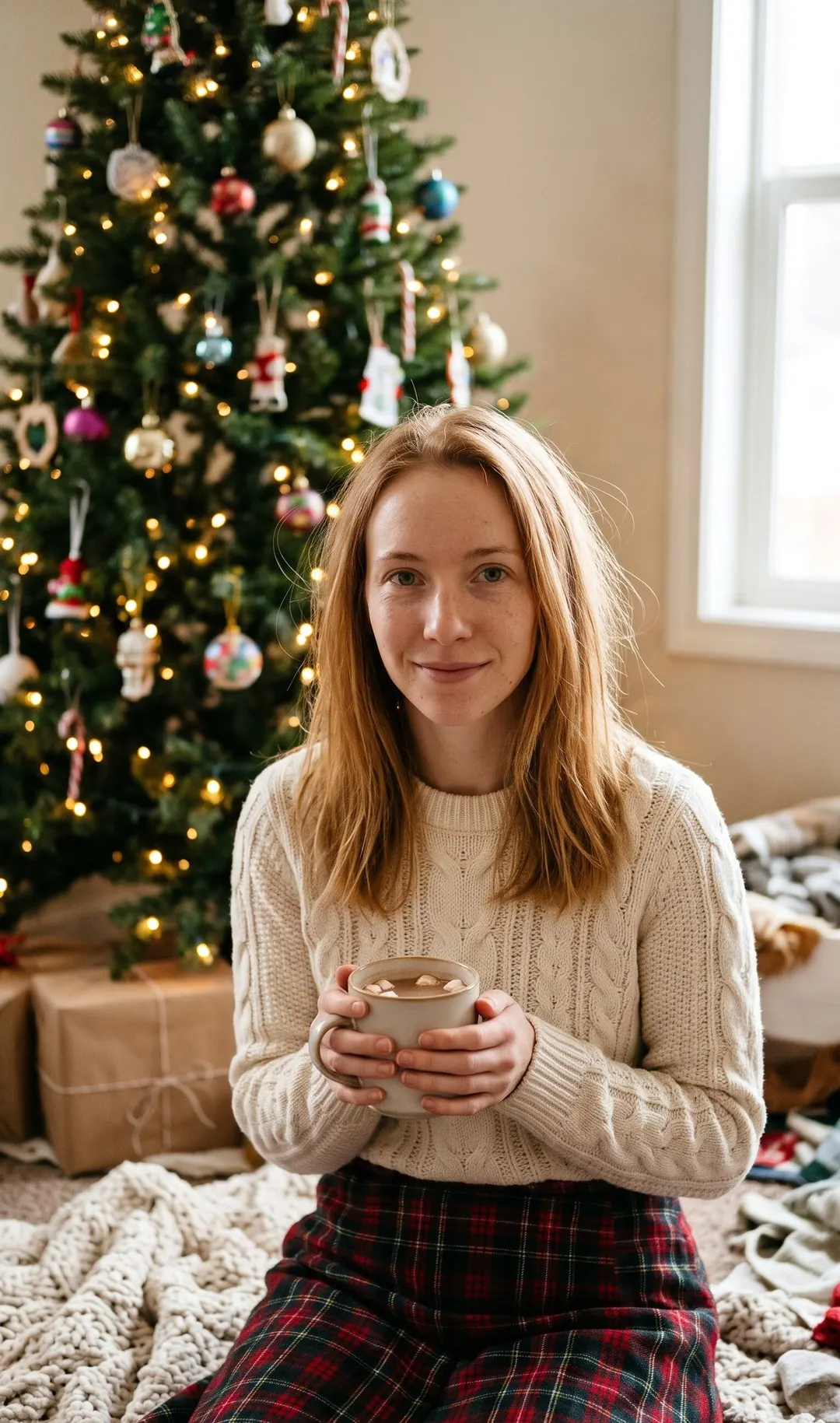
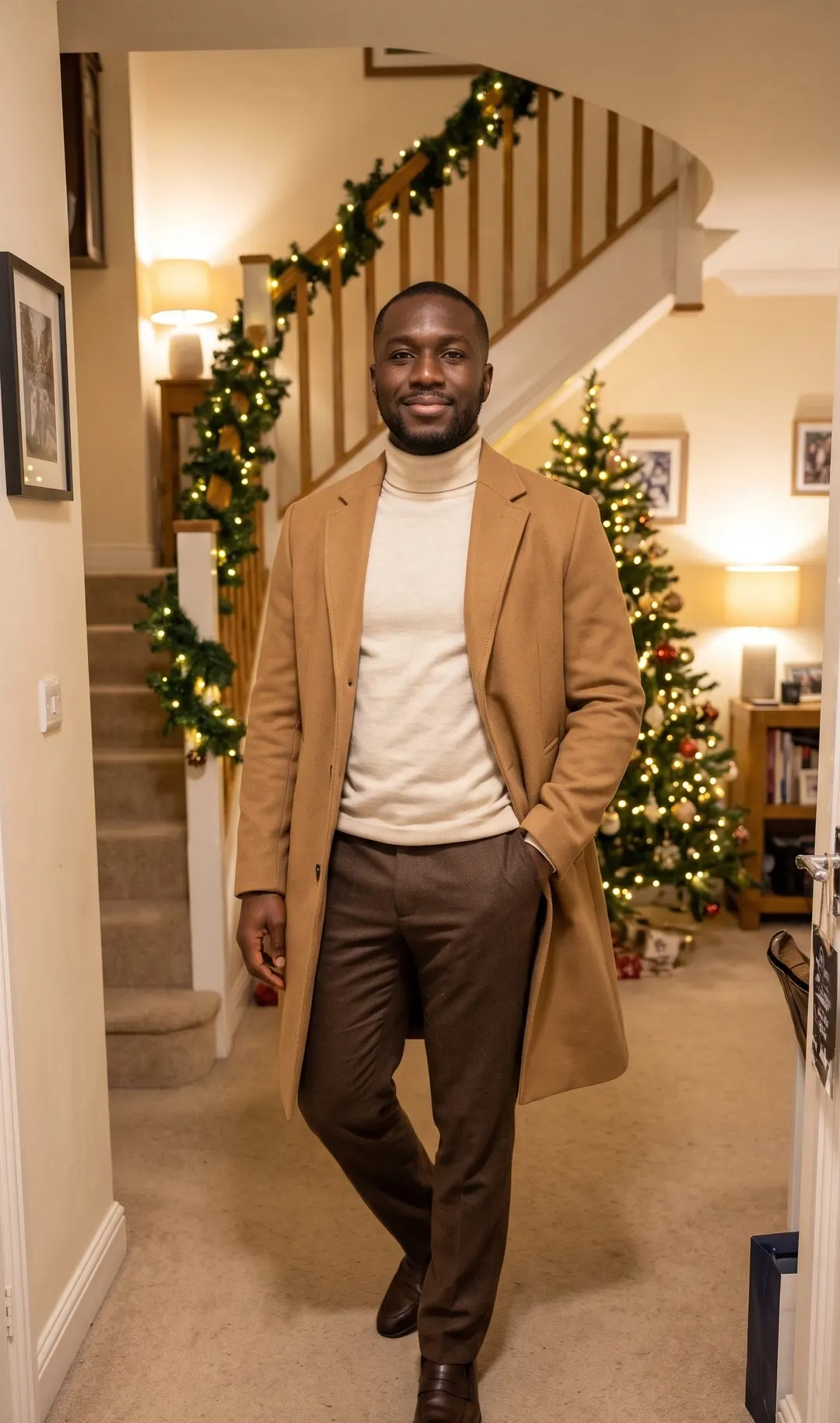
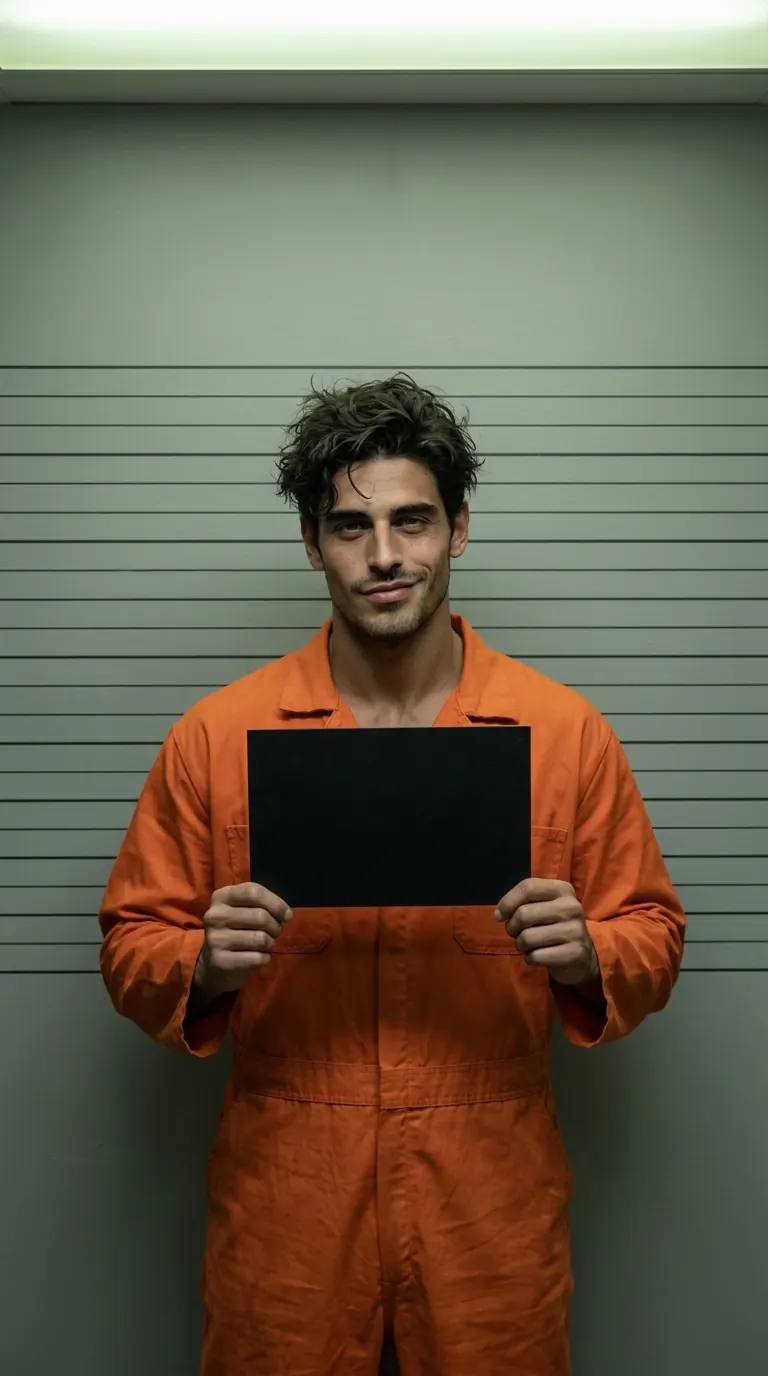
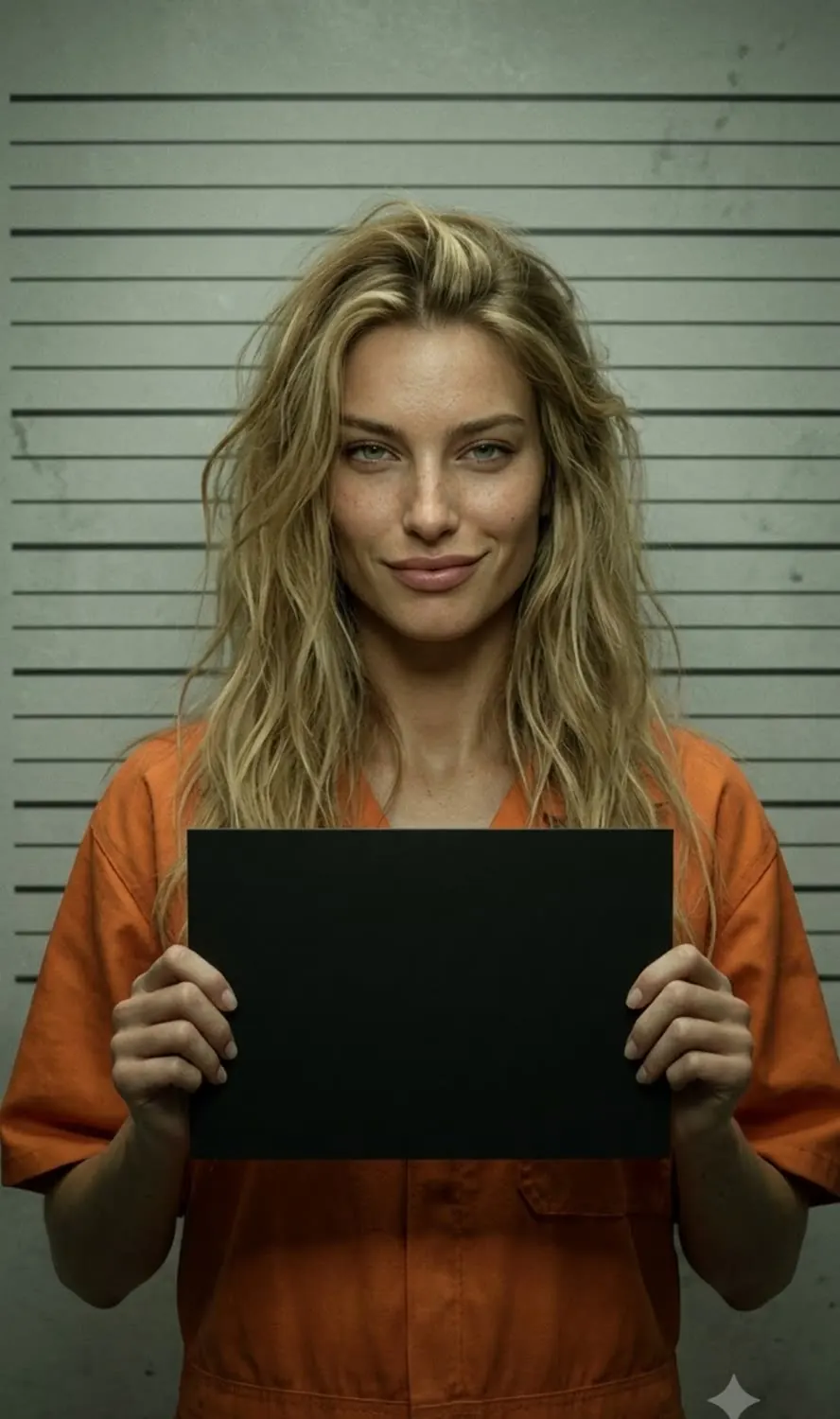
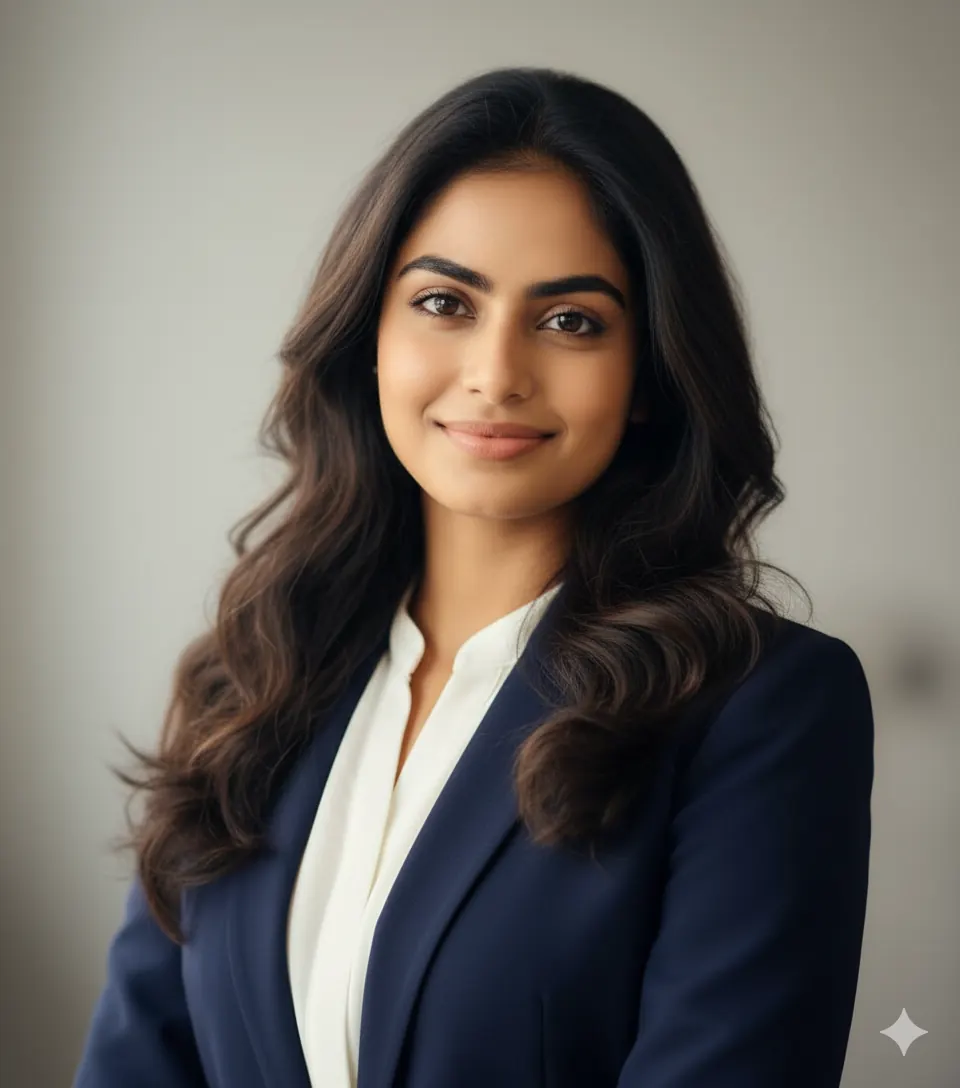
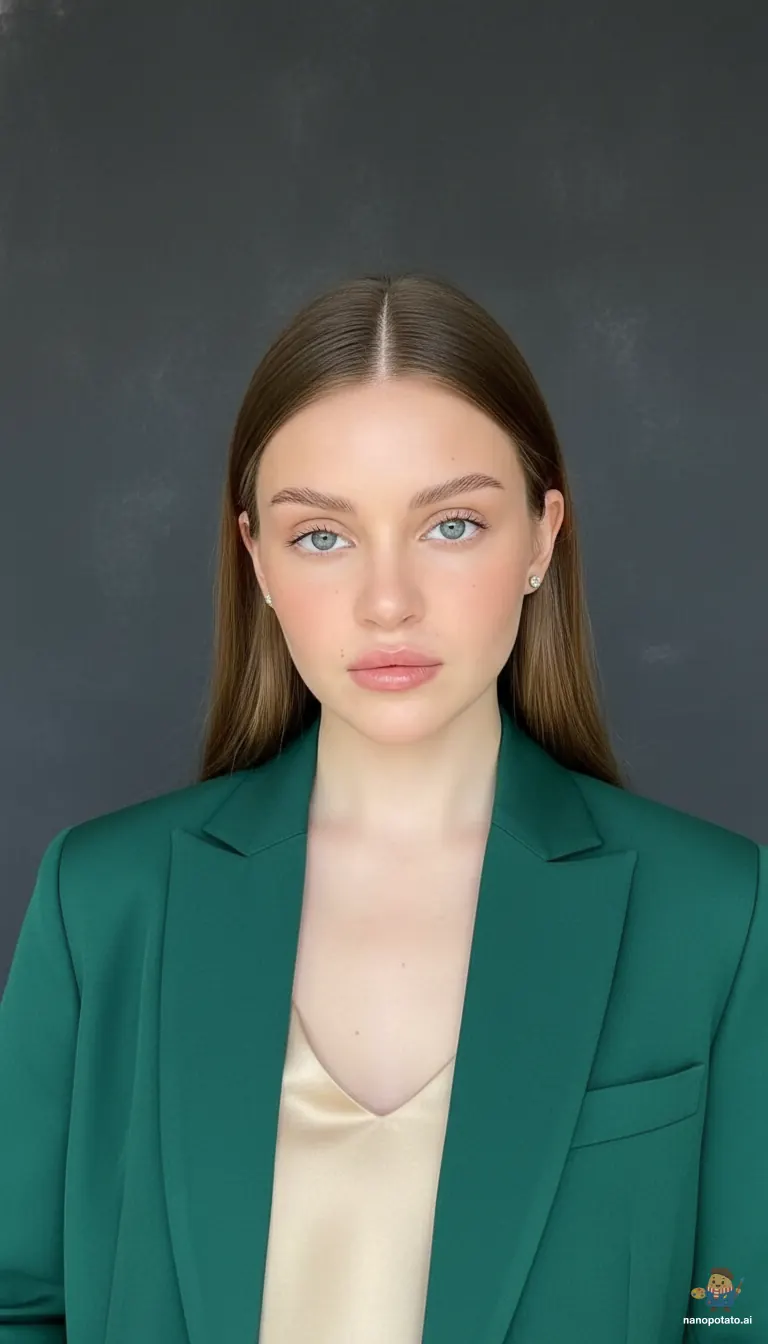
Before: the selfie usedBefore
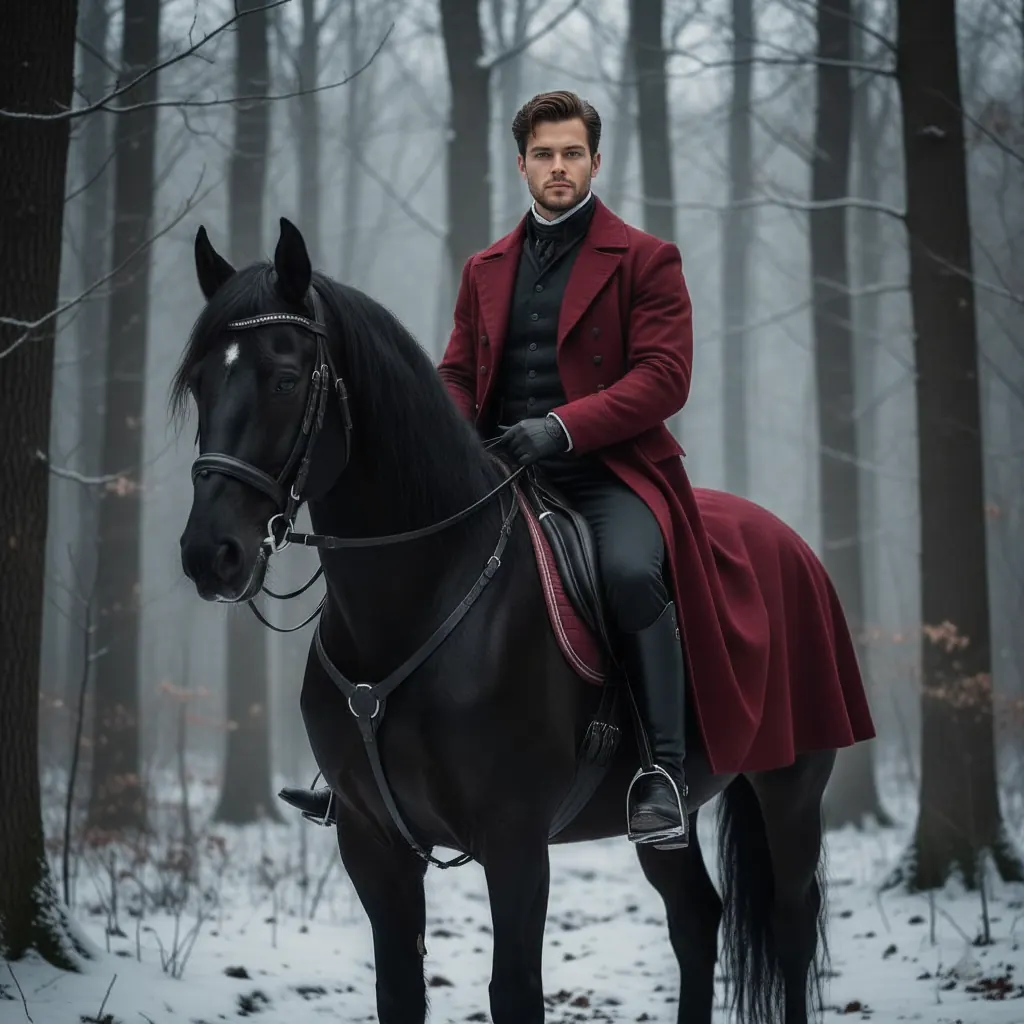
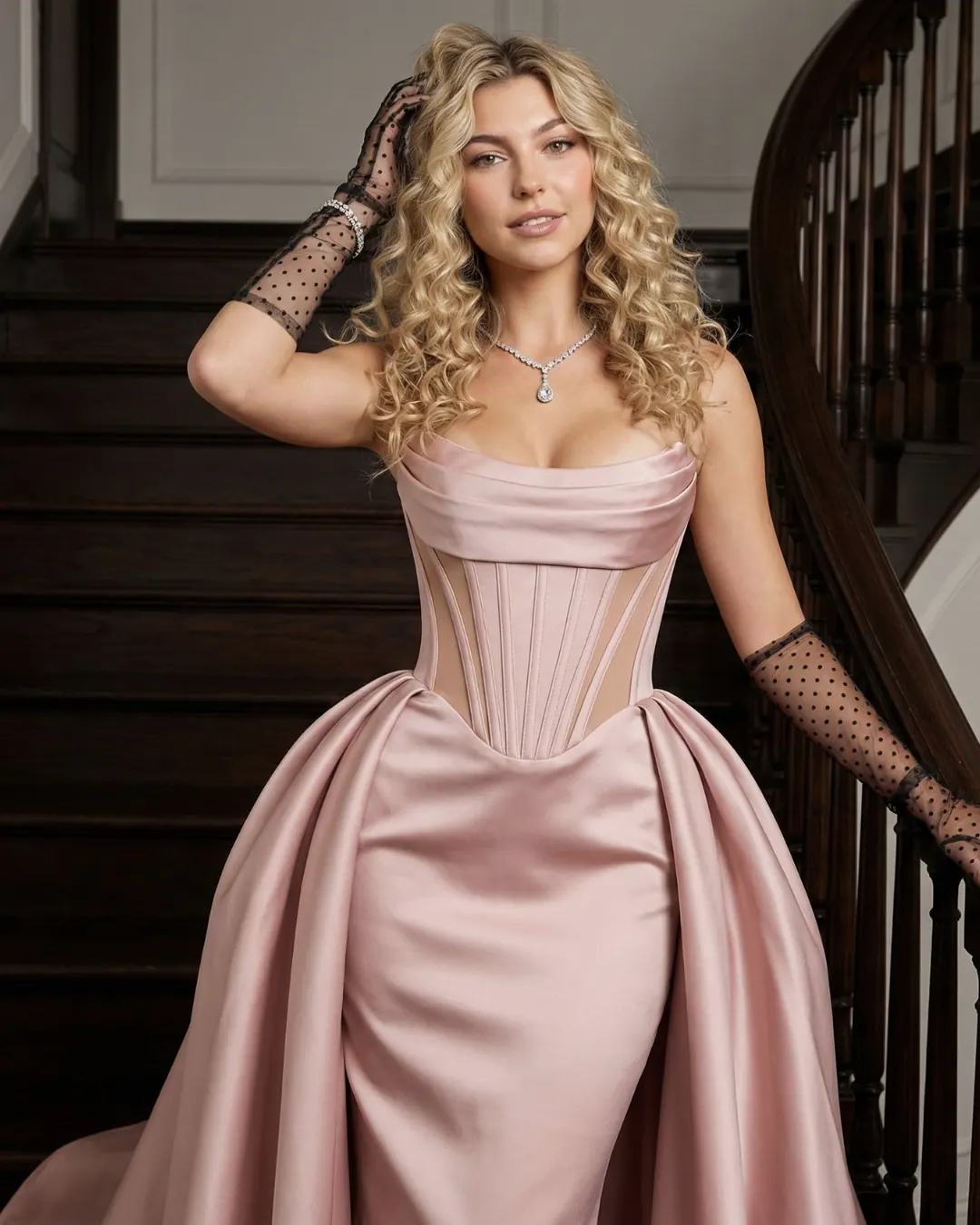
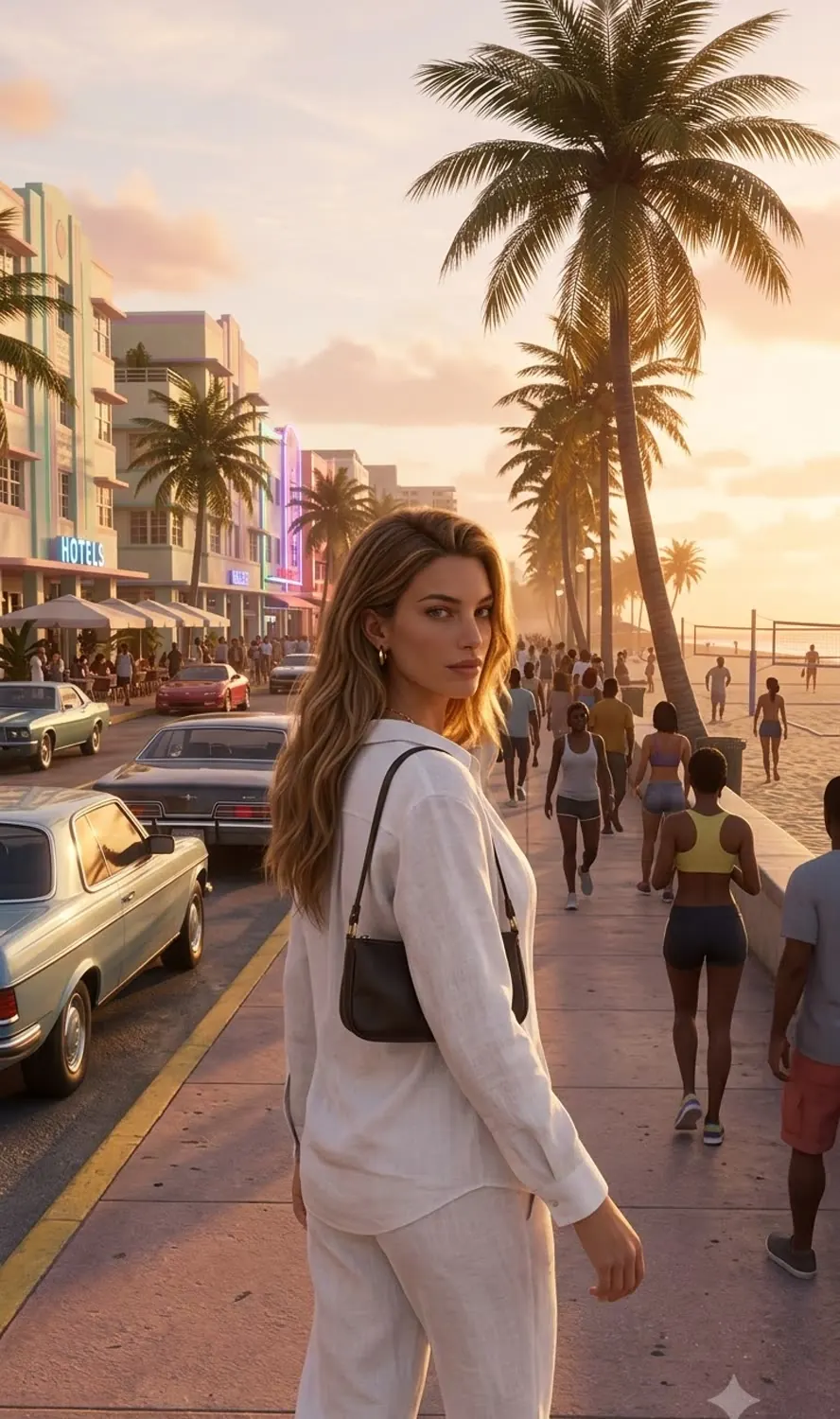
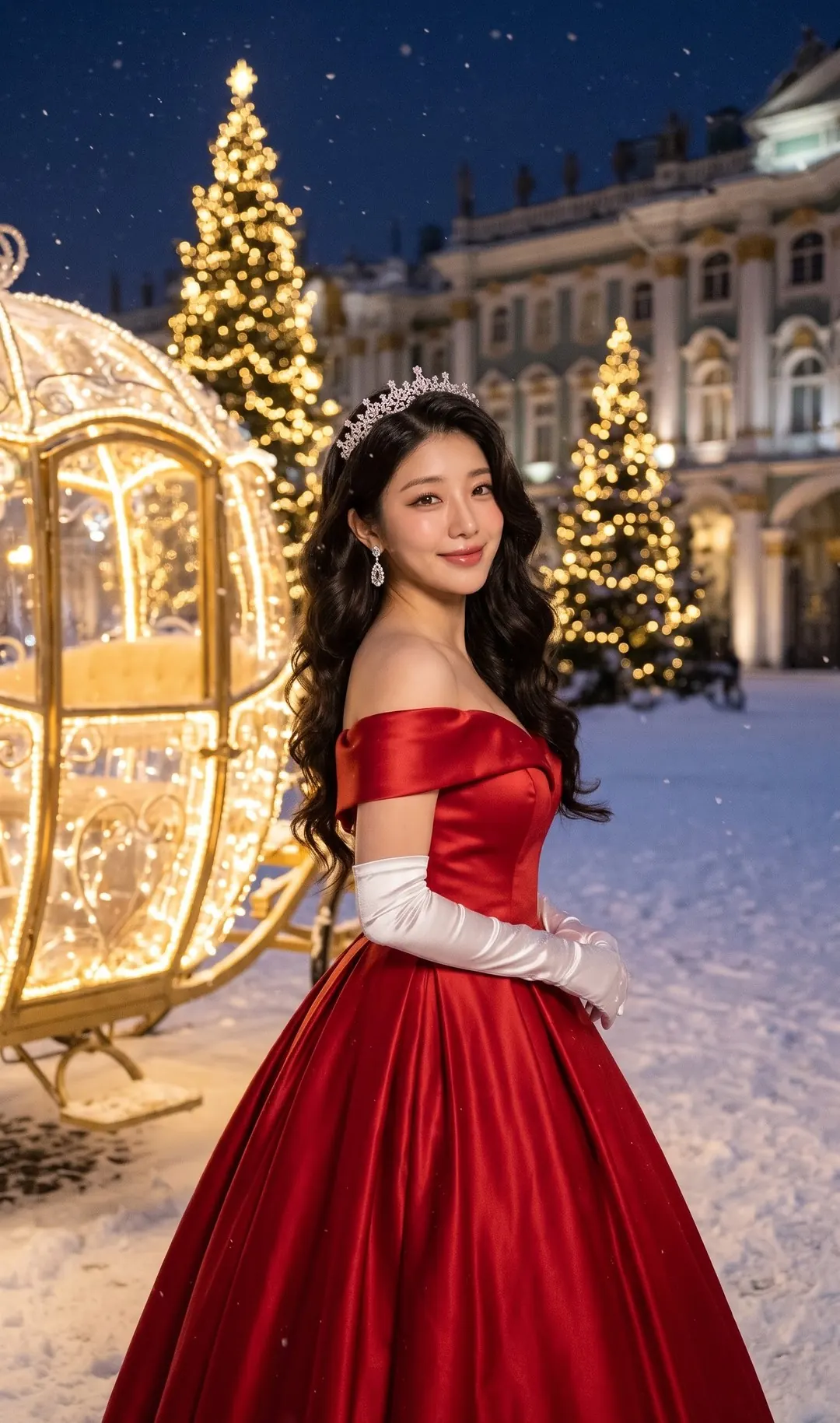
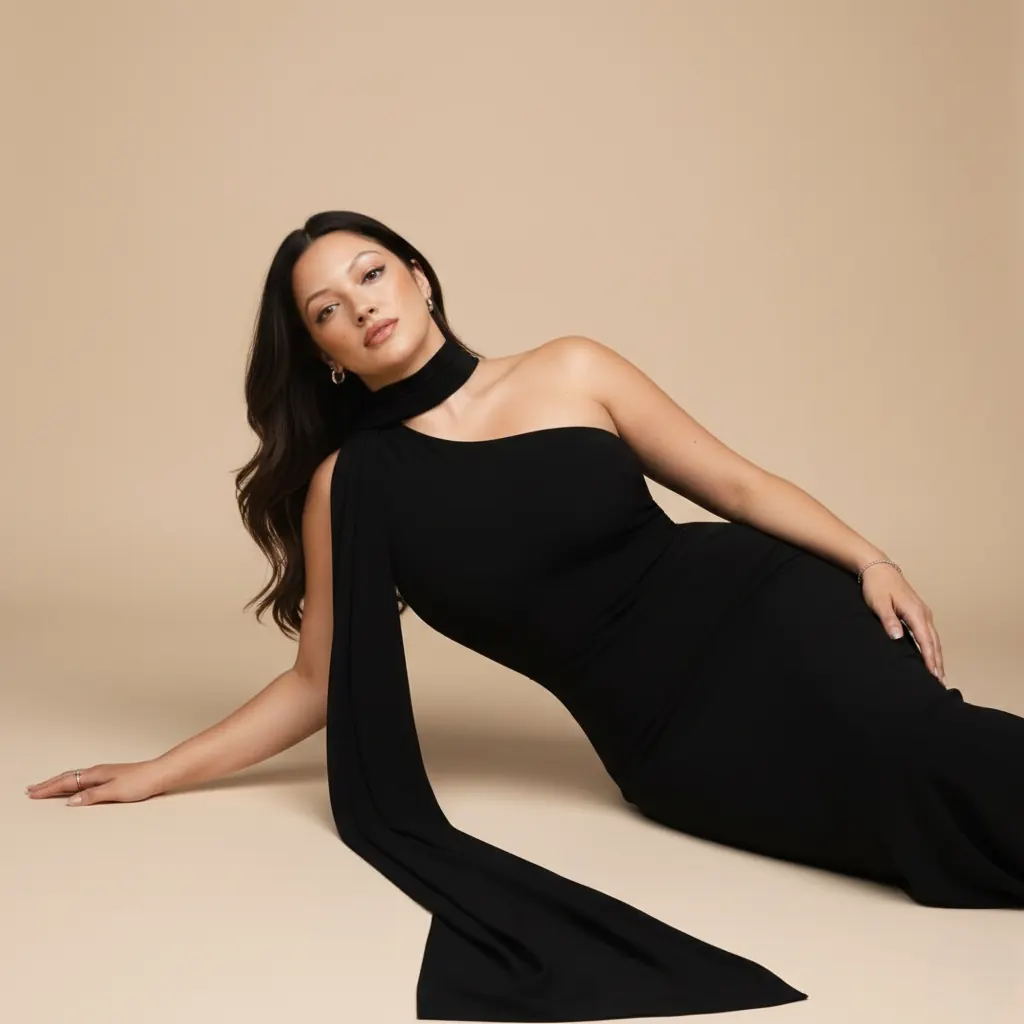
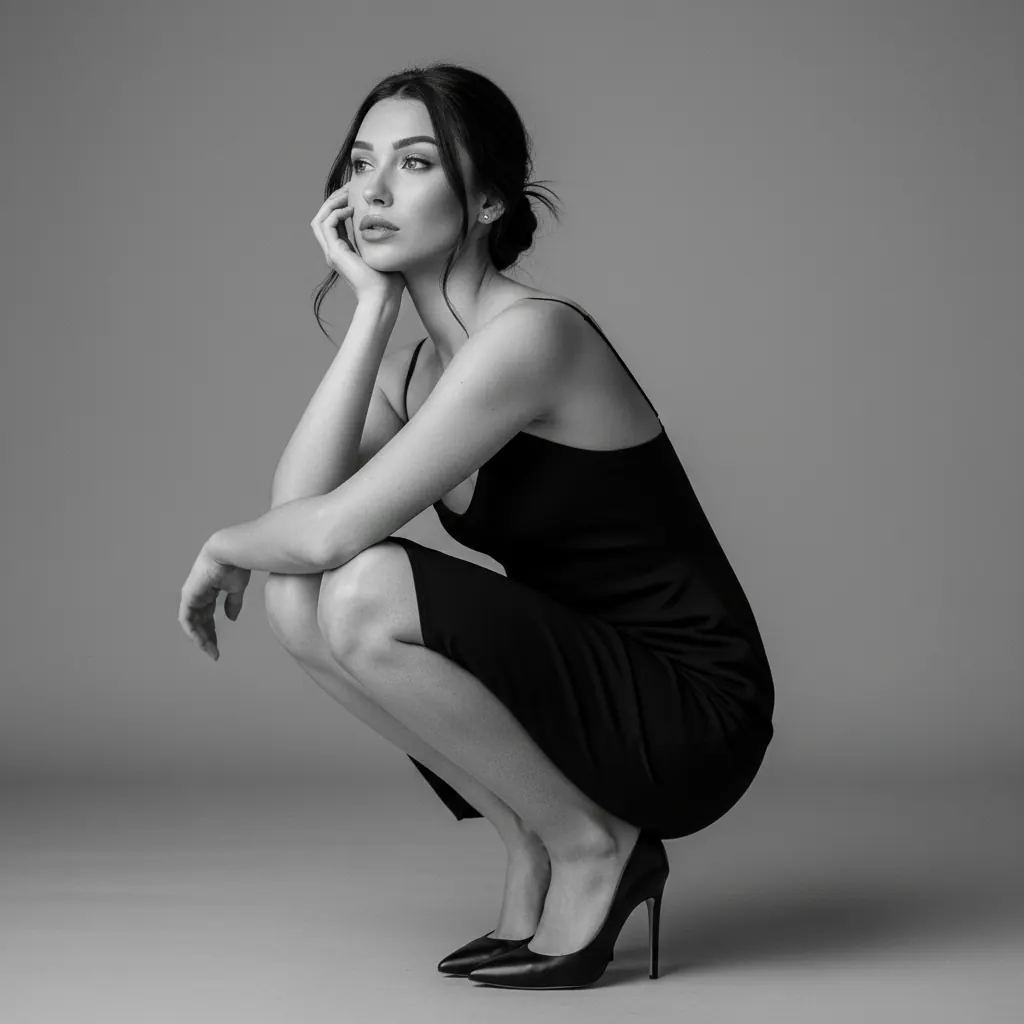
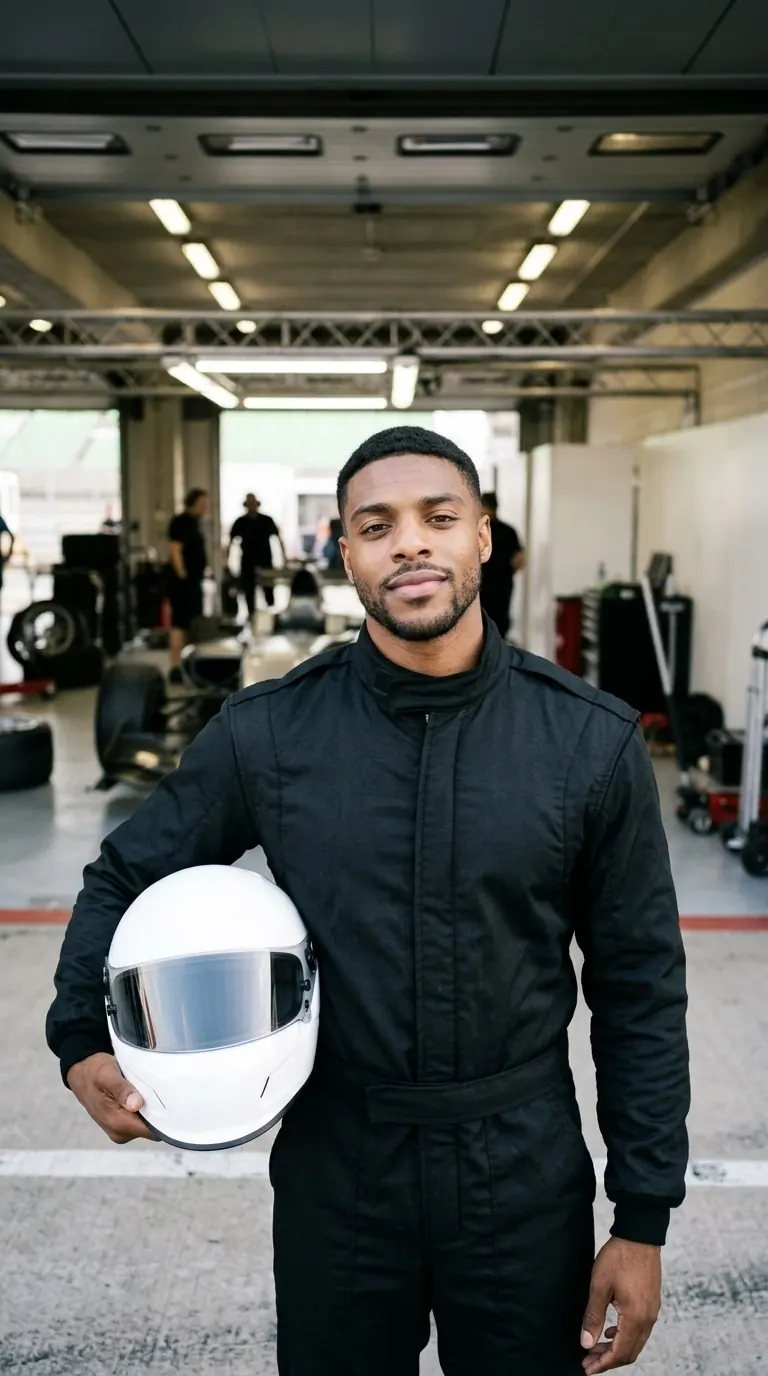
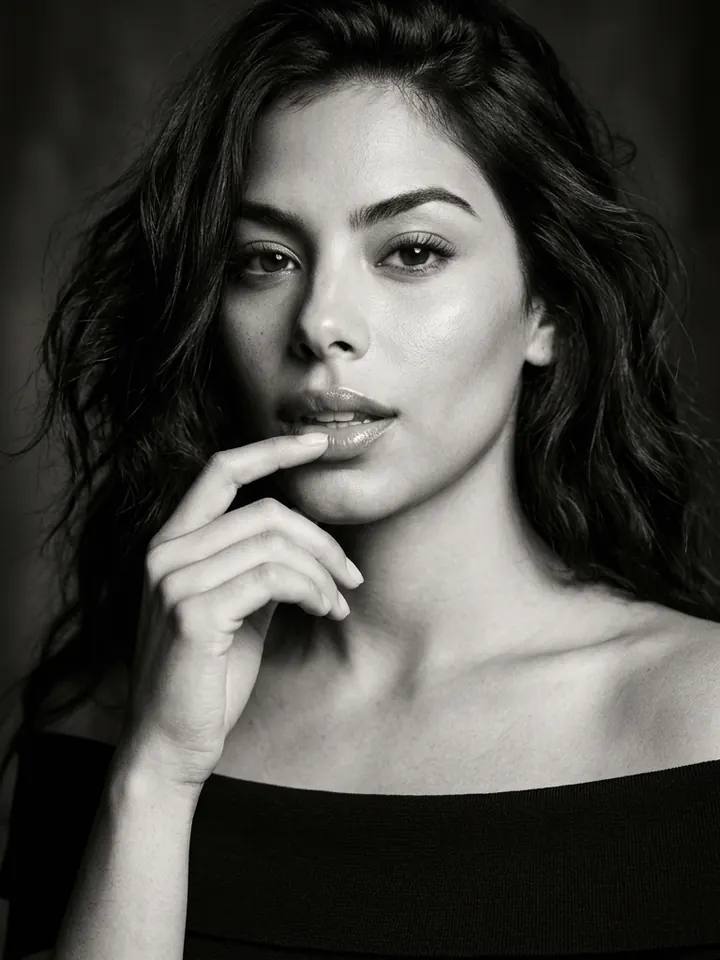
After: Iconic Femme style, made from the selfie in the cornerIconic Femme
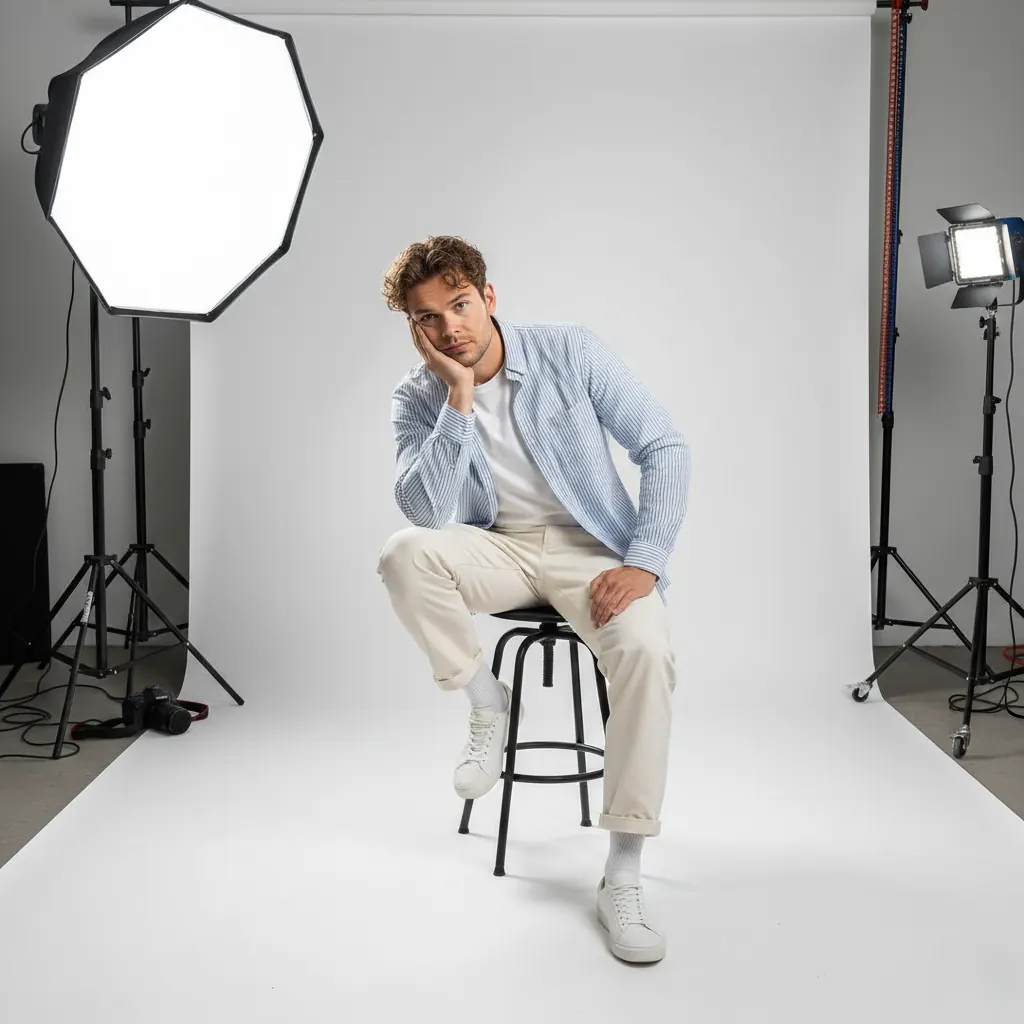
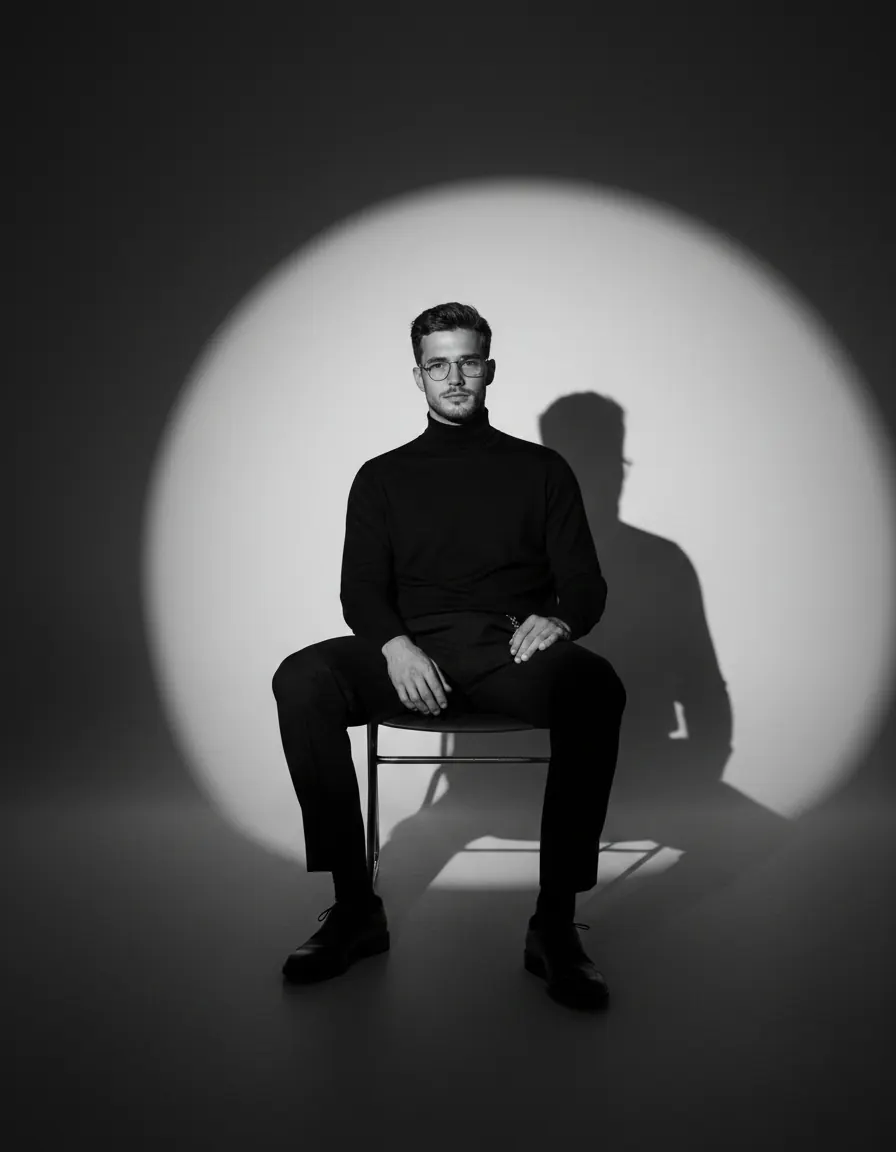
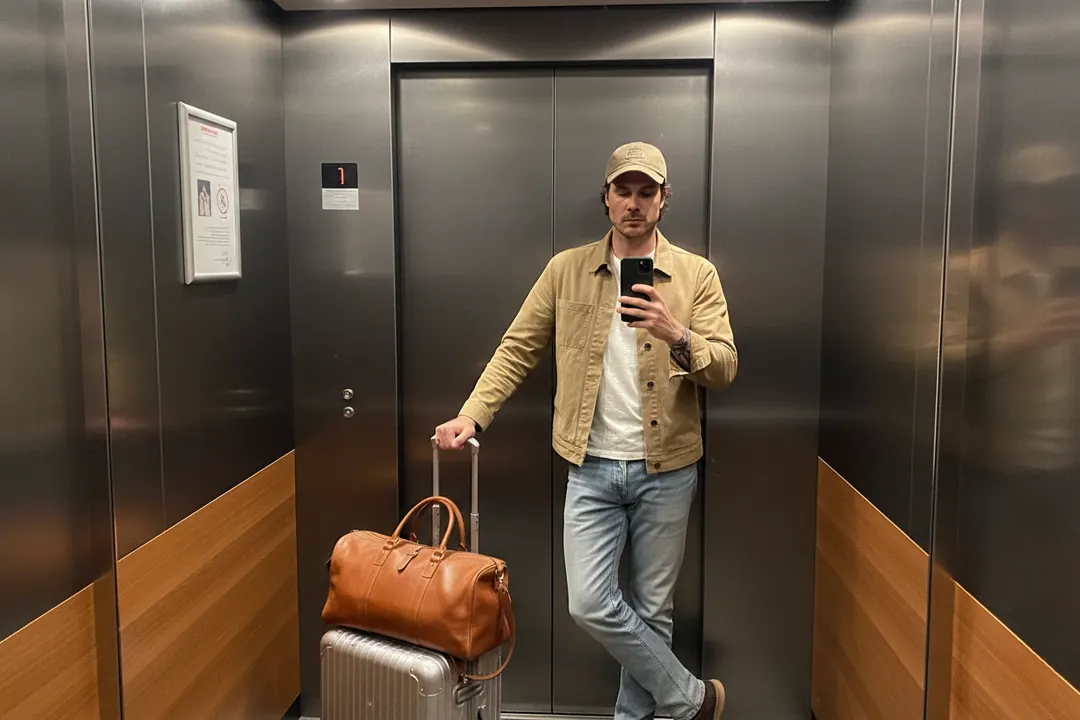
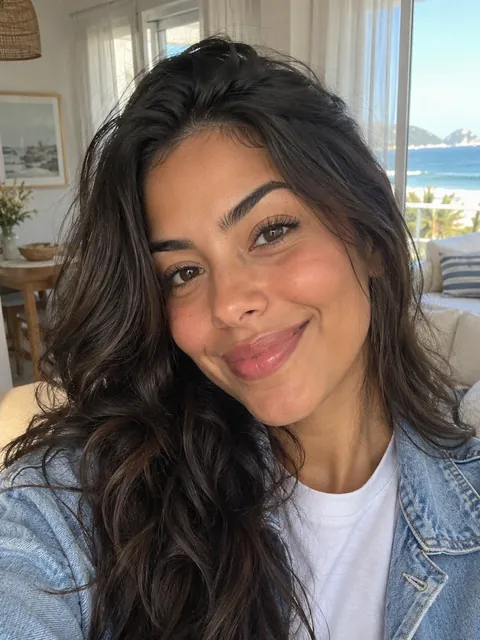
The selfies show fictional people made for our examples.

In short

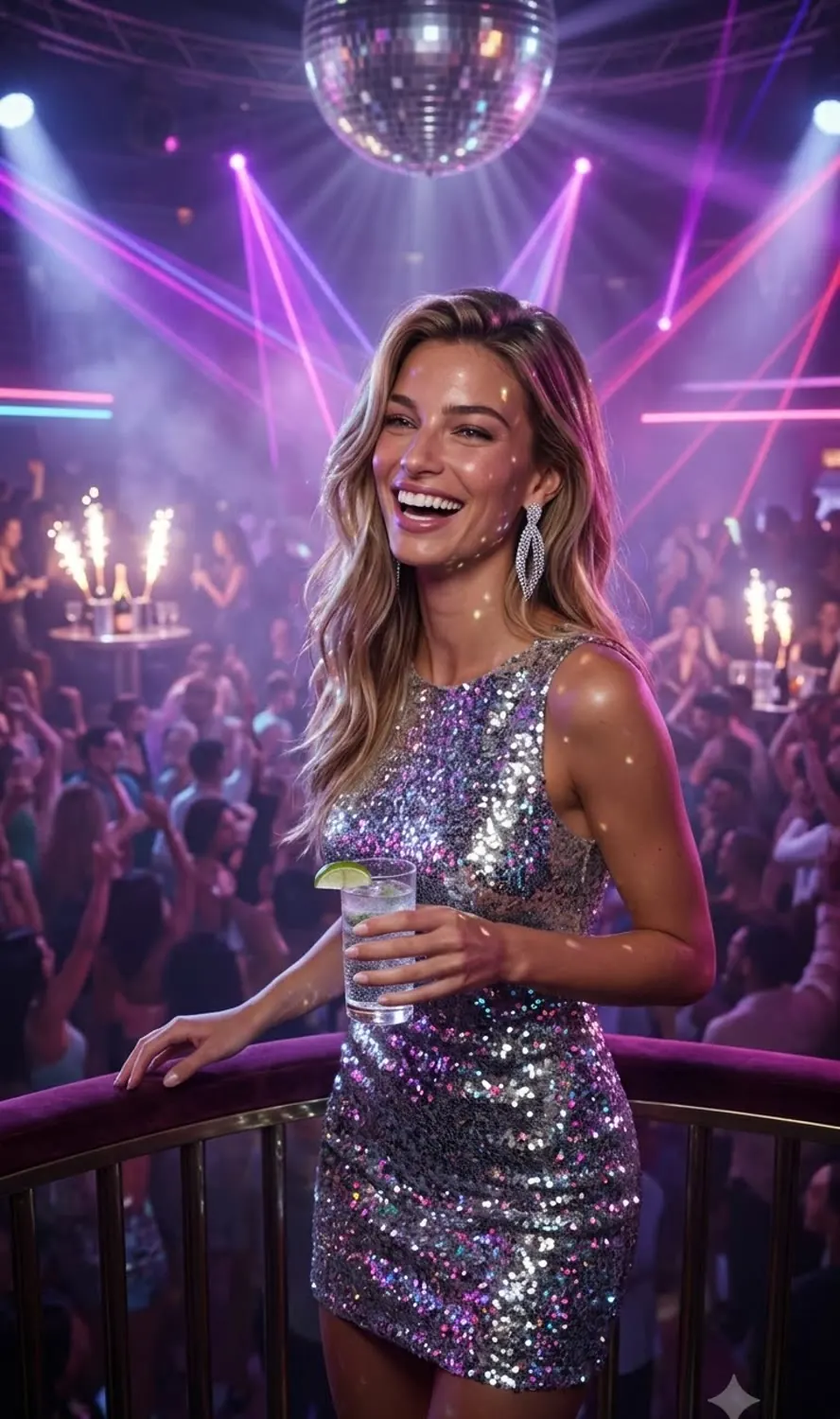
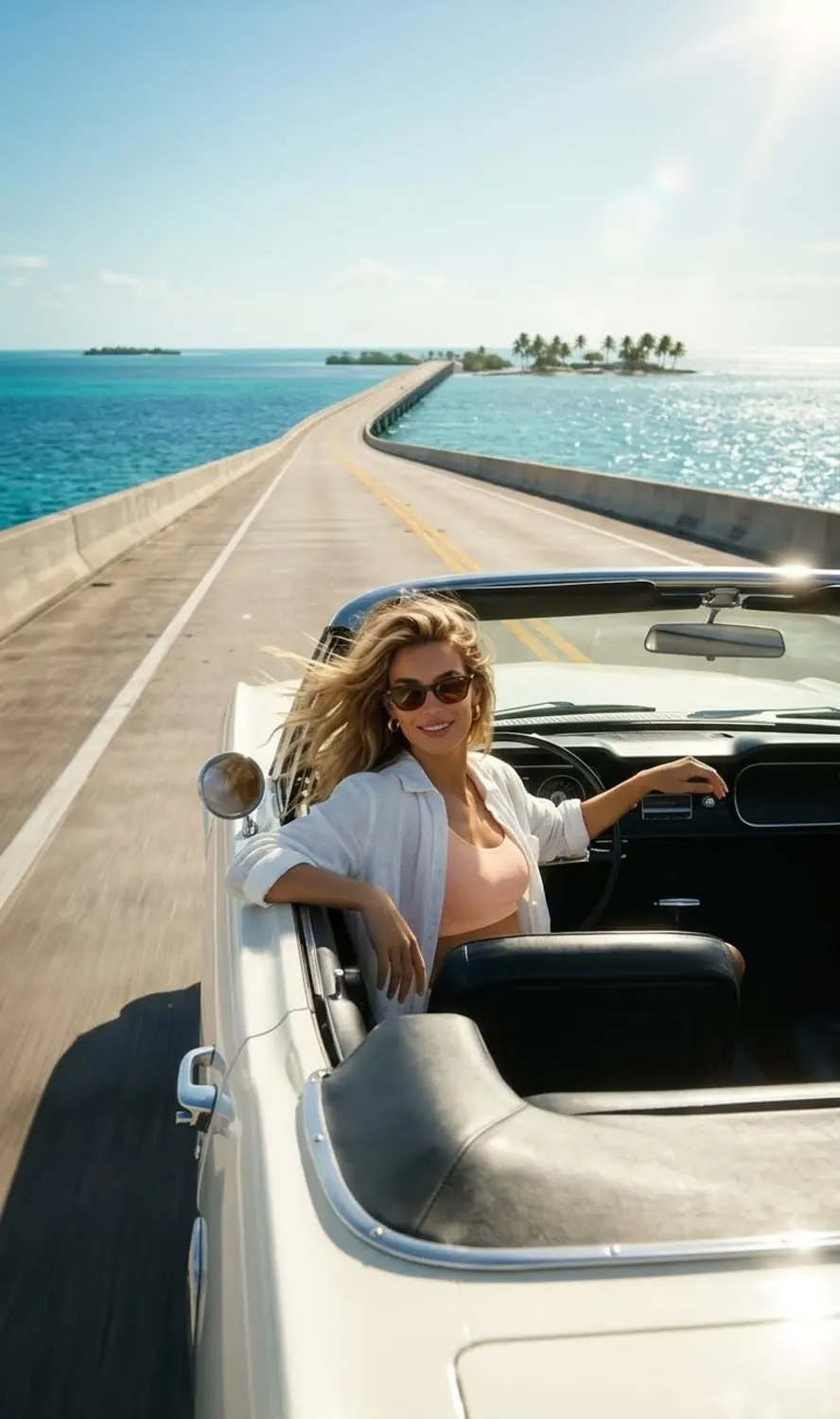
An AI photo generator from an image takes a photo you upload and rebuilds everything around you: the outfit, the setting, the light and the camera style, while keeping your face. Rizz AI Photo does this on iPhone and Android with ready made styles, from a studio photoshoot and LinkedIn headshots to Christmas cards, 80s and Y2K looks, bridal portraits and GTA 6 inspired key art. Each image is ready in about 20 seconds, and you never have to write a prompt.

This page explains how selfie to photo generation works, what photo to start with, what it costs, and links every Rizz AI Photo generator by theme.

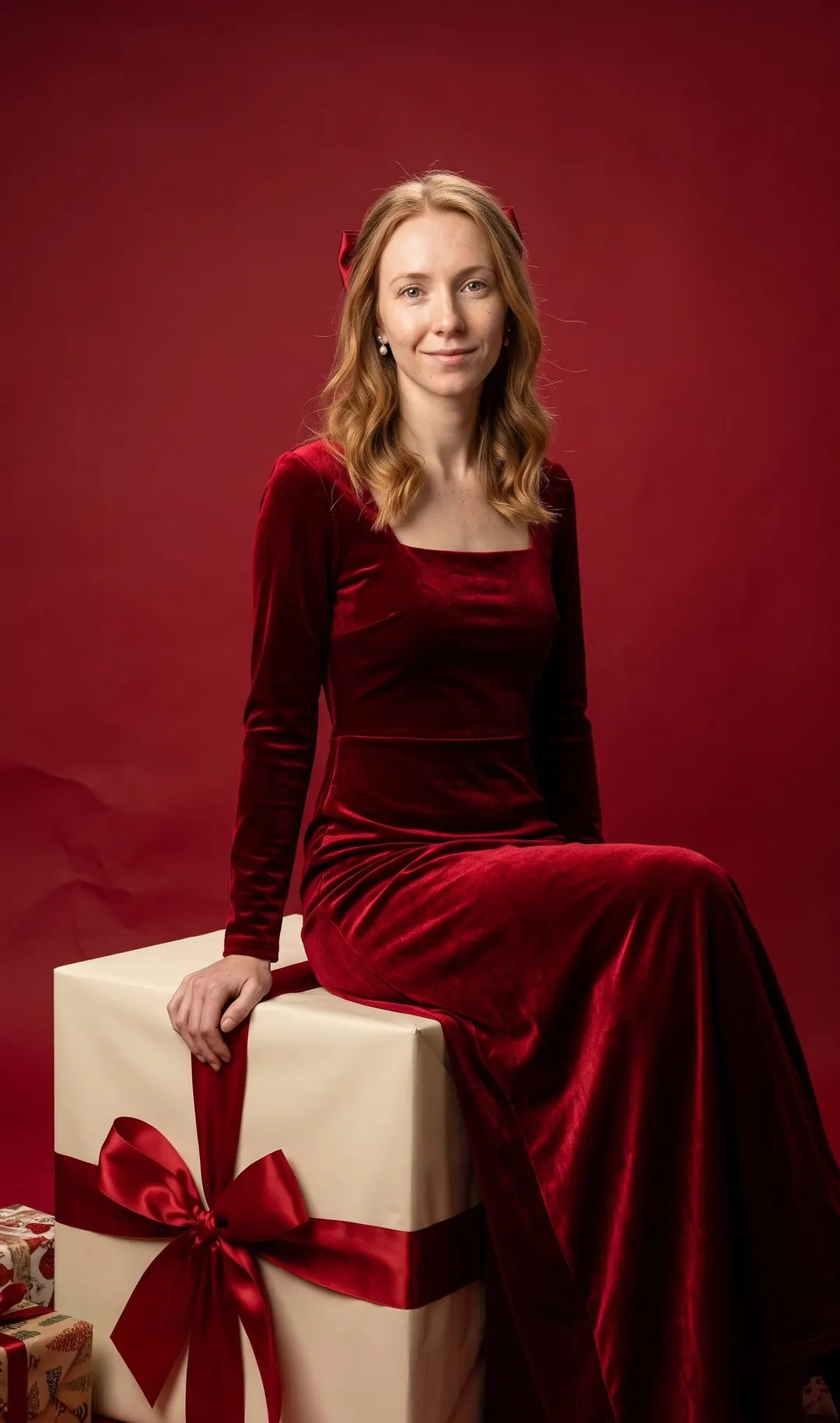
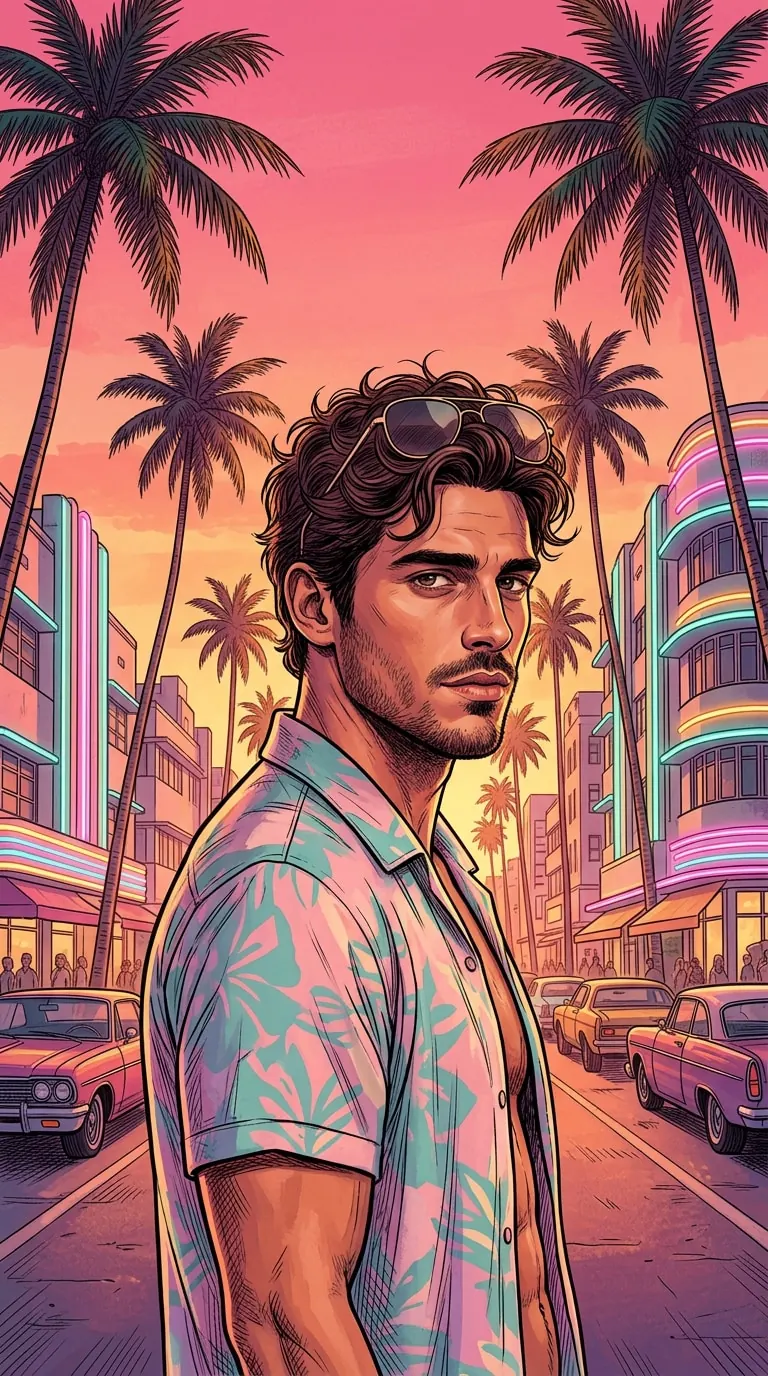
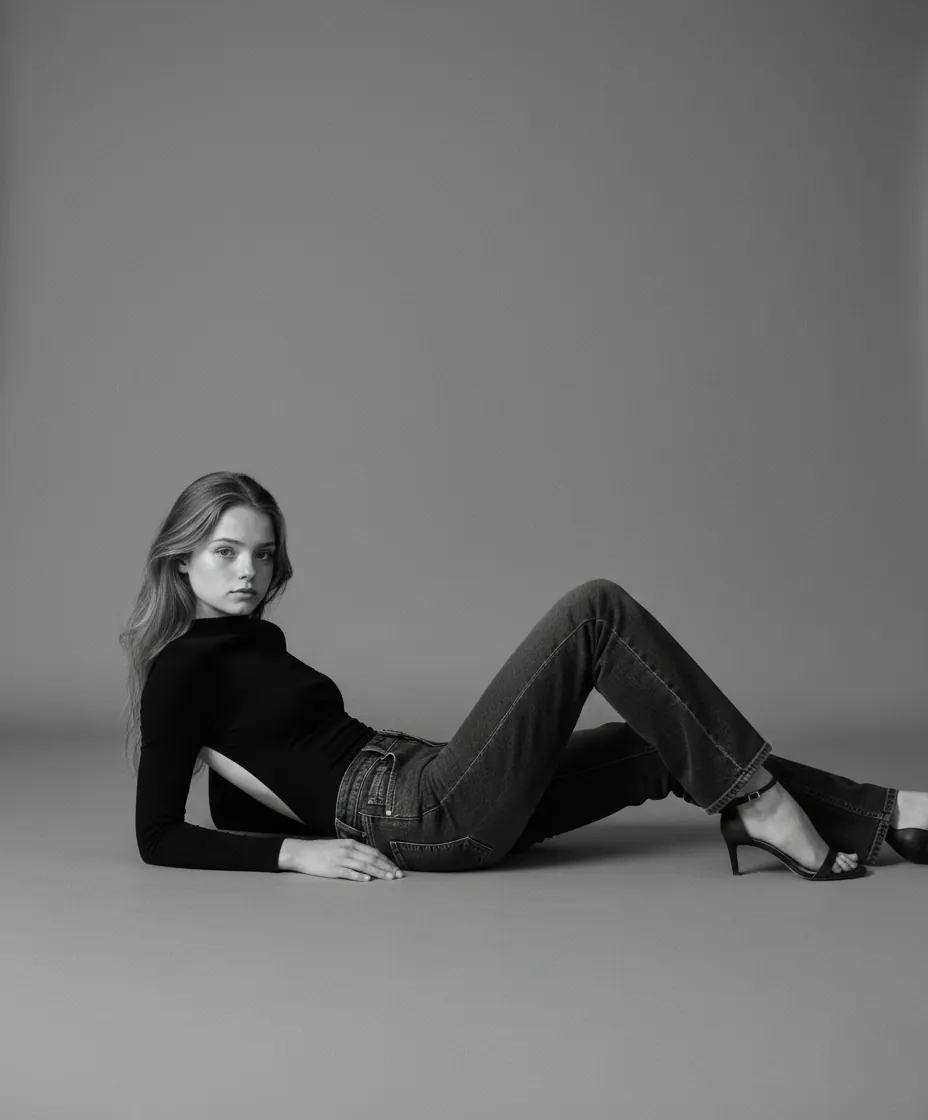
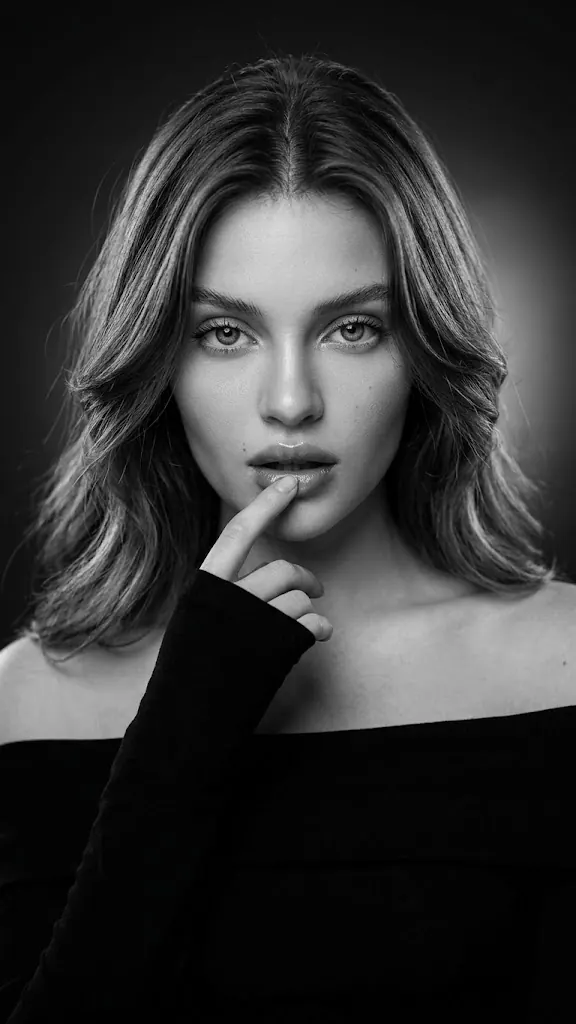
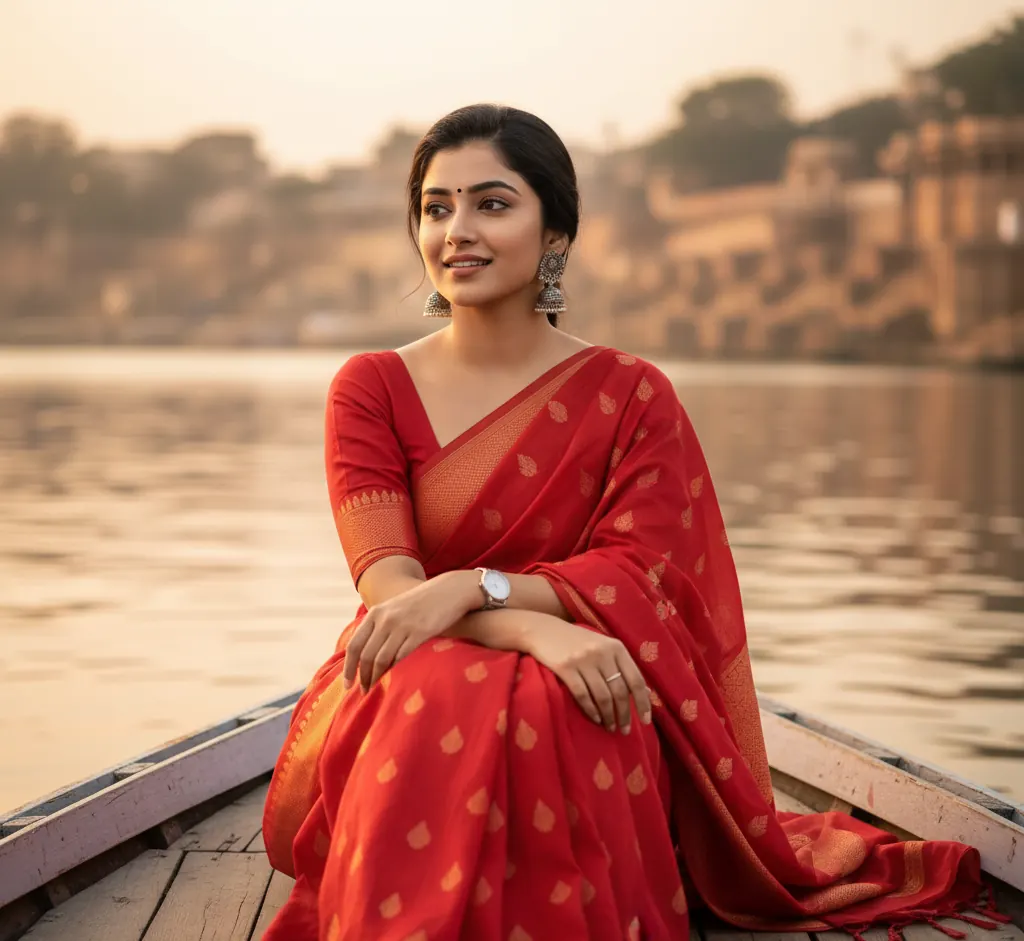
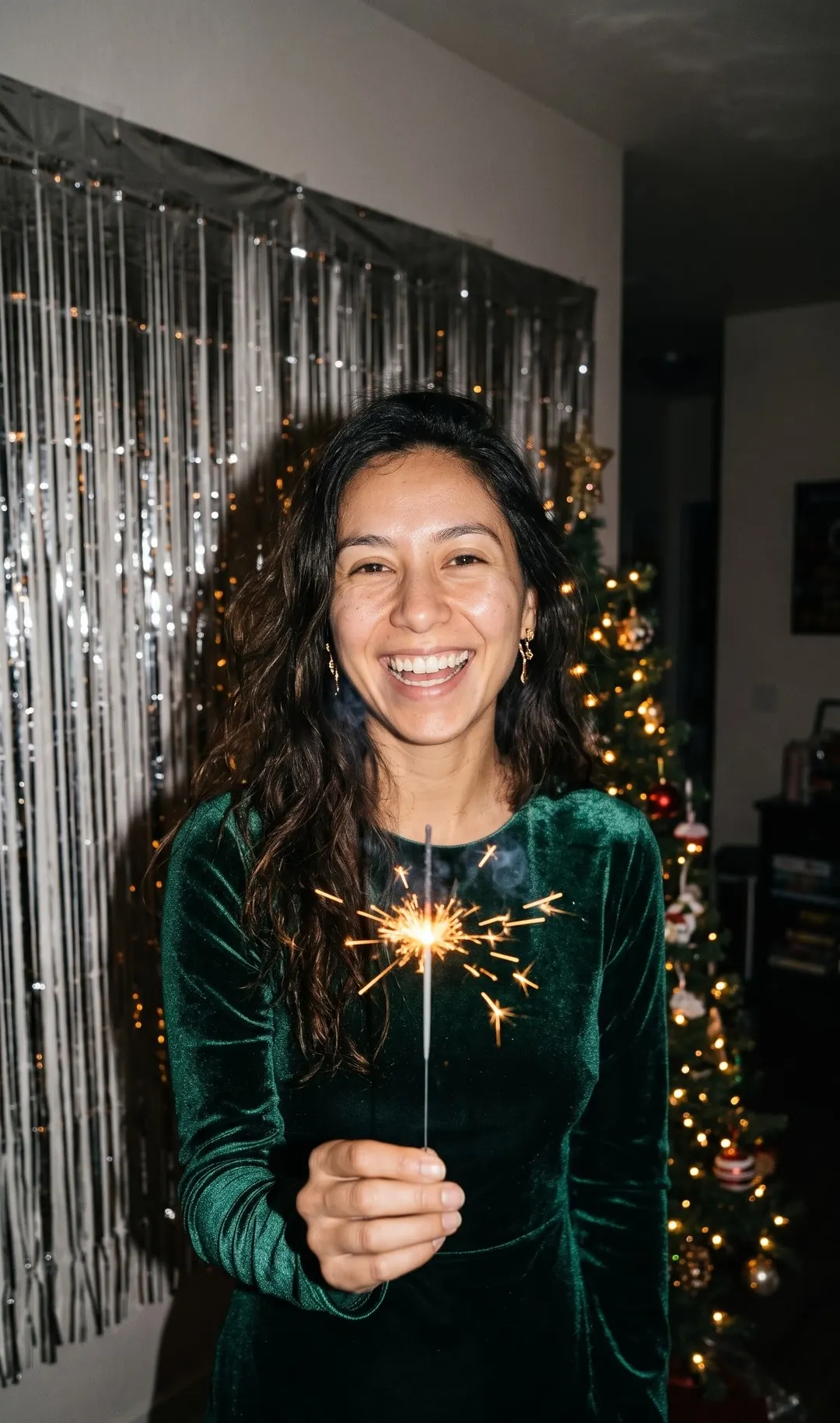
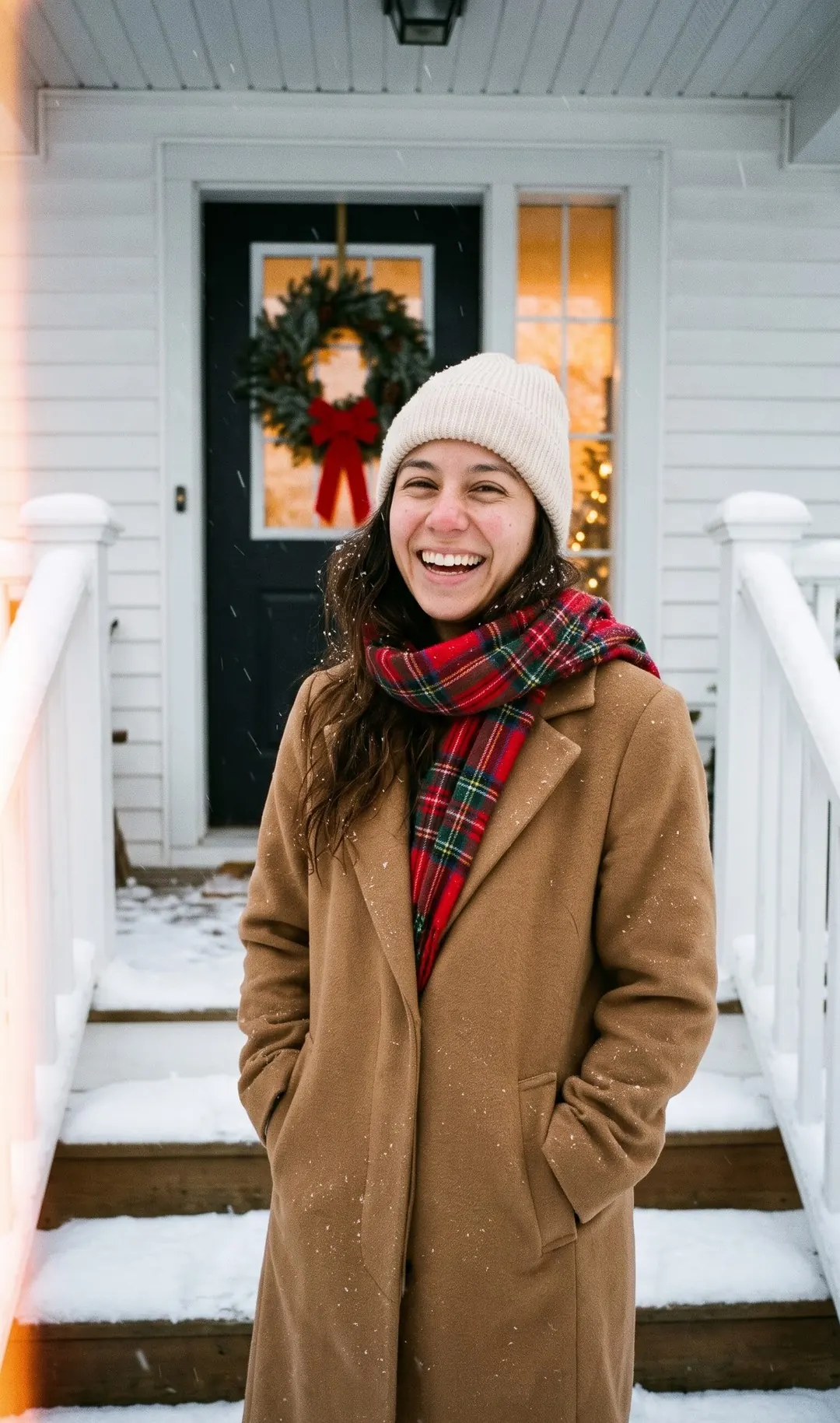
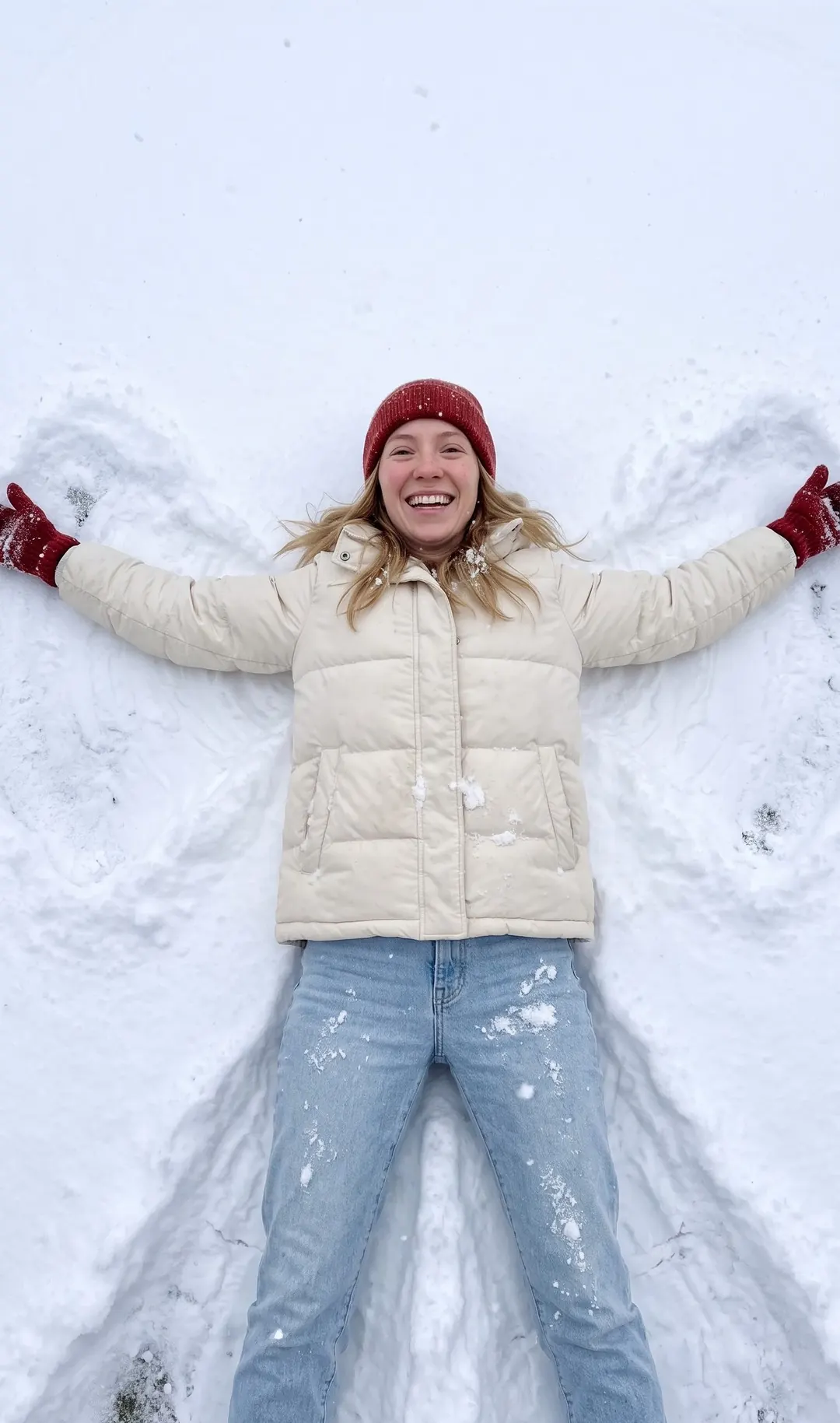
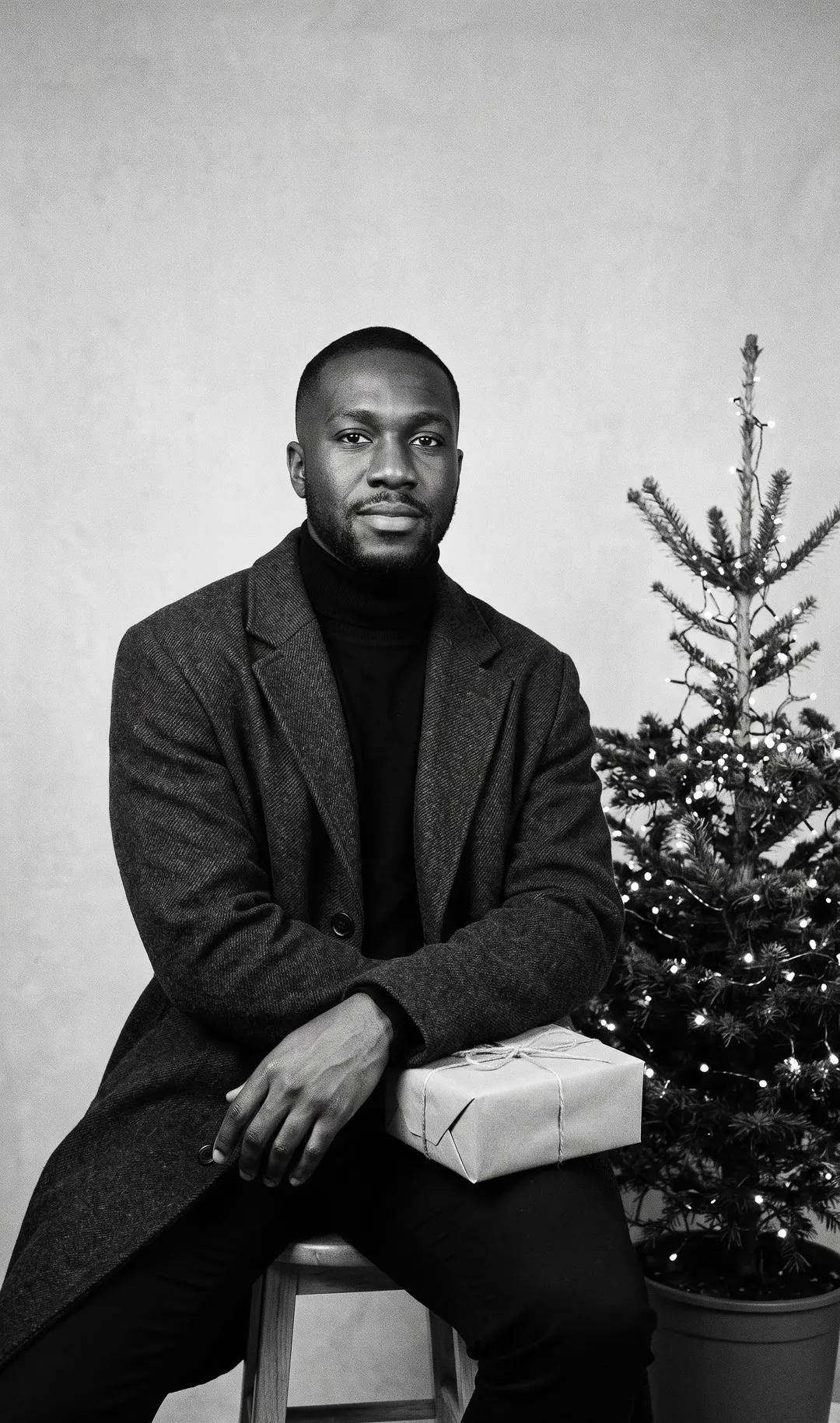
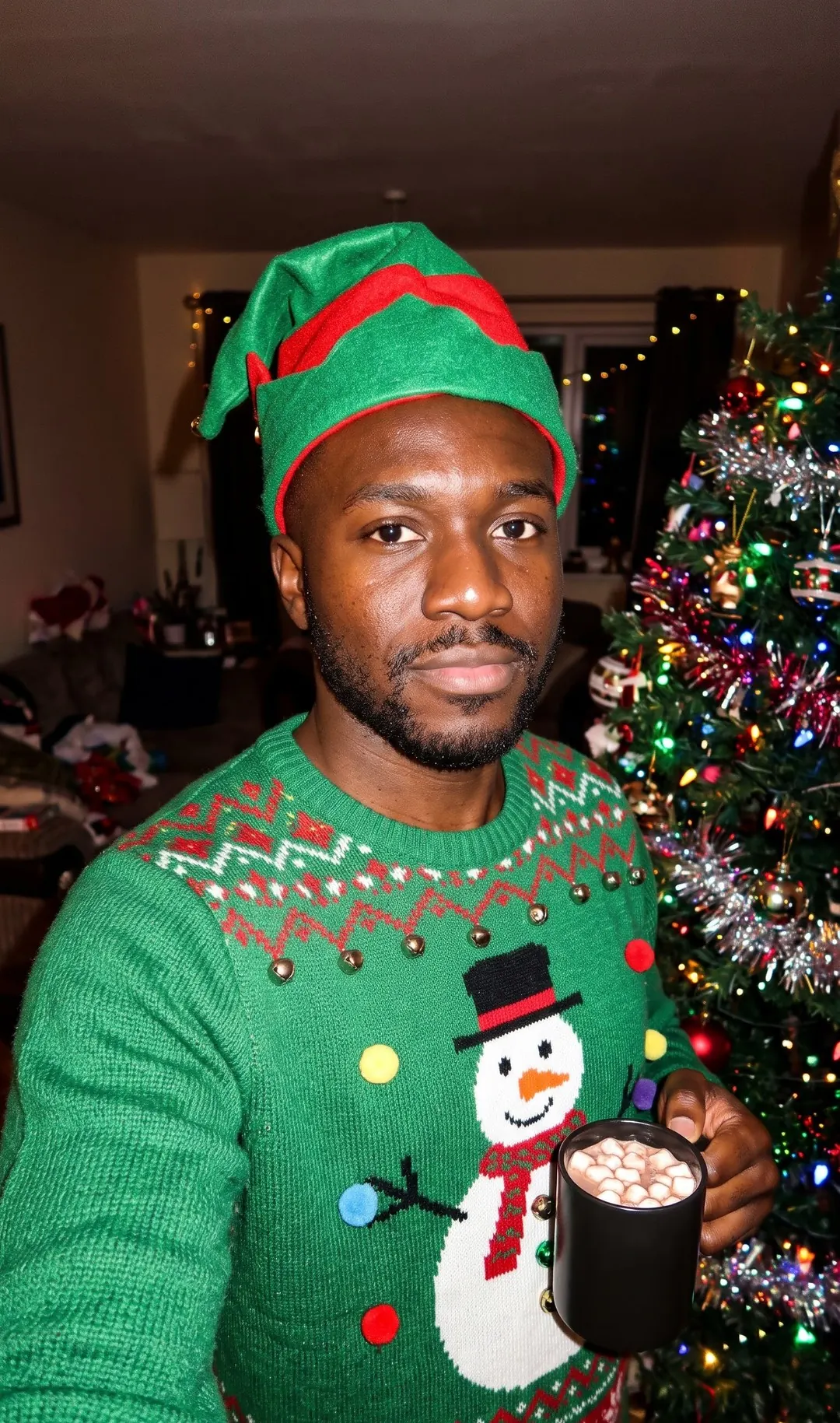
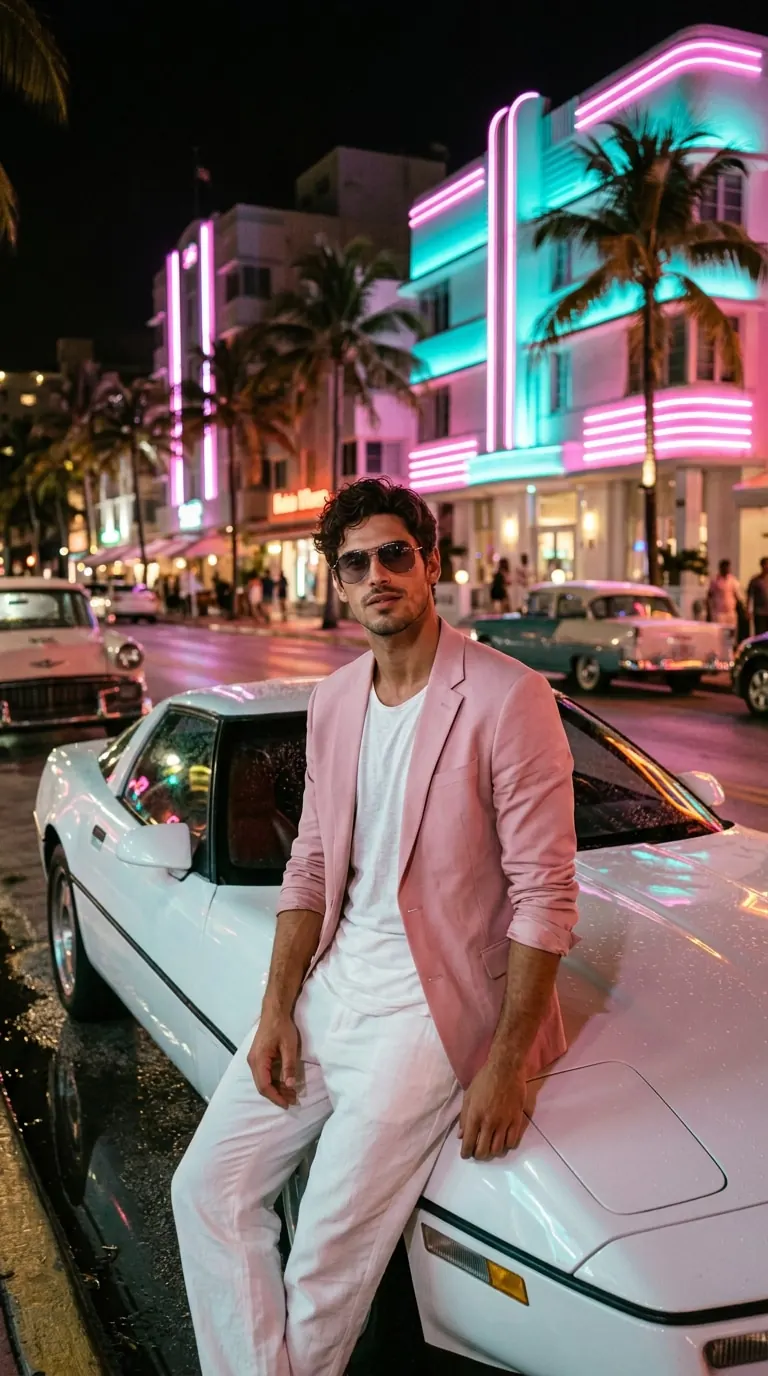
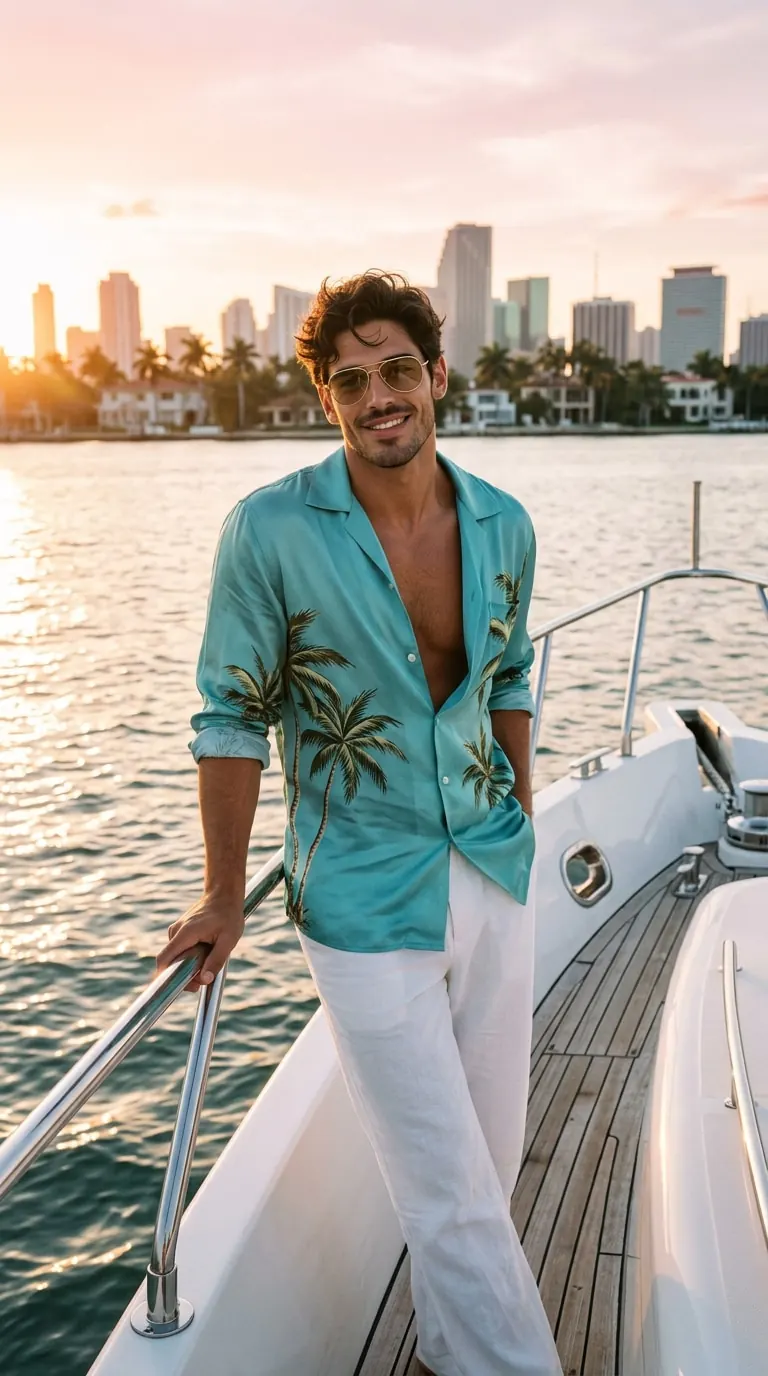
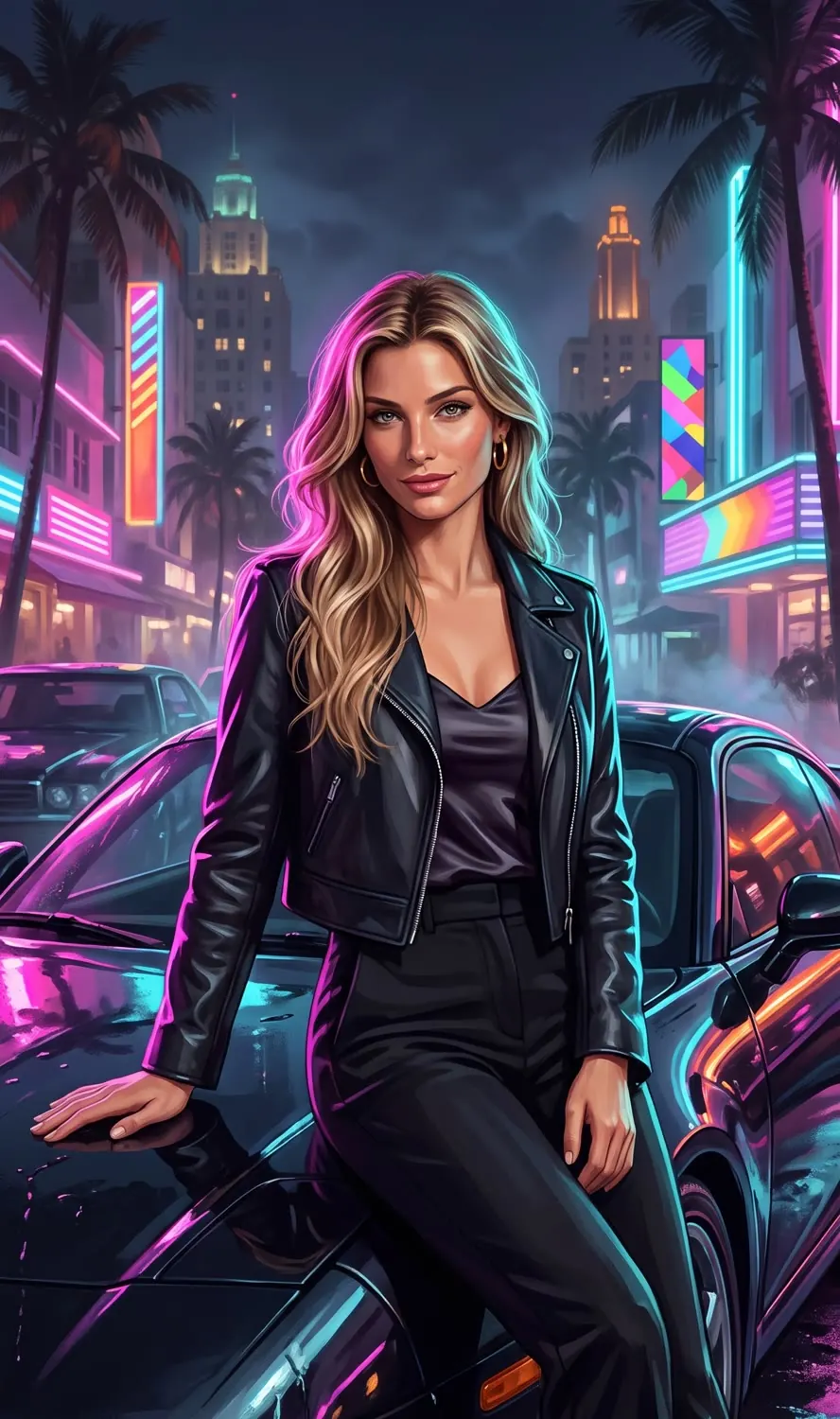
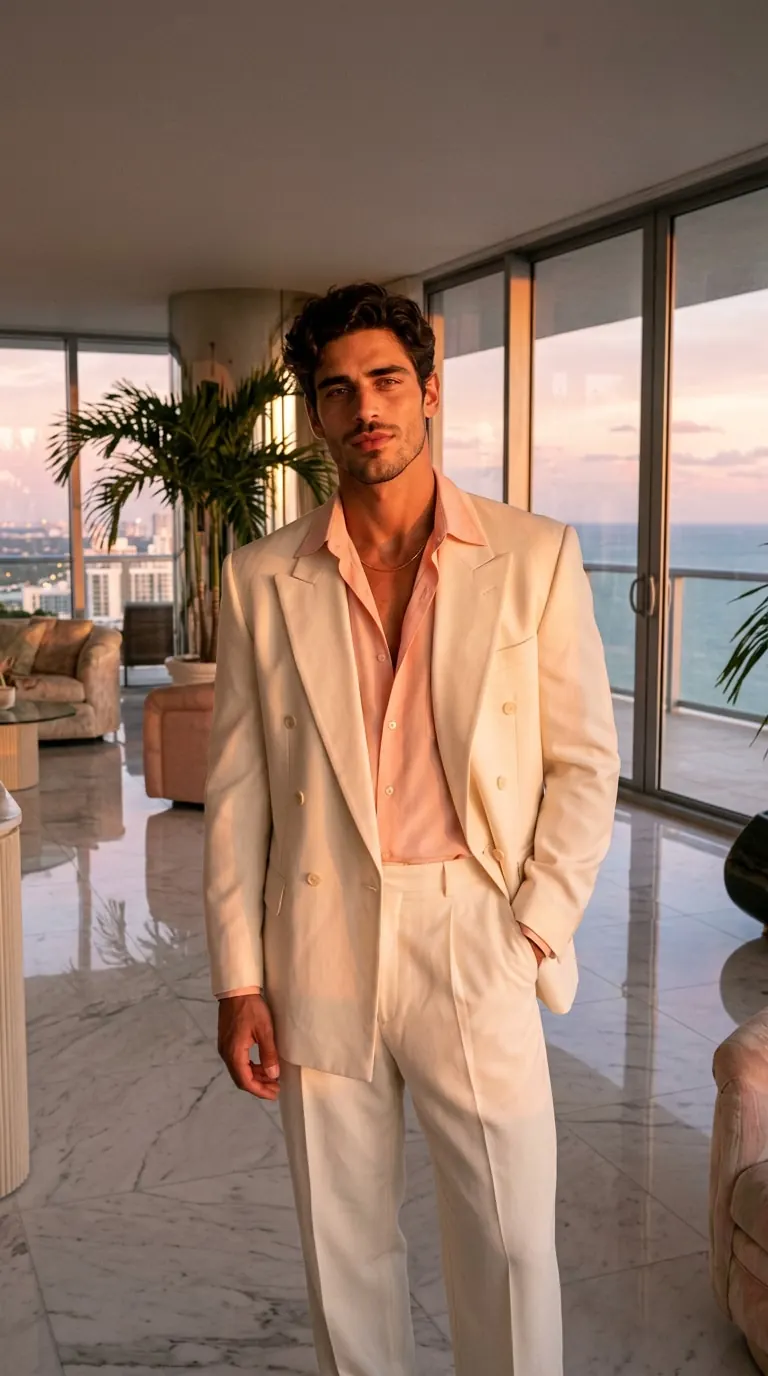
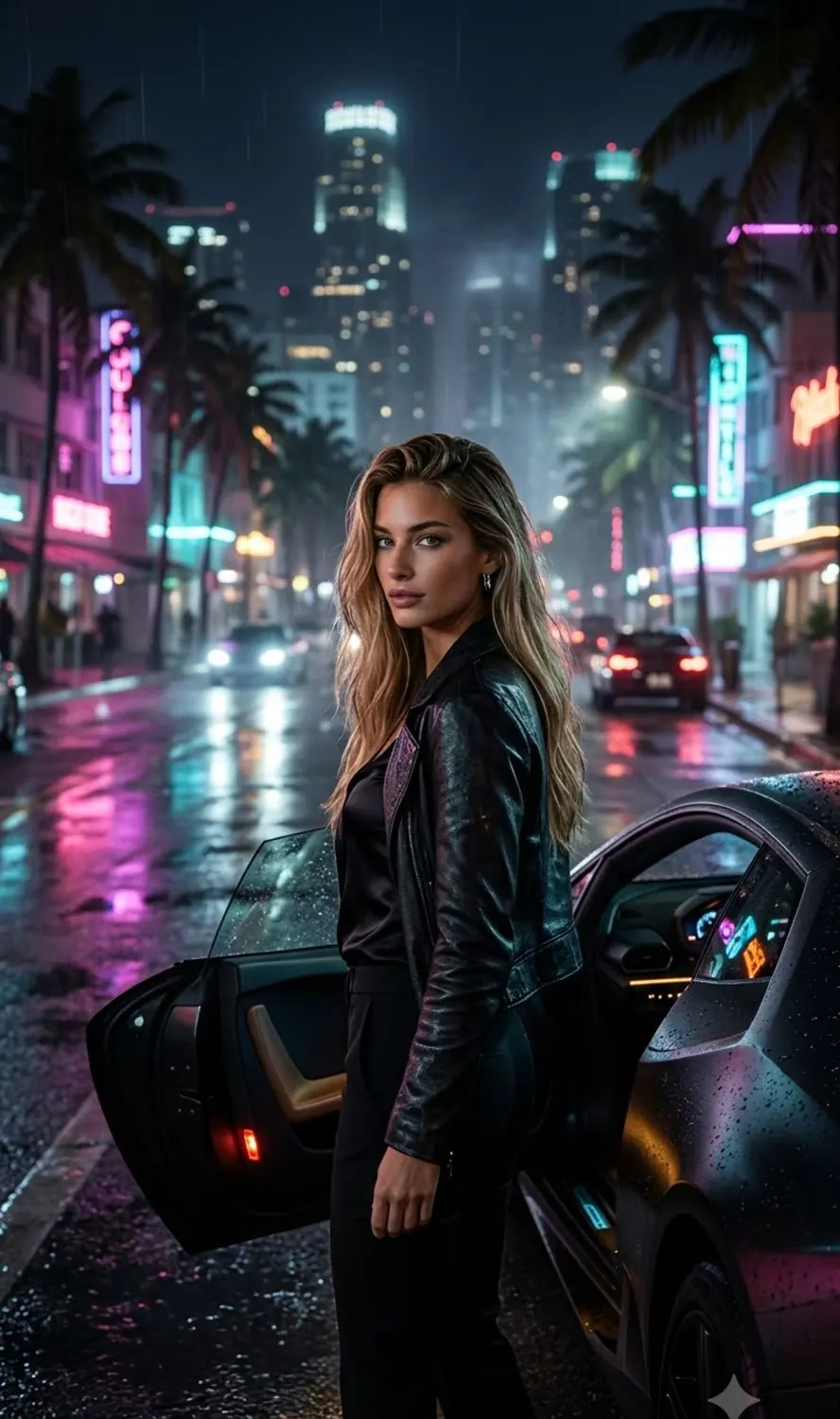
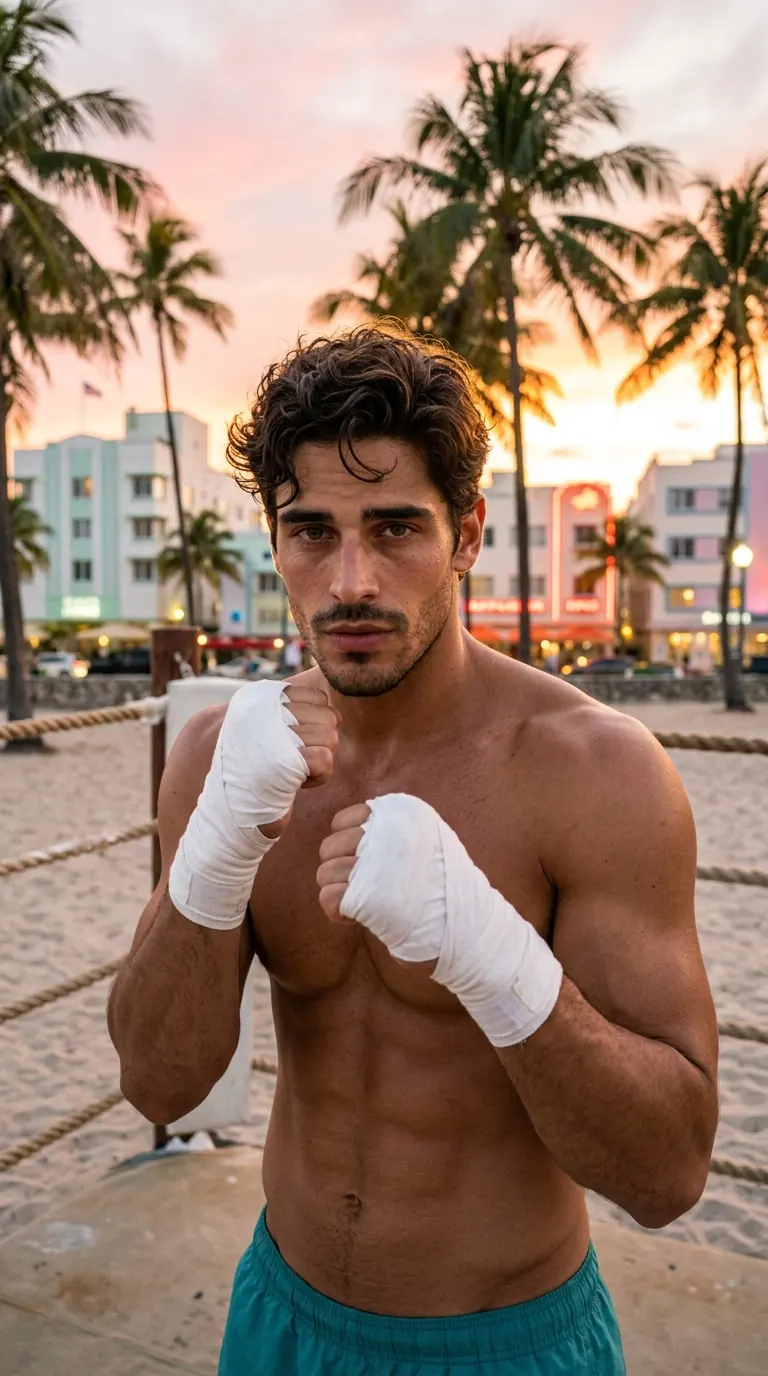
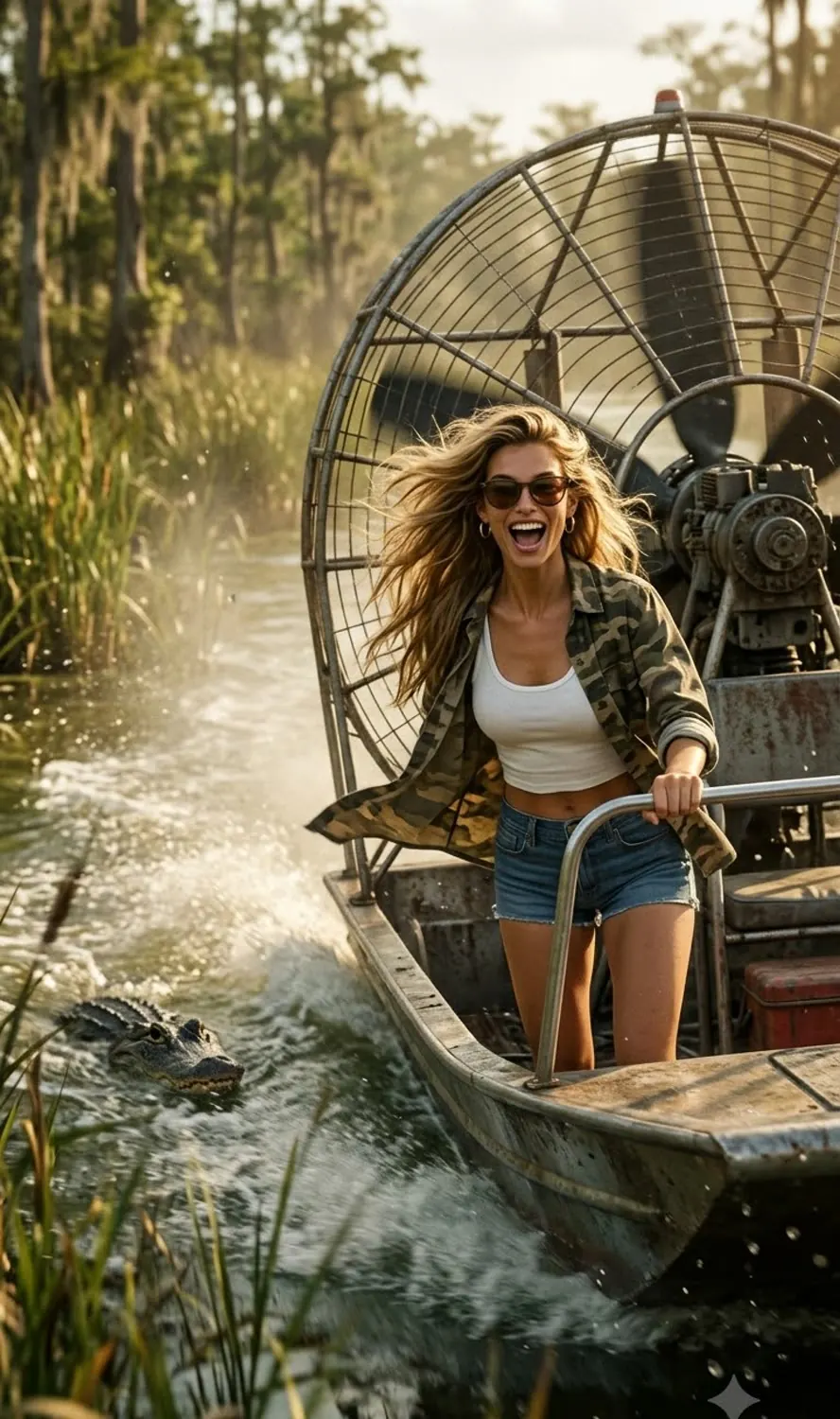
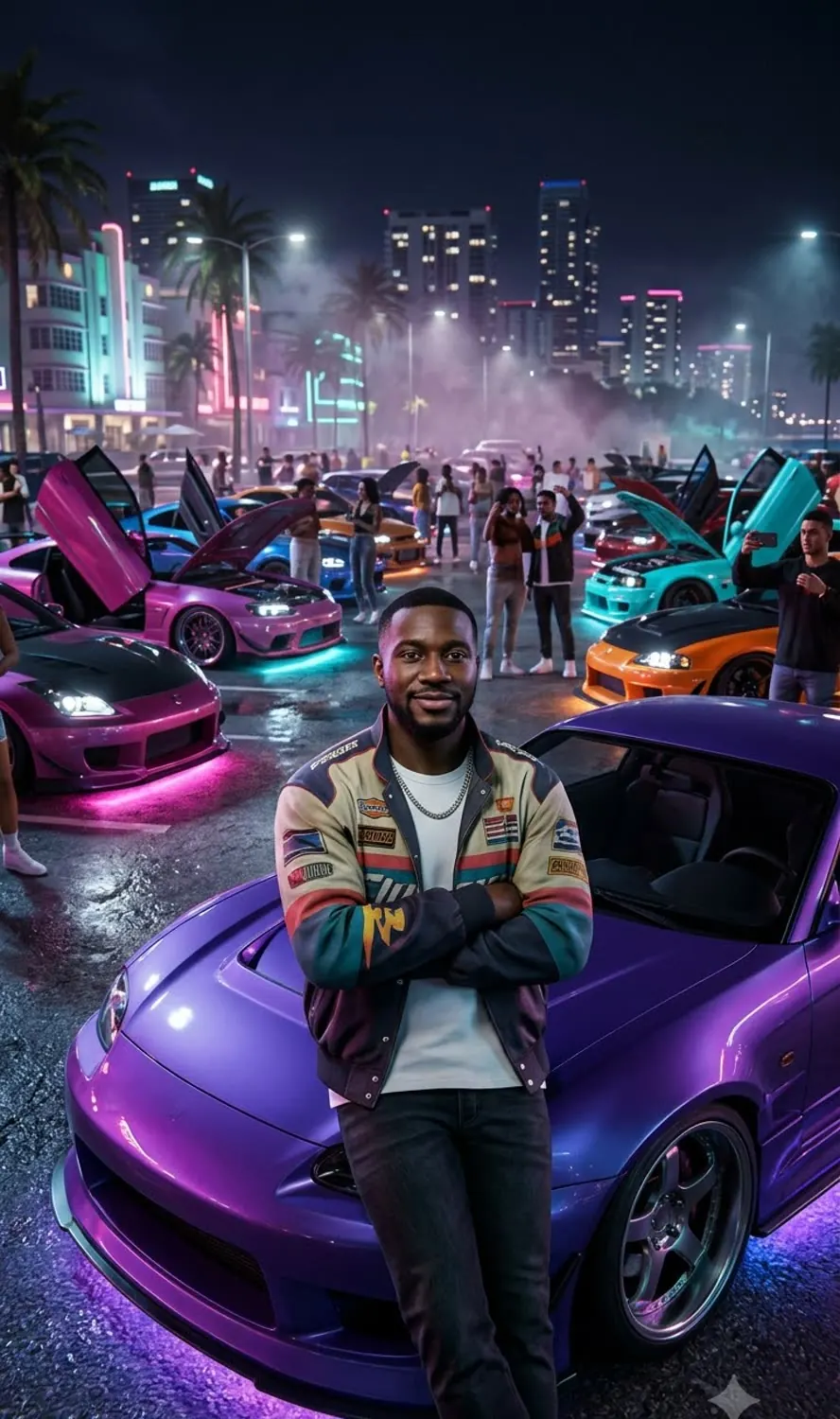
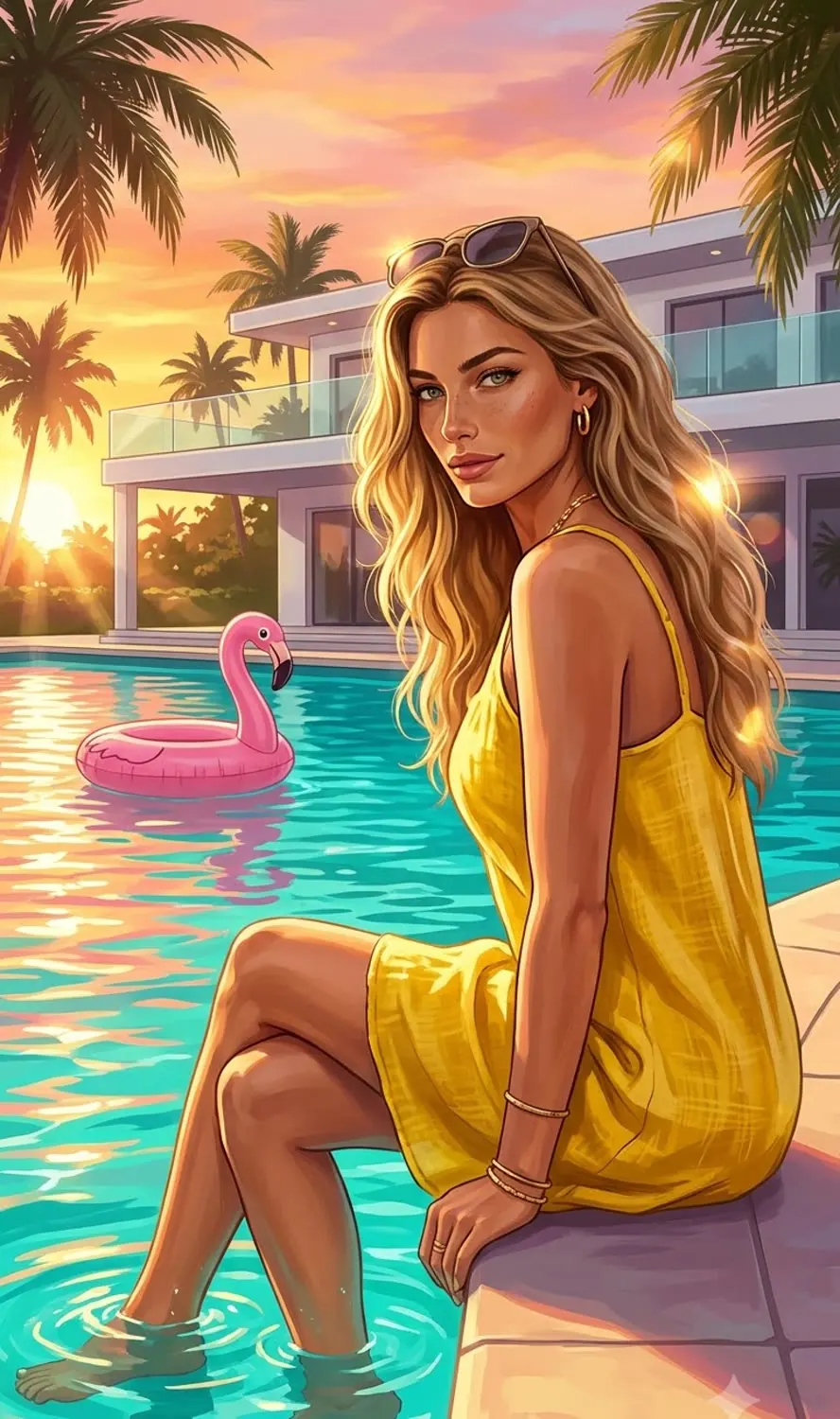
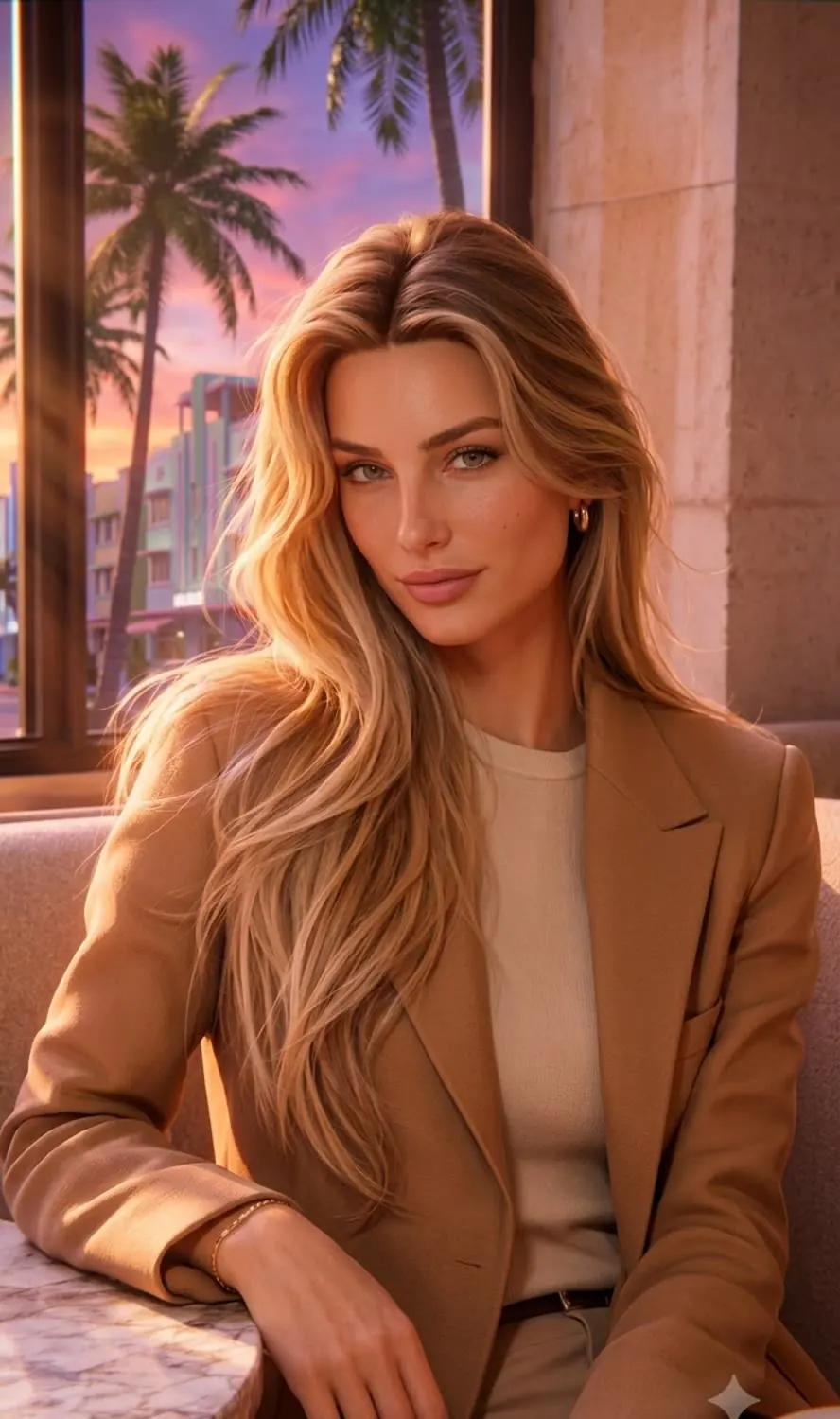
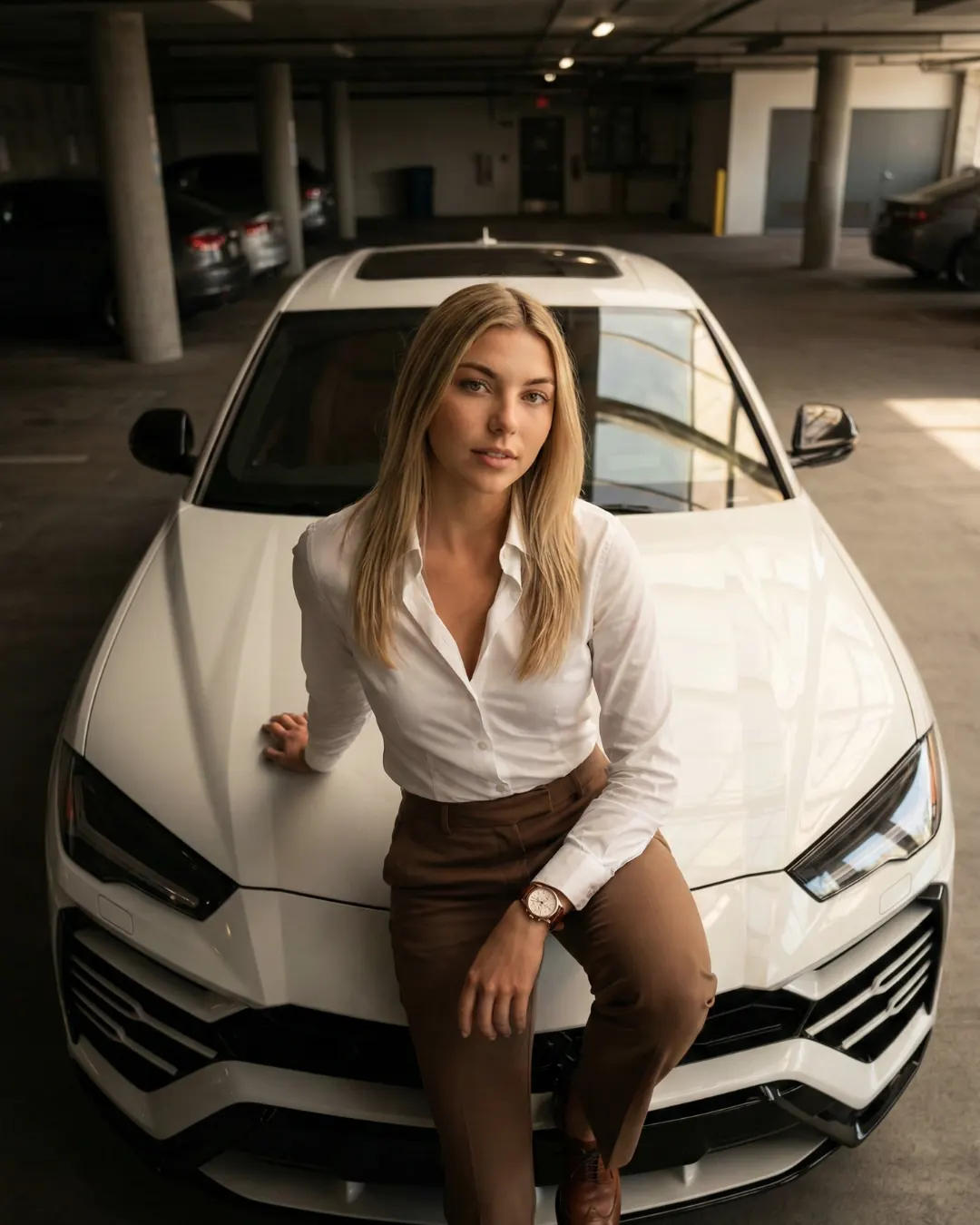
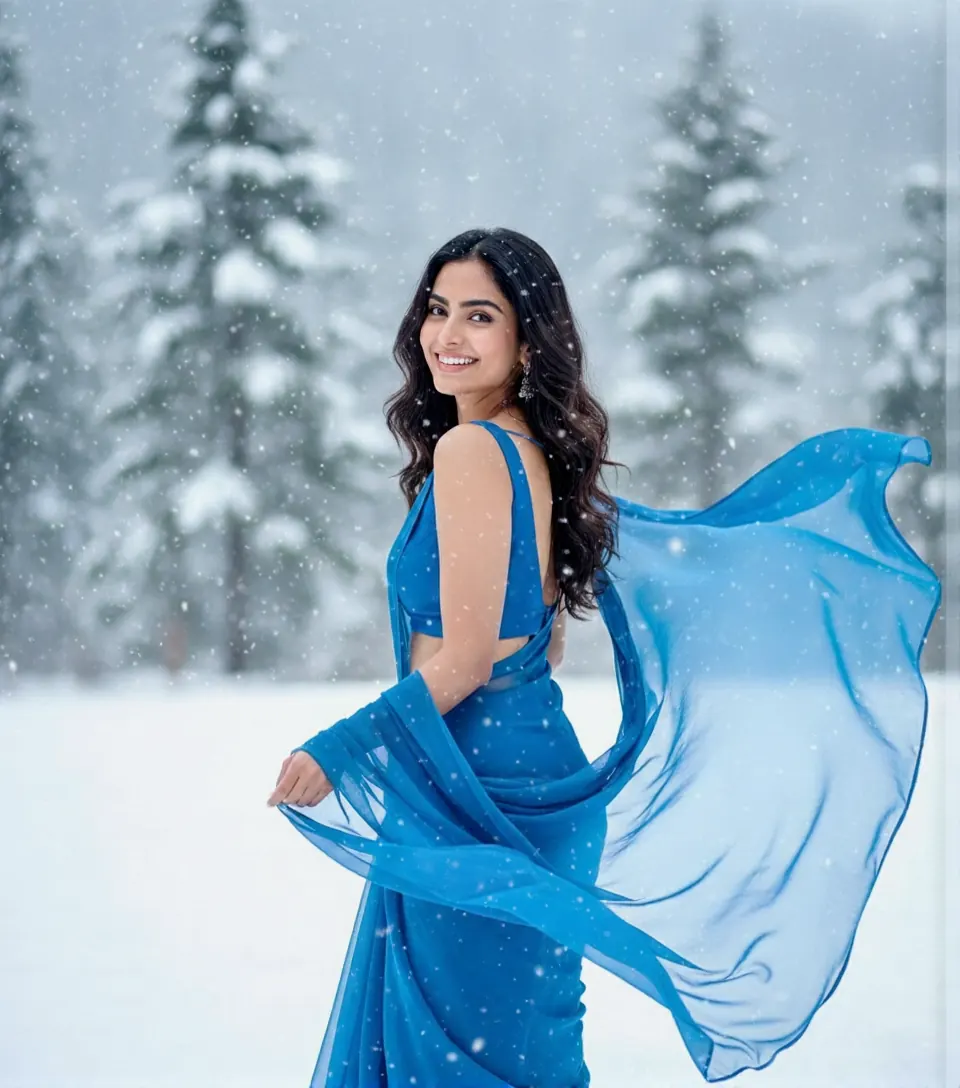
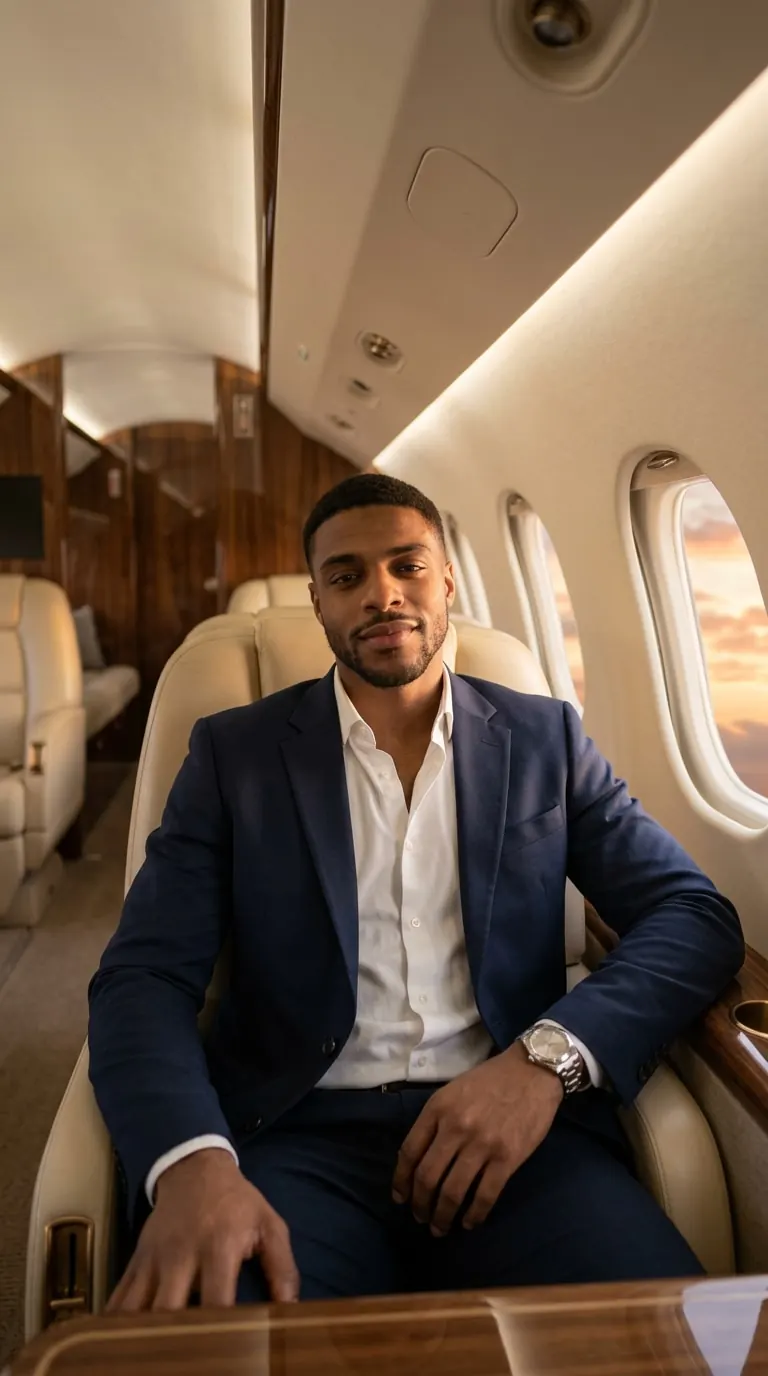
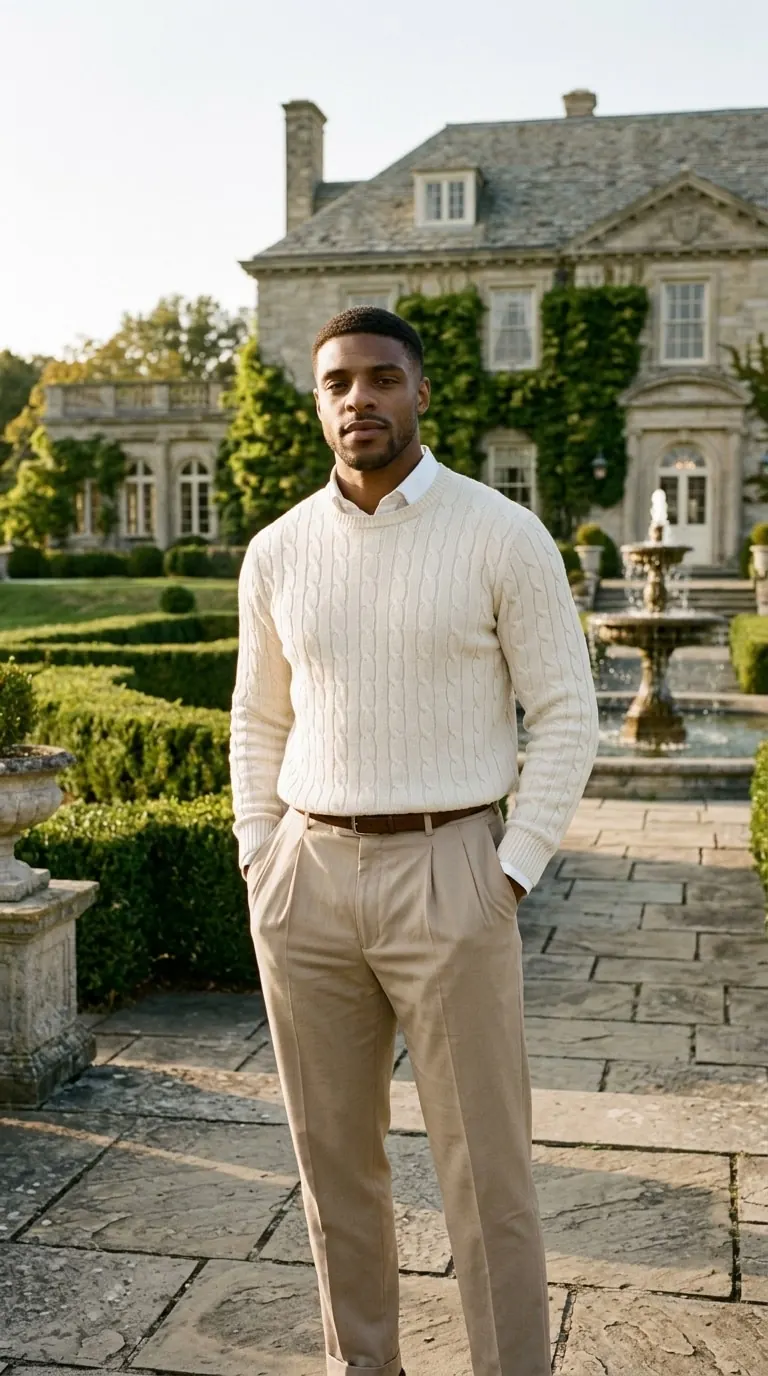
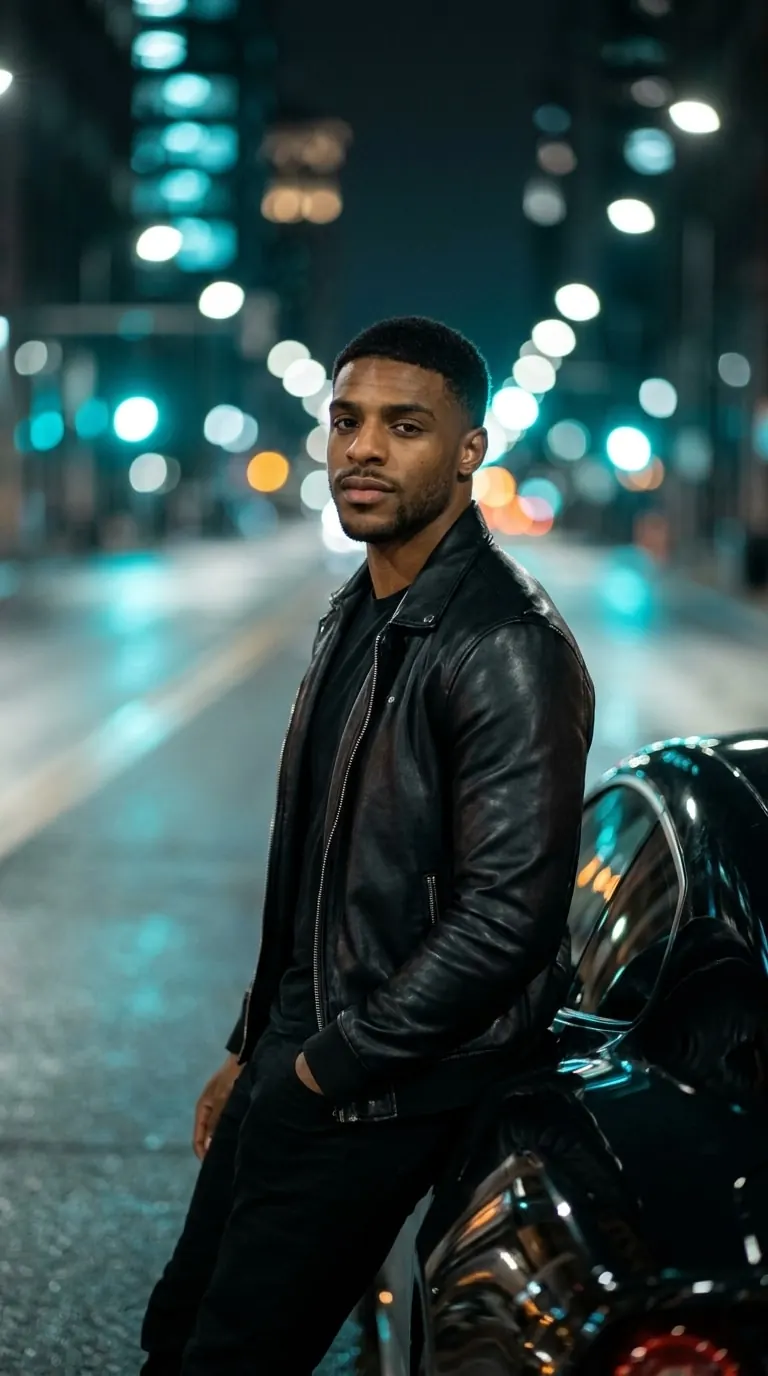
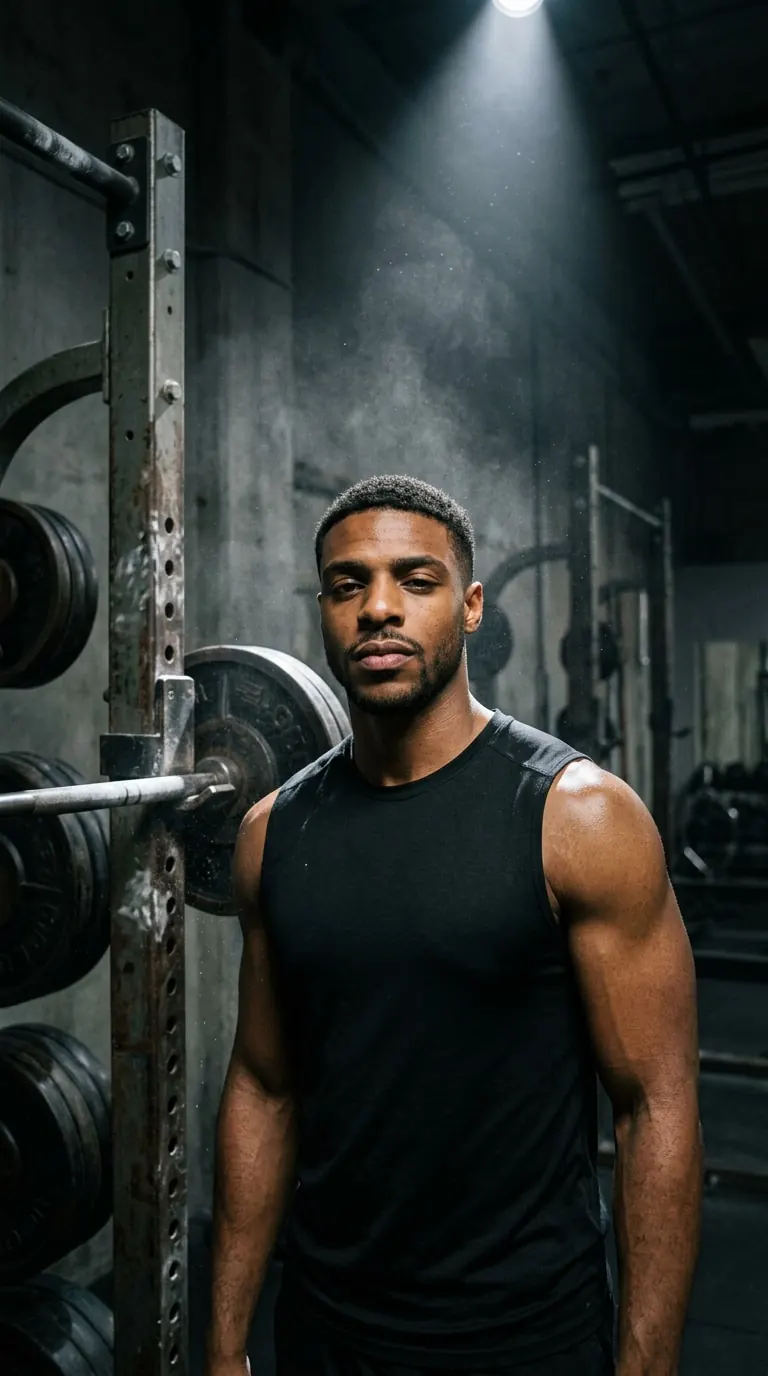
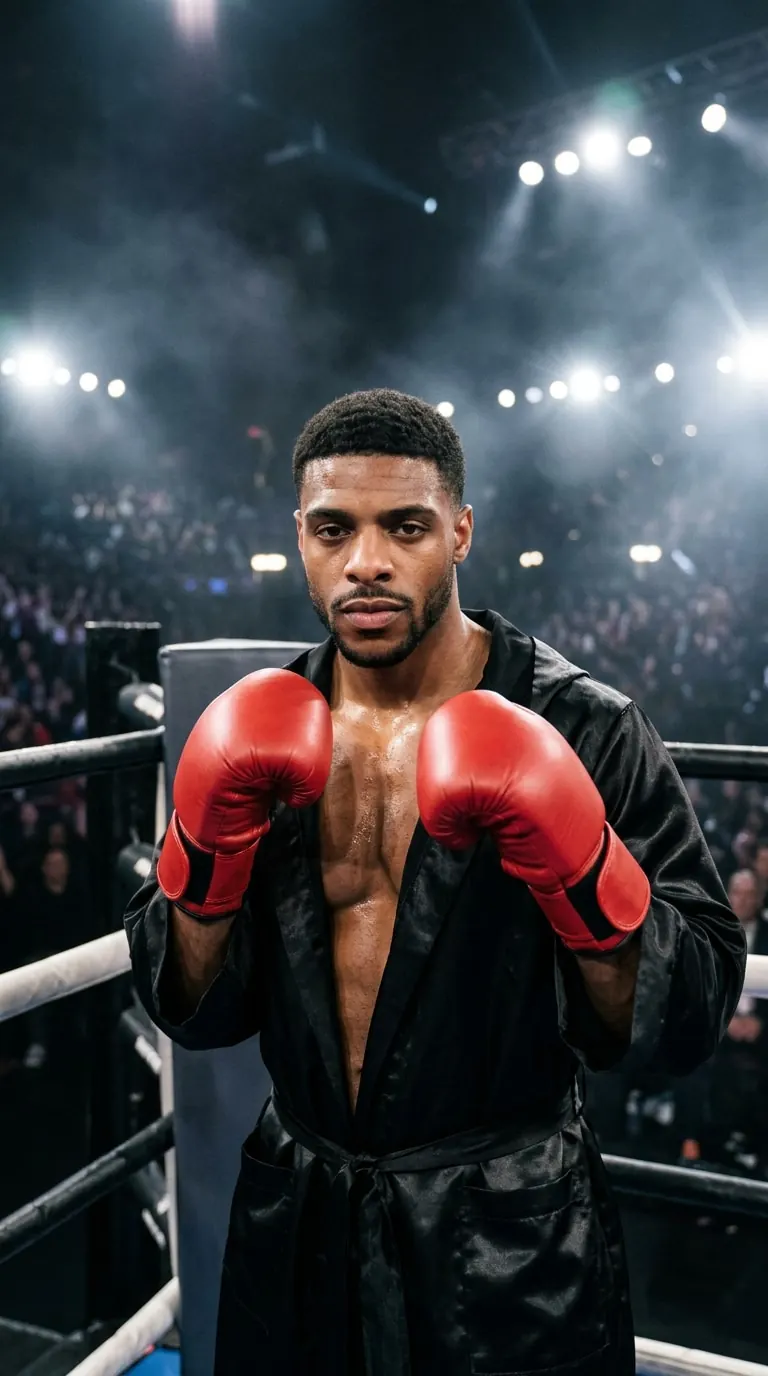
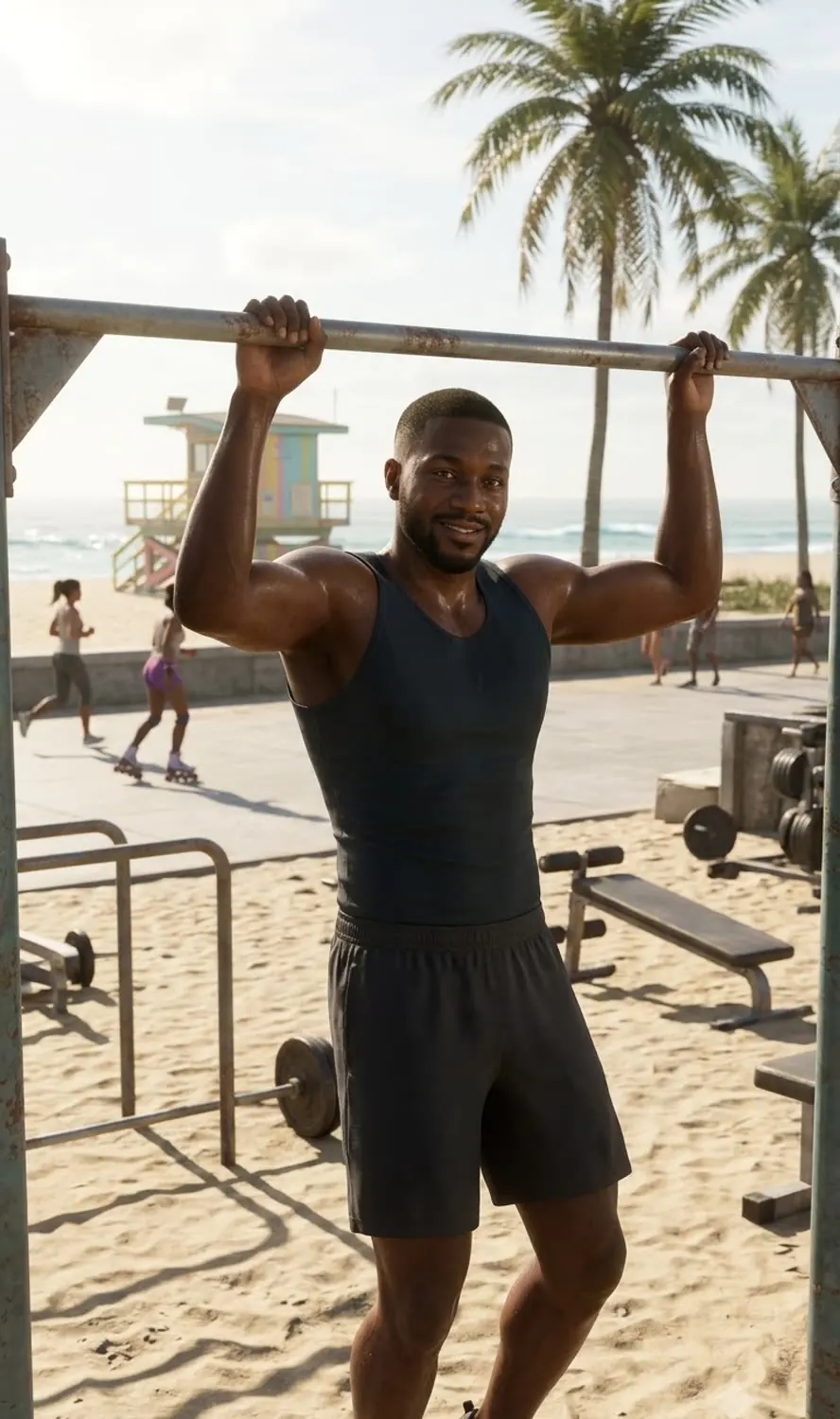
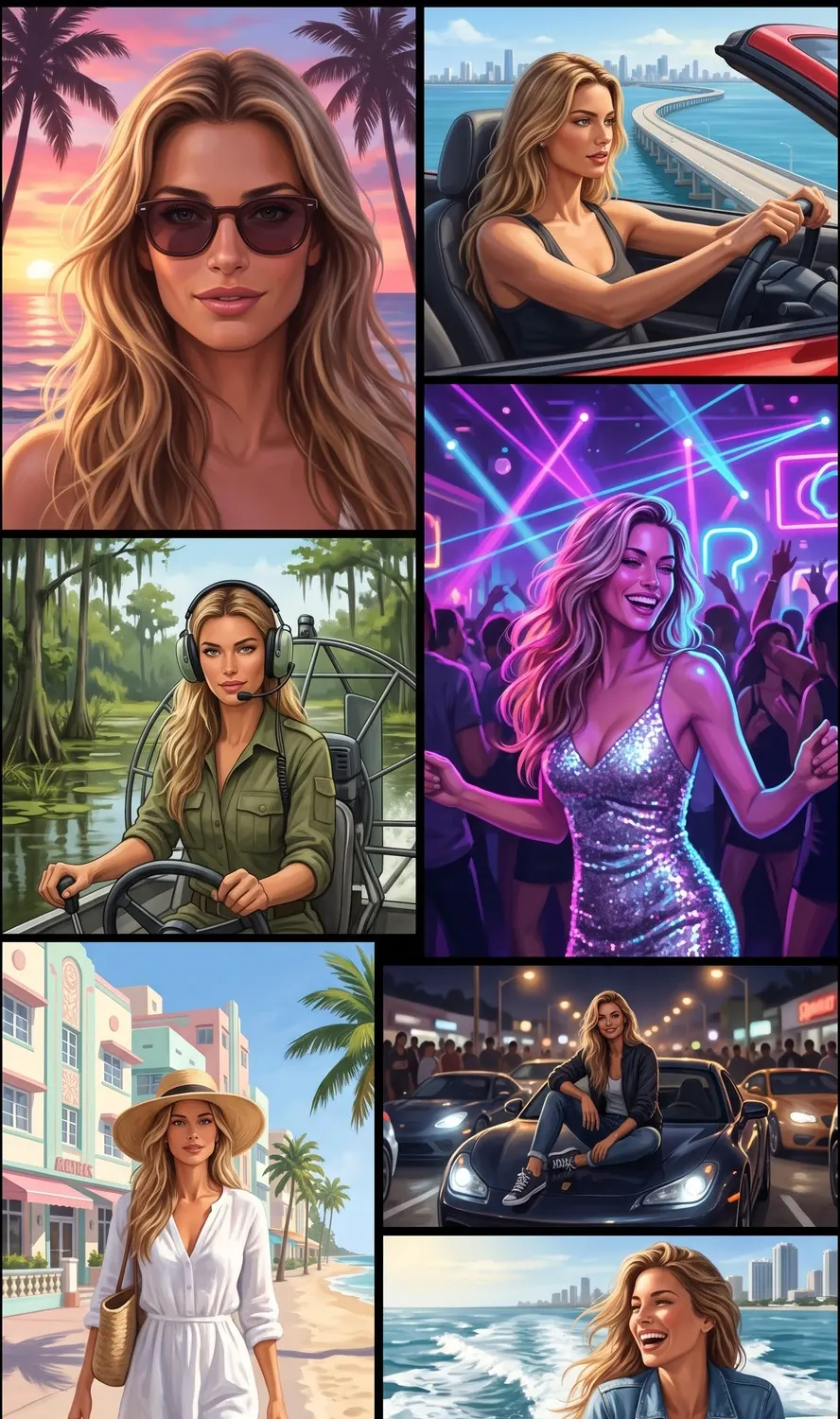
A mix of styles, all from one selfie

What an AI photo generator does

"AI photo generator" covers two quite different tools. A text to image generator starts from nothing: you type a description and it invents a picture, including the person in it. A photo to photo generator starts from a picture you upload and changes it. When people search for an AI photo generator from an image, or want AI pictures of themselves, they need the second kind, because a text only tool cannot know what you look like.

Rizz AI Photo is a photo to photo generator built for one job: putting you into a new photo. You upload a selfie, choose a style such as a studio portrait, a ski chalet, a wedding look or a 1980s diner, and the app returns a finished photo with your face, hair and skin tone kept. Each style is a tested prompt written for that look, so you pick from covers instead of writing anything.

  • You start with

    Text to image
    A written description
    Photo to photo (Rizz AI Photo)
    A photo of yourself
  • Who is in the result

    Text to image
    A person the model invents
    Photo to photo (Rizz AI Photo)
    You
  • Best for

    Text to image
    Illustrations, ideas, scenes without you
    Photo to photo (Rizz AI Photo)
    Profile pictures, photoshoots, seasonal and trend photos of you
  • Effort

    Text to image
    Writing and rewriting prompts
    Photo to photo (Rizz AI Photo)
    Pick a style, tap Generate

How selfie to photo generation works

Under the hood, a selfie to photo generator is an image editing model that reads two things at once: your photo and a set of instructions. In Rizz AI Photo those instructions are the style you tapped. The model uses Google's Gemini image technology (the Nano Banana family) and goes roughly like this:

  1. It reads your photo. The model picks up what makes you recognisable: face shape, features, hairline, skin tone and expression.
  2. It reads the style. Each style describes the outfit, the place, the light, the pose, the lens and the mood, plus a firm instruction to keep the person the same.
  3. It builds a new image. Instead of pasting your face onto a template, it draws the whole scene again with you in it, so light and shadow fall on your face the way they would in that place.
  4. It sends the result back. The finished photo comes back to your phone in about 20 seconds, ready to save or share.

Because the whole picture is drawn again, the quality of the result depends heavily on the photo you start with. A blurry or dark selfie gives the model less to keep, so it fills the gaps with guesses, and guesses are where "that doesn't look like me" comes from.

No AI photo generator copies your face perfectly every time. If a result is close but not quite you, generate it again, or start from a sharper photo. Our guide to AI photos that look like you goes deeper.

Every Rizz AI Photo generator, by theme

Each page below covers one family of looks in depth, with every style in that section, tips for the best input photo and free prompts. Start with the theme that matches what you want to post.

Start here

Seasonal and occasions

Portraits and headshots

Fashion, aesthetics and lifestyle

Retro

Culture and weddings

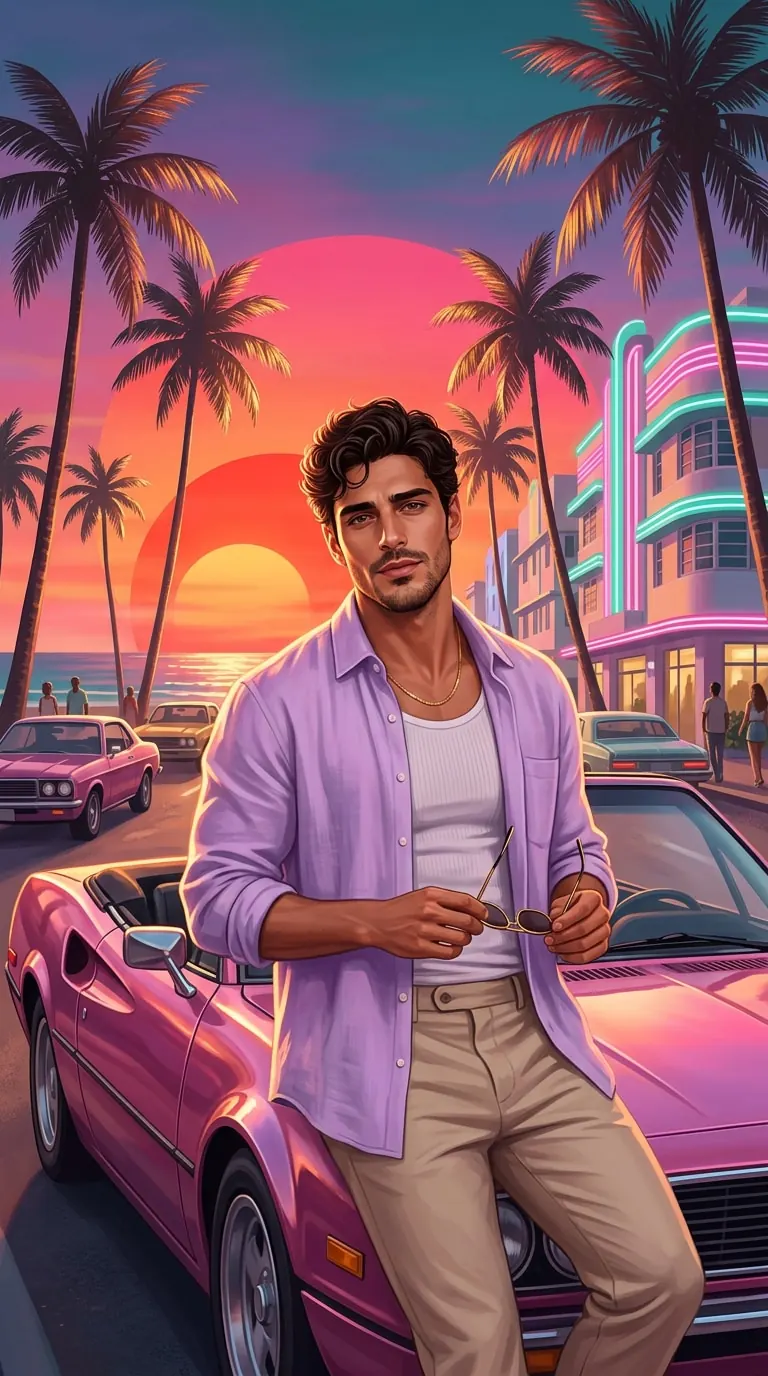
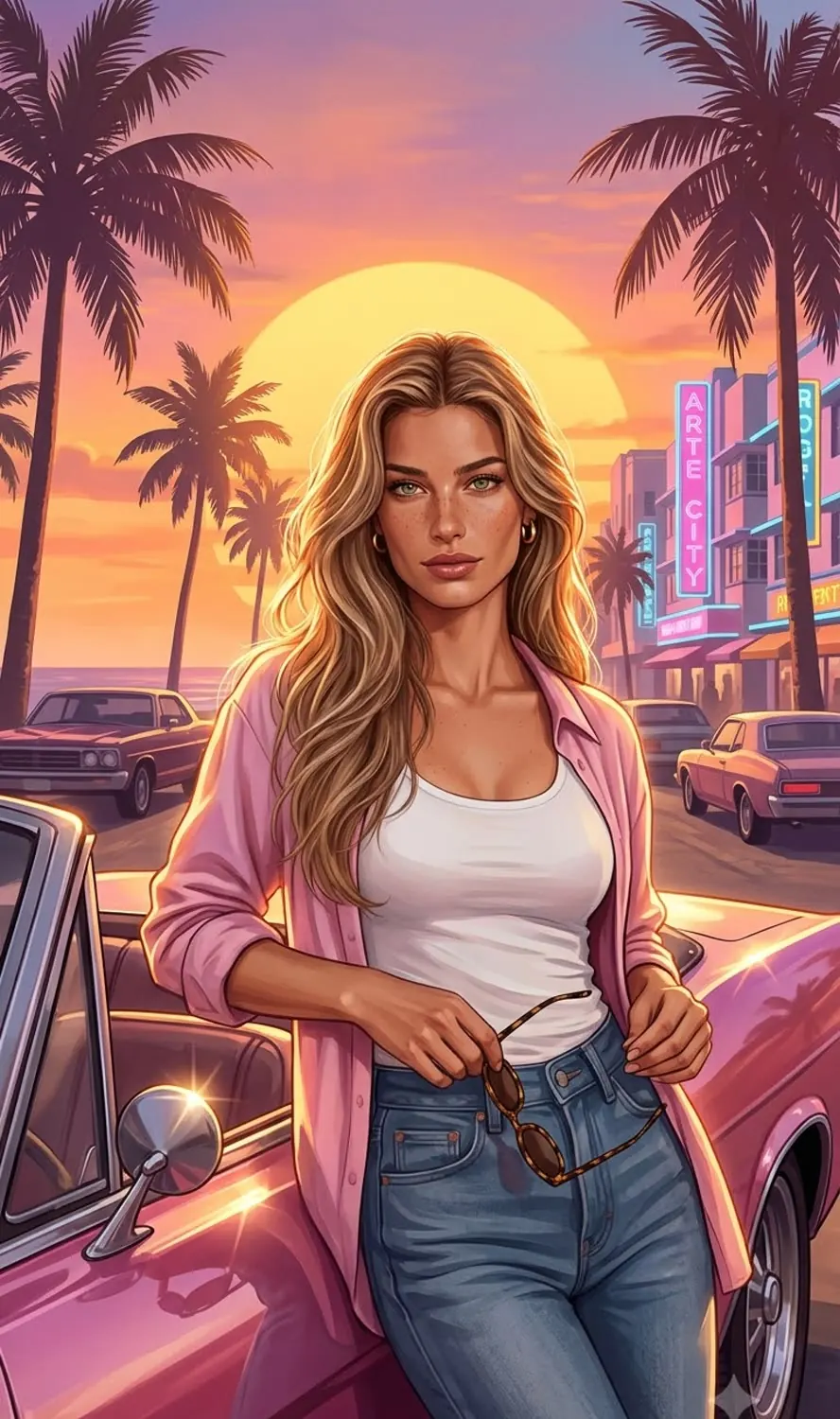
GTA style and game looks

The Open World Miami styles are fan made and inspired by the look of GTA 6. They use no official art, logos or characters, and Rizz AI Photo is not affiliated with Rockstar Games.

Photo fixes

  • AI photo enhancer: fix blurry, shaky and dark portraits, with honest notes on what AI can and cannot fix.
  • AI digicam filter: turn any photo into a 2000s digital camera flash shot.
One selfie, every look. Pick any style in Rizz AI Photo and get your photo in about 20 seconds.Try free

What makes a good input photo

The single biggest factor in how much a result looks like you is the photo you upload. You do not need a professional camera. A recent phone selfie that follows these rules beats an old, filtered favourite every time.

  • Just you. One person in the frame. Crop friends out before you upload.
  • Face fully visible. No sunglasses, masks, hands or hair covering the eyes. The style adds accessories where they belong.
  • Soft, even light. Face a window in daylight. Harsh overhead light and coloured club lighting change your skin tone.
  • Sharp, not zoomed. Hold the phone at arm's length or have someone take it. A screenshot of a screenshot loses detail.
  • Eye level. Phones held low or high distort the jaw and nose, and the model copies that distortion.
  • No beauty filter. Smoothing filters remove the skin texture that makes a result look real.
  • Your real hair and grooming. Styles keep your hairline and beard, so start with the version of you that you want to see.
  • Waist up or closer. A full length photo from far away leaves too few pixels on your face.
  • Doesn't look like me

    Likely cause
    Dark, blurry or far away photo
    Fix
    Use a sharp daylight selfie, face filling more of the frame
  • Skin tone is off

    Likely cause
    Coloured or very warm indoor light
    Fix
    Retake by a window, no filter
  • Wrong hair or beard

    Likely cause
    Hat, hood or hair over the face
    Fix
    Show your hairline clearly
  • Odd face shape

    Likely cause
    Low or high camera angle, wide lens up close
    Fix
    Hold the phone at eye level, arm's length
  • Looks plastic

    Likely cause
    Beauty filter on the original
    Fix
    Upload the unfiltered photo

How to use the AI photo generator

  1. 1Download Rizz AI PhotoInstall Rizz AI Photo from the App Store or Google Play and sign in with Apple or Google.
  2. 2Browse the stylesHome is grouped into sections such as Photoshoot, Professional Headshots, Christmas 2026 and Vintage Aura. Each cover shows the finished look.
  3. 3Pick a styleChoose one whose cover is close to the result you want. Covers show who each style was designed around, which tends to give the most natural result.
  4. 4Upload one clear photoA sharp, well lit photo of just you, face fully visible, waist up or closer.
  5. 5GenerateTap Generate. The photo is ready in about 20 seconds and saved to your phone.
  6. 6Build a setRun the same selfie through three or four styles and post them as a carousel, or regenerate one you almost love.

What it costs, honestly

Rizz AI Photo is free to download. Generating an image uses credits, which come with a subscription or a credit pack bought in the app. The current plans and prices are shown in the app before you pay, in your local currency. There is no free credit allowance, so if you only want to try the idea once, the free prompt route below is the cheaper start.

Free routes exist, and they are good. Google's Gemini app edits photos with its Nano Banana image models for free within daily limits, and ChatGPT does the same within its own limits. You write or paste the prompt yourself, and results vary more between attempts. See is Nano Banana free? for how the limits work.

  • What you need

    Rizz AI Photo
    One selfie
    Gemini or ChatGPT with a prompt
    One selfie and a prompt
    Photographer
    A booking, outfits and locations
  • Choosing a look

    Rizz AI Photo
    Tap a style cover
    Gemini or ChatGPT with a prompt
    Write or paste a prompt
    Photographer
    Plan it together
  • Likeness

    Rizz AI Photo
    Strong, tuned per style
    Gemini or ChatGPT with a prompt
    Good if the prompt asks for it
    Photographer
    Exactly you
  • Time per photo

    Rizz AI Photo
    About 20 seconds
    Gemini or ChatGPT with a prompt
    Under a minute, plus prompt fixes
    Photographer
    Days, including editing
  • Cost

    Rizz AI Photo
    Free to download, credits per image
    Gemini or ChatGPT with a prompt
    Free within daily limits
    Photographer
    A paid shoot
Skip the prompt writing. Pick a style, upload a selfie, get your photo in about 20 seconds.Try free

Free AI photo prompts to try first

Want to test the idea for free? Upload your selfie in Gemini or ChatGPT and paste one of these. Each describes the outfit, setting, light, framing and size. For many more, see our Gemini AI photo prompts.

Studio editorial portrait

Turn this selfie into a studio editorial portrait of the same person. Black fitted turtleneck, seated on a low wooden stool, plain warm grey paper backdrop, soft window light from the left with a gentle shadow on the right, calm direct gaze, waist up, shot on an 85mm lens. Vertical 4:5. Keep the face, hair and skin tone exactly the same as the photo.

Skip the prompt: try the ready made styles in Rizz AI Photo →

Golden hour city street

Create a candid street photo of the person in this selfie. Camel trench coat over a white tee and straight leg jeans, walking across a quiet European cobblestone street lined with cafés, low golden hour sun from behind, soft lens flare, natural smile, knees up framing. Vertical 9:16. Keep the face, hair and skin tone exactly the same as the photo.

Skip the prompt: try the ready made styles in Rizz AI Photo →

Clean professional headshot

Make a professional headshot of the person in this selfie. Navy blazer over a plain white shirt, plain light grey studio backdrop, soft even key light with a subtle rim light, relaxed confident smile, head and shoulders, centered, sharp focus on the eyes. Square 1:1. Keep the face, hair and skin tone exactly the same as the photo.

Skip the prompt: try the ready made styles in Rizz AI Photo →

Cosy Christmas at home

Create a cosy Christmas photo of the person in this selfie. Cream cable knit sweater, sitting on a rug beside a lit Christmas tree with warm fairy lights, holding a mug of hot chocolate, a fireplace glowing softly behind, warm evening light, relaxed smile, waist up. Vertical 4:5. Keep the face, hair and skin tone exactly the same as the photo.

Skip the prompt: try the ready made styles in Rizz AI Photo →

Terrace by the sea

Show the person in this selfie on a whitewashed terrace above a blue sea. White linen shirt, sunglasses pushed up into the hair, leaning on the railing, bright late afternoon sun, bougainvillea in the corner of the frame, relaxed holiday mood, waist up. Vertical 4:5. Keep the face, hair and skin tone exactly the same as the photo.

Skip the prompt: try the ready made styles in Rizz AI Photo →

Black and white film portrait

Create a black and white film portrait of the person in this selfie. Dark wool coat, standing against a plain concrete wall, hard side light from a single window, fine film grain, serious calm expression, chest up, slightly off center. Vertical 4:5. Keep the face, hair and skin tone exactly the same as the photo.

Skip the prompt: try the ready made styles in Rizz AI Photo →

Which generator for which goal

What happens to your photo

Uploading a face to an app is a fair thing to be careful about. Here is what the Rizz AI Photo privacy policy says about photos:

  • Encrypted upload. Your photo is sent over an encrypted HTTPS connection to Google's Gemini API, which creates the image.
  • Saved on your phone. The finished image is returned to your device and saved there.
  • No copy on our servers. Rizz AI Photo does not keep your uploaded photo or the generated image on its servers.
  • Not used for training. Under Google's Gemini API terms, uploaded images are not used to train its models and are not kept permanently.
  • Delete your account any time. The in app Delete Account option removes your personal data.

Only upload photos of yourself, or of someone who has said yes. And keep it honest when you post: an AI photo of you on a yacht is a fun picture, not a claim that you own one.

More styles you might like

FAQ

What is an AI photo generator?

A tool that creates a new image with AI. Text to image generators invent a picture from a description. Photo to photo generators, like Rizz AI Photo, start from a photo you upload and put you into a new outfit, place and light while keeping your face.

What is the best AI photo generator?

It depends on what you want. For pictures of yourself with no prompt writing, an app with ready made styles such as Rizz AI Photo is the quickest. For free experiments, Gemini and ChatGPT both edit photos within daily limits. For illustrations without you in them, a text to image tool is the better fit.

Is there a free AI photo generator from an image?

Yes. Gemini and ChatGPT both accept a photo plus a prompt for free within their daily limits, and this page has six free prompts. Rizz AI Photo is free to download, and generating images uses credits from a subscription or a credit pack.

How does an AI photo generator keep my face?

The model reads the features that make you recognisable from your photo and is instructed to keep them while it redraws the outfit, setting and light. A sharp, front facing photo in daylight gives it the most to keep.

What photo should I upload?

A recent, sharp photo of just you, face fully visible, at eye level, in soft daylight, with no sunglasses and no beauty filter. Waist up or closer works best.

How long does it take?

About 20 seconds per image in Rizz AI Photo.

Do I need to write prompts?

Not in Rizz AI Photo. Every style already contains a prompt tuned for that look. You only need prompts if you use Gemini or ChatGPT directly.

Which AI model does Rizz AI Photo use?

It uses Google's Gemini image models, the family known as Nano Banana, called through Google's Gemini API.

Is Rizz AI Photo an app or a website?

It is a phone app for iPhone and Android. This website explains the styles and links to the App Store and Google Play. On a computer, you can try the free prompts on this page in Gemini or ChatGPT in your browser.

What happens to my photo after I upload it?

It is sent over an encrypted connection to Google's Gemini API to create your image. The result is saved on your phone, and Rizz AI Photo does not keep your photo or the generated image on its servers. The full details are in the privacy policy.

Will the result look exactly like me?

Usually very close, but no AI generator is perfect every time. If a result is off, regenerate it or start from a sharper photo with better light.

Can I make a photo with friends or a group?

Rizz AI Photo makes one person per photo, apart from the pet portraits, which include your pet. Each friend can make their own photo in the same style.

Can I make AI photos without a selfie?

Not in Rizz AI Photo, which is built to put you into the picture. For images without a real person, use a text to image tool such as Gemini or ChatGPT.

Is an AI photo generator the same as a filter?

No. A filter changes colour and texture on top of your photo. An AI photo generator draws a new photo, so it can change your outfit, location, pose and lighting entirely.

Can I use AI photos on LinkedIn or a CV?

Many people do. Pick a natural headshot style and make sure it still looks like you in person. Our headshot and resume pages cover when it works and when to use a real photo.

Can I use AI photos on dating apps?

Use them sparingly and keep at least one recent, unedited photo. Our AI dating photos guide has relaxed, natural looks.

Are the GTA 6 styles official?

No. The Open World Miami styles are fan made and inspired by the look of GTA 6. Rizz AI Photo is not affiliated with Rockstar Games or Take Two Interactive.

How often are new styles added?

New sections arrive for seasons and trends, such as Christmas 2026 and Open World Miami, alongside evergreen sections like Photoshoot and Professional Headshots.
Keep reading

By the Rizz AI Photo team · Updated

Fan made styles. Rizz AI Photo is not affiliated with, endorsed by or sponsored by Rockstar Games or Take Two Interactive. Grand Theft Auto and GTA are trademarks of Take Two Interactive, used here only to describe the look these photo styles are inspired by. No official game art is used on this page.
Skip the prompt.
Get the photo.

Rizz AI Photo runs Nano Banana 2.1 behind ready made styles. Upload a selfie, tap a style, and get your image in seconds. No prompt writing needed.