Christmas photo prompts for ChatGPT: 19 prompts that keep your face

ChatGPT can turn a normal photo of you into a Christmas photo, either by editing what is already there (add snow, swap the background, add a Santa hat) or by building a whole new scene around you.

By the Rizz AI Photo team · Updated

Before: the selfie usedBefore
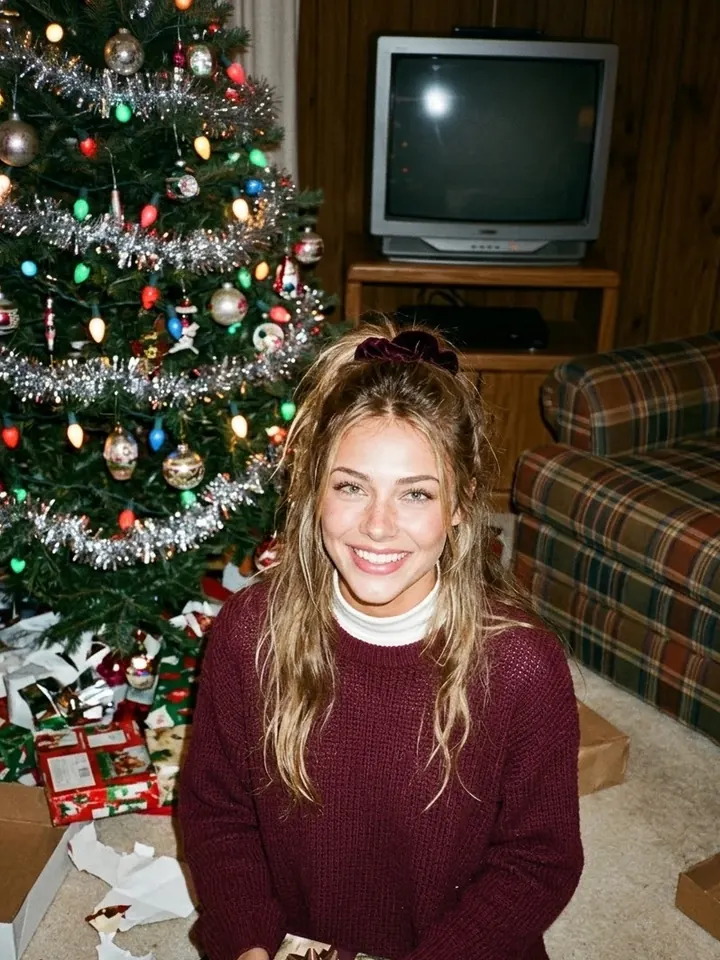
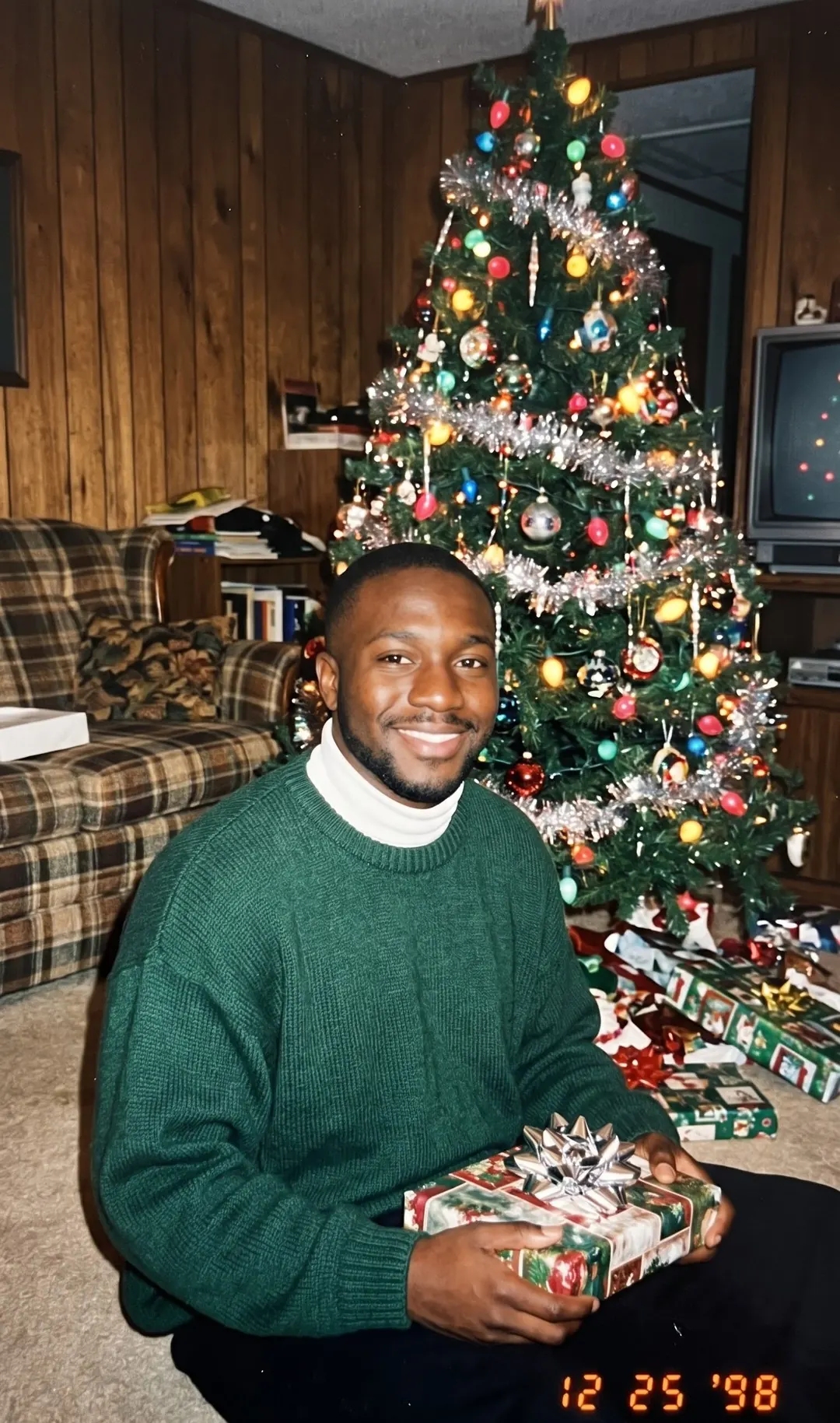
After: 90s Christmas Morning style, made from the selfie in the corner90s Christmas Morning
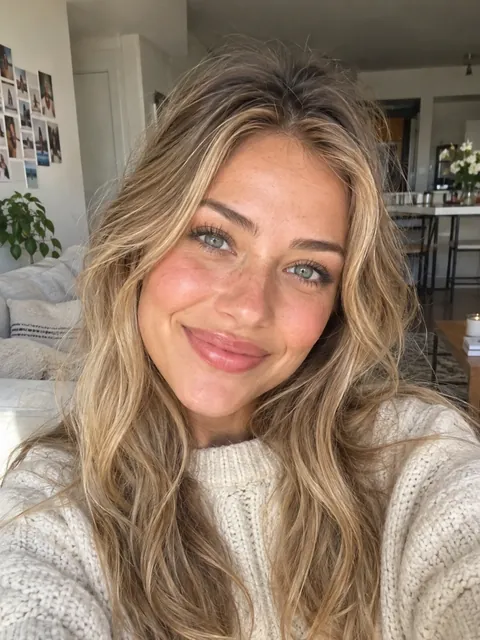
The selfies show fictional people made for our examples.

In short

The best Christmas photo prompts for ChatGPT start with "Edit this photo" when you only want a change, name one festive scene, a specific outfit and real light, ask for a photorealistic result, and end with "keep the face, hair and skin tone exactly the same as the photo". ChatGPT makes these with Images 2.6, OpenAI's image update released on 4 November 2026.

These 19 prompts cover both, for women and for men, and each one is written to stop ChatGPT from quietly redrawing your face.

Christmas looks these prompts match

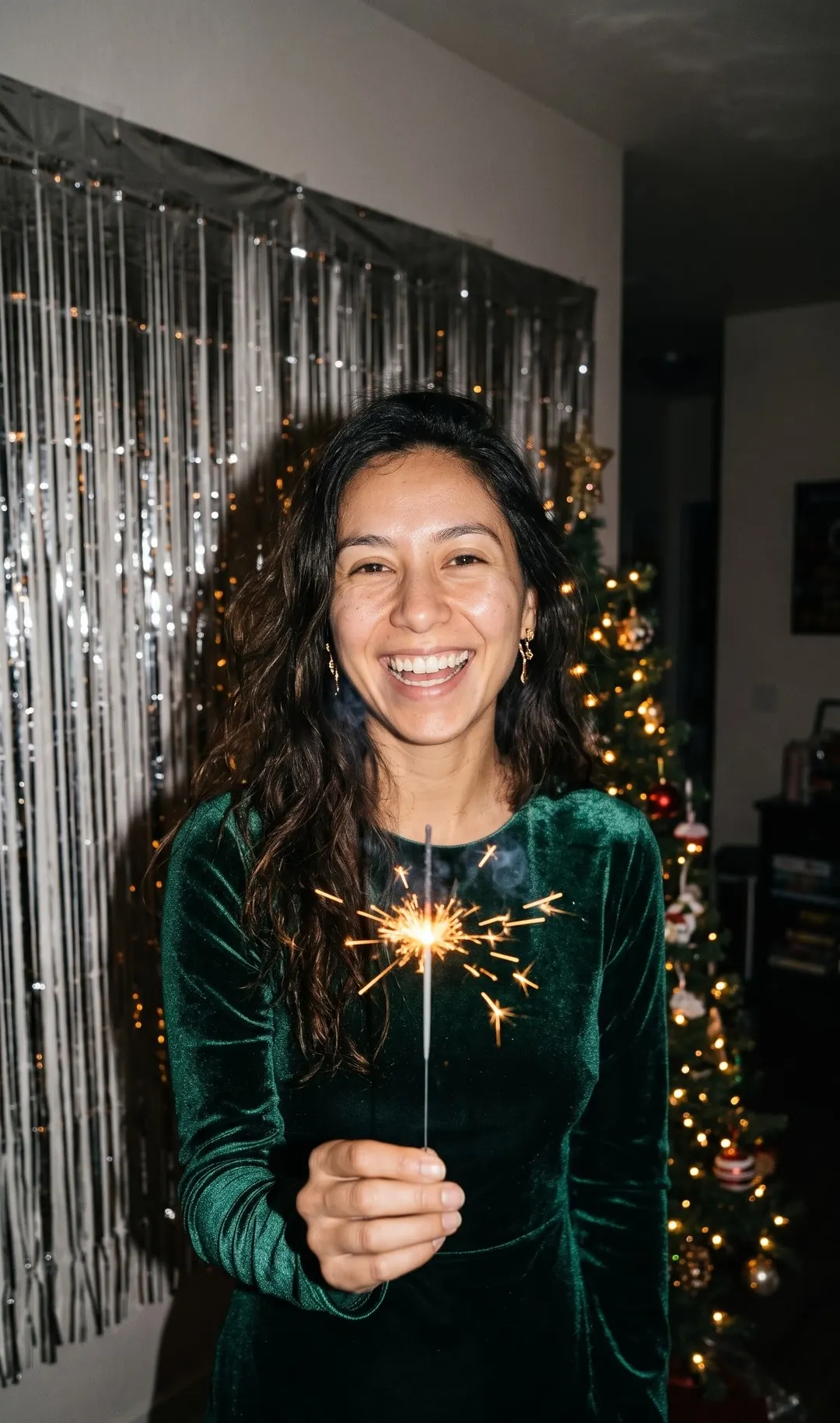
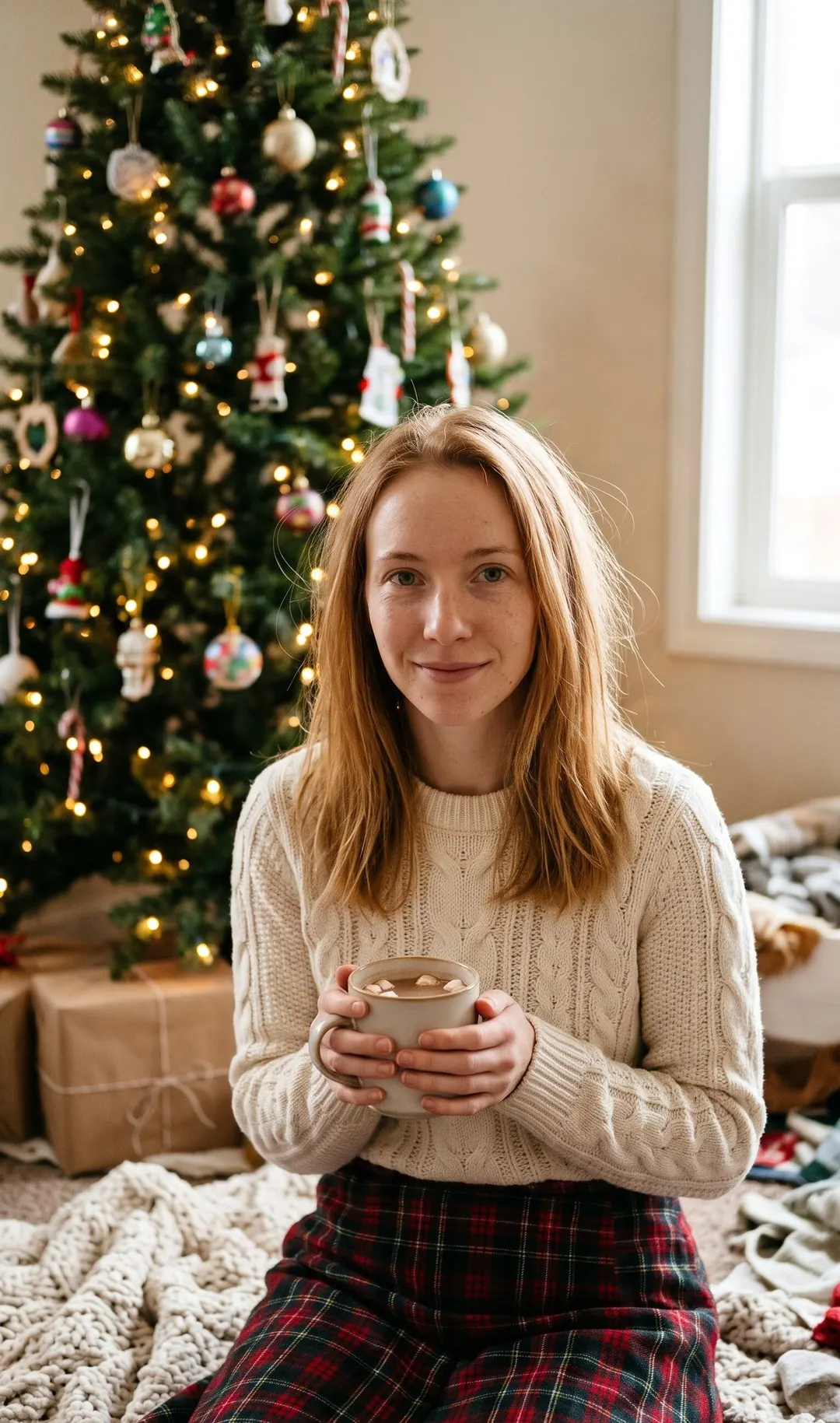
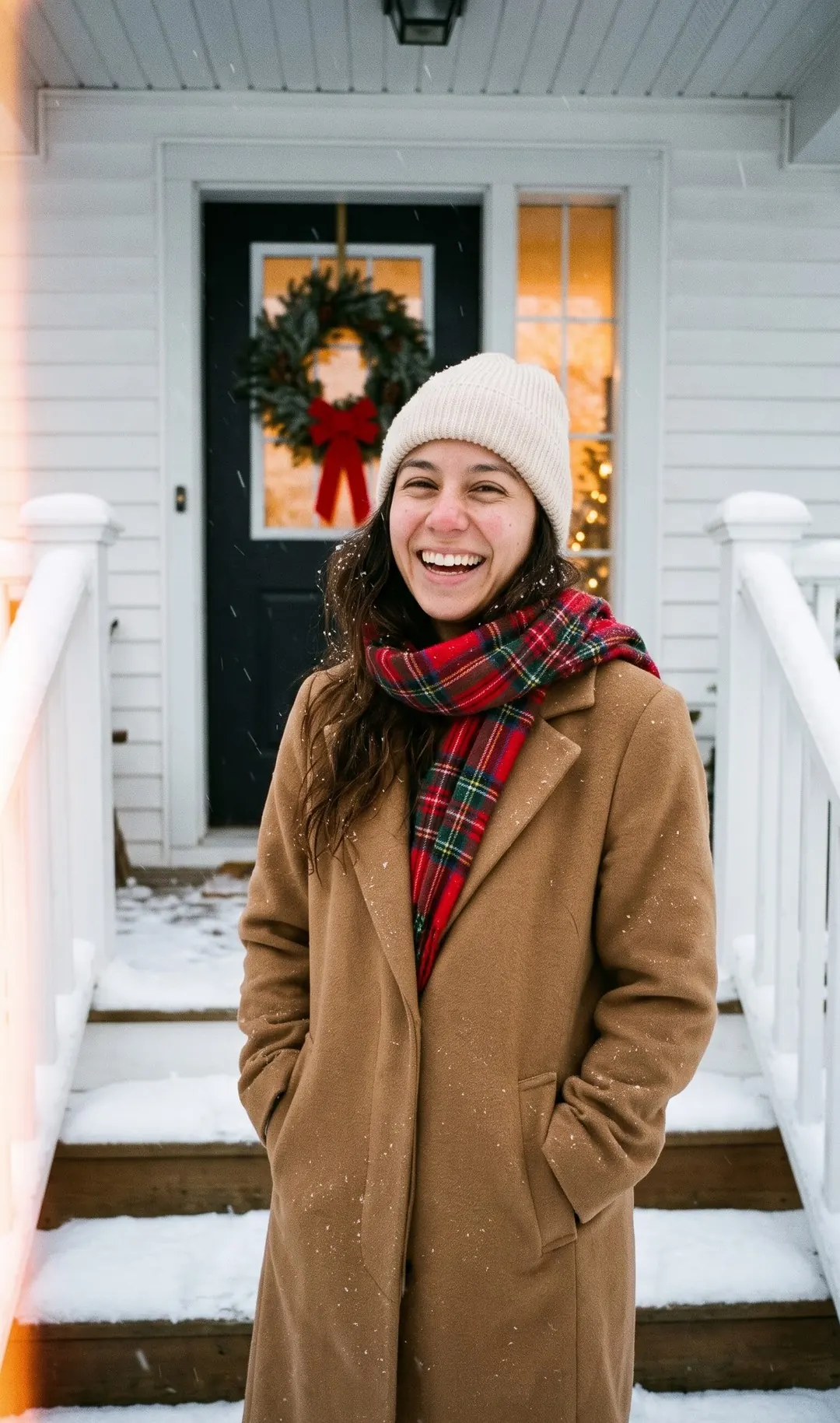
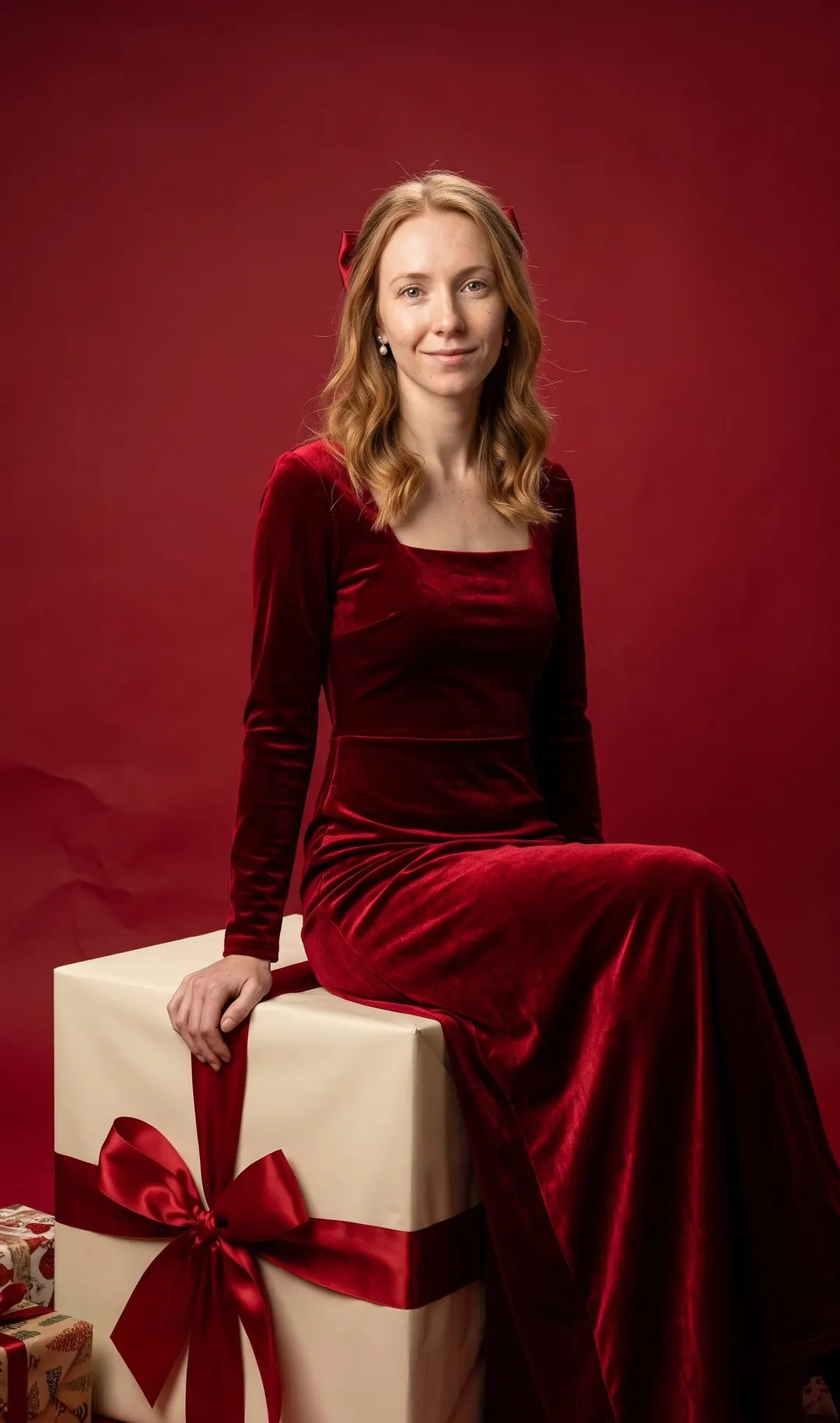
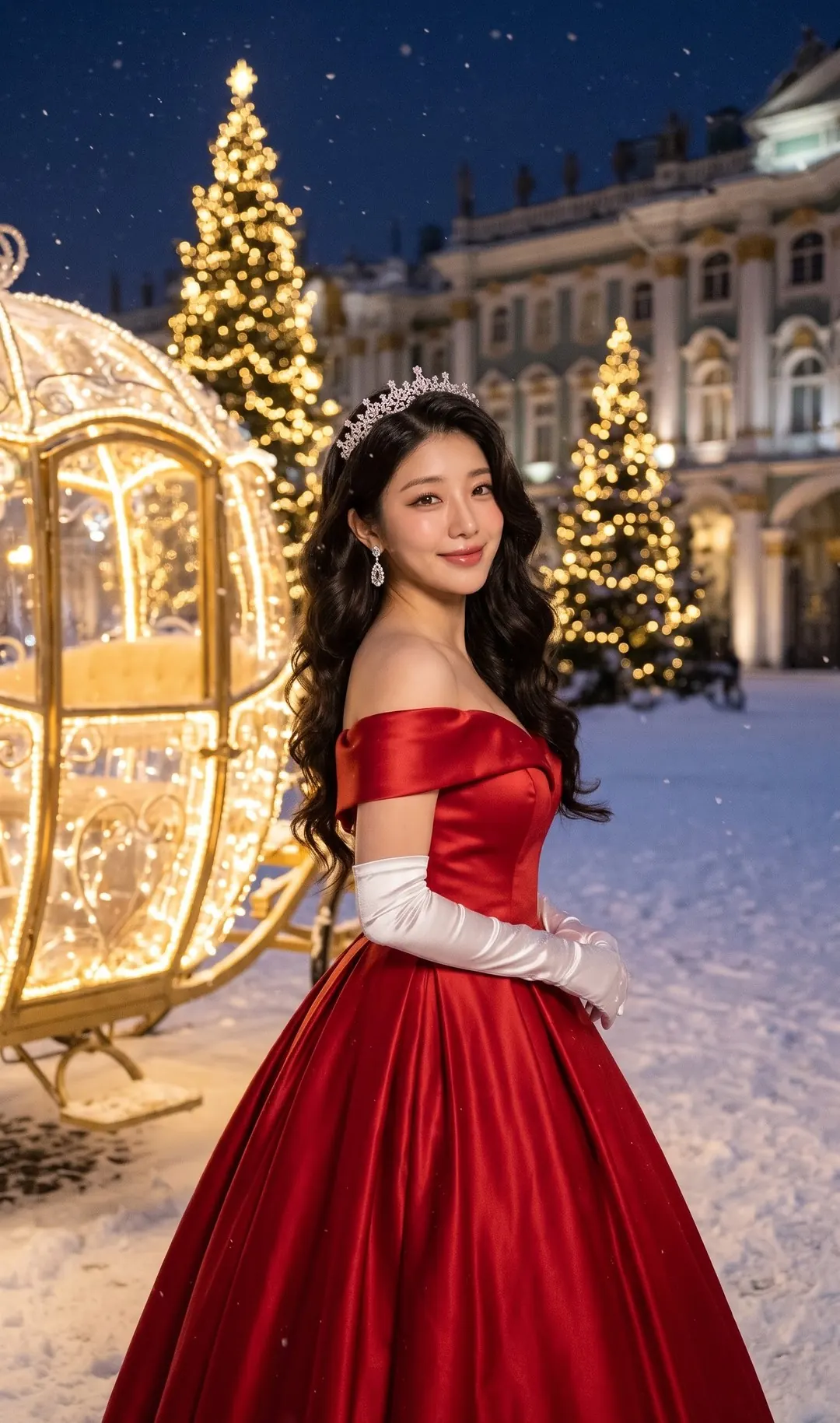
Real covers from the Christmas 2026 section of the Rizz AI Photo app. The prompts below aim for the same kind of result in ChatGPT.

How ChatGPT makes Christmas photos in 2026

Image generation in ChatGPT now runs on Images 2.6, which OpenAI released on 4 November 2026 for every ChatGPT plan (OpenAI). The same models are offered to developers as GPT Image 2.6. OpenAI says it is faster than the previous version and better at precise edits, which matters for Christmas photos because most of what people want is an edit: the same photo of you, with a festive background, outfit or light.

Free accounts can create images, but only a limited number. OpenAI does not publish a fixed daily figure and the limit can change with demand, so pick your best two or three prompts first. Paid plans get more.

  • How you get a Christmas photo

    ChatGPT
    Upload a photo and paste a prompt
    Gemini
    Upload a photo and paste a prompt
    Rizz AI Photo
    Upload a selfie and tap a Christmas style
  • Free use

    ChatGPT
    Limited images on the free plan, no fixed count published
    Gemini
    Free within daily limits
    Rizz AI Photo
    Free to download, credits per photo
  • Best for

    ChatGPT
    Precise edits to a photo you already like
    Gemini
    Fast scene changes with Nano Banana 2.1
    Rizz AI Photo
    Ready made Christmas looks with no prompt writing

Want the full comparison of the two chat tools? Read ChatGPT vs Nano Banana.
ChatGPT Christmas photo editing prompts

Use these on a photo you already like. They change one thing and leave the rest alone, which is where ChatGPT is strongest.

Swap the background for a Christmas tree

Edit this photo: replace only the background with a cozy living room and a tall Christmas tree with warm white lights, softly blurred. Match the light on the person to the warm tree glow. Do not change the pose, clothes or framing. Keep the face, hair and skin tone exactly the same as the photo. No text, no logos.

Skip the prompt: try the ready made styles in Rizz AI Photo →

Add falling snow

Edit this photo: add gentle falling snow and a light dusting of snow on the shoulders and hair, with a slightly colder winter tone. Keep everything else in the photo the same. Keep the face, hair and skin tone exactly the same as the photo. No text, no logos.

Skip the prompt: try the ready made styles in Rizz AI Photo →

Swap to a Christmas sweater

Edit this photo: change only the top to a red and green knitted Christmas sweater with a snowflake pattern that fits naturally. Keep the pose, background and light the same. Keep the face, hair and skin tone exactly the same as the photo. No text, no logos.

Skip the prompt: try the ready made styles in Rizz AI Photo →

Add fairy light glow

Edit this photo: add a string of warm fairy lights in the background turned into soft round bokeh, and a warm glow on the face from the lights. Photorealistic, natural skin texture. Keep the face, hair and skin tone exactly the same as the photo. No text, no logos.

Skip the prompt: try the ready made styles in Rizz AI Photo →

ChatGPT Christmas prompts for women

Full scenes built around you. More for women in our Christmas Gemini prompts for girls, which also work in ChatGPT.

Tree glow portrait

Create a photorealistic portrait of the woman in this photo standing beside a lit Christmas tree, cream cable knit sweater, warm tree lights as soft bokeh, low warm light on her face, waist up, natural skin texture. Keep the face, hair and skin tone exactly the same as the photo. No text, no logos. Vertical portrait.

Skip the prompt: try the ready made styles in Rizz AI Photo →

Velvet bow studio

Create a photorealistic studio portrait of the woman in this photo with a large red velvet bow in her hair, ivory knit top, plain cream backdrop, soft beauty light, gentle smile, waist up. Keep the face, hair and skin tone exactly the same as the photo. No text, no logos. Vertical portrait.

Skip the prompt: try the ready made styles in Rizz AI Photo →

Christmas market evening

Create a photorealistic photo of the woman in this photo at a Christmas market at night, long wool coat and knit beret, holding a warm drink, wooden stalls with warm lights behind, light snow, candid. Keep the face, hair and skin tone exactly the same as the photo. No text, no logos. Vertical portrait.

Skip the prompt: try the ready made styles in Rizz AI Photo →

Party flash in sequins

Create a candid flash photo of the woman in this photo at a Christmas party, silver sequin top, tinsel and fairy lights behind, laughing, harsh direct flash, dark room, slight film grain. Keep the face, hair and skin tone exactly the same as the photo. No text, no logos. Vertical portrait.

Skip the prompt: try the ready made styles in Rizz AI Photo →

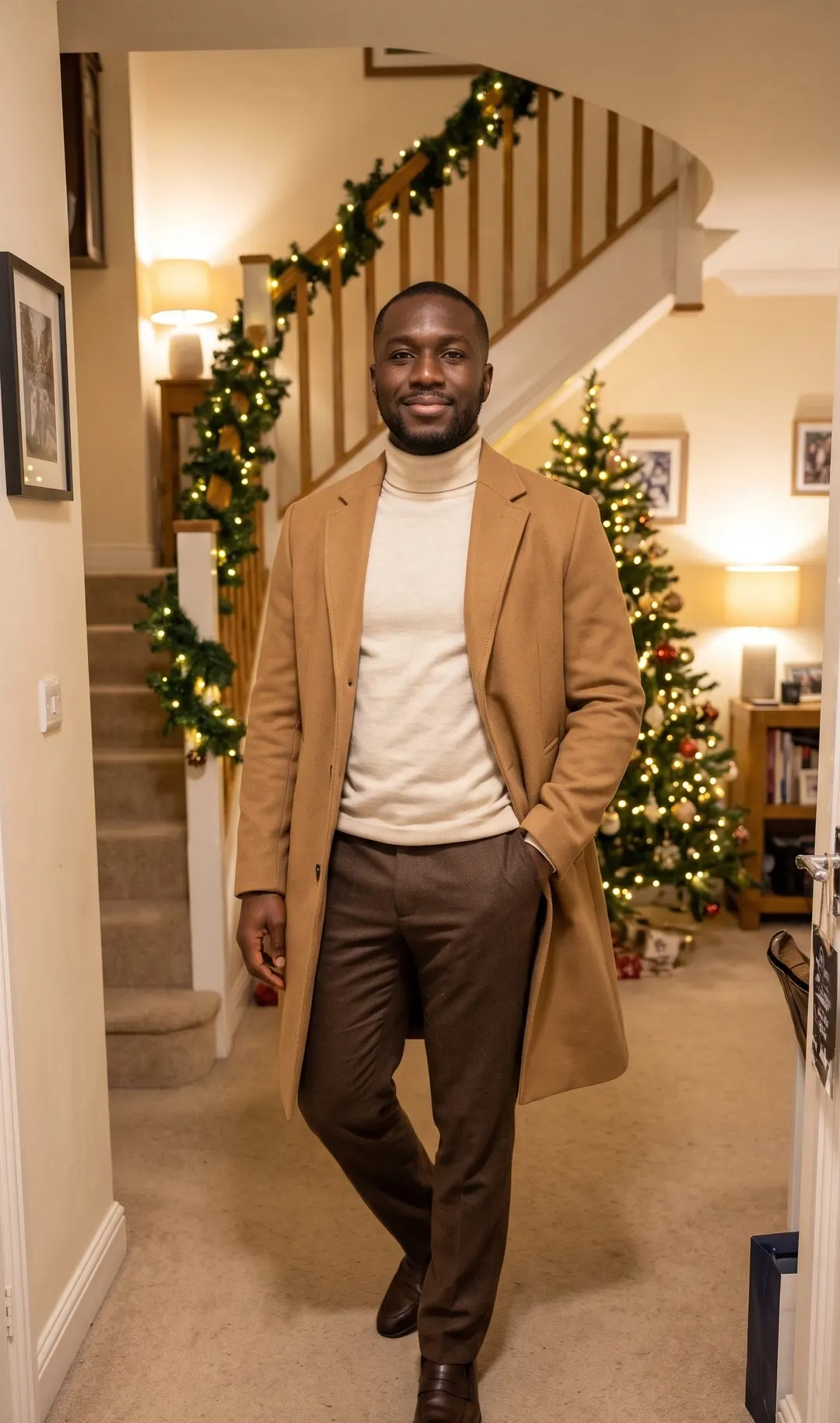
Christmas Eve fit check

Create a photorealistic full body mirror photo of the woman in this photo in a Christmas Eve outfit, emerald satin midi dress with long sleeves, black tights and heeled boots, a hallway with a lit garland behind, phone held at chest height so the face stays clear. Keep the face, hair and skin tone exactly the same as the photo. No text, no logos. Vertical portrait.

Skip the prompt: try the ready made styles in Rizz AI Photo →

ChatGPT Christmas prompts for men

More in our Christmas Gemini prompts for men, which also work in ChatGPT.

Fireside knit

Create a photorealistic photo of the man in this photo in a leather armchair by a fireplace, dark green cable knit sweater, mug in hand, stockings on the mantel and a lit tree in the corner, warm firelight. Keep the face, hair and skin tone exactly the same as the photo. Keep the beard exactly as it is. No text, no logos. Vertical portrait.

Skip the prompt: try the ready made styles in Rizz AI Photo →

Snowy city overcoat

Create a photorealistic photo of the man in this photo walking down a snowy city street at night, camel overcoat and grey scarf, shop windows with Christmas lights behind, snowflakes in the streetlight, cinematic look. Keep the face, hair and skin tone exactly the same as the photo. No text, no logos. Vertical portrait.

Skip the prompt: try the ready made styles in Rizz AI Photo →

Christmas card portrait

Create a photorealistic Christmas card portrait of the man in this photo, navy quarter zip sweater over a collared shirt, decorated tree and wreath softly blurred behind, warm studio light, friendly smile, space at the top for a greeting. Keep the face, hair and skin tone exactly the same as the photo. No text, no logos. Vertical portrait.

Skip the prompt: try the ready made styles in Rizz AI Photo →

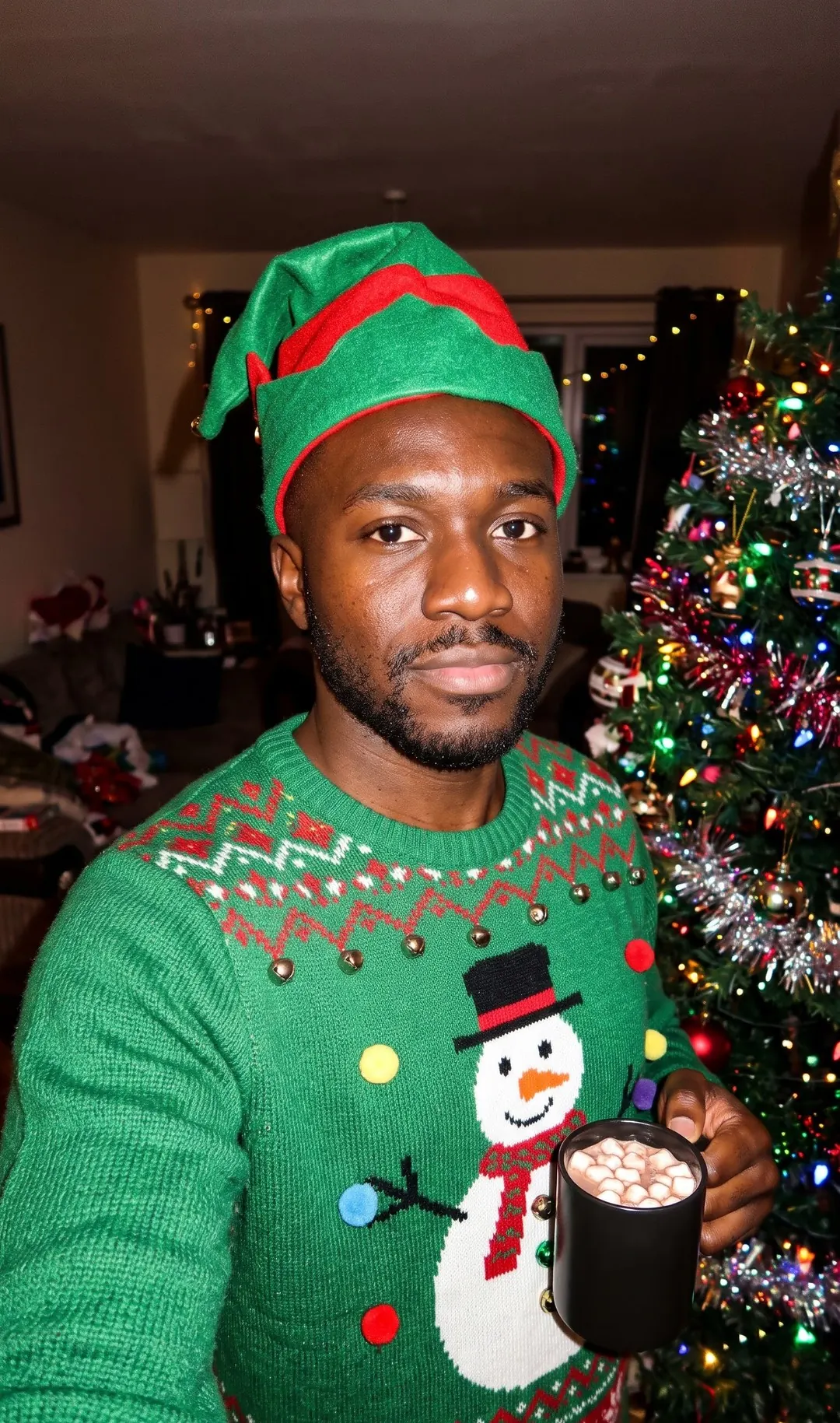
Ugly sweater flash

Create a flash photo of the man in this photo in a loud ugly Christmas sweater with reindeer and snowflakes, deadpan expression, plain wall behind, harsh on camera flash, photorealistic. Keep the face, hair and skin tone exactly the same as the photo. No text, no logos. Vertical portrait.

Skip the prompt: try the ready made styles in Rizz AI Photo →

Christmas market at night

Create a photorealistic candid photo of the man in this photo walking through a Christmas market at night, wool coat and knit beanie, holding a paper cup with steam rising, wooden stalls with warm lights, light snow, long lens look. Keep the face, hair and skin tone exactly the same as the photo. No text, no logos. Vertical portrait.

Skip the prompt: try the ready made styles in Rizz AI Photo →

Nostalgic and fun prompts for anyone

90s Christmas morning

Create a photo of the person in this photo sitting on a living room floor on Christmas morning in the 1990s, wrapping paper everywhere, a tree with big colored bulbs, cozy pajamas, direct flash and warm film grain like a point and shoot camera. Keep the face, hair and skin tone exactly the same as the photo. No text, no logos. Vertical portrait.

Skip the prompt: try the ready made styles in Rizz AI Photo →

Snowy porch card

Create a photorealistic photo of the person in this photo at a front door with a big green wreath, wool coat and knit scarf, light snow falling, porch lights glowing, holiday card framing with space at the top. Keep the face, hair and skin tone exactly the same as the photo. No text, no logos. Vertical portrait.

Skip the prompt: try the ready made styles in Rizz AI Photo →

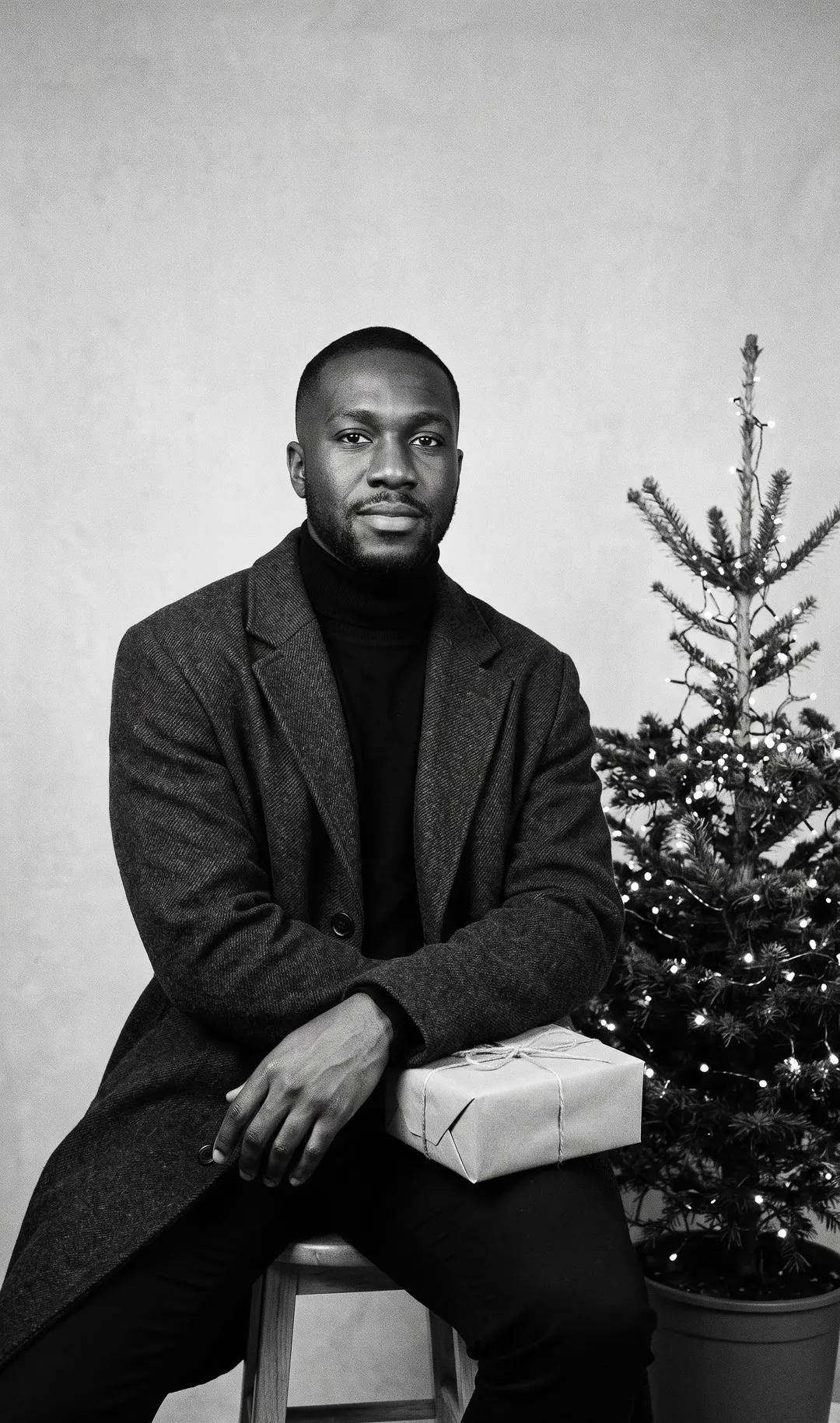
Black and white Christmas

Create a black and white portrait of the person in this photo in a dark turtleneck, fairy lights behind turned into soft round highlights, gentle side light, calm look, fine film grain. Keep the face, hair and skin tone exactly the same as the photo. No text, no logos. Vertical portrait.

Skip the prompt: try the ready made styles in Rizz AI Photo →

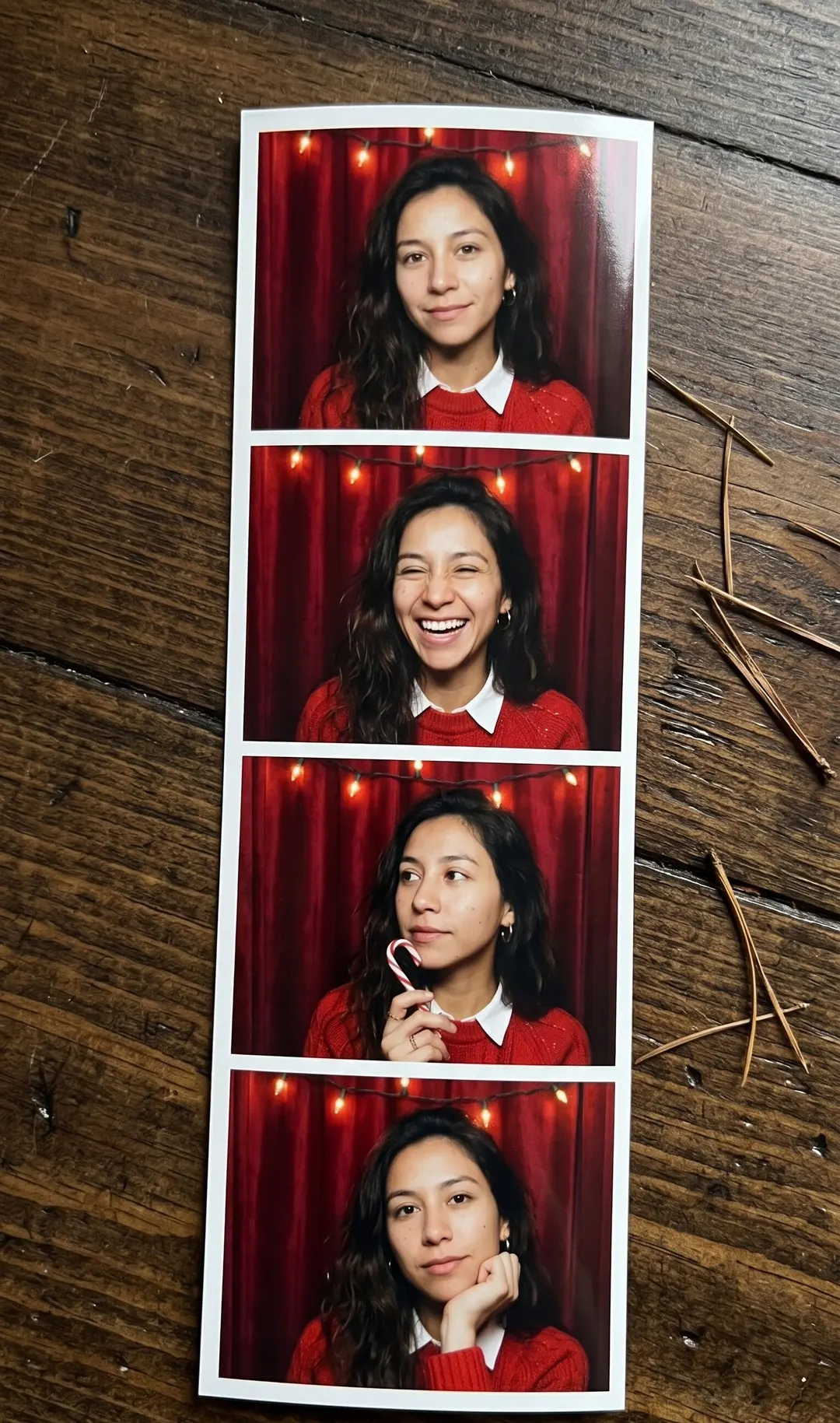
Photo booth strip

Create a vertical four frame Christmas photo booth strip of the person in this photo: laughing, wearing a Santa hat, pulling a silly face, and holding a candy cane. Red curtain background, slight flash, white borders between frames. Keep the face, hair and skin tone exactly the same as the photo. No text, no logos.

Skip the prompt: try the ready made styles in Rizz AI Photo →
No prompts, no limits to track. Pick a Christmas 2026 style in Rizz AI Photo, add a selfie and get your photo in about 20 seconds.Try free

Tips that keep your face in ChatGPT

  • Say "Edit this photo" when you mean an edit. It tells ChatGPT to change one thing instead of making a new image of someone who looks a bit like you.
  • Ask for photorealistic and natural skin texture. Without it, Christmas scenes can drift toward a smooth, illustrated look.
  • Change one thing per message. Background first, then outfit, then light. Each small edit keeps more of your face than one big rewrite.
  • Reply instead of starting over. If your face changes, answer "keep my face exactly as in the original photo, only change the background" in the same chat.
  • Ask for vertical or square, then crop. ChatGPT returns a set of standard sizes, so crop to 4:5 or 1:1 after you download if you need an exact frame.
  • Use solo photos only. One clear face gives the best match. Avoid brand names, logos and famous faces, which ChatGPT may refuse.

How to use these prompts in ChatGPT

  1. 1Open ChatGPTGo to chatgpt.com or open the ChatGPT app and sign in. Image creation works on free and paid plans, with a lower limit on free.
  2. 2Attach one clear photoTap the plus button and add a sharp, front facing photo of just you, in good light and without sunglasses.
  3. 3Paste the promptCopy a prompt from this page, paste it under your photo and send. Edit prompts work best on a photo you already like.
  4. 4Refine, then downloadIf something is off, reply with one fix at a time, such as "keep my face exactly as in the original photo". Then open the image and download it.

How to get Christmas looks in one tap

  1. 1Install Rizz AI PhotoGet Rizz AI Photo on iPhone or Android. It is free to download.
  2. 2Open Christmas 2026Scroll Home to the Christmas 2026 row and swipe through the looks, such as Holiday Party Flash, Tree Glow Card and Snowy Porch Card.
  3. 3Upload a selfieTap a style and add one clear photo of just you. No prompt writing needed.
  4. 4Generate and saveYour photo is ready in about 20 seconds. Drag the slider to compare it with the original, then save or share.

FAQ

What is a good Christmas photo prompt for ChatGPT?

Start with "Edit this photo" for small changes such as a Christmas tree background or falling snow. For a full scene, name the setting, the outfit and the light, ask for a photorealistic result, and end with "keep the face, hair and skin tone exactly the same as the photo".

How do I edit my photo into a Christmas photo in ChatGPT?

Upload your photo, then send an edit prompt such as "Edit this photo: replace only the background with a cozy living room and a lit Christmas tree. Keep the face, hair and skin tone exactly the same." Change one thing per message.

Which image model does ChatGPT use for Christmas photos?

ChatGPT uses Images 2.6, released by OpenAI on 4 November 2026 for all ChatGPT plans. Developers get the same models as GPT Image 2.6.

How many Christmas photos can I make in ChatGPT for free?

Free accounts get a limited number of images and OpenAI does not publish a fixed daily count. The limit can change, so start with your favorite prompts.

Why does ChatGPT change my face?

When a prompt asks for a whole new scene, ChatGPT redraws the image and can soften or alter features. Use "Edit this photo", ask for one change at a time, and add the line that keeps your face, hair and skin tone the same.

Do these prompts work in Gemini too?

Yes. Paste them into Gemini with your photo. Gemini uses Nano Banana 2.1 for image edits, so trying both is a good way to get the best match.

Is there an app for Christmas photos without prompts?

Yes. Rizz AI Photo has a Christmas 2026 section with looks such as Holiday Party Flash, Tree Glow Card and Snowy Porch Card. It is free to download and uses credits per photo.

Keep reading

Skip the prompt.
Get the photo.

Rizz AI Photo runs Nano Banana 2.1 behind ready made styles. Upload a selfie, tap a style, and get your image in seconds. No prompt writing needed.