Christmas photoshoot ideas at home: 12 DIY shots with your phone

You do not need a studio, a photographer or a perfect living room for a Christmas photo.

By the Rizz AI Photo team · Updated

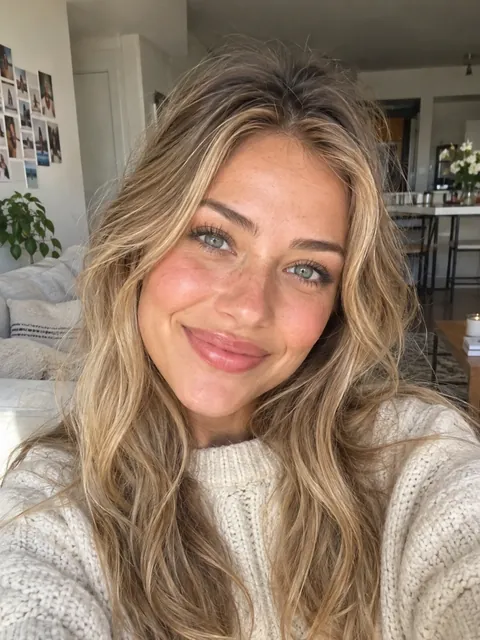
Before: the selfie usedBefore
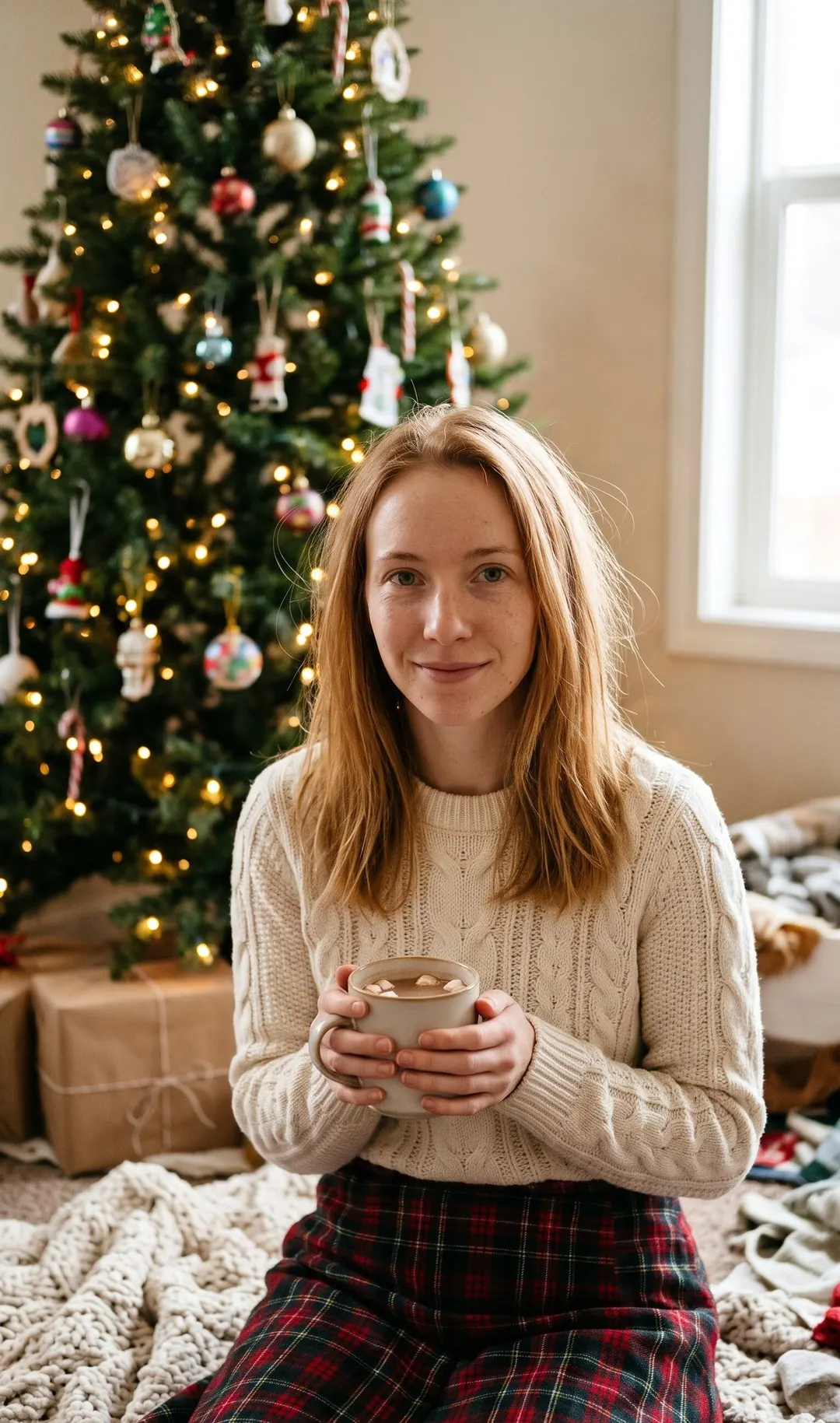
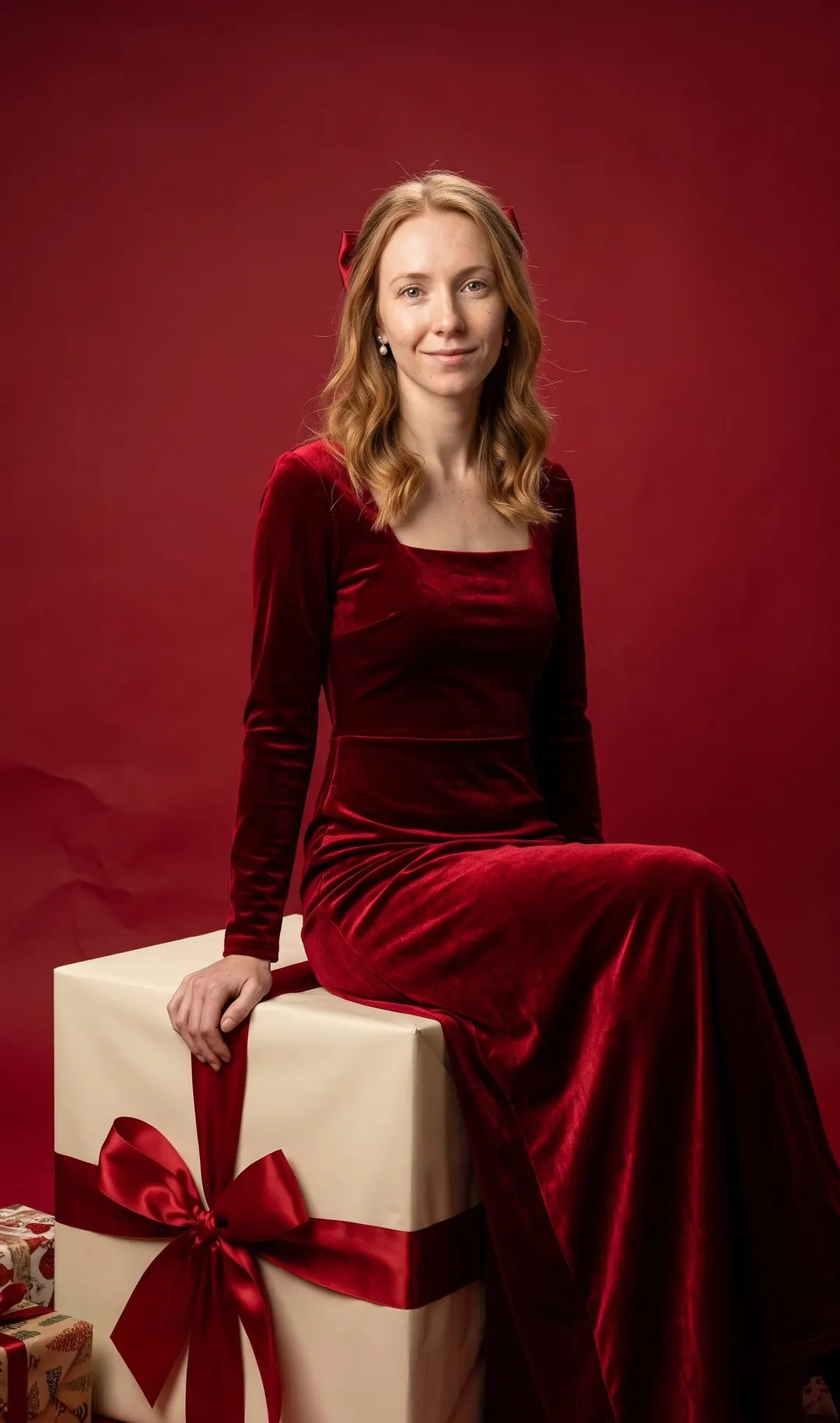
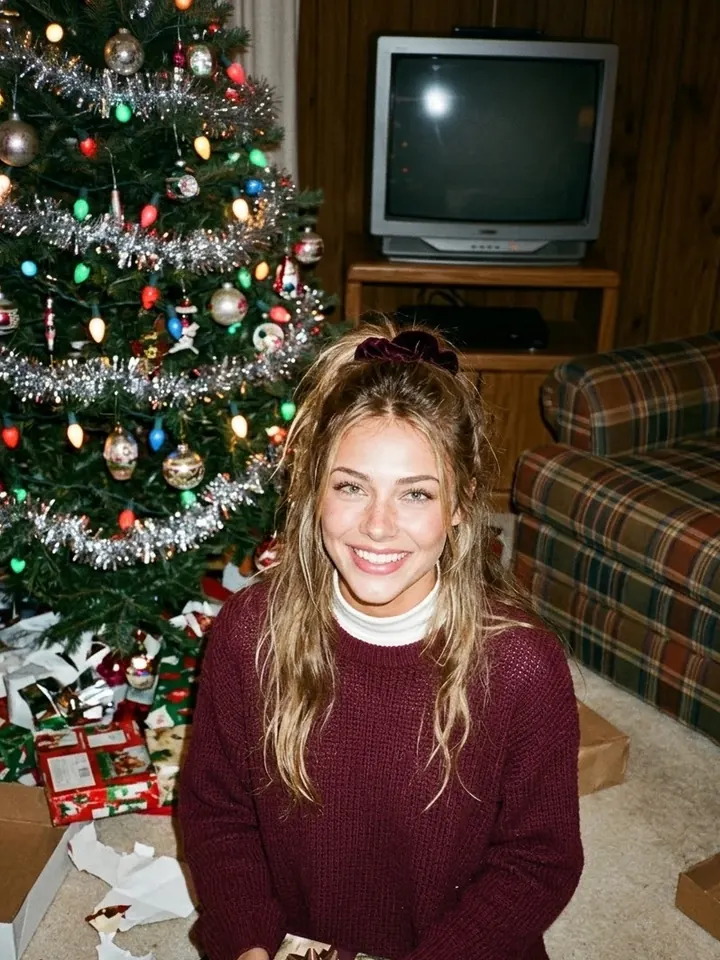
After: 90s Christmas Morning style, made from the selfie in the corner90s Christmas Morning
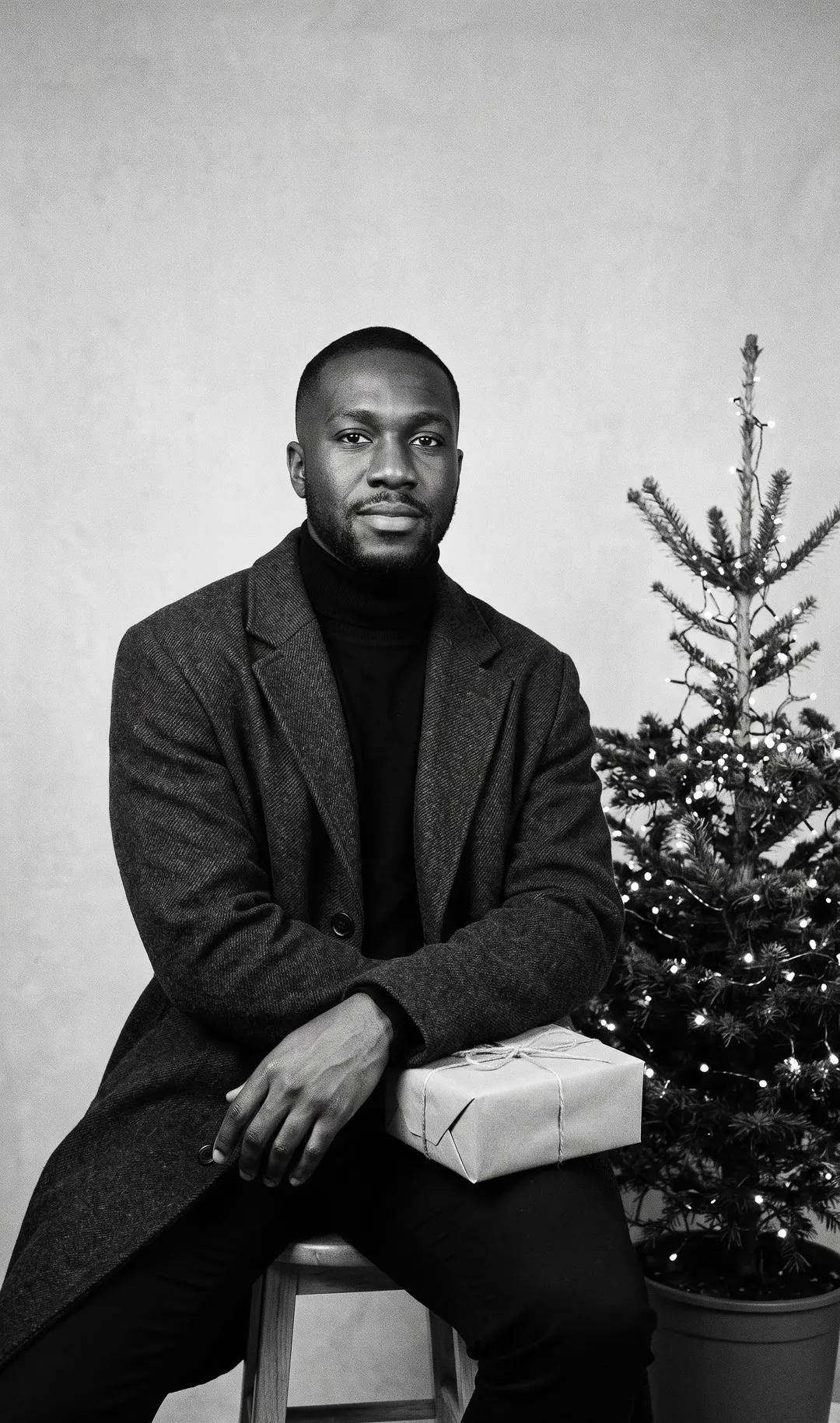
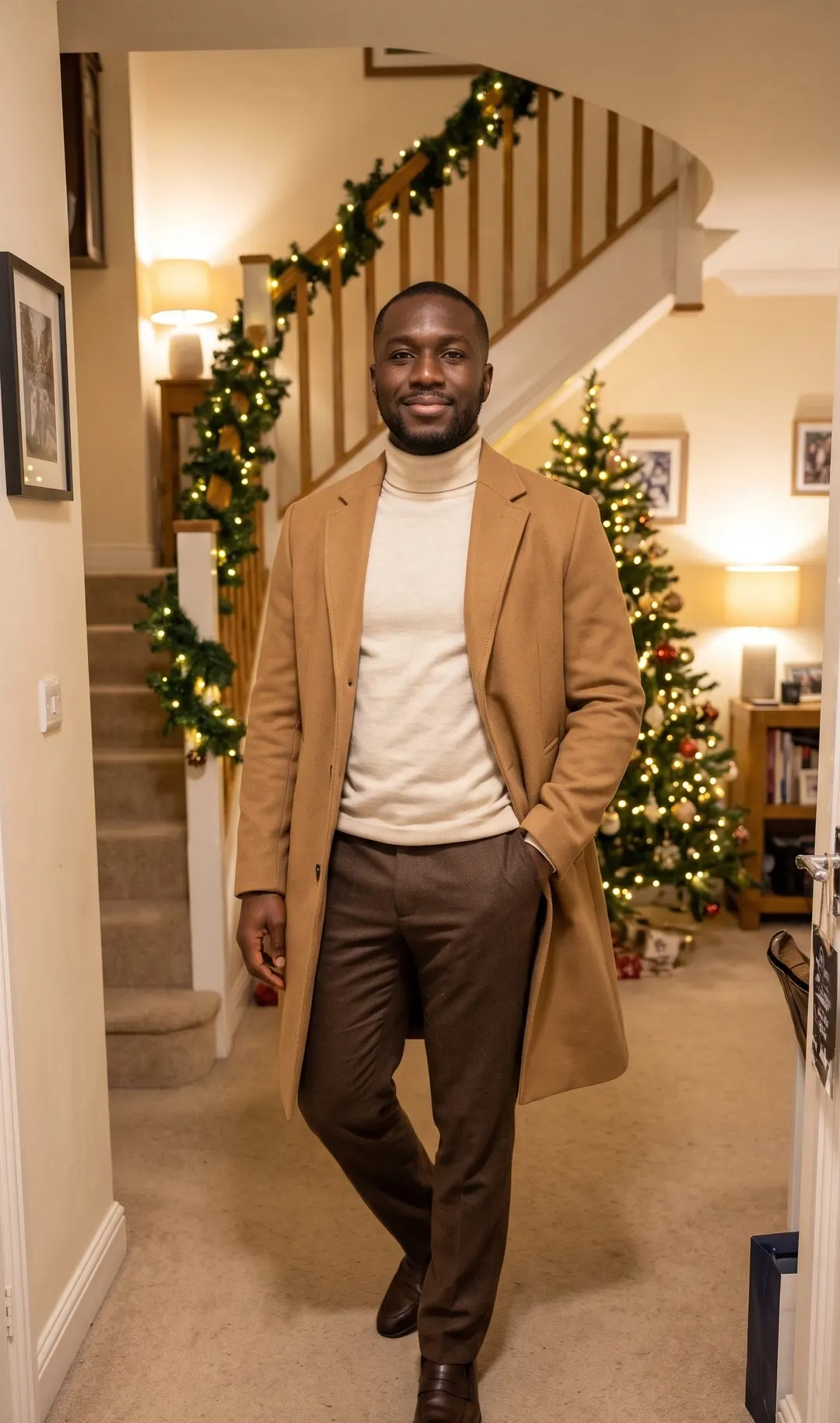
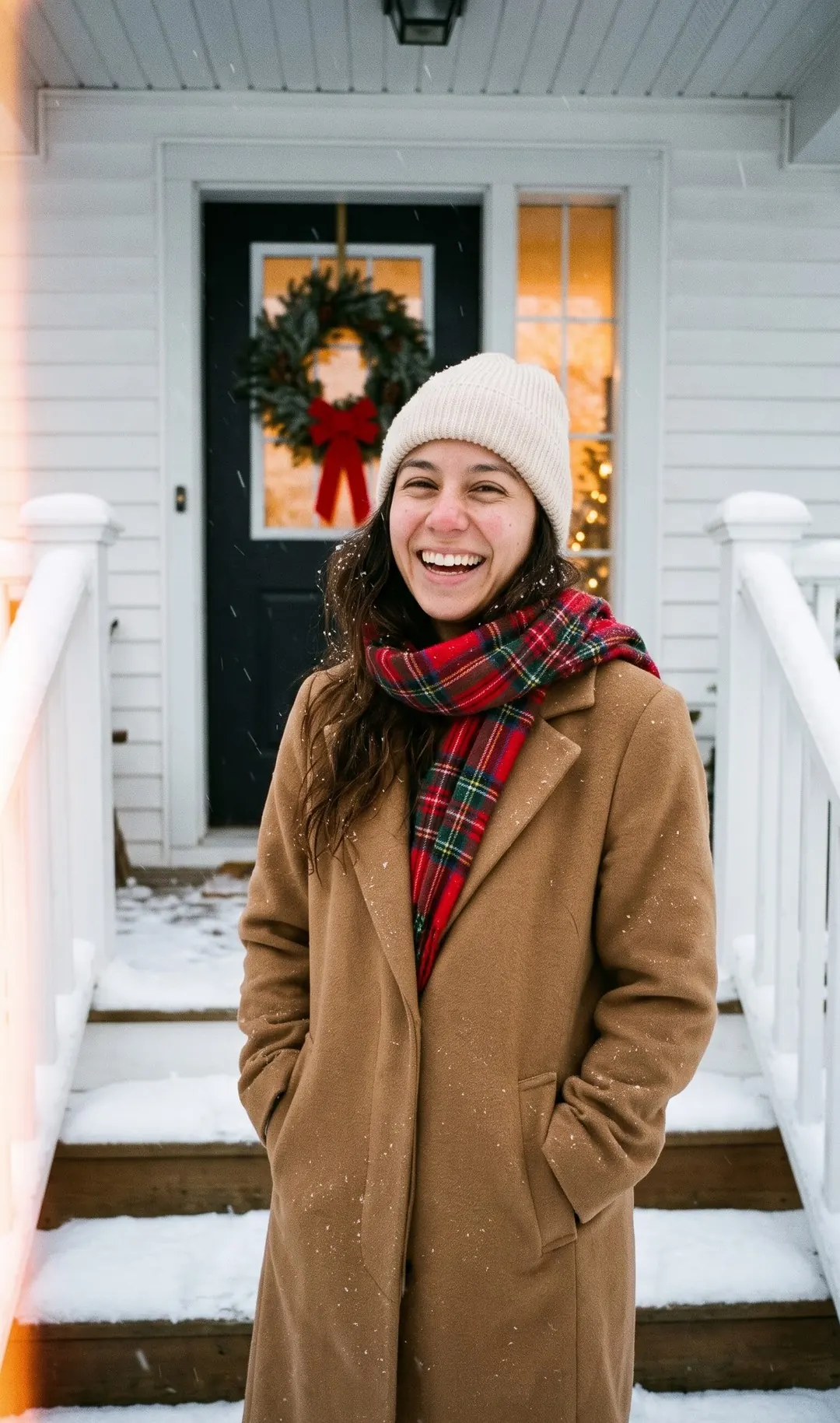
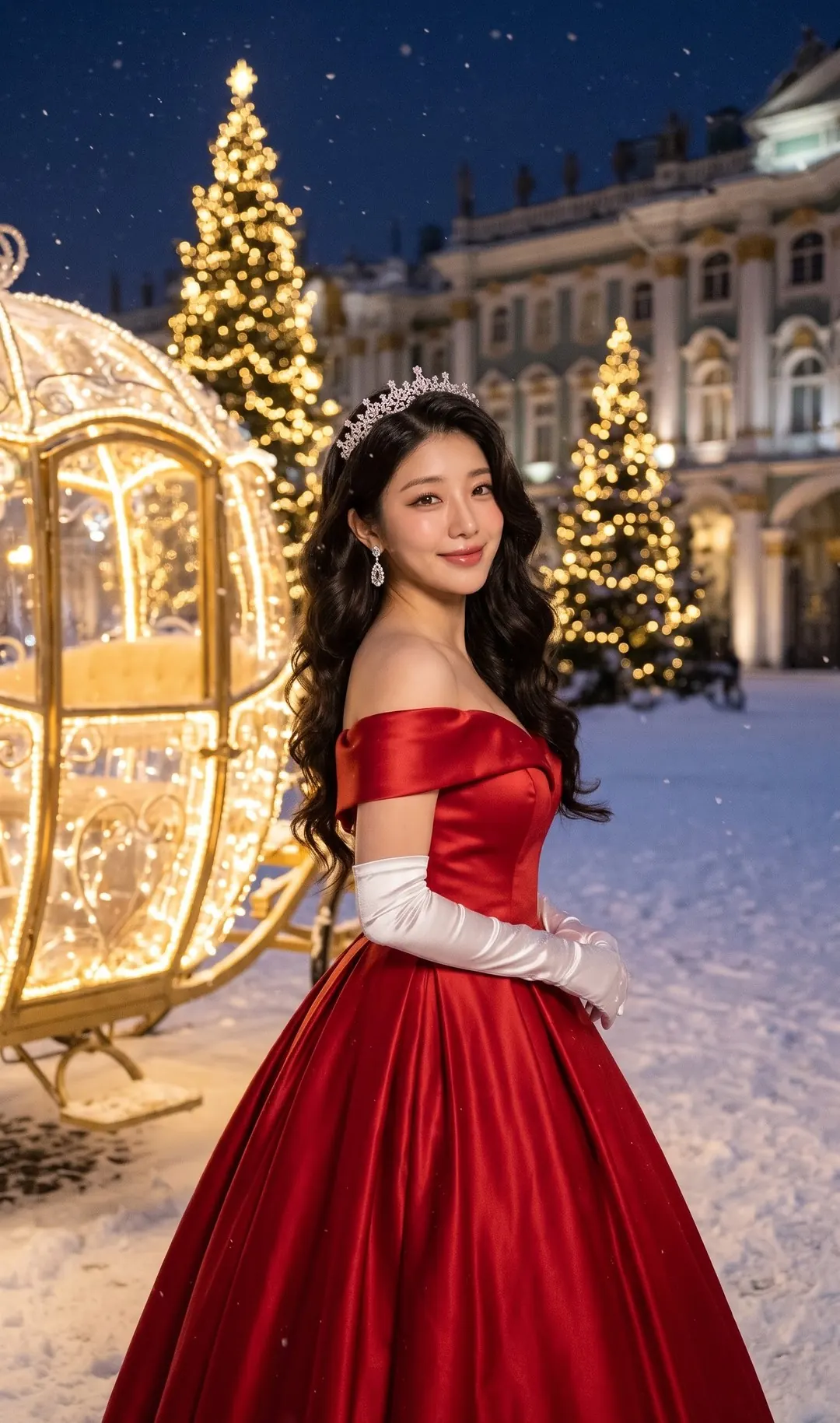
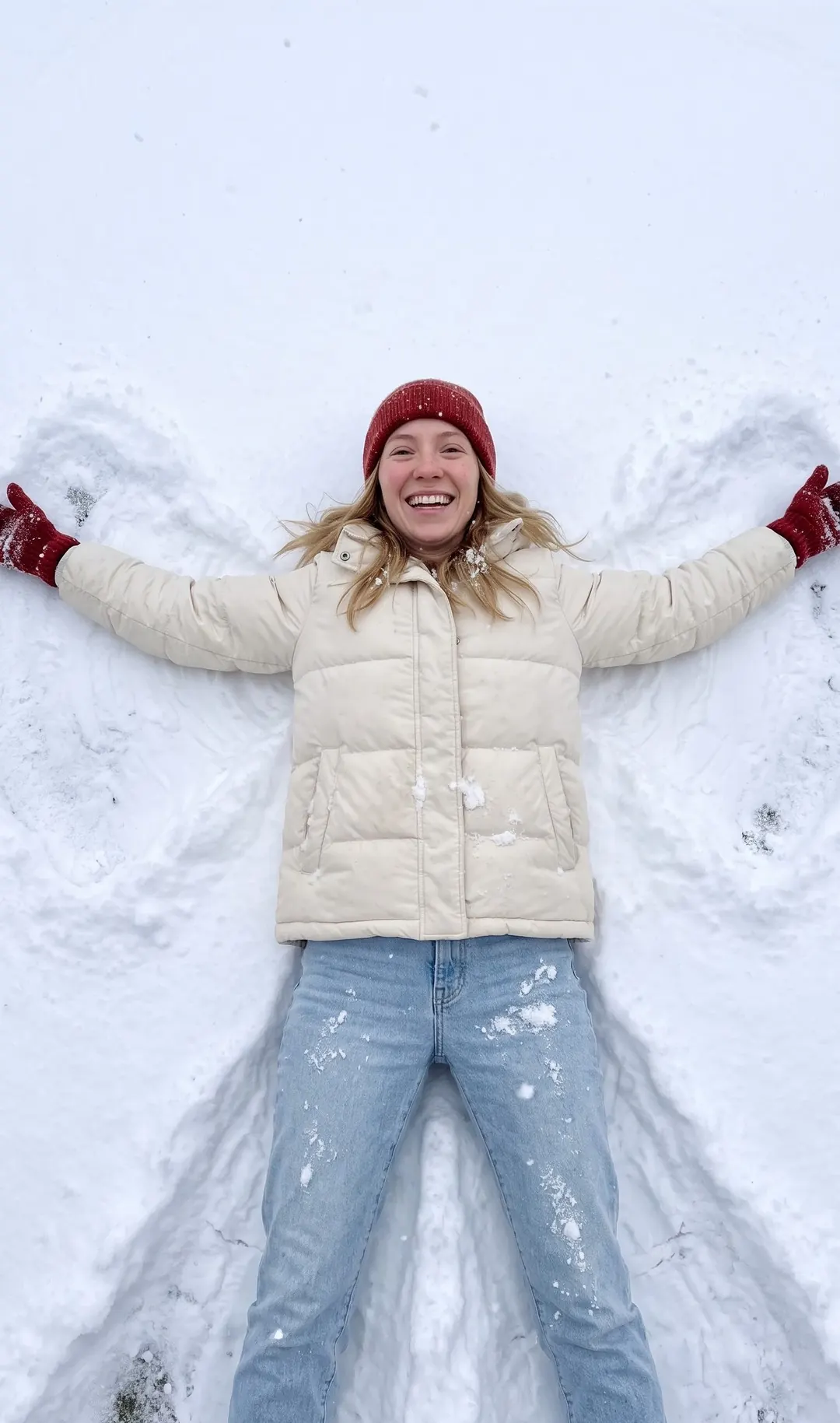
The selfies show fictional people made for our examples.

In short

The best Christmas photoshoot ideas at home use what you already have: shooting through the tree branches, a window light portrait, fairy lights turned into bokeh, a blanket and mug shot from above, a mirror fit check with garland, and a lights only room. Turn off the ceiling lights, put the phone on a timer and a stack of books, and use the rear camera.

You need a window, a string of lights, a phone and 15 minutes. Here are 12 DIY shots that work in a normal home, the exact setup and phone settings, and an AI option for days when there is no tree yet.

12 DIY Christmas photoshoot ideas at home

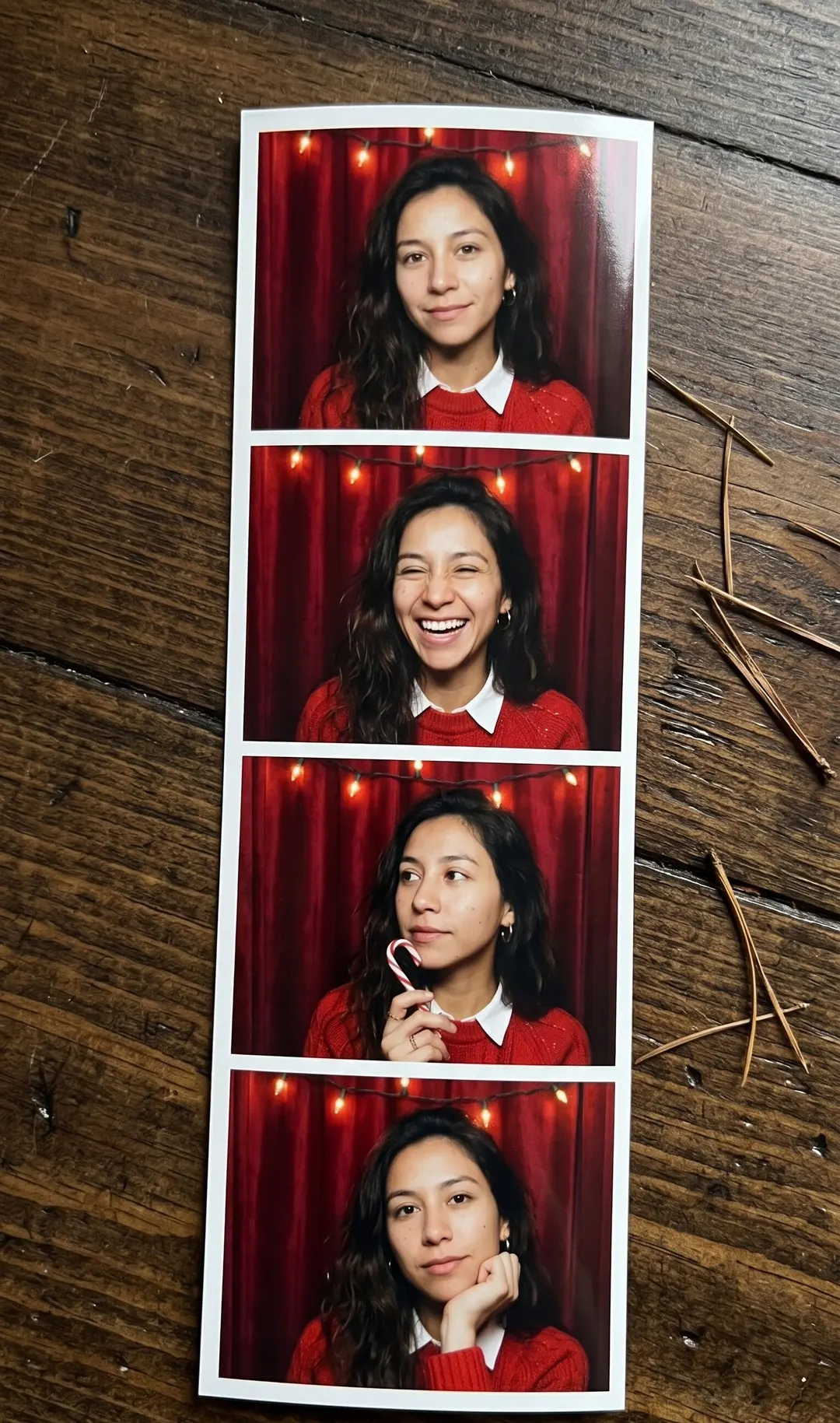
These are built for a normal flat or house, a phone and things you already own. For the classic festive looks such as the photo booth strip, ugly sweater flash and snow angel, see our Christmas photo ideas.

1. Shoot through the tree branches

Put the phone right behind the tree and frame your face through a gap in the branches. The lights and needles closest to the lens blur into a warm glowing frame around you. It looks far more expensive than it is.

2. Window light portrait

Stand side on to your biggest window on a cloudy day, with a knit and a mug. Soft daylight on one side of the face and warm lamp light behind you is the most flattering light in any home. Shoot mid morning or early afternoon.

3. Fairy lights bokeh

Hang a string of warm white lights across the room two or three meters behind you and stand close to the camera. The farther the lights are from you, the bigger and softer the circles. Portrait mode helps on most phones.

4. Lights in your hands

Bunch a short battery string of fairy lights in cupped hands, or let it trail over your shoulders, in a dark room. The lights become your only light source and give a warm, glowing close up.

5. Blanket and mug from above

Lie on a bed or sofa in a chunky knit blanket with a mug of cocoa, a book or a few ornaments around you, and shoot straight down from a chair or a friend's hands. Cozy, simple and perfect for a carousel cover.

6. Mirror fit check with garland

Drape a garland or a string of lights around a full length mirror and shoot your Christmas outfit in it. Hold the phone at chest height so your face stays visible, and turn off the ceiling light so the lights on the mirror glow.

7. Bedsheet and lights backdrop

Pin a plain white or cream bedsheet to a wall and hang a curtain of fairy lights behind or over it. You get a clean, softly lit studio backdrop in five minutes, ideal for a waist up portrait in a red or green knit.

8. Wrapping paper backdrop

Tape a wide roll of plain red, kraft or gold wrapping paper to the wall and add a bow at the corner. Shoot with the flash on for a glossy, magazine style holiday portrait without leaving the hallway.

9. Fireplace on the TV

No fireplace? Play a crackling fireplace video full screen on the TV, sit in front of it in a sweater with stockings taped below the screen, and shoot at an angle so the screen edges stay soft and out of focus.

10. Paper snowflakes on the window

Cut a few paper snowflakes, tape them to the glass and sit on the sill or a chair beside them. It reads as a snowy day even in a city with no snow, and the window gives you soft light.

11. Ornament close up

Hold a glass bauble up near your face or hang one from a ribbon just in front of the lens. Focus on your eyes and let the ornament blur into a shiny splash of color in the foreground.

12. Candlelit table for one

Set a small table with a few candles, a sprig of pine and a festive drink, and sit behind it in something velvet. Candlelight from below and a lamp behind you gives a warm, cinematic portrait.
Your DIY Christmas photo kit (from around the house)

  • Warm white fairy lights

    What it does
    Bokeh, glow and a backdrop
    Swap if you do not have it
    A lit tree or a few candles
  • A big window

    What it does
    Soft, flattering main light
    Swap if you do not have it
    A lamp with a white shade, aimed at a wall
  • A stack of books

    What it does
    Holds the phone steady at eye level
    Swap if you do not have it
    A shelf, a mug or a small tripod
  • Plain bedsheet or wrapping paper

    What it does
    Clean backdrop
    Swap if you do not have it
    A plain wall with nothing on it
  • Chunky knit, velvet or plaid

    What it does
    Instant festive texture
    Swap if you do not have it
    Any red, green or cream top
  • One prop

    What it does
    Gives your hands something to do
    Swap if you do not have it
    A mug, an ornament, a gift or a candle

How to set up a DIY Christmas photoshoot in 15 minutes

  1. 1Pick the spotChoose the corner next to your best window or your tree. Clear anything that is not festive out of the frame: chargers, laundry, remotes.
  2. 2Kill the ceiling lightTurn off overhead lights and keep only the window, lamps, tree lights or candles. Mixed warm light looks cozy; a ceiling bulb flattens everything.
  3. 3Add depthPut fairy lights or the tree two or three meters behind you and stand closer to the camera. Distance is what turns lights into soft circles.
  4. 4Set the phone upRest the phone on a stack of books at chest or eye height, use the rear camera, and turn on the self timer.
  5. 5Lock focus on your faceTap your face on the screen to focus, then slide the brightness down a little so the lights do not blow out. On iPhone, touch and hold to lock focus and exposure (AE/AF Lock).
  6. 6Take a burst of shotsShoot 20 or more frames, changing one thing each time: look away, laugh, sip the mug, step closer. Pick the best two.

Phone settings for Christmas photos at home

  • Use the rear camera. On most phones it is sharper and handles low light better than the front camera. Use the timer and a test shot to check the framing.
  • Let Night mode work, but keep still. On iPhone 11 and later, Night mode turns on by itself in low light, and turning on the flash switches it off. Rest the phone on something solid, as Apple suggests, so the longer capture stays sharp (Apple Support). Many Android phones have a similar Night mode.
  • Try Portrait mode for bokeh. It blurs the background lights into soft circles. If the edges of your hair look cut out, switch back to the normal photo mode and rely on distance instead.
  • Turn brightness down a touch. Phones tend to brighten dark rooms. Lowering exposure slightly keeps the warm, moody feel and stops the lights from turning into white blobs.
  • Flash on purpose only. Direct flash is great for a glossy wrapping paper backdrop or a party look. For cozy shots, leave it off and use the lights you have.
  • Clean the lens. A fingerprint on the lens adds haze around every light. Wipe it on a soft cloth before you start.
  • Shoot vertical. Instagram accepts 3:4 photos as well as 4:5 and square (Social Media Today), and Stories are 9:16. Shooting vertical gives you room to crop for both.

Christmas photo ideas at home for Instagram

  • Plan a three slide carousel. A wide shot of the setup, a waist up portrait, then a detail like your hands around a mug or an ornament close up.
  • Keep one palette across slides. Red and cream, green and gold, or all white lights and black knit. The grid looks styled even if the room is not.
  • Make a Story version. A 9:16 shot through the tree branches or with lights in your hands fills the screen nicely and leaves room for a sticker.
  • Use candid frames. The laugh between poses usually beats the posed smile. That is why the burst in the setup steps matters.
  • Post before the rush. A photo shared in early December has more days to be seen than one posted on Christmas Eve.

No tree yet? Make it from a selfie

AI is the shortcut for days when the tree is not up, the flat is a mess or the light is gone by 4 pm. These are the Christmas 2026 styles in the app, each made from one selfie. For the bigger picture, see the Christmas AI photo trend 2026 and the AI Christmas photo generator.

Prefer prompts? Paste one of these into Gemini with a clear selfie. They recreate the at home ideas above, so you can mix real and AI shots in one carousel.

Through the tree branches

Create a cozy Christmas portrait of the person in this photo framed through the branches of a decorated tree, the nearest pine needles and warm white lights blurred into a glowing frame around the face, cream cable knit sweater, soft smile, dark room lit only by the tree. 50mm lens, shallow depth of field. No text, no logos. Vertical 4:5. Keep the face, hair and skin tone exactly the same as the photo.

Skip the prompt: try the ready made styles in Rizz AI Photo →

Window light with paper snowflakes

Show the person in this photo sitting beside a large window with white paper snowflakes taped to the glass, holding a warm mug in both hands, oatmeal knit sweater, soft overcast daylight on one side of the face, a small lamp glowing behind. Calm and natural, film grain. No text, no logos. Vertical 4:5. Keep the face, hair and skin tone exactly the same as the photo.

Skip the prompt: try the ready made styles in Rizz AI Photo →

Fairy lights in cupped hands

Create a close portrait of the person in this photo in a dark room holding a bunch of tiny warm fairy lights in cupped hands near the chin, the lights as the only light source glowing on the face, dark green knit, soft round bokeh behind. Quiet, warm, cinematic. No text, no logos. Vertical 4:5. Keep the face, hair and skin tone exactly the same as the photo.

Skip the prompt: try the ready made styles in Rizz AI Photo →

Blanket and cocoa from above

Show the person in this photo lying on a bed wrapped in a chunky cream knit blanket, holding a mug of hot cocoa with marshmallows, a few red baubles and a sprig of pine around them, shot straight down from above. Soft morning light, cozy, natural smile. No text, no logos. Vertical 4:5. Keep the face, hair and skin tone exactly the same as the photo.

Skip the prompt: try the ready made styles in Rizz AI Photo →

Mirror with garland

Create a full body mirror selfie of the person in this photo in a festive outfit, a full length mirror wrapped in pine garland and warm fairy lights, a dim room so the lights glow, phone held at chest height so the face stays clear. Real phone camera look. No text, no logos. Vertical 9:16. Keep the face, hair and skin tone exactly the same as the photo.

Skip the prompt: try the ready made styles in Rizz AI Photo →

Wrapping paper backdrop flash

Make a glossy holiday portrait of the person in this photo against a backdrop of plain red wrapping paper with a large gold ribbon bow in the corner, black velvet top, direct flash with a soft shadow behind, confident smile, waist up. No text, no logos. Vertical 4:5. Keep the face, hair and skin tone exactly the same as the photo.

Skip the prompt: try the ready made styles in Rizz AI Photo →
  1. 1Install Rizz AI PhotoGet Rizz AI Photo on iPhone or Android. It is free to download.
  2. 2Open Christmas 2026Scroll Home to the Christmas 2026 row and swipe through the looks, such as Tree Glow Card, Velvet Bow Studio and Black and White Christmas.
  3. 3Upload a selfieTap a style and add one clear photo of just you. No prompt writing needed.
  4. 4Generate and saveYour photo is ready in about 20 seconds. Drag the slider to compare it with the original, then save or share.
No tree? No problem. Make a Christmas photo from one selfie with the Christmas 2026 styles in Rizz AI Photo.Try free

Common mistakes to avoid

  • Standing against the tree. Up close, the lights are sharp, busy dots. Step a couple of meters away for soft glow.
  • Shooting under the ceiling light. It flattens your face and turns everything yellow. Use window light and lamps instead.
  • Clutter in the corner of the frame. A charger or a laundry basket ruins a cozy shot. Check all four edges before you shoot.
  • Holding the phone at arm's length in low light. The image goes soft. Use a timer and a steady surface.
  • Too many props. One mug, one ornament or one gift is enough. More than two looks staged.
  • Using AI for a group. AI keeps faces most accurately with one person per image. For a family post, make one photo per person and combine them.

Sources: Apple Support, Night mode and Social Media Today on Instagram aspect ratios, checked 24 November 2026.

FAQ

What are easy Christmas photoshoot ideas at home?

Shoot through the tree branches, take a window light portrait with a mug, hang fairy lights behind you for bokeh, hold lights in your hands, lie in a blanket and shoot from above, or do a mirror fit check with garland around the mirror.

How do I do a DIY Christmas photoshoot with my phone?

Turn off the ceiling light, put fairy lights or the tree a few meters behind you, rest the phone on a stack of books, use the rear camera with the self timer, tap your face to focus and lower the brightness a little. Take a burst and keep the best two.

How do I get blurry Christmas lights behind me?

Put distance between you and the lights and stand close to the camera. Portrait mode helps on most phones. The farther the lights are behind you, the bigger and softer the circles.

What are Christmas photo ideas at home for Instagram?

A three slide carousel works well: a wide shot of your cozy corner, a waist up portrait and a detail like hands around a mug. Shoot vertical so you can post a 4:5 or 3:4 feed photo and a 9:16 Story.

Should I use flash for Christmas photos at home?

Only for a glossy or party look, such as against a wrapping paper backdrop. For cozy shots leave it off. On iPhone 11 and later, turning on the flash also switches off Night mode.

Can I make a Christmas photo at home without a tree?

Yes. Use fairy lights, candles, paper snowflakes on a window or a fireplace video on the TV. Or make one from a selfie with the Christmas 2026 styles in Rizz AI Photo or a Gemini prompt.

Is Rizz AI Photo free?

It is free to download and uses credits per image. The Gemini prompts on this page are free to copy and work within Google's usage limits.

Keep reading

Skip the prompt.
Get the photo.

Rizz AI Photo runs Nano Banana 2.1 behind ready made styles. Upload a selfie, tap a style, and get your image in seconds. No prompt writing needed.