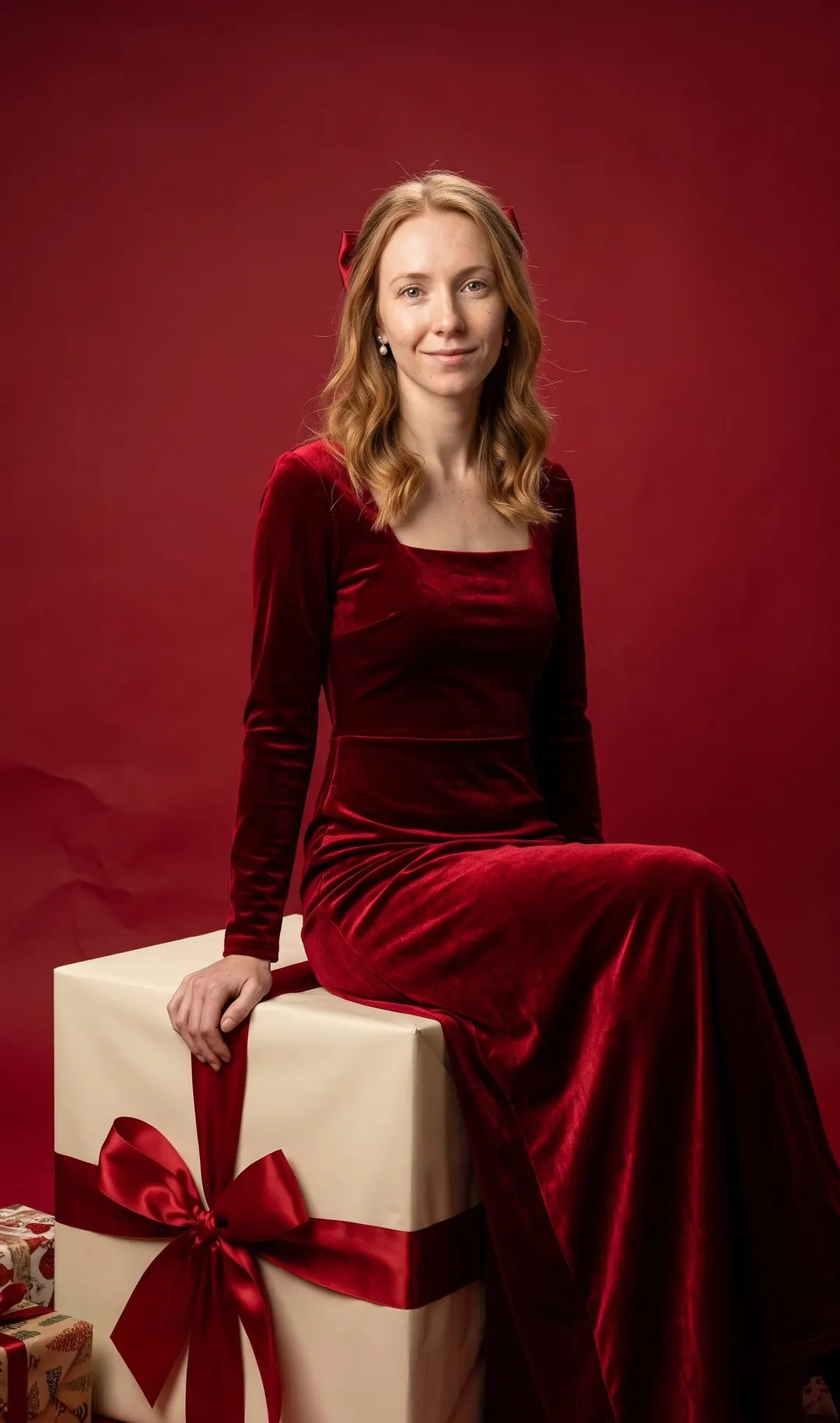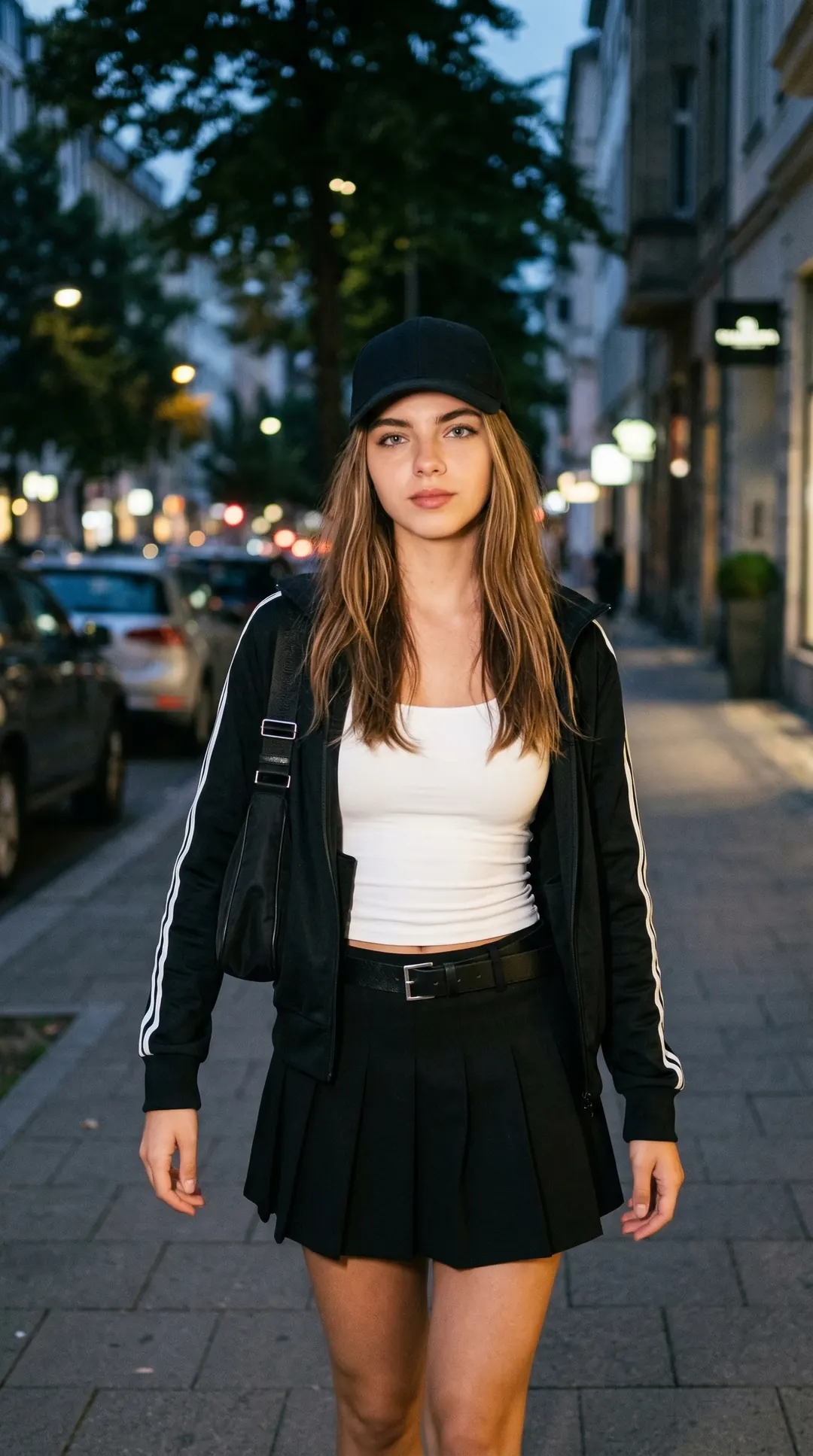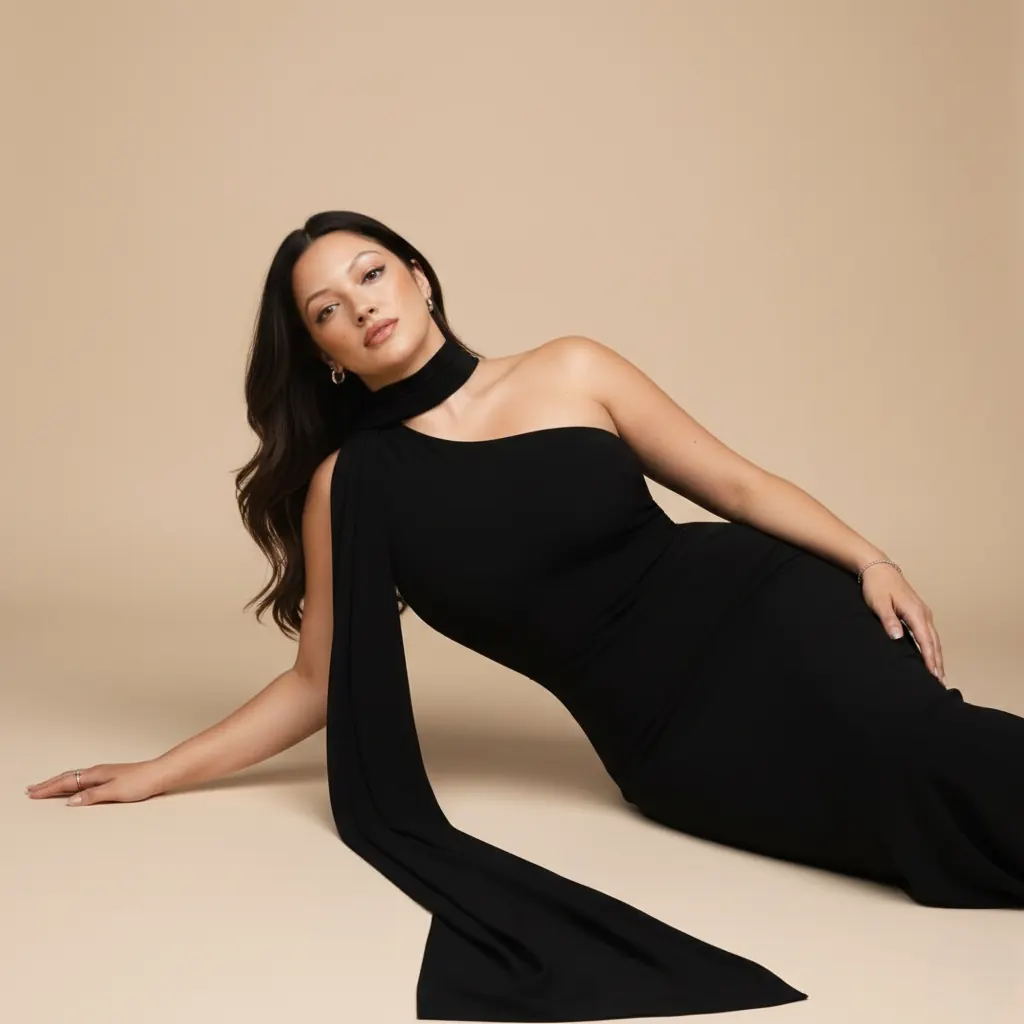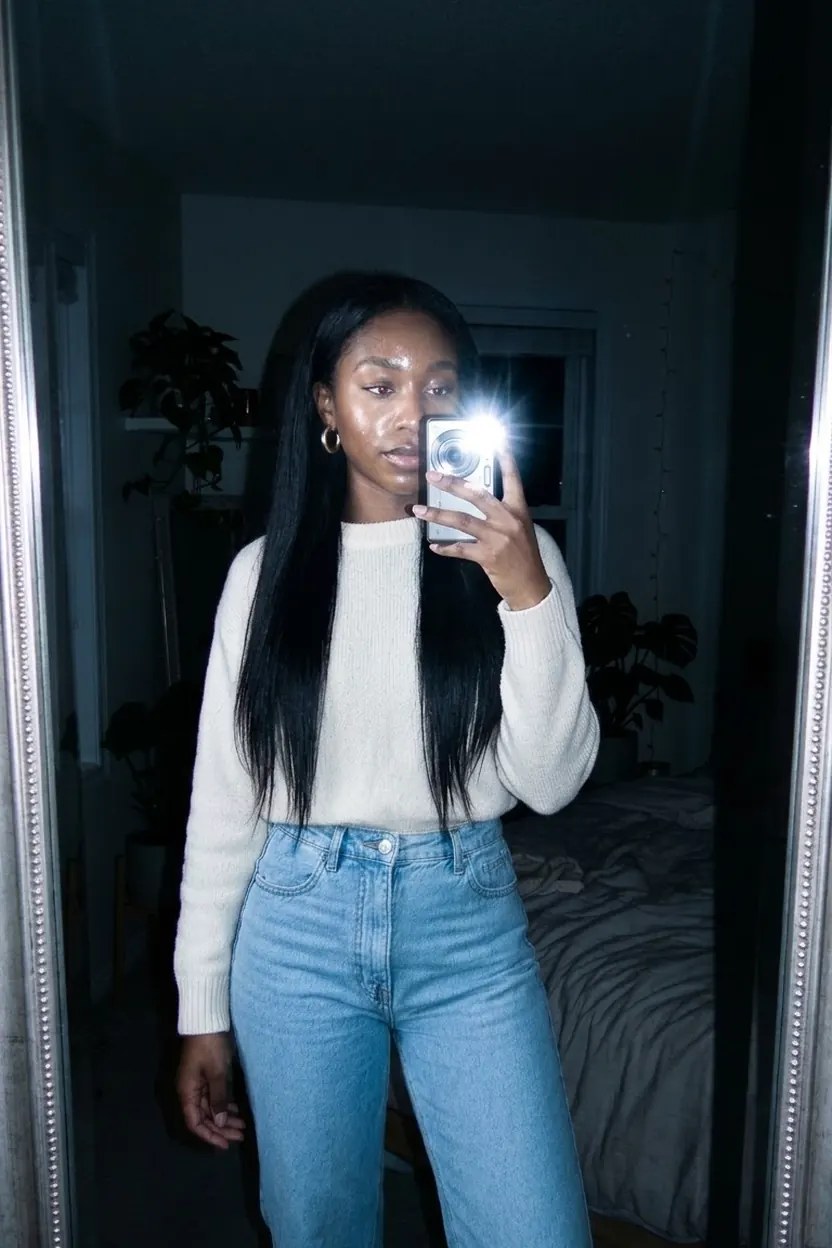


AI digicam filter

Harsh flash, shiny foreheads, a black background and slightly crunchy pixels: the 2000s digicam look is everywhere again.

In short

The AI digicam filter in Rizz AI Photo is the Digicam Flash style. It keeps your photo exactly as it is (same person, pose, outfit, place and framing) and reshoots it as a night flash photo from a cheap 2007 compact camera: flat bright flash, a hard shadow behind you, a background that falls to black, cool colour, faint red eye and visible JPEG grain.

You do not need a vintage camera from a resale site to get it. One photo and one tap is enough.

Digicam Flash and the photo enhancement styles

Digicam Flash comes first. It works on the photo you upload instead of placing you in a new scene. Tap it to open the app.

Try these styles on your photo. Free to download on iPhone and Android.Try free

What is the digicam look?

A "digicam" is a small digital point and shoot camera from the 2000s. Their tiny built in flash fired straight at whoever was in front of it, so every party photo from that era looks the same: bright, flat faces, a hard shadow on the wall, a pitch black background, a cool blue tint and a little red eye. The low resolution sensors added blocky compression and colour noise in the dark areas.

That imperfection is exactly why people love it now. Phone cameras make everything clean and smooth; a digicam photo feels candid, nostalgic and real. Old cameras have become a hot resale item, and searches for "digicam filter" keep climbing because most people want the look without hunting for a working camera, batteries and a memory card reader.

Digicam Flash, explained

Most digicam filters just add grain and a date stamp on top of your photo. That cannot fix the biggest giveaway: your photo was taken in daylight or under soft room light, and a digicam photo is lit by one hard flash. Digicam Flash reshoots the moment instead:

  • Everything you uploaded stays. Same face, expression, pose, outfit, place and framing.
  • The flash becomes the only light. Your face and outfit turn bright, flat and slightly overexposed, with shiny highlights on the forehead, nose and cheeks.
  • The background drops to black. Anything more than a couple of metres behind you falls into darkness, even if the original was a sunny afternoon.
  • A hard shadow outline sits right behind you on the wall.
  • Camera flaws on purpose. Cool bluish colour, clipped highlights, faint red eye, slight purple fringing, blocky JPEG compression and soft focus like an old 7 megapixel sensor.

Whole scenes in the same flash look

  • Holiday Party Flash: a candid house party shot against a silver tinsel curtain, laughing straight into a compact camera flash.
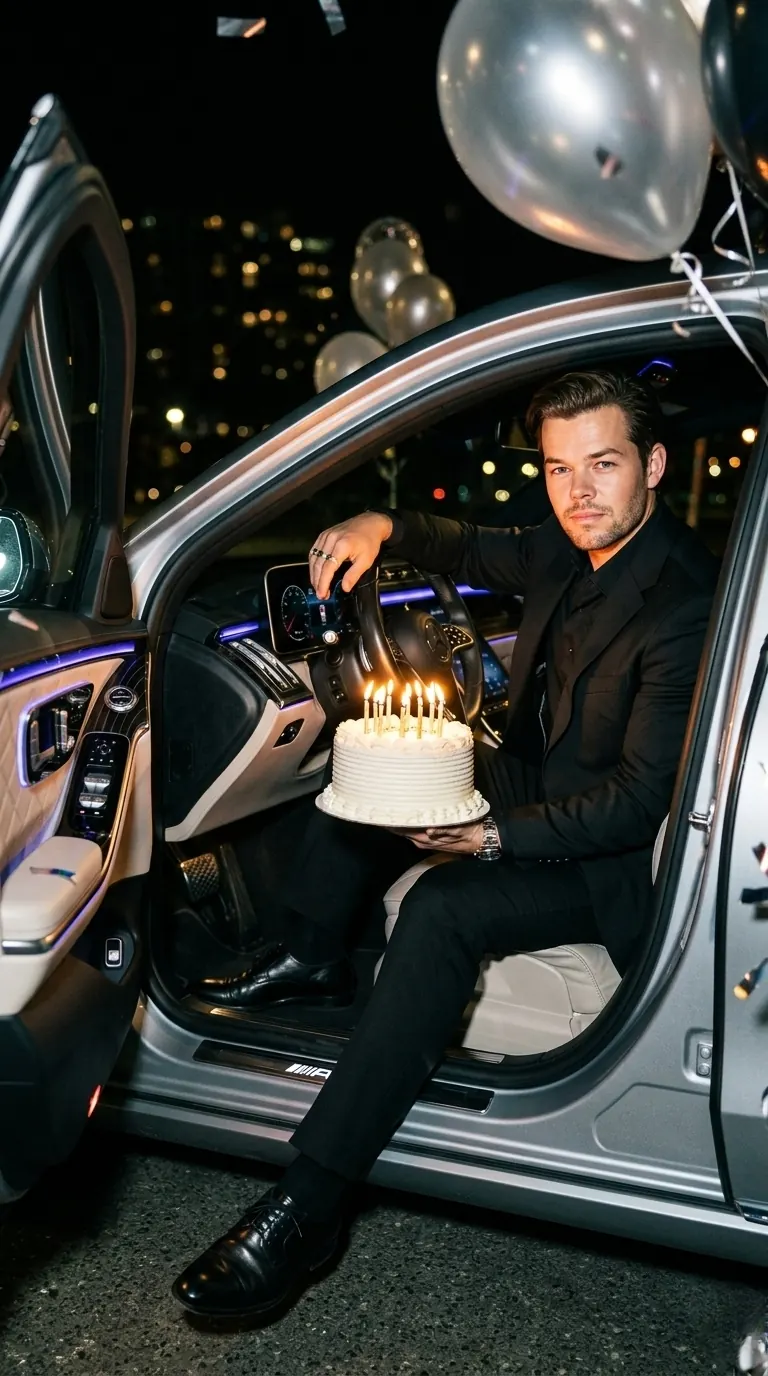
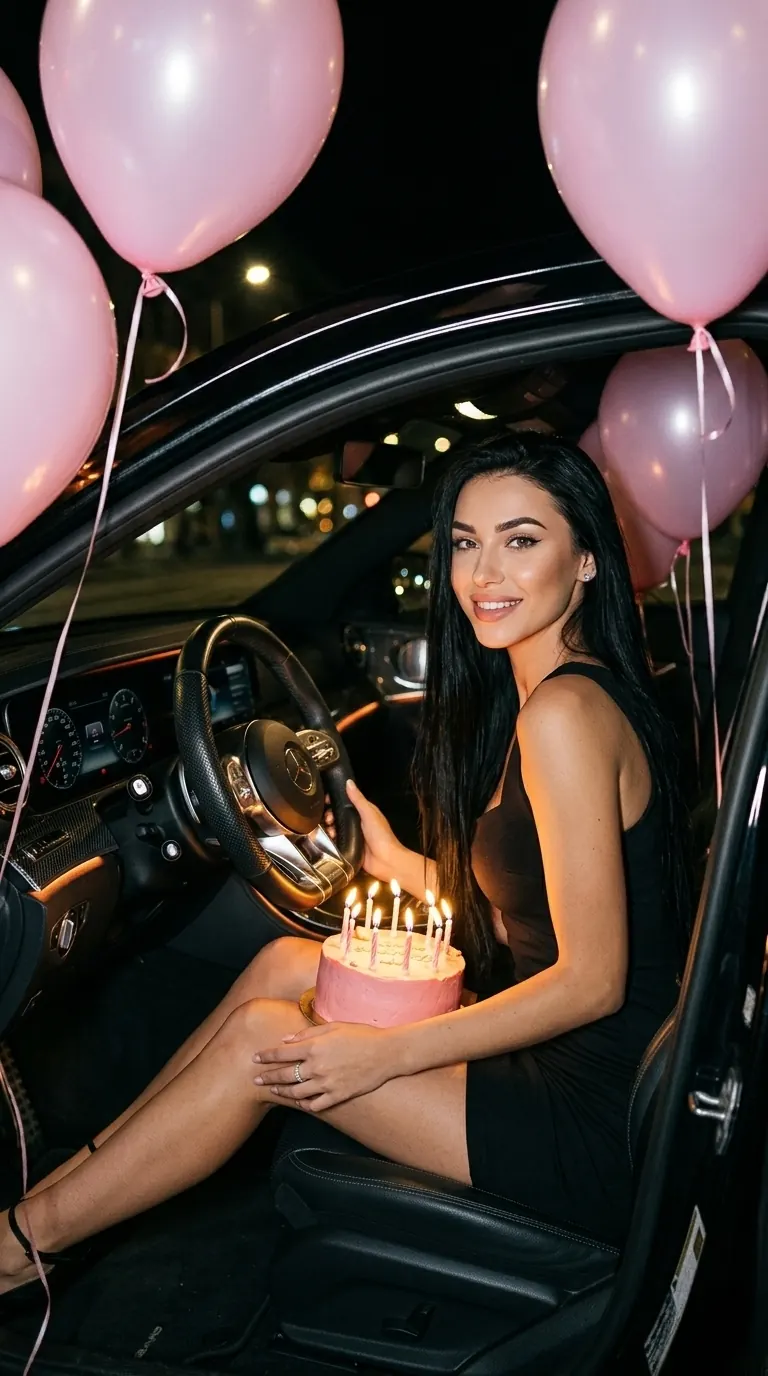
  • Birthday Flash: night time, flash on, sitting in the open door of a silver car with balloons above and a cake on your lap.
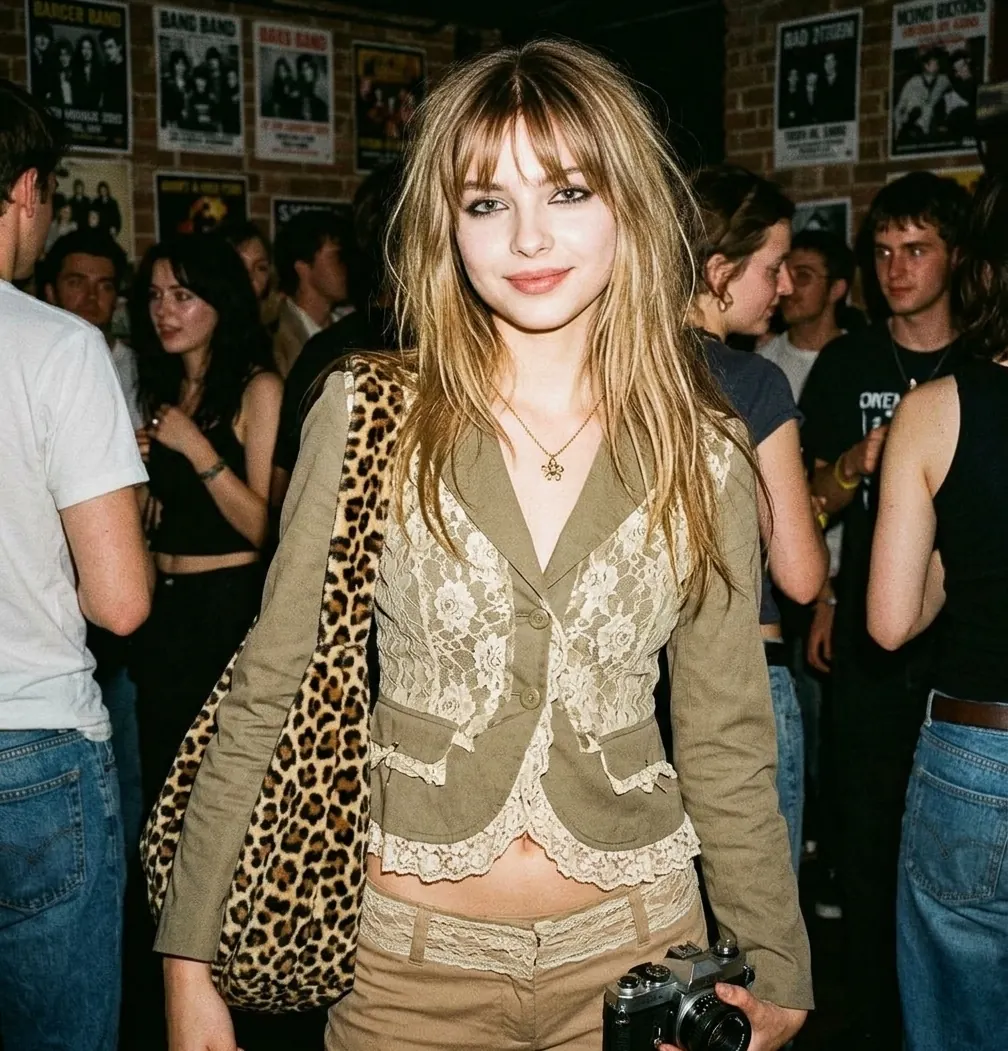
  • Y2K Indie Sleaze: a flash lit shot at a crowded gig in a lace top and khaki jacket, with a film camera in hand.
  • Ugly Sweater Flash: a deadpan party photo in a gloriously tacky Christmas sweater, lit by harsh flash.
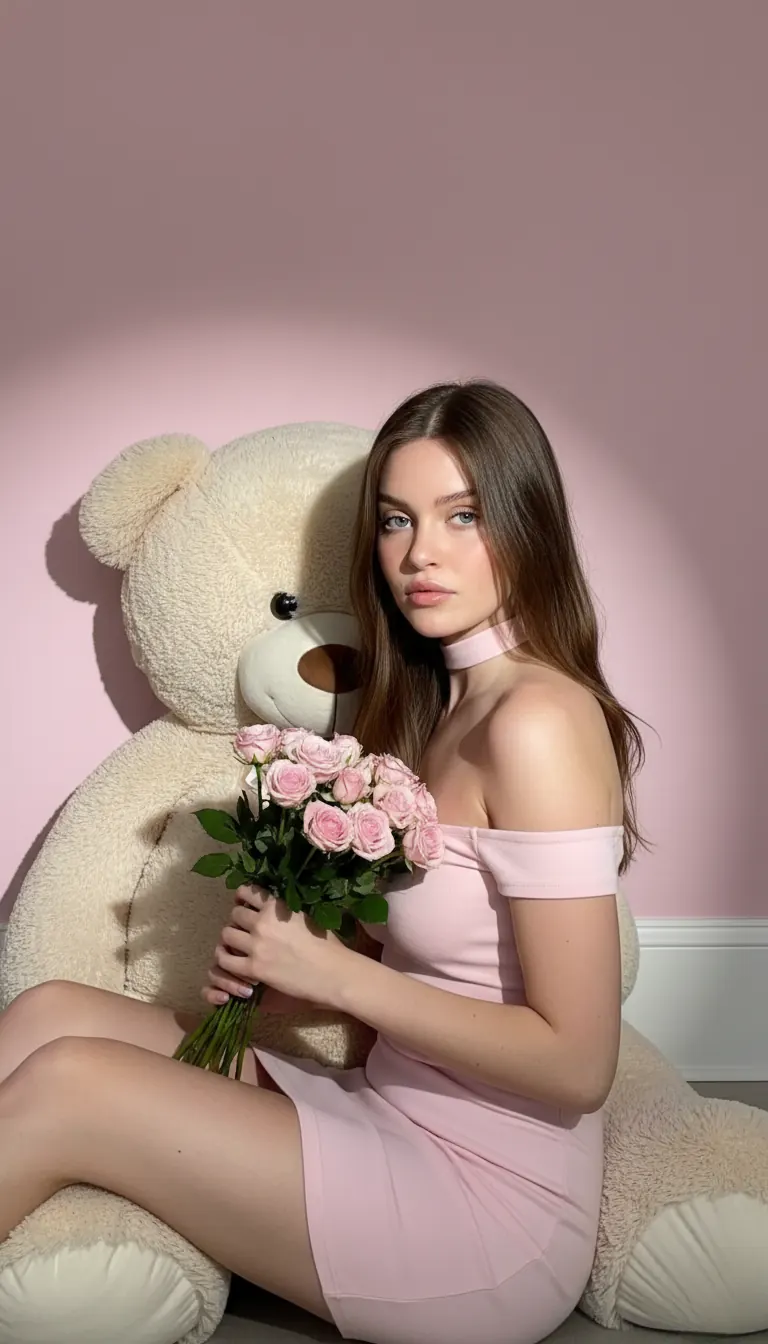
  • Pink Doll Flash: a playful flash portrait beside a giant teddy bear against a blush pink wall.
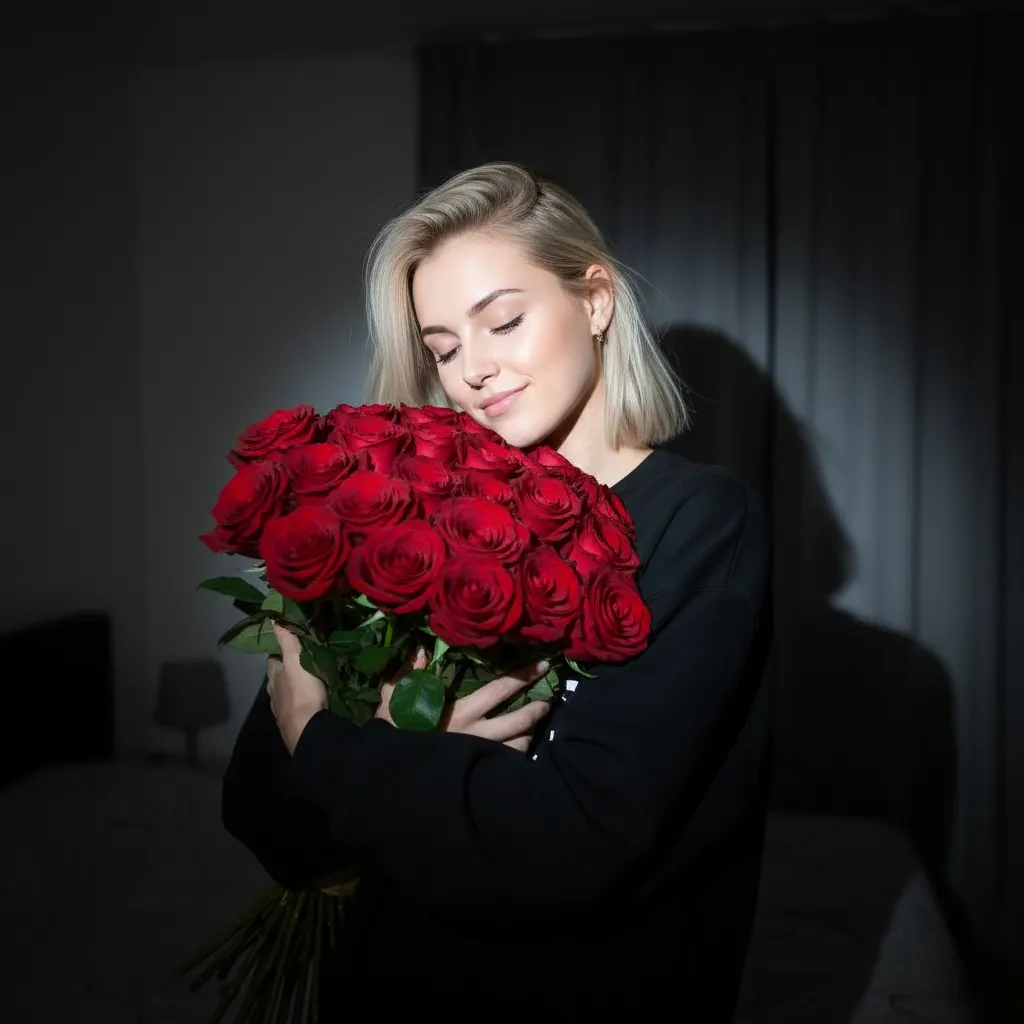
  • Flash with Flowers: hugging a huge bouquet of red roses, lit by direct flash against a dark backdrop.
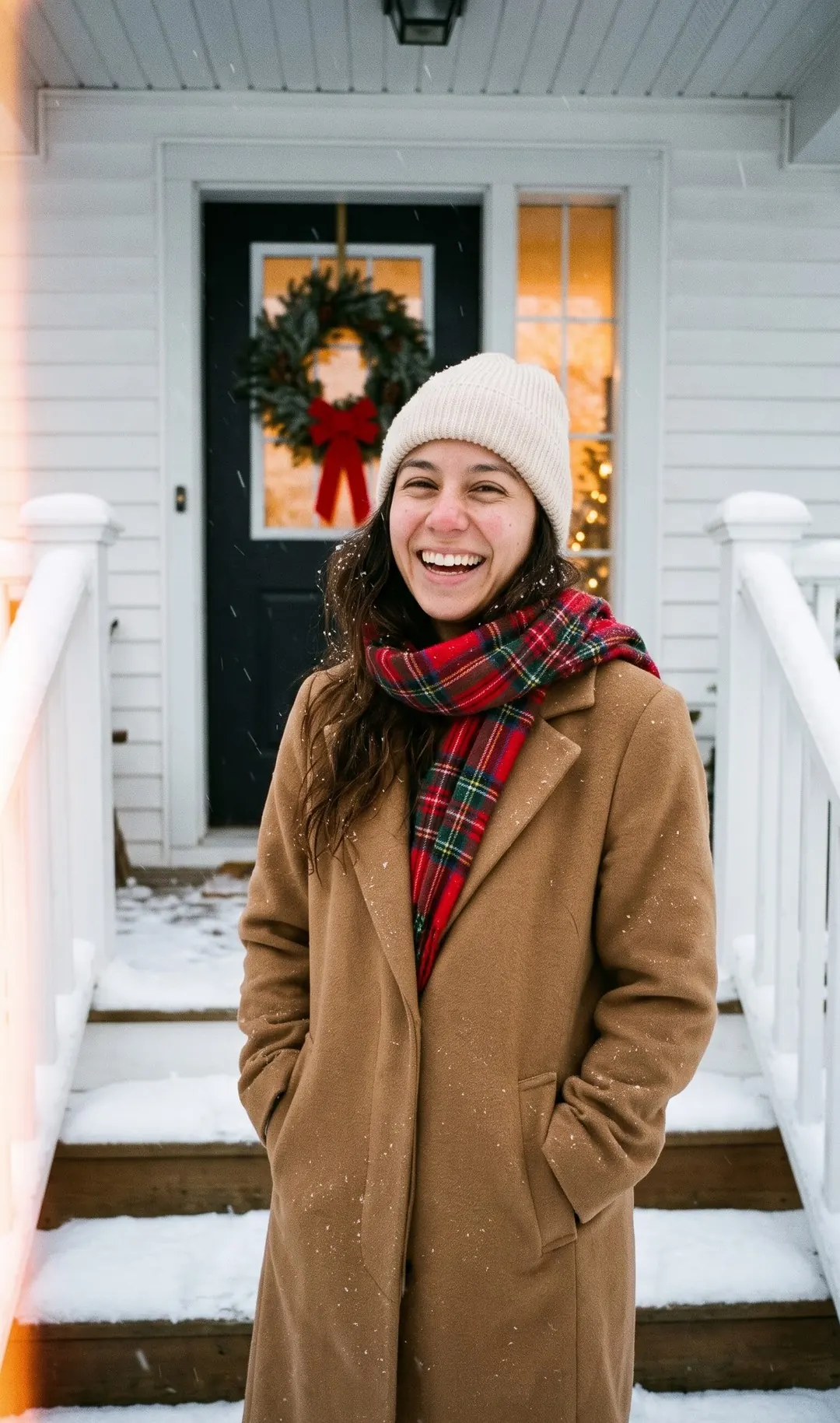
  • Snowy Porch Card: laughing on snowy front steps with the small flash and grain of a disposable camera.
  • Paparazzi Style: a celebrity birthday arrival in the driver's seat with flash photos going off.
Get the digicam look. Digicam Flash is in the Photo Enhancement row, about 20 seconds per photo.Try free

How to use the AI digicam filter

  1. 1Download Rizz AI PhotoInstall Rizz AI Photo from the App Store or Google Play and sign in with Apple or Google.
  2. 2Open Photo EnhancementScroll Home to the Photo Enhancement row and tap Digicam Flash.
  3. 3Upload a photoAny photo of you works: a mirror selfie, an outfit shot or a night out photo. Close to mid distance shots work best.
  4. 4GenerateTap Generate. Your flash photo is ready in about 20 seconds.
  5. 5Post it as a dumpSave a few and post them together with real photos. Digicam shots look best in a casual carousel.

Which photos make the best digicam shots

  • Close to mid distance. A real compact flash only reaches a couple of metres, so a waist up or full length shot from nearby looks most authentic.
  • Outfits with texture and shine. Sequins, leather, satin and faux fur catch flash beautifully.
  • A wall behind you. The hard shadow outline is a big part of the look.
  • Candid expressions. Laughing, mid sentence or caught off guard reads as real.
  • Night out and party photos. They already have the right energy; the filter adds the camera.

Free digicam prompt for Gemini

Want to try it free? Upload a photo to the Gemini app and paste this prompt. It is free within Google's daily limits.

2000s digicam flash

Reshoot this exact photo as a night flash photo from a cheap 2007 compact digital camera. Keep the face, identity, skin tone and hairline exactly the same. Natural skin texture, no beauty filter. Keep the same pose, outfit, place and framing. The built in flash is the only light: flat bright overexposed face with shiny highlights, a hard black shadow outline behind the person, the background falling to near black, cool bluish white balance, faint red eye, visible JPEG compression and colour noise, slightly soft focus. It must look like a real 2000s memory card photo, not a professional photo.

Skip the prompt: try the ready made styles in Rizz AI Photo →

Disposable camera flash

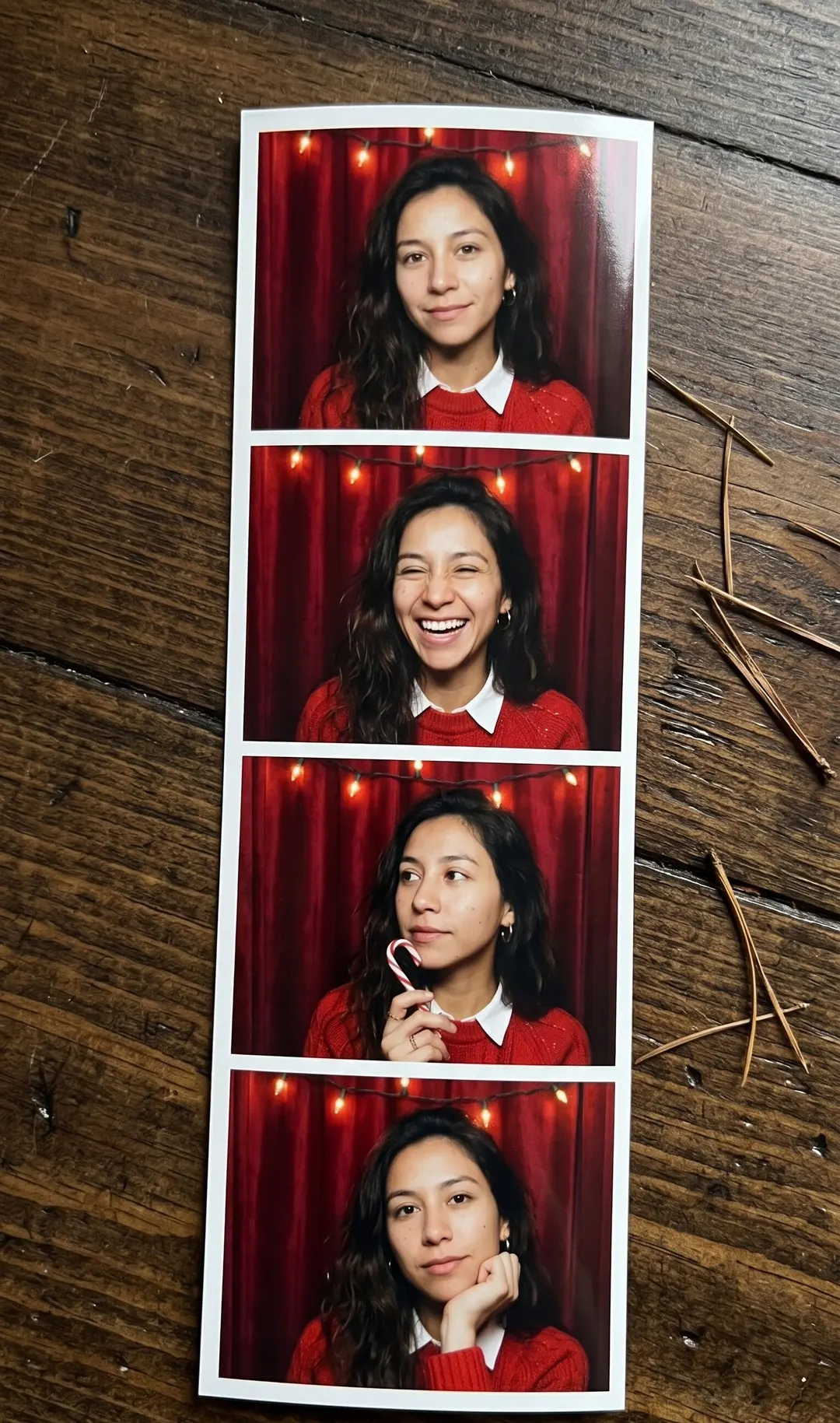
Make this photo look like it was taken on a disposable film camera with flash at a house party. Keep the face, identity, skin tone and hairline exactly the same. Natural skin texture, no beauty filter. Keep the same pose and outfit. Direct flash, warm film colours, visible grain, slight vignette, a little motion blur in the background, orange date stamp in the lower right corner.

Skip the prompt: try the ready made styles in Rizz AI Photo →

AI digicam filter vs a real digicam vs filter apps

  • Real flash lighting

    Rizz AI Photo Digicam Flash
    Yes, the photo is relit
    A real 2000s digicam
    Yes
    Overlay filter apps
    No, grain on top of your light
  • Works on old photos

    Rizz AI Photo Digicam Flash
    Yes, any photo in your roll
    A real 2000s digicam
    Only new shots
    Overlay filter apps
    Yes
  • Cost

    Rizz AI Photo Digicam Flash
    Free to download, credits per image
    A real 2000s digicam
    A resale camera, batteries and a card reader
    Overlay filter apps
    Often free
  • Effort

    Rizz AI Photo Digicam Flash
    Upload and tap
    A real 2000s digicam
    Charge, shoot, transfer
    Overlay filter apps
    Tap a filter
  • Authenticity

    Rizz AI Photo Digicam Flash
    Very close, made to look imperfect
    A real 2000s digicam
    The real thing
    Overlay filter apps
    Often looks like a filter

How to post digicam photos

  1. Mix real and digicam. A carousel with a few clean phone photos and a few digicam shots feels like a real camera roll.
  2. Keep captions short. "Found the old camera" style captions match the mood.
  3. Use the search words. "digicam", "y2k" and "photo dump" are how people search for this look.
  4. Pair it with the era. The styles in our AI vintage photo generator fit right in.
Your 2000s camera roll, today. One photo, a digicam flash shot in about 20 seconds.Try free

More styles you might like

FAQ

What is a digicam filter?

A filter that makes a photo look like it was taken on a 2000s compact digital camera with its built in flash: flat bright faces, a dark background, a hard shadow, cool colour and visible grain.

How do I get the digicam look without a digicam?

Upload a photo to the Digicam Flash style in Rizz AI Photo, or paste the free prompt on this page into Gemini. Both relight your photo as a flash shot.

Is the AI digicam filter free?

The Gemini prompt on this page is free within Google's daily limits. Rizz AI Photo is free to download; generating images uses credits from a subscription or a credit pack.

Does Digicam Flash change my outfit or background?

No. It keeps your face, pose, outfit, place and framing. It only changes the light and camera quality, so the background usually turns dark like a real flash photo.

Why does my digicam photo have red eye?

Faint red eye is part of the authentic compact camera flash look. If you do not want it, regenerate or ask for no red eye in a Gemini prompt.

Can I use a daylight photo?

Yes. Digicam Flash turns it into a night flash photo, with the background falling to black.

Which photos work best?

Close to mid distance shots of one person, ideally with a wall behind and shiny or textured clothes.

Is there a digicam filter on iPhone?

Rizz AI Photo works on iPhone and Android. Upload any photo from your camera roll to Digicam Flash.

What is the difference between a digicam and a disposable camera look?

Digicam photos are digital: cool colour, JPEG blockiness and red eye. Disposable photos are film: warm colours, film grain and often a date stamp.

Can I add a date stamp?

Digicam Flash does not add one. Use the disposable camera prompt on this page, or add a date stamp in a photo editor.

Does it work on group photos?

Use a photo of one person for the best result, then post several shots together as a dump.

How long does it take?

About 20 seconds per photo.

Are there other flash styles?

Yes. Holiday Party Flash, Birthday Flash, Ugly Sweater Flash, Pink Doll Flash and Y2K Indie Sleaze all use the same direct flash look in a full scene.

Do I need to write prompts in the app?

No. Digicam Flash already contains a tuned prompt. Upload a photo and tap Generate.

Will it still look like me?

Yes. The style keeps your face and only changes the light and camera quality.

Keep reading

By the Rizz AI Photo team · Updated

Skip the prompt.
Get the photo.

Rizz AI Photo runs Nano Banana 2.1 behind ready made styles. Upload a selfie, tap a style, and get your image in seconds. No prompt writing needed.