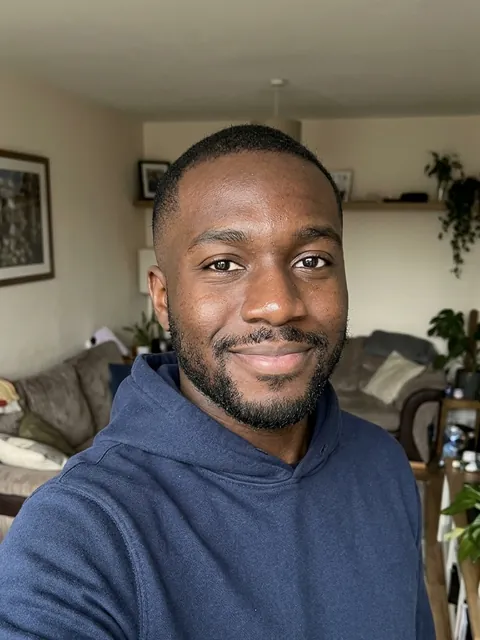
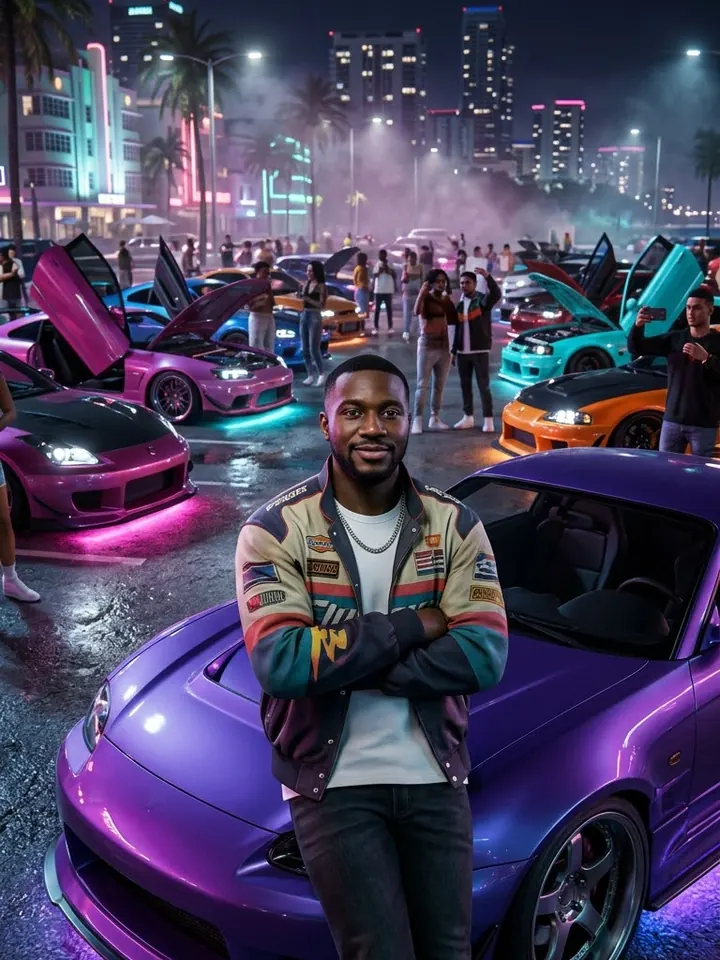
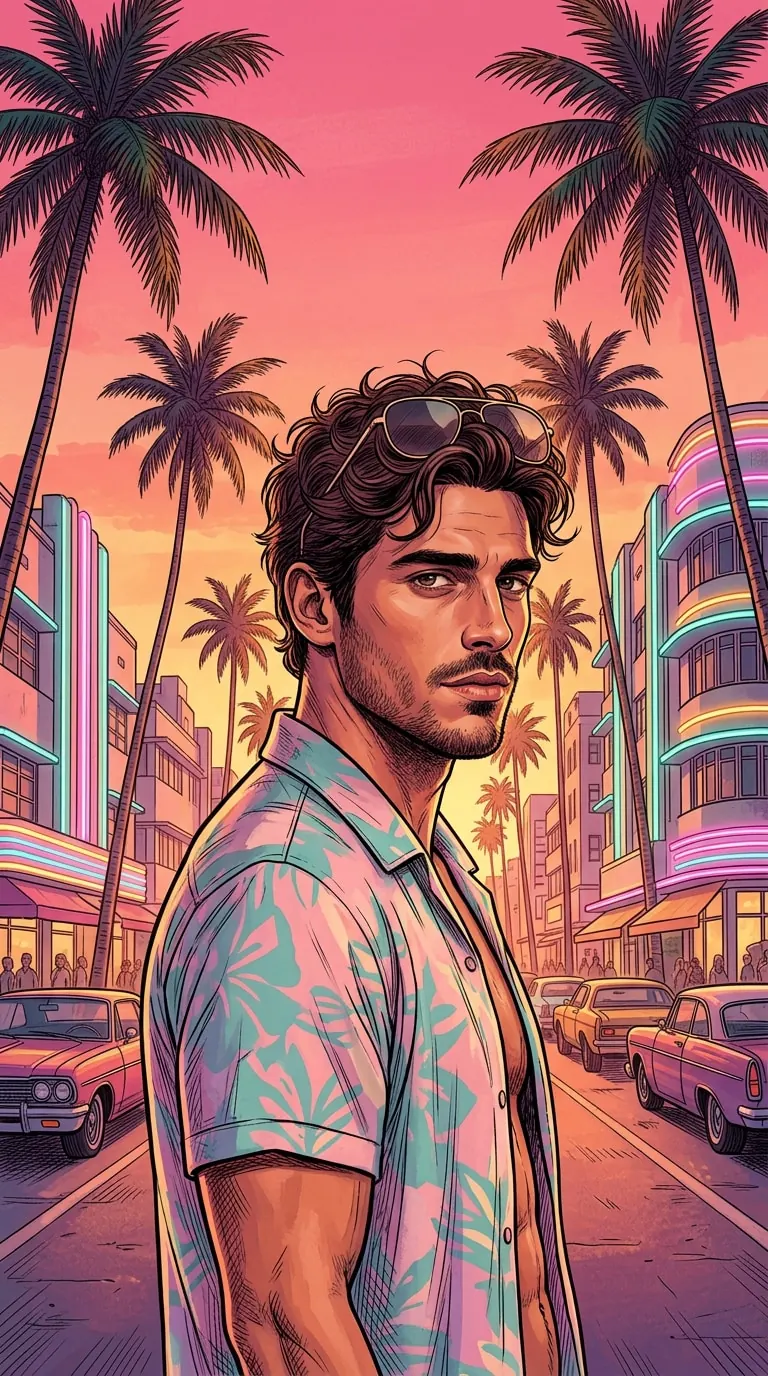
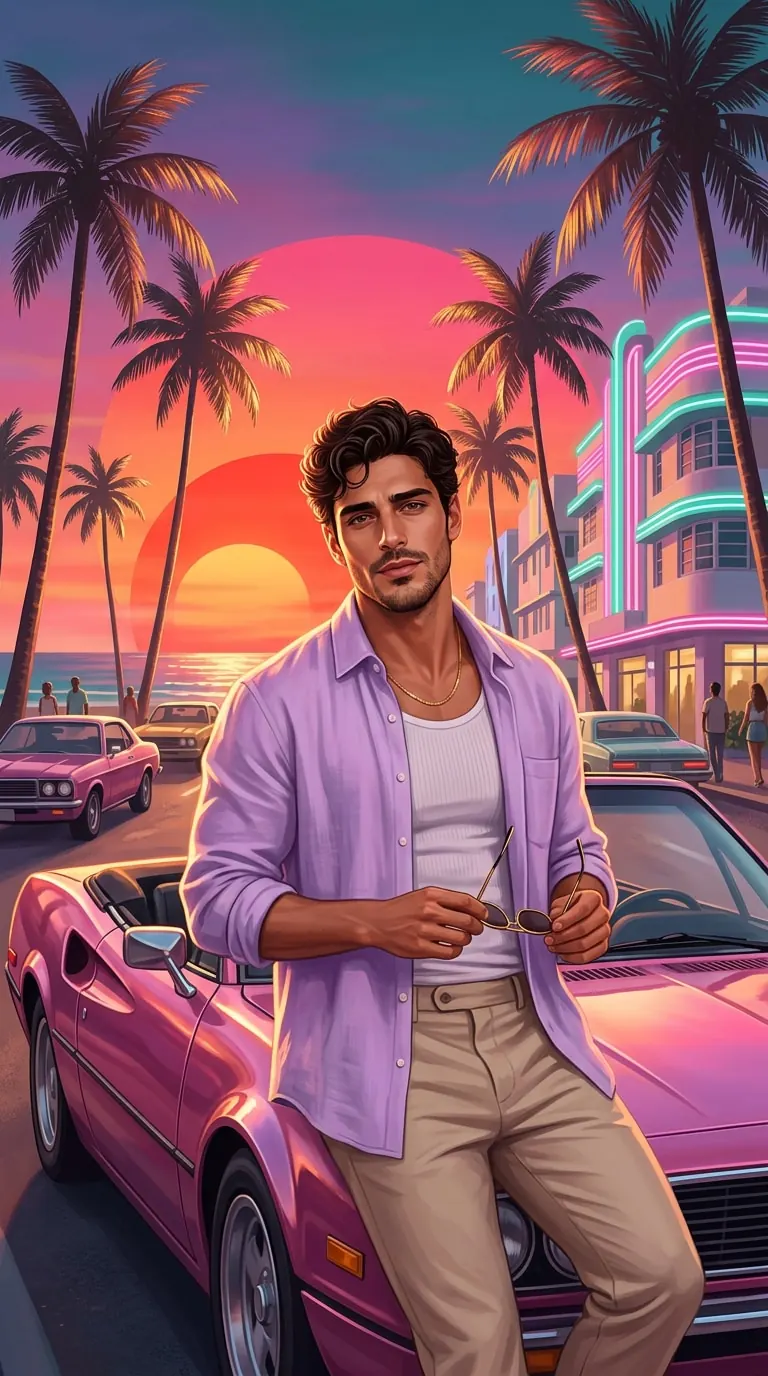
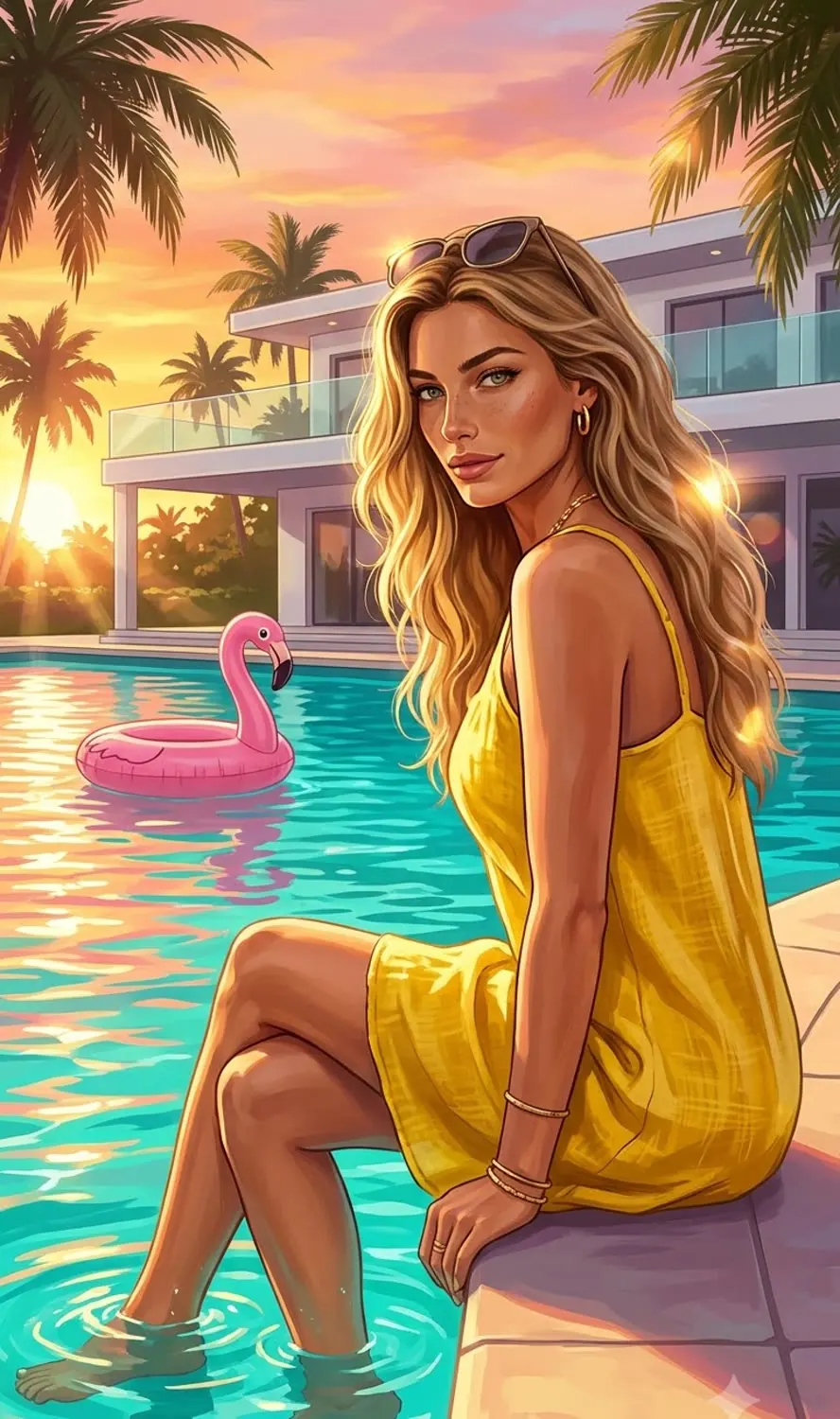
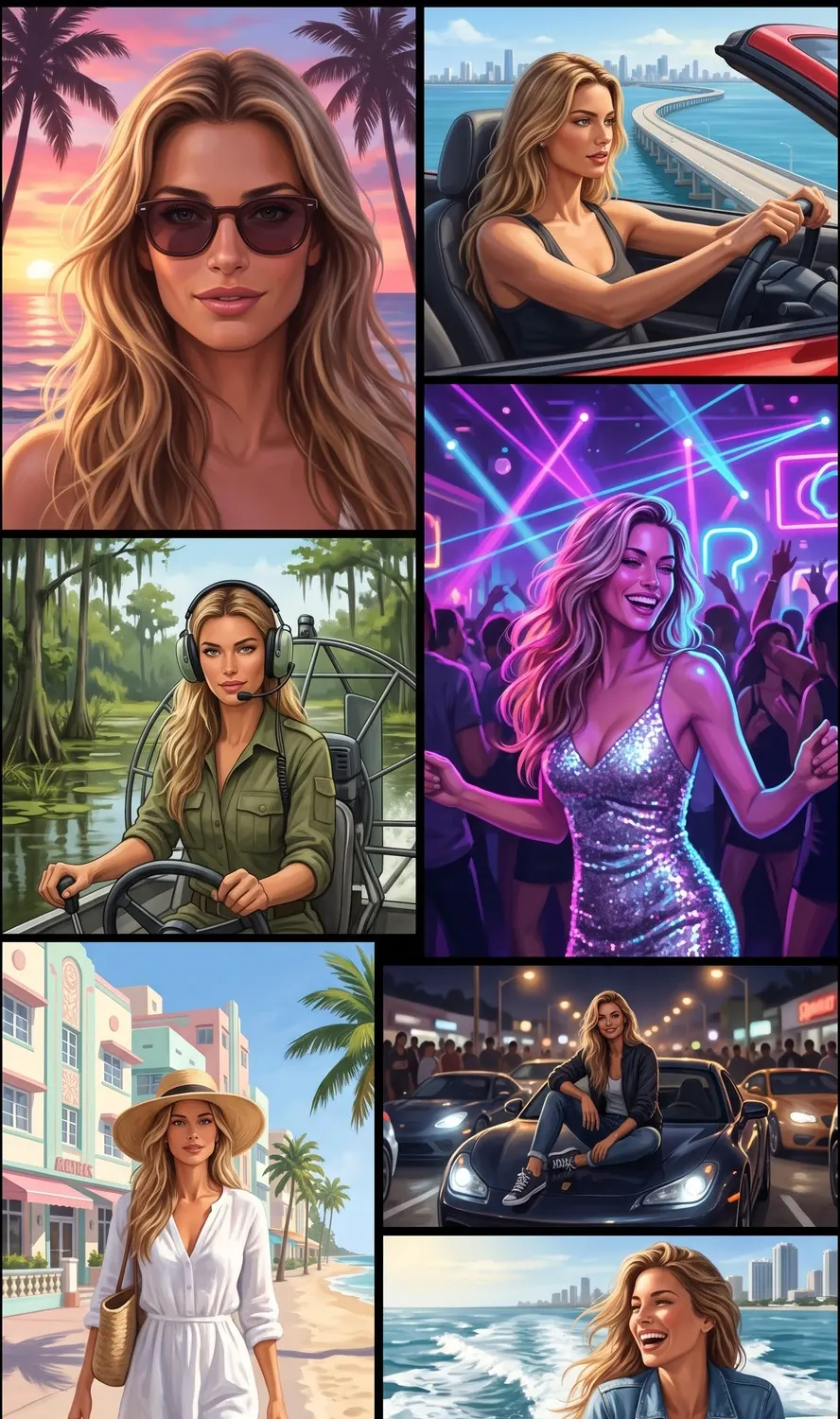
To make a GTA 6 profile picture of yourself, start from one sharp selfie and turn it into square key art (ink outlines, crosshatch shading, sunset sky) or an in game portrait, with your face centered in the middle third so a circle crop does not cut it.
Here is how to make one that still looks like you and survives a circle crop.
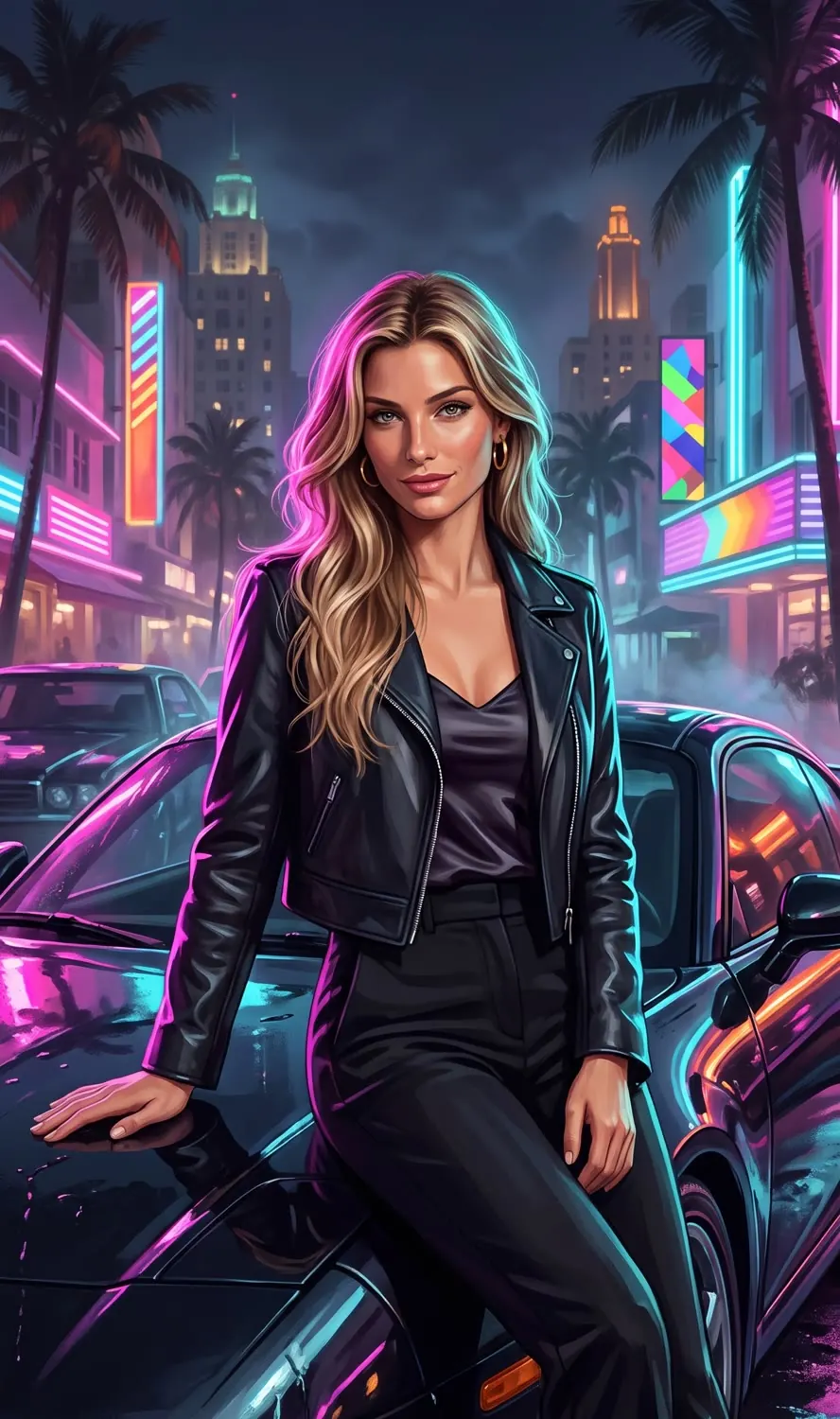
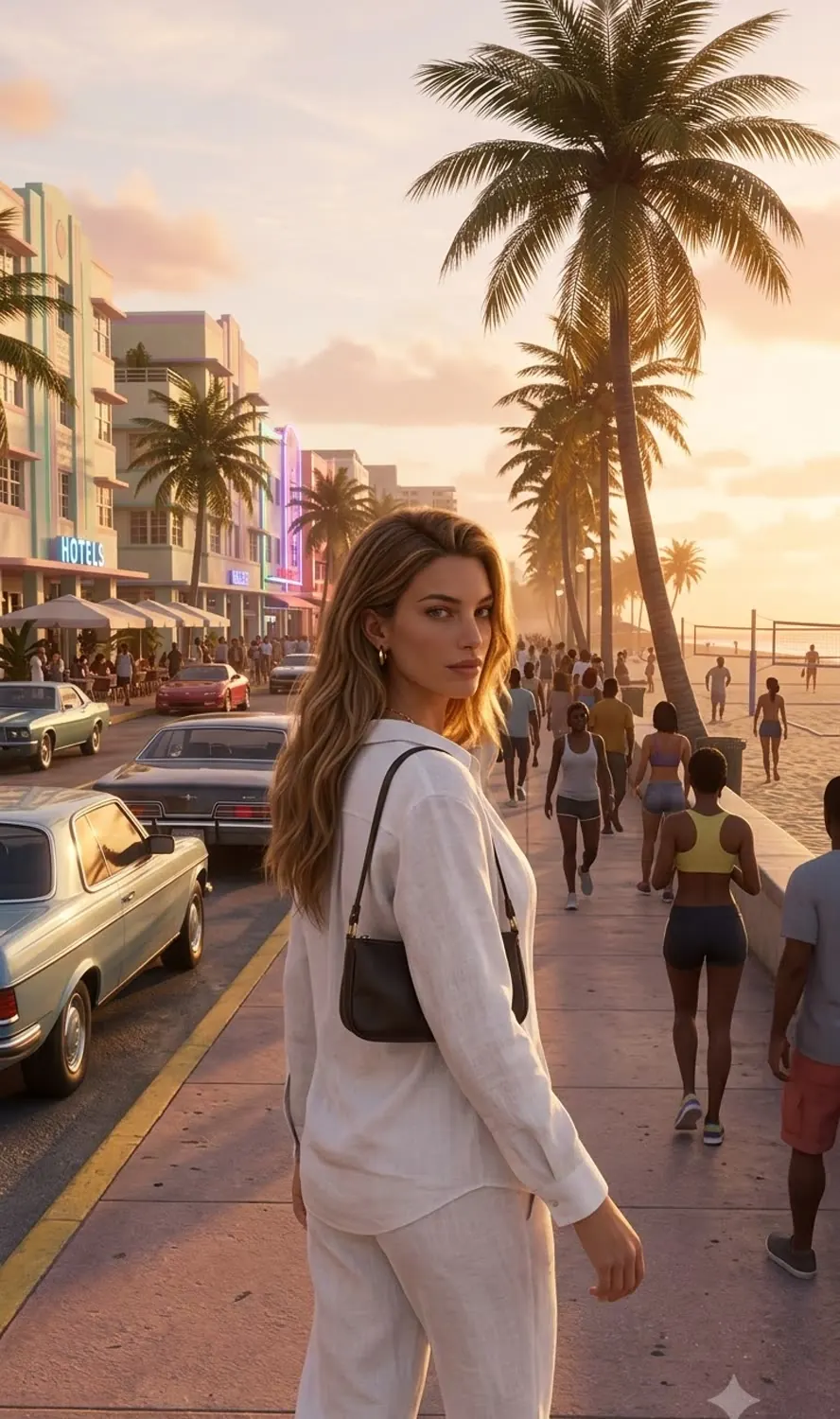
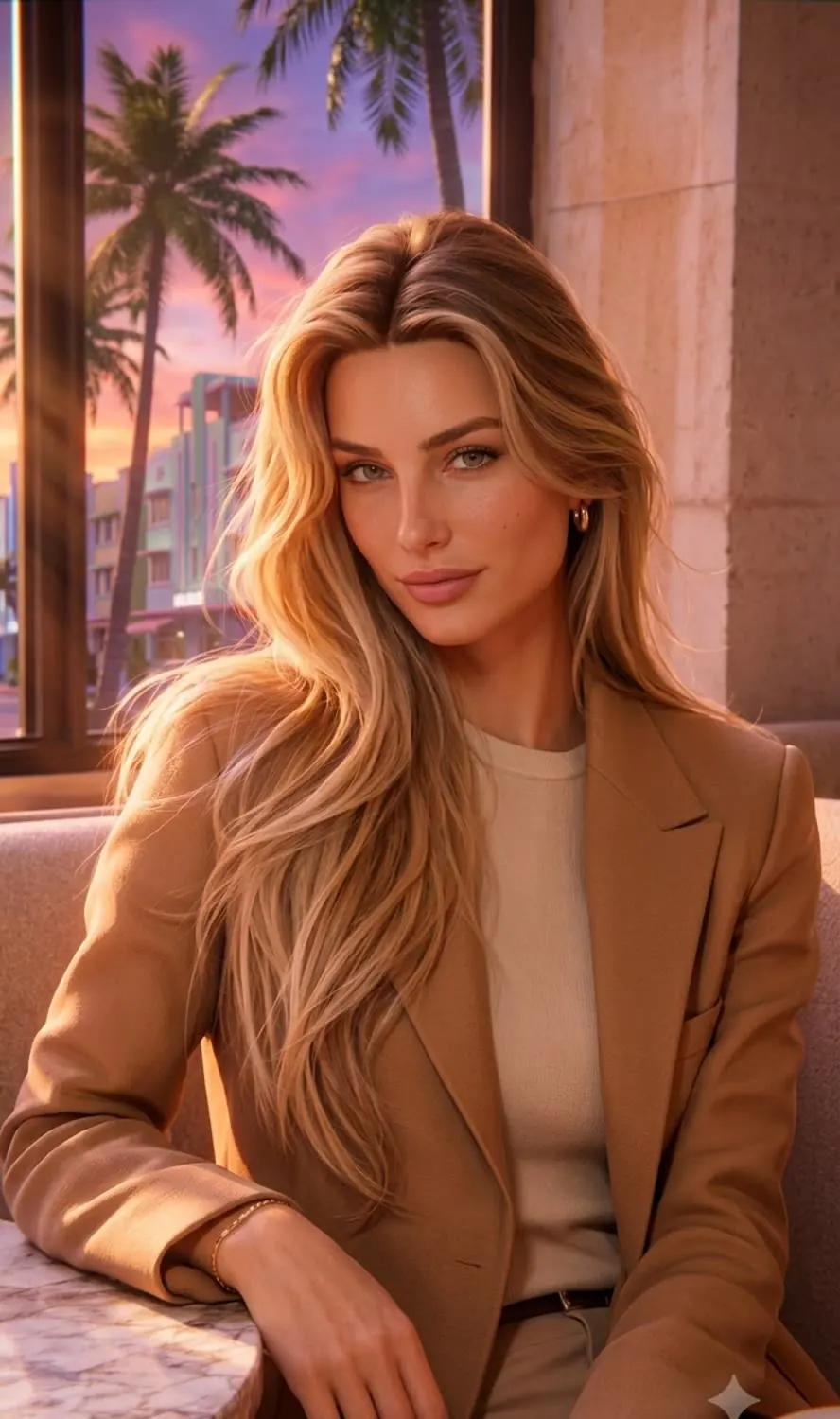
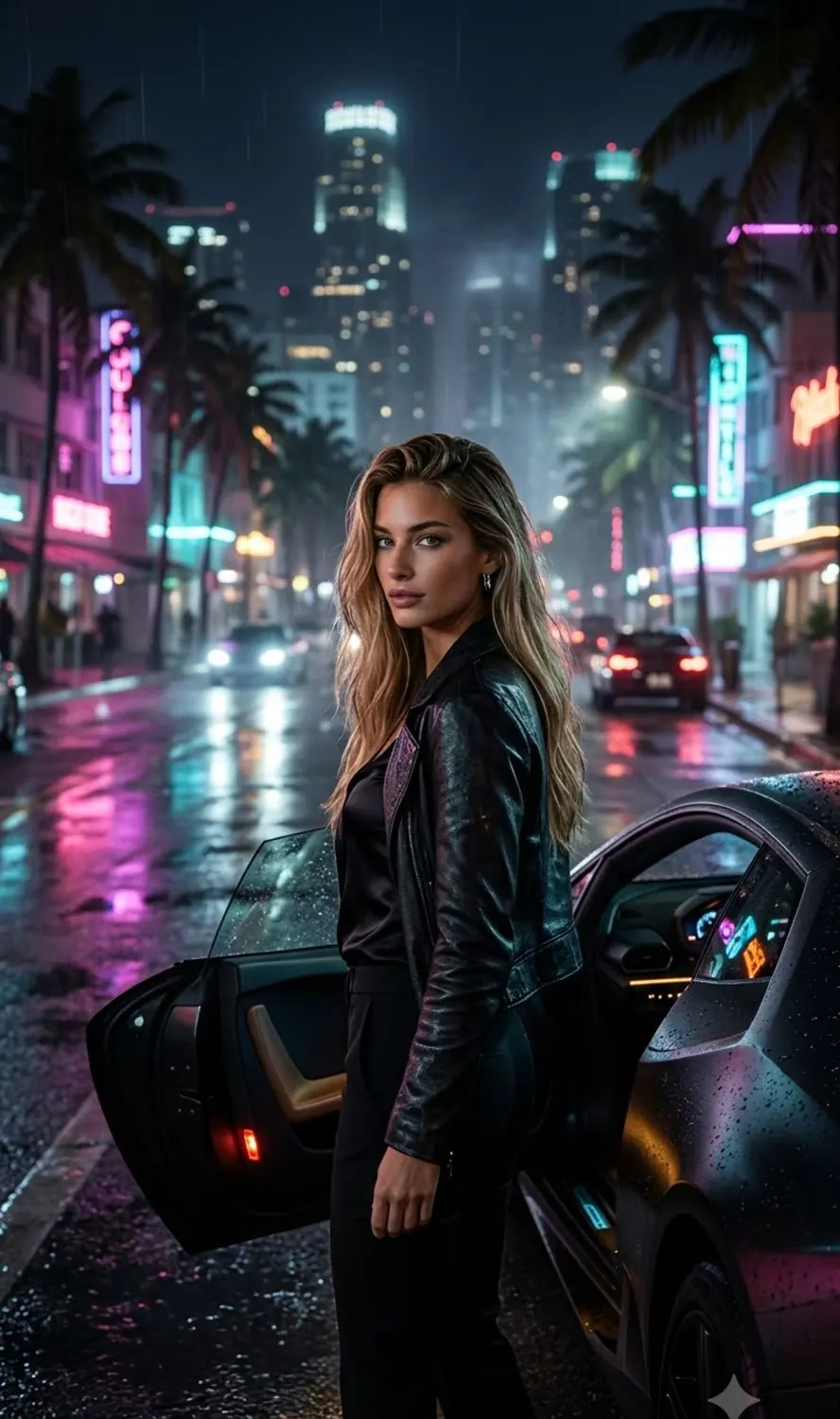
GTA 6 looks that work best as a profile picture
Profile pictures show up tiny, so the looks that work are the ones with a clear face and a simple, bright background. Key art reads best at small sizes. In game looks feel more like a real photo of you.
Sunset key art: the classic loading screen look. Warm, bright and easy to recognise in a small circle.
Neon key art: purple and teal night colors. Stands out in a dark mode feed.
In game portrait: realistic game graphics. Best when you want it to look most like you.
Night drive: moody and cinematic. Crop tight on the face so the car does not take over.
How to make a GTA 6 profile picture
1Pick a clear selfieUse a sharp photo of just you, head and shoulders, looking at the camera, in daylight. Avoid sunglasses and caps.
2Choose a lookIn Rizz AI Photo, open the Open World Miami row and tap Miami Poster, Sunset Key Art or In Game. Or paste a prompt from this page into Gemini.
3GenerateUpload your selfie. In the app the image is ready in about 20 seconds.
4Crop to a squareCrop around your face so your eyes sit a little above the middle and there is space around your hair. Check it inside a circle before you upload.
5Upload it everywhereSet it on Instagram, TikTok, X, Discord and your console profile. Use the same picture everywhere so friends recognise it.
GTA 6 PFP sizes and crops by platform
Instagram
Shape shown
Circle
What to do
Upload a square image and keep the face in the center
TikTok
Shape shown
Circle
What to do
Square image, face centered, simple background
X
Shape shown
Circle
What to do
Square image; it is shown very small, so key art reads best
Discord
Shape shown
Circle
What to do
Square image; bright colors stand out in dark mode
Xbox
Shape shown
Square
What to do
A custom gamerpic needs a square image of at least 1080 by 1080 pixels
PlayStation
Shape shown
Circle
What to do
Square image with the face centered
Platform
Shape shown
What to do
Instagram
Circle
Upload a square image and keep the face in the center
TikTok
Circle
Square image, face centered, simple background
X
Circle
Square image; it is shown very small, so key art reads best
Discord
Circle
Square image; bright colors stand out in dark mode
Xbox
Square
A custom gamerpic needs a square image of at least 1080 by 1080 pixels
PlayStation
Circle
Square image with the face centered
Ask for a square image when you generate it (end the prompt with "Square 1:1") instead of cropping a tall poster. You keep more detail around the face.
GTA 6 profile picture prompts
Paste one into Gemini or ChatGPT with your selfie. They are written for a square crop.
Sunset key art PFP
Turn the person in this photo into a square video game key art portrait: head and shoulders, centered, fine ink outlines, soft crosshatch shading, a hot pink and orange sunset with palm trees behind. Keep the face, hair and skin tone exactly the same as the photo. No logos, no game title text, no weapons. Square 1:1.
Redraw the person in this photo as a square night time game key art portrait: head and shoulders, purple and teal neon glow on one side of the face, blurred city lights behind, painted realism with ink outlines. Keep the face, hair and skin tone exactly the same as the photo. No logos, no game title text, no weapons. Square 1:1.
Make a square portrait of the person in this photo as a character in a realistic next generation open world game set in a Miami style city: head and shoulders, golden hour light, palm trees softly blurred behind, slight glossy game engine finish. Keep the face, hair and skin tone exactly the same as the photo. No logos, no game title text, no weapons. Square 1:1.
Paint the person in this photo looking back over their shoulder at the camera, square crop, neon street at night behind them, motion blur traffic, game key art style with ink outlines. Keep the face, hair and skin tone exactly the same as the photo. No logos, no game title text, no weapons. Square 1:1.
Create a square game key art portrait of the person in this photo with sunglasses pushed up on their head, white open collar shirt, ocean and pastel hotels behind, bright afternoon sun. Keep the face, hair and skin tone exactly the same as the photo. No logos, no game title text, no weapons. Square 1:1.
Lots of people search for a profile picture that looks like the game's two leads. Do not ask an AI tool to copy the characters themselves: it is often refused and the result stops looking like you. Instead, describe the vibe: a denim jacket over a tank top with gold hoops, or a plain tee, a cap and a beard. Keep your own face, and let the outfit and the sunset do the rest.
Fans searching "lucia gta 6 pfp" want the look, not the character: sleek pulled back hair, big gold hoops, a fitted top under a light denim jacket and a sunset or neon street behind. Keep your own face and it still reads as the trend.
Lucia style key art PFP
Turn the person in this photo into a square game key art portrait: head and shoulders, centered, hair pulled back sleek, large gold hoop earrings, a light denim jacket over a black tank, a pink and orange sunset with palm trees behind, fine ink outlines and crosshatch shading. Keep the face, hair and skin tone exactly the same as the photo. No logos, no game title text, no weapons. Square 1:1.
For a "jason gta 6 pfp", describe relaxed Florida casual: a loose printed short sleeve shirt or a plain tee, short hair pushed back, light stubble if you have it, and a gas station or beach road at dusk behind.
Jason style in game PFP
Make a square portrait of the person in this photo as a character in a realistic open world game: head and shoulders, centered, a loose green leaf print short sleeve shirt over a white tank, short hair pushed back, a roadside gas station with a buzzing neon sign at dusk softly blurred behind. Keep the face, hair and skin tone exactly the same as the photo. No logos, no game title text, no weapons. Square 1:1.
Upload a clear selfie to an AI photo app or Gemini, pick a GTA 6 style key art or in game look, then crop the result to a square with your face in the center.
What is the best GTA 6 PFP maker?+
For a GTA 6 PFP of yourself, use a selfie based AI photo app such as Rizz AI Photo (Open World Miami: Miami Poster, Sunset Key Art or In Game), or paste a square prompt from this page into Gemini or ChatGPT. Pick a tool that keeps your face, then crop to a circle safe square.
How do I make a Lucia or Jason style PFP?+
Describe the look instead of the character: for Lucia, sleek pulled back hair, gold hoops and a denim jacket at sunset; for Jason, a printed short sleeve shirt and short hair at a gas station at dusk. The two prompts on this page do exactly that and keep your own face.
Is there a free GTA 6 profile picture generator?+
Gemini and ChatGPT can make one free within their usage limits if you paste a prompt. The Rizz AI Photo app is free to download, and its Open World Miami styles use credits.
What size should a GTA 6 PFP be?+
Make it square. A 1080 by 1080 pixel image works on Instagram, TikTok, X, Discord and consoles. Xbox asks for at least 1080 by 1080 pixels for a custom gamerpic.
Can I use a GTA 6 profile picture on Xbox or PlayStation?+
Yes, as long as it is your own image. Both let you set a custom picture. Use a square crop with your face centered.
Which GTA 6 look keeps my face the most?+
The in game portrait keeps the most likeness because it does not repaint your features. Key art is more stylised but reads better at small sizes.
Can I make a profile picture of Lucia or Jason?+
We suggest you do not copy the game's characters. Describe a similar outfit and setting and keep your own face instead. It is more fun, and AI tools refuse fewer requests.
Is this an official GTA 6 profile picture?+
No. These are fan made styles. Rizz AI Photo is not affiliated with Rockstar Games or Take Two Interactive.
Fan made guide. Rizz AI Photo is not affiliated with, endorsed by or sponsored by Rockstar Games or Take Two Interactive. Grand Theft Auto and GTA are trademarks of Take Two Interactive, used here only to describe the look these photo styles are inspired by. No official game art is used on this page.
Skip the prompt. Get the photo.
Rizz AI Photo runs Nano Banana 2.1 behind ready made styles. Upload a selfie, tap a style, and get your image in seconds. No prompt writing needed.