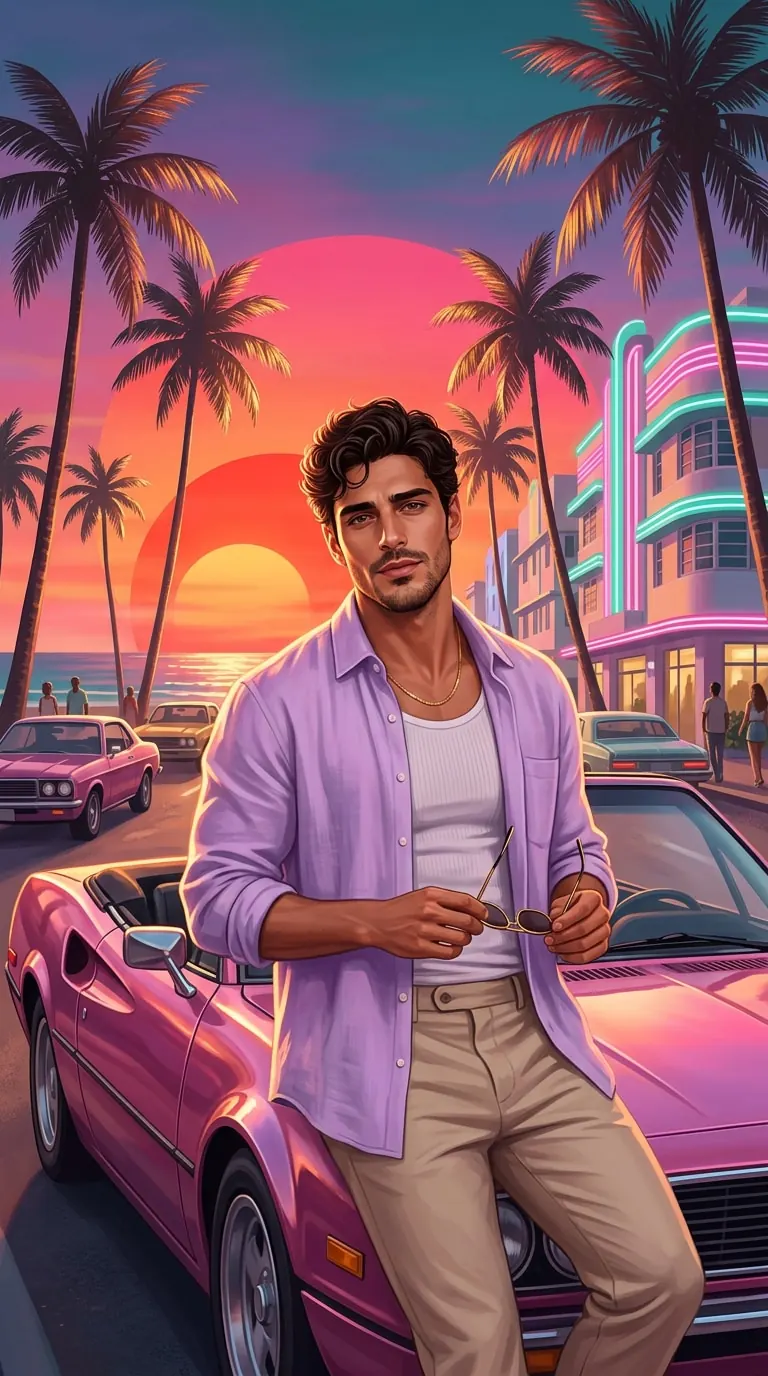
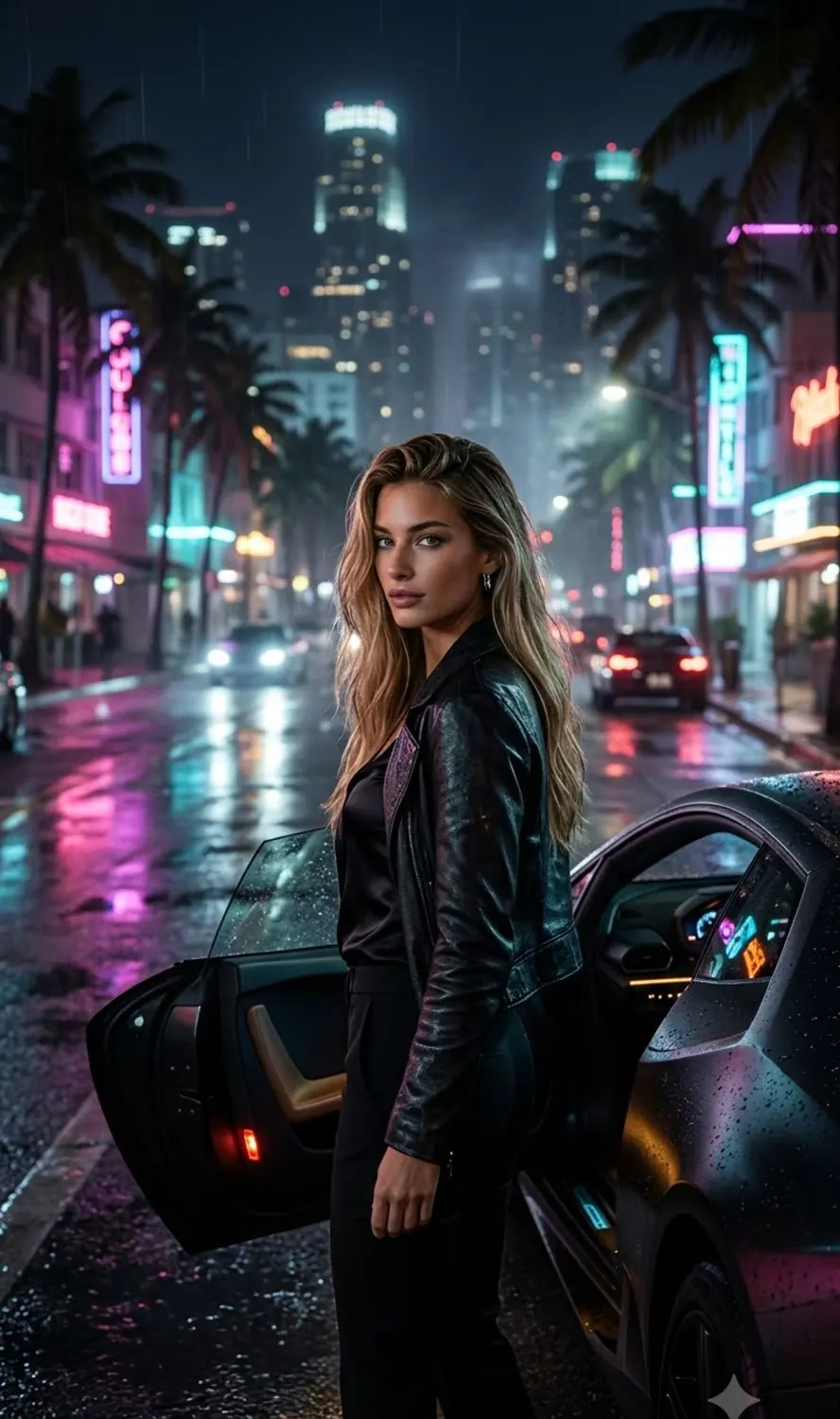
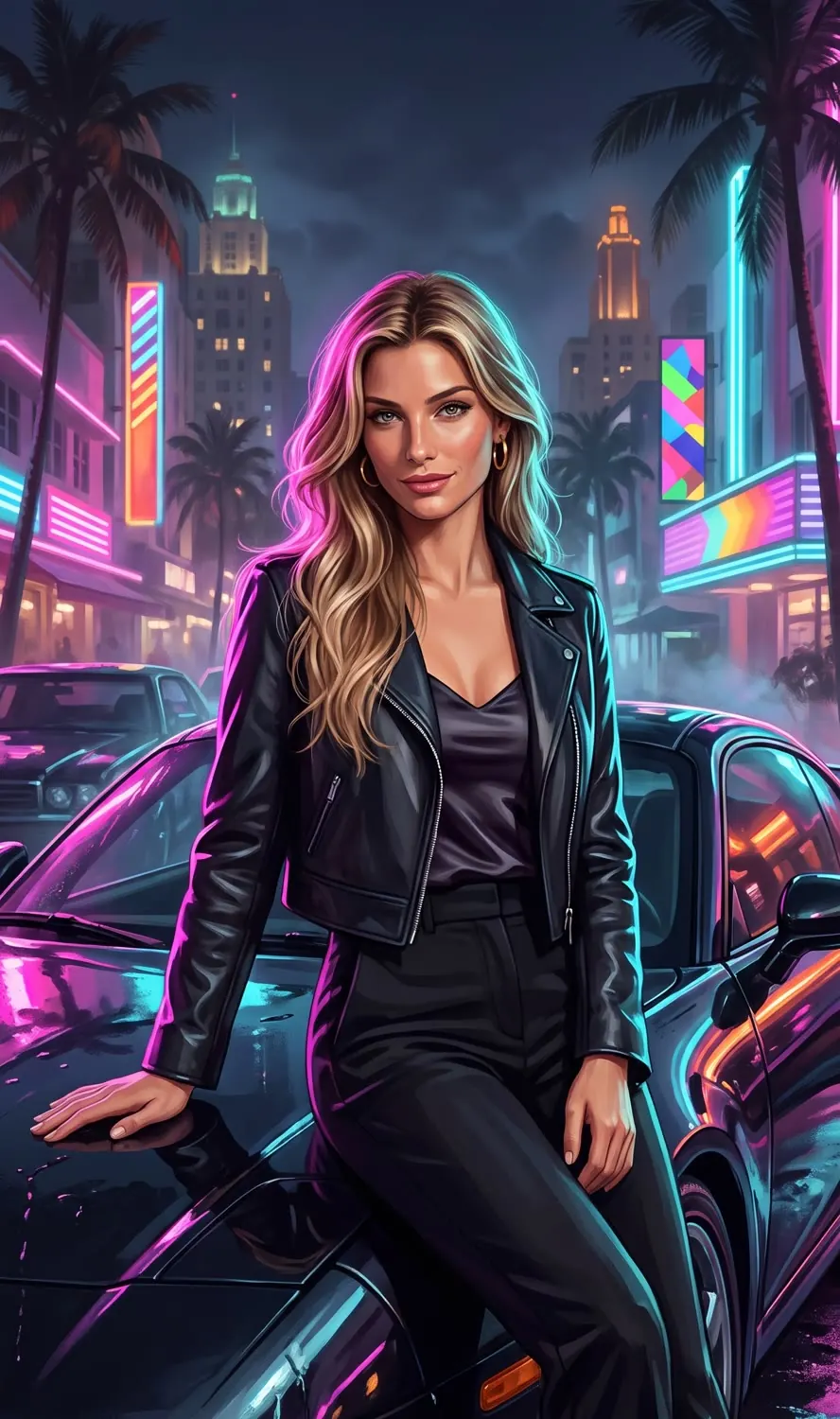
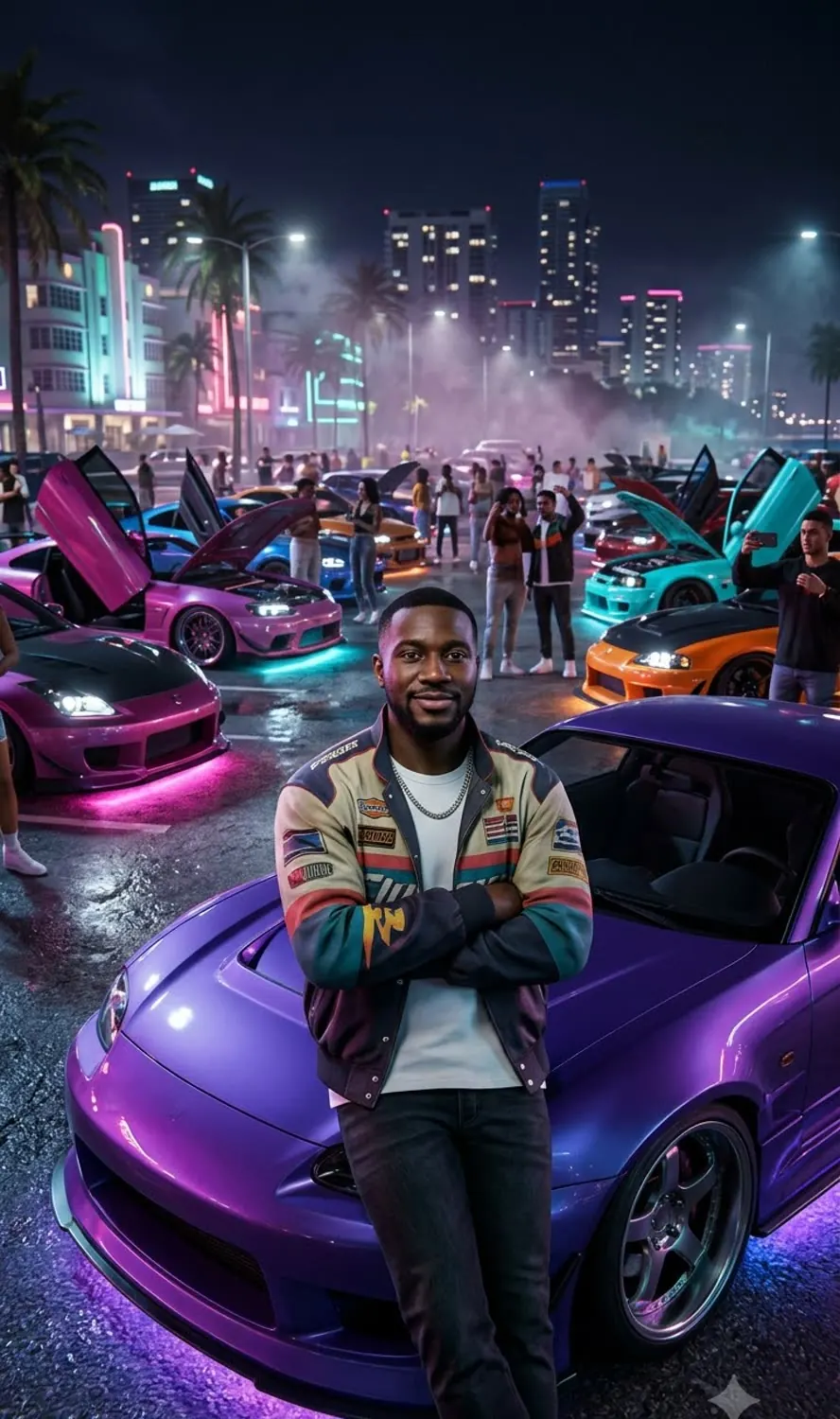
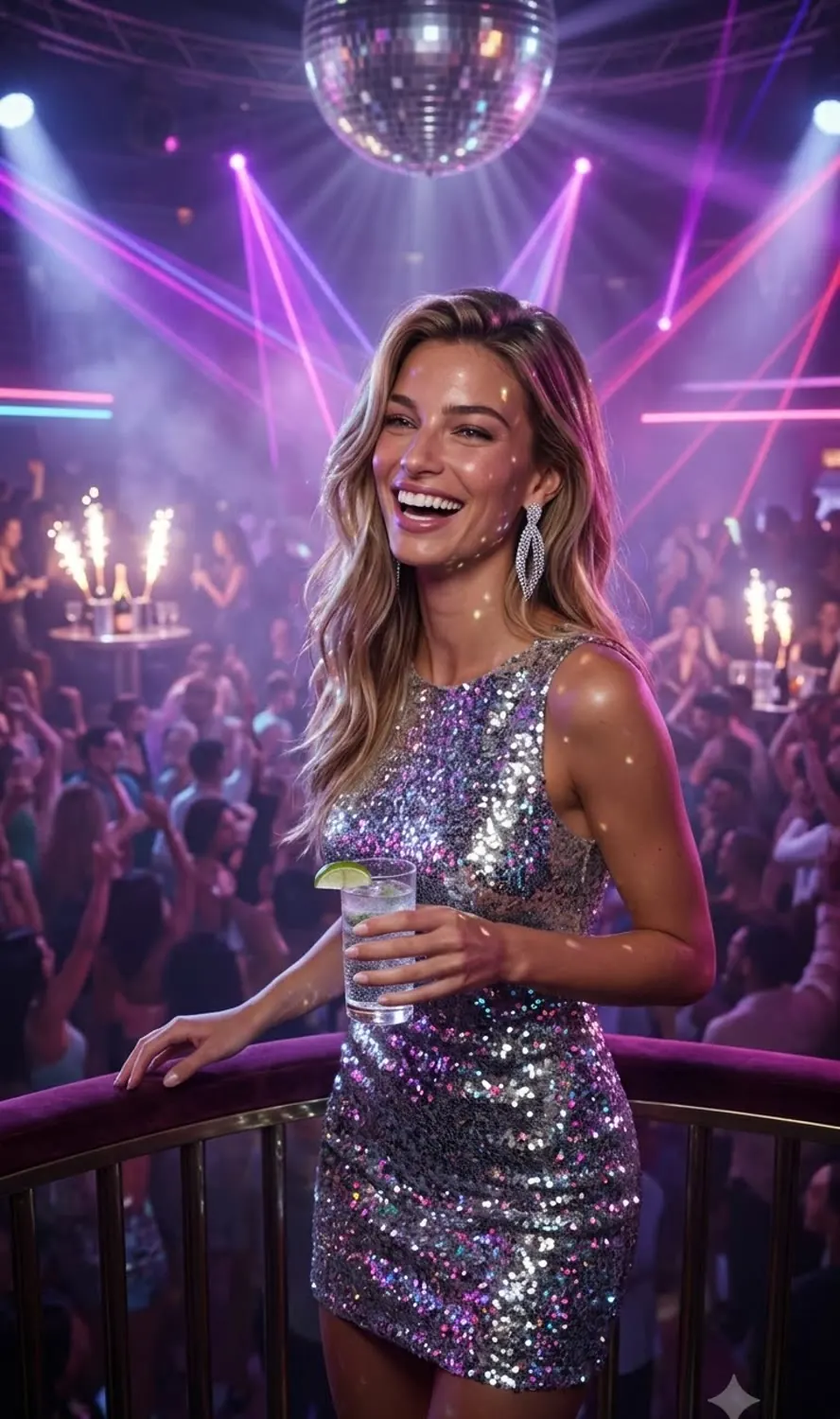
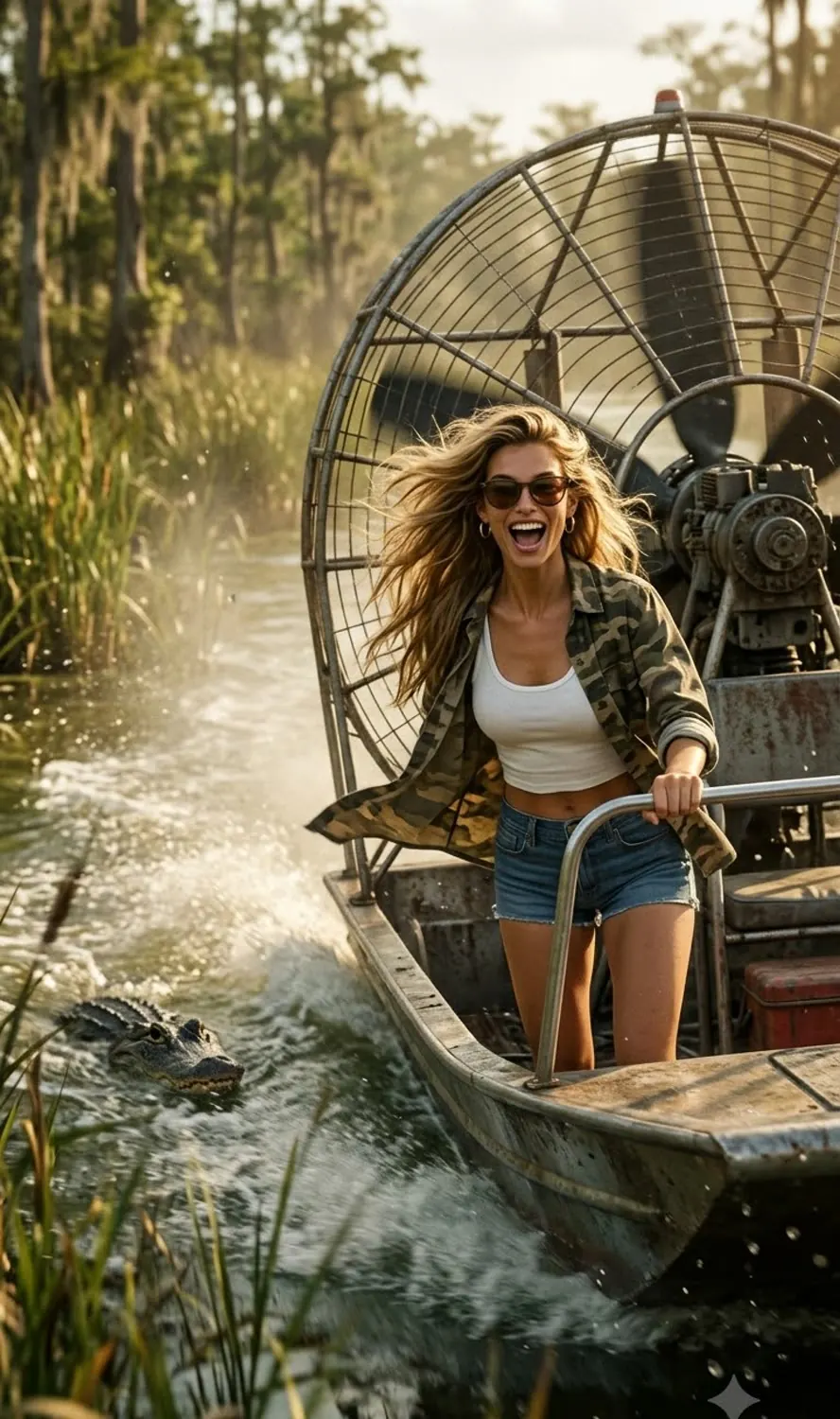
To do the GTA 6 trend in Gemini, open the Gemini app, upload one clear selfie, paste a prompt that describes painted Miami style key art or a realistic open world game screenshot, and end it with "keep the face exactly the same as the photo". Image edits in Gemini run on Google's Nano Banana models and are free within Google's usage limits.
Here is exactly how to do it on your phone, the prompts that work best with Nano Banana, and what to do when Gemini refuses or changes your face.
What the GTA 6 Gemini trend looks like
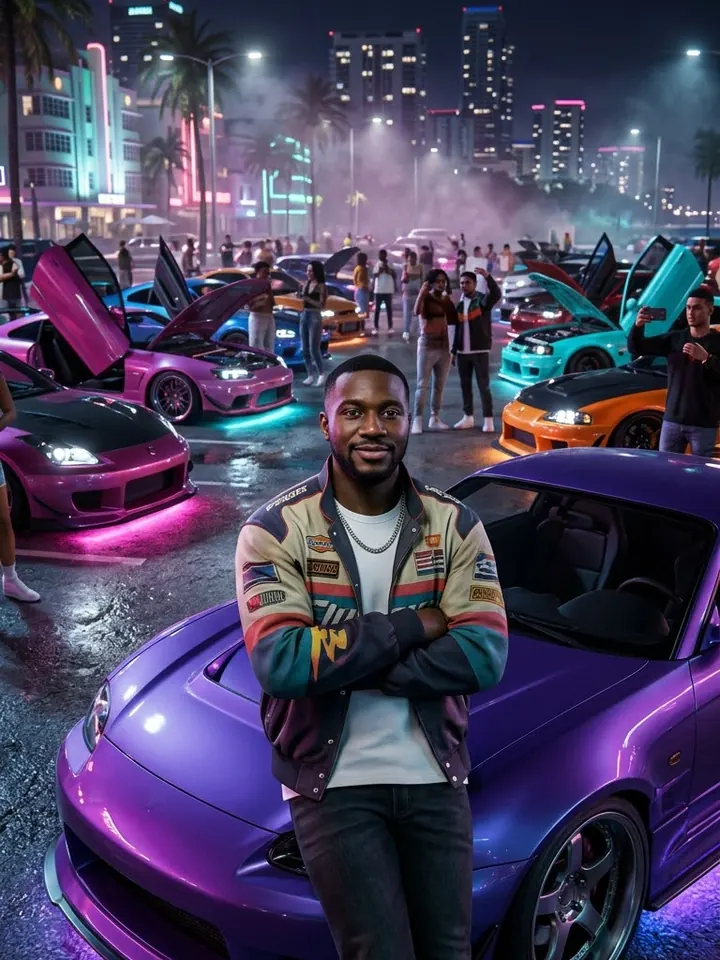
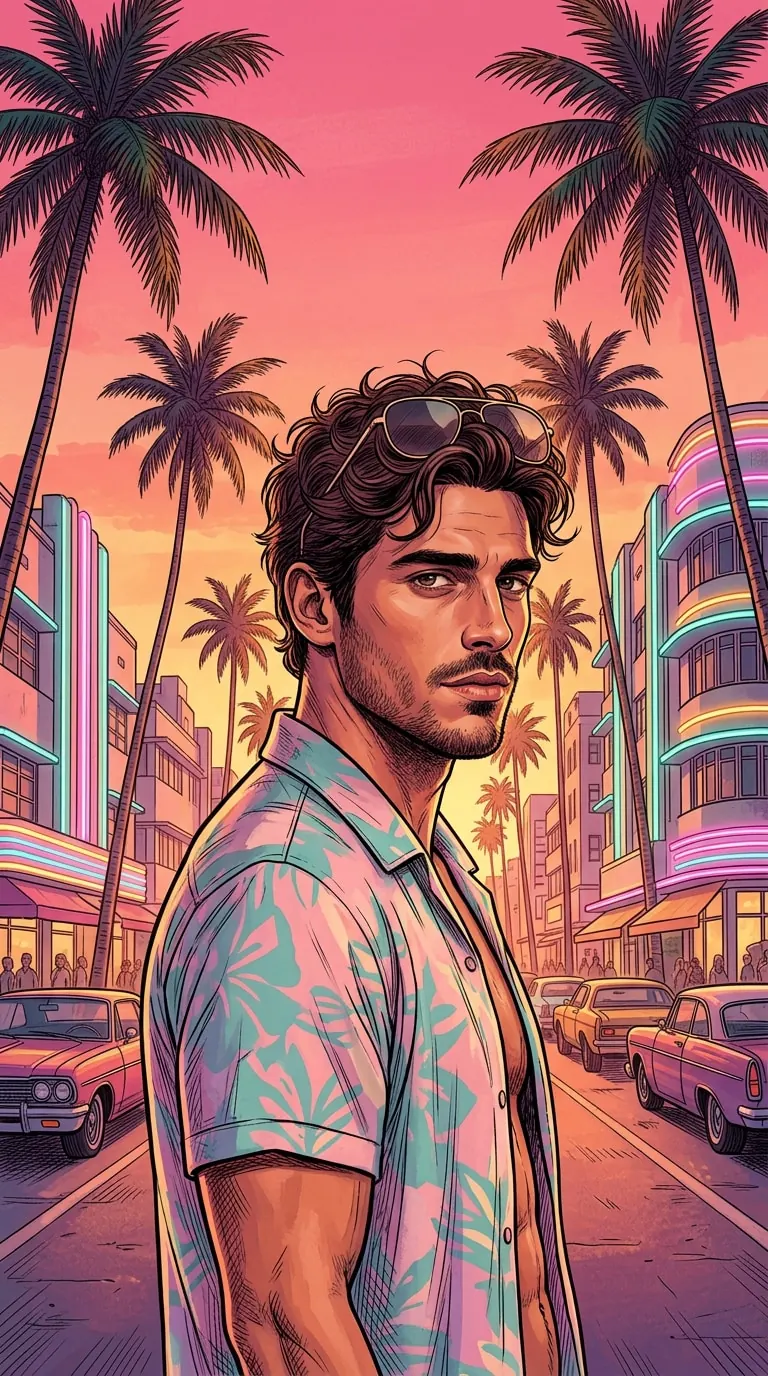
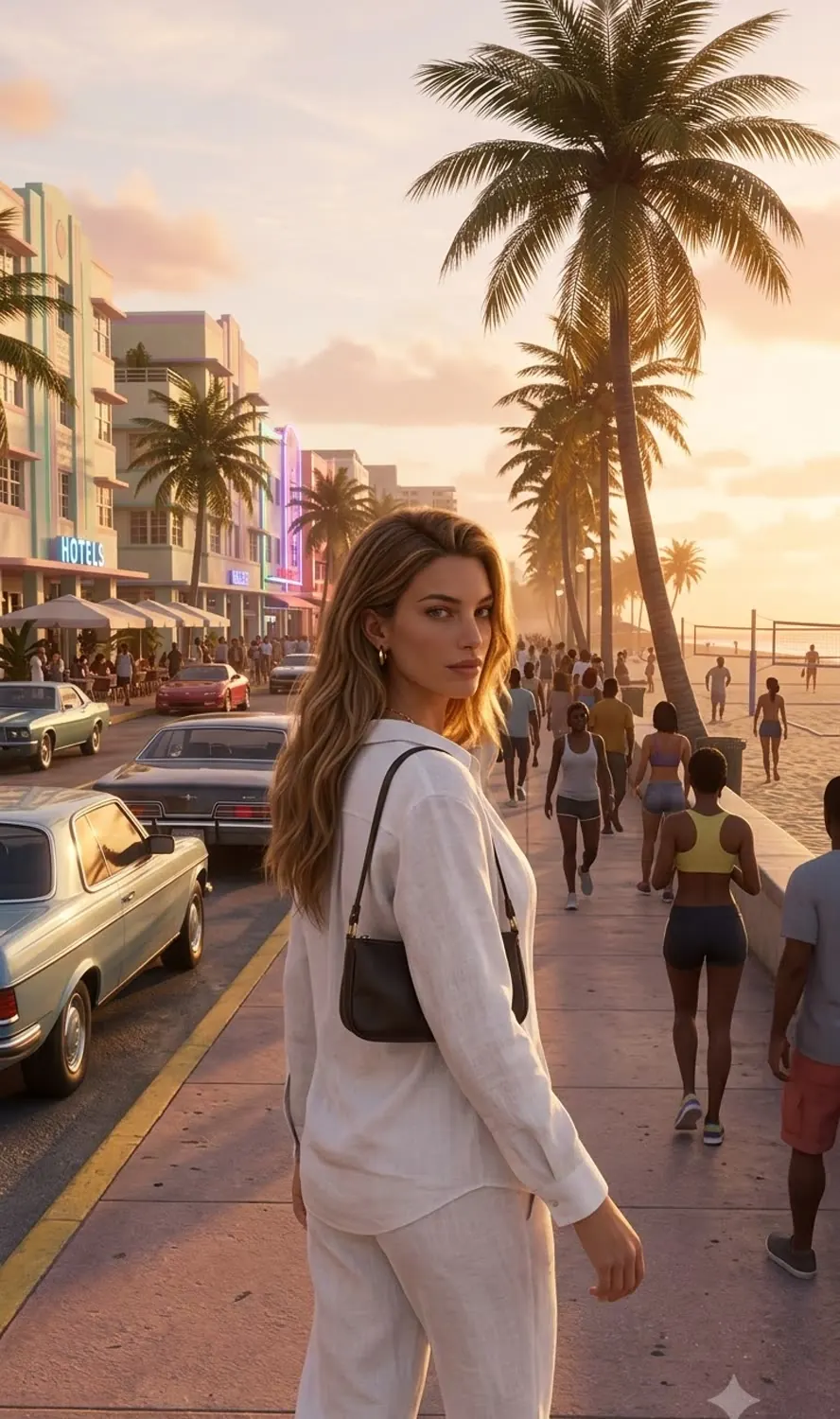
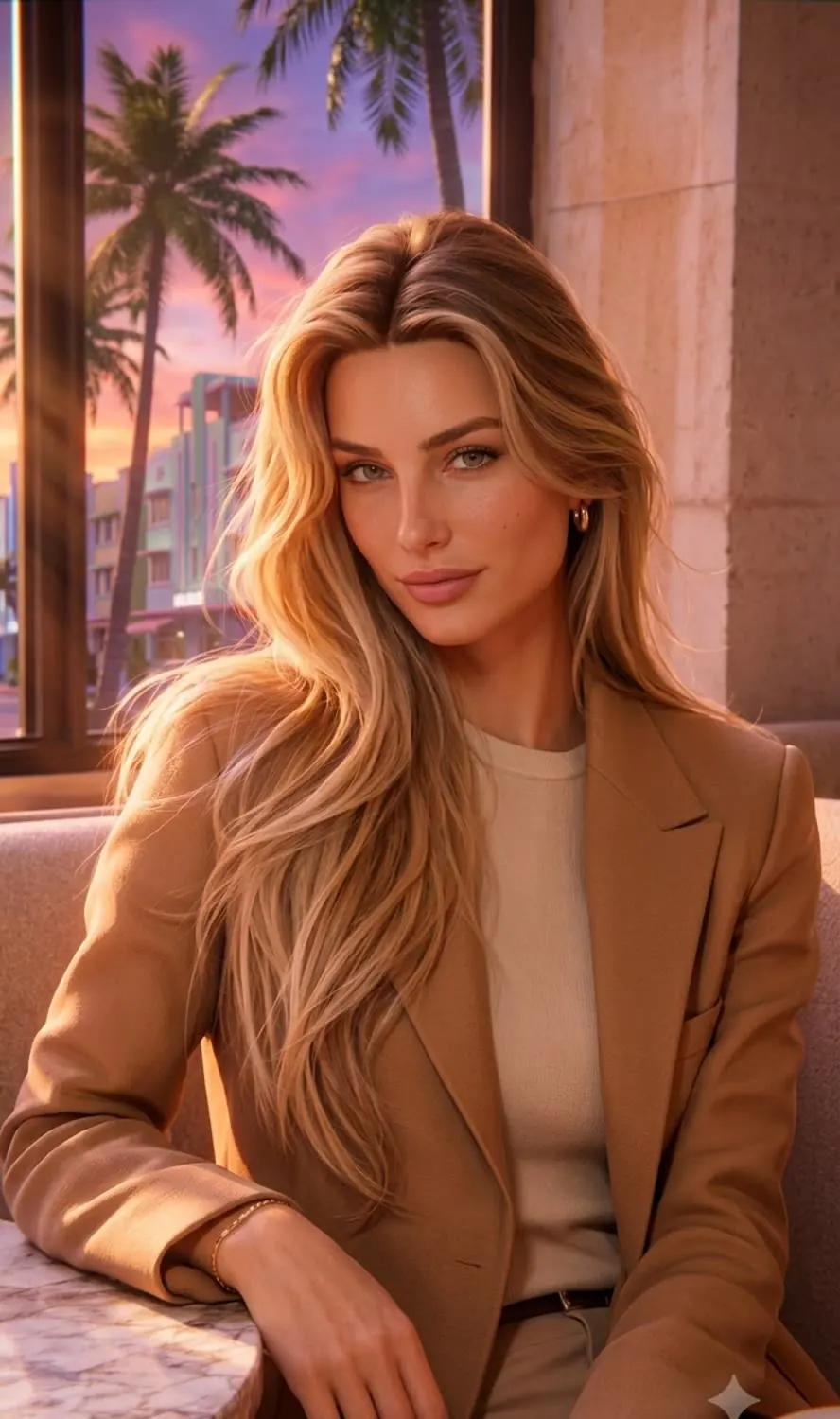
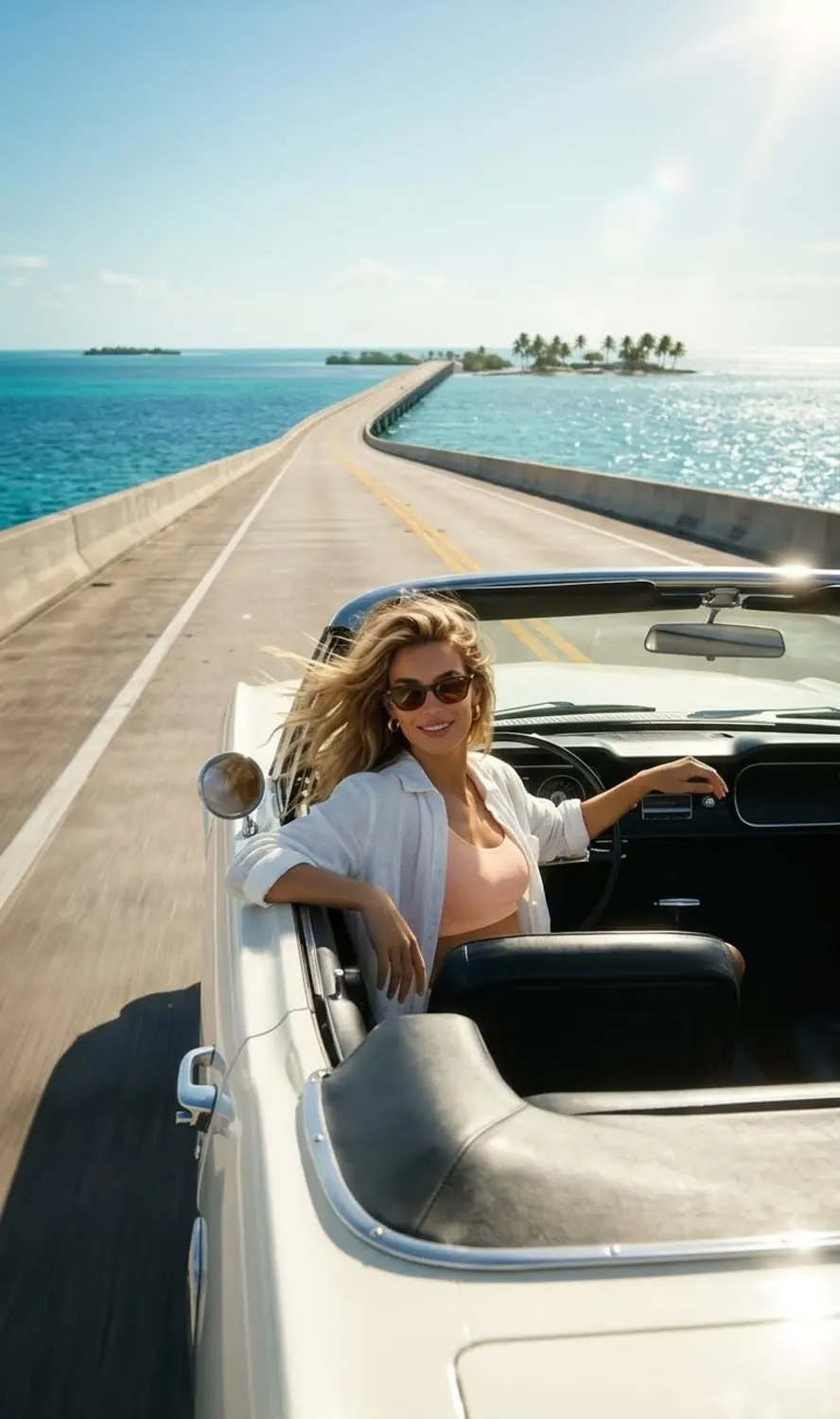
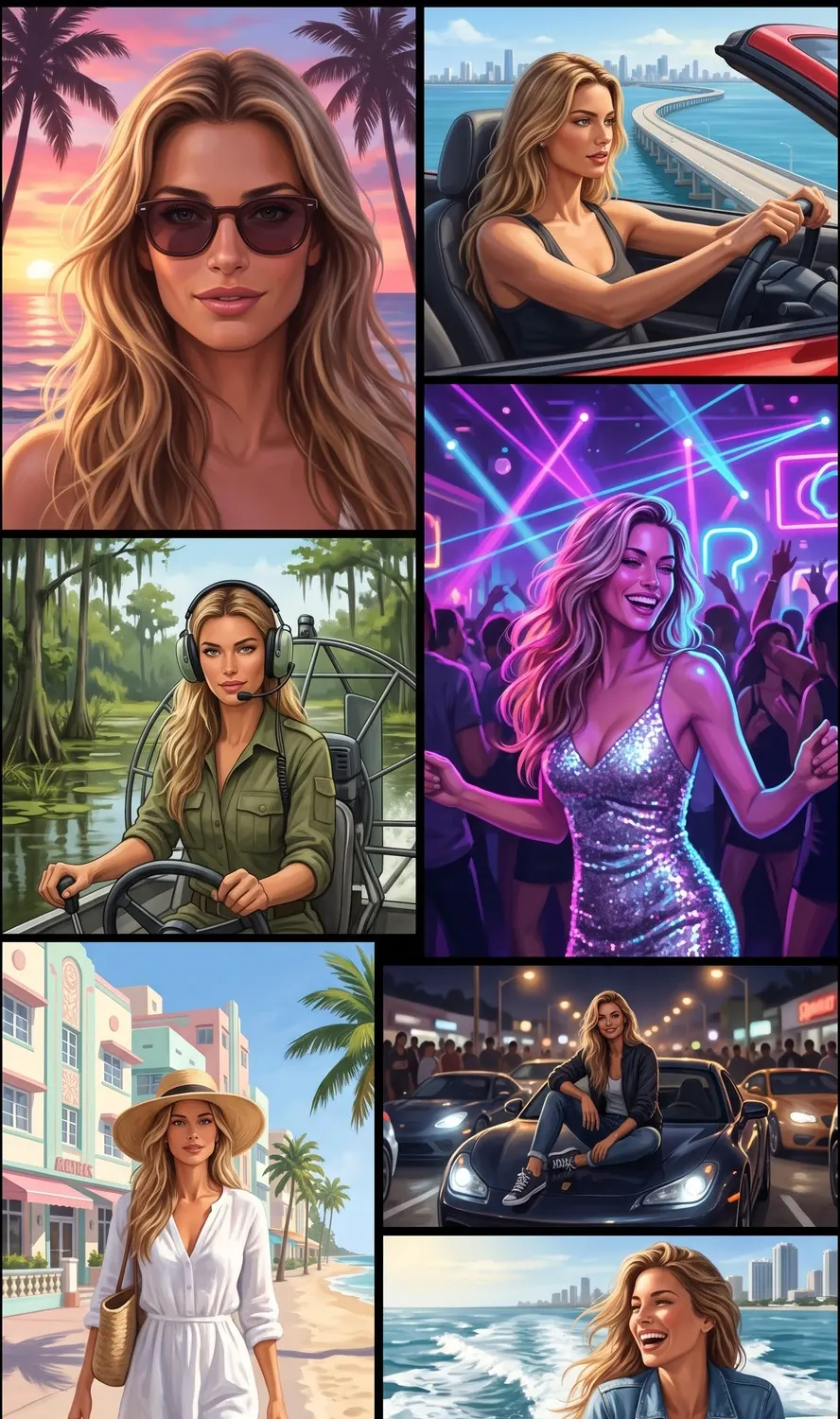
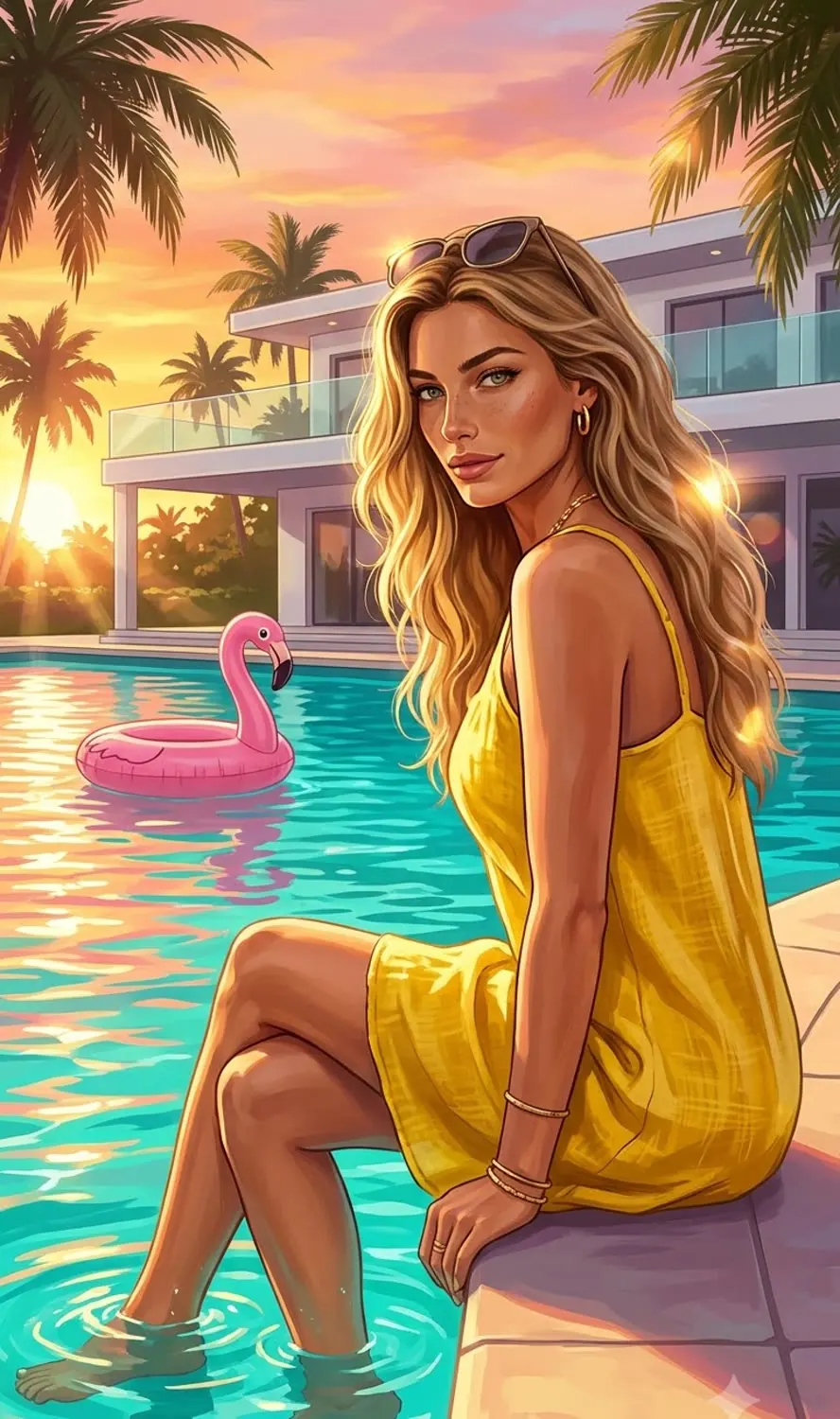
There are two looks behind almost every post: key art, where you are redrawn like a loading screen poster with ink outlines and a hot sunset, and in game, where you look like a character standing in the game world. These covers come from the matching styles in Rizz AI Photo.
1Open GeminiOpen the Gemini app or go to gemini.google.com and sign in with your Google account.
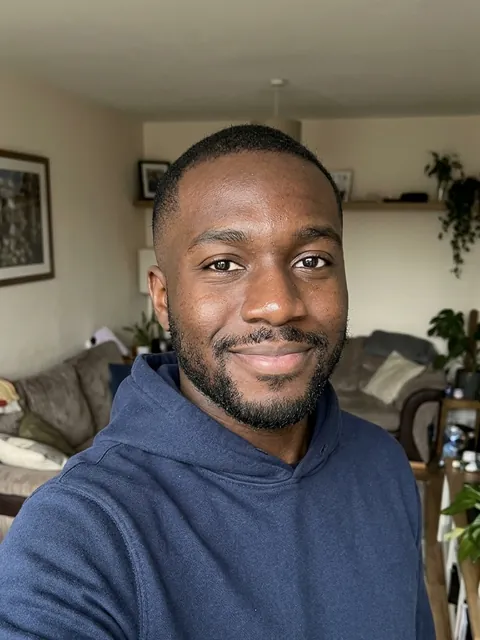
2Upload one selfieTap the plus button and add a sharp, well lit photo of just you, waist up, looking near the camera. No sunglasses, no group photos.
3Paste a GTA 6 promptCopy one of the prompts below, paste it under your photo and send. You do not need to pick a special mode: asking for an image with a photo attached is enough.
4Set the sizeThe prompts end with a size. Use 9:16 for TikTok and Reels, 4:5 for the Instagram feed and 1:1 for a profile picture.
5Fix one thing at a timeIf the face drifts, reply "keep my face exactly like the original photo". If the style is off, reply with one change, such as "make it more painted" or "make it night".
6Download and postTap the image, download it and post it with your original as a small inset. Put "gta 6 trend" in the caption so people searching for it find you.
Gemini gives free users a limited number of image requests, measured by usage rather than a fixed daily count, and the allowance refreshes over the day. If you hit the limit, wait a few hours or try again tomorrow. More on this in is Nano Banana free?
10 GTA 6 prompts for Gemini and Nano Banana
These are written for Gemini. They describe the look instead of naming the game, which gives cleaner results and fewer refusals. Want more? Our full list of GTA 6 AI photo prompts has 22 more.
The classic trend shot
Redraw the person in this photo as modern video game key art set in a Miami style city: painted realism, fine black ink outlines, soft crosshatch shading, a pink and orange sunset, palm trees and pastel Art Deco hotels behind. Confident pose, looking at the camera. Keep the face, hair and skin tone exactly the same as the photo. No logos, no game title text, no weapons. Vertical 9:16.
Make this photo look like a screenshot from a next generation open world game: the person walking down a sunny beach boulevard, seen from a third person camera slightly behind and to the side, realistic game engine lighting, classic cars and pedestrians around. Keep the face, hair and skin tone exactly the same as the photo. No logos, no game title text, no weapons. Vertical 9:16.
Show the person in this photo leaning on a vintage muscle car at a lonely roadside gas station at night, buzzing neon light, humid air, moths around the lamps, realistic open world game graphics. Keep the face, hair and skin tone exactly the same as the photo. No logos, no game title text, no weapons. Vertical 4:5.
Create a character reveal image of the person in this photo: waist up, arms crossed, sunset and palm trees behind, painted game key art style with ink outlines, plain empty band at the bottom for a name. Keep the face, hair and skin tone exactly the same as the photo. No logos, no game title text, no weapons. Vertical 4:5.
Make a four panel game cover style collage with thick black borders, all showing the person in this photo: a sunset close up, driving a convertible, at a neon nightclub and on a speedboat. Painted key art style. Same person in every panel. Keep the face, hair and skin tone exactly the same as the photo. No logos, no game title text, no weapons. Vertical 4:5.
Show the person in this photo driving a white convertible across a long bridge over turquoise water, hair moving in the wind, bright midday sun, realistic open world game graphics, slight motion blur on the road. Keep the face, hair and skin tone exactly the same as the photo. No logos, no game title text, no weapons. Vertical 9:16.
Paint the person in this photo standing on a rooftop at night above a Miami style city, pink and teal neon signs below, light rain, glossy reflections, painted key art style with ink outlines. Keep the face, hair and skin tone exactly the same as the photo. No logos, no game title text, no weapons. Vertical 9:16.
Show the person in this photo on a fast airboat in a Florida swamp at golden hour, spray behind the boat, cypress trees and tall grass, realistic open world game graphics. Keep the face, hair and skin tone exactly the same as the photo. No logos, no game title text, no weapons. Vertical 4:5.
Turn the person in this photo into a square game key art portrait for a profile picture: head and shoulders, centered, ink outlines, crosshatch shading, a pink sunset sky behind. Keep the face, hair and skin tone exactly the same as the photo. No logos, no game title text, no weapons. Square 1:1.
Make this person look like a character relaxing on a busy beach in a realistic open world game: lifeguard tower, umbrellas, bright sun, a slight glossy game engine finish, small game style UI shapes in the corners with no readable text. Keep the face, hair and skin tone exactly the same as the photo. No logos, no game title text, no weapons. Vertical 9:16.
The prompt names the game, its logo, a real character or a weapon
Fix
Describe the scene and the art style instead, and remove any names
The face looks like someone else
Why it happens
Low light photo, sunglasses, or a wide group shot
Fix
Use a sharp front facing selfie and reply "keep my face exactly like the original photo"
It looks like a cartoon
Why it happens
The model leans too far into the painting
Fix
Add "painted realism" or ask for the in game look instead
The image is the wrong size
Why it happens
No size in the prompt
Fix
End the prompt with 9:16, 4:5 or 1:1
It says you reached a limit
Why it happens
You used your free image allowance
Fix
Wait for it to refresh, or use a ready made style in an app
Problem
Why it happens
Fix
Gemini refuses the prompt
The prompt names the game, its logo, a real character or a weapon
Describe the scene and the art style instead, and remove any names
The face looks like someone else
Low light photo, sunglasses, or a wide group shot
Use a sharp front facing selfie and reply "keep my face exactly like the original photo"
It looks like a cartoon
The model leans too far into the painting
Add "painted realism" or ask for the in game look instead
The image is the wrong size
No size in the prompt
End the prompt with 9:16, 4:5 or 1:1
It says you reached a limit
You used your free image allowance
Wait for it to refresh, or use a ready made style in an app
Gemini or ChatGPT for the GTA 6 trend?
Both work with the same prompts. Gemini runs on Google's Nano Banana image models and is the one most people use for this trend. ChatGPT runs on OpenAI's GPT Image models. Results depend on your photo, so if one keeps changing your face, try the other with the same prompt. We compare them in detail in ChatGPT vs Nano Banana for selfies.
Skip the prompt: GTA 6 looks in one tap
Rizz AI Photo has 14 GTA 6 inspired looks in its Open World Miami section, built on Nano Banana 2.1 and tuned to keep your face. Upload one selfie, tap a style, and it is ready in about 20 seconds. See them all on the GTA 6 AI photo generator page.
Upload a selfie and ask Gemini to redraw you as modern Miami style video game key art with ink outlines, crosshatch shading, a pink sunset and palm trees, ending with "keep the face exactly the same as the photo". The full prompt is the first one on this page.
How do I do the GTA 6 trend in Gemini?+
Open Gemini, upload one clear photo of just you, paste a GTA 6 prompt, send it, then download the image. If your face changes, reply "keep my face exactly like the original photo".
Is the GTA 6 Gemini trend free?+
Yes, within Google's usage limits for free accounts. Paid Google AI plans give a bigger allowance.
Which Nano Banana model does Gemini use?+
Gemini uses Google's Nano Banana image models. In late 2026 the default for image edits is Nano Banana 2.1, and paid plans can also use Nano Banana Pro.
Why won't Gemini make my GTA 6 photo?+
Prompts that ask for the game's logo, real characters or weapons are often refused. Describe the scene and art style instead of naming the game.
Does the same prompt work in ChatGPT?+
Yes. Upload your photo in ChatGPT and paste the same prompt. Results differ a little between the two, so try both if one does not keep your face.
Is this an official GTA 6 filter?+
No. These are fan made prompts and styles. Rizz AI Photo is not affiliated with Rockstar Games or Take Two Interactive.
Fan made guide. Rizz AI Photo is not affiliated with, endorsed by or sponsored by Rockstar Games or Take Two Interactive. Grand Theft Auto and GTA are trademarks of Take Two Interactive, used here only to describe the look these photo styles are inspired by. No official game art is used on this page.
Skip the prompt. Get the photo.
Rizz AI Photo runs Nano Banana 2.1 behind ready made styles. Upload a selfie, tap a style, and get your image in seconds. No prompt writing needed.