Kling vs Veo: which AI video model should you use?
AI video changed a lot in 2026.
By the Rizz AI Photo team · Updated
 Before
 Car Meet
In short
Kling 4.0 (Kuaishou, October 2026) makes the longest single clips, up to 30 seconds, and is usually the cheaper choice per second. Veo 3.1 (Google) is known for realistic light and built in sound, and Google's newer Gemini Omni adds 15 second clips with sound and editing by chat at a lower price than Veo.
Kling shipped version 4.0, Google added the Gemini Omni video line next to Veo, and OpenAI shut Sora down. If you want to turn a photo into a short clip, here is how the main options compare today.
Kling vs Veo vs Gemini Omni at a glance
Made by
- Kling 4.0
- Kuaishou
- Veo 3.1
- Gemini Omni
Released
- Kling 4.0
- 15 October 2026
- Veo 3.1
- 2025, with a Lite tier added March 2026
- Gemini Omni
- May 2026; Omni 1.2 Flash in November 2026
Longest single clip
- Kling 4.0
- Up to 30 seconds
- Veo 3.1
- Short clips (seconds)
- Gemini Omni
- Up to 15 seconds
Resolution
- Kling 4.0
- Up to 4K
- Veo 3.1
- 720p, 1080p and 4K
- Gemini Omni
- 720p, 1080p and 4K
Built in sound
- Kling 4.0
- Yes: Kling 4.0 launch notes list synced audio with lip sync
- Veo 3.1
- Yes
- Gemini Omni
- Yes
Price per second (API)
- Kling 4.0
- About $0.11 silent, $0.17 with sound (Kling 3.0 Pro on fal)
- Veo 3.1
- Was $0.40 Standard, $0.10 Fast, $0.05 Lite (720p, with sound) on the Gemini API; now priced on Google Cloud
- Gemini Omni
- About $0.07 at 720p, $0.10 at 1080p
Where to use it
- Kling 4.0
- Kling app and web, API resellers
- Veo 3.1
- Google Cloud (Veo 3.1 left the Gemini API on 22 October 2026)
- Gemini Omni
- Gemini app on paid plans, Gemini API
| Kling 4.0 | Veo 3.1 | Gemini Omni | |
|---|---|---|---|
| Made by | Kuaishou | ||
| Released | 15 October 2026 | 2025, with a Lite tier added March 2026 | May 2026; Omni 1.2 Flash in November 2026 |
| Longest single clip | Up to 30 seconds | Short clips (seconds) | Up to 15 seconds |
| Resolution | Up to 4K | 720p, 1080p and 4K | 720p, 1080p and 4K |
| Built in sound | Yes: Kling 4.0 launch notes list synced audio with lip sync | Yes | Yes |
| Price per second (API) | About $0.11 silent, $0.17 with sound (Kling 3.0 Pro on fal) | Was $0.40 Standard, $0.10 Fast, $0.05 Lite (720p, with sound) on the Gemini API; now priced on Google Cloud | About $0.07 at 720p, $0.10 at 1080p |
| Where to use it | Kling app and web, API resellers | Google Cloud (Veo 3.1 left the Gemini API on 22 October 2026) | Gemini app on paid plans, Gemini API |
Prices and availability checked 24 November 2026 on Google's pricing and deprecations pages and fal.ai. Google shut down the Veo 3.1 preview models in the Gemini API on 22 October 2026 and names Gemini Omni 1.2 Flash as the replacement there. Kuaishou had not published Kling 4.0 API prices at the time of writing, so the Kling row uses Kling 3.0 Pro.
Which looks more real?
- Veo is the pick for cinematic realism: natural light, believable skin and camera moves that feel filmed.
- Kling is strongest at motion and long single takes, and its reference features help keep a person consistent from start to end.
- Gemini Omni trades a little polish for speed, price and the ability to change a clip by asking in chat.
For clips of a real person, all three can change the face as the clip goes on. Keep motion simple (a turn, a smile, walking toward the camera) and the face stays more stable.
Which is cheapest?
On the Gemini API today, Gemini Omni (about $0.07 per second at 720p) is the cheap Google option, and Kling sits around $0.07 to $0.11 per second without sound depending on version. Veo 3.1 is no longer on the Gemini API; before it left on 22 October 2026 it cost $0.05 (Lite) to $0.40 (Standard) per second, and it is now sold through Google Cloud. A five second clip costs from about a quarter to two dollars at list prices.
In consumer apps you pay by plan instead. Video in the Gemini app needs a paid Google AI plan.
What happened to Sora?
OpenAI announced in March 2026 that it was shutting Sora down. The Sora app and sora.com closed on 26 April 2026, and the Sora video API followed in September 2026. If a guide still lists Sora as an option, it is out of date; Kling, Veo and Gemini Omni are the main replacements.
Start with a great photo
Most short AI clips of people start from a still image. The still sets the face, the outfit, the light and the scene; the video model only adds motion. A sharp, well lit, styled photo gives every model a better start than a casual selfie.
- 1Make the stillCreate a styled photo of yourself, for example in Rizz AI Photo or with a prompt in Gemini.
- 2Keep it simplePick a photo with one person, a clear face and space around them to move.
- 3Describe one motionIn the video tool, ask for one action, such as "turns to the camera and smiles", rather than a whole story.
- 4Check the faceWatch the last second. If the face drifts, shorten the clip or simplify the motion.
 Christmas Princess
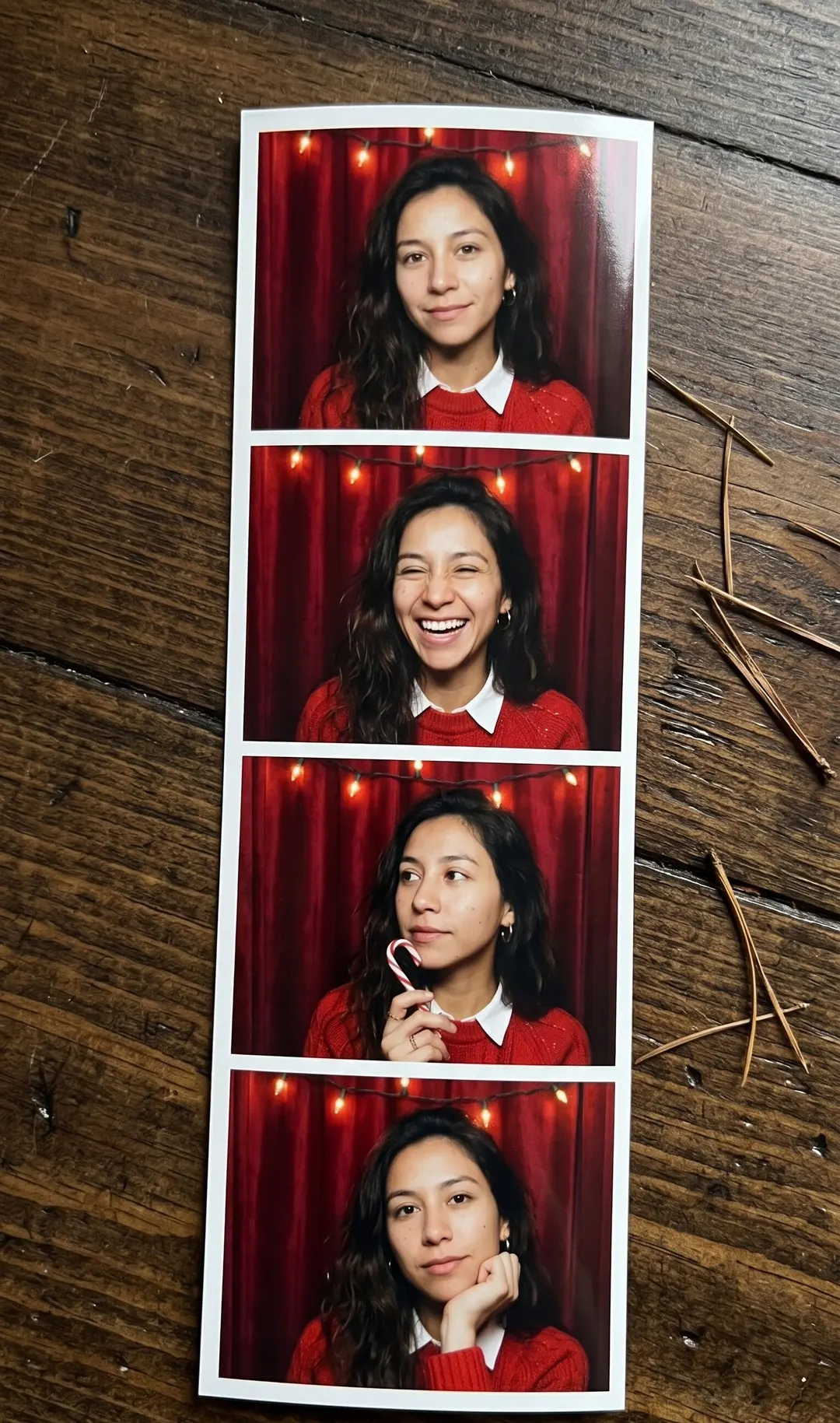 Photo Booth Strip
 90s Christmas Morning
 Velvet Bow Studio
 Tree Glow Card
 Holiday Party Flash
Kling or Veo: which should you use?
- Choose Kling 4.0 for longer single clips, lots of motion and a lower price per second.
- Choose Veo 3.1 (through Google Cloud) when realism and built in sound matter most and the budget allows.
- Choose Gemini Omni for cheap, quick clips you can tweak by chatting, inside the Gemini app.
Sources
- Kling 4.0 launch, Bernama
- Kling 3.0 Pro image to video on fal.ai: price per second
- Google AI Studio pricing: Gemini Omni prices
- Gemini API deprecations: Veo 3.1 preview shutdown on 22 October 2026
- Gemini Omni 1.2 Flash, Android Authority
- Sora shutdown, TechCrunch
FAQ
Is Kling better than Veo?
It depends on the clip. Kling 4.0 makes longer single clips and is usually cheaper per second. Veo 3.1 is stronger on cinematic realism and built in sound.
Is there a Veo 4?
Not as of November 2026. Veo 3.1 is Google's latest Veo model, and Google's newer video line is Gemini Omni, which replaced Veo in the Gemini API on 22 October 2026.
Can I still use Veo 3.1 in the Gemini API?
No. Google shut down the Veo 3.1 preview models in the Gemini API on 22 October 2026 and recommends Gemini Omni 1.2 Flash instead. Veo 3.1 is still offered through Google Cloud.
What is the latest Kling version?
Kling 4.0, launched on 15 October 2026, with clips of up to 30 seconds and up to 4K.
Is Sora still available?
No. OpenAI closed the Sora app in April 2026 and the Sora API in September 2026.
Which AI video generator is cheapest?
At API list prices, Gemini Omni at 720p (about $0.07 per second) and Kling (about $0.07 to $0.11 per second without sound) are among the cheapest. Consumer apps charge by plan instead.
How do I turn a photo of myself into a video?
Start with a sharp, well lit photo of just you, upload it to an image to video tool such as Kling or Gemini, and describe one simple motion.
Does Rizz AI Photo make videos?
Rizz AI Photo makes photos. You can use a photo from the app as the first frame in any image to video tool.
Keep reading
 Seedance vs Kling: Seedance 2.5 or Kling 4.0?ByteDance's Seedance 2.5 vs Kuaishou's Kling 4.0: clip length, sound, references, price and quality.
 Sora alternatives: what to use now that Sora is goneSora is shut down. Seven AI video tools that replaced it, with free options and prices.
- ChatGPT vs Nano Banana: which is better for photos of you?GPT Image 2.6 in ChatGPT vs Nano Banana 2.1 in Gemini for selfies, edits and trends.
- Best AI photo apps in 2026Eight AI photo apps, each matched to the job it does best.
 Rizz AI Photo vs Farba AI: an honest comparisonTwo selfie to photoshoot apps side by side: styles, video, couples and pricing.
 How to make AI photos that actually look like youWhy AI faces drift, and the photo, light and prompt choices that keep your face yours.
Skip the prompt.
Get the photo.
Rizz AI Photo runs Nano Banana 2.1 behind ready made styles. Upload a selfie, tap a style, and get your image in seconds. No prompt writing needed.

On a computer?Scan with your phone camera to get Rizz AI Photo on iPhone or Android.