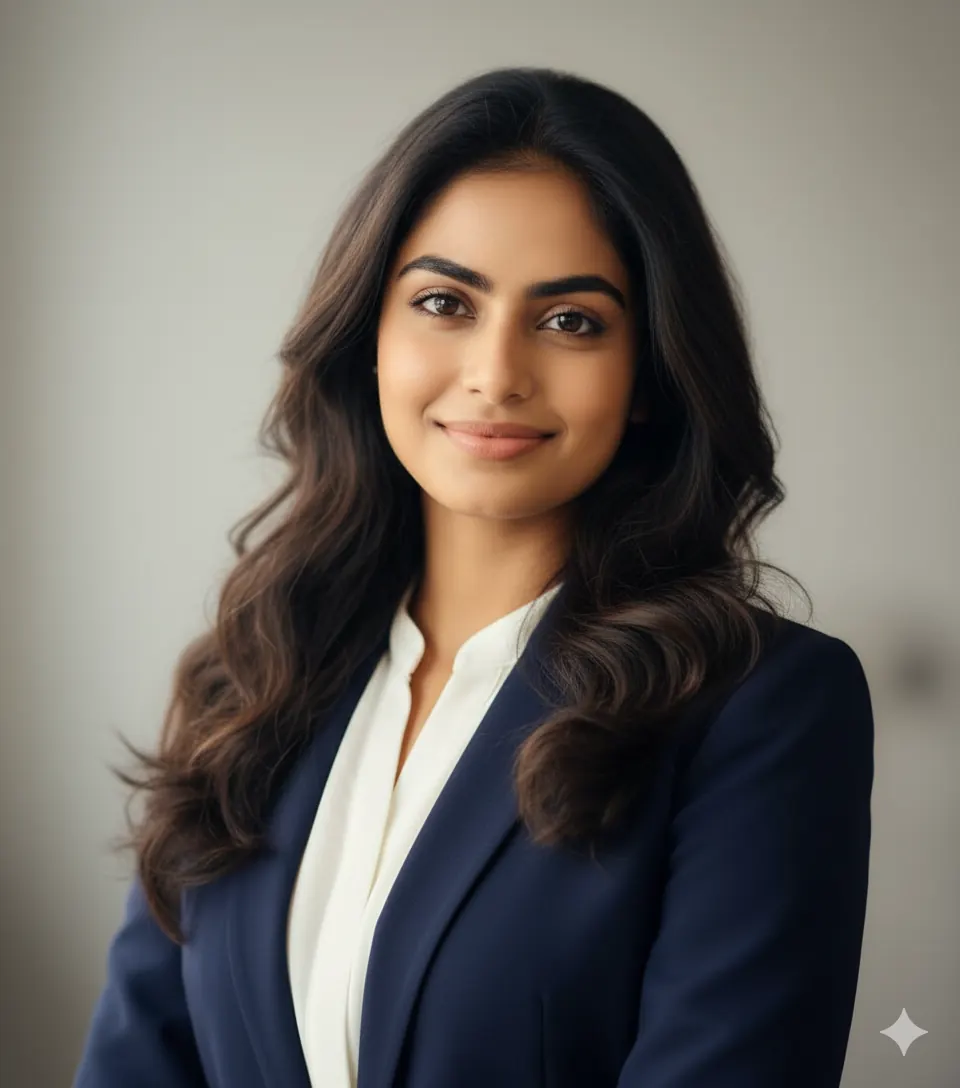
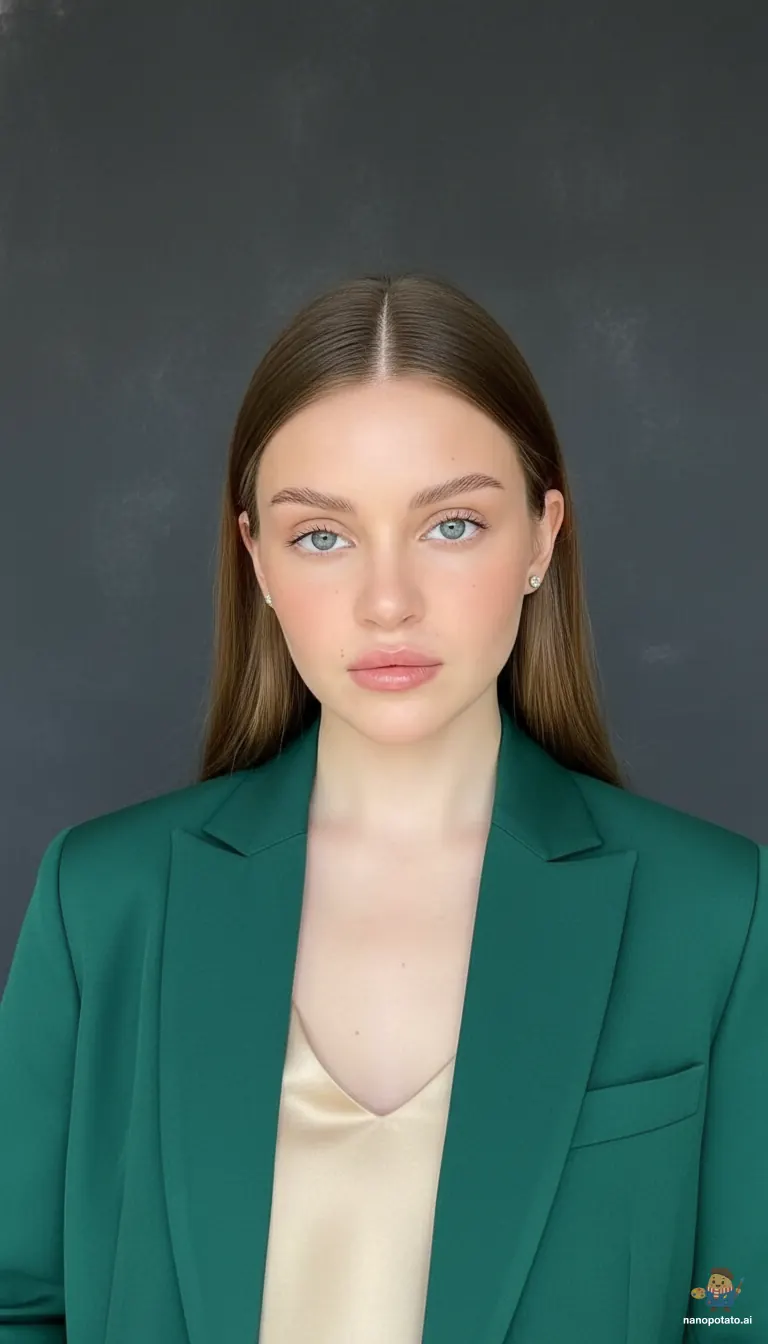
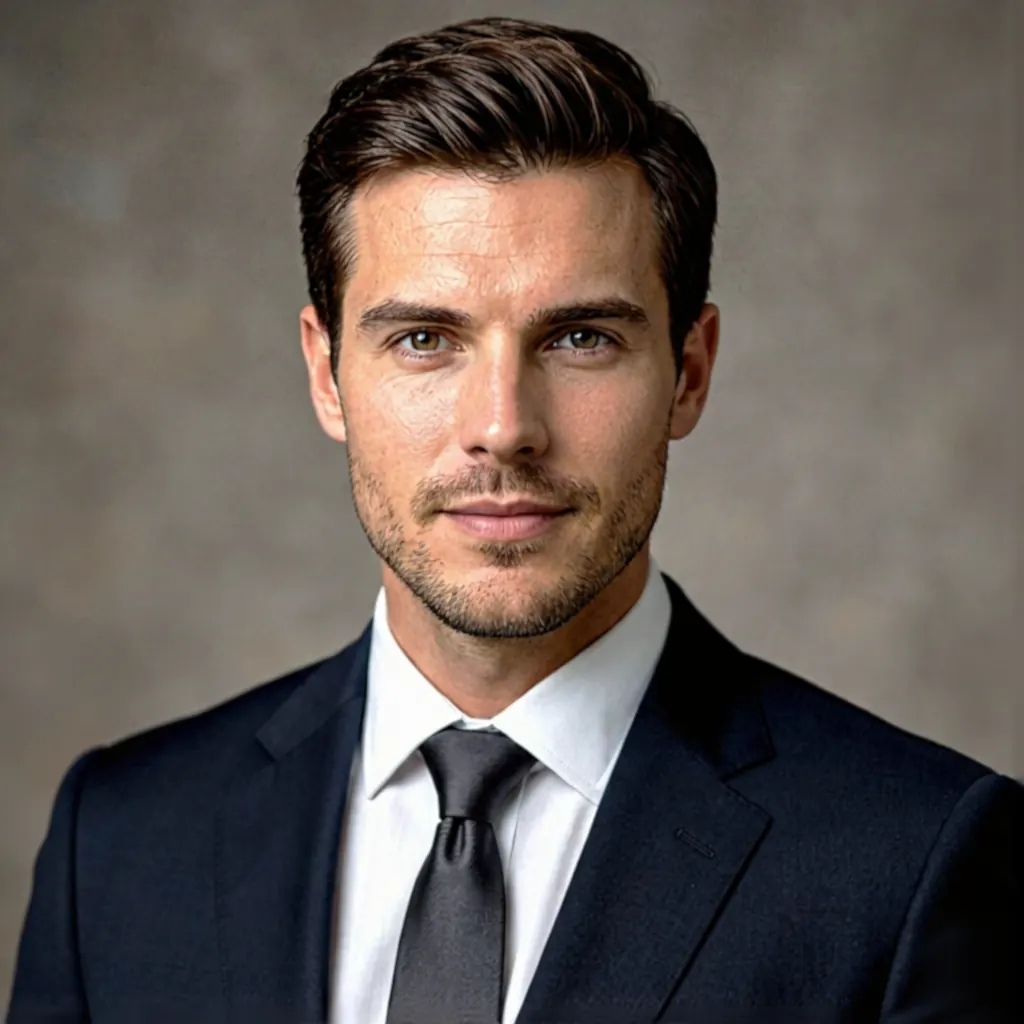
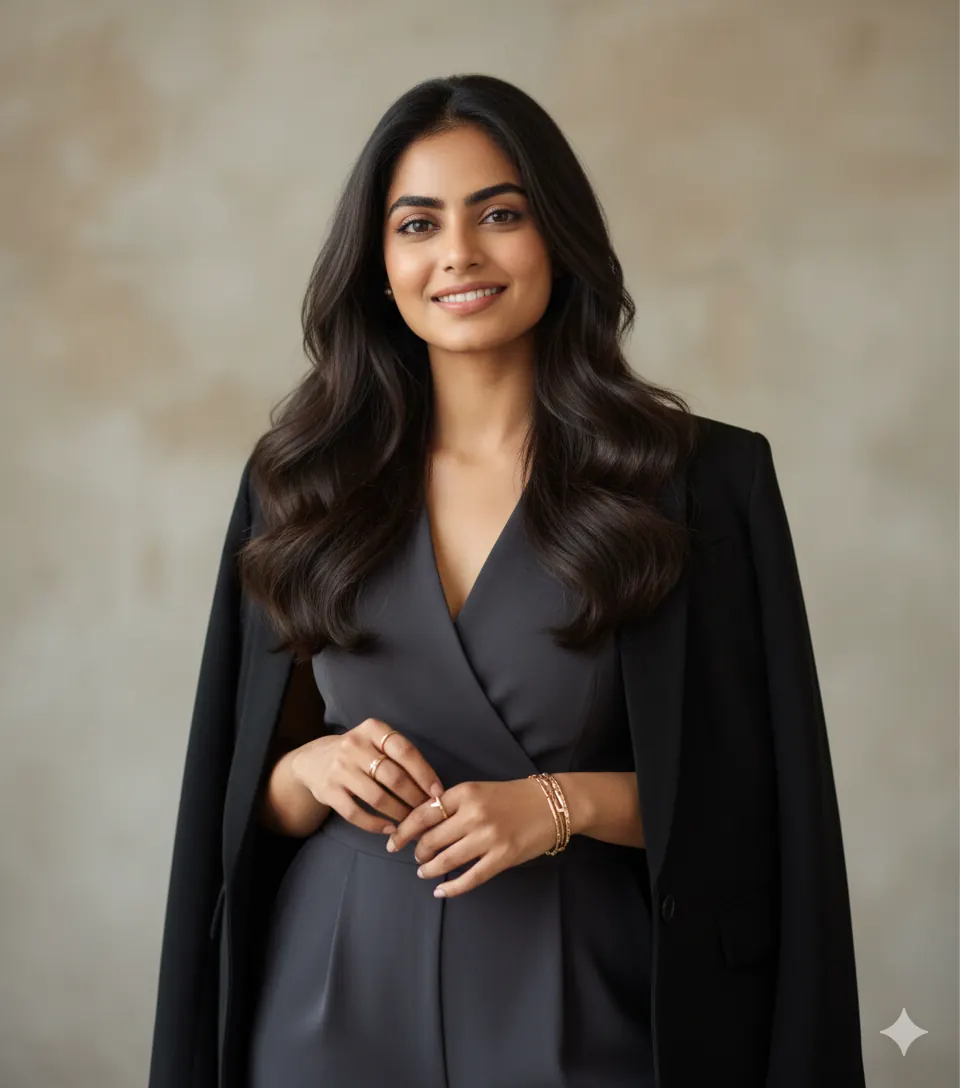
AI profile picture generator

Your profile picture is the photo people see most, and it is shown tiny and in a circle.

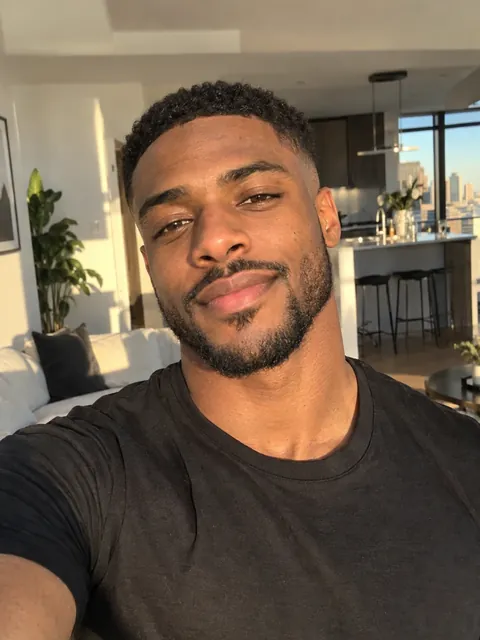
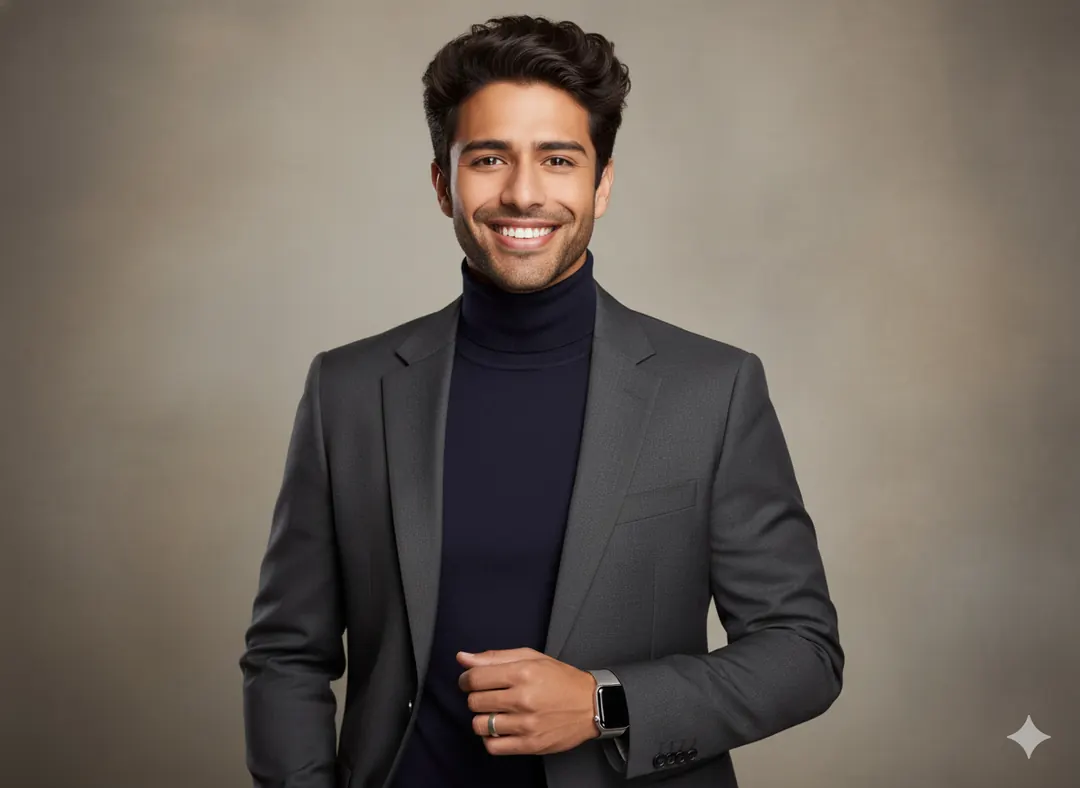
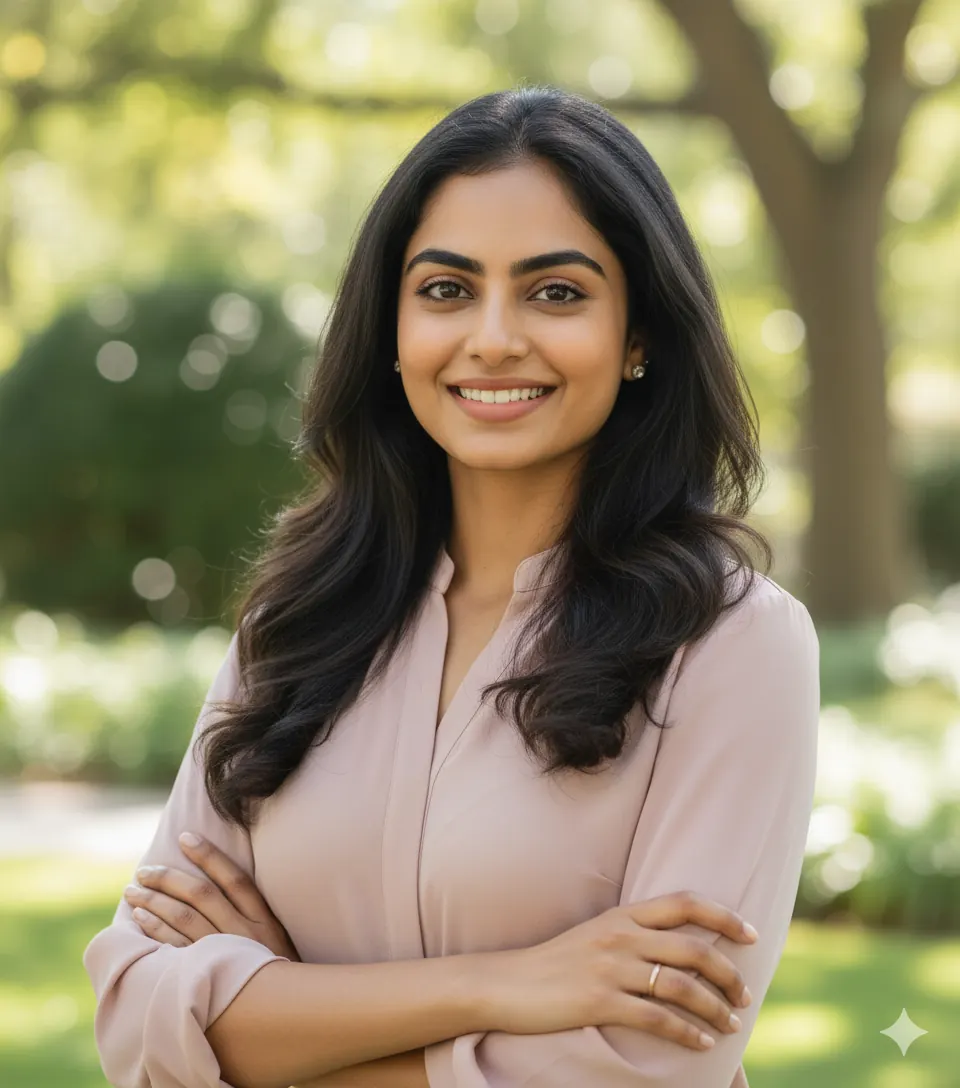
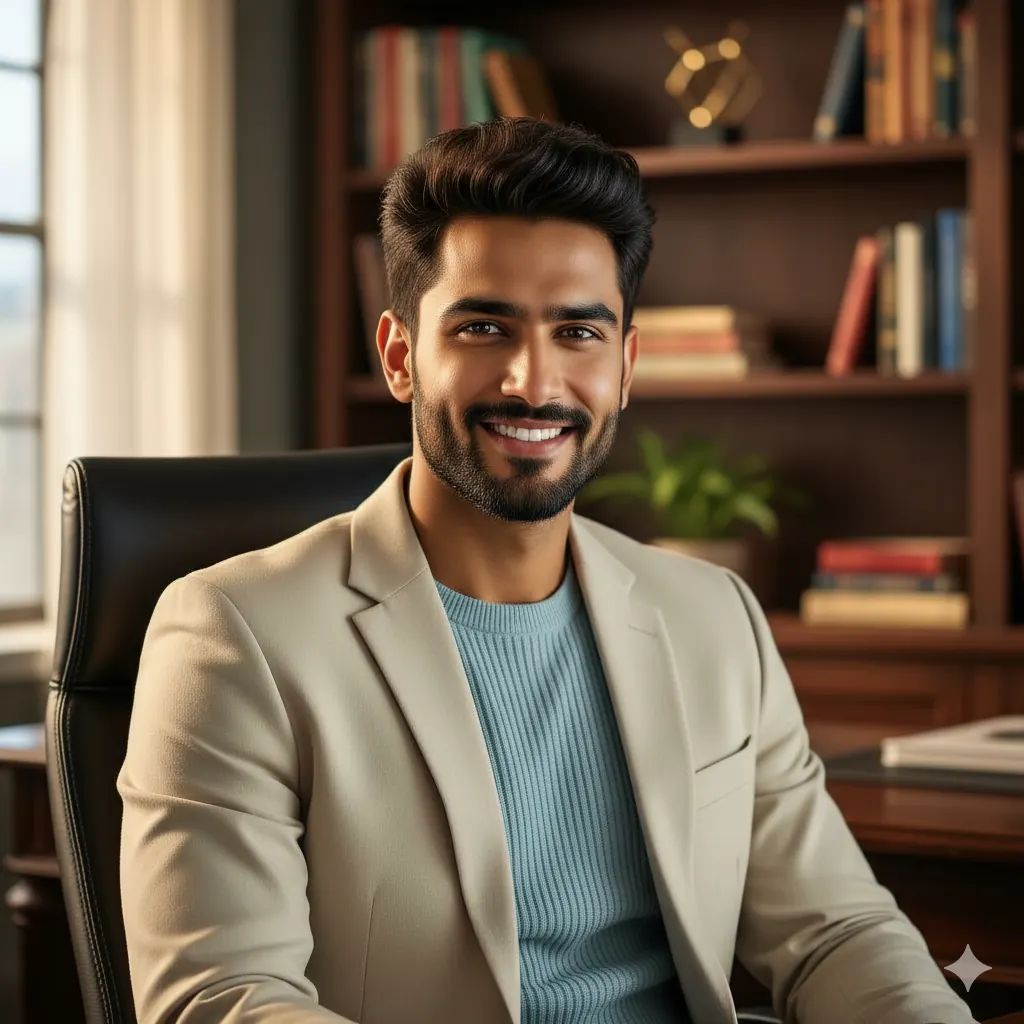
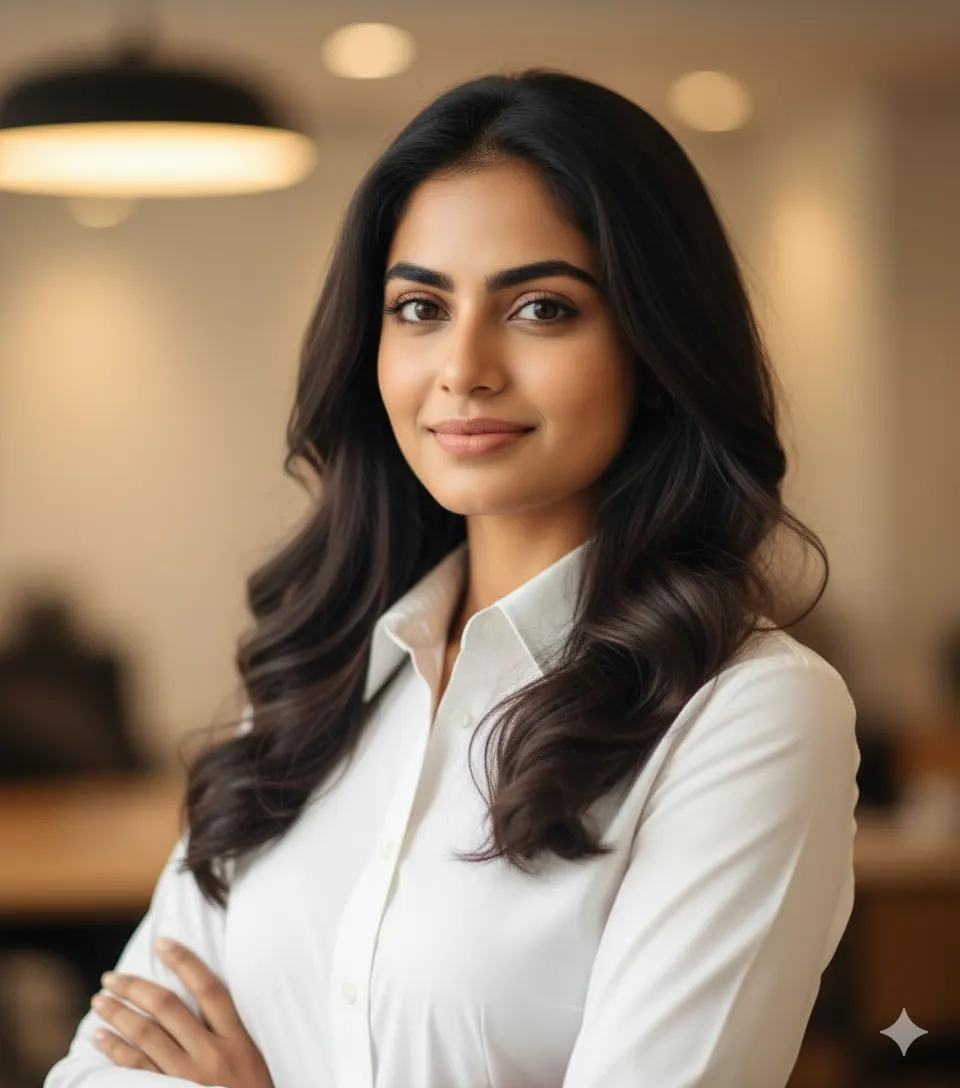
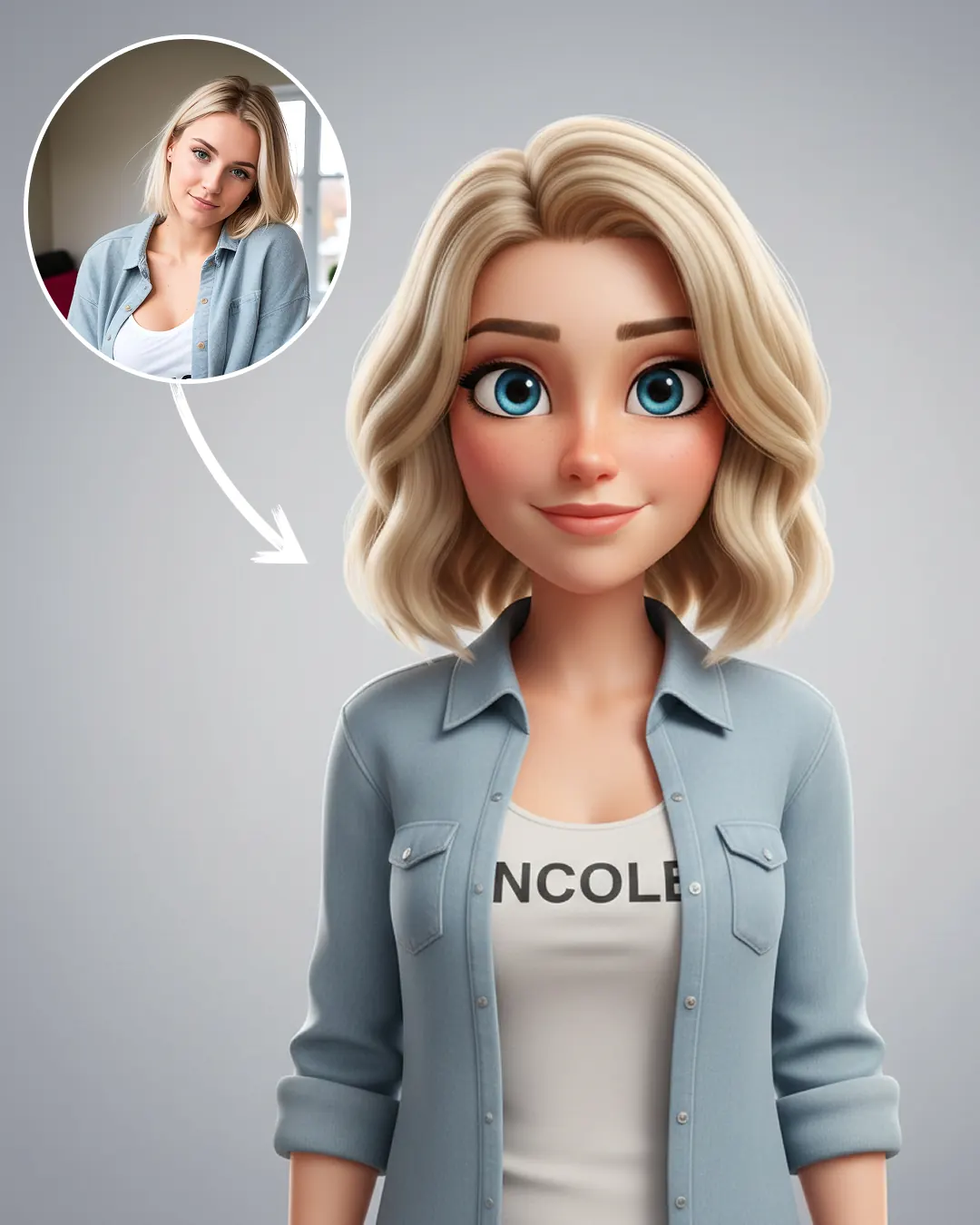
Before: the selfie usedBefore
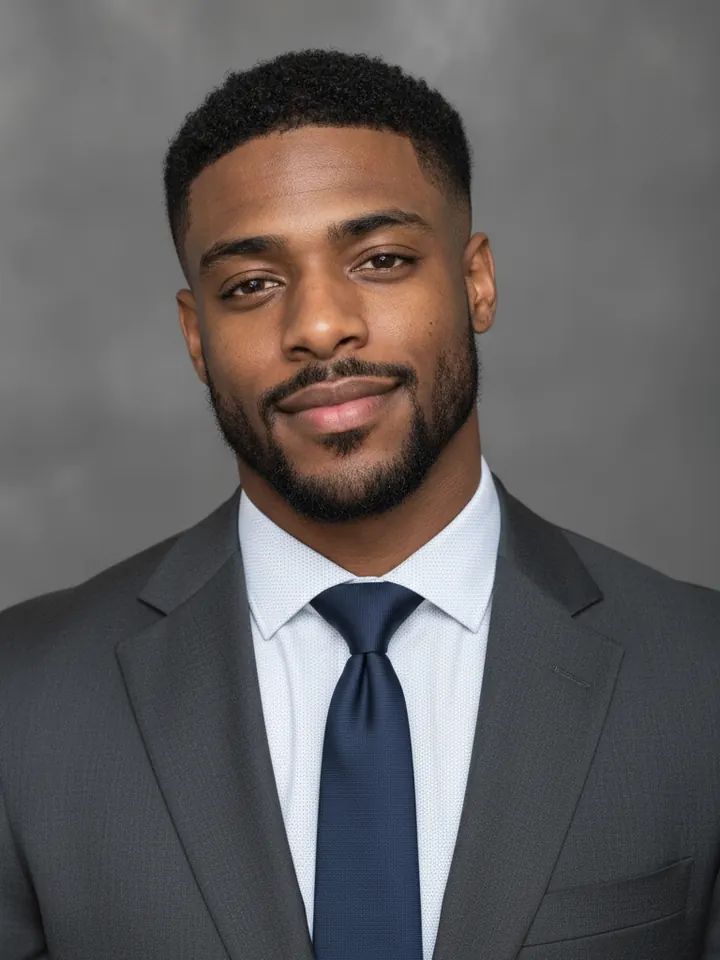
After: Confident style, made from the selfie in the cornerConfident
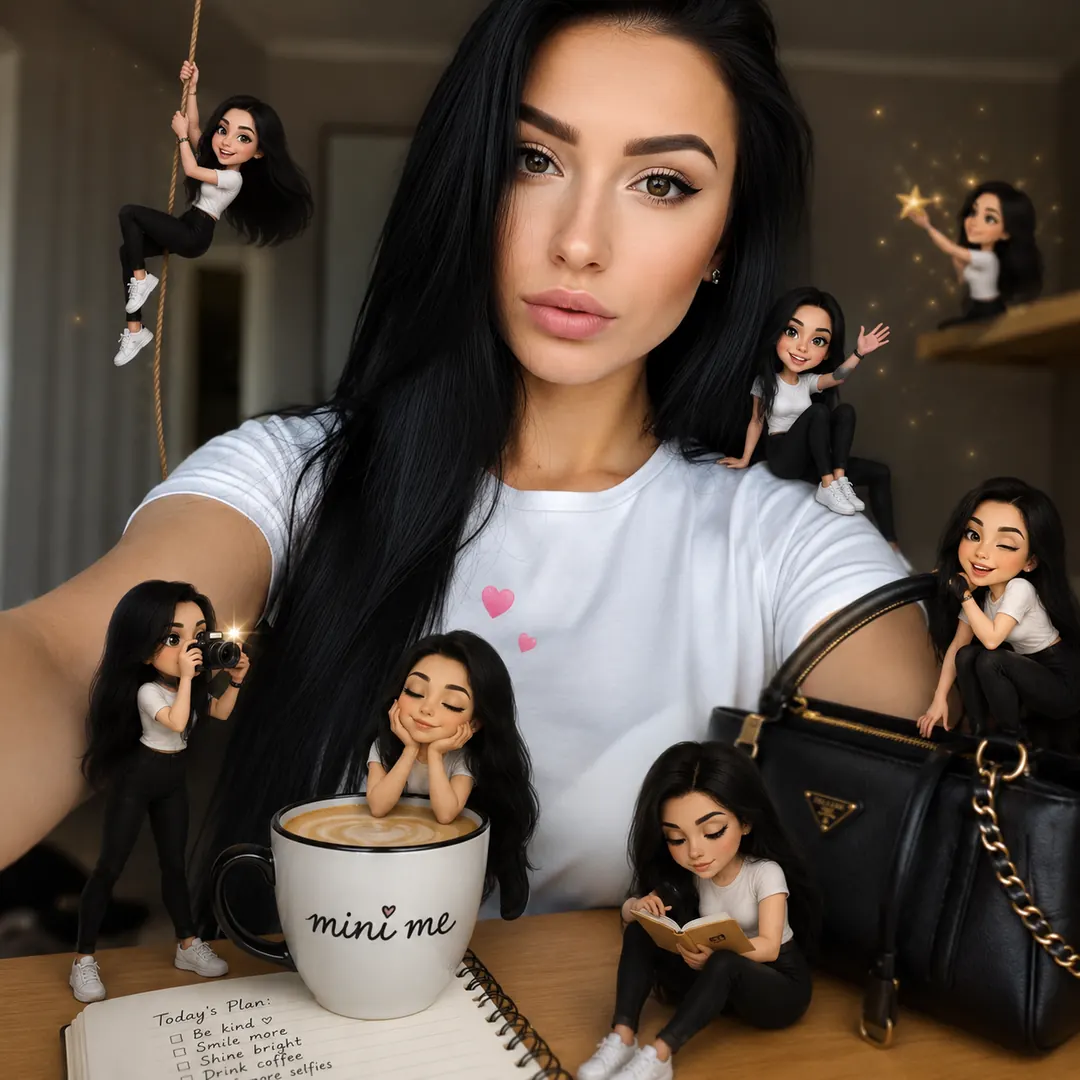
The selfies show fictional people made for our examples.

In short

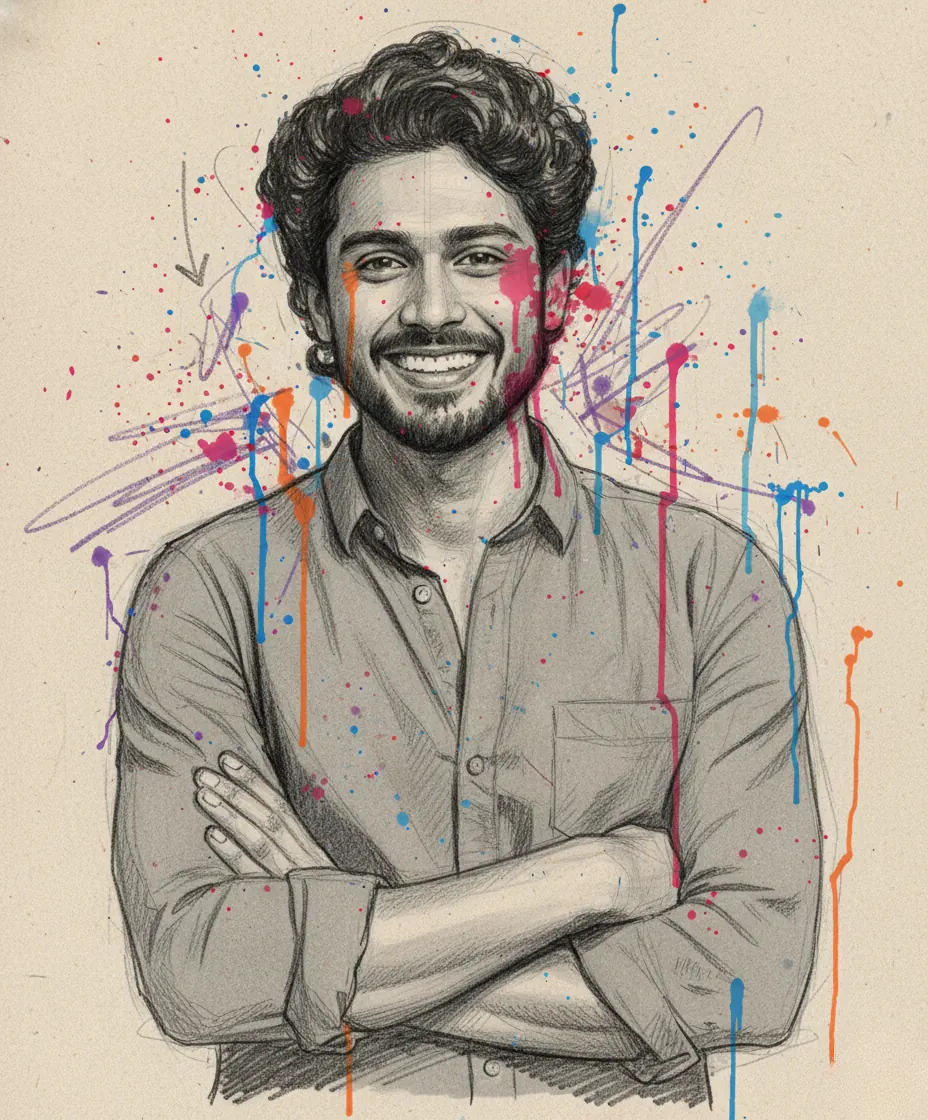
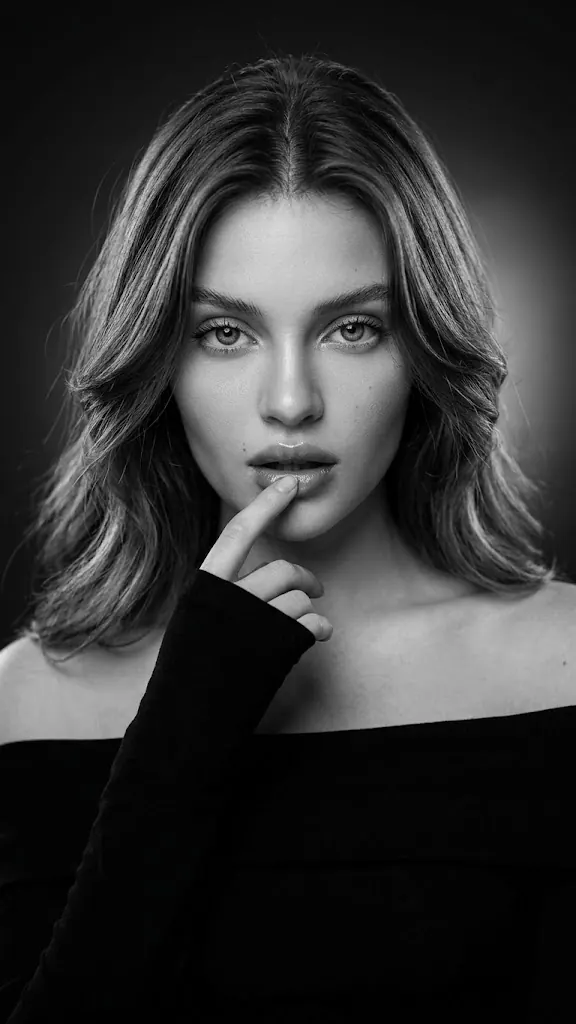
The AI profile picture generator in Rizz AI Photo turns one selfie into a profile picture in about 20 seconds: painted portraits like Painterly Realism and Golden Bloom, graphic looks like Neon Pop and Monochrome Marker, studio shots like Iconic Femme, and clean work photos like Professional.

Here is how to make one that still looks great at that size, with ready made styles or free prompts.

Profile picture styles from one selfie

What makes a good profile picture

A profile picture works under tough conditions. It is shown as a small circle next to comments, messages and search results, often smaller than your thumbnail. The best ones share four things: the face fills most of the frame, the background is simple, there is strong contrast between you and the background, and the colours are recognisable at a glance.

An AI profile picture generator gives you a version of yourself built for that job: cleaner light, a simpler background and a style that stands out in a feed, while keeping your real face. It is also an easy way to refresh your picture for a season, a new job or a birthday without a photoshoot.

The best profile picture styles, by vibe

Artistic

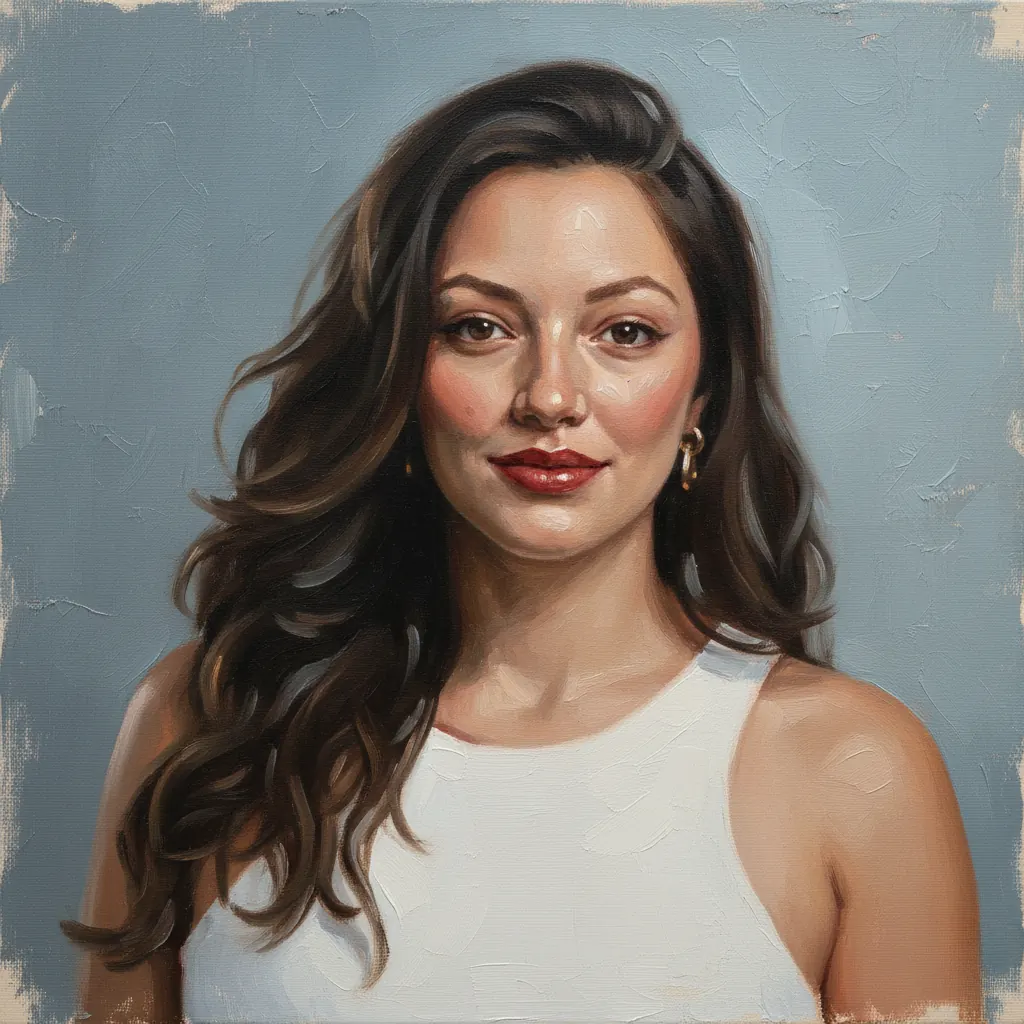
  • Painterly Realism: a classic oil painting, shoulders up, with visible brushstrokes and a textured blue grey backdrop. Timeless and calm.
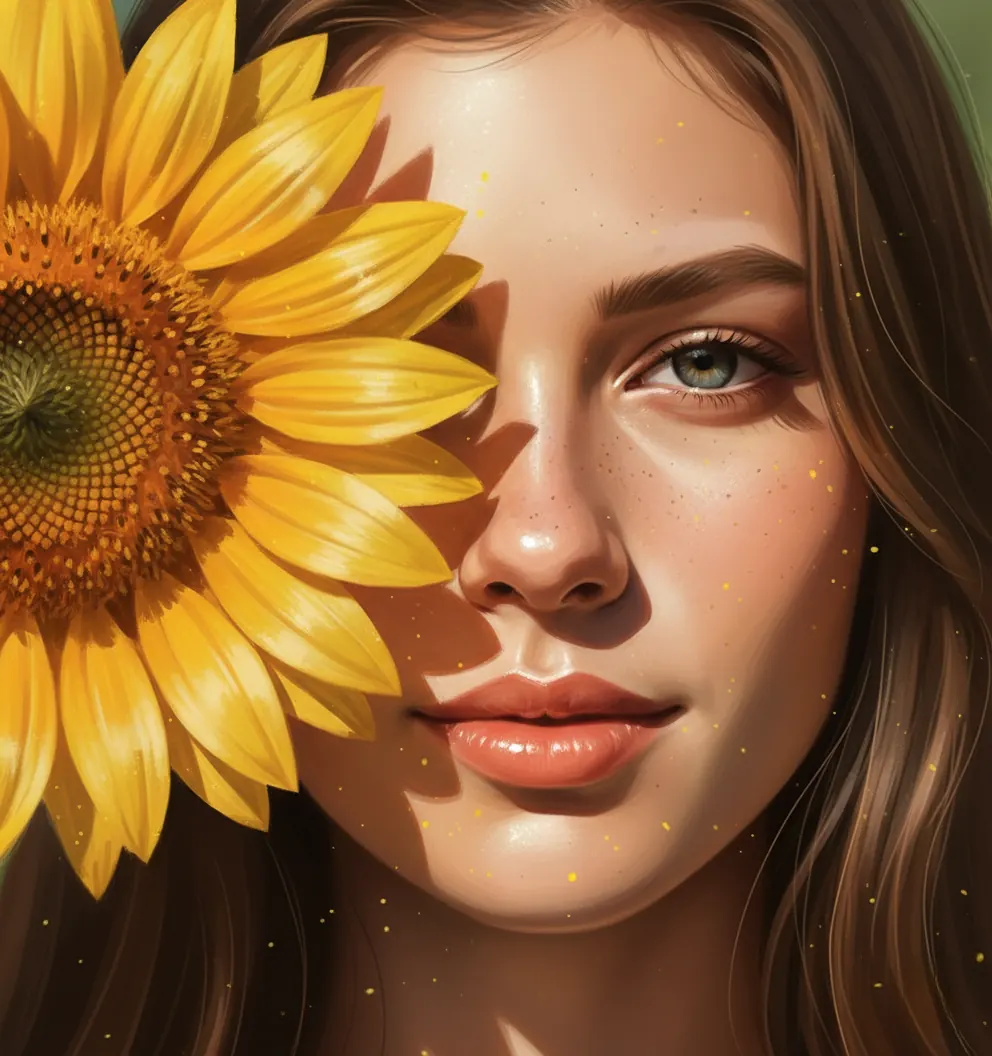
  • Golden Bloom: a glowing close up painting with a sunflower covering one eye and tiny flecks of gold. The most shareable art look.
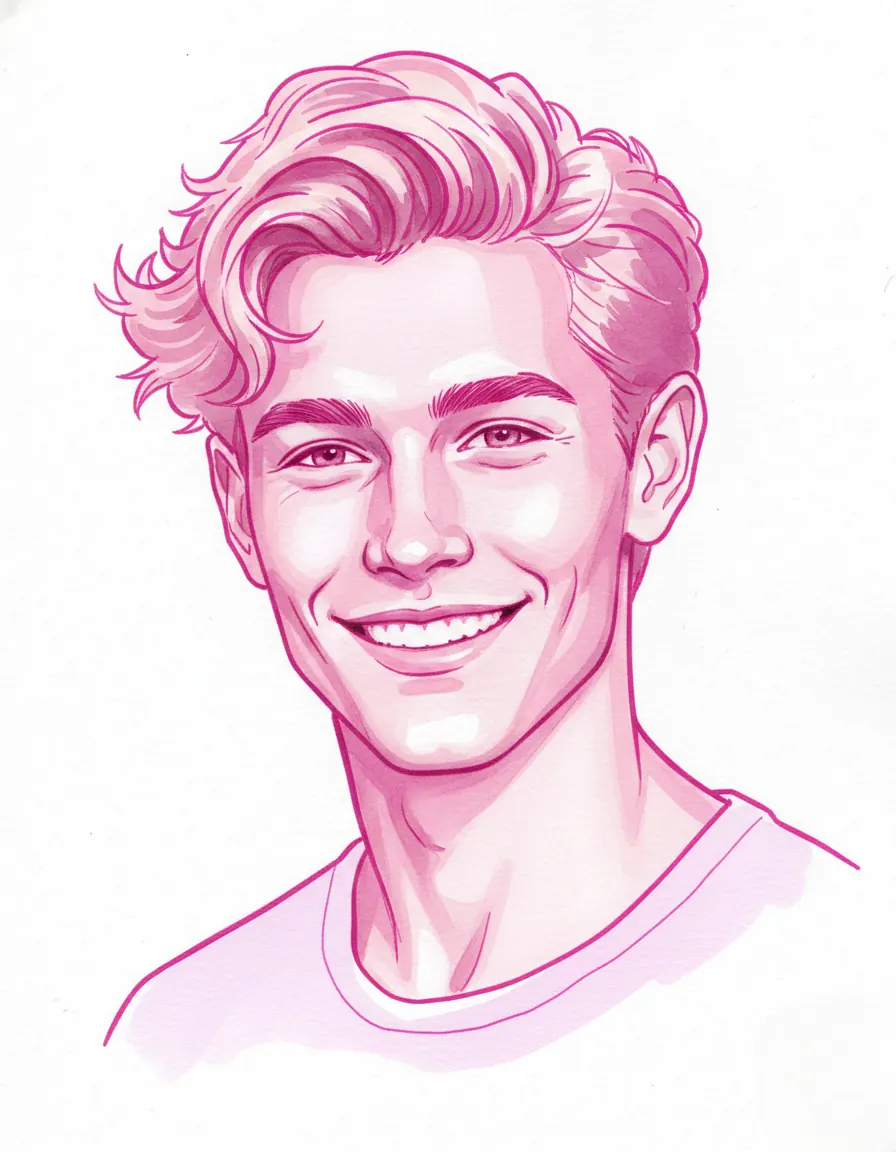
  • Monochrome Marker: a clean one colour marker drawing on white paper. Minimal and very readable at small sizes.
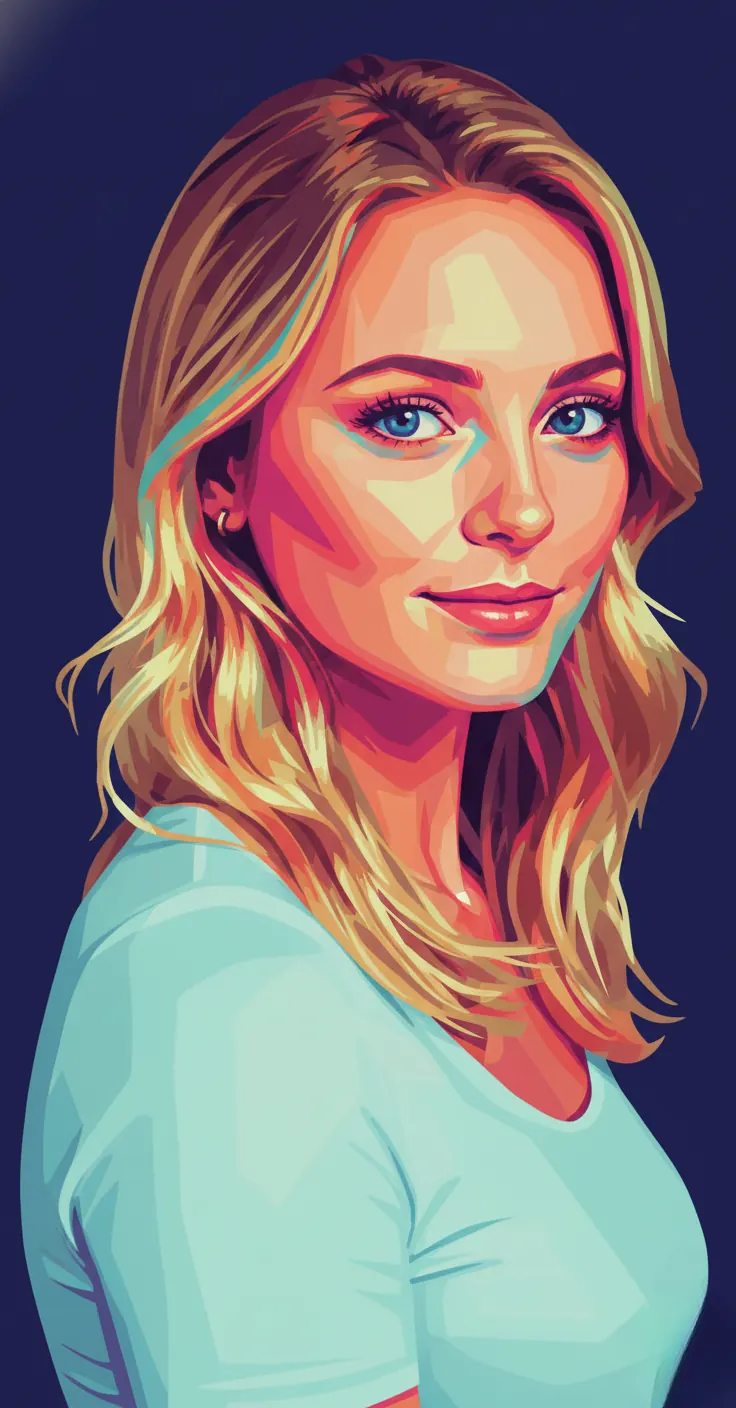
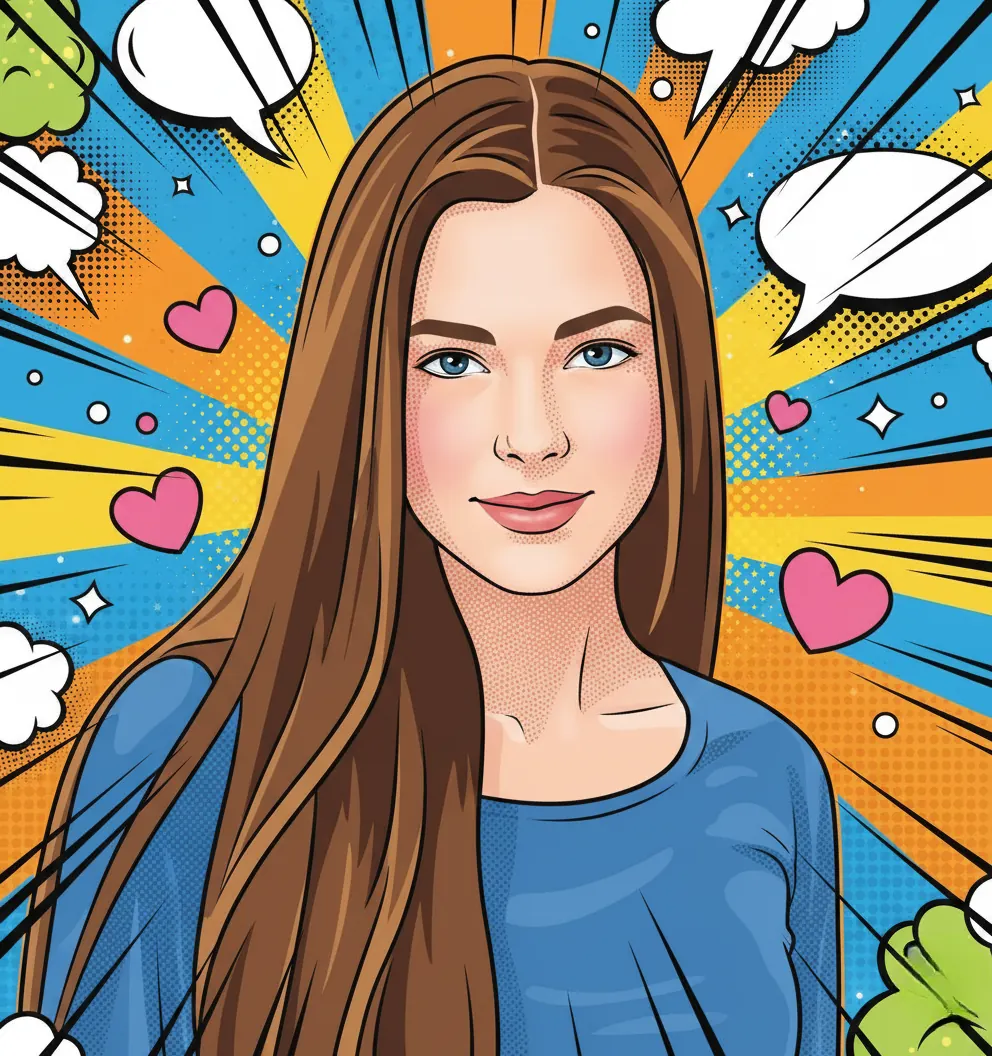
  • Neon Pop: a vector portrait built from blocks of neon pink, orange, teal and violet on deep navy. Striking in a dark mode app.
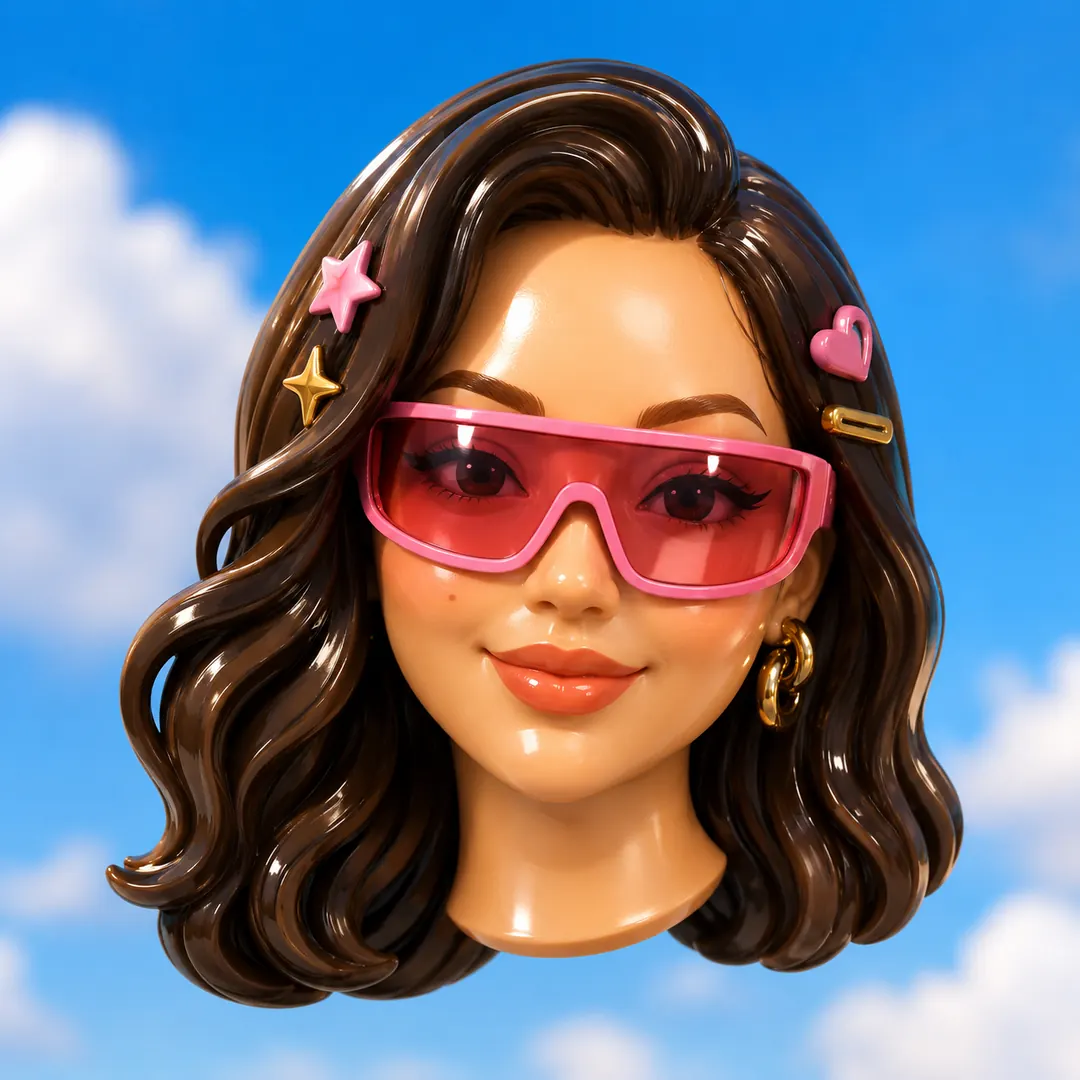
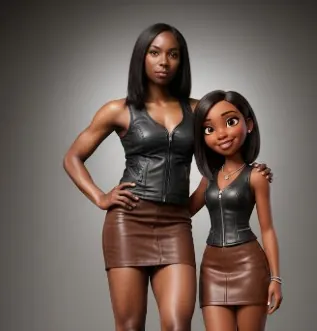
  • GlossPop Icon: a shiny 3D head like a collectible vinyl toy, with oversized pink sunglasses against bright blue sky.

Studio and black and white

  • Iconic Femme: a tight black and white beauty portrait with soft light and a steady gaze. Classic magazine close up.
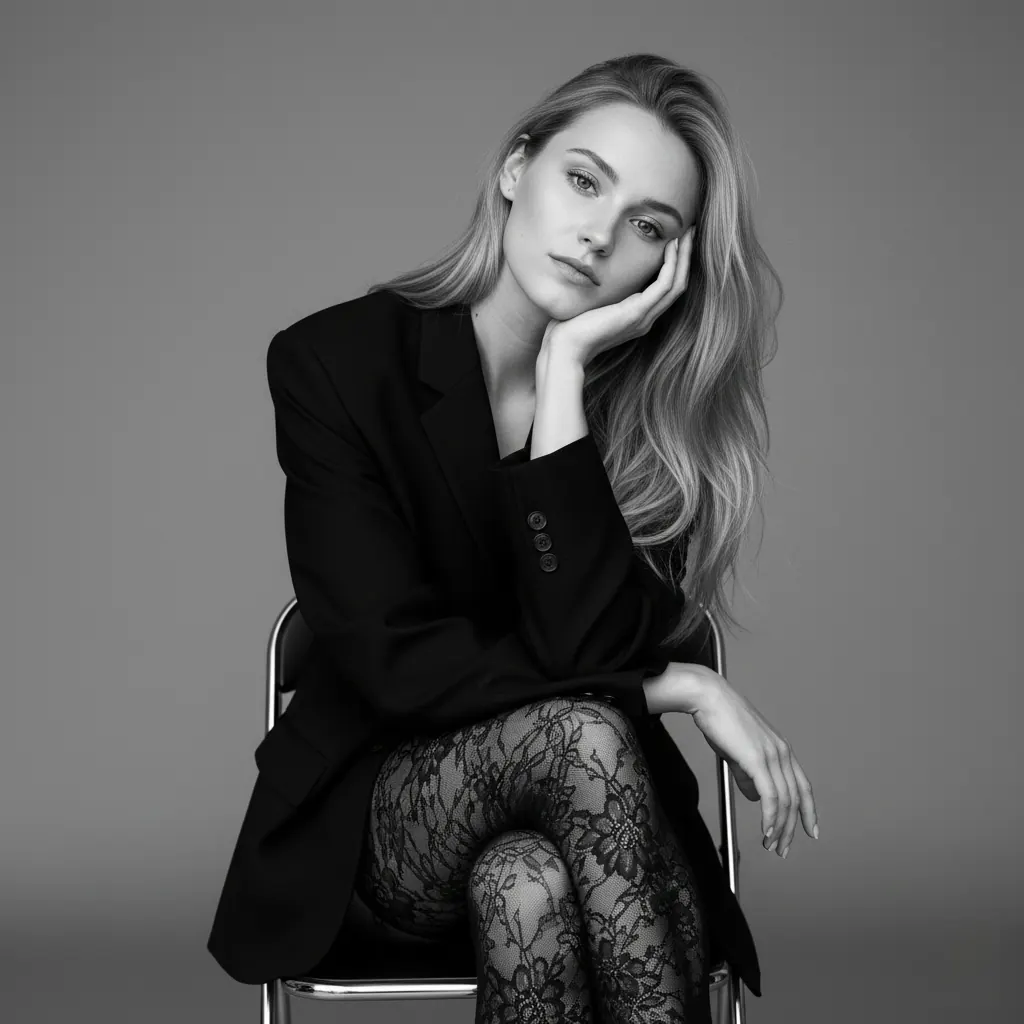
  • Resting Gaze: black and white, seated in a black blazer, hand by the cheek, calm and direct.
  • Snow Portrait: a tight face portrait framed by a white faux fur hood, frost on your lashes. Perfect for winter.
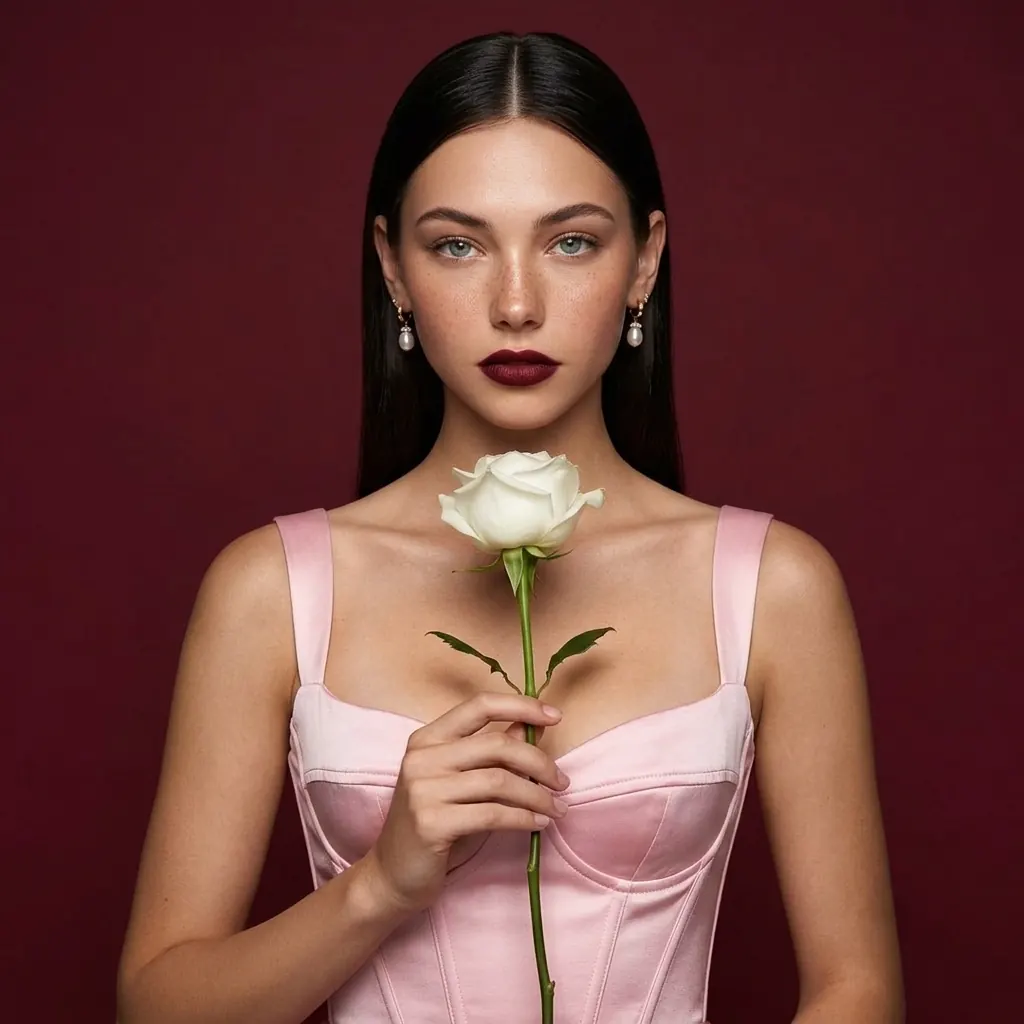
  • Rosé Belle: a close beauty portrait on a burgundy backdrop holding a single white rose.
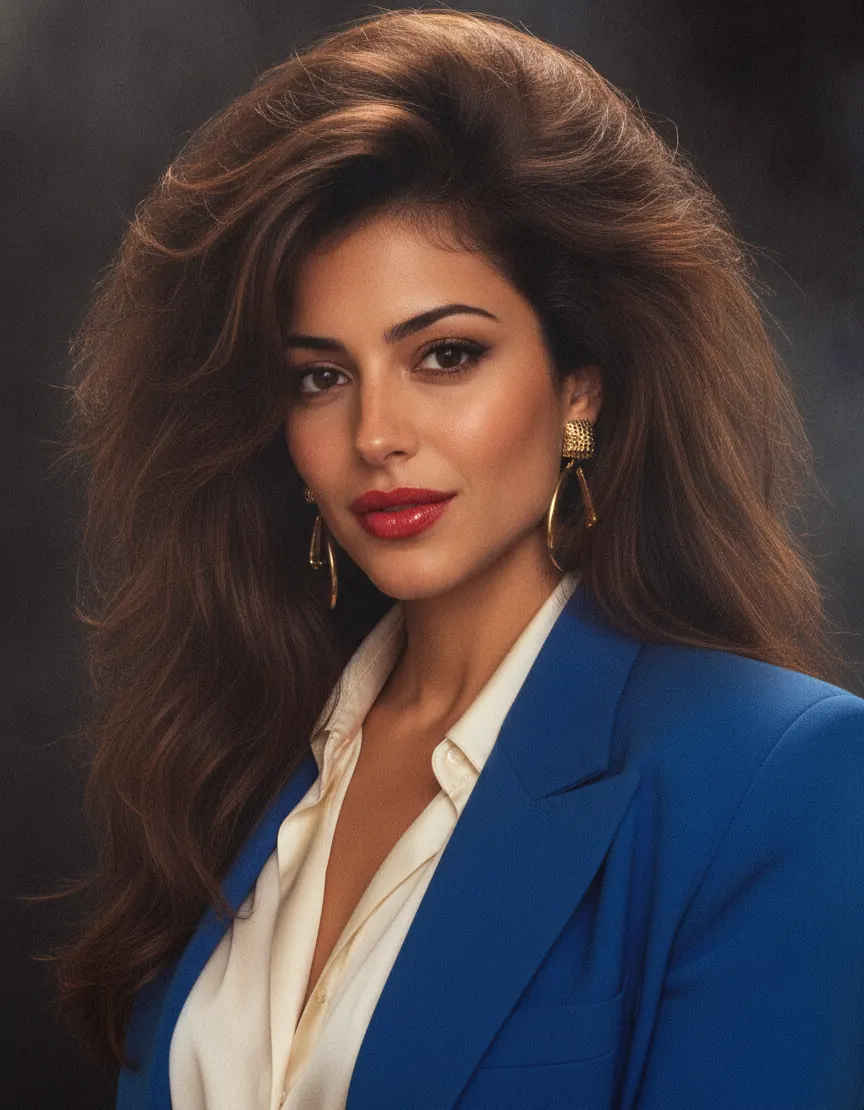
  • 80s Glam Portrait: big glossy hair, a shoulder pad blazer and soft focus glamour light.
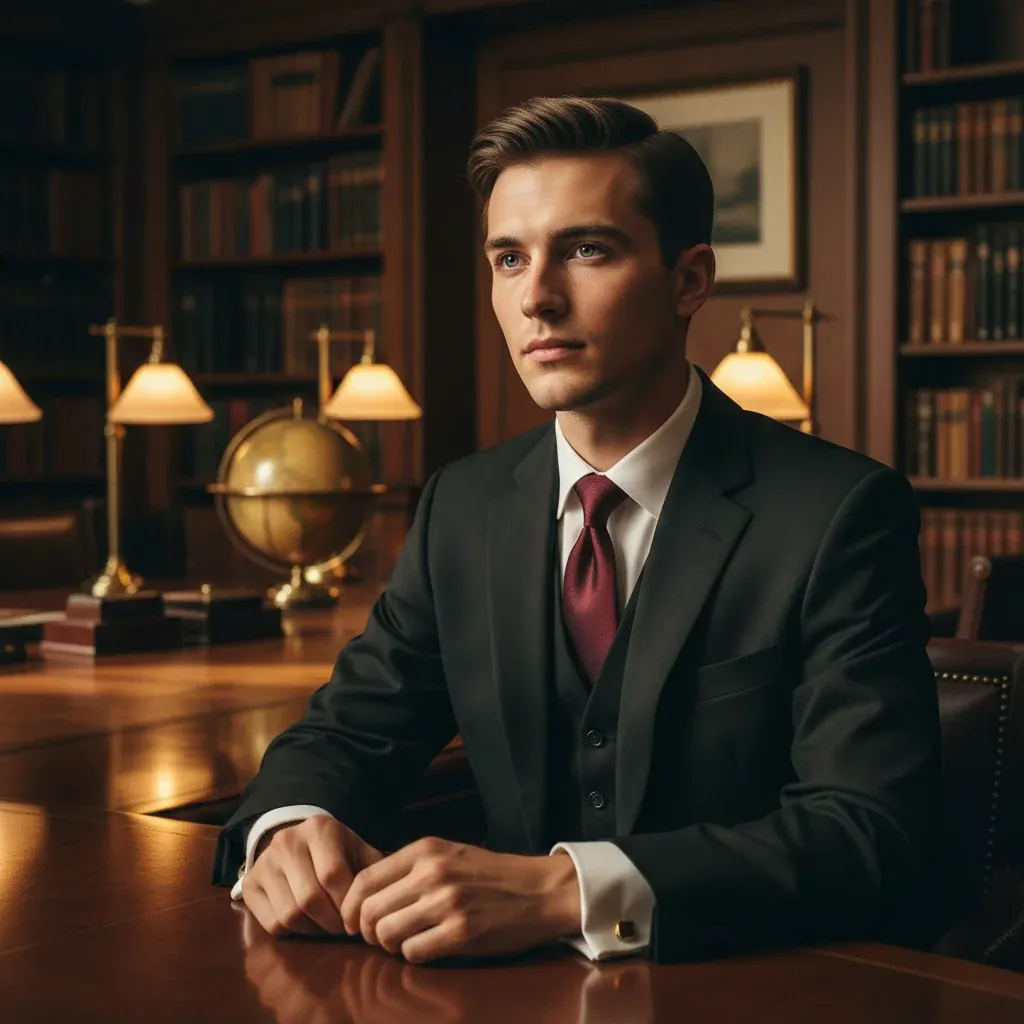
  • Godfather: a seated portrait in a dark study in a three piece suit. A bold choice for gamers and group chats.

Professional

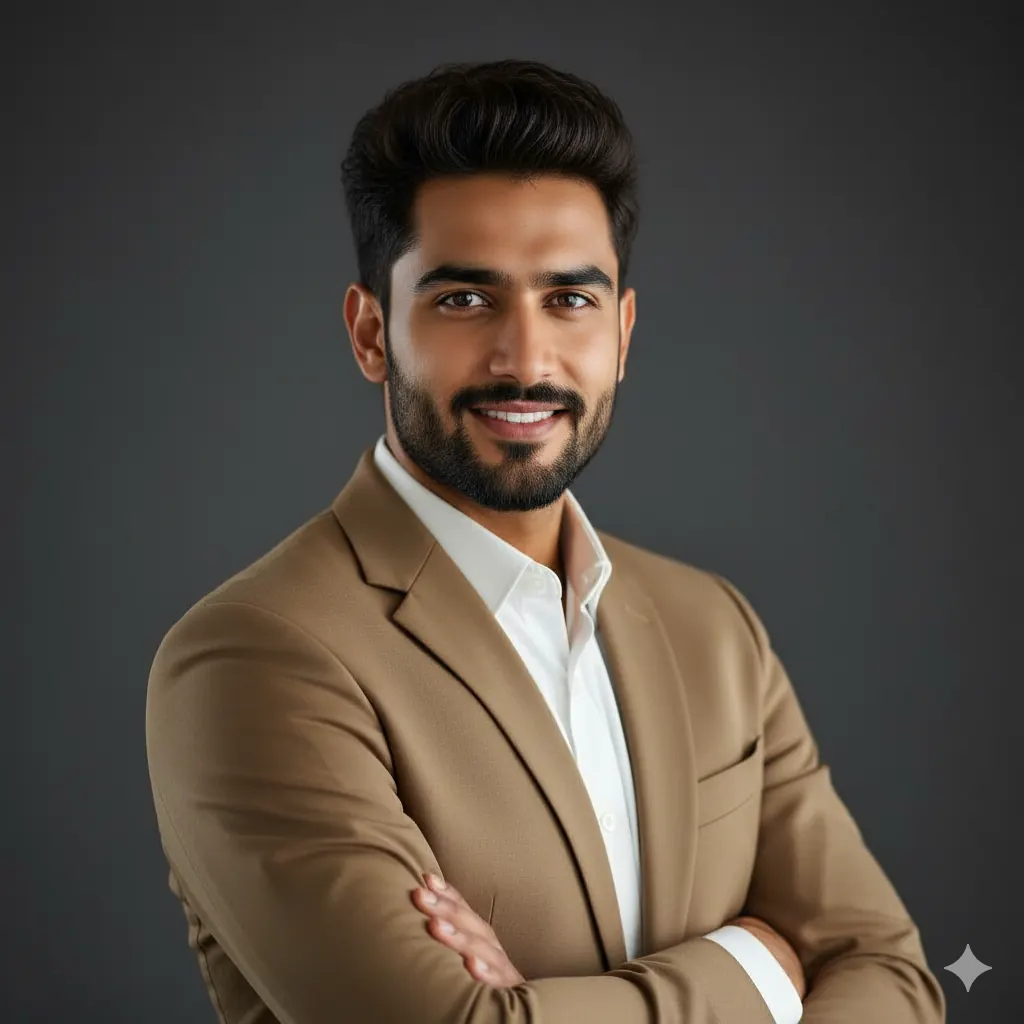
Professional, Refined and Confident are clean, front facing headshots on plain backdrops, ideal for LinkedIn, Slack, Teams and email. The full set, plus free headshot prompts, is in our free AI headshot generator guide.

Make your new profile picture. Painted, graphic, studio or professional, about 20 seconds each.Try free

Which style for which platform

  • Instagram and TikTok

    What works
    Bold colour or a strong art look that pops in a busy feed
    Styles to try
    Golden Bloom, Neon Pop, GlossPop Icon
  • WhatsApp and iMessage

    What works
    A warm, friendly face your contacts recognise instantly
    Styles to try
    Painterly Realism, Snow Portrait, Rosé Belle
  • LinkedIn, Slack and Teams

    What works
    A clean headshot on a plain background
    Styles to try
    Professional, Refined, Confident
  • Discord, gaming and X

    What works
    A graphic or playful look that reads at tiny sizes
    Styles to try
    Monochrome Marker, Neon Pop, Godfather
  • Dating apps

    What works
    Natural, relaxed photos, never only an art style
    Styles to try
    See our AI dating photos guide

Most platforms crop profile pictures to a circle and show them small, so upload a square image of at least 400 by 400 pixels with your face in the centre. Keep a little space around your head so the circle does not cut off your hair or chin.

How to make an AI profile picture

  1. 1Download Rizz AI PhotoInstall Rizz AI Photo from the App Store or Google Play and sign in with Apple or Google.
  2. 2Choose a styleOpen Fine Art Portraits for art styles or Professional Headshots for work photos.
  3. 3Upload a clear selfieFront facing, head and shoulders, in daylight, with your face fully visible.
  4. 4GenerateTap Generate. Your new picture is ready in about 20 seconds.
  5. 5Crop to a squareSave it, then crop to a square with your face filling around 60 percent of the frame.
  6. 6Test it smallBefore you upload, zoom out on your phone until the image is the size of a thumbnail. If you still recognise yourself instantly, it works.

Free AI profile picture prompts for Gemini

Prefer the free route? Upload a selfie to the Gemini app and paste one of these. Gemini image generation is free within Google's daily limits. For more, see our AI selfie prompts.

Clean colour backdrop

Turn this selfie into a square profile picture. Keep the face, identity, skin tone and hairline exactly the same. Natural skin texture, no beauty filter. Head and shoulders, centred, soft studio light, a plain solid backdrop in a bold colour that contrasts with my hair and clothes, a relaxed natural smile.

Skip the prompt: try the ready made styles in Rizz AI Photo →
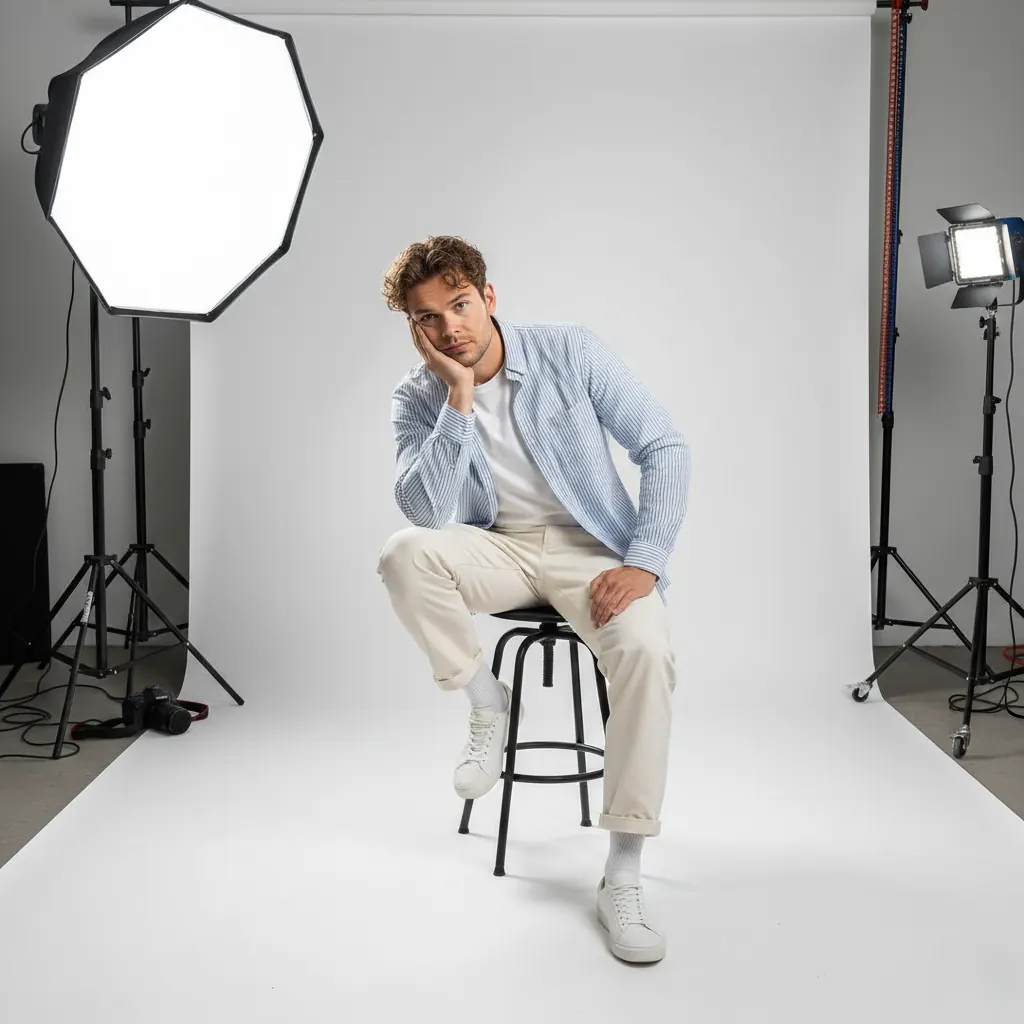
Oil painting portrait

Make a square oil painting portrait from this selfie for a profile picture. Keep the face, identity, skin tone and hairline exactly the same. Natural skin texture, no beauty filter. Shoulders up, centred, visible brushstrokes, soft warm light, a simple textured background in muted blue grey.

Skip the prompt: try the ready made styles in Rizz AI Photo →
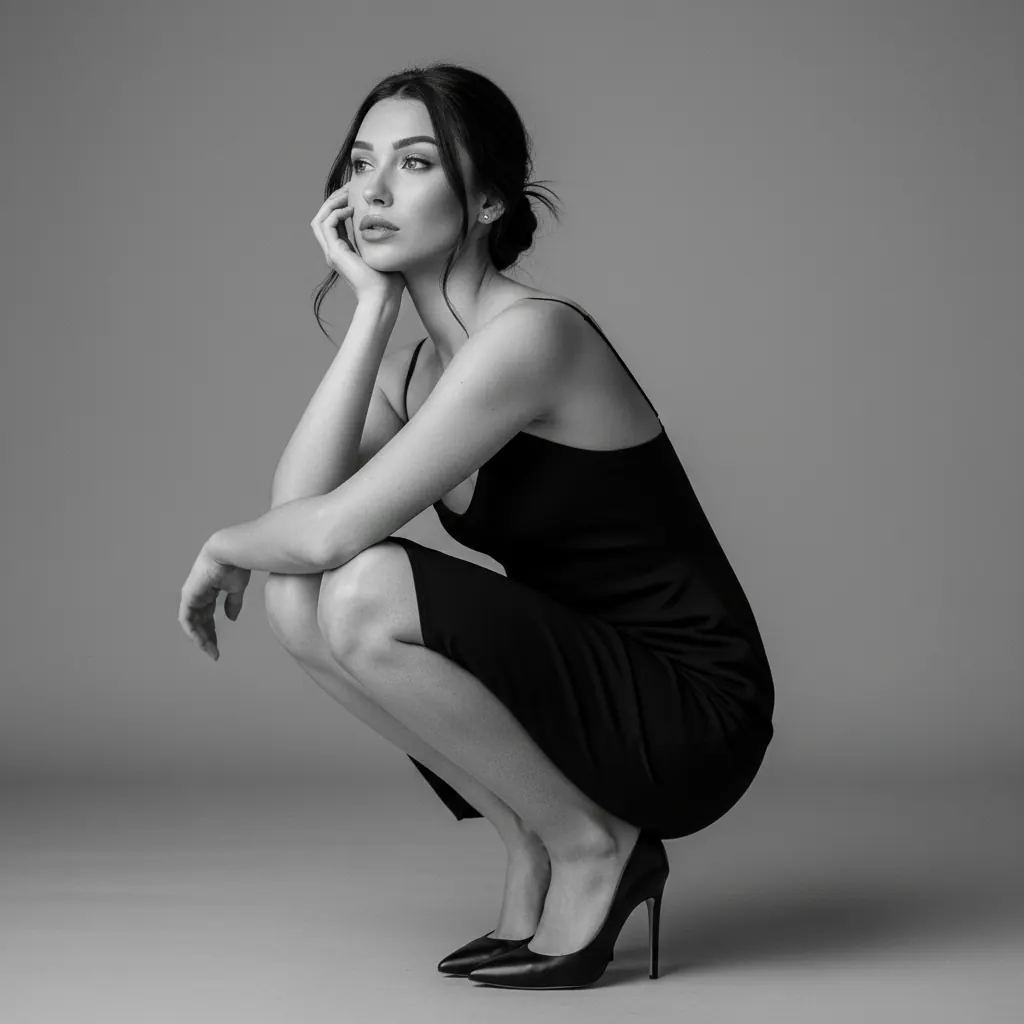
Black and white studio

Create a black and white studio portrait from this selfie for a profile picture. Keep the face, identity, skin tone and hairline exactly the same. Natural skin texture, no beauty filter. Tight head and shoulders crop, dark background, soft side light, calm direct gaze, fine film grain.

Skip the prompt: try the ready made styles in Rizz AI Photo →
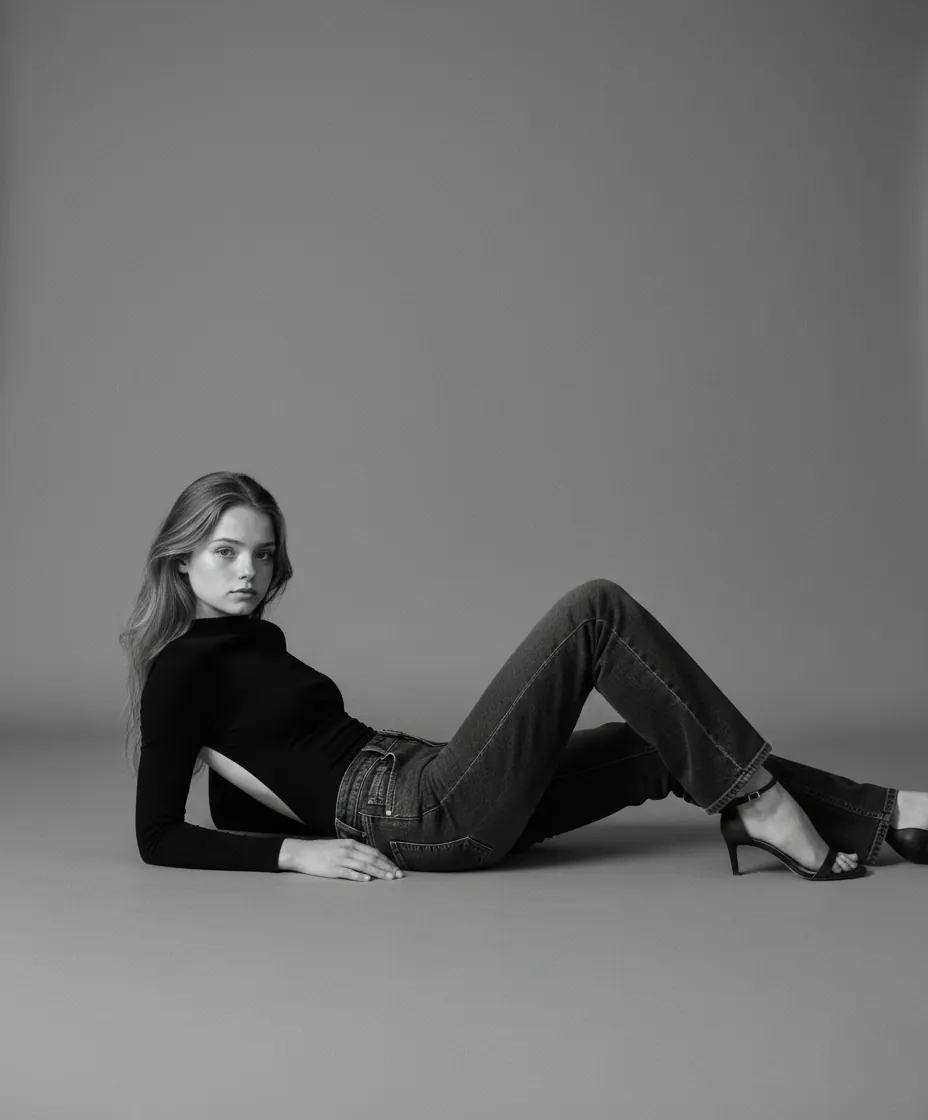
Illustrated avatar

Turn this selfie into a clean illustrated avatar for a profile picture. Keep the face, identity, skin tone and hairline exactly the same. Natural skin texture, no beauty filter. Flat colours, bold outlines, recognisable features, centred head and shoulders on a single colour background, square format.

Skip the prompt: try the ready made styles in Rizz AI Photo →
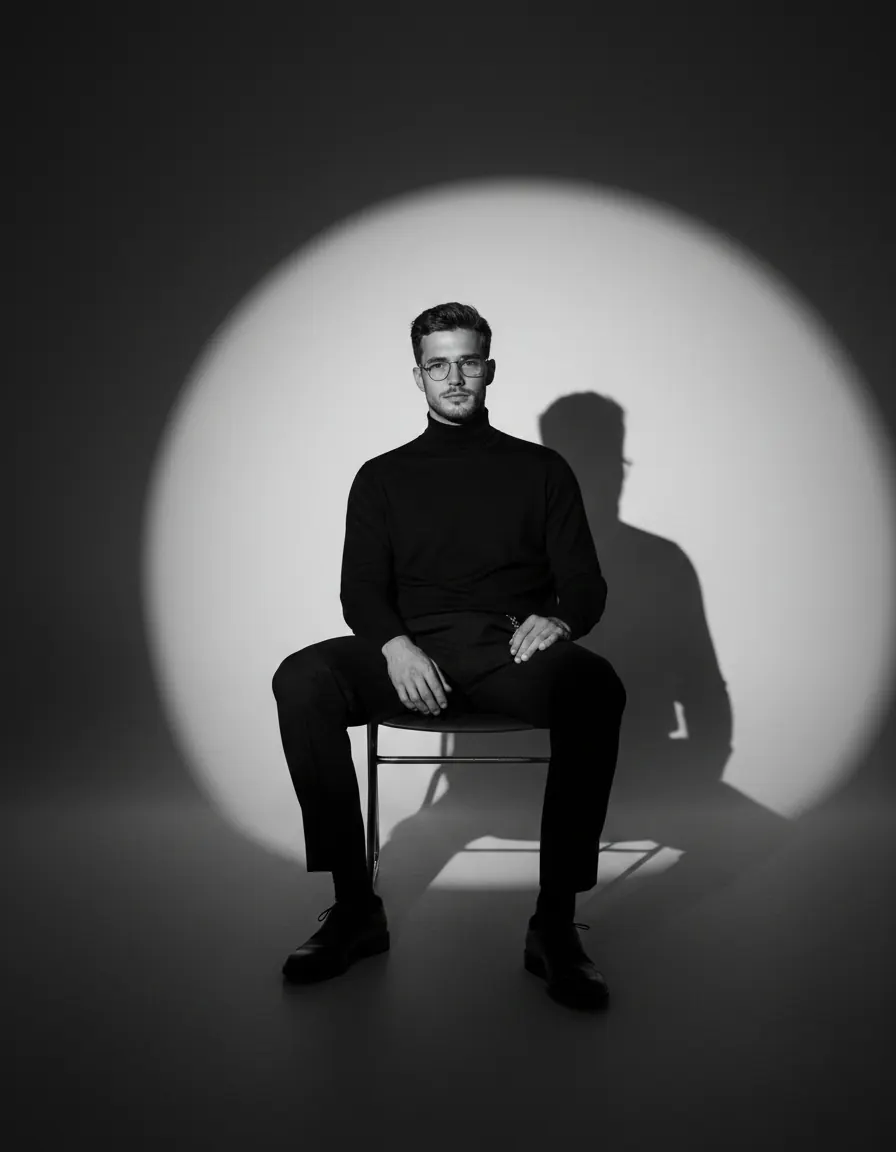
Rizz AI Photo vs prompts vs avatar apps

  • Photos needed

    Rizz AI Photo styles
    One selfie
    Gemini with a prompt
    One selfie
    Avatar packs that need many photos
    Often 10 or more
  • Time

    Rizz AI Photo styles
    About 20 seconds per image
    Gemini with a prompt
    Under a minute, plus retries
    Avatar packs that need many photos
    Often a wait for training
  • Variety

    Rizz AI Photo styles
    Painted, graphic, studio, professional and more
    Gemini with a prompt
    Whatever you describe
    Avatar packs that need many photos
    A fixed pack of looks
  • Likeness

    Rizz AI Photo styles
    Strong, tuned per style
    Gemini with a prompt
    Good if you ask for it
    Avatar packs that need many photos
    Varies
  • Cost

    Rizz AI Photo styles
    Free to download, credits per image
    Gemini with a prompt
    Free within daily limits
    Avatar packs that need many photos
    Usually paid per pack

Profile picture tips that work everywhere

  • Use the same picture across apps so people recognise you everywhere, unless you deliberately keep work and personal separate.
  • Keep it recent. People should recognise you when they meet you.
  • Change it with the seasons. A winter or birthday version is a fun way to refresh without losing recognition.
  • Avoid busy backgrounds. Detail disappears at thumbnail size.
  • Be honest where it matters. On LinkedIn and dating apps, keep a style that still looks like a photo of you.
Upgrade your profile picture today. One selfie, a picture made for the circle, about 20 seconds.Try free

More styles you might like

FAQ

How do I make an AI profile picture?

Upload a clear selfie to Rizz AI Photo, pick a style such as Painterly Realism or Professional, tap Generate and crop the result to a square with your face centred.

Is there a free AI profile picture generator?

Yes. The Gemini prompts on this page are free within Google's daily limits. Rizz AI Photo is free to download; generating images uses credits from a subscription or a credit pack.

What size should a profile picture be?

Upload a square image of at least 400 by 400 pixels. Most platforms crop it to a circle and show it small, so keep your face centred with a little space around your head.

Which AI profile picture style is best for Instagram?

Bold, colourful looks stand out: Golden Bloom, Neon Pop and GlossPop Icon are good picks.

Can I use an AI profile picture on LinkedIn?

Yes, if it still looks like you. Use a realistic headshot style such as Professional or Refined rather than an art style.

Can I make an anime or cartoon profile picture?

Rizz AI Photo has 3D cartoon, pop art and vinyl toy styles such as 3D Toon Studio, Pop Art and GlossPop Icon. For more, see our turn yourself into a cartoon guide.

Will it still look like me?

Each style is tuned to keep your face, hair and skin tone. Start with a sharp, front facing selfie in daylight.

What is a PFP?

PFP is short for profile picture, the small image shown next to your name on social apps, chats and games.

Why does my profile picture look blurry?

Usually it was cropped from a small part of a bigger photo. Start from a head and shoulders selfie so your face fills most of the image.

Can I make a matching profile picture with a friend?

Rizz AI Photo makes one person per photo. Each of you can make your own in the same style for a matching set.

Can I make a profile picture for Discord or gaming?

Yes. Graphic styles such as Monochrome Marker and Neon Pop read well at the tiny sizes used in gaming apps.

How often should I change my profile picture?

Keep a recent, recognisable picture as your main one. Seasonal versions are a fun refresh as long as people still recognise you.

How long does it take?

About 20 seconds per image.

Do I need to write prompts in the app?

No. Every style already contains a tuned prompt. Upload a selfie and tap Generate.

Can I use a group photo?

Crop to just you first. Group photos can blend faces.

Keep reading

By the Rizz AI Photo team · Updated

Skip the prompt.
Get the photo.

Rizz AI Photo runs Nano Banana 2.1 behind ready made styles. Upload a selfie, tap a style, and get your image in seconds. No prompt writing needed.