AI snow photo trend

Every winter one AI photo look takes over: you in falling snow, often as a three photo set, cosy or icy or magical.

In short

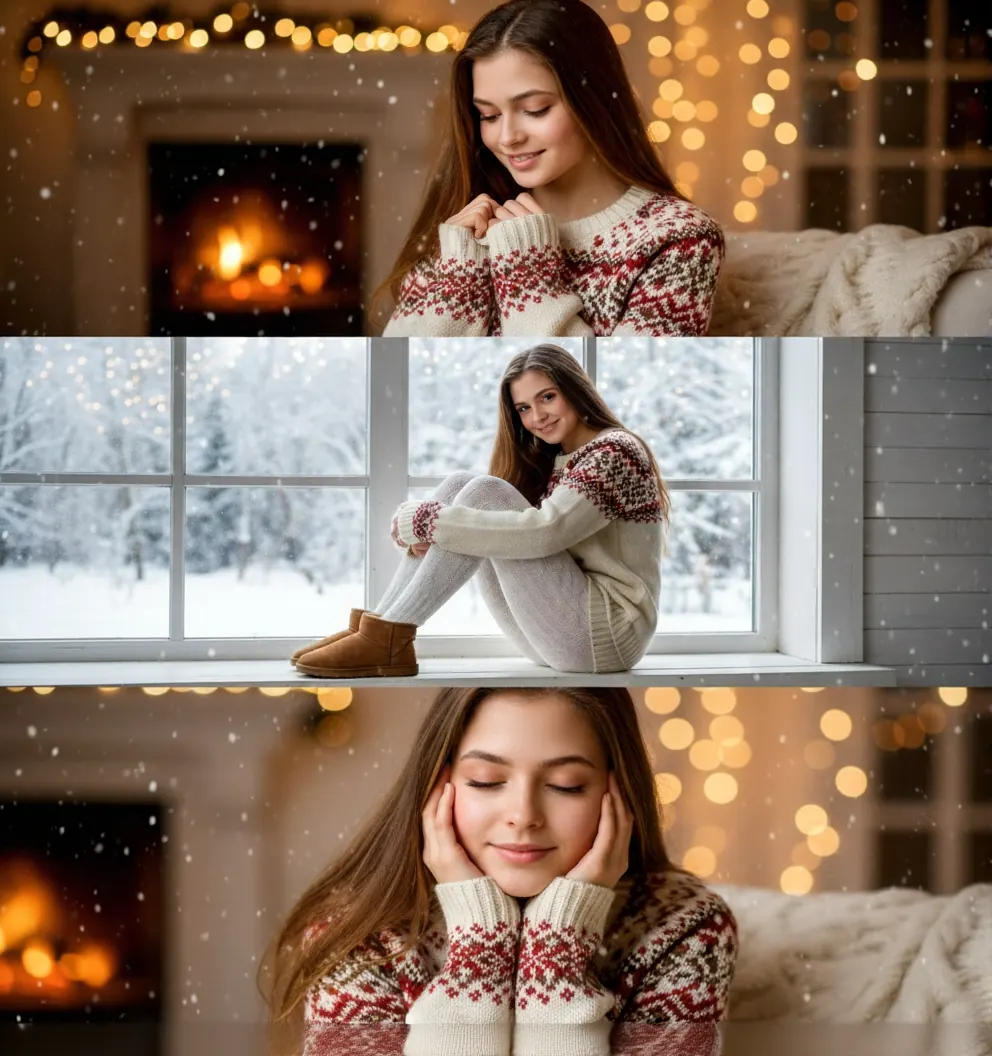
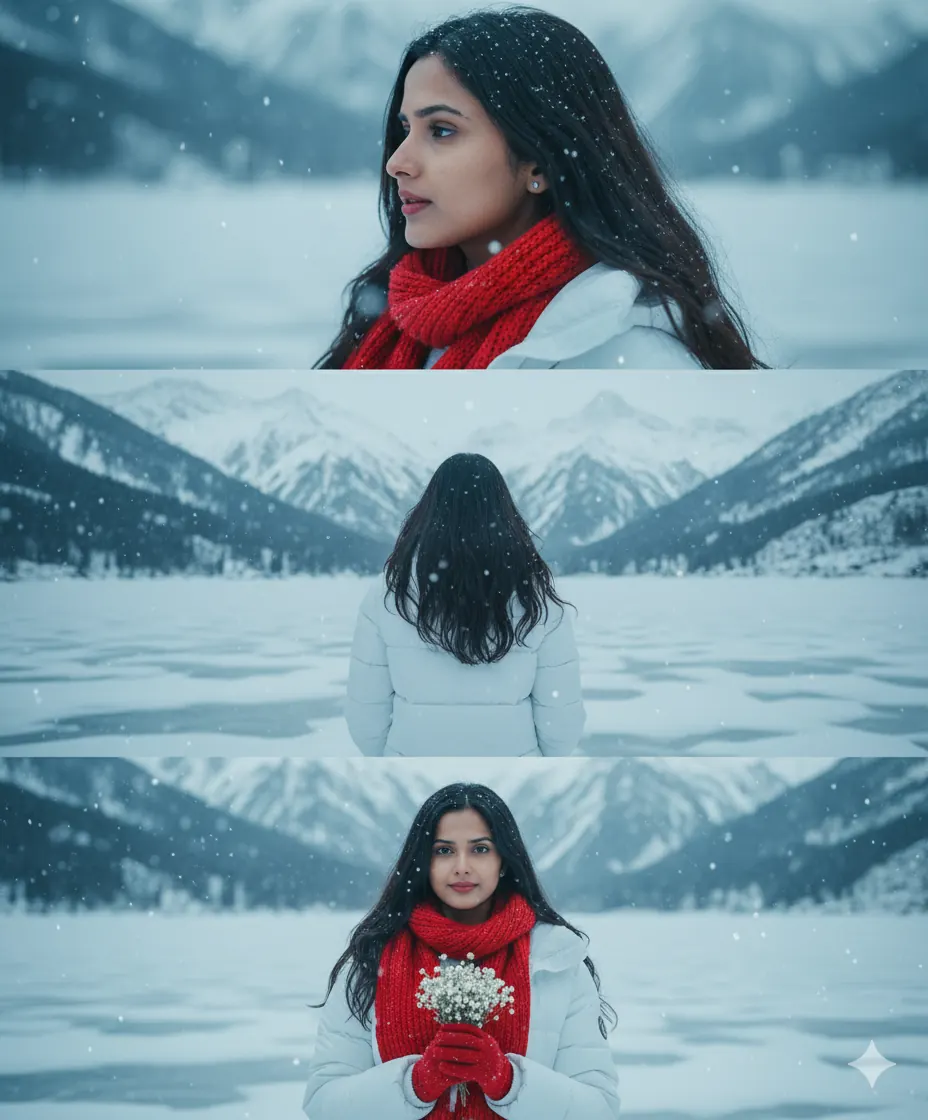
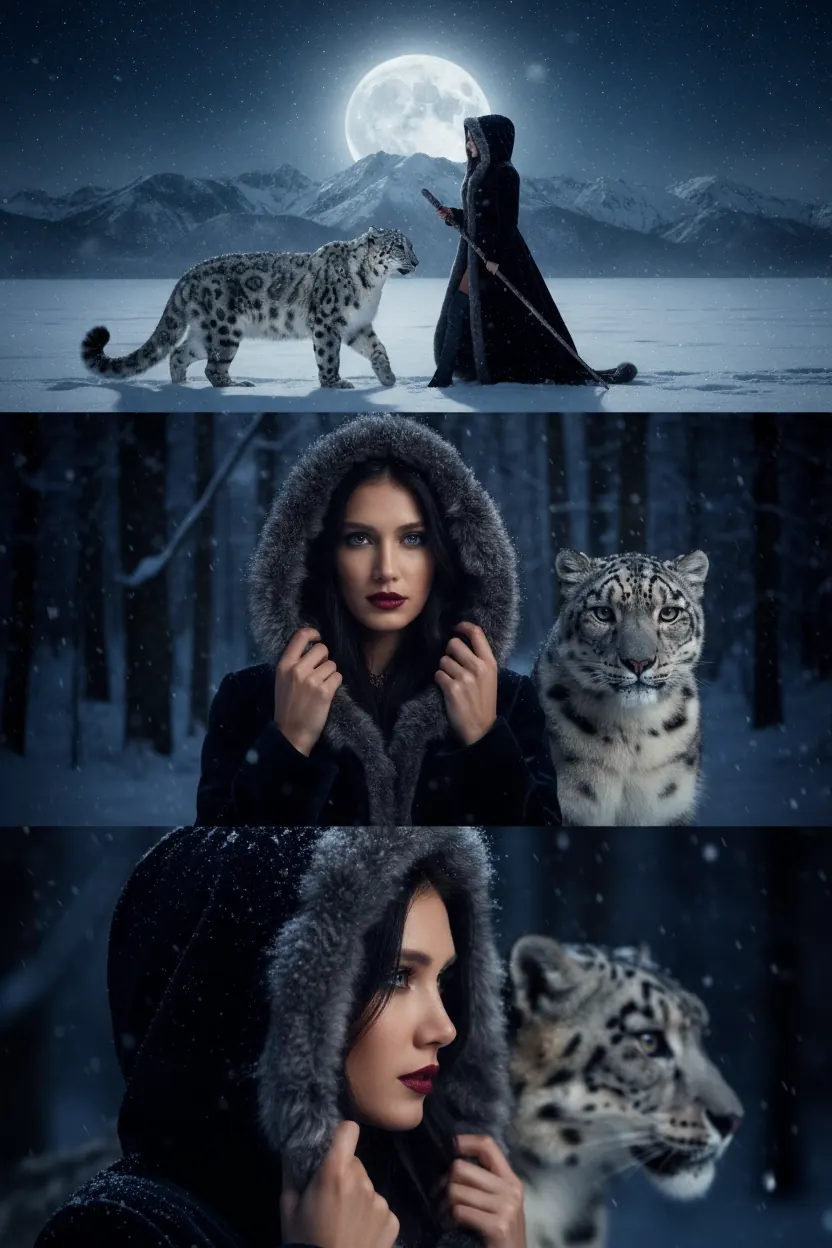
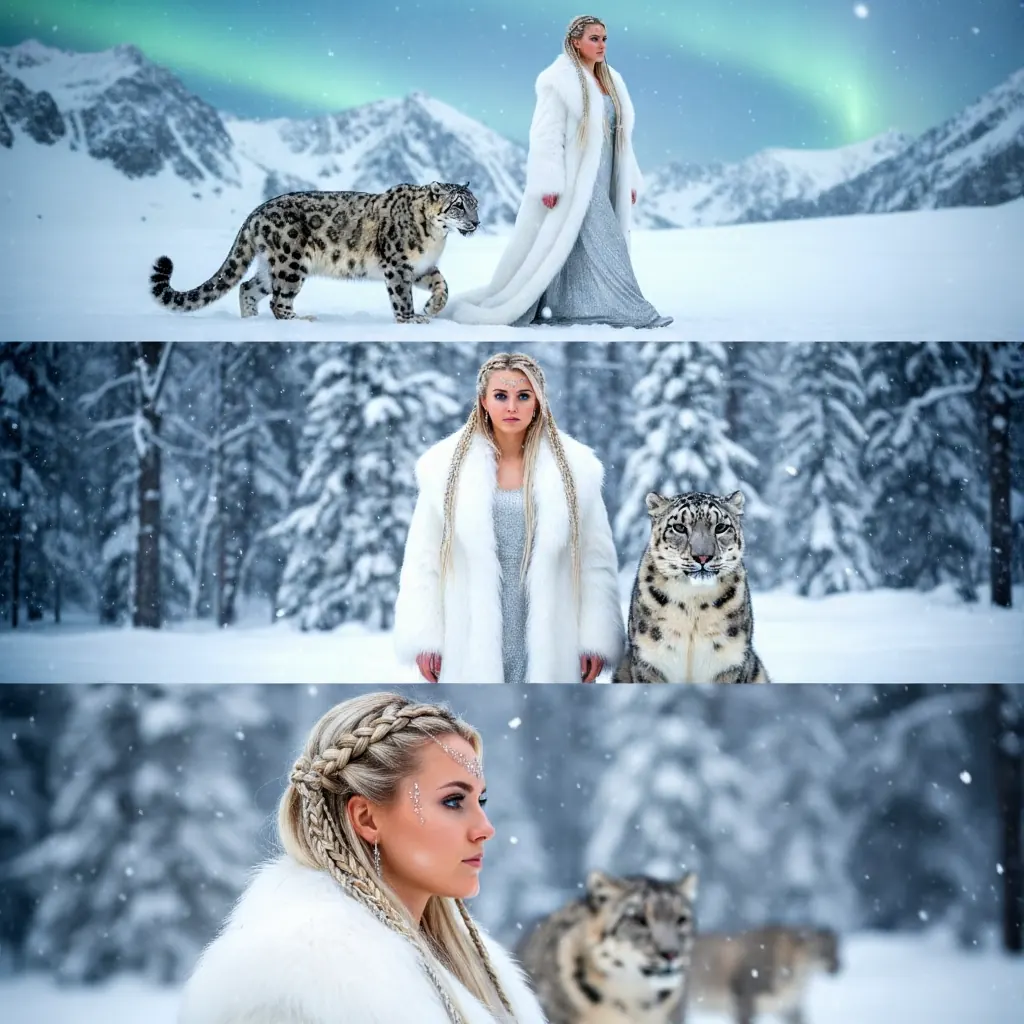
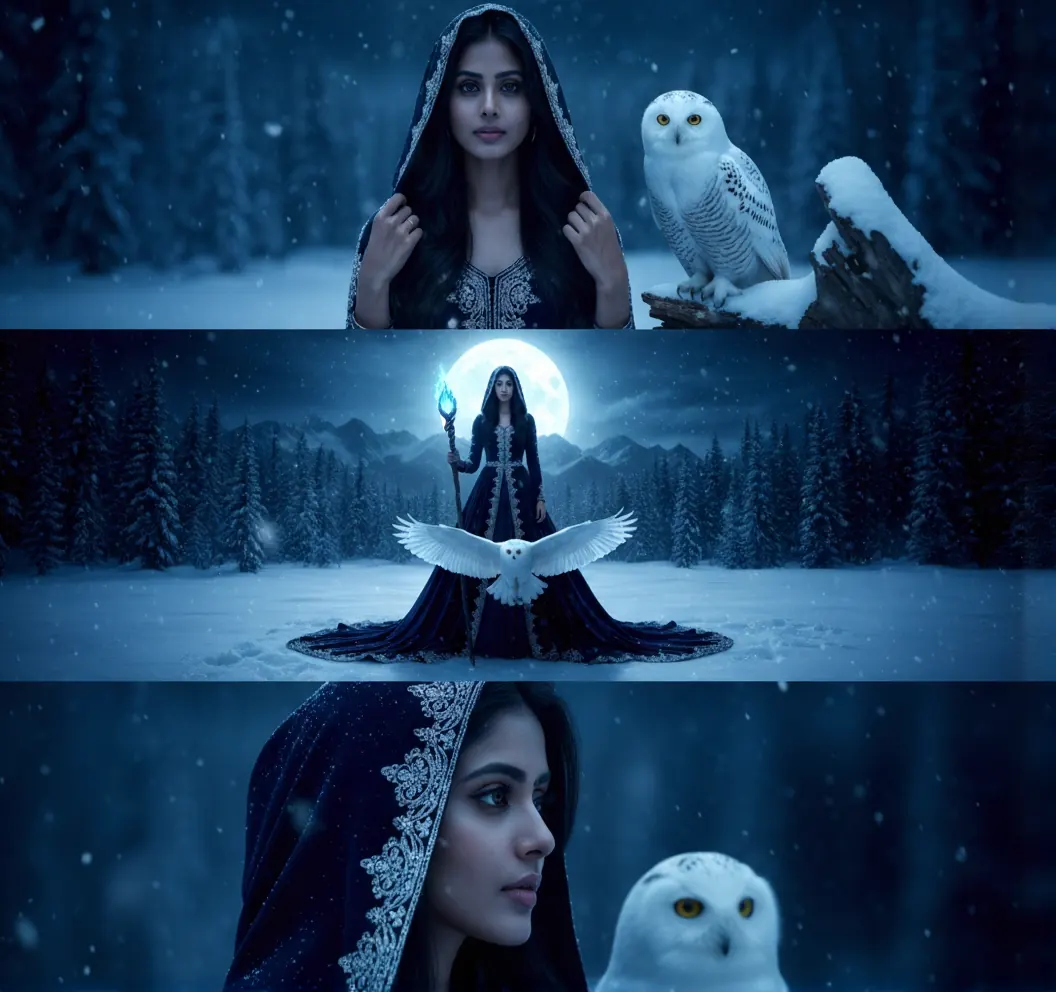
The AI snow photo trend turns a selfie into a snowy photoshoot, usually as a three panel winter set. In Rizz AI Photo the Triptych Series makes exactly that: Soft Snowday (cosy knit and string lights), Crimson Serenity (white puffer and red scarf in the mountains), Winter Spirits and Ice Queen Aura (snow leopards and moonlight).

Here is how to make it from one selfie, with ready made styles or free prompts.

Three panel snow sets from one selfie

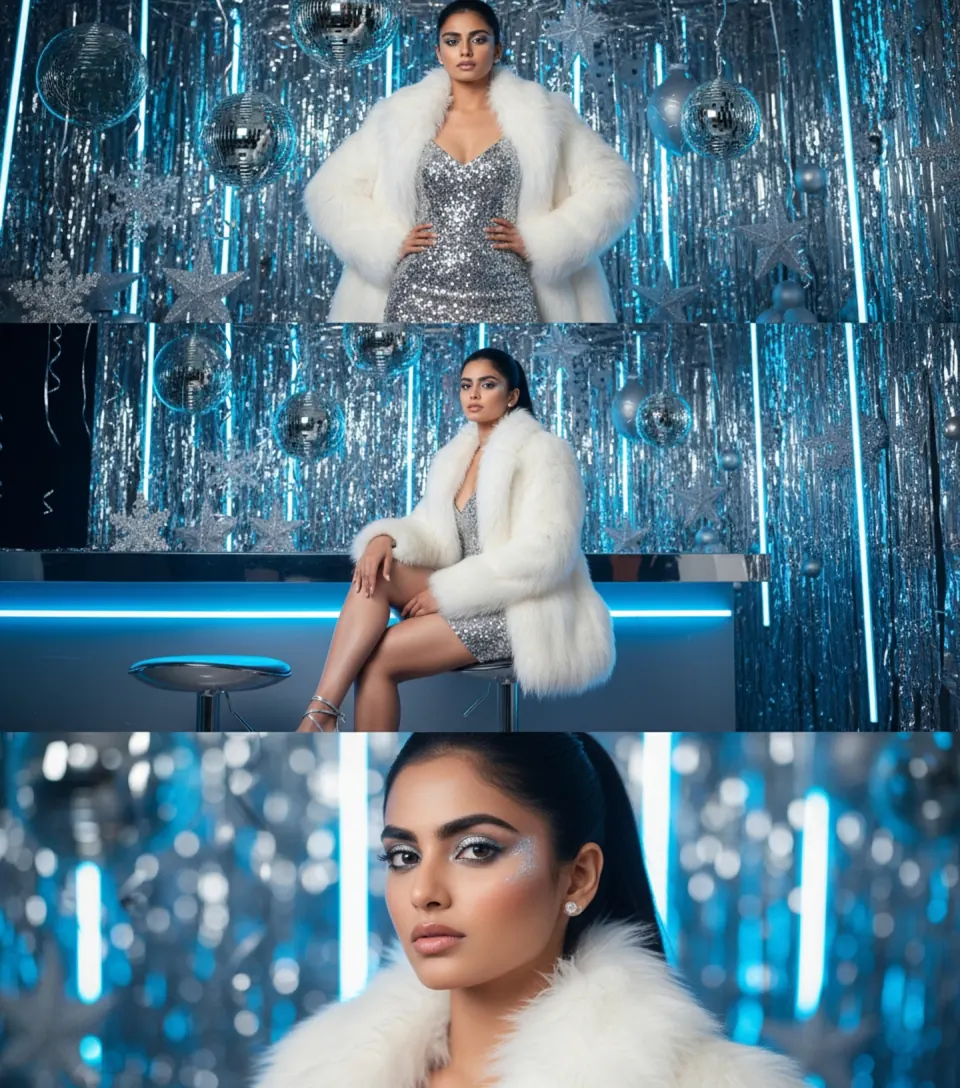
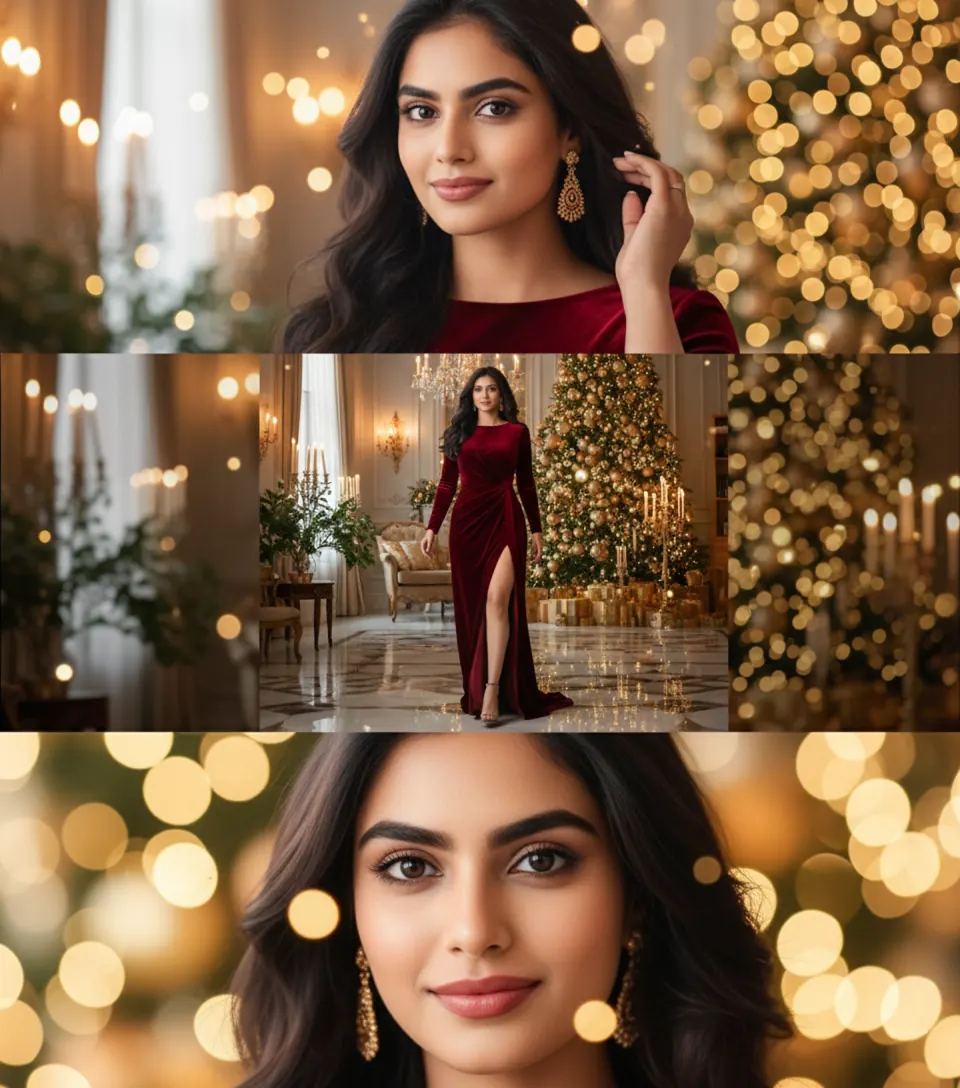
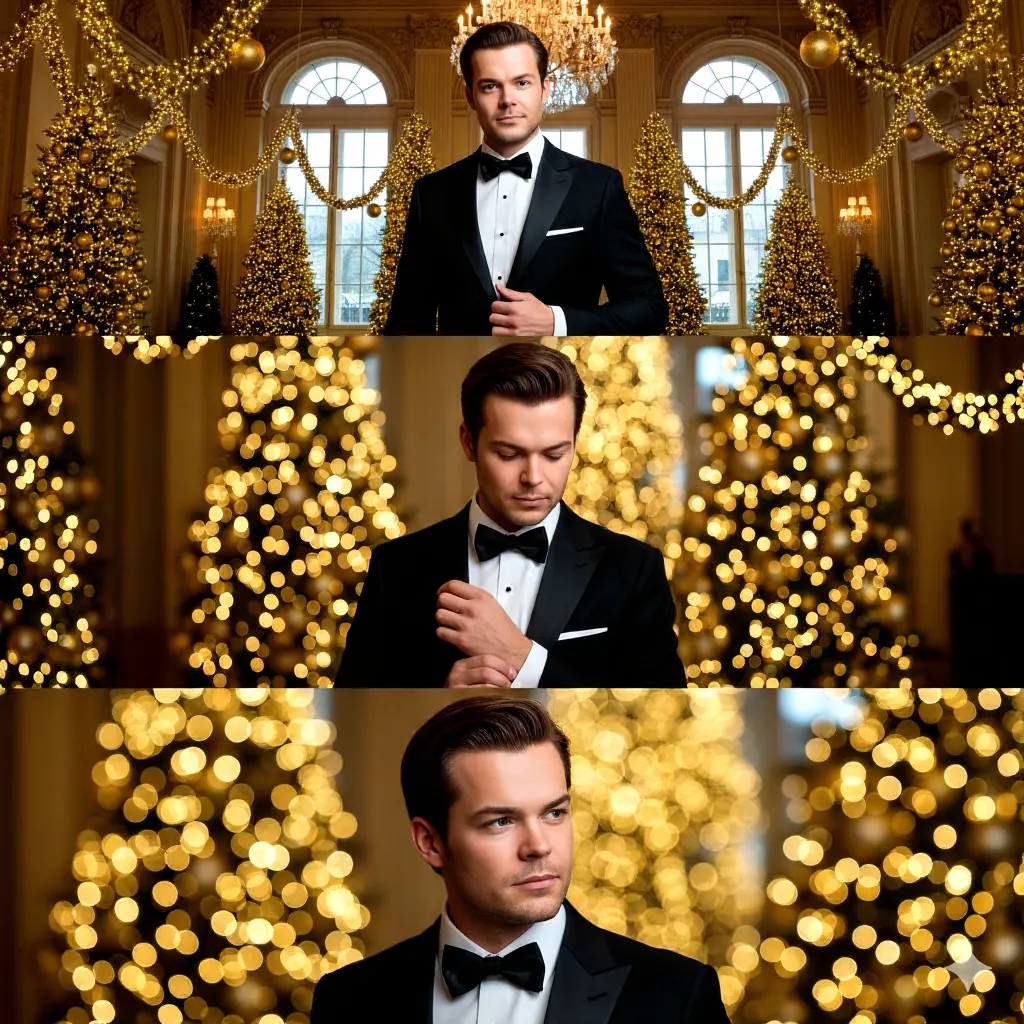
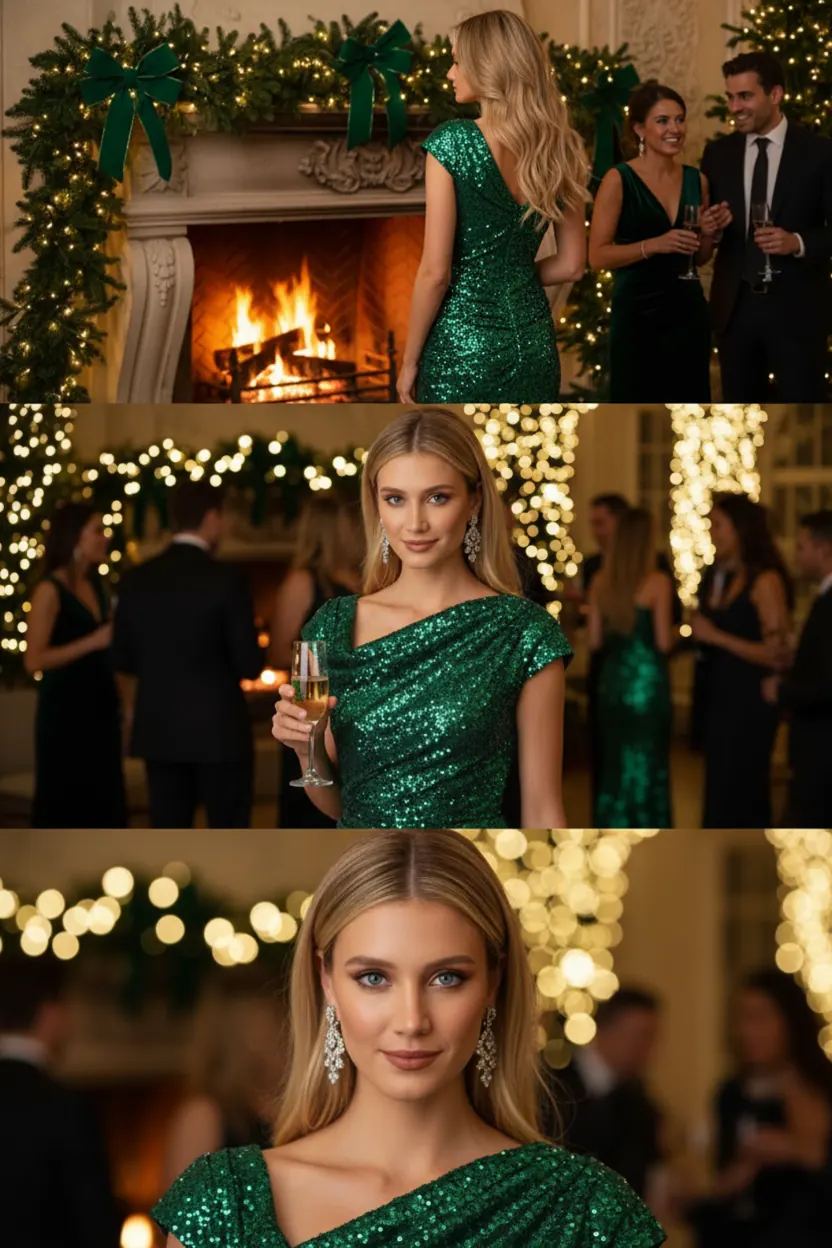
The snowy triptychs come first, then the festive ones. Each cover is a single image with three matching frames, made from one everyday photo.

Try these styles on your photo. Free to download on iPhone and Android.Try free

What is the AI snow photo trend?

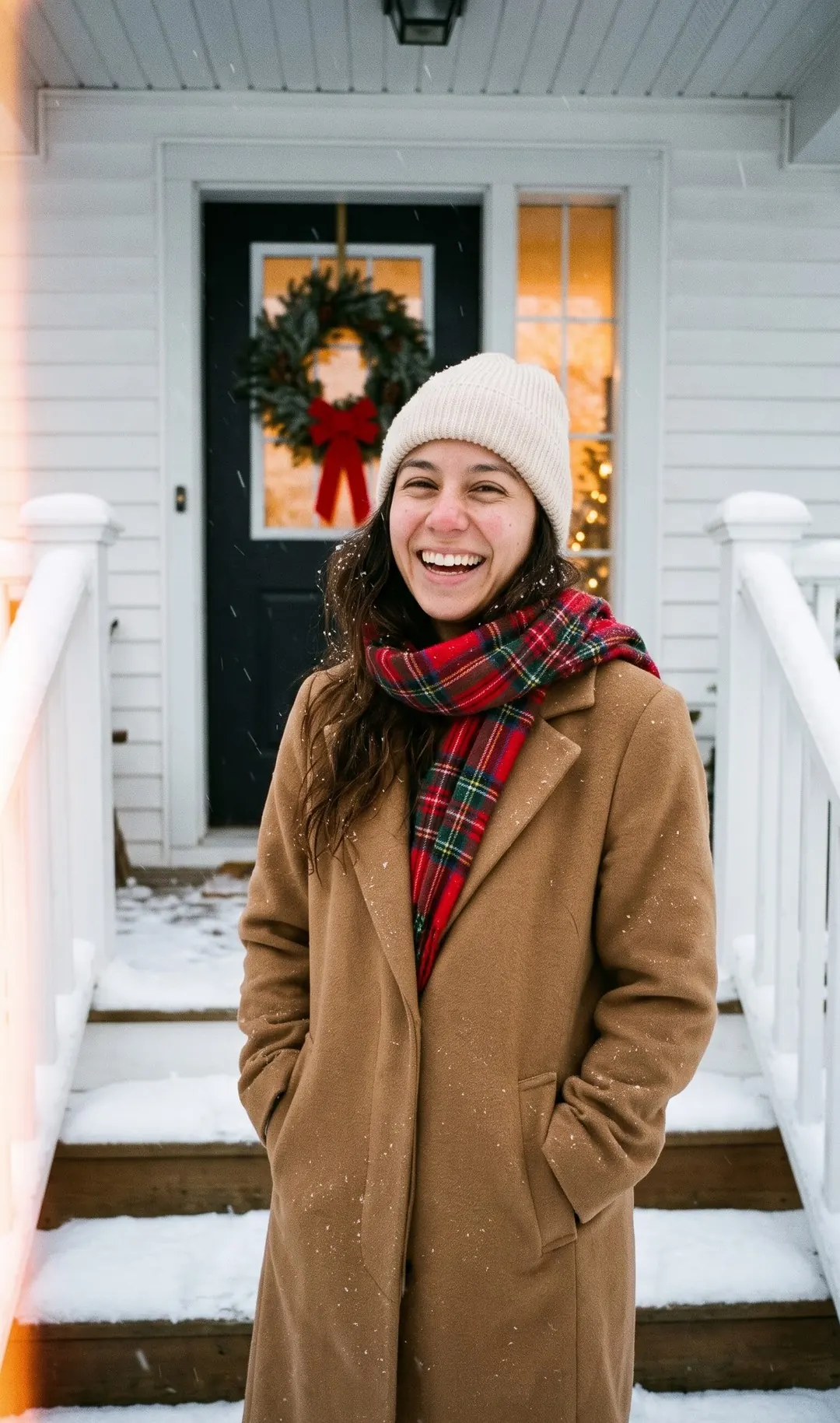
The AI snow photo trend is a winter photoshoot made from a selfie: snow falling around you, frost in your hair, a cosy or dramatic outfit and soft winter light. The most shared version is a three panel set in one vertical image, often a wide full length shot, a waist up shot and a close up, so it reads like a mini photoshoot.

It took off in November and December last year with prompts for Gemini and ChatGPT, and people search for it again as soon as the first snow appears: "AI snow photo trend", "snow photo prompt for Gemini", "AI snow photoshoot". Most guides still show last year's examples. This page shows styles you can use today.

The snow styles, explained

Three panel snow sets (Triptych Series)

  • Soft Snowday: the cosy one. A cream Nordic snowflake sweater, white knit leggings and boots, with gentle snowfall and warm string lights across three frames, including a sweet sleeve tug pose.
  • Crimson Serenity: a serene winter series in snow covered mountains, in a thick white puffer jacket with a bright red knitted scarf and gloves, holding a small bouquet of white flowers.
  • Winter Spirits: midnight mystique. A dark navy velvet hooded coat, deep red lips and a majestic snow leopard, walking across a moonlit snowy plain.
  • Ice Queen Aura: an arctic queen in a white faux fur coat and shimmering silver gown with a snow leopard in a pristine snowy landscape. This style restyles your hair into icy braids with silver accents.
  • Owlbound Magic: a snow sorceress in a navy gown with silver embroidery and a snowy owl, on a moonlit winter night.

The fantasy triptychs (Winter Spirits, Ice Queen Aura, Owlbound Magic) style your hair and makeup to fit the character, while keeping your face. The cosy ones keep a more natural look.

Single snow portraits

  • Snow Portrait: a tight face portrait framed by a white faux fur hood, frost on your lashes and snowflakes in the air. The best snow profile picture.
  • Snowfall Elegance: a full length shot on a snowy old city street with red buses and glowing lamp posts, in a long cream coat with a lantern.
  • Aurora Glow: a night portrait under bright green northern lights above dark pines.
  • Snow Village: a seated portrait in front of snow covered alpine chalets in falling snow.
  • Peaceful Forest: eyes closed in a snowy pine forest as flakes settle on your shoulders.
  • Winter Selfie: a bright mountain top selfie with fluffy earmuffs, like a real ski trip photo.
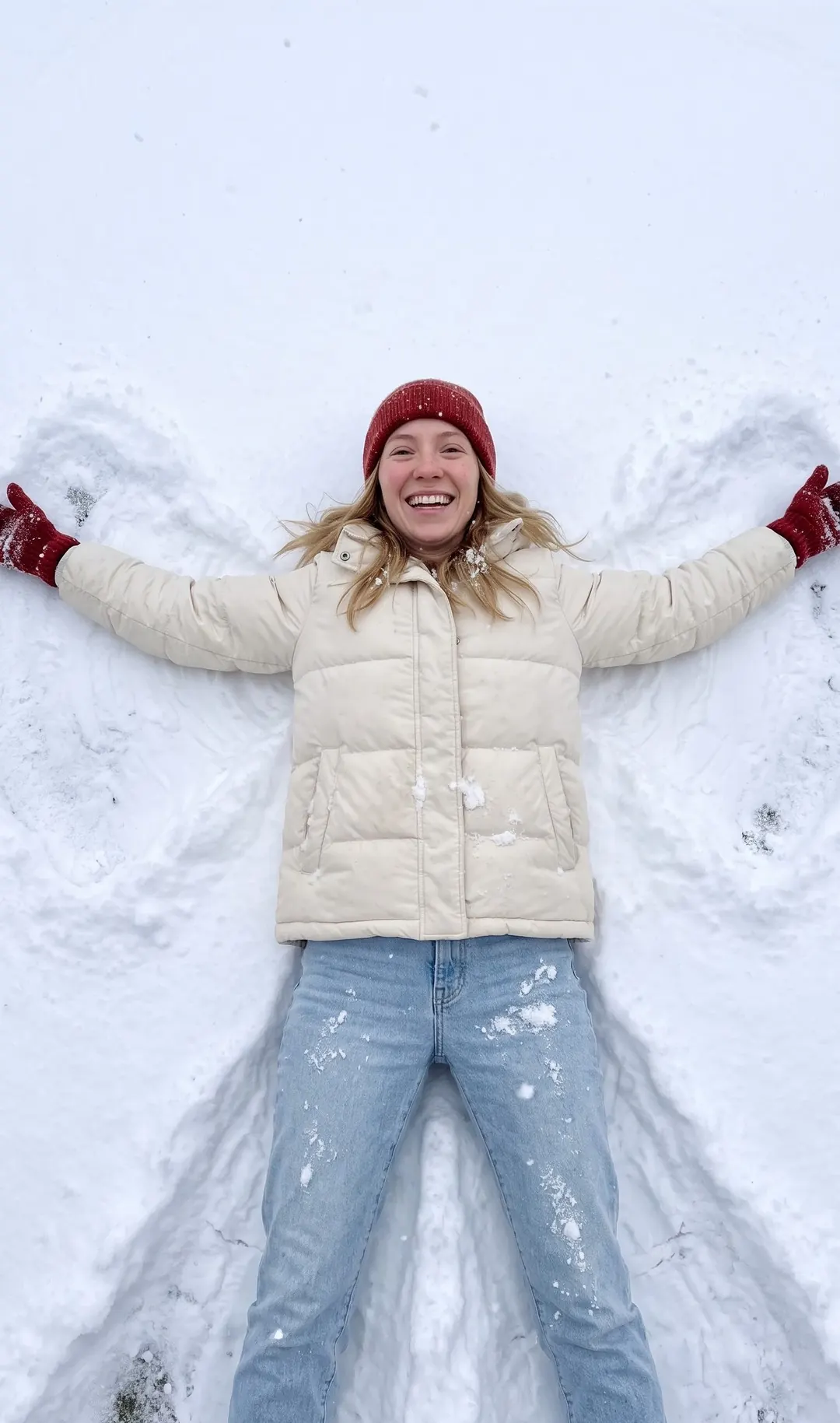
  • Snow Angel: shot from straight above while you make a snow angel, laughing.
Join the snow trend. Triptych snow sets and Winter Bloom portraits, about 20 seconds each.Try free

How to do the AI snow photo trend

  1. 1Download Rizz AI PhotoInstall Rizz AI Photo from the App Store or Google Play and sign in with Apple or Google.
  2. 2Open Triptych SeriesScroll Home to Triptych Series for three panel sets, or Winter Bloom for single portraits.
  3. 3Pick a snow lookStart with Soft Snowday for cosy or Winter Spirits for dramatic.
  4. 4Upload one clear selfieA sharp, well lit photo of just you, face fully visible.
  5. 5GenerateTap Generate. Your snow set is ready in about 20 seconds.
  6. 6Post itSave and post the triptych as one vertical image, or crop each frame into a three slide carousel.

Free AI snow photo prompts for Gemini

Prefer the free route? Upload your selfie to the Gemini app and paste one of these prompts. Gemini image generation is free within Google's daily limits. If the three frames come out with three different faces, ask in a follow up for "the same face in every frame, exactly matching my photo".

Three panel cosy snow set

Create a vertical three image collage of the same person from this selfie in a cosy winter scene. Keep the face, identity, skin tone and hairline exactly the same. Natural skin texture, no beauty filter. Only one person in the image. The same face in all three frames. Cream knit sweater with a snowflake pattern, gentle snowfall and warm string lights. Top: full length walking through snow. Middle: waist up, tugging the sweater sleeves with a soft smile. Bottom: close up with snowflakes on the hair. Soft warm light, realistic.

Skip the prompt: try the ready made styles in Rizz AI Photo →
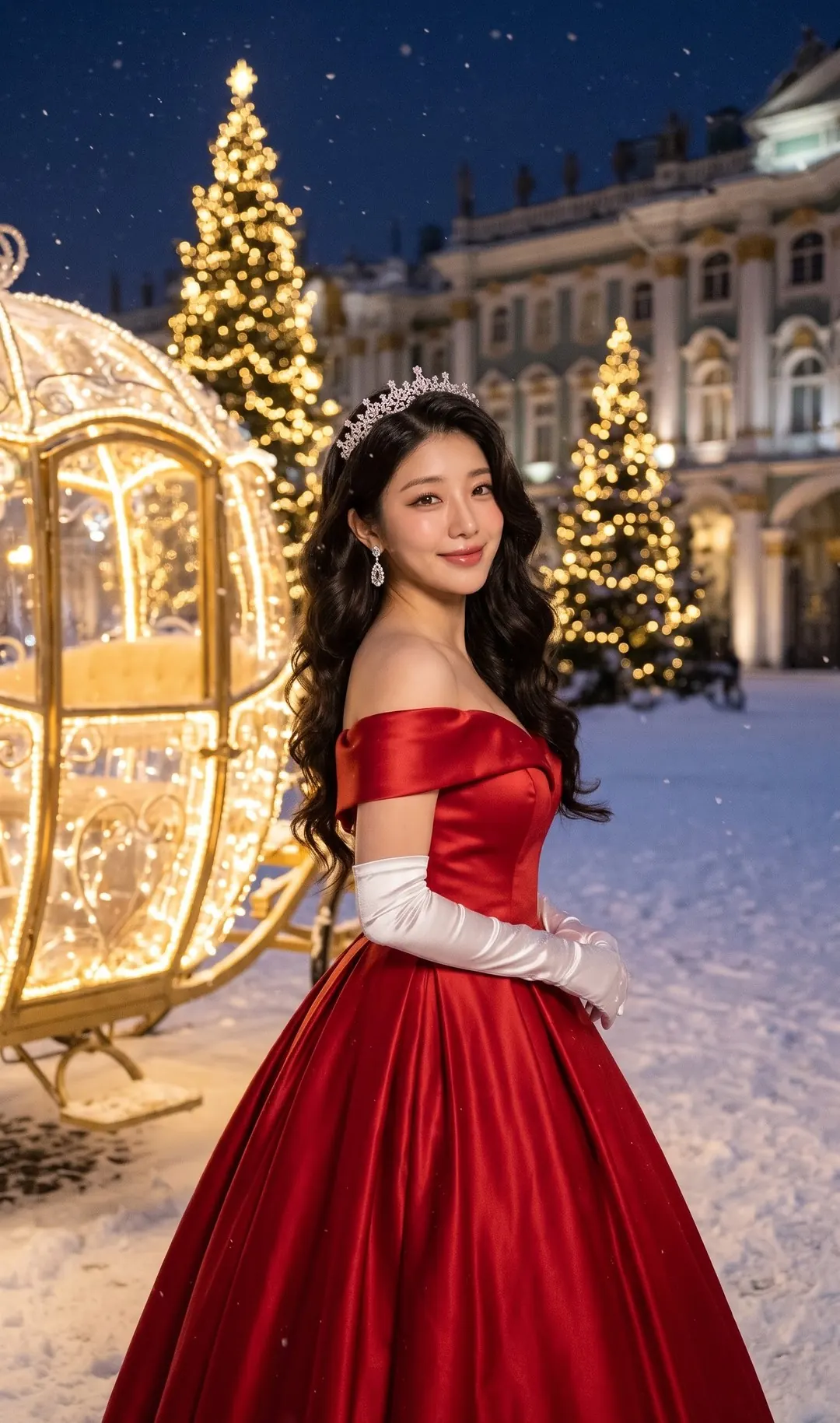
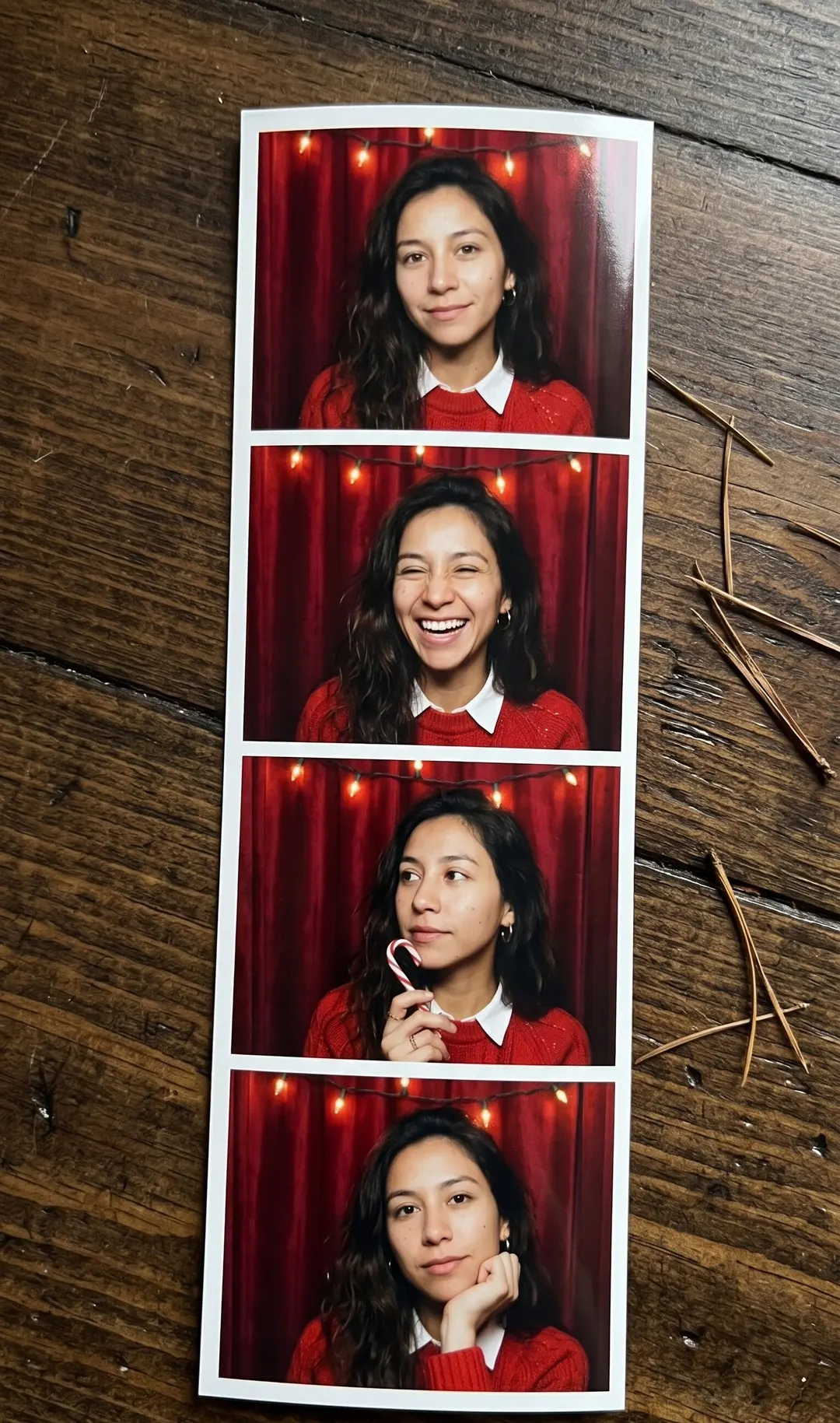
Snowy mountain portrait

Turn this selfie into a winter portrait in snowy mountains. Keep the face, identity, skin tone and hairline exactly the same. Natural skin texture, no beauty filter. Only one person in the image. White puffer jacket, bright red knitted scarf and gloves, gentle snowfall, soft overcast light, peaks behind, waist up framing, calm smile.

Skip the prompt: try the ready made styles in Rizz AI Photo →
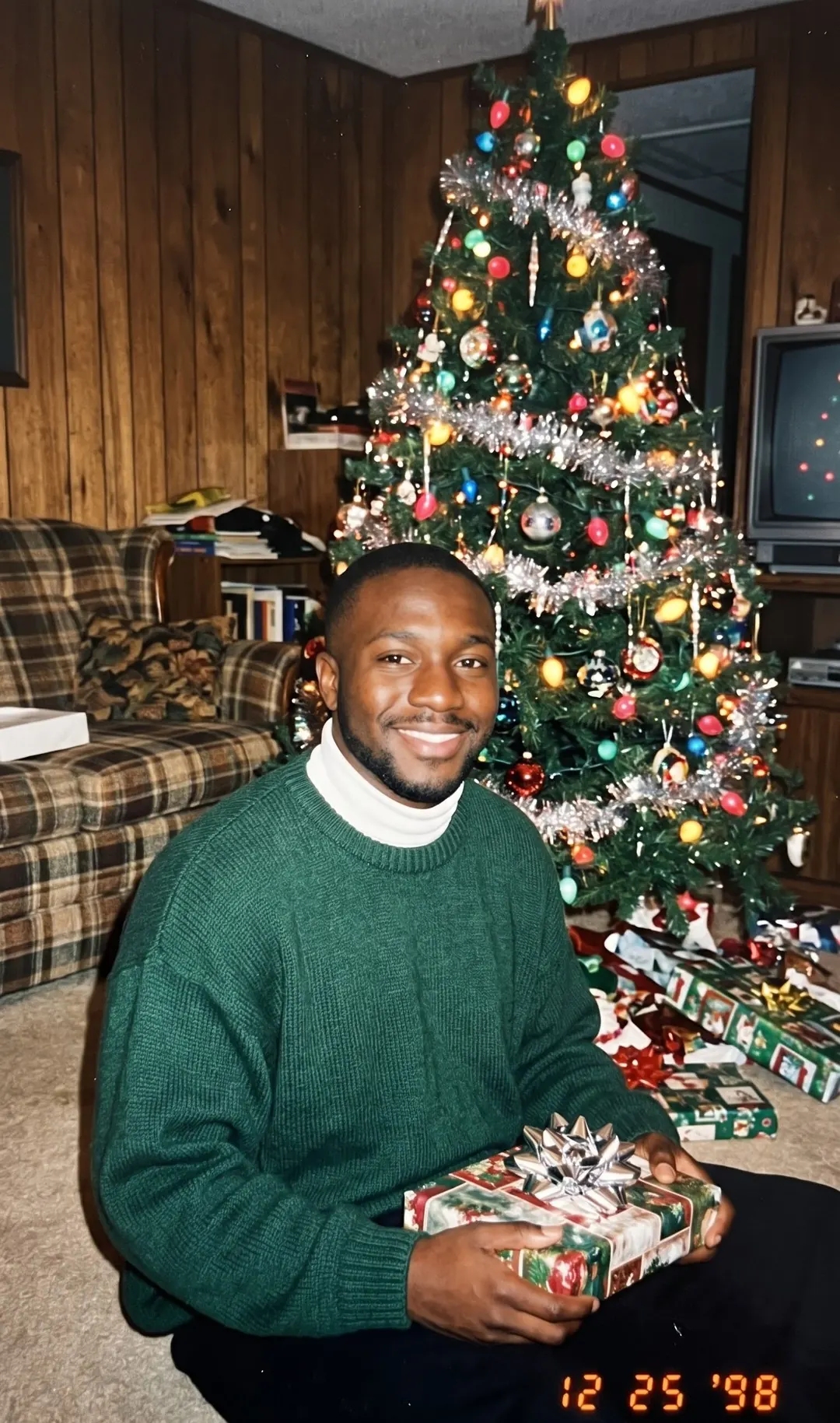
Frosty close up

Create a close up snow portrait from this selfie. Keep the face, identity, skin tone and hairline exactly the same. Natural skin texture, no beauty filter. Only one person in the image. Face framed by a white faux fur hood, tiny frost crystals on the eyelashes, snowflakes in the air, cool soft light, sharp focus on the eyes.

Skip the prompt: try the ready made styles in Rizz AI Photo →
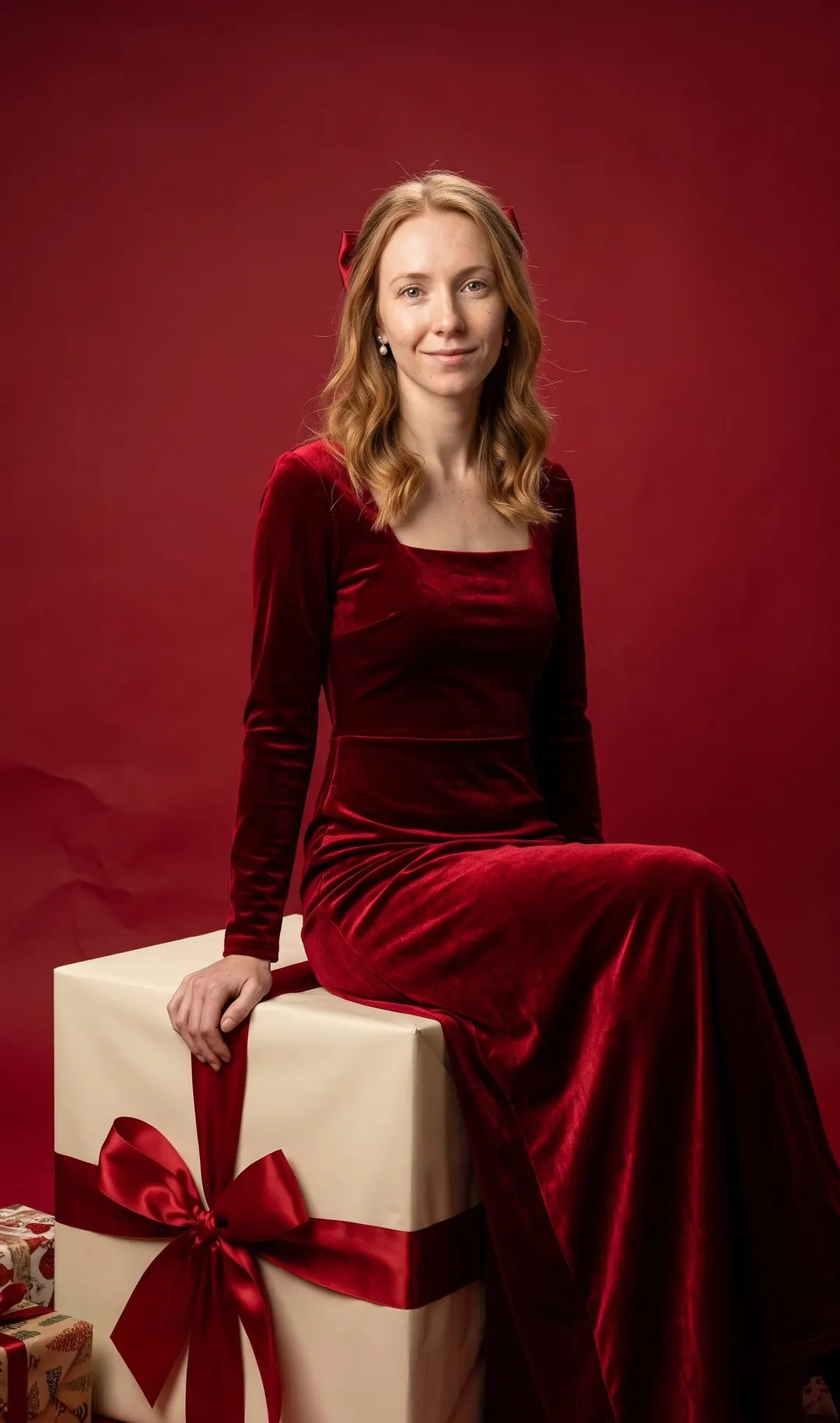
Snowy city night

Make a cinematic winter night photo from this selfie. Keep the face, identity, skin tone and hairline exactly the same. Natural skin texture, no beauty filter. Only one person in the image. Long wool coat and scarf, standing on a snowy old town street with glowing lamp posts and shop lights, snow falling, warm and cool light mixed, full length framing.

Skip the prompt: try the ready made styles in Rizz AI Photo →
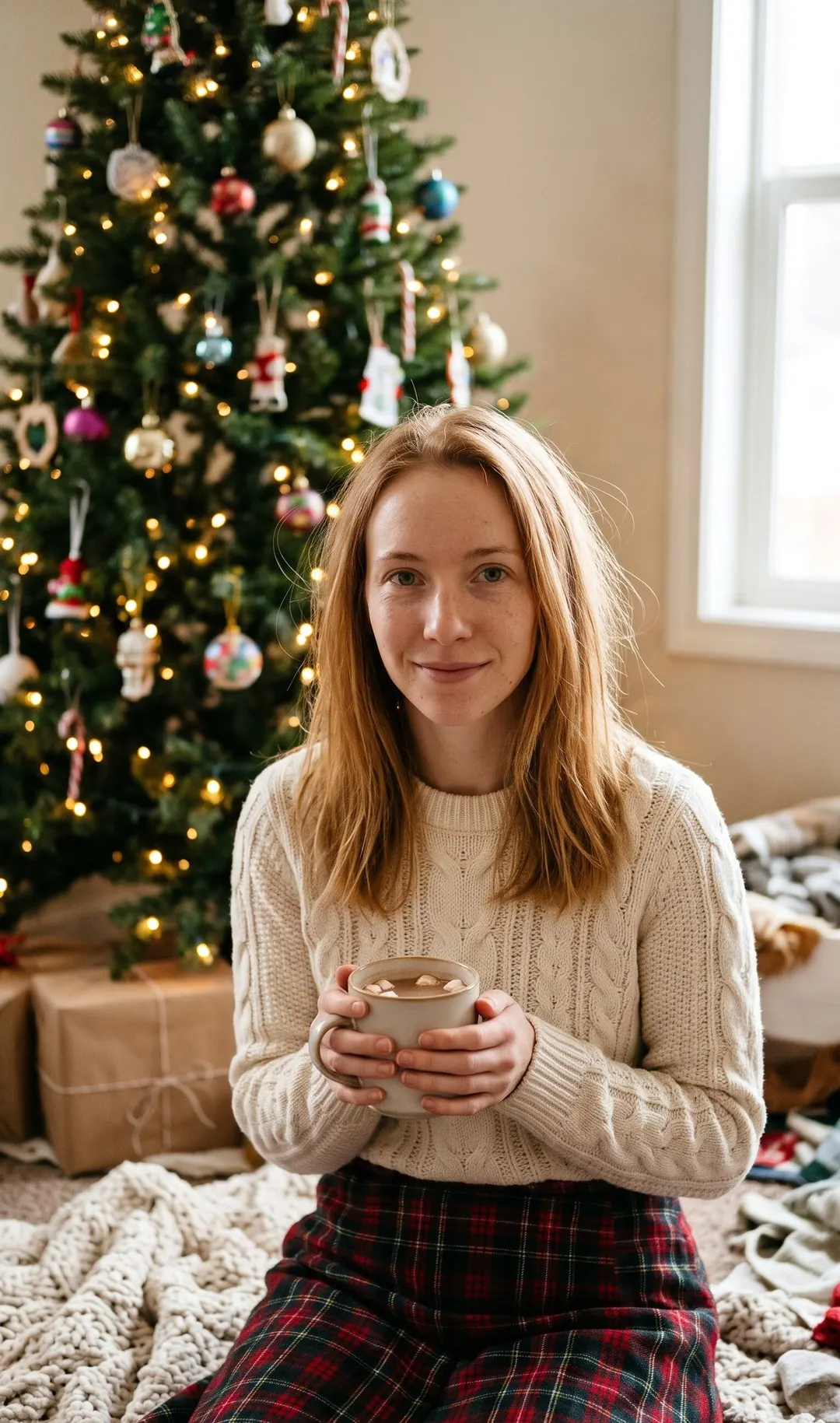
Snow photo for men

Turn this selfie into a men's winter photoshoot. Keep the face, identity, skin tone and hairline exactly the same. Natural skin texture, no beauty filter. Only one person in the image. Dark wool overcoat over a knit sweater, standing in a snowy pine forest, snow falling, moody cool light, confident expression, knees up framing.

Skip the prompt: try the ready made styles in Rizz AI Photo →
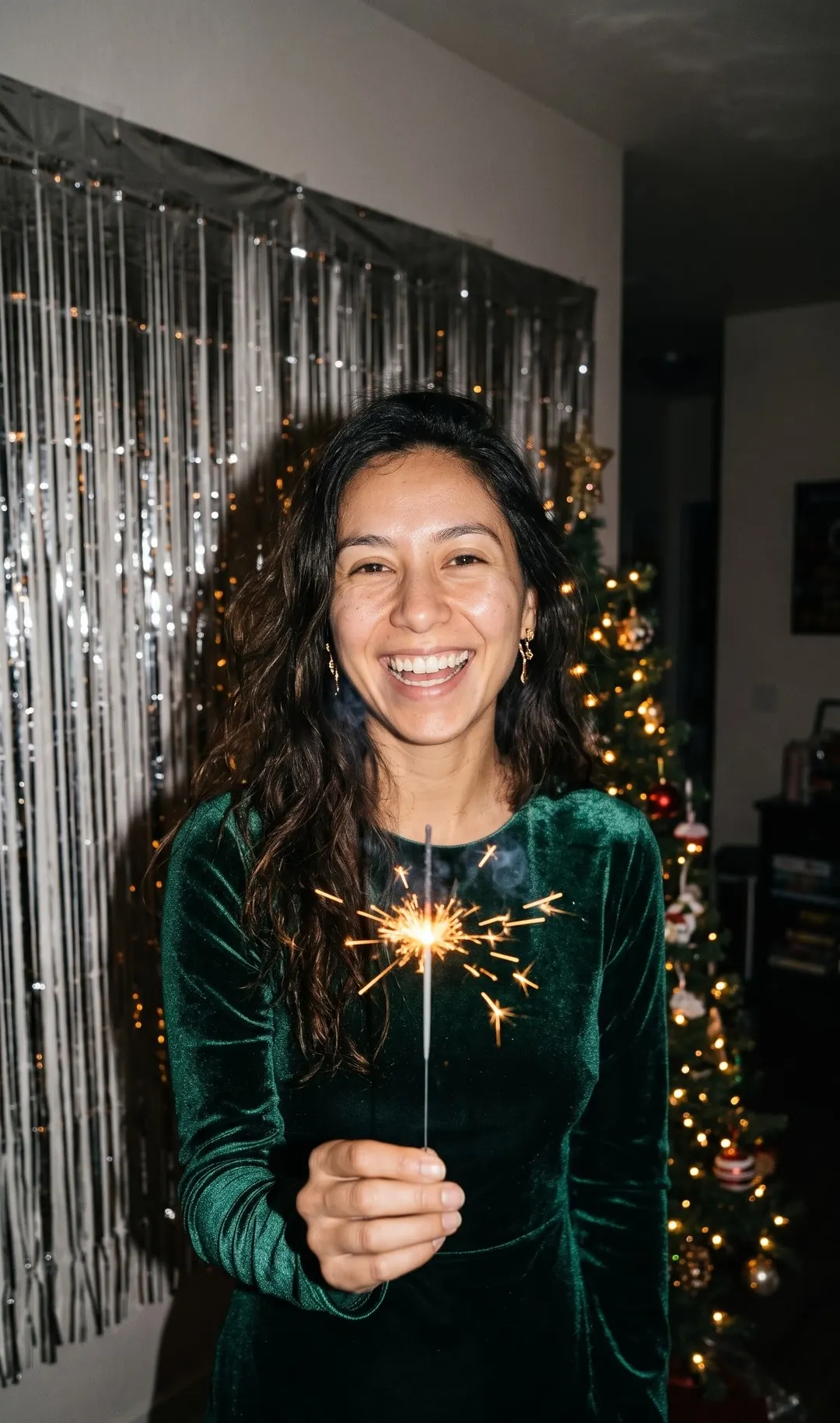
K drama first snow

Create a soft romantic winter portrait from this selfie, like a Korean drama first snow scene. Keep the face, identity, skin tone and hairline exactly the same. Natural skin texture, no beauty filter. Only one person in the image. Cream coat and knit beanie, looking up at falling snow with a gentle smile, blurred street lights behind at dusk, pastel colours.

Skip the prompt: try the ready made styles in Rizz AI Photo →
Tips for a realistic snow photo

  • Soft daylight in the original. Snow scenes are lit by soft, cool light. A selfie under warm indoor bulbs can look orange against the snow.
  • Skip sunglasses and hats in the original. The style adds hoods, beanies and earmuffs where they fit.
  • One person only. Three frames multiply any face mix up, so a solo photo matters more here.
  • Check all three frames. Zoom in on each face before you post a triptych.
  • No beauty filter. Real skin texture with a little cold flush looks believable.

Triptych style vs a prompt vs a real snow shoot

  • Three matching frames

    Rizz AI Photo Triptych Series
    Built in
    Gemini with a prompt
    Often needs retries
    Real snow photoshoot
    Needs a photographer and time
  • Same face in every frame

    Rizz AI Photo Triptych Series
    Tuned per style
    Gemini with a prompt
    Varies, ask for it
    Real snow photoshoot
    Exactly you
  • Effort

    Rizz AI Photo Triptych Series
    Upload and tap
    Gemini with a prompt
    Write and refine prompts
    Real snow photoshoot
    Travel, cold, outfit changes
  • Cost

    Rizz AI Photo Triptych Series
    Free to download, credits per image
    Gemini with a prompt
    Free within daily limits
    Real snow photoshoot
    A paid shoot
  • Best for

    Rizz AI Photo Triptych Series
    The trend post, fast
    Gemini with a prompt
    Custom scenes
    Real snow photoshoot
    Real winter memories

How to post your snow photos

  1. Post the triptych as one vertical image. It fills the screen on TikTok and Instagram, which is what made the format spread.
  2. Or split it into a carousel. Crop the three frames and post them as three slides.
  3. Name the trend. Captions with "AI snow photo trend" or "snow photoshoot" help people find you in search.
  4. Post with the first snow. Interest spikes when snow is in the news where your followers live.
  5. Add a winter dump. Follow up with single portraits like Snow Portrait and Aurora Glow.

Want more winter looks? The AI winter photo generator covers the full Winter Bloom set, and our winter photoshoot ideas has poses and outfits.

Let it snow, from one selfie. Three panel snow sets and snowy portraits, about 20 seconds each.Try free

More styles you might like

FAQ

What is the AI snow photo trend?

A winter photoshoot made from a selfie, with snow falling around you, often posted as a three panel set in one vertical image.

How do I do the AI snow photo trend?

Open Rizz AI Photo, go to Triptych Series, pick a snow style such as Soft Snowday, upload a clear selfie and tap Generate. Or paste one of the free prompts on this page into Gemini.

Is the AI snow photo trend free?

The Gemini prompts on this page are free within Google's daily limits. Rizz AI Photo is free to download; generating images uses credits from a subscription or a credit pack.

What is a triptych photo?

Three related photos shown together. In this trend it is one vertical image with three frames, usually a full length shot, a waist up shot and a close up.

Which snow style is best for men?

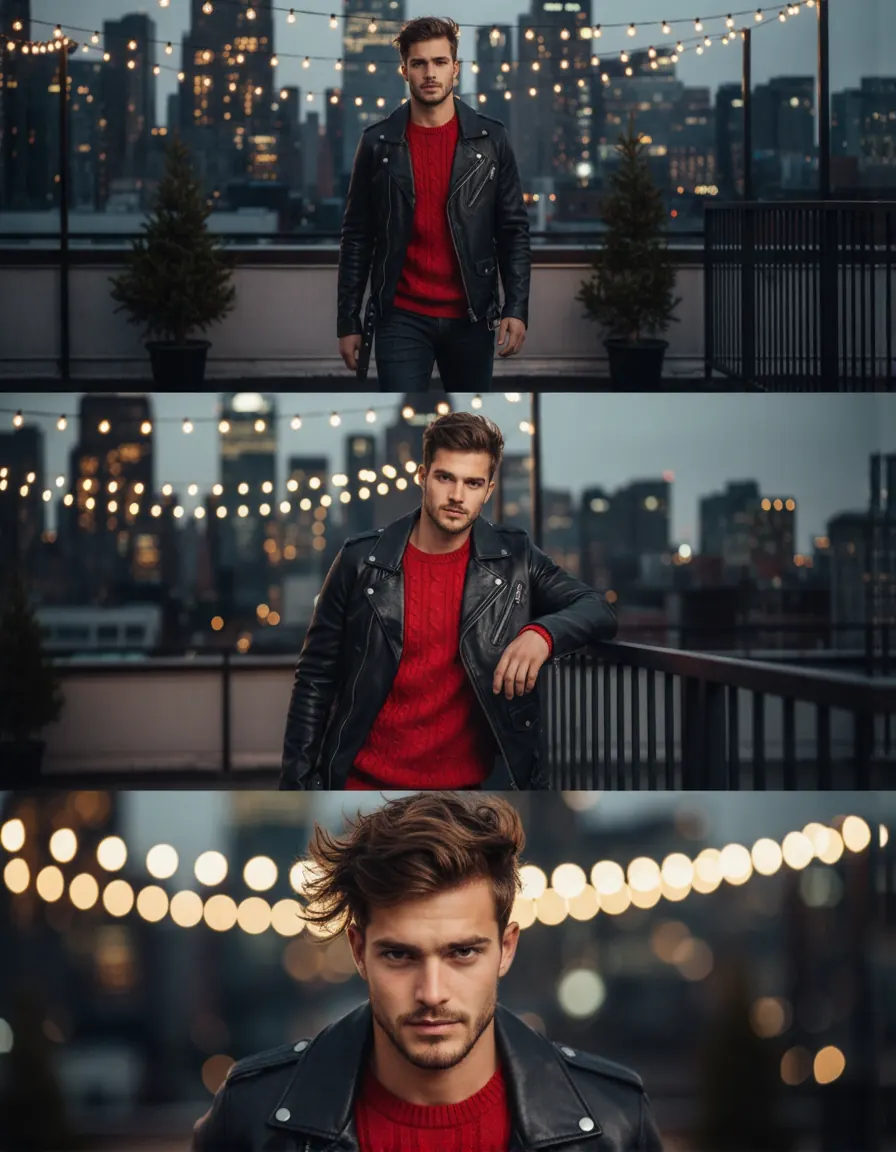
City Chill Set is a men's winter party triptych, and the men's snow prompt on this page gives a moody forest look. Snow Village and Snowfall Elegance also suit any outfit style.

Why do the three frames have different faces?

Generating three people in one image is harder for AI. Use a sharp solo selfie, and in prompts ask for the same face in every frame. The app's triptych styles are tuned for consistency.

Will my hair stay the same?

The cosy styles keep a natural look. Fantasy styles such as Ice Queen Aura restyle your hair to fit the character, while keeping your face.

Which snow style is best for a profile picture?

Snow Portrait, a tight close up with a fur hood and frosty lashes.

Can I make a snow photo with my partner?

Rizz AI Photo makes one person per photo. Make one each and post them side by side.

What is the snow photo prompt for Gemini?

Use the three panel cosy snow set prompt on this page. It asks for three frames, the same face and gentle snowfall.

Can I post it on TikTok?

Yes. The vertical triptych fills a phone screen. Post it as a photo post or split it into a three slide carousel.

How long does it take?

About 20 seconds per image.

Do I need to write prompts in the app?

No. Every style already contains a tuned prompt. Upload a selfie and tap Generate.

Can I use a group photo?

Use a photo of one person. Group photos can blend faces, especially across three frames.

Is it OK to post AI snow photos?

Yes, for fun and personal posts. Use your own photo or one you have permission to use.

Keep reading

By the Rizz AI Photo team · Updated

Skip the prompt.
Get the photo.

Rizz AI Photo runs Nano Banana 2.1 behind ready made styles. Upload a selfie, tap a style, and get your image in seconds. No prompt writing needed.