The GTA 6 filter on Instagram: how to do the trend
Searching Instagram for a GTA 6 filter and finding nothing?
By the Rizz AI Photo team · Updated
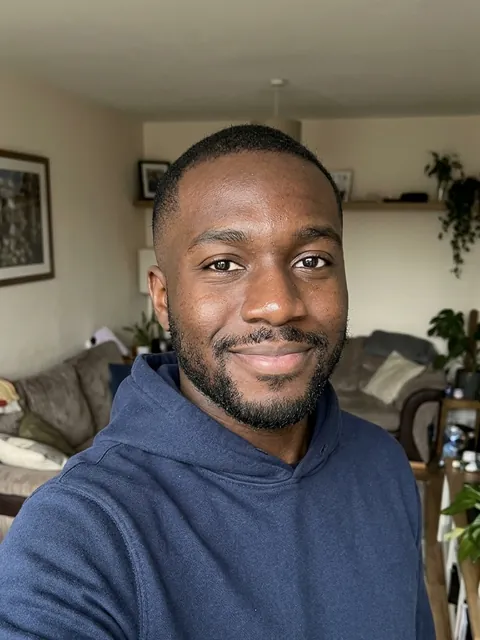 Before
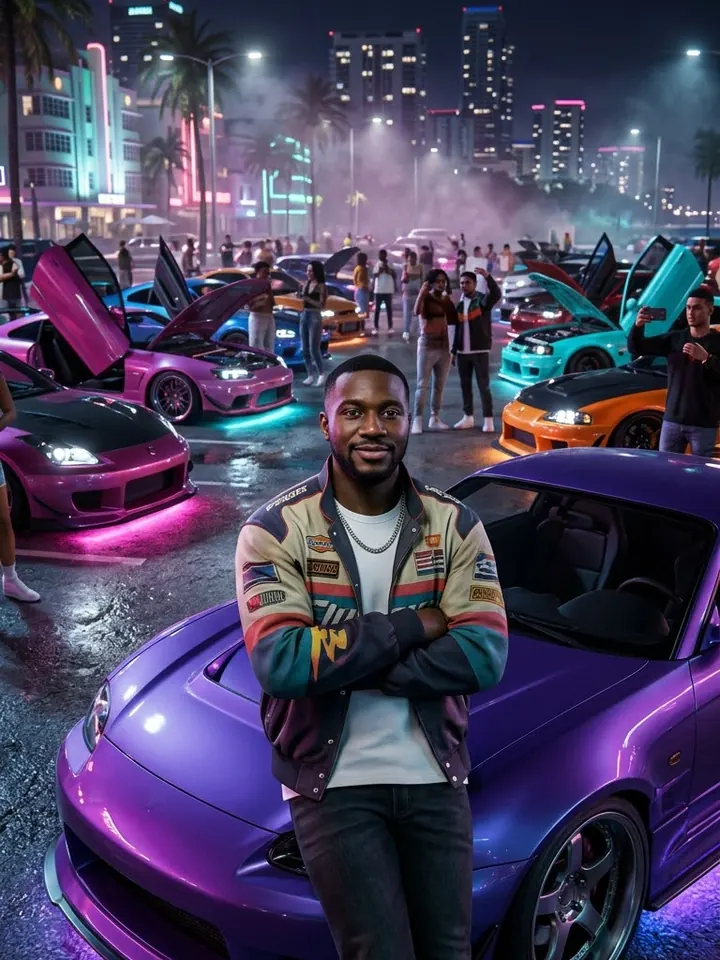 Car Meet
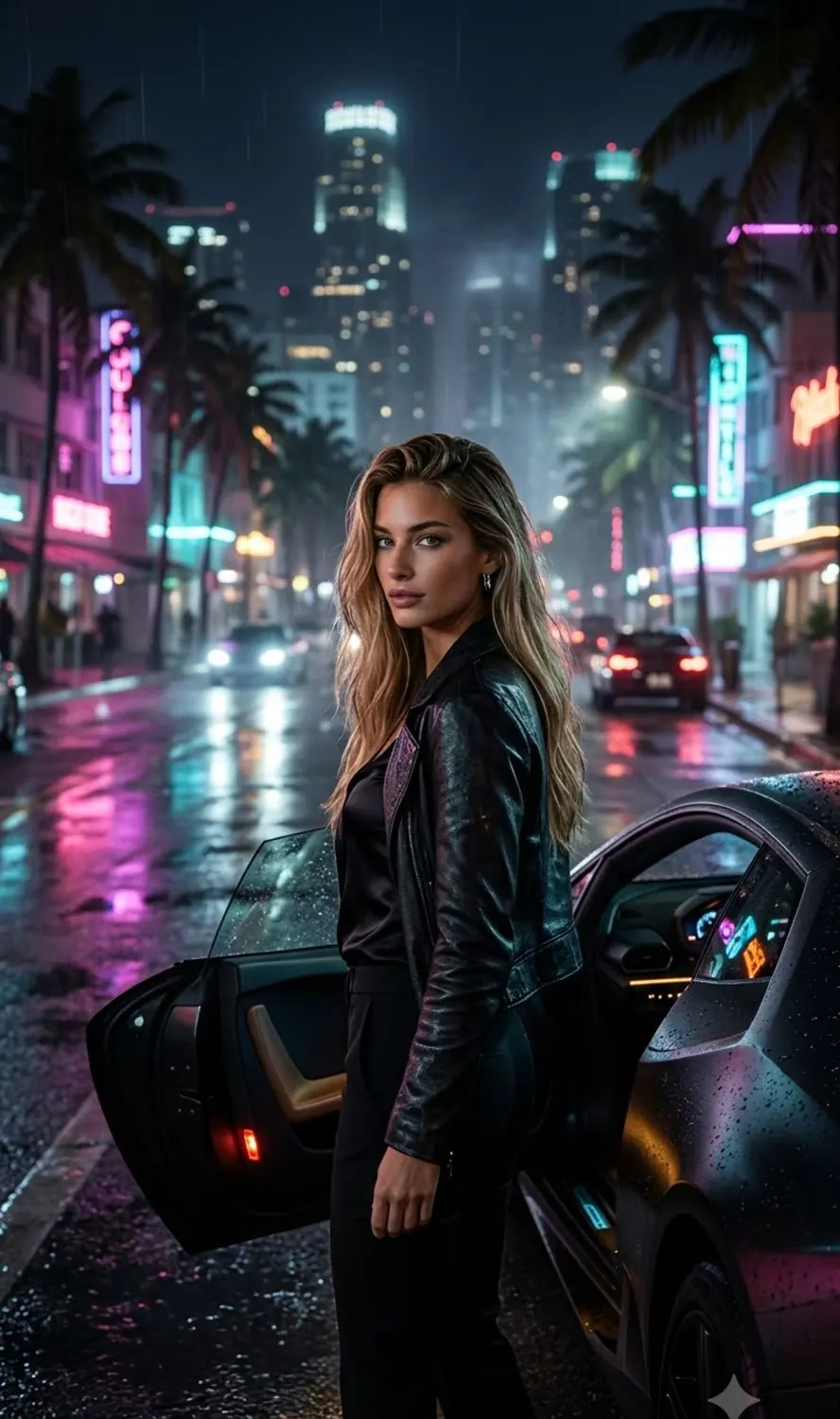
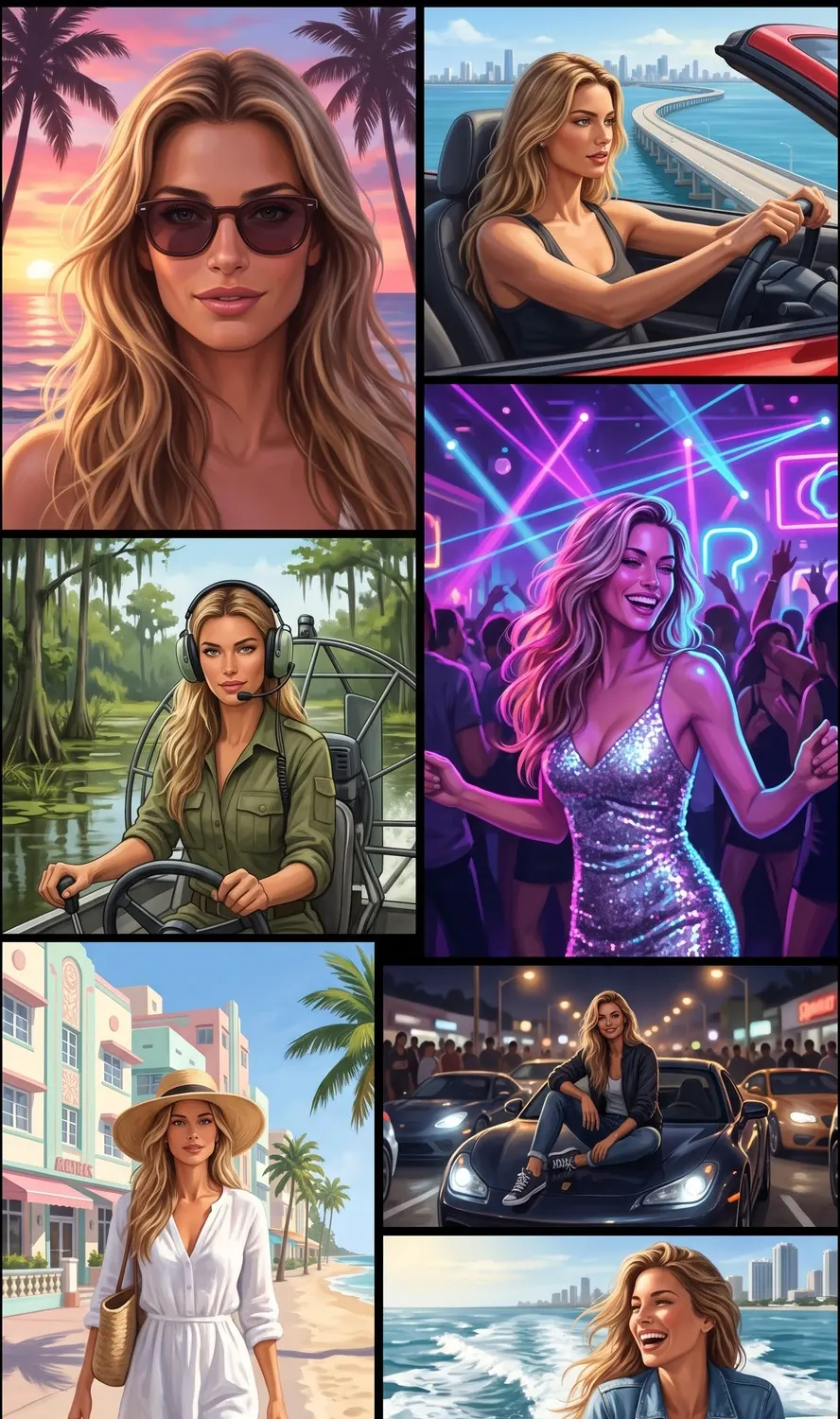
In short
There is no official GTA 6 filter on Instagram. The GTA 6 posts on Instagram are made outside the app, with a CapCut template, a prompt in Gemini or ChatGPT, or an AI photo app, then posted as a before and after Reel or a carousel.
That is because the posts you see are not made with an Instagram effect. Here is how they are actually made, how to post yours as a Reel or carousel, and captions to go with it.
Is there a GTA 6 filter on Instagram?
Not an official one. The game studio has not released a camera effect, and fan made effects come and go. When people say "GTA 6 filter" on Instagram they mean the look: you redrawn as painted loading screen art, or you as a realistic character in the game world.
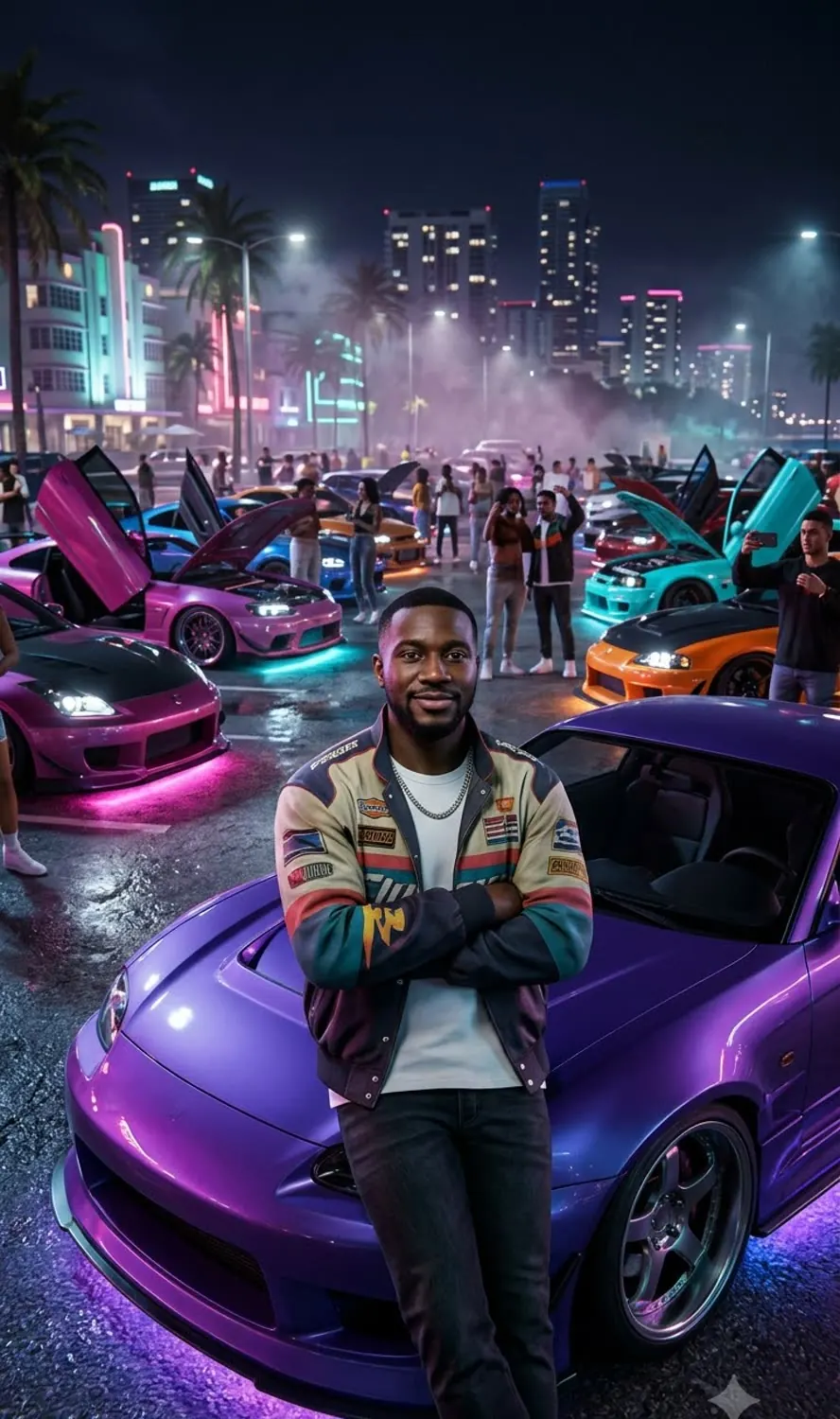
How to do the GTA 6 trend for Instagram
- 1Make the imageUse one of three routes: a GTA 6 template in CapCut, a prompt in Gemini or ChatGPT (see our GTA 6 Gemini prompt guide), or a ready made style in Rizz AI Photo.
- 2Make two or three versionsTry key art, in game and a night scene. Carousels with different scenes get more saves than a single image.
- 3Pick the formatPost a Reel if you want a before and after reveal, or a carousel at 4:5 if you want a clean feed post.
- 4Build the revealFor a Reel, open on the GTA 6 result, not your original. Show the original as a small inset or as a quick flash after the first second.
- 5Write the captionStart with the search phrase, such as "gta 6 trend" or "gta 6 filter", then add a short caption from the list below.
Template, prompt or app: which is best for Instagram?
CapCut template
- Best for
- A quick reveal Reel
- Keeps your face
- Sometimes
- Effort
- Low, one fixed look
Gemini or ChatGPT prompt
- Best for
- A custom scene
- Keeps your face
- Good if you ask for it
- Effort
- Medium, a few tries
GTA 6 AI photo generator in Rizz AI Photo
- Best for
- A carousel of different looks
- Keeps your face
- Strong, tuned per style
- Effort
- Low, one tap per look
| Route | Best for | Keeps your face | Effort |
|---|---|---|---|
| CapCut template | A quick reveal Reel | Sometimes | Low, one fixed look |
| Gemini or ChatGPT prompt | A custom scene | Good if you ask for it | Medium, a few tries |
| GTA 6 AI photo generator in Rizz AI Photo | A carousel of different looks | Strong, tuned per style | Low, one tap per look |
Tips for a GTA 6 Reel that people watch
- Lead with the result. The first second decides whether people keep watching.
- Keep on screen text short. One line, placed in the middle of the frame so the Instagram buttons do not cover it.
- Use a 9:16 image for Reels and a 4:5 image for the feed, so nothing gets cropped.
- Post three scenes, not three copies. Key art, in game and a night drive feel like a mini story.
- Ask a question in the caption, such as which look people would pick. Replies help the post travel.
20 GTA 6 captions for Instagram
- Loading screen era.
- Main character, open world.
- Vice City sunsets hit different.
- Fast travel to my best angle.
- New map, same me.
- Waited years for this side quest.
- Character select: me.
- Spawned in Miami.
- Free roam mode on.
- Mission accepted.
- The NPCs are staring.
- Neon nights, open roads.
- Saved my progress here.
- Key art energy.
- Pick your player: 1, 2 or 3?
- Not an NPC.
- Golden hour, open world.
- Out here doing side missions.
- Graphics setting: ultra.
- Respect level rising.
Add gta 6 trend or gta 6 filter at the start of the caption so people searching on Instagram can find the post.
Make your GTA 6 post. 14 Open World Miami looks from one selfie, about 20 seconds each.Try freeFAQ
Is there a GTA 6 filter on Instagram?
No official one. The GTA 6 posts on Instagram are made with CapCut templates, AI prompts in Gemini or ChatGPT, or AI photo apps, and then posted to Instagram.
How do I do the GTA 6 filter on Instagram?
Make the GTA 6 image first, with a template, a prompt or an app such as Rizz AI Photo. Then post it as a before and after Reel or a carousel, with "gta 6 trend" in the caption.
Why can't I find the GTA 6 filter on Instagram?
Because the trend is not an Instagram effect. Fan made effects are sometimes removed or renamed. Make the image outside Instagram and upload it.
What should I caption my GTA 6 post?
Start with the search phrase, such as "gta 6 trend", then add a short line like "Loading screen era" or "Main character, open world". The list on this page has 20 more.
Is the GTA 6 filter free?
CapCut templates are free in CapCut, and Gemini and ChatGPT are free within their limits. Rizz AI Photo is free to download and its styles use credits.
Should I post a Reel or a carousel?
A Reel suits a before and after reveal. A 4:5 carousel suits three different GTA 6 scenes. Many people post both.
Keep reading
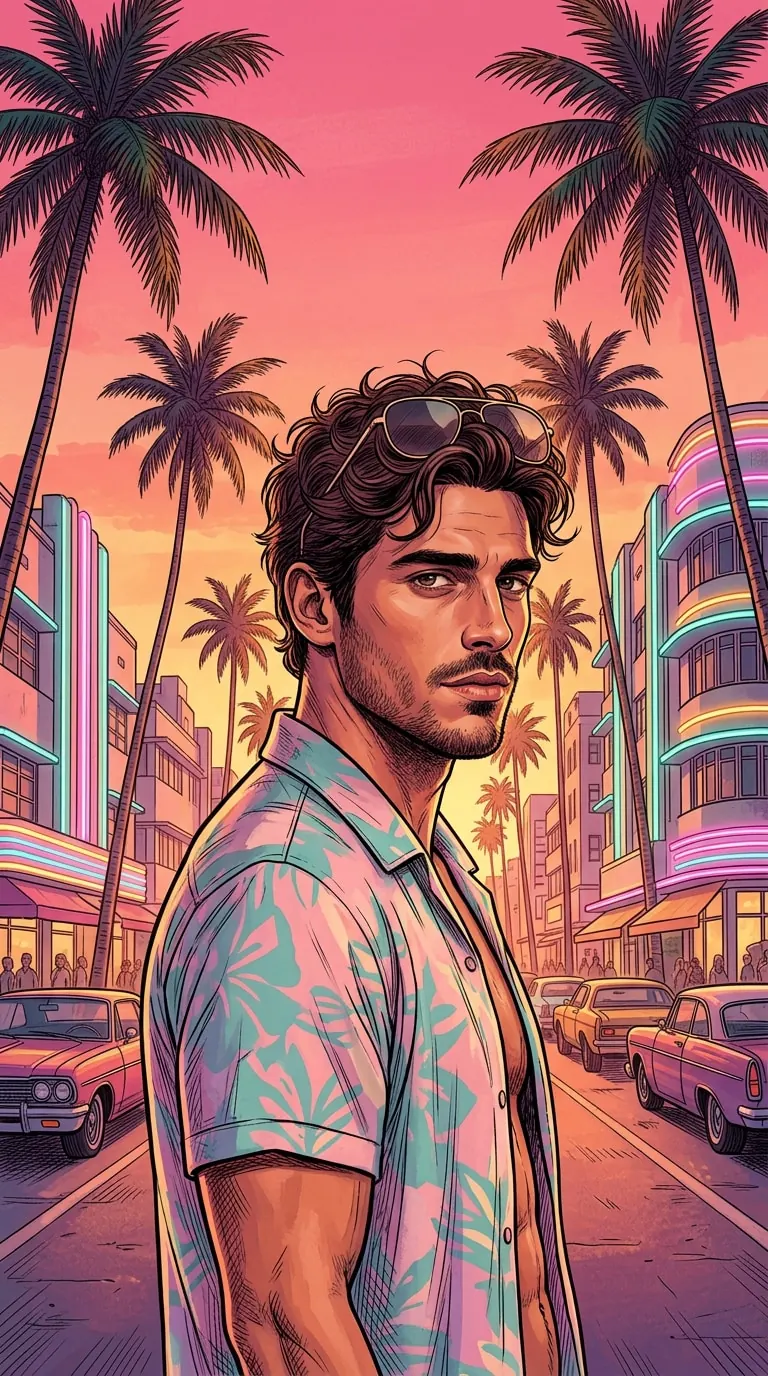 GTA 6 AI photo prompts (free list)22 copy and paste prompts for the GTA look, loading screens, in game shots and Vice City scenes.
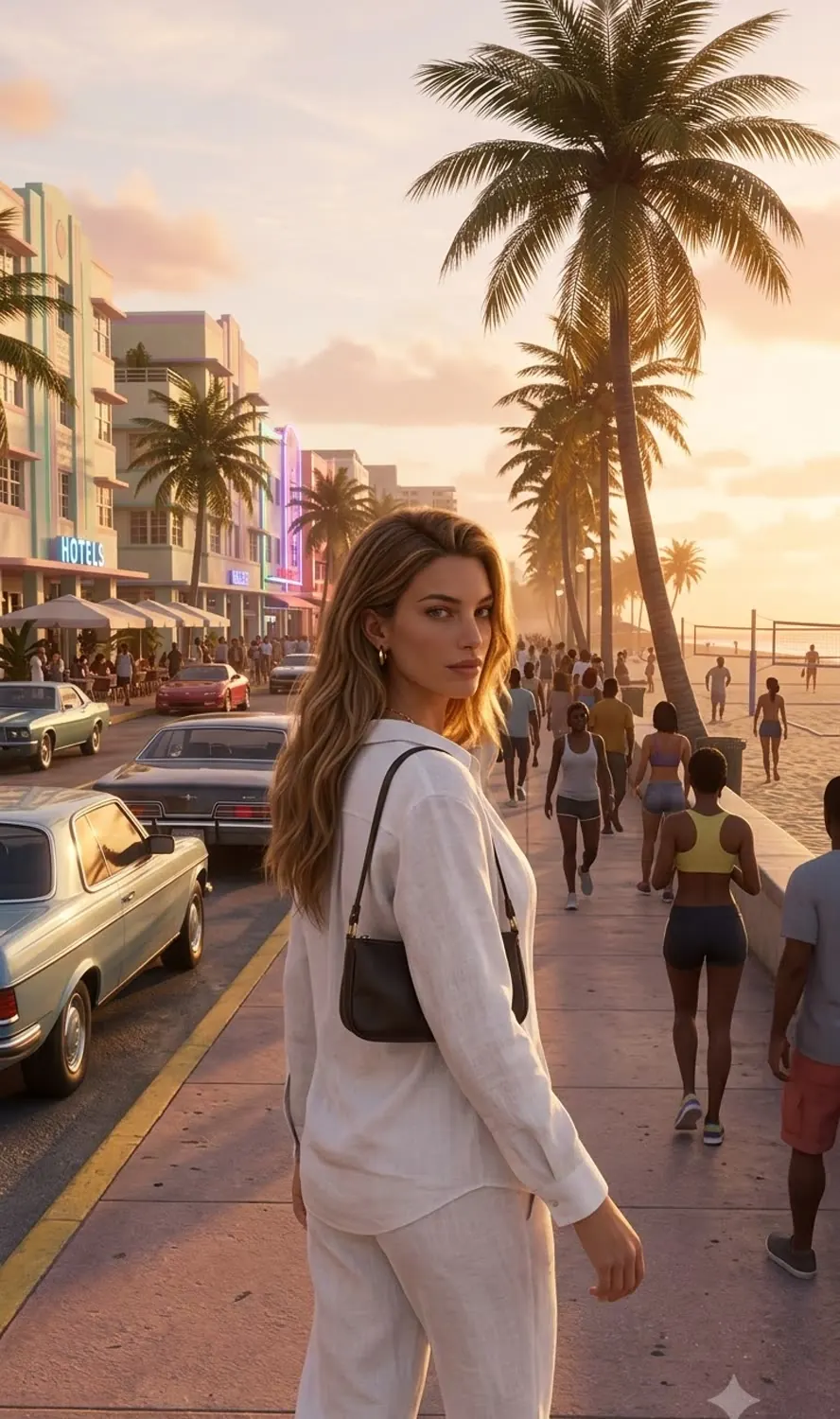 The GTA 6 filter on TikTok and CapCutHow to find and use the GTA 6 filter template on TikTok and CapCut, and how to make your own.
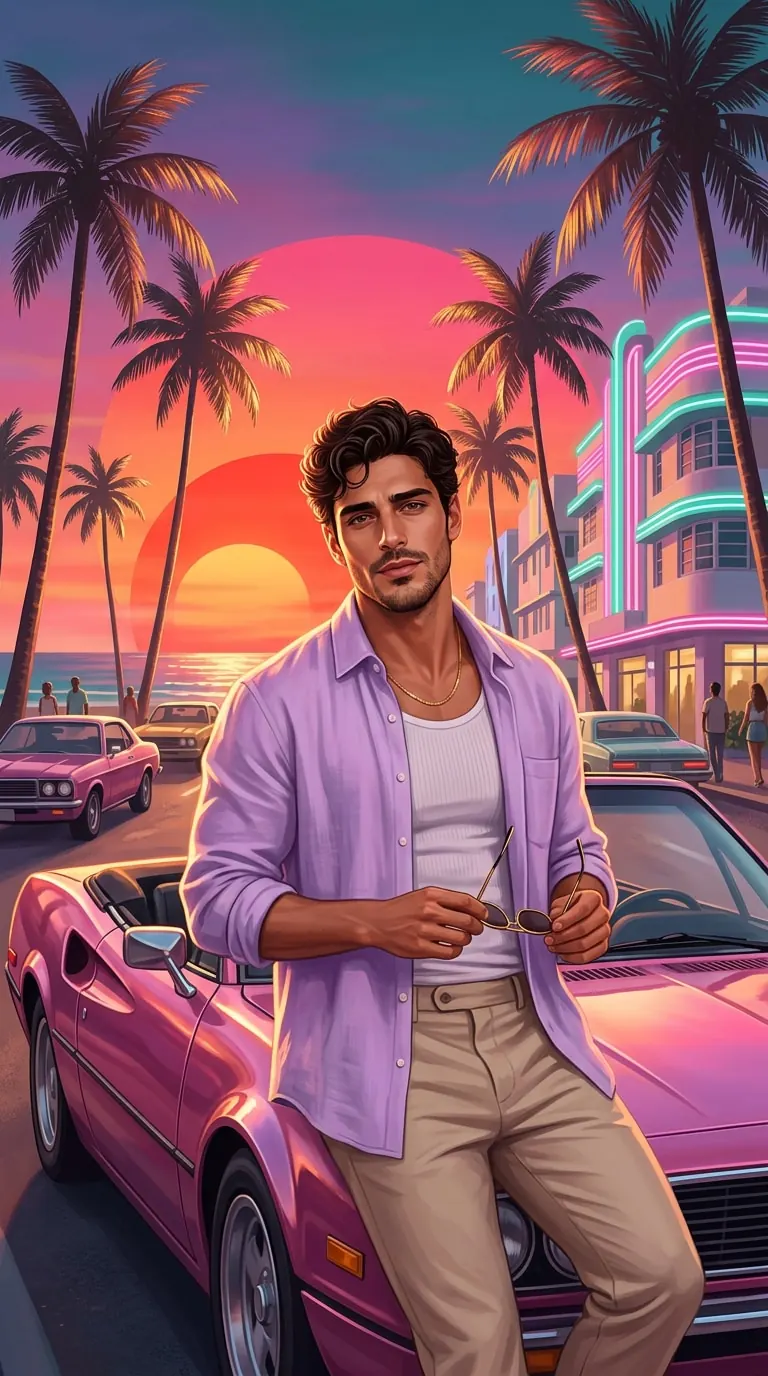 GTA 6 prompt for Gemini: how to do the trendStep by step: the GTA 6 trend in Gemini with 10 tested Nano Banana prompts that keep your face.
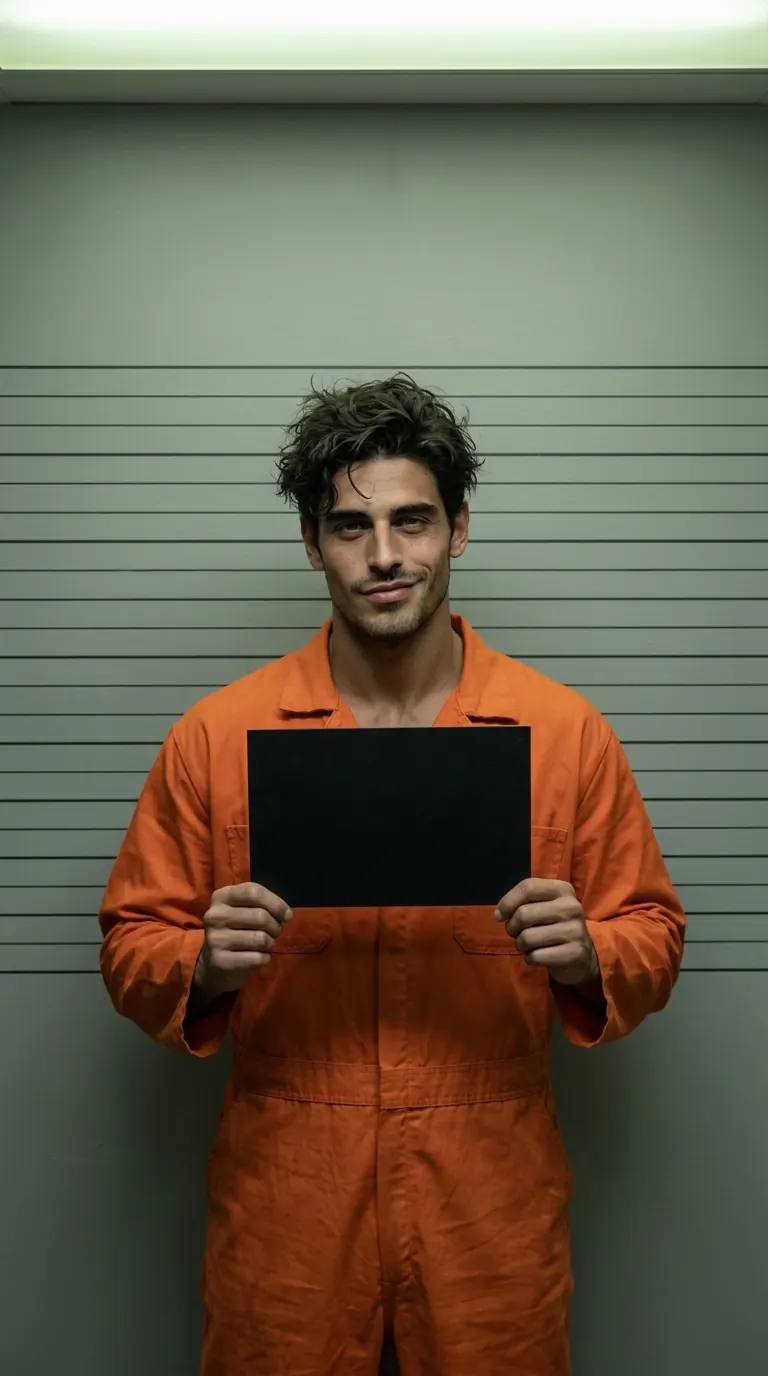 GTA 6 AI photo generator14 fan made GTA 6 looks from one selfie: loading screens, in game shots, booking photo.
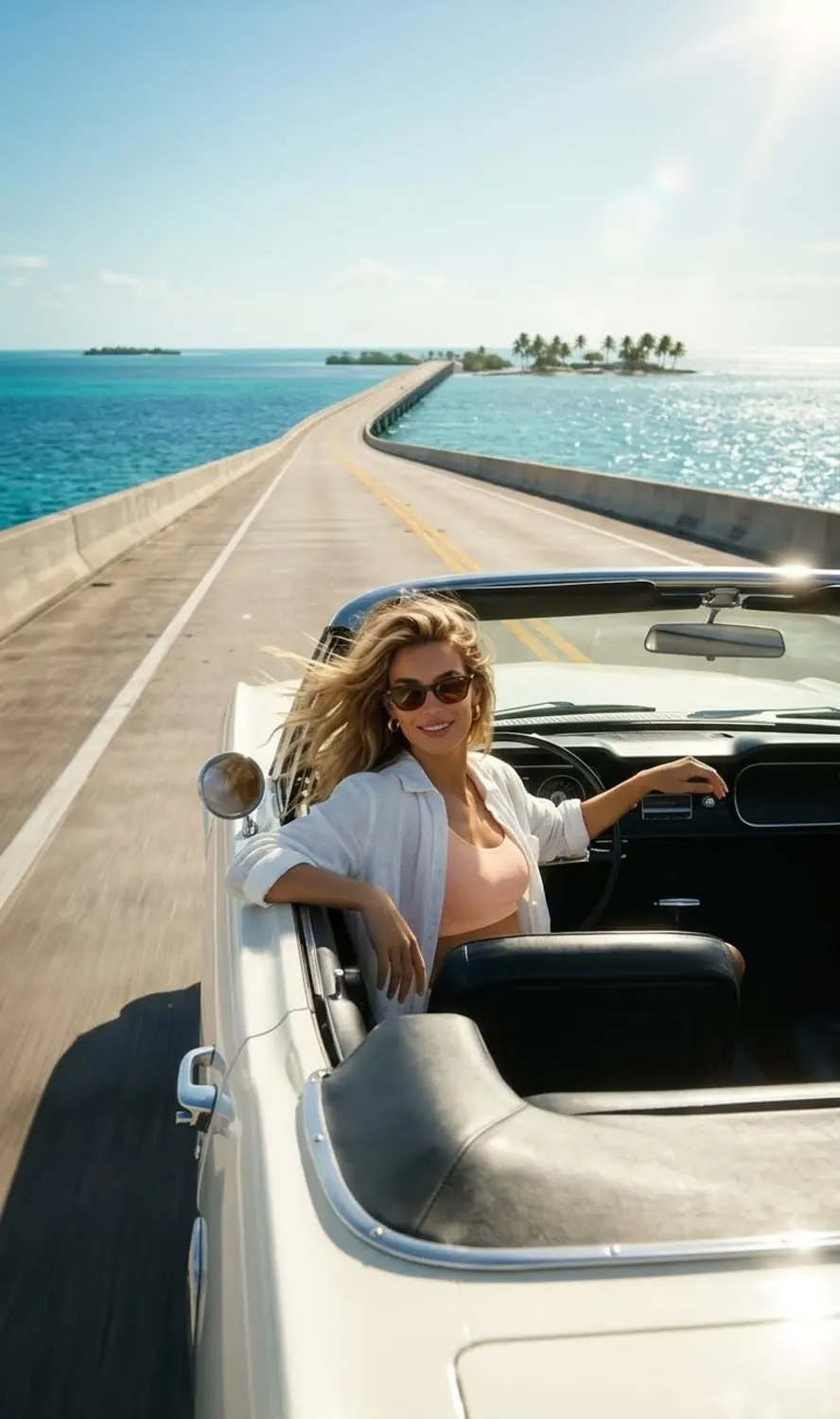 Vice City photoshoot ideas15 outfit, location and lighting ideas for the Vice City look, real or AI.
Fan made guide. Rizz AI Photo is not affiliated with, endorsed by or sponsored by Rockstar Games or Take Two Interactive. Grand Theft Auto and GTA are trademarks of Take Two Interactive, used here only to describe the look these photo styles are inspired by. No official game art is used on this page.
Skip the prompt.
Get the photo.
Rizz AI Photo runs Nano Banana 2.1 behind ready made styles. Upload a selfie, tap a style, and get your image in seconds. No prompt writing needed.

On a computer?Scan with your phone camera to get Rizz AI Photo on iPhone or Android.