Snow photo prompts for Gemini: 18 free winter prompts

Last winter your feed filled up with the same quiet picture: three frames of one person in falling snow, snowflakes on the lashes, a look up at the sky, a soft stare at the camera.

By the Rizz AI Photo team · Updated

In short

The AI snow photo trend turns one selfie into a vertical 9:16 image split into three stacked frames: an extreme close up with snowflakes on the eyelashes, a side profile looking up into falling snow, and a front facing portrait, in the quiet mood of a Korean winter drama. To make it, upload a clear selfie to Gemini, paste a three panel snow prompt and end it with "keep the face, hair and skin tone exactly the same as the photo".

That is the AI snow photo trend, and you do not need snow, a camera or a photographer to make your own. You need one selfie and the right prompt.

What the AI snow photo trend is

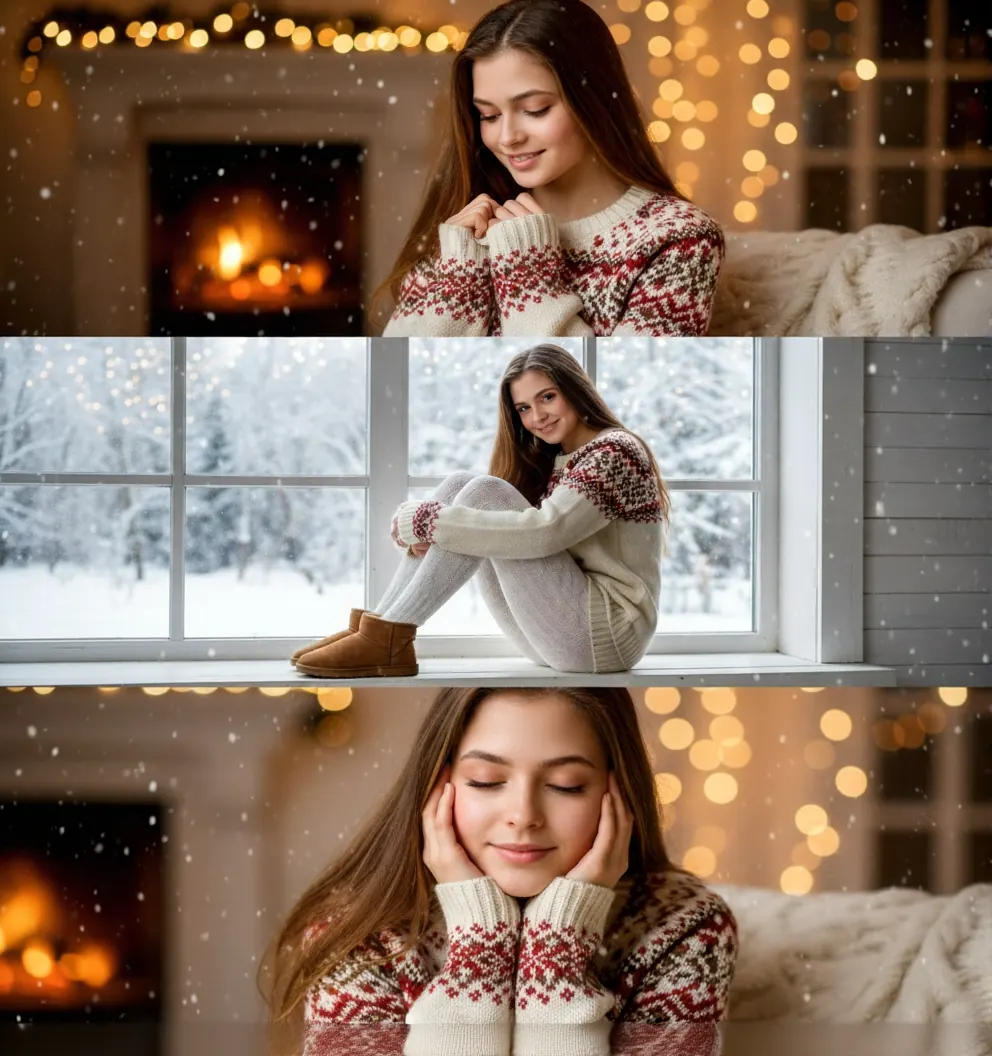
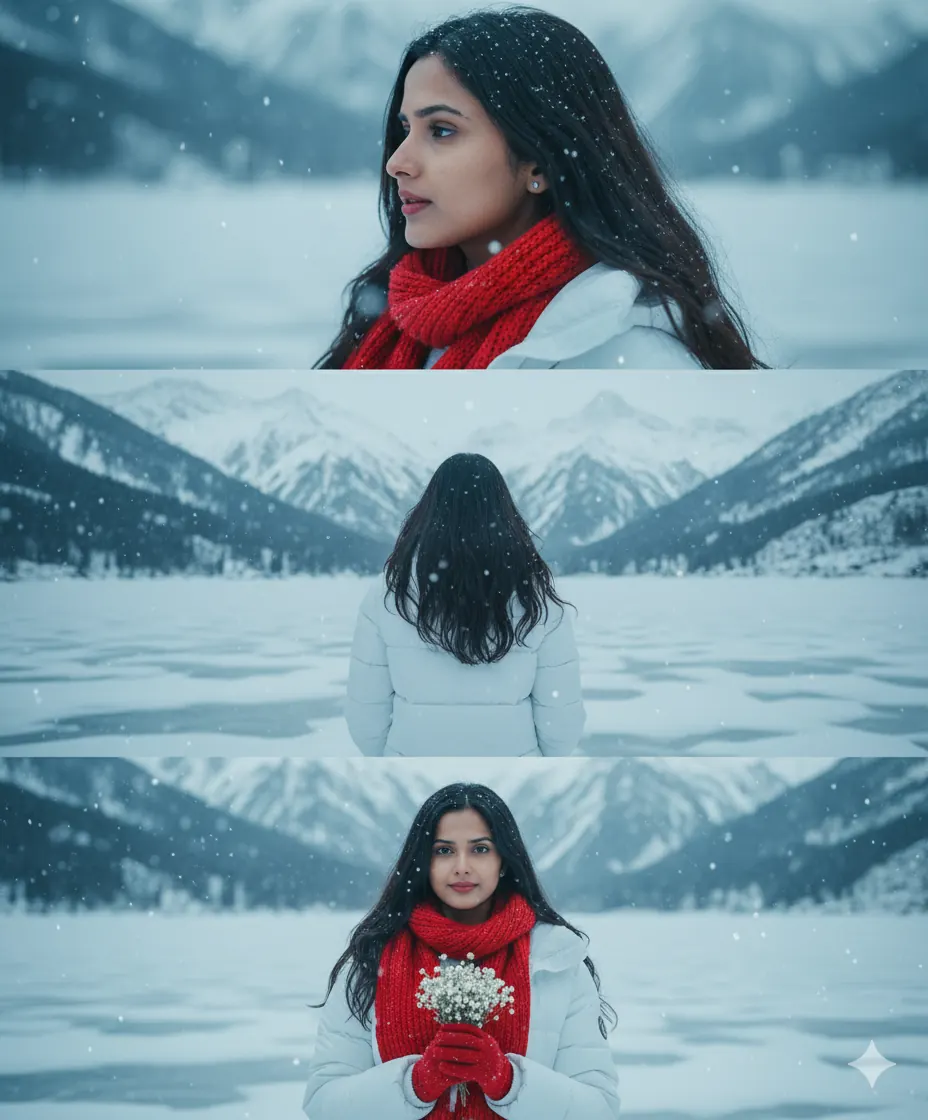
The trend took off on TikTok and Instagram in November 2025, when guides from photo app makers started explaining the "AI snow" look. Almost every post shares the same build: one tall image, three frames stacked on top of each other, the same person in all three, and real looking snow. It is mostly solo, calm and a little wistful, closer to a film still than a holiday card.

  • Top frame: an extreme close up of one eye and cheek, with snowflakes caught on the lashes.
  • Middle frame: a side profile looking up into the falling snow, often holding a clear umbrella.
  • Bottom frame: a chest up portrait facing the camera, snow in the hair and on the shoulders.
  • The look: soft overcast daylight or blue night light, a dark coat with a pale scarf, natural skin and no fake glow.

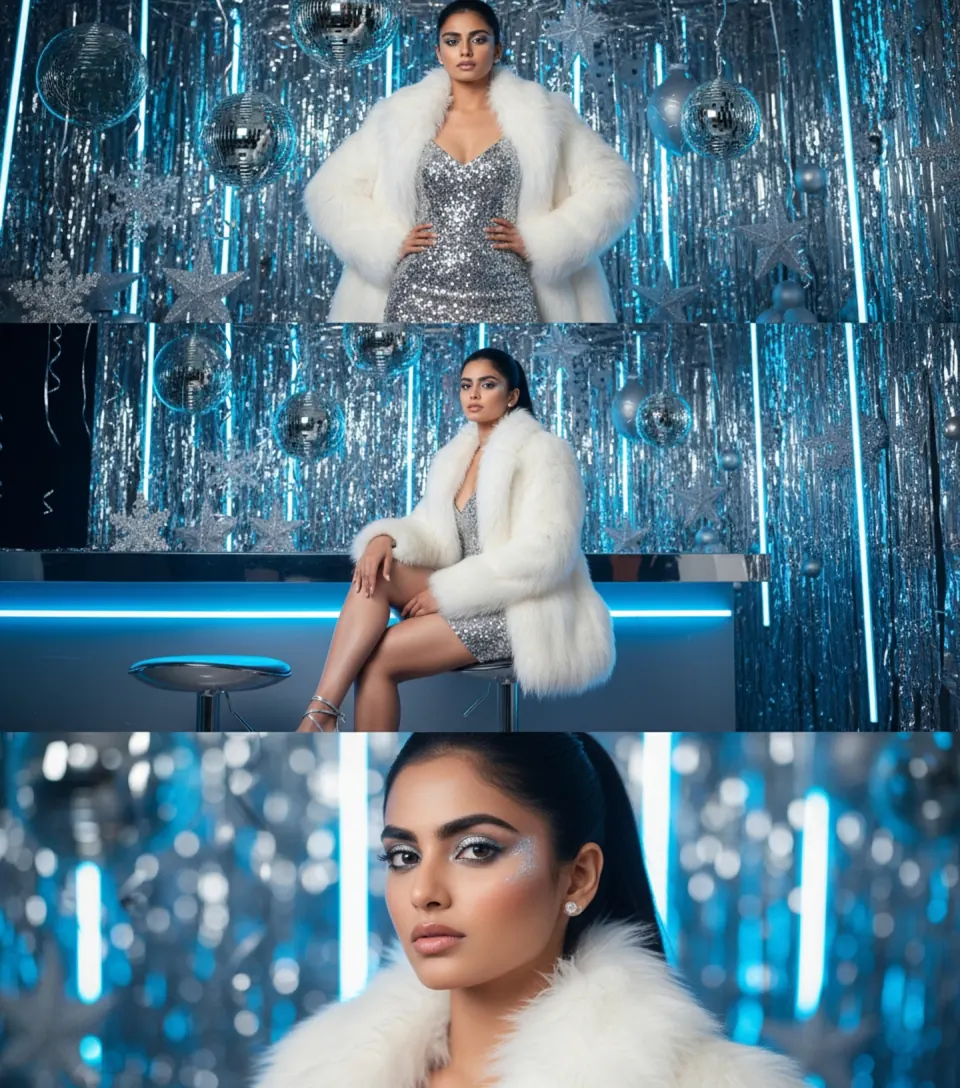
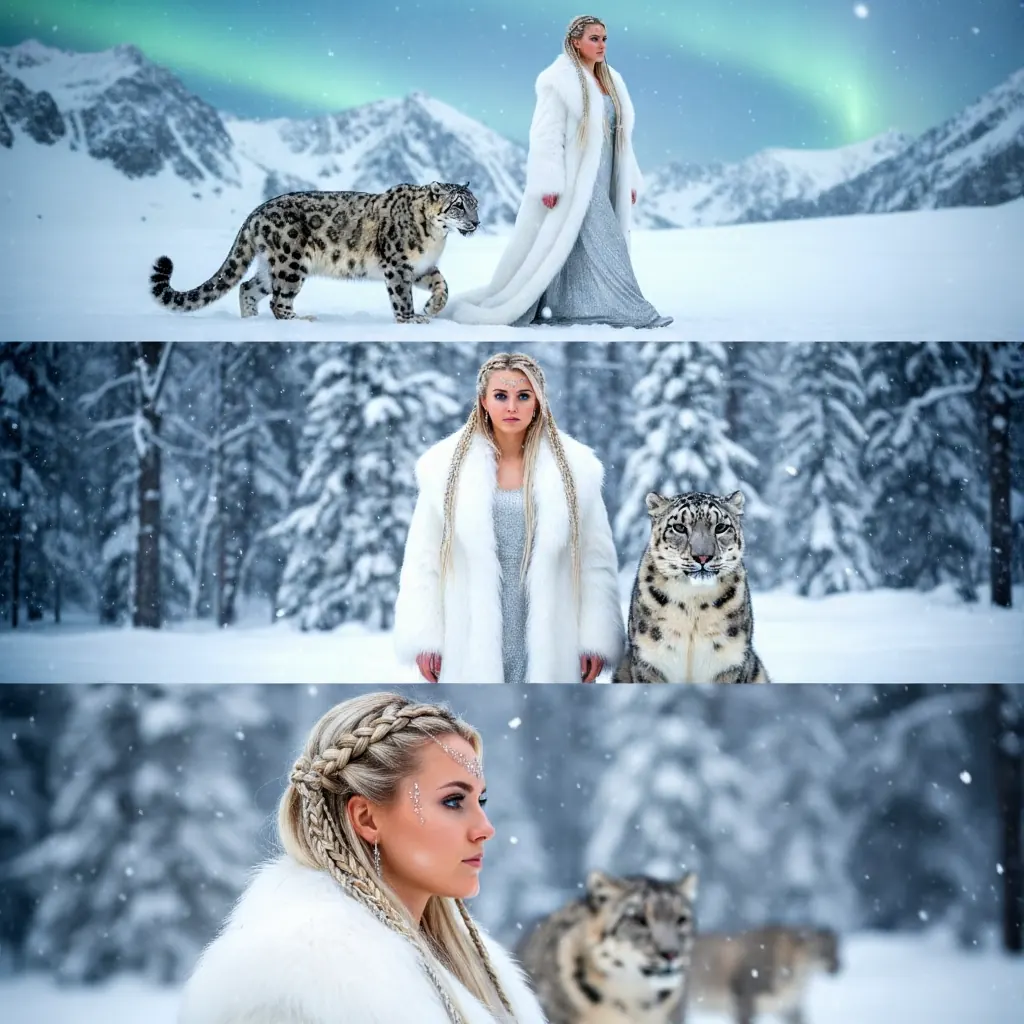
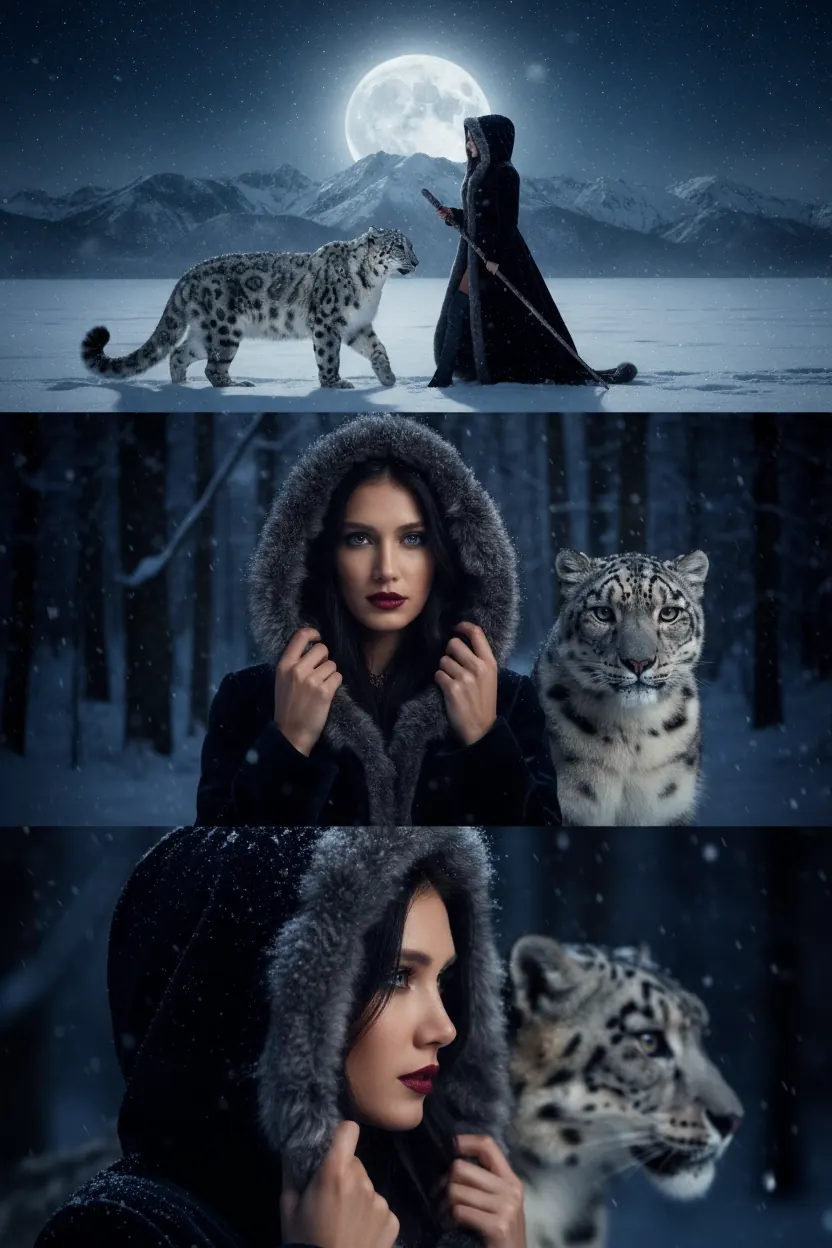
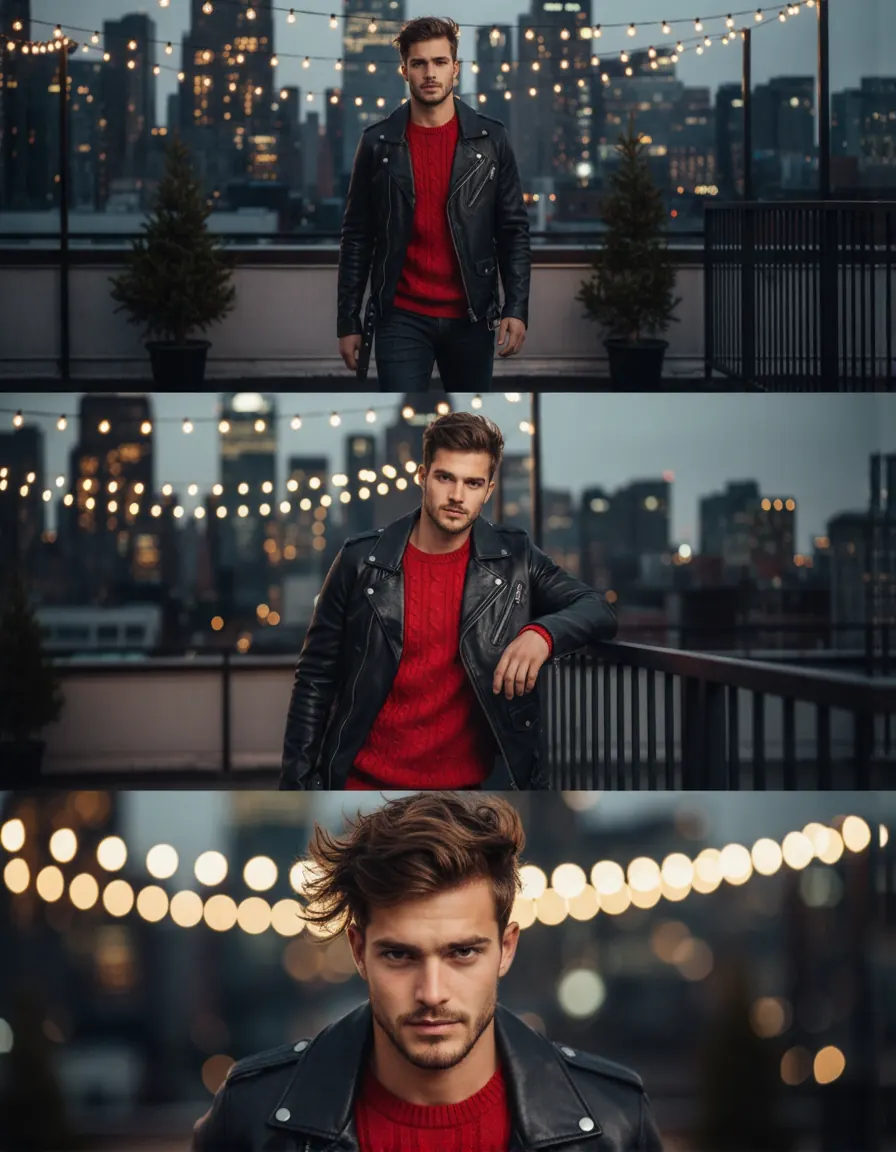
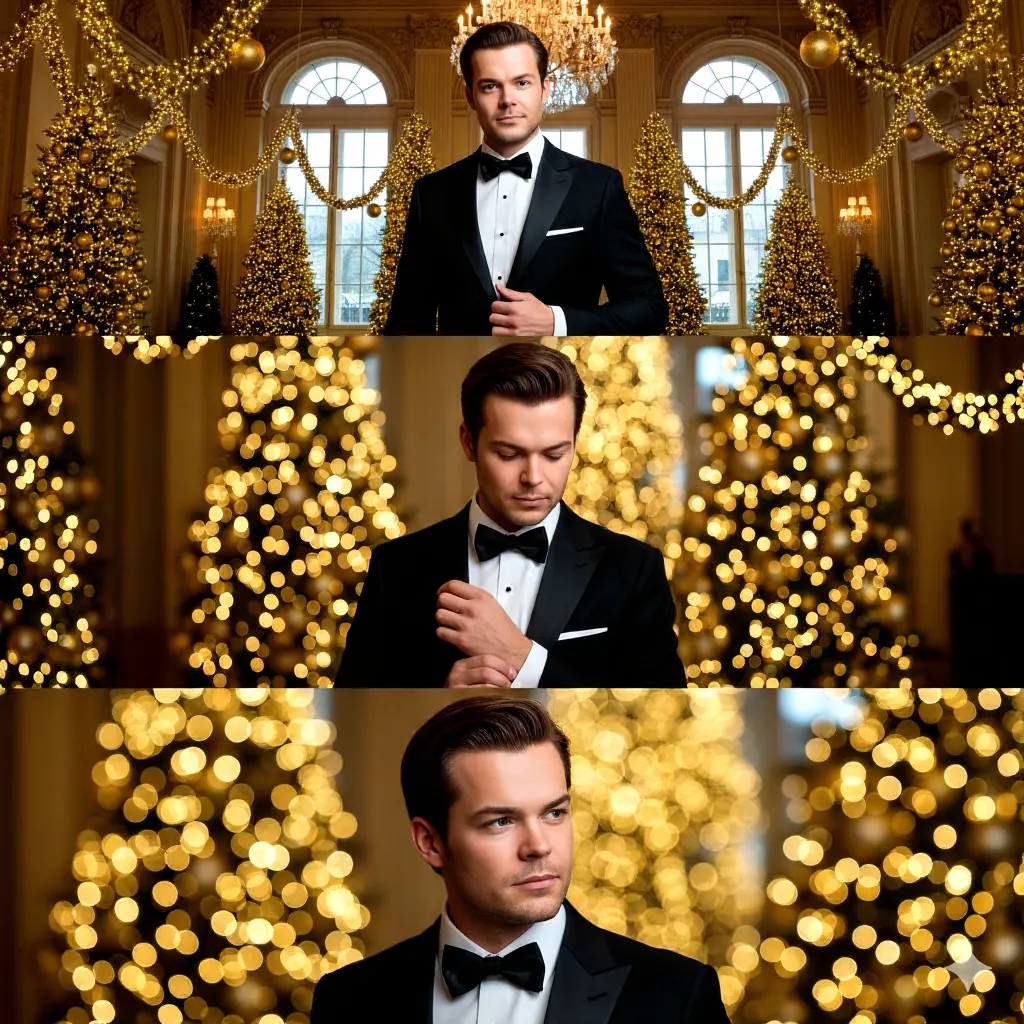
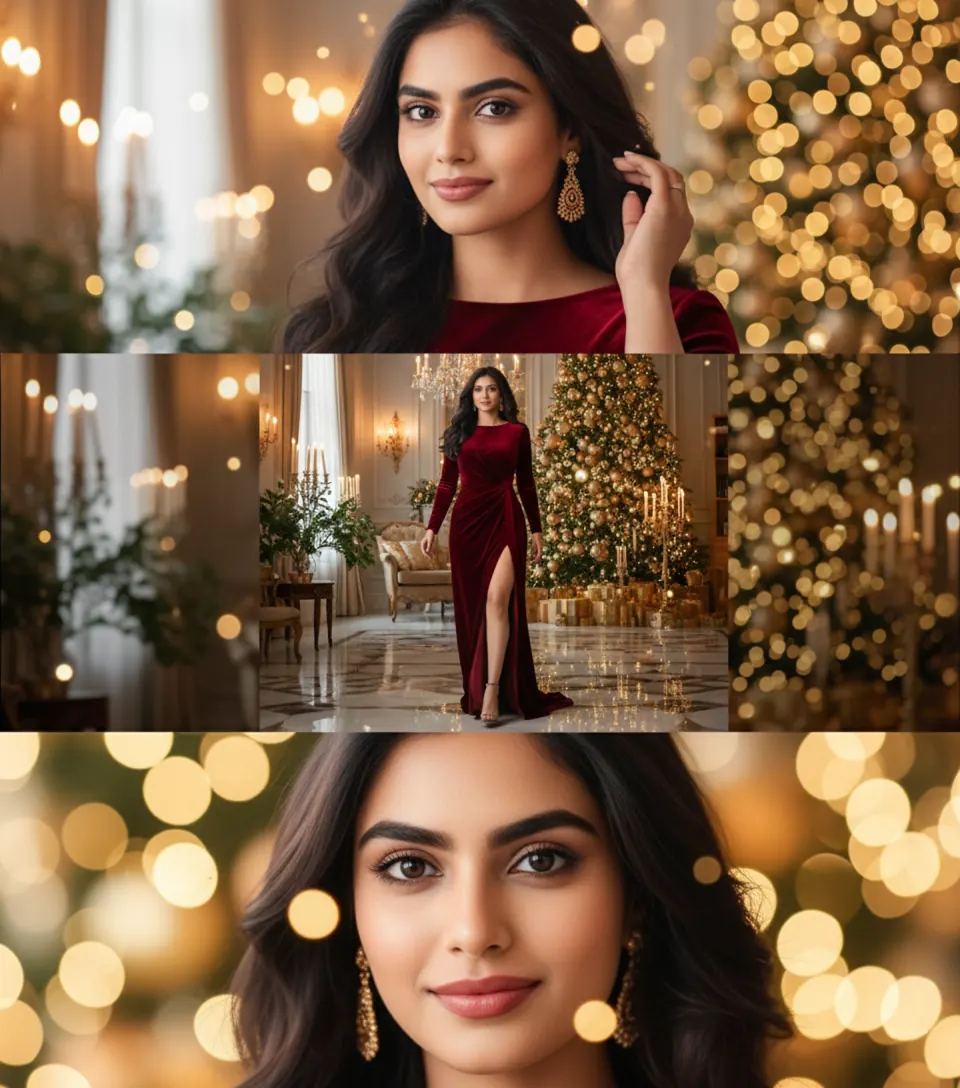
These covers come from the Triptych Series in Rizz AI Photo, which uses the same three panel layout for winter and party themes.

How to do the AI snow trend in Gemini

  1. 1Open GeminiGo to gemini.google.com or open the Gemini app and sign in. Image editing there runs on Nano Banana 2.1, Google's image model.
  2. 2Upload one clear photoTap the plus button and add a sharp, well lit photo. For the close up frame to work, use a photo where your eyes are sharp and open, with no sunglasses or cap.
  3. 3Paste the promptCopy a prompt from this page, paste it with your photo and send. Change the aspect ratio in the prompt if you need a different size.
  4. 4Fix one thing at a timeIf the face drifts, reply "keep my face exactly like the original photo" instead of rewriting the whole prompt. Then download the image.

The same prompts work in ChatGPT: upload your photo, paste the prompt and send. Both apps are free within usage limits that change with demand, so if you hit one, try again a few hours later. More on Gemini's limits in is Nano Banana free?

Three panel AI snow photo prompts

These six recreate the original trend. Each one describes all three frames, so Gemini lays them out in one image. If it returns three separate images, reply "put all three in one vertical image, stacked".

The original snow triptych

Create one vertical image split into three stacked frames with thin white borders, all showing the person in this photo in gently falling snow, in the quiet mood of a Korean winter drama. Top frame: extreme close up of one eye and cheek with snowflakes caught on the eyelashes. Middle frame: side profile looking up into the falling snow, holding a clear umbrella. Bottom frame: chest up portrait facing the camera with a soft, thoughtful expression. Navy wool coat and ivory knit scarf, soft overcast daylight, 85mm lens, natural skin texture, real snow. Same person in all three frames. Vertical 9:16. No text, no logos. Keep the face, hair and skin tone exactly the same as the photo.

Skip the prompt: try the ready made styles in Rizz AI Photo →
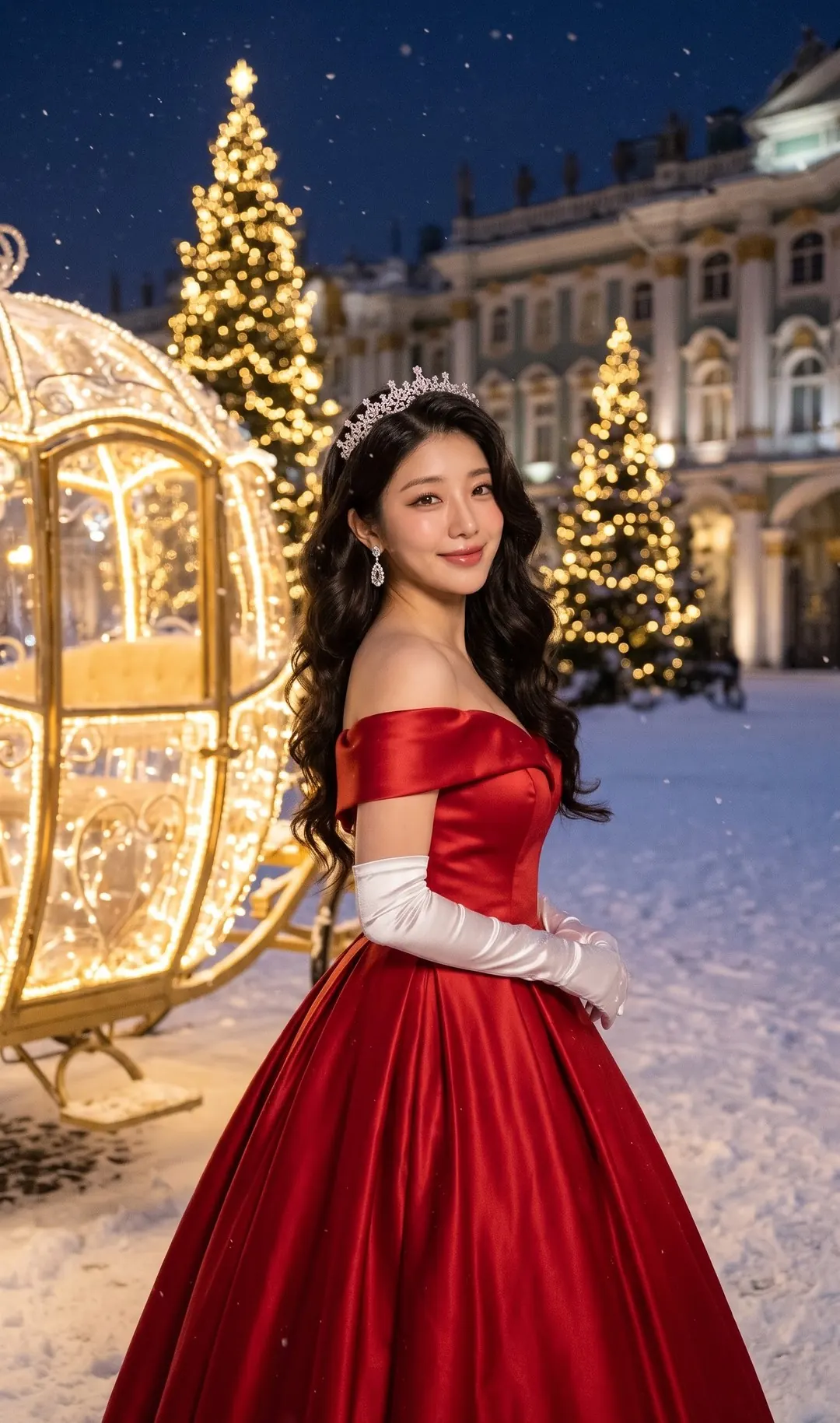
Snowy night by the river

Create one vertical image of three stacked frames showing the person in this photo on a riverside path on a snowy night. Top: close up of the face lit by a warm streetlamp, snow drifting past. Middle: walking alone along the railing, the river and city lights blurred behind. Bottom: looking back over the shoulder at the camera. Dark coat, cool blue night light with warm lamp highlights, fine film grain. Same person in all three frames. Vertical 9:16. No text, no logos. Keep the face, hair and skin tone exactly the same as the photo.

Skip the prompt: try the ready made styles in Rizz AI Photo →
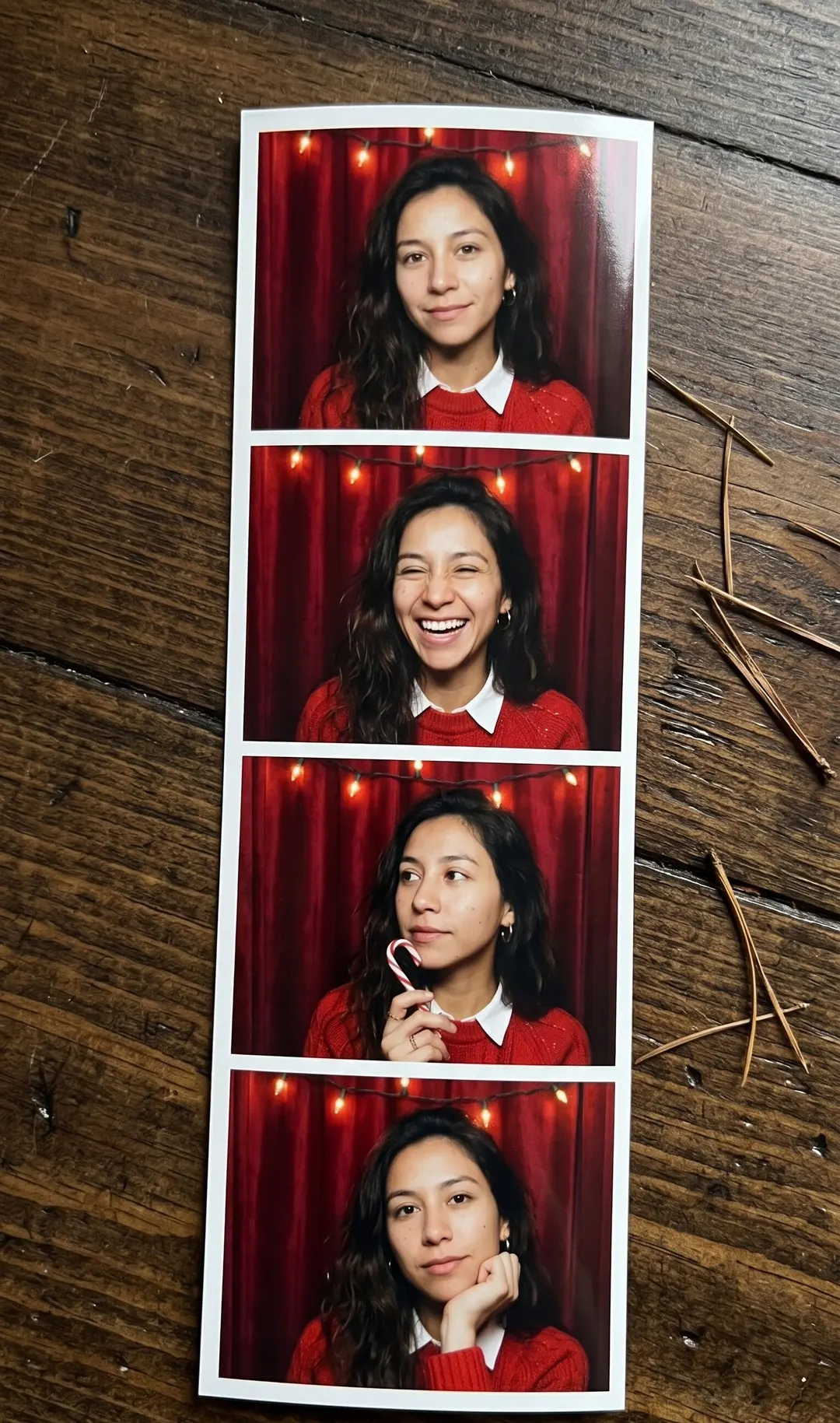
Cozy snow day

Create one vertical image of three stacked frames of the person in this photo on a cozy snow day, in a cream knit sweater with a Nordic snowflake pattern. Top: waist up, tugging the sweater sleeves over the hands with a shy smile. Middle: holding a warm mug by a frosted window with snow falling outside and string lights inside. Bottom: outside on a snowy porch, catching snowflakes. Warm soft light, natural colors. Same person in all three frames. Vertical 9:16. No text, no logos. Keep the face, hair and skin tone exactly the same as the photo.

Skip the prompt: try the ready made styles in Rizz AI Photo →
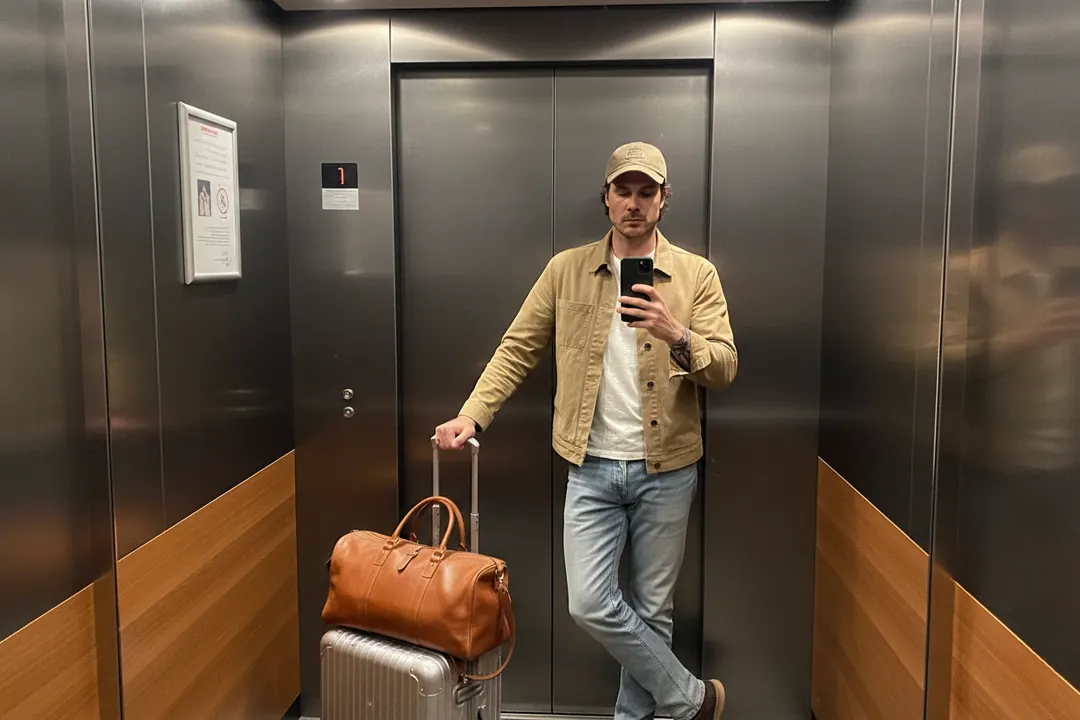
Red scarf in the mountains

Create one vertical image of three stacked frames of the person in this photo in snow covered mountains, wearing a thick white puffer jacket, a bright red knitted scarf and red gloves. Top: full body, walking through deep snow with peaks behind. Middle: waist up, pulling the scarf up against the wind. Bottom: close portrait with snow on the hair and rosy cheeks. Crisp daylight, light snowfall, cinematic and realistic. Same person in all three frames. Vertical 9:16. No text, no logos. Keep the face, hair and skin tone exactly the same as the photo.

Skip the prompt: try the ready made styles in Rizz AI Photo →
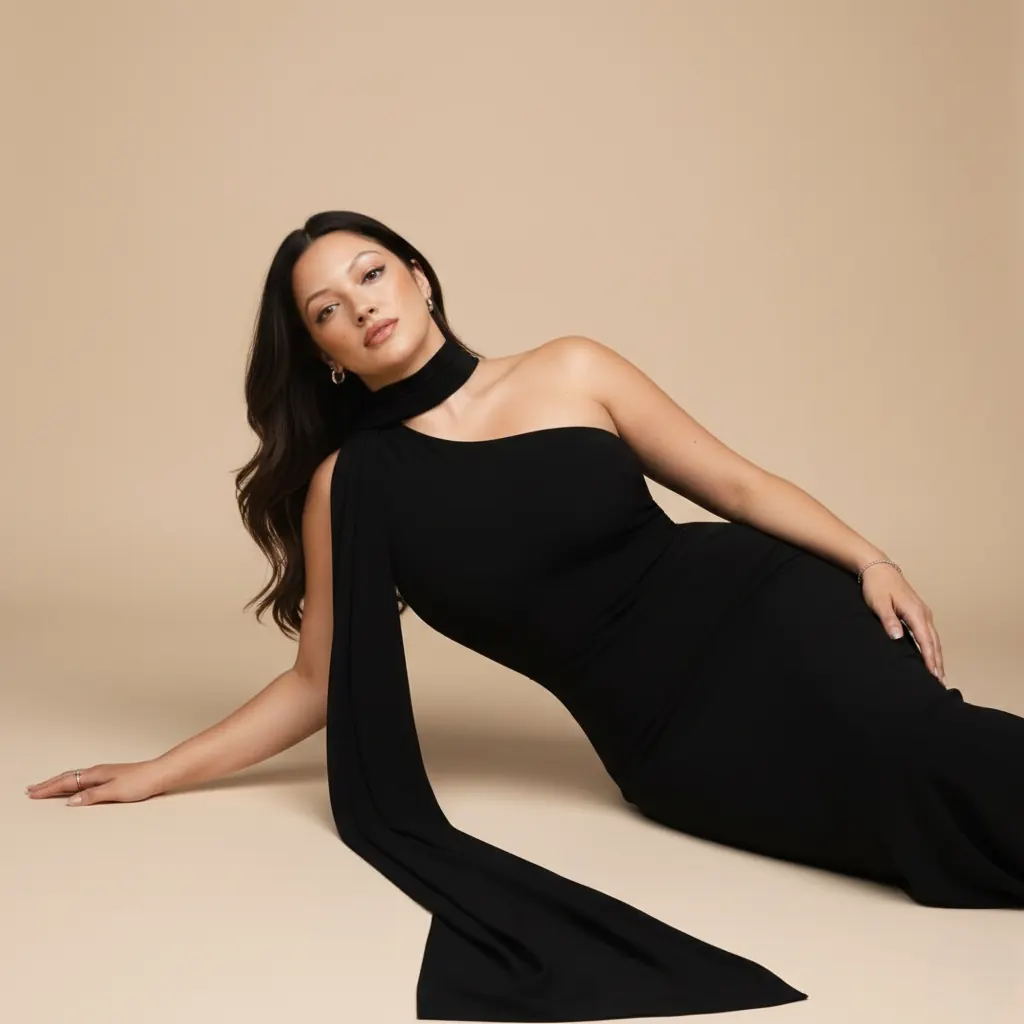
City crosswalk in snow

Create one vertical image of three stacked frames of the person in this photo in a city at blue hour while snow falls. Top: close up of the face with snowflakes on the lashes and a soft city bokeh. Middle: waiting at a crosswalk, long black coat, traffic lights glowing through the snow. Bottom: walking toward the camera, hands in pockets. Long lens, quiet and cinematic. Same person in all three frames. Vertical 9:16. No text, no logos. Keep the face, hair and skin tone exactly the same as the photo.

Skip the prompt: try the ready made styles in Rizz AI Photo →

Moonlit velvet coat

Create one vertical image of three stacked frames of the person in this photo on a moonlit snowy plain at night, wearing a dark navy velvet coat with a soft hood. Top: full body, walking across the snow under a huge full moon. Middle: waist up, hood falling back, snow in the hair. Bottom: close portrait with a calm, direct gaze. Cool blue moonlight, gentle snowfall, dreamy but realistic. Same person in all three frames. Vertical 9:16. No text, no logos. Keep the face, hair and skin tone exactly the same as the photo.

Skip the prompt: try the ready made styles in Rizz AI Photo →

Gemini snow photo prompts for men

Most snow prompts online are written for women. These six give men real winter clothes and keep the beard and hairline as they are. The Triptych Series has men's looks too, such as City Chill Set and Golden Gala.

Men's snow triptych

Create one vertical image of three stacked frames of the man in this photo in falling snow, in the quiet mood of a Korean winter drama. Top: close up of his eyes and brow with snowflakes in the hair. Middle: side profile looking up at the snow, charcoal overcoat collar turned up. Bottom: chest up portrait facing the camera, black turtleneck under the coat, calm expression. Soft overcast light, 85mm lens, natural skin texture. Same man in all three frames. Vertical 9:16. No text, no logos. Keep the face, hair and skin tone exactly the same as the photo.

Skip the prompt: try the ready made styles in Rizz AI Photo →

Snowy village overcoat

Show the man in this photo seated outdoors in a snowy village, tailored black overcoat with a dark shearling collar over a white knit sweater, one hand adjusting the lapel, calm composed look. Snow covered rooftops and warm windows behind, snowflakes drifting in the foreground. 85mm lens, soft daylight. Vertical 4:5. No text, no logos. Keep the face, hair and skin tone exactly the same as the photo.

Skip the prompt: try the ready made styles in Rizz AI Photo →

Rooftop winter party set

Create one vertical image of three stacked frames of the man in this photo at a rooftop winter party at night, black leather jacket open over a red knit sweater, dark jeans and boots. Top: full body, walking toward the camera under strings of warm fairy lights. Middle: waist up, laughing, light snow falling. Bottom: close portrait, city lights blurred behind. Same man in all three frames. Vertical 9:16. No text, no logos. Keep the face, hair and skin tone exactly the same as the photo.

Skip the prompt: try the ready made styles in Rizz AI Photo →

Black umbrella at night

Show the man in this photo standing under a black umbrella on a quiet snowy street at night, long dark coat and grey scarf, snow settling on the umbrella, warm shop windows and a streetlamp behind. Cinematic still, shallow depth of field, soft grain. Vertical 4:5. No text, no logos. Keep the face, hair and skin tone exactly the same as the photo.

Skip the prompt: try the ready made styles in Rizz AI Photo →

Mountain cabin morning

Show the man in this photo on the porch of a wooden mountain cabin on a snowy morning, chunky oatmeal knit sweater, holding a steaming mug, snow covered pines behind, soft blue morning light. Relaxed and natural, 35mm lens. Vertical 4:5. No text, no logos. Keep the face, hair and skin tone exactly the same as the photo.

Skip the prompt: try the ready made styles in Rizz AI Photo →

After the slopes

Show the man in this photo outside a ski lodge at golden hour, plain navy ski jacket unzipped, goggles pushed up on his head, snowy slopes and pines behind, big easy smile. Bright warm light on the snow, candid and real. Vertical 4:5. No text, no logos. Keep the face, hair and skin tone exactly the same as the photo.

Skip the prompt: try the ready made styles in Rizz AI Photo →

Single frame AI snow photoshoot prompts

Prefer one strong photo for a profile picture or a story? These six make a single snow portrait instead of a collage.

Snowflakes on the lashes

Create an extreme close up winter portrait of the person in this photo in a soft white hood, snowflakes resting on the eyelashes and the hood, rosy cheeks from the cold, calm direct gaze, background softly blurred. Natural skin texture with visible pores, soft daylight, macro lens. Vertical 4:5. No text, no logos. Keep the face, hair and skin tone exactly the same as the photo.

Skip the prompt: try the ready made styles in Rizz AI Photo →

Quiet snowy forest

Show the person in this photo standing in a snowy pine forest, eyes gently closed and face tilted up toward falling snow, cream cable knit beanie and a warm beige coat, mist between the trees. Soft diffused light, peaceful mood. Vertical 4:5. No text, no logos. Keep the face, hair and skin tone exactly the same as the photo.

Skip the prompt: try the ready made styles in Rizz AI Photo →

Northern lights

Show the person in this photo standing in snow at night under bright green and violet northern lights, burgundy jacket with a cream sherpa collar, relaxed stance, face softly lit. Eye level cinematic portrait, long exposure sky, sharp face. Vertical 4:5. No text, no logos. Keep the face, hair and skin tone exactly the same as the photo.

Skip the prompt: try the ready made styles in Rizz AI Photo →

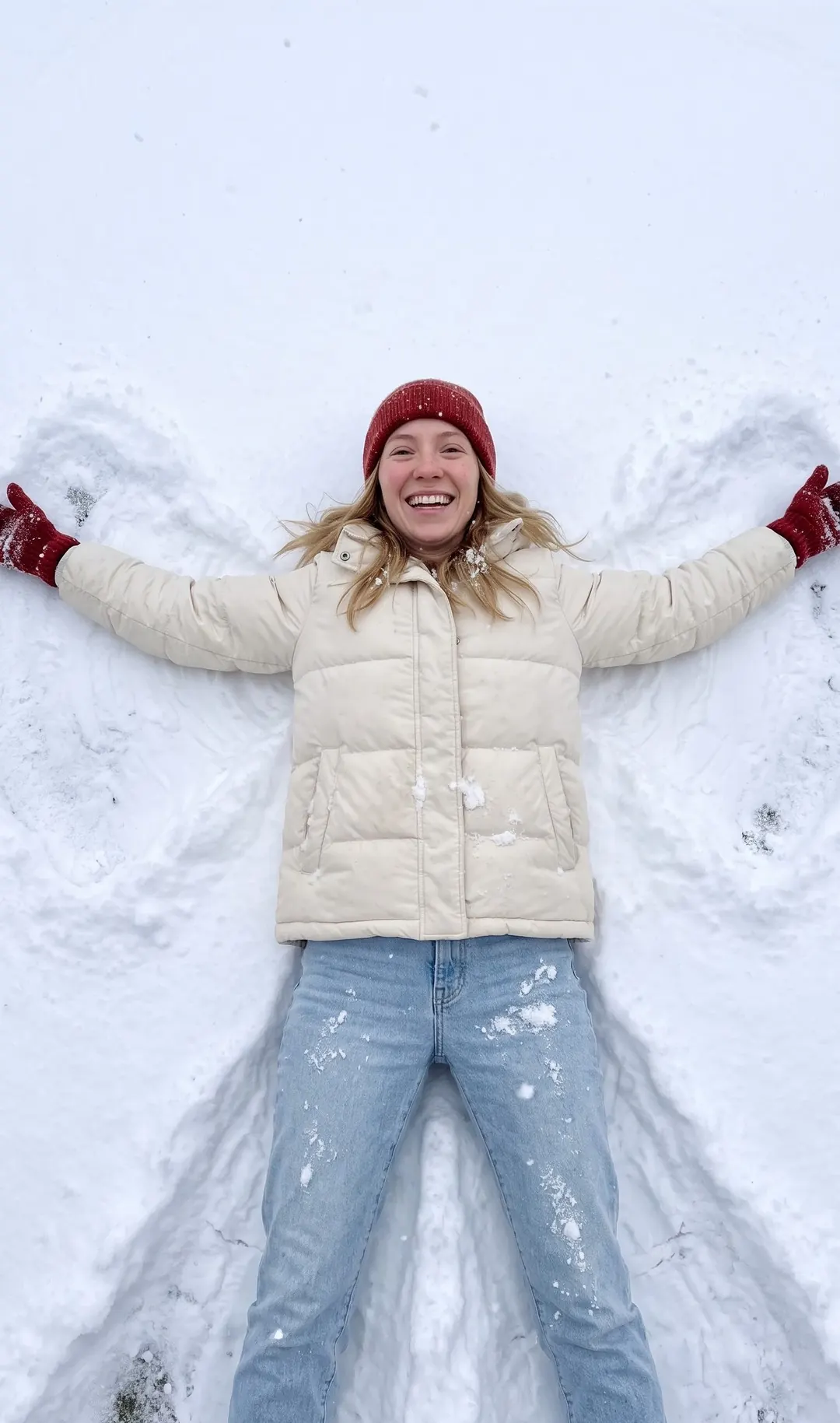
Snow angel from above

Show the person in this photo lying on their back in fresh snow making a snow angel, shot from directly above, arms and legs spread, laughing up at the camera, snowflakes in the hair, the wing shapes clear in the snow. Warm winter jacket, soft daylight. Vertical 4:5. No text, no logos. Keep the face, hair and skin tone exactly the same as the photo.

Skip the prompt: try the ready made styles in Rizz AI Photo →

Lantern on a snowy street

Show the person in this photo on a snowy old town street at dusk, all white winter outfit with a long coat and knit beanie, holding a glowing vintage lantern, snowflakes falling around them, warm window light behind. Magical but realistic. Vertical 4:5. No text, no logos. Keep the face, hair and skin tone exactly the same as the photo.

Skip the prompt: try the ready made styles in Rizz AI Photo →

Snow day selfie

Make a playful winter selfie of the person in this photo outdoors on a bright snowy day, fluffy white earmuffs, patterned winter jacket, leaning toward the camera with a big smile, hair moving in the cold breeze, clear blue sky and snowy trees behind. Real phone camera look. Vertical 9:16. No text, no logos. Keep the face, hair and skin tone exactly the same as the photo.

Skip the prompt: try the ready made styles in Rizz AI Photo →
Skip the prompts. Get the three panel snow look in one tap with the Triptych Series in Rizz AI Photo.Try free

Tips for a better AI snow photo

  • Use a photo with sharp eyes. The top frame is a close up of your eye, so a blurry or squinting selfie shows there first.
  • Ask for real snow. Words like "gently falling snow", "snowflakes on the lashes" and "natural skin texture" keep it from looking like a glitter filter.
  • Keep one light. Overcast daylight or blue night with one warm lamp. Mixing sunshine and night snow looks fake.
  • Repeat "same person in all three frames". It stops Gemini from drifting between panels.
  • Dark coat, pale scarf. Contrast against white snow is what makes the trend photos pop.
  • Post it vertical. The 9:16 layout fills the screen on TikTok and Reels. Use 4:5 for single frames in the Instagram feed.

Skip the prompt: snow looks in one tap

Rizz AI Photo has the three panel format ready made in its Triptych Series, and single snow portraits in Winter Bloom. For a festive one, Snow Angel in the Christmas 2026 row is shot from above as you lie in fresh snow. See more winter looks on the AI winter photo generator page.

  1. 1Install Rizz AI PhotoGet Rizz AI Photo on iPhone or Android. It is free to download.
  2. 2Open Triptych SeriesScroll Home to the Triptych Series row and swipe through the looks, such as Soft Snowday, Crimson Serenity and City Chill Set.
  3. 3Upload a selfieTap a style and add one clear photo of just you. No prompt writing needed.
  4. 4Generate and saveYour photo is ready in about 20 seconds. Drag the slider to compare it with the original, then save or share.
Make your snow triptych. One selfie, three frames of you in the snow, about 20 seconds.Try free

FAQ

What is the AI snow photo trend?

It is a viral edit that turns one selfie into a tall image of three stacked frames of you in falling snow: an extreme close up with snowflakes on the lashes, a side profile looking up at the snow, and a front facing portrait, in the soft mood of a Korean winter drama.

When did the AI snow trend start?

It spread on TikTok and Instagram in November 2025, when photo app makers began publishing guides to the look. Searches for it are back as winter starts.

What is the AI snow photo prompt for Gemini?

Ask Gemini for one vertical 9:16 image split into three stacked frames of the person in your photo in falling snow: an eye close up with snowflakes on the lashes, a side profile looking up with a clear umbrella, and a chest up portrait. End with "keep the face, hair and skin tone exactly the same as the photo". The full version is the first prompt on this page.

Is there a Gemini snow photo prompt for men?

Yes. The men's snow triptych on this page swaps in a charcoal overcoat and black turtleneck and keeps the beard and hairline as they are. There are five more men's snow prompts, from a snowy village to a ski lodge.

Can I do the AI snow trend in ChatGPT?

Yes. Upload your photo in ChatGPT and paste the same prompt. If it returns three separate images, ask for all three stacked in one vertical image.

Is the AI snow trend free?

Gemini and ChatGPT are free within their usage limits. Rizz AI Photo is free to download and uses credits per photo.

Why does my AI snow photo look fake?

Usually the snow is too bright or the skin too smooth. Add "real snow" and "natural skin texture", use one soft light source, and start from a sharp, well lit selfie.

Is there an app for the three panel snow photo?

Yes. The Triptych Series in Rizz AI Photo makes three panel winter photos from one selfie, with looks such as Soft Snowday, Crimson Serenity and City Chill Set.

Keep reading

Skip the prompt.
Get the photo.

Rizz AI Photo runs Nano Banana 2.1 behind ready made styles. Upload a selfie, tap a style, and get your image in seconds. No prompt writing needed.