GTA 6 selfie: how it works, and how to make one of yourself
Two different searches hide behind "GTA 6 selfie": how to take a selfie inside the game, and how to make a selfie of yourself that looks like the game.
By the Rizz AI Photo team · Updated
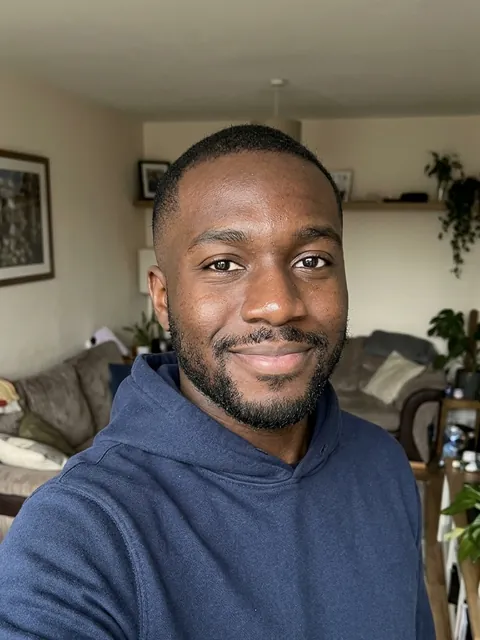
Before
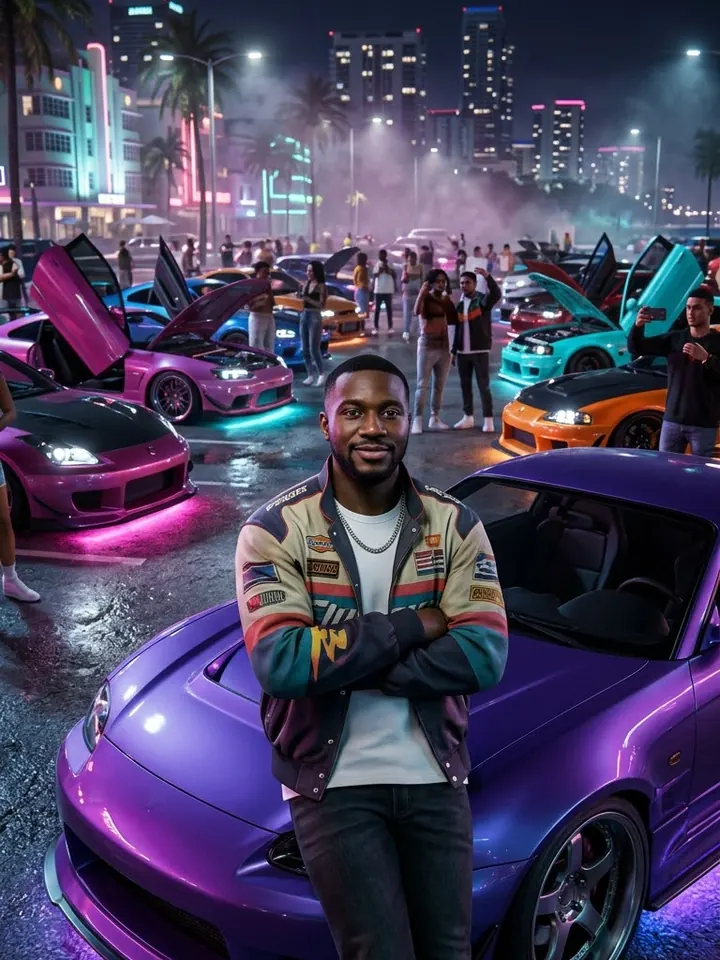
Car Meet
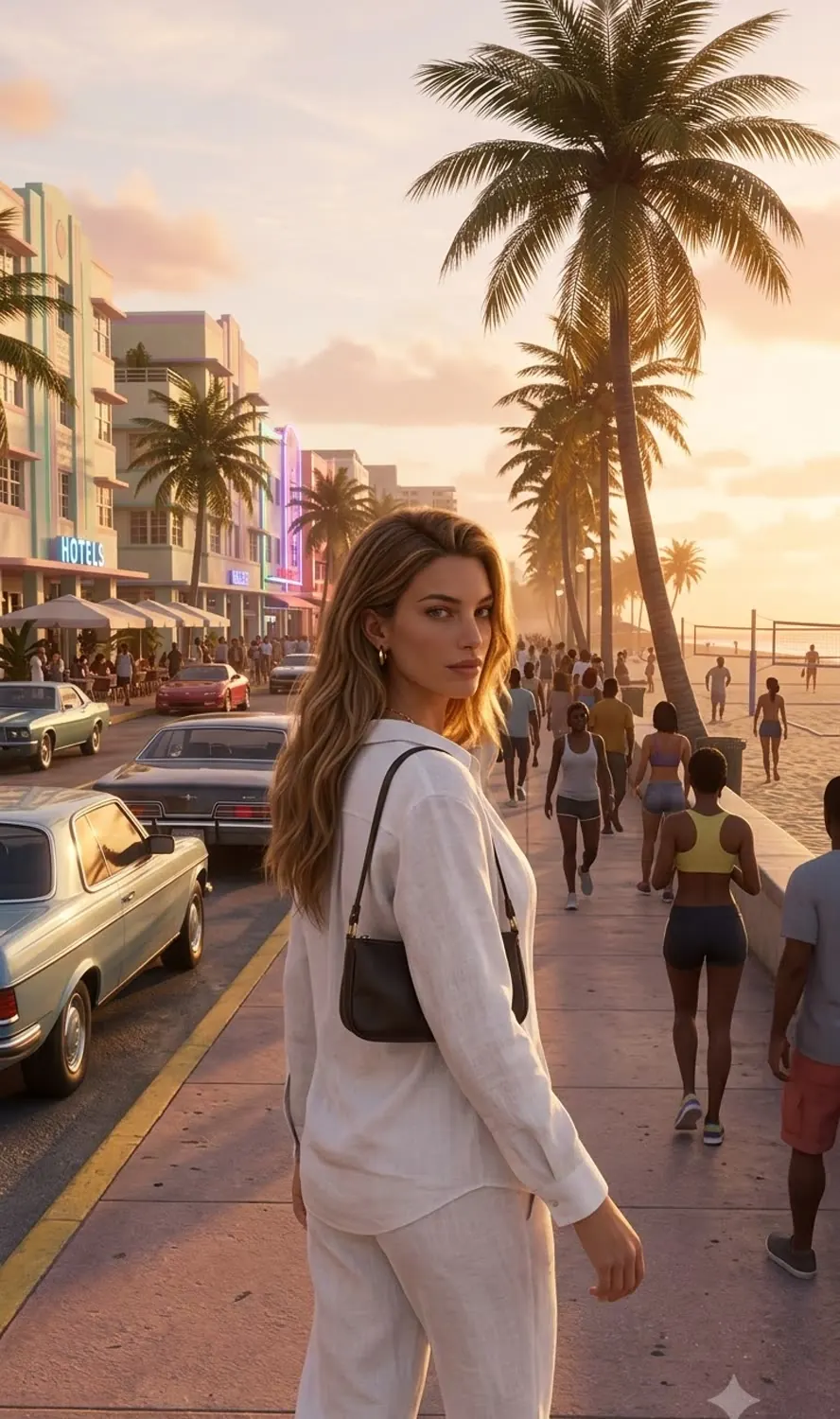
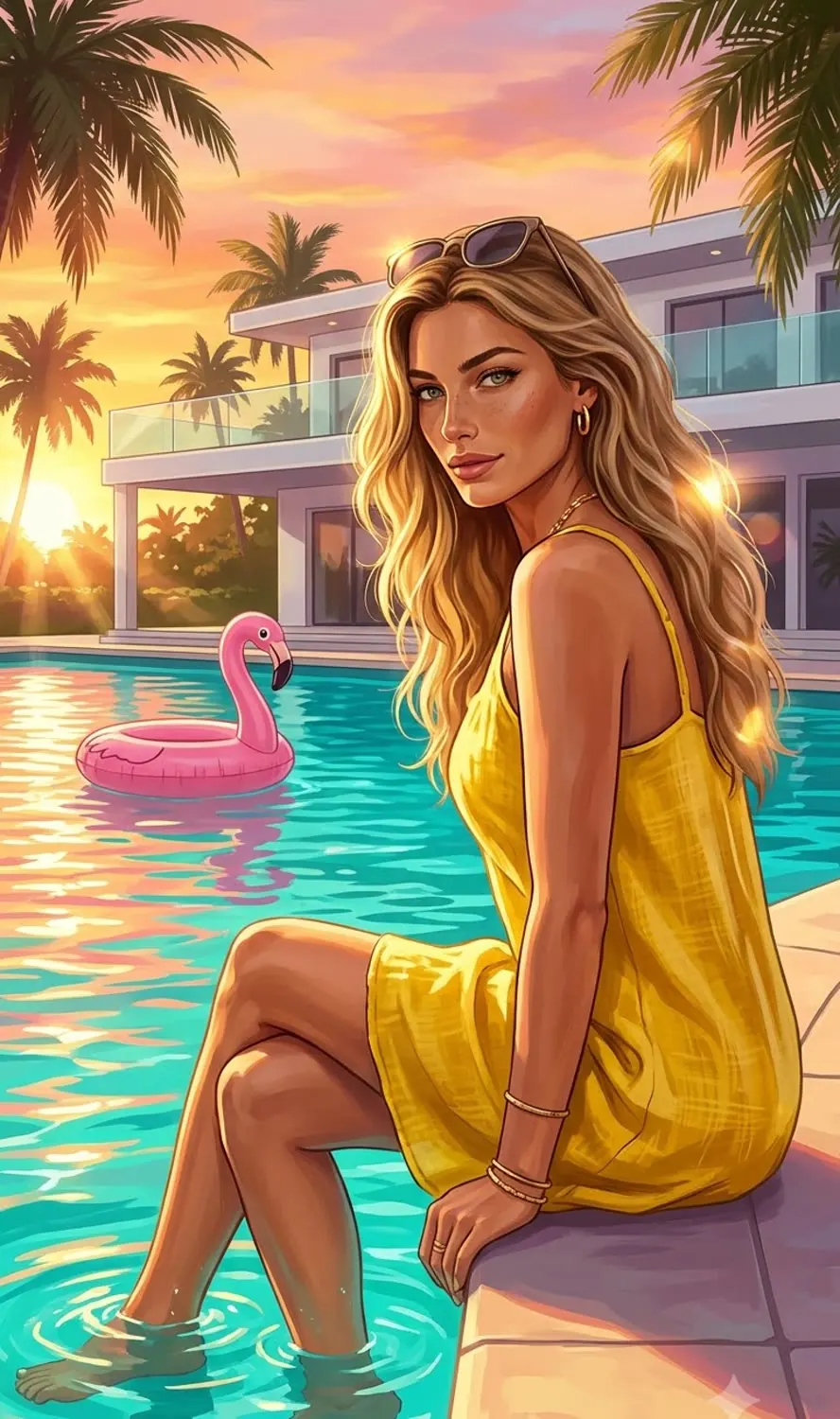
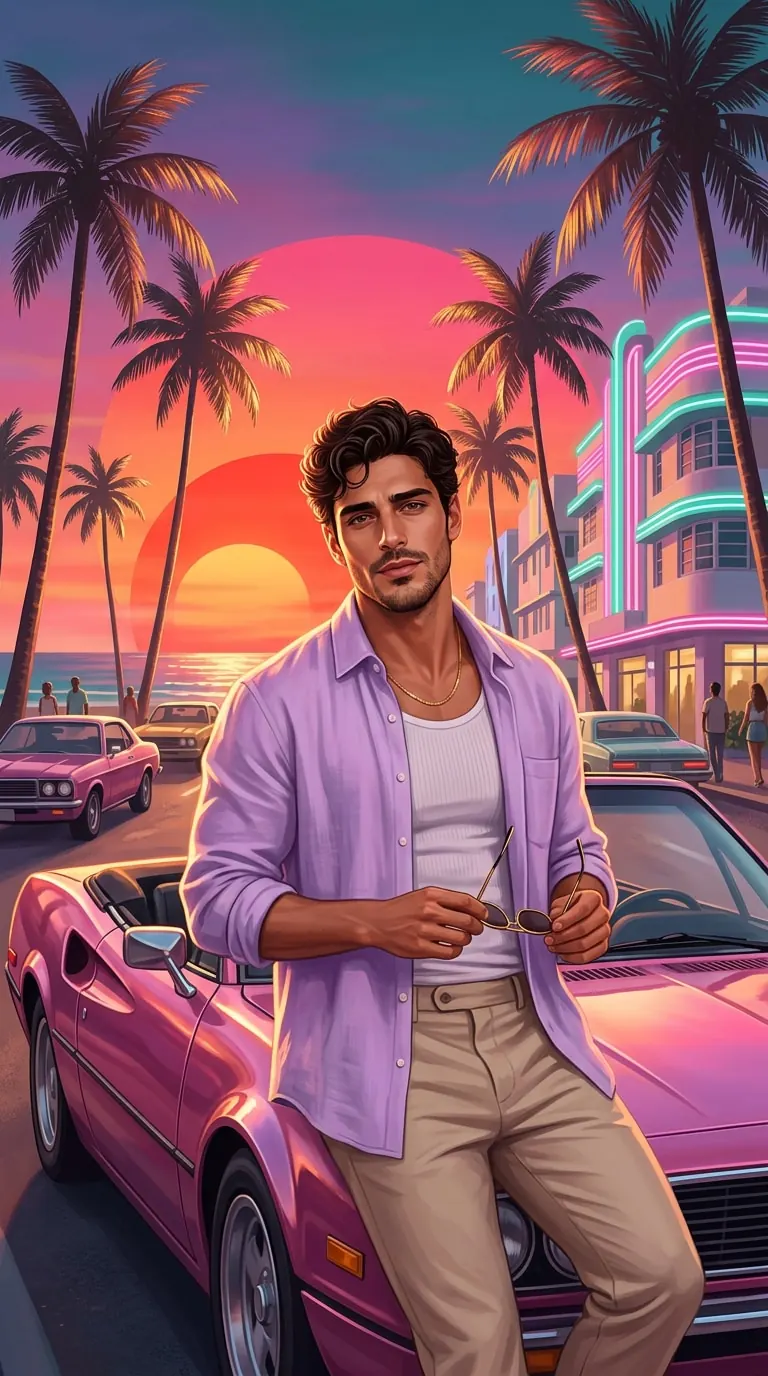
The selfies show fictional people made for our examples.
In GTA 6, the selfie lives in the character's phone. Launch guides from Beebom and Gfinity say you press Up on the D-pad, open the Camera app and switch to the front (selfie) view, where you can pick poses and expressions. Beebom reports that the phone camera only becomes available after Lucia's prologue, once you control Jason, which is the most likely reason it looks greyed out early on. For full camera control, use Photo Studio in the pause menu.
This page answers both, and is clear about what we could and could not confirm.
How to take a selfie in GTA 6
GTA 6 launched on 19 November 2026 on PS5 and Xbox Series X|S. Rockstar has not published a selfie guide that we could find, so the steps below come from launch week guides by Beebom and Gfinity. Button names can differ between guides, so follow the prompts on your screen.
Open the phone. Press Up on the D-pad.
Open the Camera app. It is one of the icons on the phone's home screen.
Flip to selfie view. Switch to the front camera. Beebom lists six poses and seven expressions to choose from.
Take the photo. Use the on screen Take Photo prompt.
Two more things worth knowing. The phone camera is the quick option; Photo Studio, opened from the pause menu, is the full photo mode with camera angles, depth of field, filters and extra lights. And according to Insider Gaming, the in game Snapmatic app is a feed you can scroll, but you cannot post your own photos to it.
GTA 6 selfie greyed out: what to check
We could not find an official explanation from Rockstar for a greyed out selfie or camera option. These are the general checks, starting with the one launch guides actually report:
Finish the opening. Beebom reports that the phone camera only becomes available after Lucia's prologue, once you take control of Jason. If you are still early in the story, keep playing.
Leave the mission or cutscene. Games often lock the phone during scripted moments. Beebom and Insider Gaming both note that some Photo Studio settings show as "Currently Unavailable" in cutscenes. Try again in free roam.
Check you are in the Camera app. The selfie view is a switch inside the phone camera, not a separate app.
Use Photo Studio instead. Beebom says Photo Studio is available from the start, from the pause menu, so it is the fallback when the phone camera is not.
Update the game. Launch week patches change features quickly. If it stays greyed out in free roam after the prologue, check Rockstar Support.
This is fan made, editorial help. Rizz AI Photo is not affiliated with Rockstar Games or Take Two Interactive, and nothing here changes or modifies the game.
Make a GTA 6 style selfie of yourself
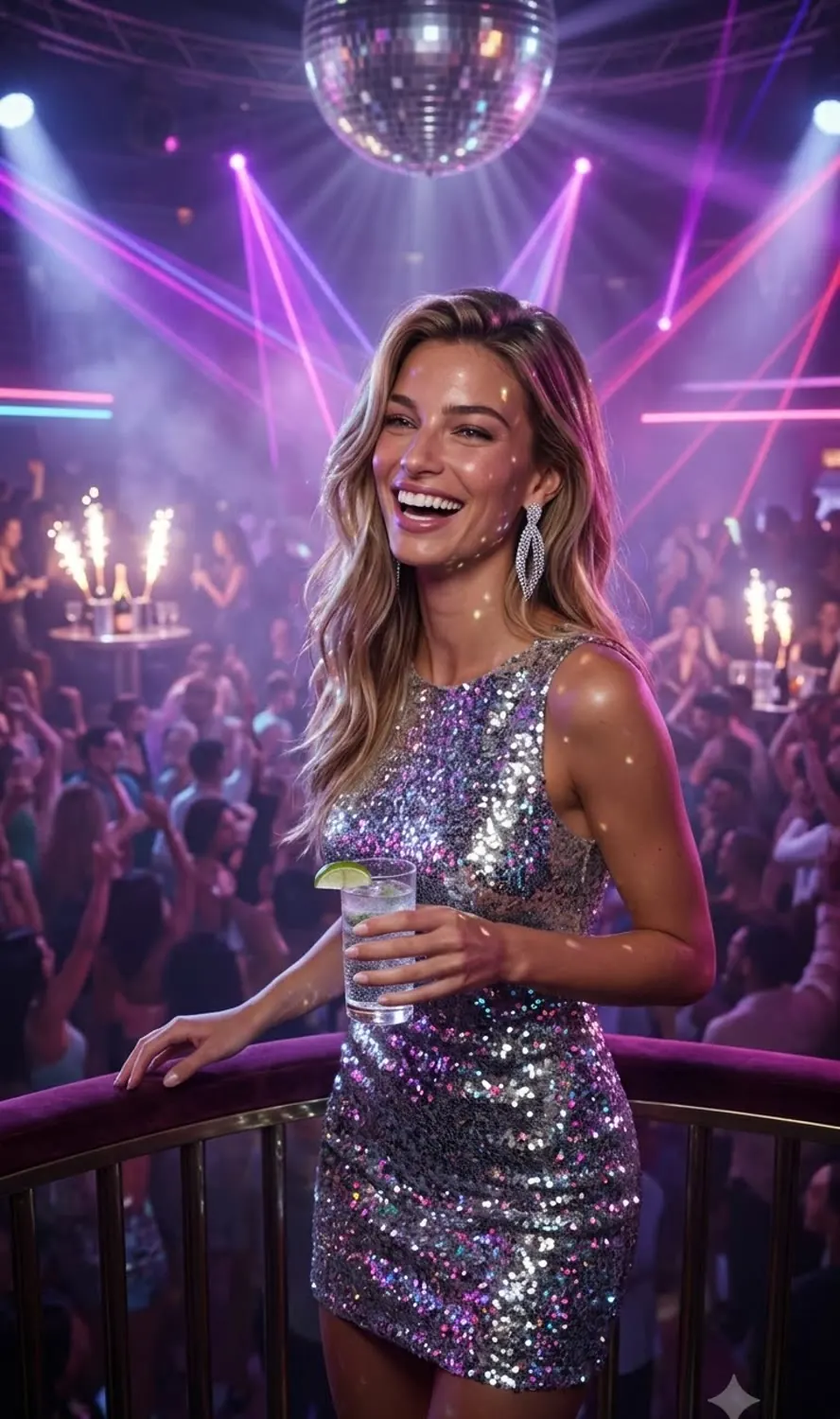
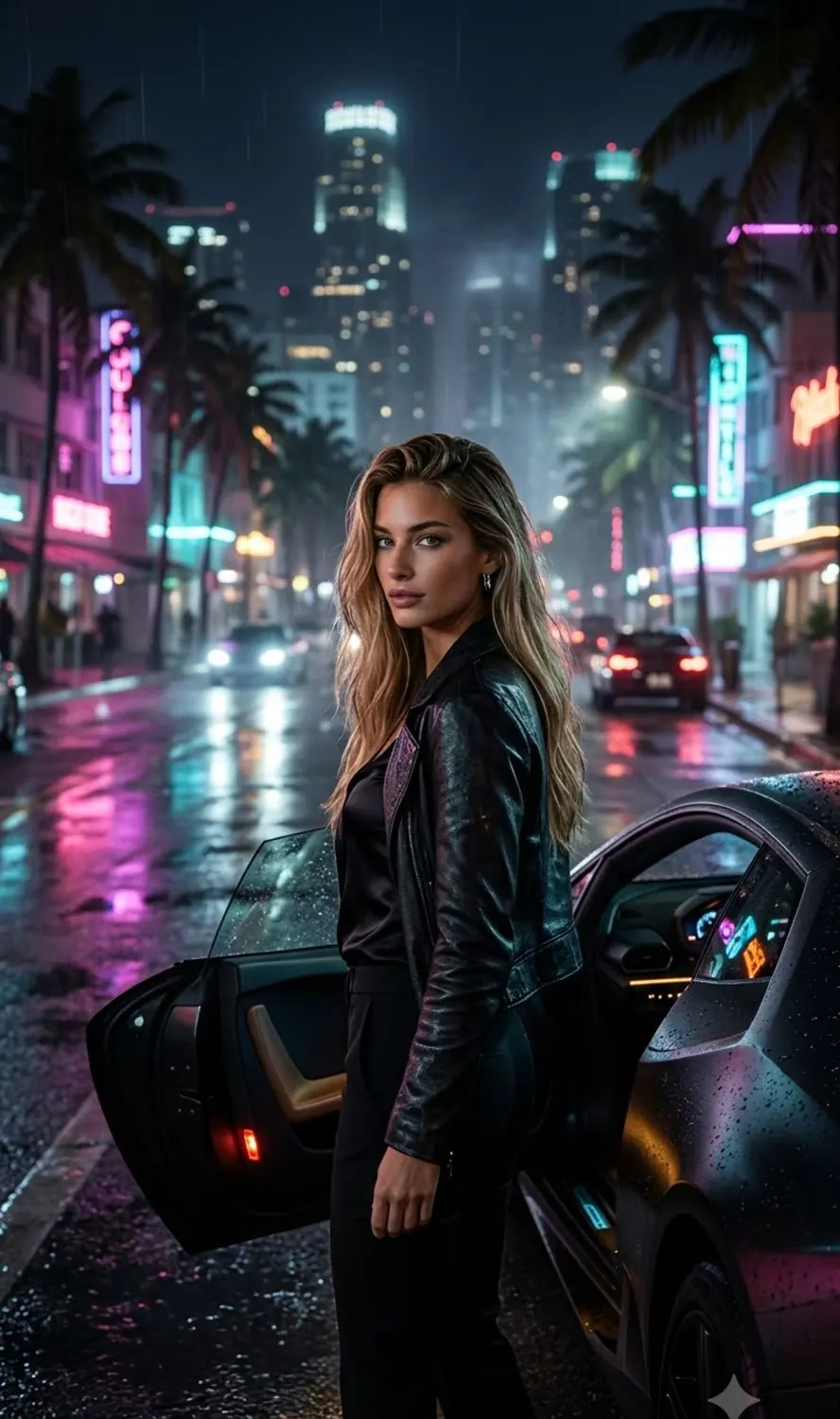
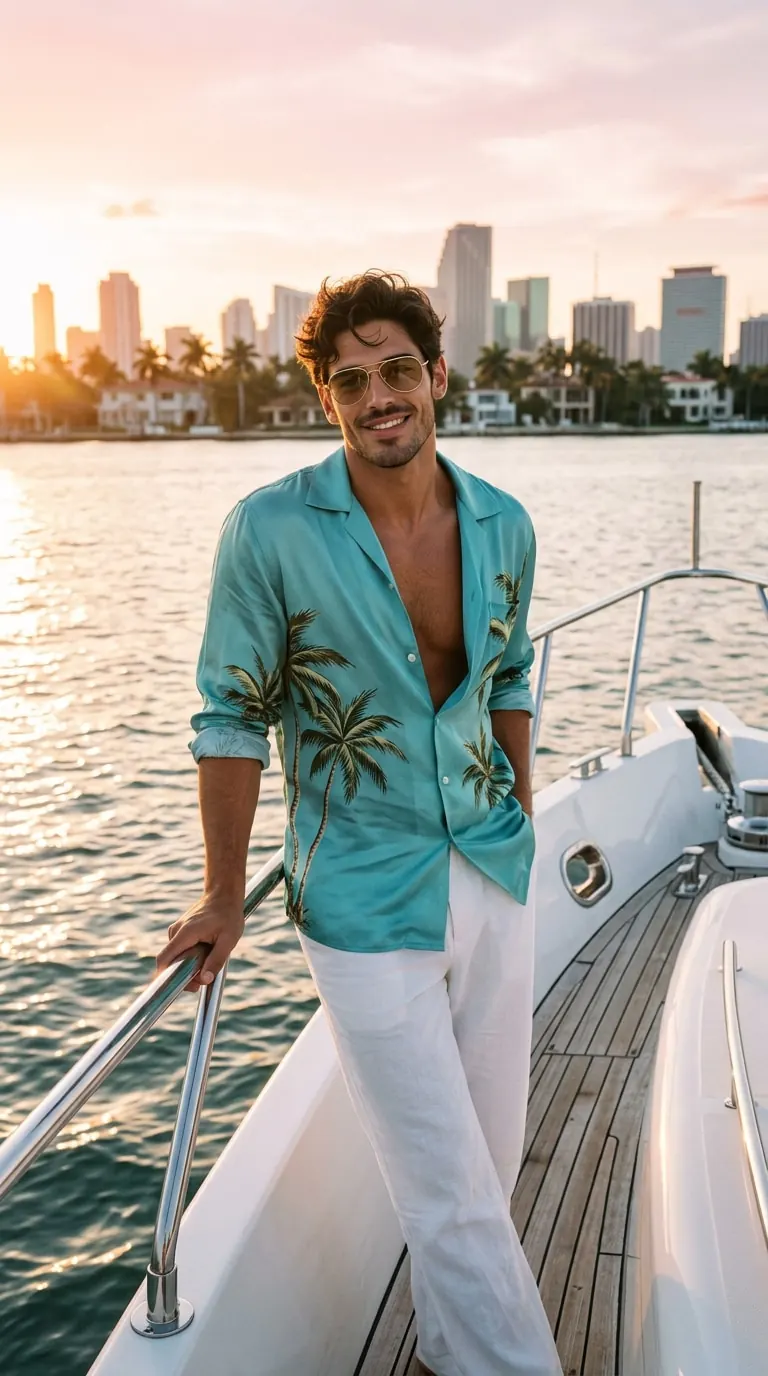
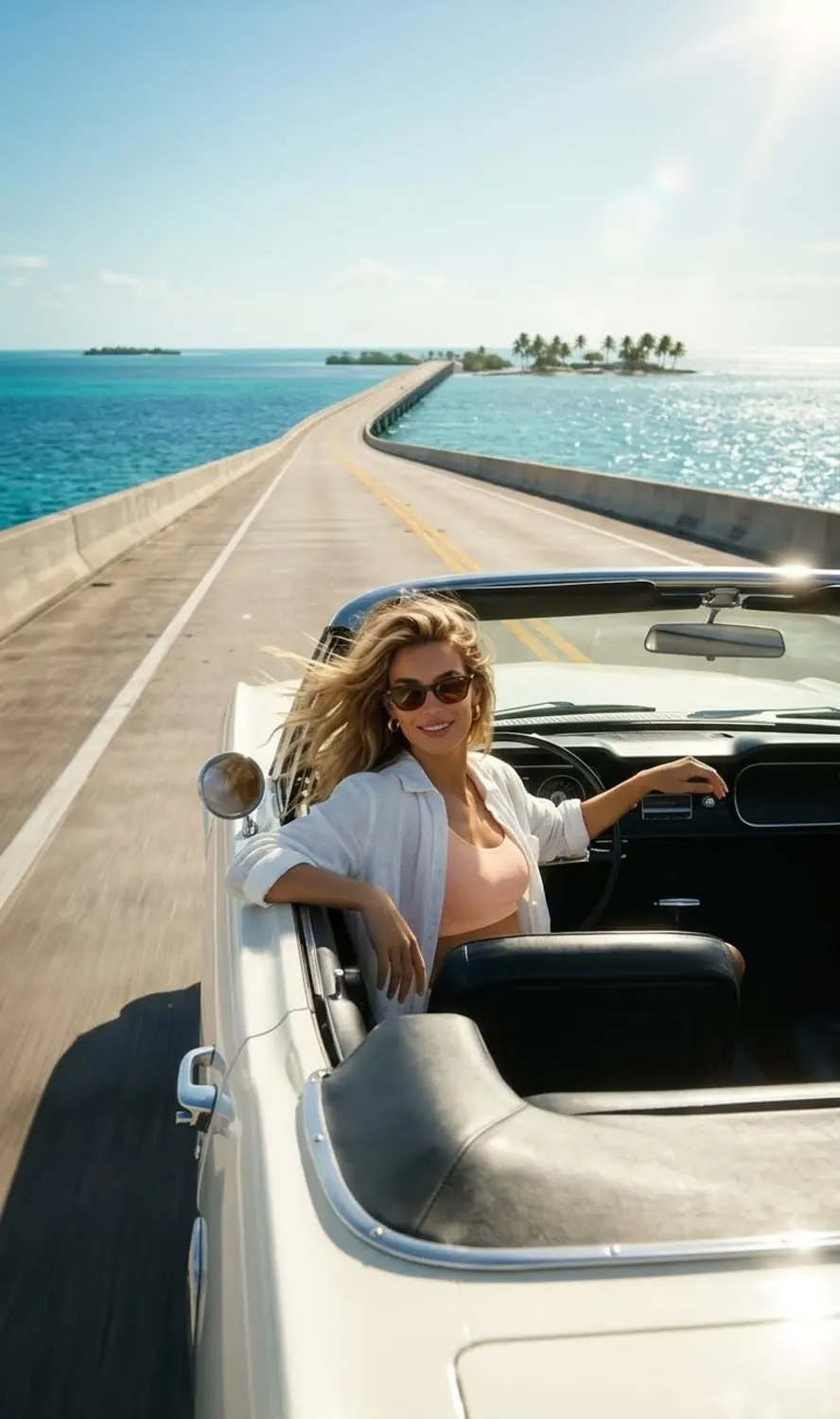
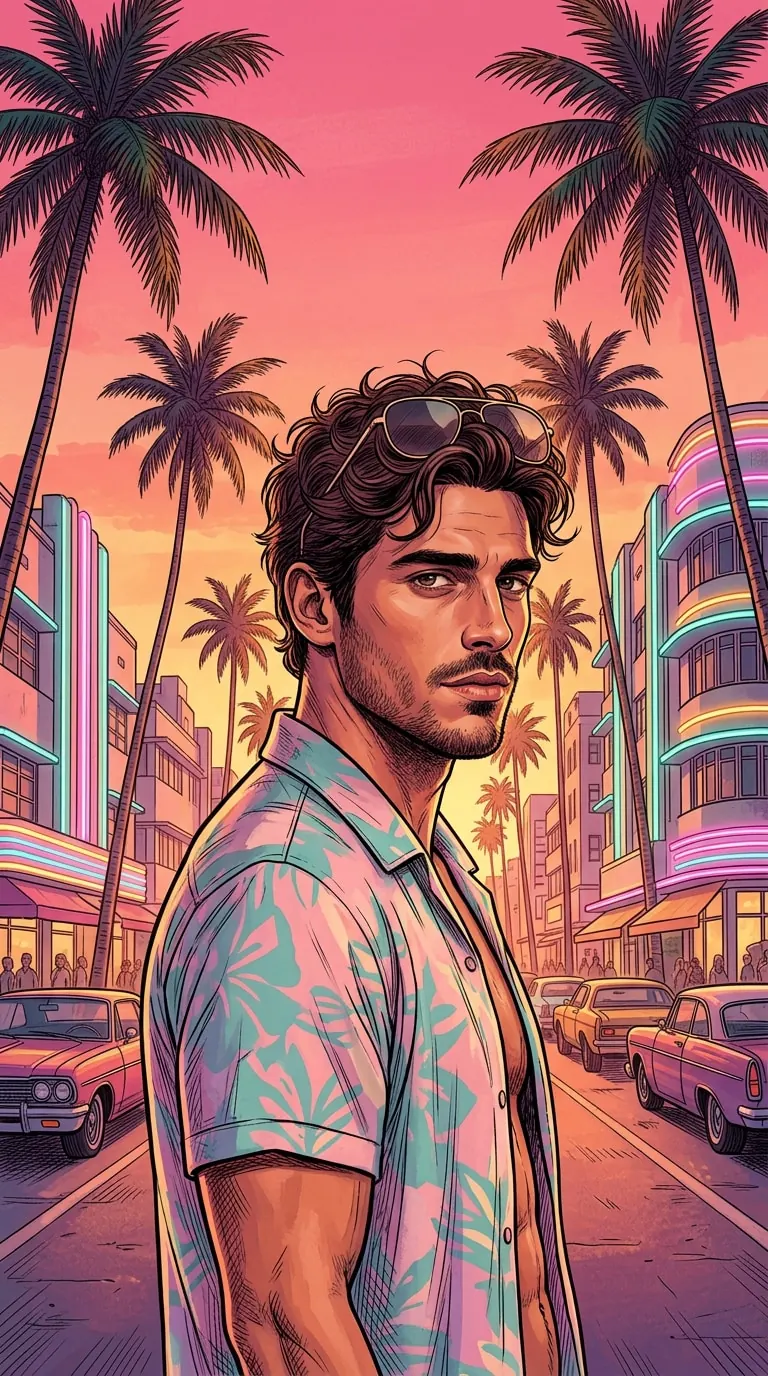
The other "GTA 6 selfie" is a photo of you that looks like it was taken in Vice City: pastel hotels, hot pink sunsets, palm trees, neon at night. These covers come from the Open World Miami styles in Rizz AI Photo, each made from one everyday selfie.
1Take a clear selfieDaylight, face fully visible, no sunglasses, just you. Waist up or closer.
2Open Rizz AI PhotoInstall Rizz AI Photo and open the Open World Miami section.
3Pick a selfie friendly styleIn Game, Pool Party, Nightclub VIP and Yacht Deck feel the most like a candid selfie. Miami Poster gives the painted key art look.
4GenerateUpload your selfie and tap Generate. It is ready in about 20 seconds.
Prefer the free route? Upload your selfie in Gemini or ChatGPT and paste one of these. They describe the look instead of naming the game, which gives cleaner results and fewer refusals. For key art and poster looks, see our GTA 6 AI photo prompts.
Beach boulevard selfie
Make this an arm's length selfie of the same person on a sunny beach boulevard in a Miami style city, pastel Art Deco hotels and palm trees behind, white tank top and gold chain, bright afternoon sun, realistic open world game graphics, slight wide angle phone lens look, chest up. No logos, no game title text, no weapons, no readable phone screen text. Vertical 9:16. Keep the face, hair and skin tone exactly the same as the photo.
Turn this into a selfie of the same person on a rooftop at sunset above a Miami style skyline, hot pink and orange sky, linen shirt open over a tee, warm rim light on the hair, realistic open world game graphics, arm's length framing, head and shoulders. No logos, no game title text, no weapons, no readable phone screen text. Vertical 9:16. Keep the face, hair and skin tone exactly the same as the photo.
Create a selfie of the same person in the driver's seat of a vintage convertible at night, pink and teal neon reflected on the windscreen, light rain on the glass, black leather jacket, realistic open world game graphics, close framing from the dashboard. No logos, no game title text, no weapons, no readable phone screen text. Vertical 9:16. Keep the face, hair and skin tone exactly the same as the photo.
Make a mirror selfie of the same person in a retro roadside motel room, pastel pink walls, a buzzing neon sign through the blinds, floral shirt and loose trousers, phone held at chest height, warm lamp light, realistic open world game graphics, waist up. No logos, no game title text, no weapons, no readable phone screen text. Vertical 4:5. Keep the face, hair and skin tone exactly the same as the photo.
Turn this into a selfie of the same person at a villa pool party at golden hour, a flamingo float in turquoise water behind, white shirt and sunglasses pushed up into the hair, friends blurred far in the background, realistic open world game graphics, arm's length, chest up. No logos, no game title text, no weapons, no readable phone screen text. Vertical 9:16. Keep the face, hair and skin tone exactly the same as the photo.
Create a flash selfie of the same person on a nightclub balcony, purple and teal lasers, a disco ball behind, sequin top or satin shirt, hard on camera flash, laughing, realistic open world game graphics, head and shoulders. No logos, no game title text, no weapons, no readable phone screen text. Vertical 4:5. Keep the face, hair and skin tone exactly the same as the photo.
Make a selfie of the same person standing on a fast airboat in a Florida style swamp at golden hour, spray and tall grass behind, cypress trees on the horizon, khaki shirt, wind in the hair, realistic open world game graphics, arm's length framing. No logos, no game title text, no weapons, no readable phone screen text. Vertical 9:16. Keep the face, hair and skin tone exactly the same as the photo.
Create a selfie of the same person in a white convertible crossing a long bridge over turquoise sea, bright midday sun, aviator sunglasses in hand, short sleeve shirt, other lanes empty, realistic open world game graphics, passenger seat angle, chest up. No logos, no game title text, no weapons, no readable phone screen text. Vertical 9:16. Keep the face, hair and skin tone exactly the same as the photo.
Turn this into a selfie of the same person at a lonely roadside gas station at night, buzzing fluorescent light, humid air, a muscle car parked behind, hoodie and gold chain, moody green and orange light, realistic open world game graphics, head and shoulders. No logos, no game title text, no weapons, no readable phone screen text. Vertical 4:5. Keep the face, hair and skin tone exactly the same as the photo.
Redraw this selfie of the same person as painted video game key art: arm outstretched toward the viewer as if holding the camera, fine black ink outlines, soft crosshatch shading, pink and orange sunset, palm trees and pastel hotels behind, chest up. No logos, no game title text, no weapons, no readable phone screen text. Vertical 4:5. Keep the face, hair and skin tone exactly the same as the photo.
Sources, checked 24 Nov 2026: release date and platforms from Rockstar Games; phone camera, selfie view, poses and Photo Studio from Beebom and Gfinity; Photo Studio limits and Snapmatic from Insider Gaming. These are launch week guides, not official Rockstar documentation.
FAQ
How do you take a selfie in GTA 6?+
Launch guides say you press Up on the D-pad to open the phone, open the Camera app and switch to the front camera, then pick a pose and expression and take the photo. For more control, use Photo Studio from the pause menu.
Why is the GTA 6 selfie greyed out?+
We could not find an official answer from Rockstar. Beebom reports the phone camera only becomes available after Lucia's prologue, once you control Jason, and phone features are often locked during missions and cutscenes. Try again in free roam, or use Photo Studio.
Is there a photo mode in GTA 6?+
Yes. It is called Photo Studio and is in the pause menu. Launch guides say it is available from the start of the game, with some settings unavailable during cutscenes.
Can you post selfies on Snapmatic in GTA 6?+
According to Insider Gaming, no. Snapmatic is an in game feed you can scroll, but you cannot post your own photos to it.
How do I make a GTA 6 selfie of myself?+
Upload a clear selfie to Gemini or ChatGPT with one of the prompts on this page, or use the Open World Miami styles in Rizz AI Photo, which keep your face and are ready in about 20 seconds.
Is the GTA 6 selfie style official?+
No. The prompts and styles here are fan made and inspired by the look of the game. Rizz AI Photo is not affiliated with Rockstar Games or Take Two Interactive.
Fan made guide. Rizz AI Photo is not affiliated with, endorsed by or sponsored by Rockstar Games or Take Two Interactive. Grand Theft Auto and GTA are trademarks of Take Two Interactive, used here only to describe the look these photo styles are inspired by. No official game art is used on this page.
Skip the prompt. Get the photo.
Rizz AI Photo runs Nano Banana 2.1 behind ready made styles. Upload a selfie, tap a style, and get your image in seconds. No prompt writing needed.