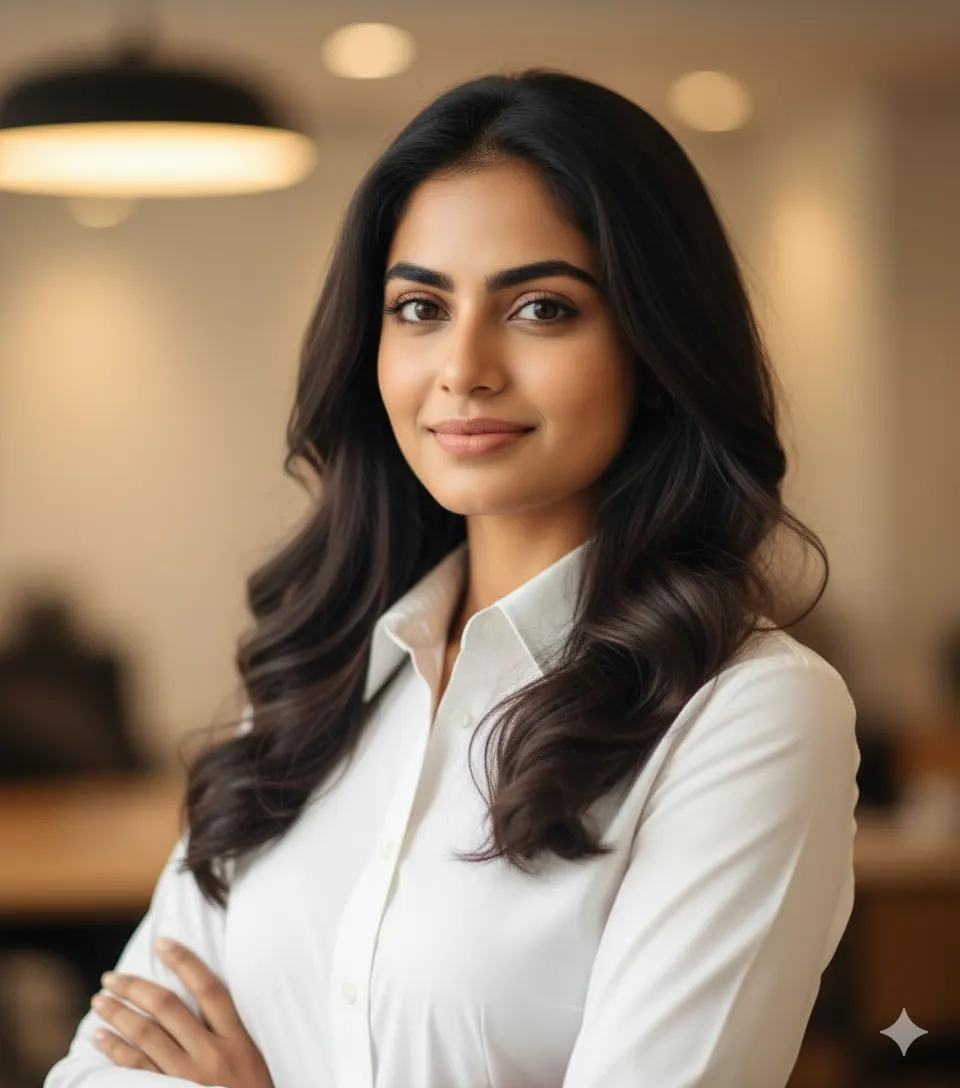
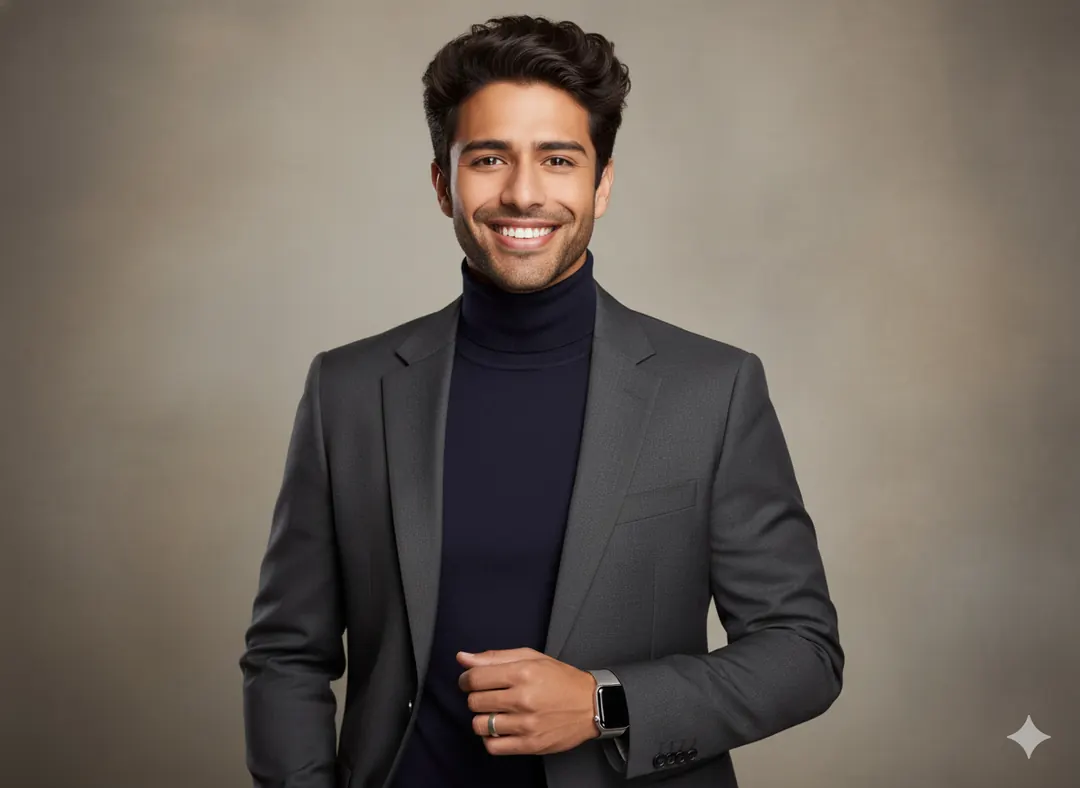
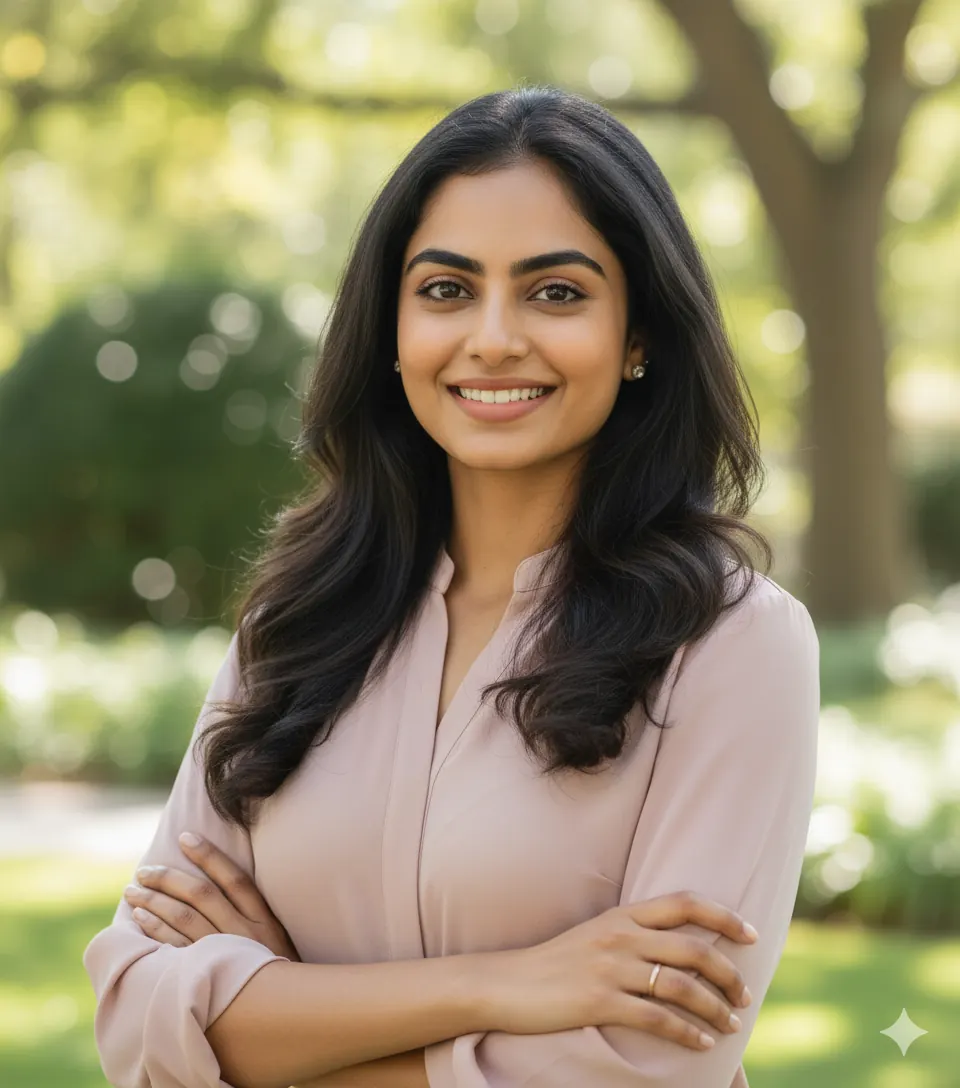
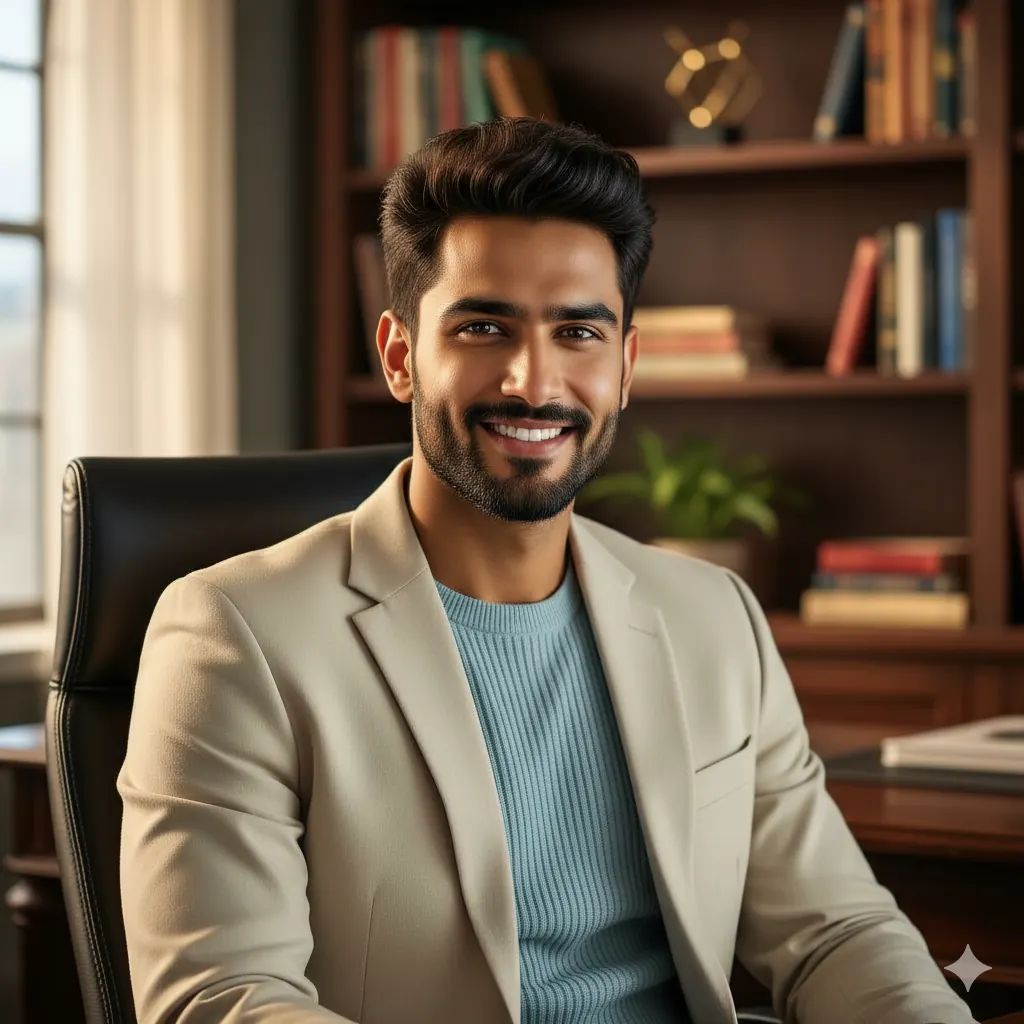
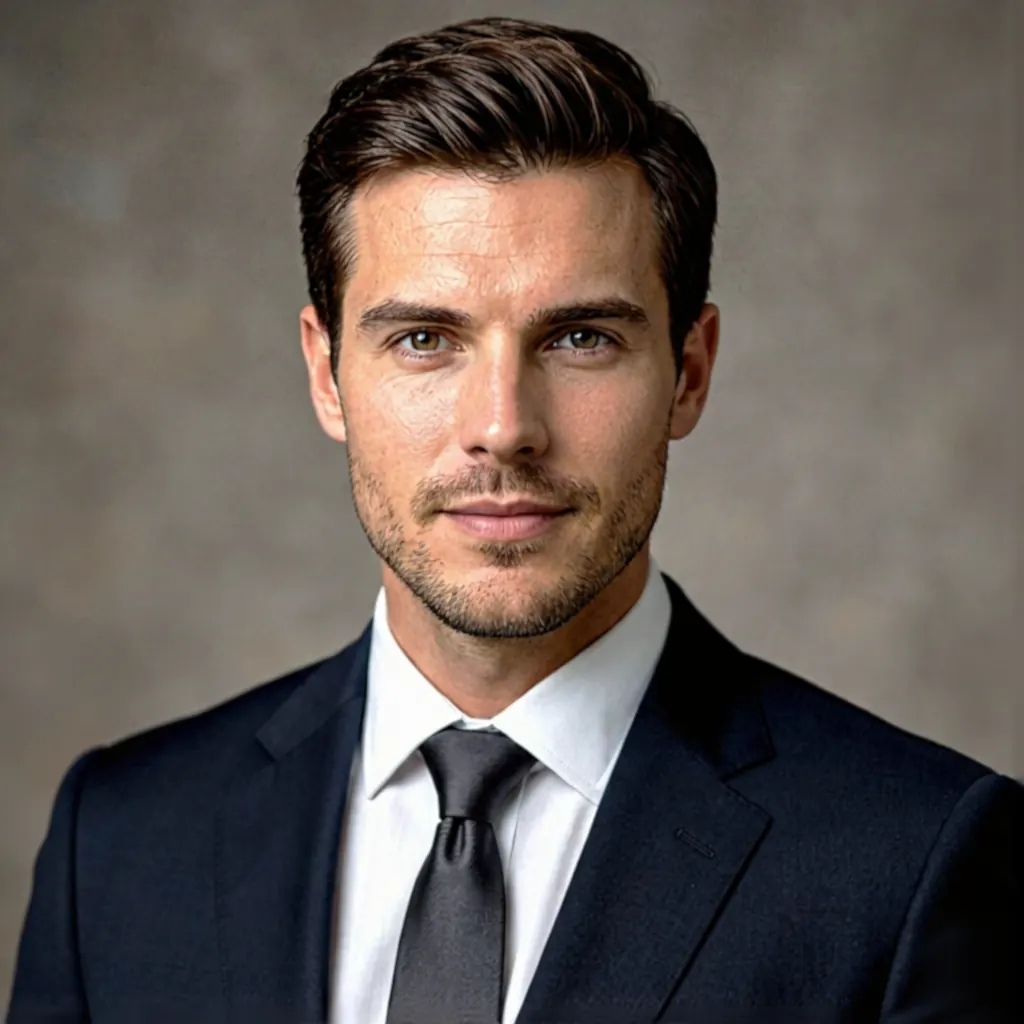
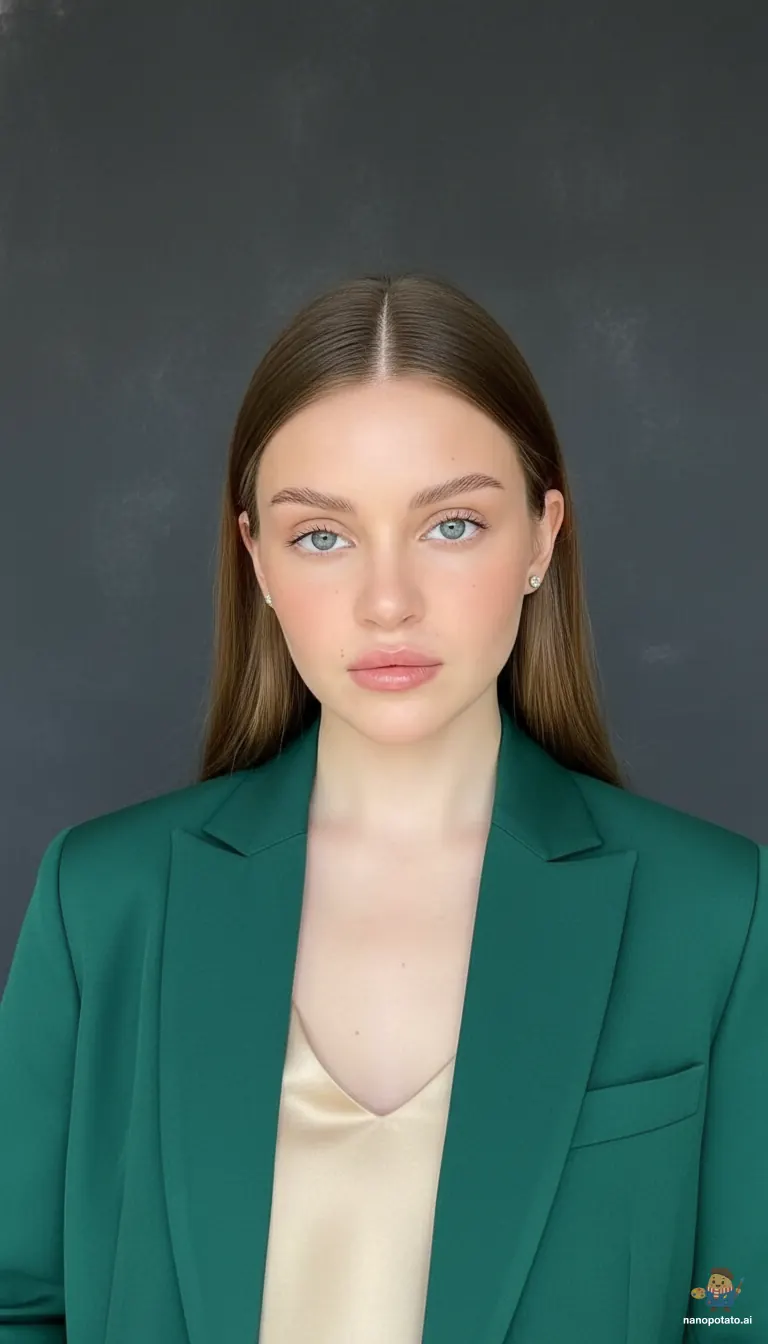
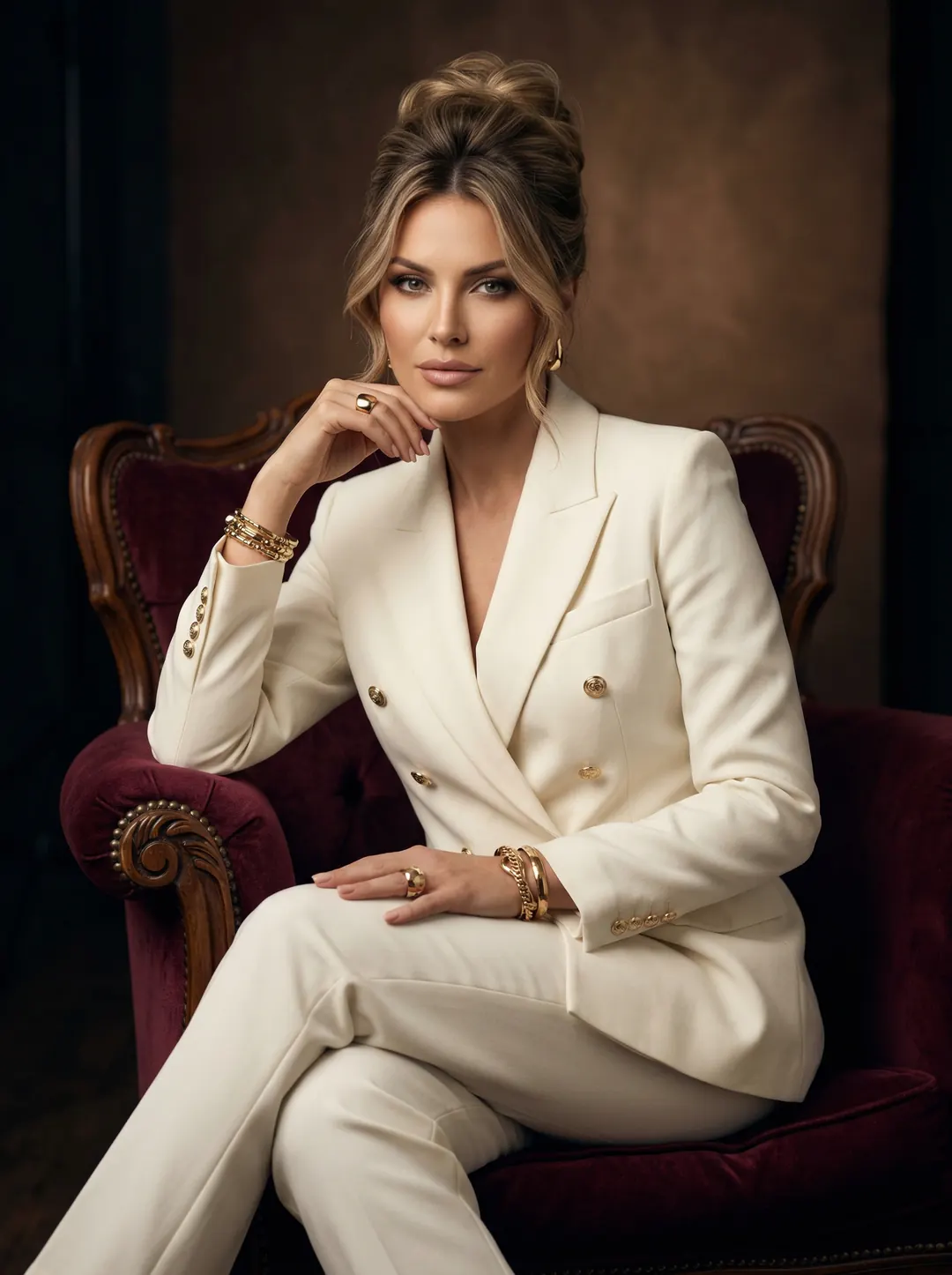
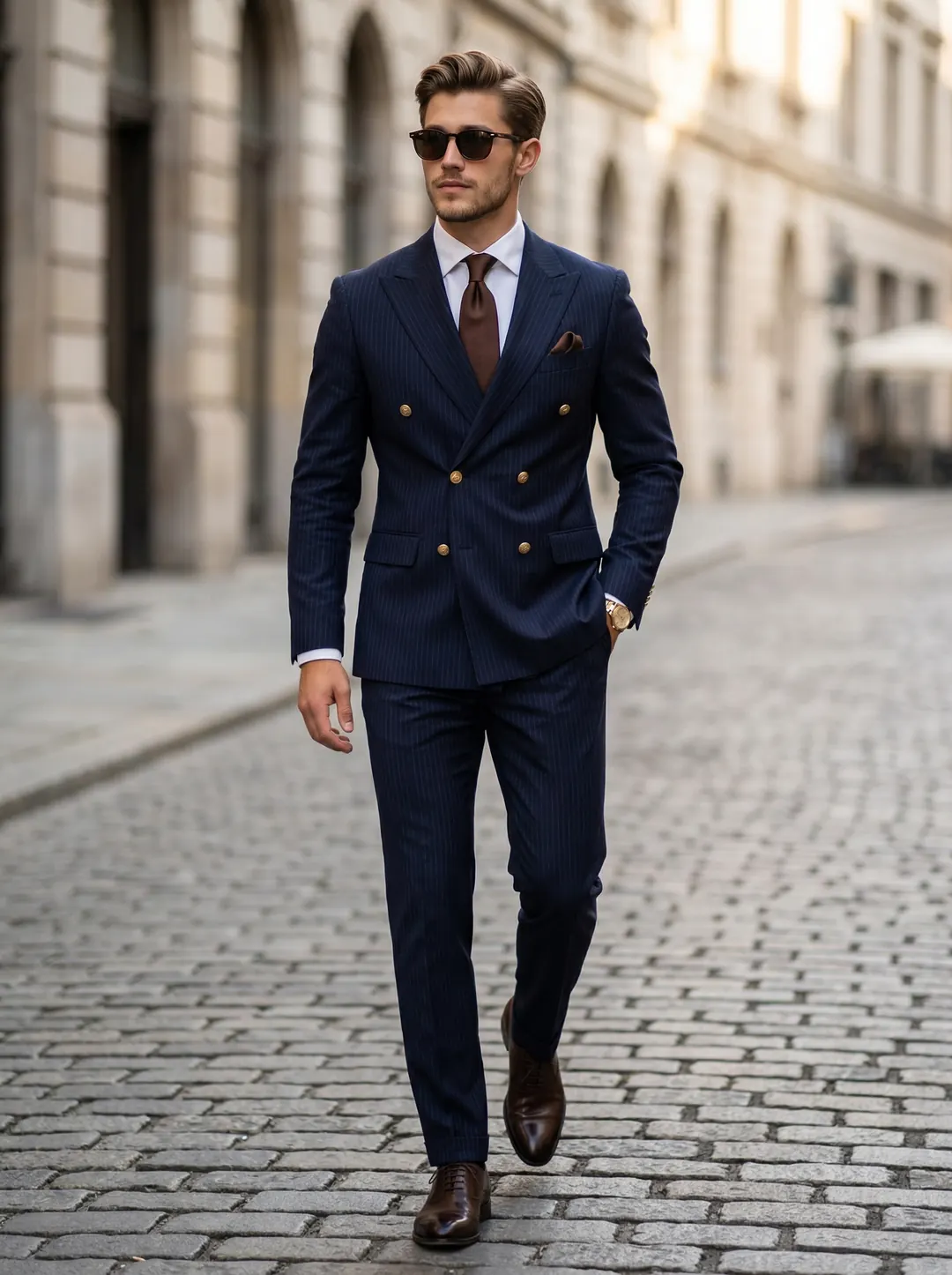
LinkedIn headshot prompts for Gemini: 21 prompts by industry and background

A generic "make this a professional headshot" prompt gives everyone the same grey backdrop and the same navy blazer.

By the Rizz AI Photo team · Updated

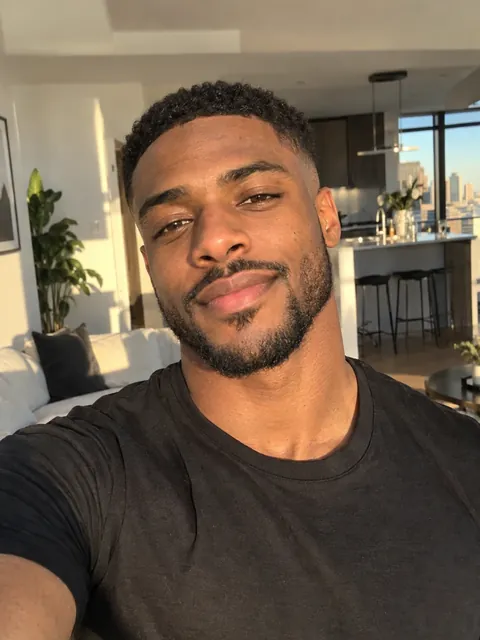
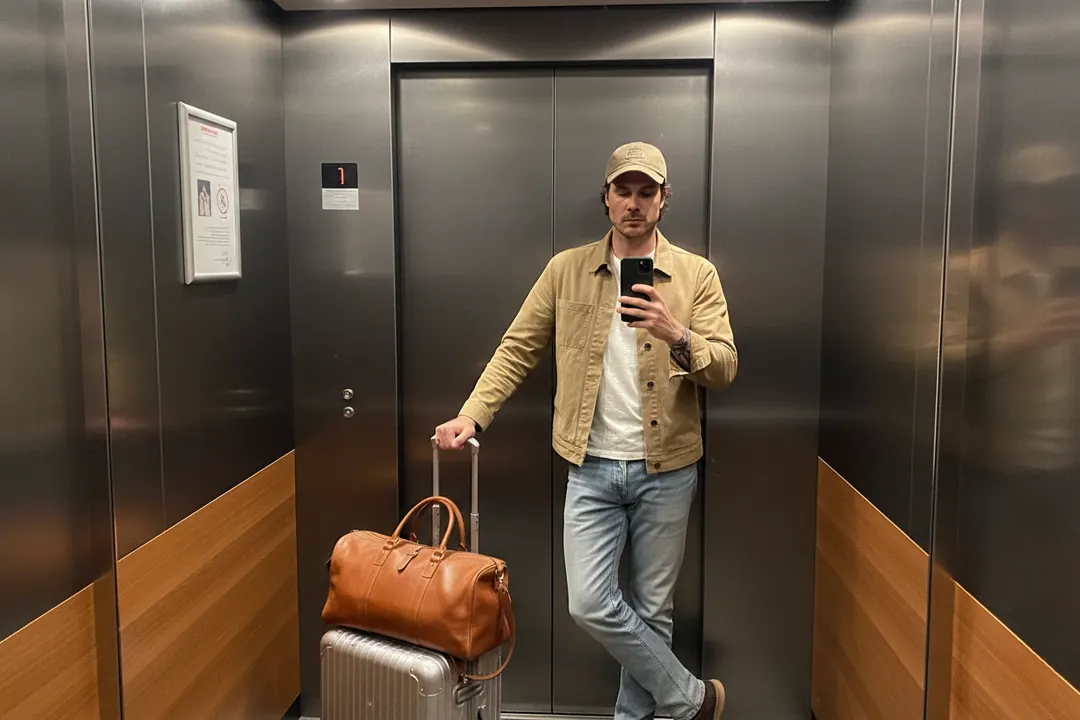
Before: the selfie usedBefore
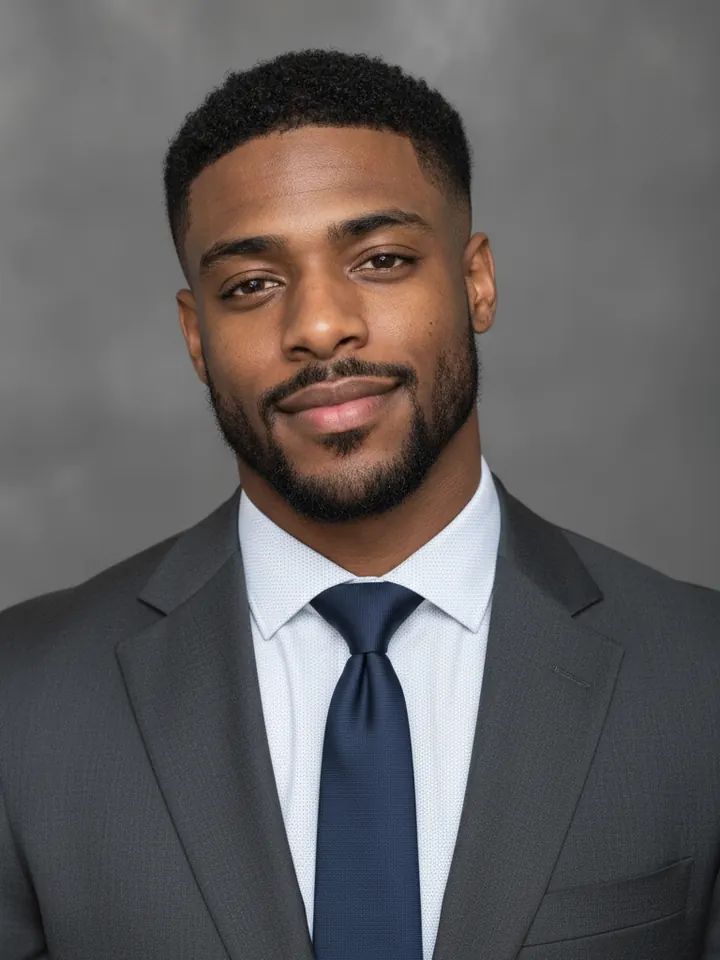
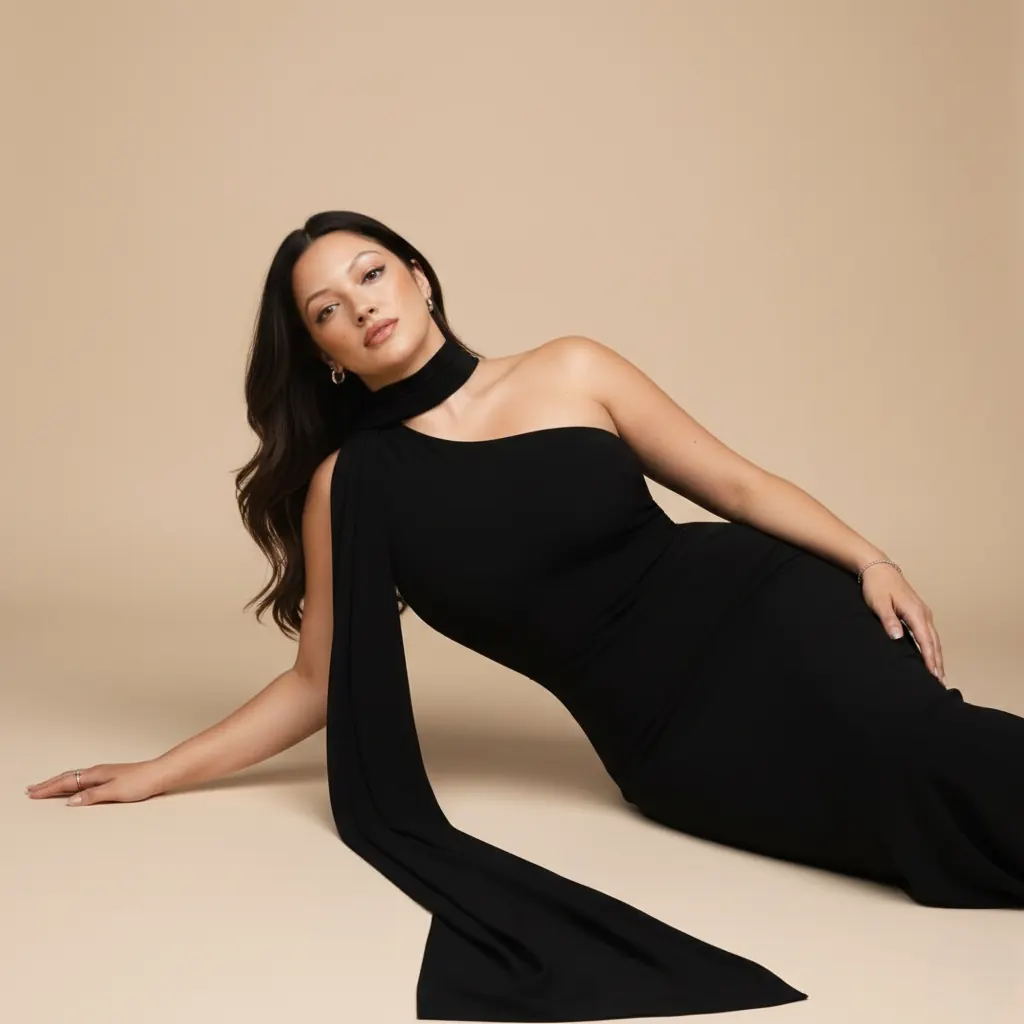
After: Confident style, made from the selfie in the cornerConfident
The selfies show fictional people made for our examples.

In short

A strong LinkedIn headshot prompt for Gemini sets five things: head and shoulders framing, an outfit that fits your industry, a plain or softly blurred background, soft directional light and a square 1:1 crop. It ends with "keep the face, hair and skin tone exactly the same as the photo" and goes into Gemini with one sharp, front facing selfie.

A good LinkedIn headshot fits your field: a banker, a nurse and a product designer should not look like the same stock photo. These 21 Gemini prompts are written by background and by industry, with the outfit, light, framing and crop already set.

What makes a good LinkedIn headshot prompt

LinkedIn shows your photo as a small circle next to your name, in search results and in every comment. The prompt has to produce a photo that still reads at that size. Every prompt on this page follows the same structure:

  • Framing

    Example
    Head and shoulders, face centered
    Why it matters
    The circle crop cuts the corners, so your face must fill the middle
  • Outfit

    Example
    Navy blazer over a white shirt
    Why it matters
    Signals your field before anyone reads your headline
  • Background

    Example
    Plain mid grey, or a softly blurred office
    Why it matters
    Busy backgrounds turn into noise at thumbnail size
  • Light

    Example
    Soft window light from the left
    Why it matters
    Even light keeps skin natural and avoids the plastic AI look
  • Lens

    Example
    85mm portrait lens, shallow depth of field
    Why it matters
    Flattering proportions and a softly blurred background
  • Expression

    Example
    Relaxed smile, eyes on the camera
    Why it matters
    Reads as approachable in a feed full of faces
  • Crop

    Example
    Square 1:1
    Why it matters
    Matches the profile photo slot
  • Face line

    Example
    Keep the face, hair and skin tone exactly the same as the photo.
    Why it matters
    Stops Gemini from changing your features

Want broader ideas first? LinkedIn profile picture ideas covers 12 looks and the framing rules, and the free AI headshot generator guide compares Gemini, an app and a photographer. This page goes deeper on the prompts themselves.

LinkedIn headshot prompts by background

Start here if you already know the look you want. You can swap in the outfit from any industry prompt further down.

Mid grey studio

Turn this selfie into a LinkedIn headshot of the person in the photo: head and shoulders, face centered, mid grey seamless studio backdrop with a soft light falloff behind the head, navy blazer over a white shirt, soft key light from the front left with gentle fill, 85mm lens. Relaxed natural smile, eyes on the camera, real skin texture. Square 1:1. No text, no logos. Keep the face, hair and skin tone exactly the same as the photo.

Skip the prompt: try the ready made styles in Rizz AI Photo →
Clean white team page

Create a bright headshot of the person in this photo for a company team page: pure white seamless background, even soft lighting with no shadow behind, light grey blazer over a black top, head and shoulders, shoulders turned slightly, friendly smile. Crisp and clean, natural skin. Square 1:1. No text, no logos. Keep the face, hair and skin tone exactly the same as the photo.

Skip the prompt: try the ready made styles in Rizz AI Photo →

Brand color backdrop

Make a professional headshot of the person in this photo against a solid deep teal backdrop, wearing a charcoal knit top, soft wraparound light, head and shoulders, calm confident half smile. Modern editorial finish, natural skin. Square 1:1. No text, no logos. Keep the face, hair and skin tone exactly the same as the photo.

Skip the prompt: try the ready made styles in Rizz AI Photo →
Blurred modern office

Show the person in this photo standing in a bright modern office, glass meeting rooms and desks softly blurred behind, white shirt under an unstructured blazer, daylight from tall windows on one side, head and shoulders, 85mm lens at f/2, approachable smile. Square 1:1. No text, no logos. Keep the face, hair and skin tone exactly the same as the photo.

Skip the prompt: try the ready made styles in Rizz AI Photo →

Bookshelf home office

Create a headshot of the person in this photo in a tidy home office, a wooden bookshelf softly out of focus behind, fine merino sweater, warm window light from the side, chest up with the face centered, relaxed genuine smile. Natural colors, real skin texture. Square 1:1. No text, no logos. Keep the face, hair and skin tone exactly the same as the photo.

Skip the prompt: try the ready made styles in Rizz AI Photo →

City window at dusk

Make an executive headshot of the person in this photo in front of a floor to ceiling window with a city skyline blurred at dusk, dark suit and open collar shirt, soft key light on the face balanced with the evening glow, head and shoulders, composed and confident. Square 1:1. No text, no logos. Keep the face, hair and skin tone exactly the same as the photo.

Skip the prompt: try the ready made styles in Rizz AI Photo →

For the brand color prompt, replace "deep teal" with your company or banner color. A darker, muted shade reads better in a small circle than a bright one.

Prompts for finance, law, consulting, sales and real estate

Finance and banking

Turn this selfie into a conservative finance headshot of the person in the photo: charcoal suit, pale blue shirt with a dark tie or a simple silk blouse, warm neutral grey backdrop, classic portrait lighting with a soft shadow on one side of the face, head and shoulders, calm assured expression. Square 1:1. No text, no logos. Keep the face, hair and skin tone exactly the same as the photo.

Skip the prompt: try the ready made styles in Rizz AI Photo →

Law firm

Create a formal law firm headshot of the person in this photo: navy suit and white shirt, a wood paneled library with leather bound books heavily blurred behind, soft window light, head and shoulders, serious but warm expression, eyes on the camera. Square 1:1. No text, no logos. Keep the face, hair and skin tone exactly the same as the photo.

Skip the prompt: try the ready made styles in Rizz AI Photo →

Management consultant

Make a headshot of the person in this photo for a consulting profile: navy blazer with an open collar, arms loosely crossed, a bright open plan workspace with whiteboards softly blurred and no readable writing, natural daylight, chest up, confident friendly smile. Square 1:1. No text, no logos. Keep the face, hair and skin tone exactly the same as the photo.

Skip the prompt: try the ready made styles in Rizz AI Photo →

Sales and account manager

Show the person in this photo in a smart blazer over a plain crew neck top, a bright hotel lobby softly blurred behind, warm natural light, head and shoulders, leaning slightly toward the camera with a big genuine smile. Friendly and energetic. Square 1:1. No text, no logos. Keep the face, hair and skin tone exactly the same as the photo.

Skip the prompt: try the ready made styles in Rizz AI Photo →

Real estate agent

Create an outdoor headshot of the person in this photo on a quiet residential street, houses and trees softly blurred behind, camel coat or tailored blazer, late afternoon golden light, head and shoulders, warm welcoming smile. Square 1:1. No text, no logos. Keep the face, hair and skin tone exactly the same as the photo.

Skip the prompt: try the ready made styles in Rizz AI Photo →

Prompts for tech, startups, marketing and creative roles

Software engineer

Make a relaxed tech headshot of the person in this photo: charcoal quarter zip sweater over a tee, a calm open plan office with monitors and warm desk lamps softly blurred, soft window light on the face, head and shoulders, easy natural smile. No readable screens. Square 1:1. No text, no logos. Keep the face, hair and skin tone exactly the same as the photo.

Skip the prompt: try the ready made styles in Rizz AI Photo →

Startup founder

Create a founder headshot of the person in this photo: black crewneck, a textured concrete wall behind, single soft light from one side, arms folded, chest up, direct confident look with a slight smile. Clean color, real skin texture. Square 1:1. No text, no logos. Keep the face, hair and skin tone exactly the same as the photo.

Skip the prompt: try the ready made styles in Rizz AI Photo →

Product designer

Show the person in this photo in a cream cardigan over a white tee, a sunny design studio with plants and a pinboard softly blurred behind, bright diffused daylight, head and shoulders, curious friendly smile. Square 1:1. No text, no logos. Keep the face, hair and skin tone exactly the same as the photo.

Skip the prompt: try the ready made styles in Rizz AI Photo →

Marketing and social media

Make a bold, modern headshot of the person in this photo: cobalt blue blazer against a soft peach backdrop, crisp even light, head and shoulders, playful confident smile, slight head tilt. Editorial color, natural skin. Square 1:1. No text, no logos. Keep the face, hair and skin tone exactly the same as the photo.

Skip the prompt: try the ready made styles in Rizz AI Photo →

Data and research roles

Create a headshot of the person in this photo in a light grey sweater, a minimal office with a whiteboard of blurred diagrams behind and no readable writing, cool daylight from a window, head and shoulders, thoughtful half smile. Square 1:1. No text, no logos. Keep the face, hair and skin tone exactly the same as the photo.

Skip the prompt: try the ready made styles in Rizz AI Photo →

Prompts for healthcare, education, engineering and new grads

Nurse or physician in scrubs

Turn this selfie into a healthcare headshot of the person in the photo: navy scrubs with a stethoscope around the neck, a bright hospital corridor softly blurred behind, soft even light, head and shoulders, kind reassuring smile. Clean and professional. Square 1:1. No text, no logos. Keep the face, hair and skin tone exactly the same as the photo.

Skip the prompt: try the ready made styles in Rizz AI Photo →

Therapist or coach

Create a calm headshot of the person in this photo for a therapy or coaching profile: soft knit cardigan, a quiet consulting room with an armchair and a plant blurred behind, warm daylight, head and shoulders, gentle open expression. Square 1:1. No text, no logos. Keep the face, hair and skin tone exactly the same as the photo.

Skip the prompt: try the ready made styles in Rizz AI Photo →

Teacher or professor

Make a headshot of the person in this photo in a tweed blazer or a simple cardigan, a university library with shelves softly blurred behind, warm window light, head and shoulders, friendly approachable smile. Square 1:1. No text, no logos. Keep the face, hair and skin tone exactly the same as the photo.

Skip the prompt: try the ready made styles in Rizz AI Photo →

Engineer or architect

Show the person in this photo on a bright construction site with steel beams softly blurred behind, white shirt under a dark technical jacket, a white safety helmet tucked under one arm, overcast daylight, chest up, confident relaxed smile. Square 1:1. No text, no logos. Keep the face, hair and skin tone exactly the same as the photo.

Skip the prompt: try the ready made styles in Rizz AI Photo →

Student or new graduate

Create a first professional headshot of the person in this photo: simple navy blazer over a plain top, a campus building and trees softly blurred behind, natural daylight, head and shoulders, fresh friendly smile, looking at the camera. Square 1:1. No text, no logos. Keep the face, hair and skin tone exactly the same as the photo.

Skip the prompt: try the ready made styles in Rizz AI Photo →
Skip the prompts. Professional Headshots and Power Suit styles in Rizz AI Photo, one selfie, about 20 seconds each.Try free

How to use these prompts in Gemini

  1. 1Open GeminiGo to gemini.google.com or open the Gemini app and sign in. Image editing there runs on Nano Banana 2.1, Google's image model.
  2. 2Upload one clear photoTap the plus button and add a sharp, well lit photo. Face a window at eye level, with no sunglasses, hat or filter. Head and shoulders gives Gemini the most detail of your face.
  3. 3Paste the promptCopy a prompt from this page, paste it with your photo and send. Change the aspect ratio at the end if you need a different size.
  4. 4Fix one thing at a timeIf the face drifts, reply "keep my face exactly like the original photo" instead of rewriting the whole prompt. Then download the image.

Then fix details with short follow up messages instead of starting over. Each new prompt from scratch drifts a little further from your face.

  • Too smooth: "Same photo, keep natural skin texture and pores, no beauty filter."
  • Wrong outfit: "Same photo, change only the blazer to dark green."
  • Face drifting: "Keep my face exactly like the original photo."
  • Too dark for the circle: "Same photo, slightly brighter background and a little more light on the face."
  • Need a banner too: "Same person and outfit, wide horizontal 16:9 shot with more of the office visible." Crop it to 1584 by 396 pixels, LinkedIn's recommended background photo size.

Gemini's free image use is limited by Google's usage limits, which refresh over time rather than as a fixed daily count (Google). If you hit the limit, the same prompts work in ChatGPT.

Tips for a LinkedIn headshot that still looks like you

  • Match the outfit to the room you want to be in. Dress for the meetings you are aiming for, not the job you had five years ago.
  • Keep your real hair, beard and glasses. If you wear glasses on calls, wear them in the photo.
  • One person only. Crop friends and partners out of the selfie before you upload it.
  • Check it at thumbnail size. Shrink the result to the size of a comment avatar. If your face is not clear, crop tighter.
  • Use the same headshot everywhere. LinkedIn, email signature, Slack or Teams and speaker pages: consistency makes you easier to recognise.
  • Export a square. A square of at least 400 by 400 pixels is the commonly recommended profile photo size.

Is an AI headshot allowed? LinkedIn's help center says your profile photo "must reflect your likeness", and it even allows an illustration or artistic rendering of yourself (LinkedIn Help). A headshot that keeps your real face and only improves the clothes, light and background fits that rule. Don't change your age, weight or features, and never use an AI photo for ID documents.

Skip the prompts: one tap headshots

  1. 1Install Rizz AI PhotoGet Rizz AI Photo on iPhone or Android. It is free to download.
  2. 2Open Professional HeadshotsScroll Home to Professional Headshots, or Power Suit for a wider executive look.
  3. 3Upload a selfieTap a style such as Professional, Refined or Outdoor Shoot and add one clear photo of just you.
  4. 4Save and cropYour headshot is ready in about 20 seconds. Compare it with the original on the slider, save it and crop to a square.
A LinkedIn headshot without a studio. One selfie, Professional Headshots and Power Suit styles, about 20 seconds each.Try free

Sources

FAQ

What is the best LinkedIn headshot prompt for Gemini?

A prompt that names head and shoulders framing, an outfit for your industry, a plain or softly blurred background, soft light from one side and a square 1:1 crop, and ends with "keep the face, hair and skin tone exactly the same as the photo". The mid grey studio prompt on this page is the safest starting point.

How do I make a professional headshot in Gemini?

Open Gemini, upload one sharp, front facing selfie of just you, paste a headshot prompt and send. Fix details one at a time with short follow ups, such as changing only the blazer color, then download the image.

Is it OK to use an AI headshot on LinkedIn?

LinkedIn says your profile photo must reflect your likeness, and it allows artistic renderings of yourself. An AI headshot that keeps your real face and only changes clothes, light and background fits that rule. Don't change your age or features.

What background is best for a LinkedIn headshot?

Plain mid grey, white or a muted brand color for corporate roles, a softly blurred office for tech, a clinic for healthcare and a bookshelf for education and coaching. Keep it simple so your face stands out in the small circle.

What size should a LinkedIn headshot be?

Export a square of at least 400 by 400 pixels, the commonly recommended size. LinkedIn recommends 1584 by 396 pixels for the background photo behind it.

Why does Gemini change my face in headshots?

Usually because the selfie is dark, angled or filtered, or because the prompt was rewritten several times. Use a clear, front facing photo, keep the face line at the end of the prompt, and reply "keep my face exactly like the original photo" if it drifts.

Do these headshot prompts work in ChatGPT?

Yes. They work in ChatGPT and other image tools that accept a photo. Keep the face line at the end and fix details one at a time.

Keep reading

Skip the prompt.
Get the photo.

Rizz AI Photo runs Nano Banana 2.1 behind ready made styles. Upload a selfie, tap a style, and get your image in seconds. No prompt writing needed.