Polaroid photo prompts: 18 free instant film prompts for Gemini

The AI polaroid trend asks for one thing: a photo of you that looks like it just slid out of an instant camera.

By the Rizz AI Photo team · Updated

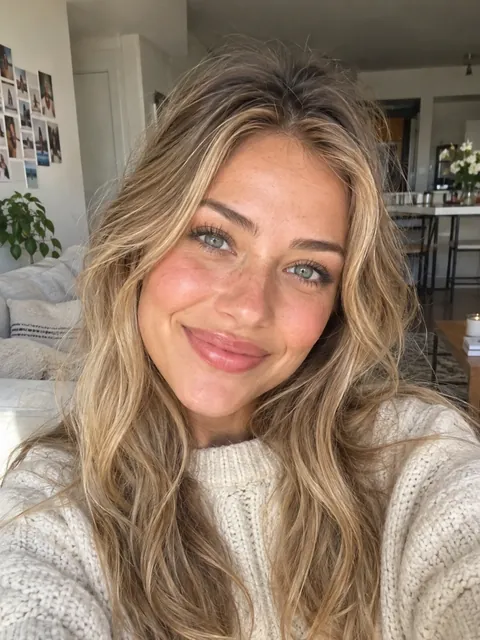
Before: the selfie usedBefore
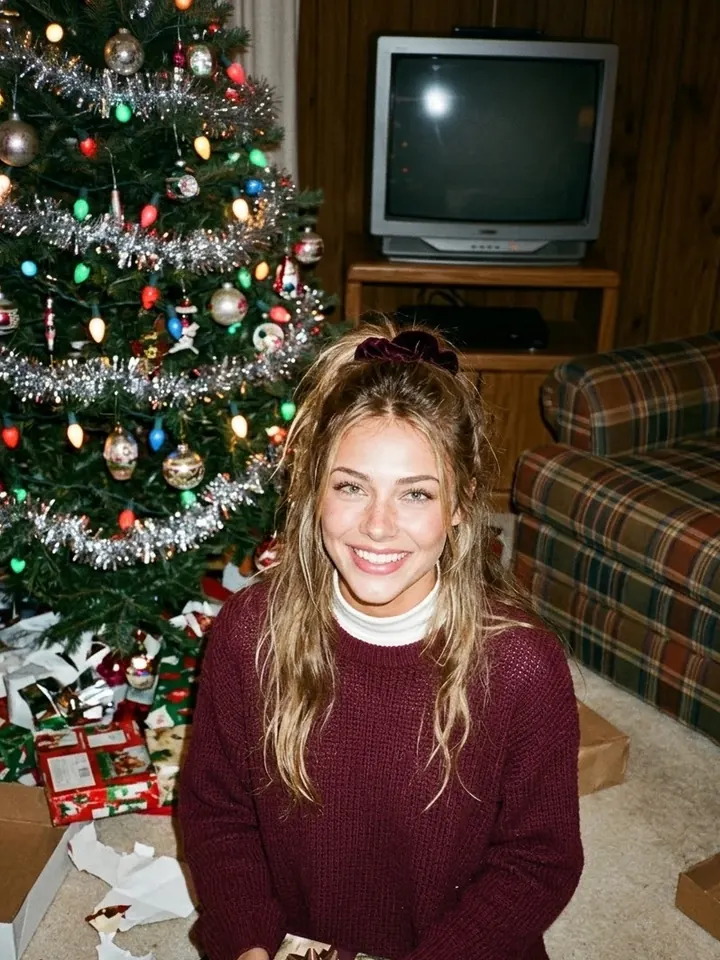
After: 90s Christmas Morning style, made from the selfie in the corner90s Christmas Morning
The selfies show fictional people made for our examples.

In short

A good polaroid photo prompt describes the print (a square instant film photo with a thick white border, a wider strip at the bottom, slightly faded warm colours, soft focus and fine grain), the shot inside it (outfit, place, direct flash) and where the print sits (held in a hand, on a table, pinned to a wall), then ends with "keep the face, hair and skin tone exactly the same as the photo". Paste it into Gemini or ChatGPT with one clear selfie.

Square picture, thick white border, flash, faded warm colour. These 18 prompts get that look from one selfie, solo, with no celebrities and no one else's face.

What the AI polaroid trend is

The AI polaroid trend went viral in autumn 2025 with Gemini's Nano Banana image model: people turned selfies into instant film style portraits with faded edges, film grain and a vintage feel (Free Press Journal). Many of the viral versions put the user next to a celebrity or hugging their younger self (Gulf News).

This page is the solo version. Every prompt has one person, you, because putting a real celebrity's face into a photo raises likeness and consent problems and is the version most likely to be refused. The look is the same: what makes these photos work is the print, not the guest.

What a real instant print looks like

  • Classic square format. A Polaroid i-Type print is 107 x 88 mm with an image area of about 79 x 77 mm, so the picture is almost square and the white border is much wider at the bottom (Polaroid). Ask for "square image, thick white border, wider bottom edge".
  • Mini format. An Instax Mini print is about 54 x 85 mm with a 46 x 62 mm image, a tall, narrow card shape (Digital Camera World). Ask for "credit card sized instant print, portrait orientation" if that is the look you want.
  • Soft, faded colour. Instant film is lower in contrast than a phone photo, with creamy highlights and slightly muted colour. Colour i-Type film takes 10 to 15 minutes to develop, and the finished print keeps that soft, slightly milky look.
  • Direct flash. Most instant cameras fire the flash straight on: bright face, quick fall off, dark background indoors.
  • A physical object. The strongest results show the print itself, held between fingers or lying on a table, not just a filtered photo.

The closest one tap looks in Rizz AI Photo

To be clear: there is no polaroid frame style in the app today. These styles share the flash lit, candid, slightly imperfect feel, and they are real covers made from a single selfie.

  • Digicam Flash: keeps your photo as it is and reshoots it as a 2000s compact camera flash photo. The nearest thing to the instant camera feel. Full guide: AI digicam filter.
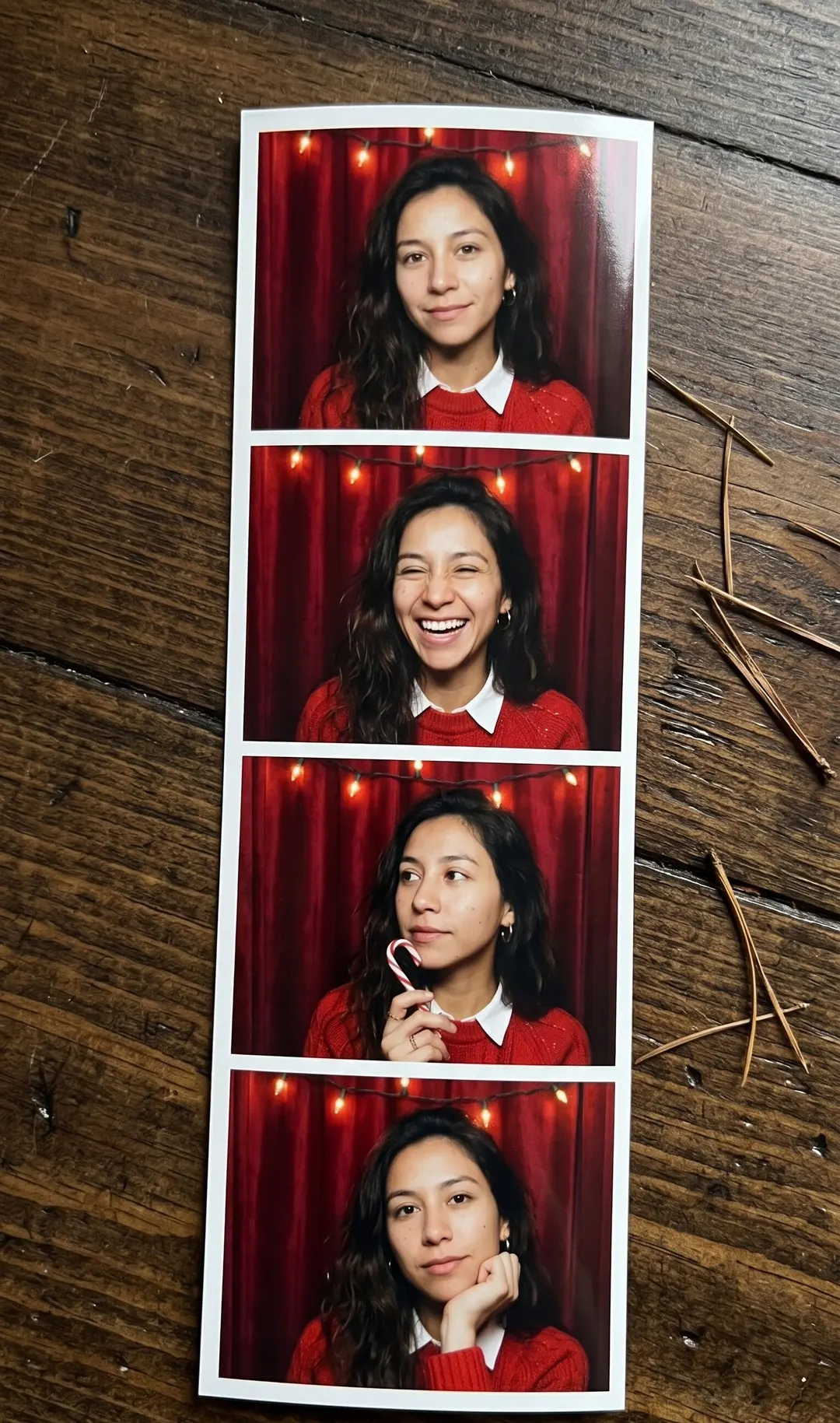
  • Photo Booth Strip: a printed booth strip with a different pose in every frame, shot on a table like a keepsake. The physical print idea, in strip form.
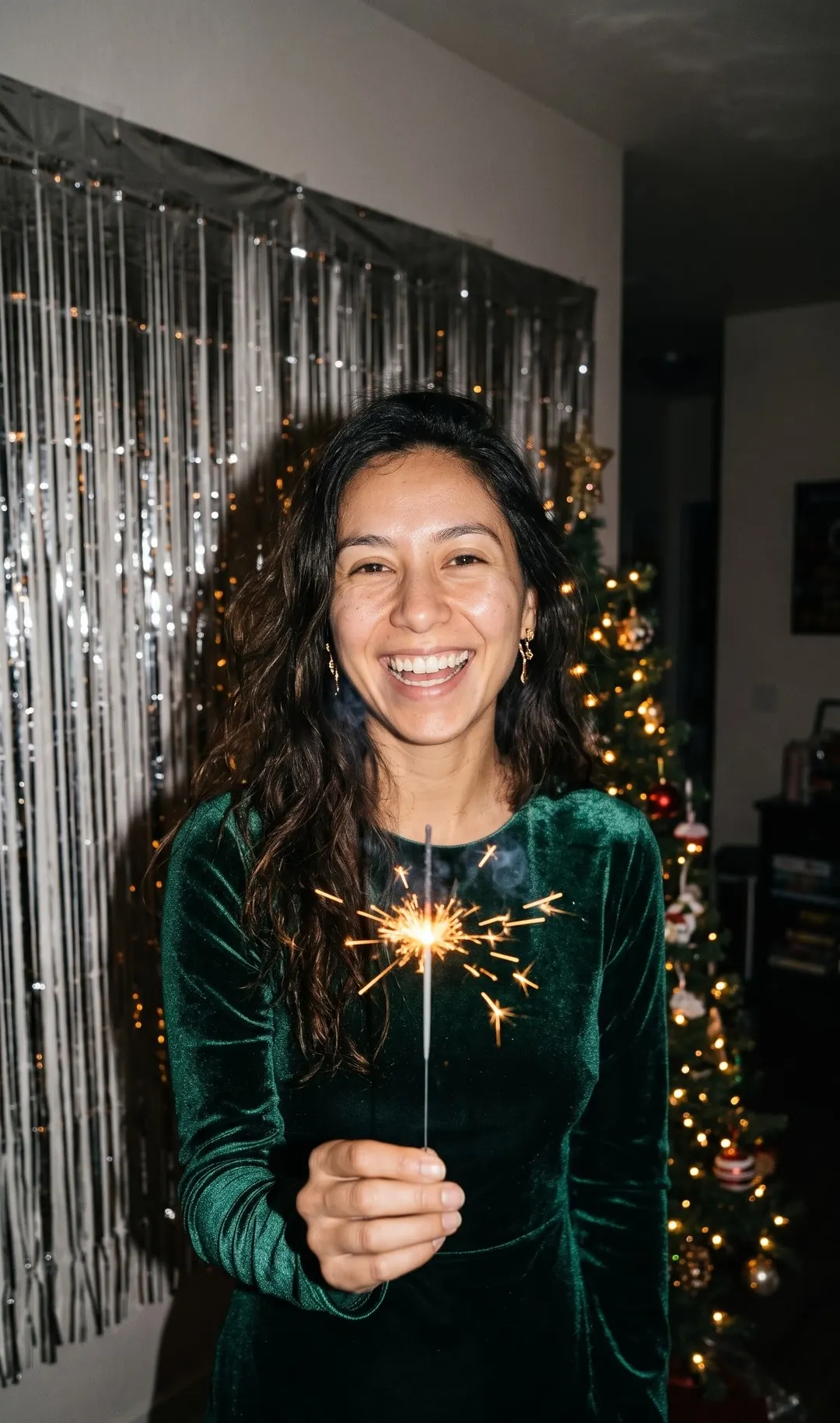
  • Holiday Party Flash: laughing into a compact camera flash against a silver tinsel curtain.
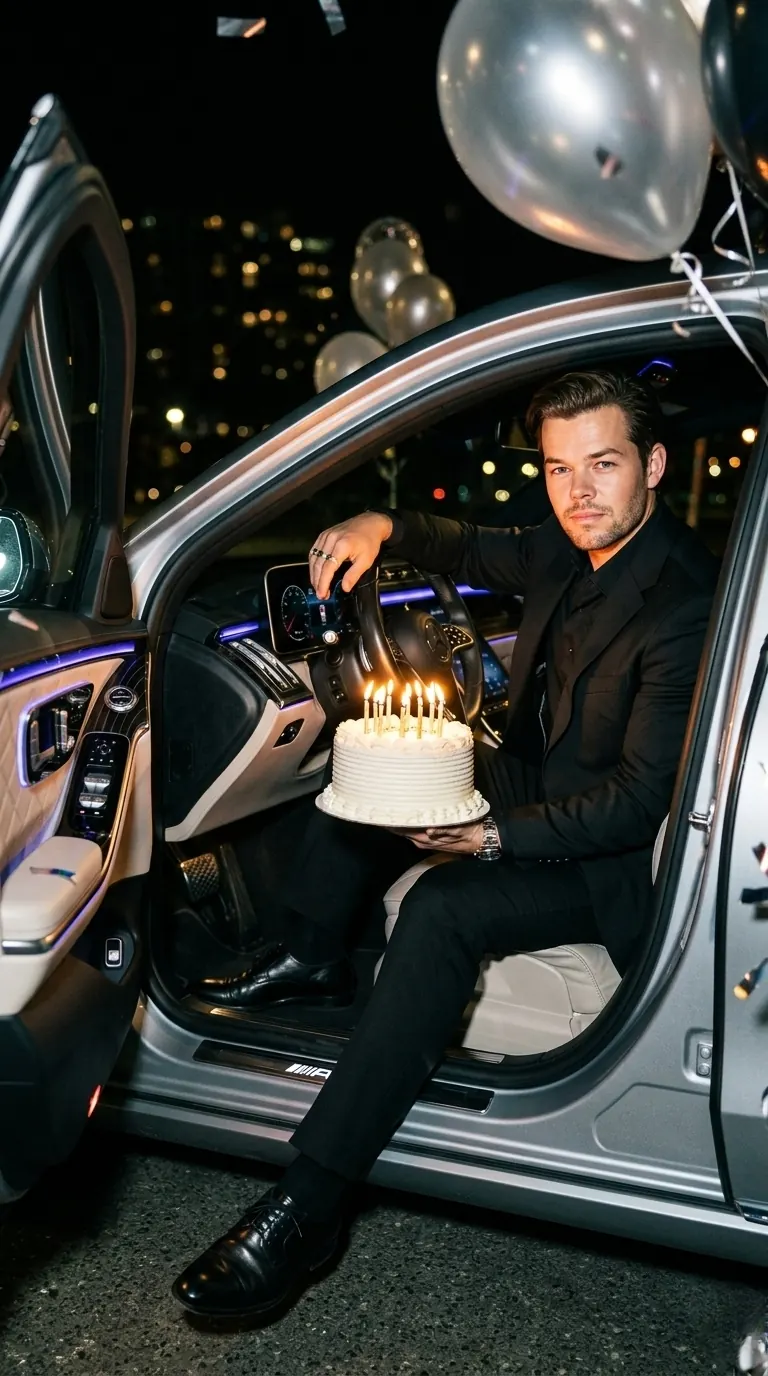
  • Birthday Flash: night, flash on, sitting in the open door of a silver car with balloons above and a cake on your lap.
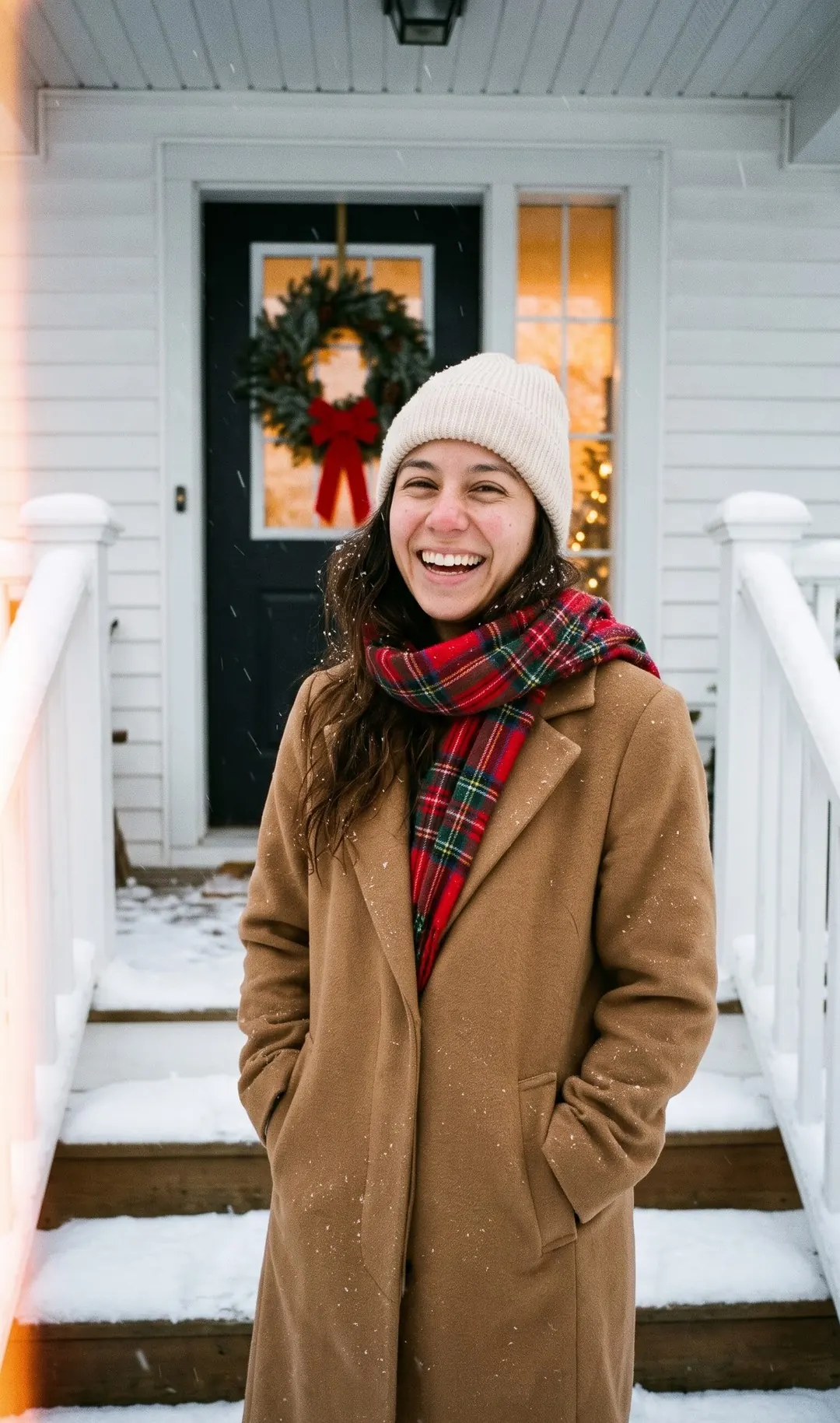
  • Snowy Porch Card: laughing on snowy front steps with the small flash and grain of a disposable camera.
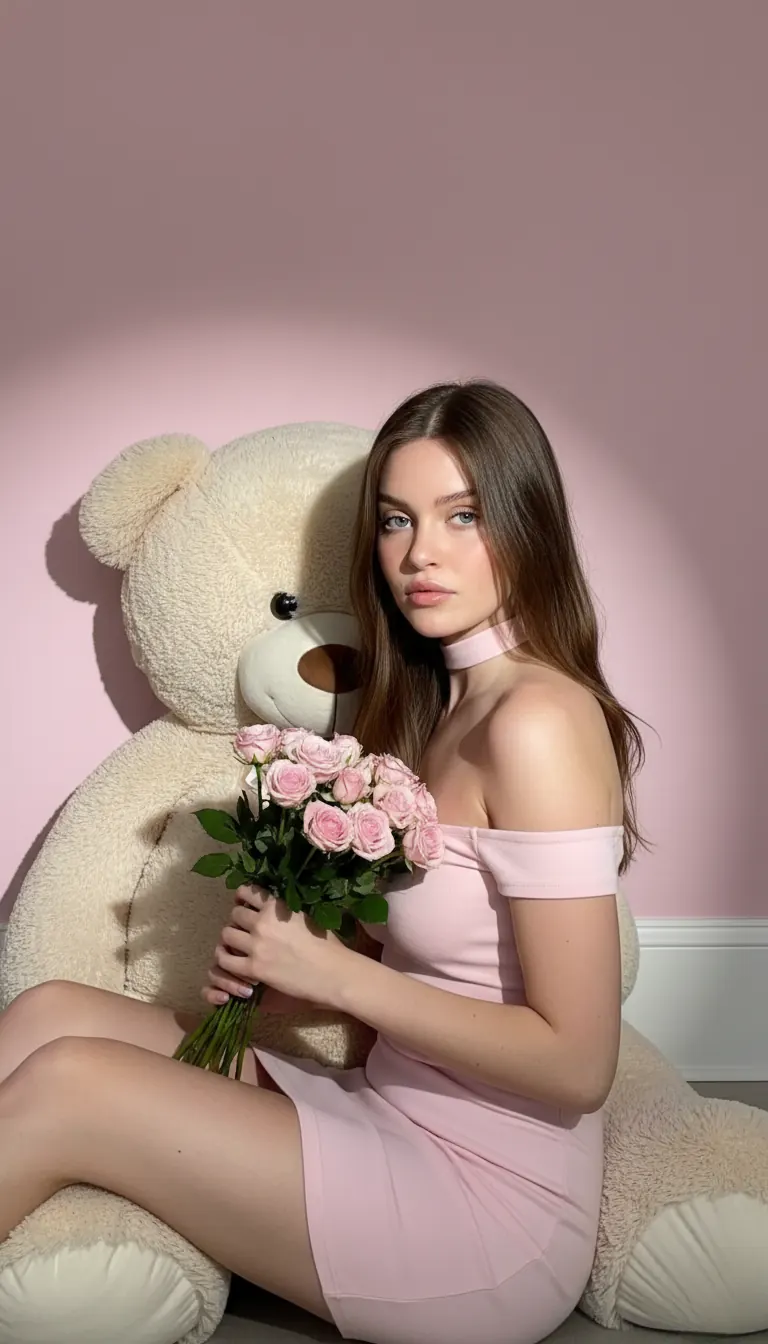
  • Pink Doll Flash: a playful flash portrait beside a giant teddy bear against a blush pink wall.

Want the white border on top? Make the look in the app, save it, then paste the "turn my photo into a print" prompt below into Gemini with that image.

Classic polaroid style prompts

Held between two fingers

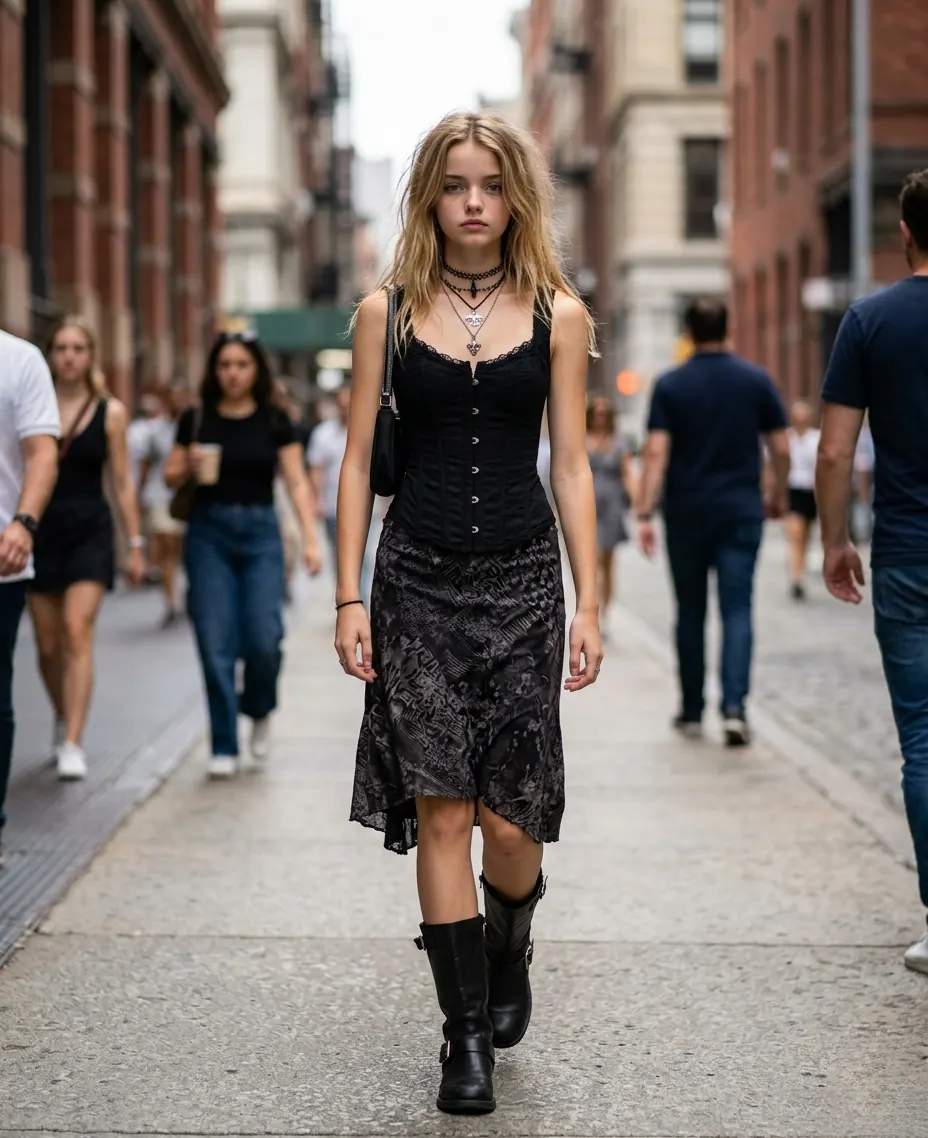
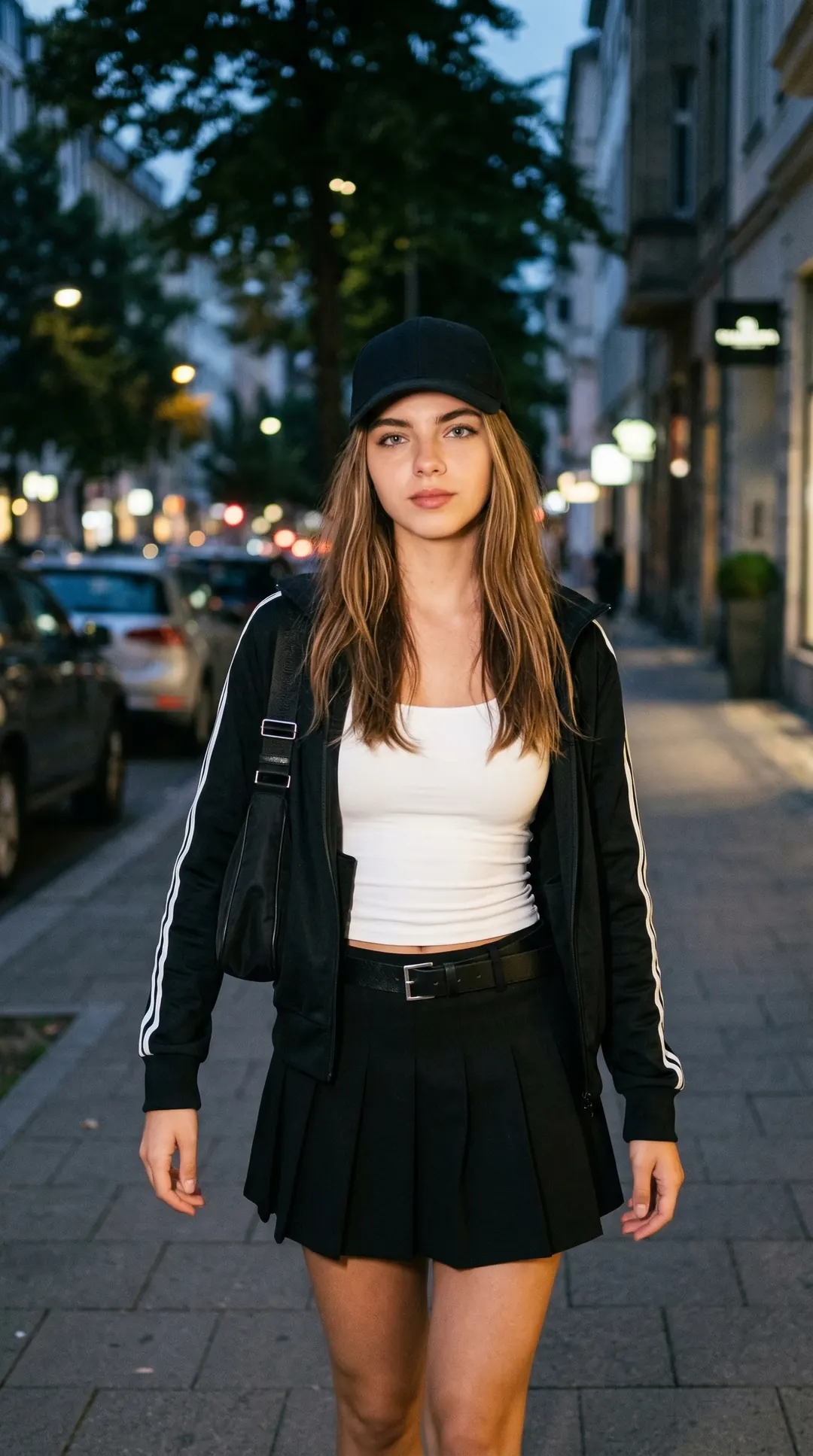
Create a close photo of a hand holding a square instant film print between two fingers, thick white border with a wider bottom edge, a blurred sunset street behind. Inside the print: the person in this photo laughing, denim jacket over a white tee, golden hour light. Slightly faded colour, soft focus and fine grain in the print, the face sharp and recognisable. Blank border, no text, no logos. Vertical 4:5. Keep the face, hair and skin tone exactly the same as the photo.

Skip the prompt: try the ready made styles in Rizz AI Photo →
Turn my photo into a print

Turn this exact photo into a square instant film print: crop it to a near square, place it inside a thick white border with a wider bottom edge, and give it softer contrast, slightly faded warm colours, gentle soft focus and fine grain. Show the print lying on a white linen sheet in soft window light. Do not change the person, pose, outfit or background inside the picture. Blank border, no text, no logos. Vertical 4:5. Keep the face, hair and skin tone exactly the same as the photo.

Skip the prompt: try the ready made styles in Rizz AI Photo →
Pinned to a string with clips

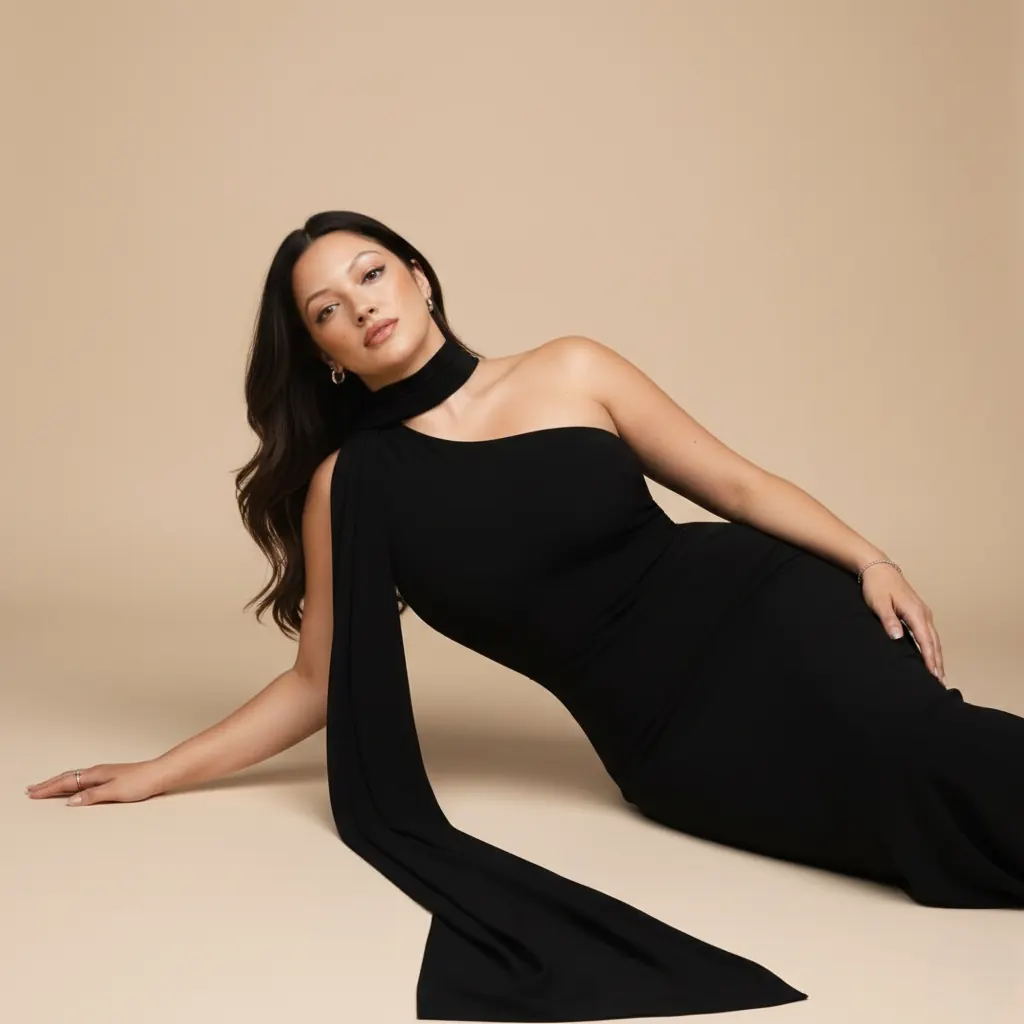
Create a photo of three square instant film prints hanging from a string with small wooden clips on a white wall, warm fairy lights along the string. Each print shows the person in this photo alone in a different candid pose: laughing, looking away, a soft smile. Same outfit in all three, a black turtleneck, direct flash, faded warm colours. Blank borders, no text, no logos. Horizontal 3:2. Keep the face, hair and skin tone exactly the same as the photo.

Skip the prompt: try the ready made styles in Rizz AI Photo →
Mini print in hand

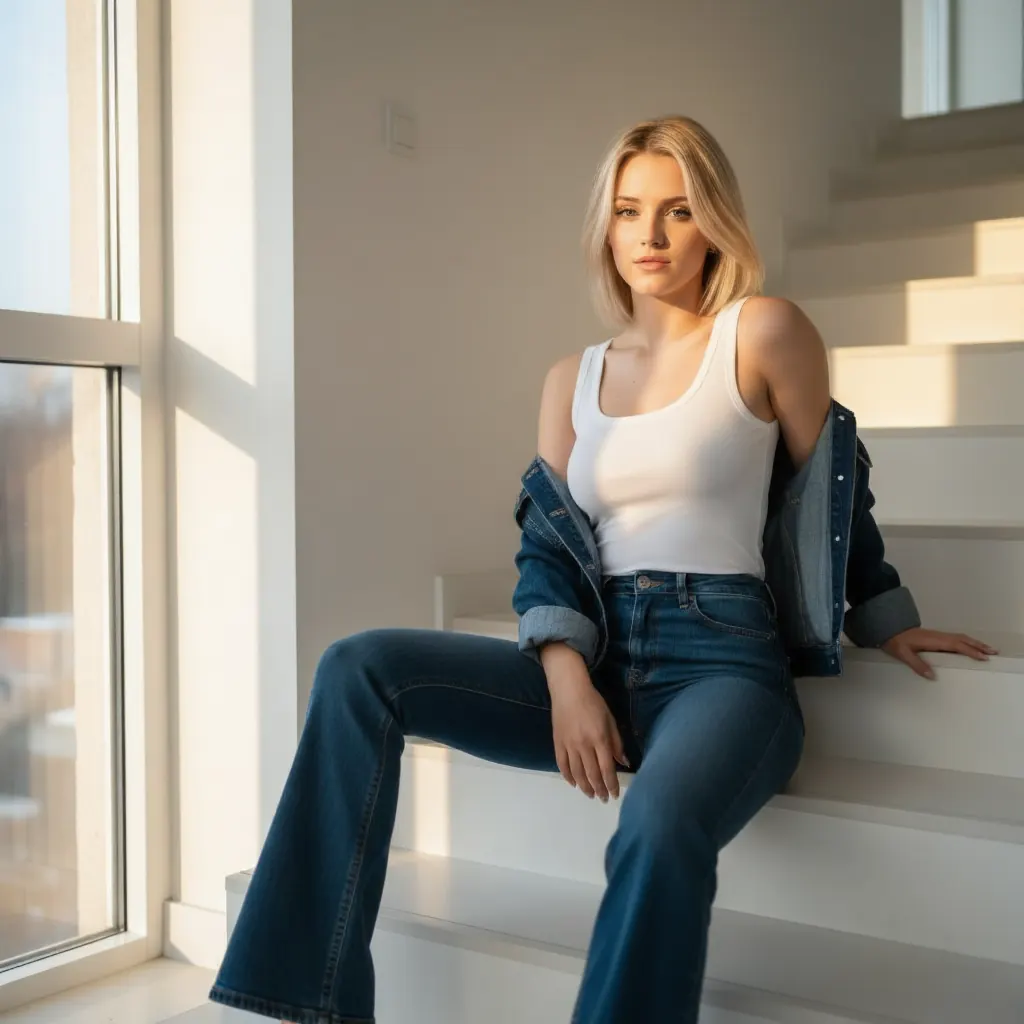
Create a photo of a hand holding a small credit card sized instant print in portrait orientation, thin white border with a wider bottom edge, a café table and coffee cup blurred behind. Inside the print: the person in this photo, shoulders up, oversized grey hoodie, soft flash, creamy highlights and fine grain. Blank border, no text, no logos. Vertical 4:5. Keep the face, hair and skin tone exactly the same as the photo.

Skip the prompt: try the ready made styles in Rizz AI Photo →

Black and white instant print

Create a photo of a square black and white instant film print on a dark slate surface, thick white border with a wider bottom edge. Inside the print: the person in this photo, head and shoulders, plain dark shirt, a calm direct gaze, single soft side light, deep blacks and fine grain. Blank border, no text, no logos. Square 1:1. Keep the face, hair and skin tone exactly the same as the photo.

Skip the prompt: try the ready made styles in Rizz AI Photo →

Flash and party polaroid prompts

Birthday cake flash

Create a square instant film photo with a thick white border and wider bottom edge, showing the person in this photo at night holding a small birthday cake with lit candles, a shiny black top, balloons above. Harsh direct flash, bright face, background falling to dark, faded warm colours, fine grain. Blank border, no text, no logos. Solo portrait, no other people in the frame. Vertical 4:5. Keep the face, hair and skin tone exactly the same as the photo.

Skip the prompt: try the ready made styles in Rizz AI Photo →

Tinsel curtain party

Make a square instant film photo with a thick white border and wider bottom edge, showing the person in this photo laughing in front of a silver tinsel curtain at a house party, sequin top or a satin shirt. Direct on camera flash, slight overexposure on the face, a hard shadow behind, faded colours, fine grain. Blank border, no text, no logos. Solo portrait, no other people in the frame. Vertical 4:5. Keep the face, hair and skin tone exactly the same as the photo.

Skip the prompt: try the ready made styles in Rizz AI Photo →

Getting ready mirror

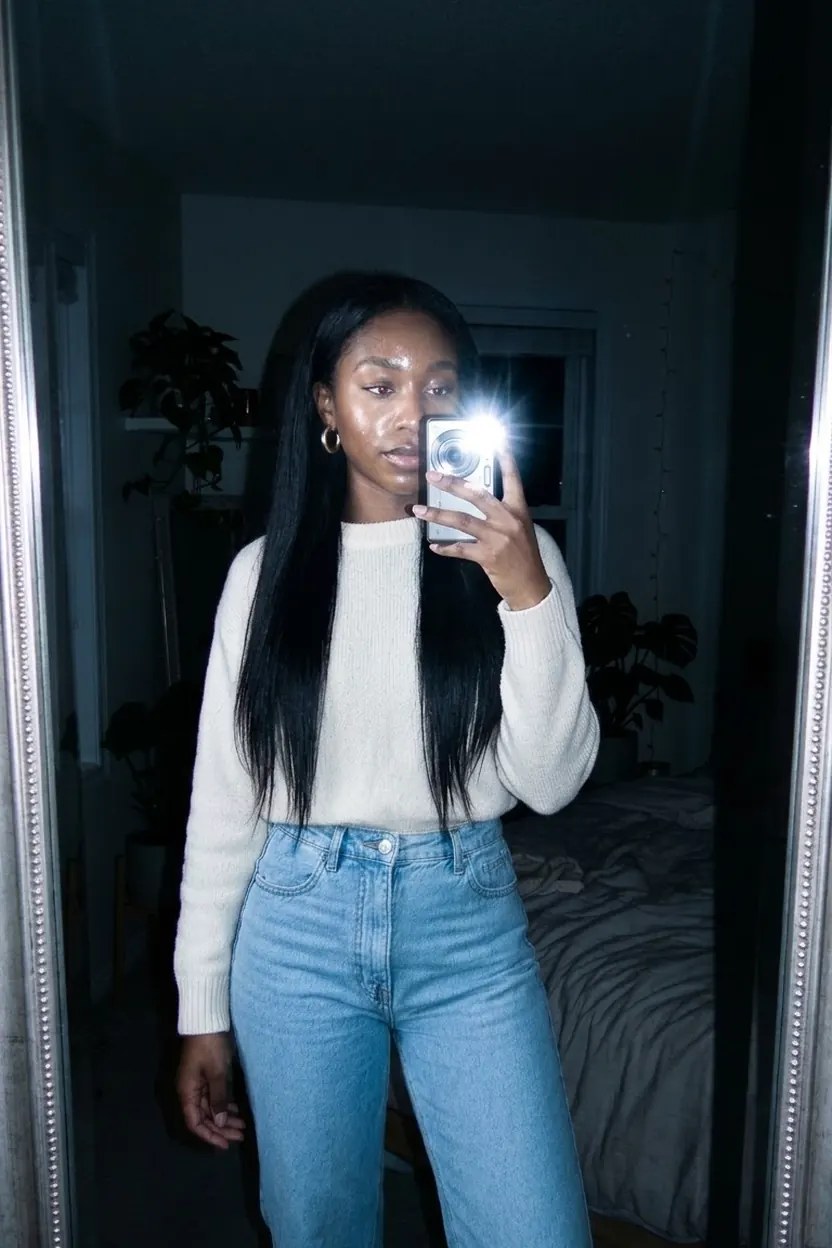
Create a square instant film photo with a thick white border and wider bottom edge, showing the person in this photo getting ready in front of a bathroom mirror, holding a small instant camera with no logo up to the mirror at chest height so the face stays clear, a black slip dress or a crisp white shirt. The flash bouncing off the mirror, warm faded colours, fine grain. Blank border, no text. Vertical 4:5. Keep the face, hair and skin tone exactly the same as the photo.

Skip the prompt: try the ready made styles in Rizz AI Photo →

Rooftop after dark

Make a square instant film photo with a thick white border and wider bottom edge, showing the person in this photo on a rooftop at night, leather jacket over a white tee, city lights as soft dots behind. Direct flash on the face, the sky falling to deep blue black, faded colour, fine grain, candid half smile. Blank border, no text, no logos. Solo portrait, no other people in the frame. Vertical 4:5. Keep the face, hair and skin tone exactly the same as the photo.

Skip the prompt: try the ready made styles in Rizz AI Photo →

Photo booth style triple

Create a photo of three square instant film prints laid in a row on a dark wooden table, each with a thick white border and wider bottom edge. Each print shows the person in this photo alone against a red velvet curtain in a different pose: a big laugh, a wink, a calm look. Same outfit in all three, direct flash, faded warm colours. Blank borders, no text, no logos. Horizontal 3:2. Keep the face, hair and skin tone exactly the same as the photo.

Skip the prompt: try the ready made styles in Rizz AI Photo →

Car door at night

Make a square instant film photo with a thick white border and wider bottom edge, showing the person in this photo sitting sideways in the open door of a silver car at night, black outfit, a bunch of balloons floating above. Harsh direct flash, background in darkness, faded warm colours, fine grain. No badges on the car. Blank border, no text, no logos. Solo portrait, no other people in the frame. Vertical 4:5. Keep the face, hair and skin tone exactly the same as the photo.

Skip the prompt: try the ready made styles in Rizz AI Photo →

Aesthetic and seasonal polaroid prompts

Christmas tree glow

Create a square instant film photo with a thick white border and wider bottom edge, showing the person in this photo sitting by a Christmas tree in a cosy red knit sweater, holding a mug, warm tree lights glowing behind. Soft flash mixed with warm lamp light, faded colours, fine grain. Blank border, no text, no logos. Solo portrait, no other people in the frame. Vertical 4:5. Keep the face, hair and skin tone exactly the same as the photo.

Skip the prompt: try the ready made styles in Rizz AI Photo →

Snow day porch

Make a square instant film photo with a thick white border and wider bottom edge, showing the person in this photo laughing on snowy front steps of a white wooden house, plaid scarf, wool coat, snowflakes in the air. Small direct flash, cool daylight, faded colour, fine grain. Blank border, no text, no logos. Solo portrait, no other people in the frame. Vertical 4:5. Keep the face, hair and skin tone exactly the same as the photo.

Skip the prompt: try the ready made styles in Rizz AI Photo →

Autumn leaves walk

Create a square instant film photo with a thick white border and wider bottom edge, showing the person in this photo walking on a path covered in orange leaves, camel coat, chunky knit scarf, looking back over the shoulder. Golden afternoon light, soft focus, faded warm colours, fine grain. Blank border, no text, no logos. Solo portrait, no other people in the frame. Vertical 4:5. Keep the face, hair and skin tone exactly the same as the photo.

Skip the prompt: try the ready made styles in Rizz AI Photo →

Beach day sun faded

Make a square instant film photo with a thick white border and wider bottom edge, showing the person in this photo on a beach towel at the shore, white linen shirt, sunglasses pushed up, the sea behind. Bright midday sun, washed out pastel colours as if the print sat in the sun, fine grain. Blank border, no text, no logos. Solo portrait, no other people in the frame. Vertical 4:5. Keep the face, hair and skin tone exactly the same as the photo.

Skip the prompt: try the ready made styles in Rizz AI Photo →

Café window

Create a square instant film photo with a thick white border and wider bottom edge, showing the person in this photo at a small café window table with a coffee, cream sweater, chin resting on one hand, rain on the glass. Soft window light, creamy highlights, muted colour, fine grain. Blank border, no text, no logos. Solo portrait, no other people in the frame. Vertical 4:5. Keep the face, hair and skin tone exactly the same as the photo.

Skip the prompt: try the ready made styles in Rizz AI Photo →

Photo dump grid

Create a flat lay photo of four square instant film prints arranged in a loose grid on a white bedsheet, each with a thick white border and wider bottom edge. Each print shows the person in this photo alone in a different everyday moment: a mirror check, a coffee, a city street at dusk, a laugh with flash. Same face in every print, faded warm colours, fine grain. Blank borders, no text, no logos. Square 1:1. Keep the face, hair and skin tone exactly the same as the photo.

Skip the prompt: try the ready made styles in Rizz AI Photo →
Want the flash look in one tap? Digicam Flash, Photo Booth Strip and Holiday Party Flash are ready in about 20 seconds in Rizz AI Photo.Try free

Tips for a polaroid photo that looks real

  • Say "blank border". Gemini likes to write captions or a brand name on the white strip. "Blank border, no text, no logos" keeps it clean, and you can write on it later in your story editor.
  • Ask for the wider bottom edge. It is the detail that makes an instant print read as one. A border that is equal on all sides looks like a frame filter.
  • Show the print, not just the picture. A hand, a table or a clip on a string makes it look like a real object.
  • Lower the contrast. Words like "faded", "creamy highlights" and "soft focus" match instant film. "Sharp" and "vivid" fight it.
  • Keep it solo. Prompts with real celebrities or other people's faces raise consent issues and are more likely to be refused. For multiple prints, ask for "the person in this photo alone" in each one.
  • Name the camera without the brand. "Small instant camera with no logo" avoids a drawn brand name on the camera body.
  • Use the triple and grid prompts as a carousel cover. One print grid, then the single shots, makes an easy photo dump.

Polaroid and Instax are trademarks of their owners. This page uses the word polaroid in its everyday sense, for instant film style photos, and Rizz AI Photo is not affiliated with either brand.

How to use these polaroid prompts in Gemini

  1. 1Open GeminiGo to gemini.google.com or open the Gemini app and sign in. Image editing there runs on Nano Banana 2.1, Google's image model.
  2. 2Upload one clear photoTap the plus button and add a sharp, well lit photo. Face the camera in good light, with no sunglasses or cap. A waist up photo gives the best face inside a small print.
  3. 3Paste the promptCopy a prompt from this page, paste it with your photo and send. Change the aspect ratio in the prompt if you need a different size.
  4. 4Fix one thing at a timeIf the face drifts, reply "keep my face exactly like the original photo" instead of rewriting the whole prompt. Then download the image.

Gemini is free to use within Google's usage limits. Google does not publish a fixed number of images: the allowance is based on usage and refreshes every 5 hours until you reach a weekly limit (Gemini Apps Help, checked 24 November 2026). More in is Nano Banana free?

For the flash look without a prompt, use the app:

  1. 1Install Rizz AI PhotoGet Rizz AI Photo on iPhone or Android. It is free to download.
  2. 2Open Photo EnhancementScroll Home to the Photo Enhancement row and swipe through the looks, such as Digicam Flash, then Photo Booth Strip and Holiday Party Flash in Christmas 2026.
  3. 3Upload a selfieTap a style and add one clear photo of just you. No prompt writing needed.
  4. 4Generate and saveYour photo is ready in about 20 seconds. Drag the slider to compare it with the original, then save or share.

More on the flash look in the AI digicam filter guide, and a holiday version in Christmas photo booth strip.

FAQ

What is the Gemini polaroid photo prompt?

Describe a square instant film print with a thick white border and a wider bottom edge, what is inside it (you, the outfit, the place, direct flash), faded warm colours and fine grain, then end with "keep the face, hair and skin tone exactly the same as the photo". The prompts on this page follow that pattern.

What was the AI polaroid trend?

A viral trend in autumn 2025 where people used Gemini's Nano Banana model to turn selfies into instant film style portraits. Many versions added a celebrity or a younger self. This page covers the solo version.

Can I make a polaroid with a celebrity?

We do not recommend it and do not include prompts for it. Putting a real person's face in a photo they never took raises likeness and consent issues, and many tools refuse it.

Does Rizz AI Photo have a polaroid style?

Not yet. The closest looks are Digicam Flash in Photo Enhancement, Photo Booth Strip and Holiday Party Flash in Christmas 2026, and Birthday Flash in Birthday Glow-Up. You can add a white border afterwards with the "turn my photo into a print" prompt.

Do these prompts work in ChatGPT and Nano Banana?

Yes. They work in ChatGPT, in Gemini (which uses Nano Banana) and in other tools that accept a photo. Keep the blank border and face lines.

Why does Gemini write text on the white border?

It often adds a caption or a date. Add "blank border, no text, no logos" to the prompt, or reply "remove the text from the border" after the first result.

Are these polaroid prompts free?

Yes, copy them freely. Gemini is free within Google's usage limits. Rizz AI Photo is free to download and uses credits per image.

Keep reading

Skip the prompt.
Get the photo.

Rizz AI Photo runs Nano Banana 2.1 behind ready made styles. Upload a selfie, tap a style, and get your image in seconds. No prompt writing needed.