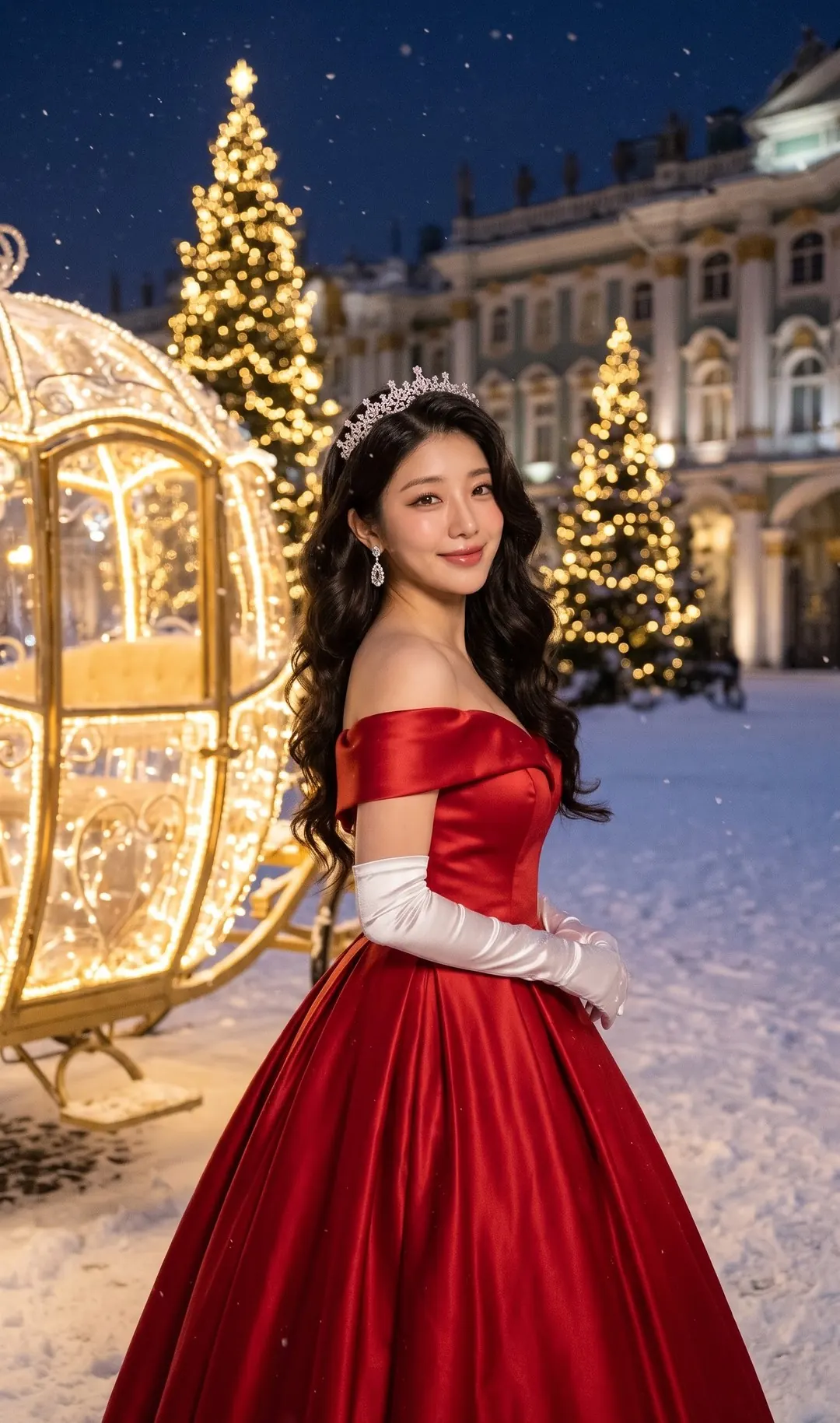
Christmas filter for your photos
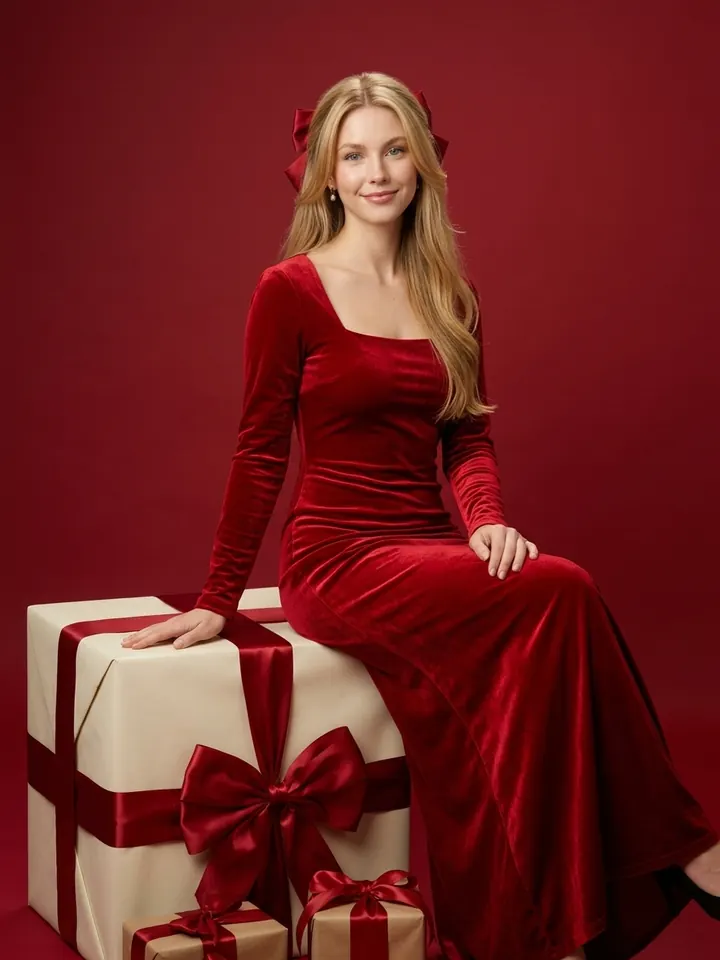
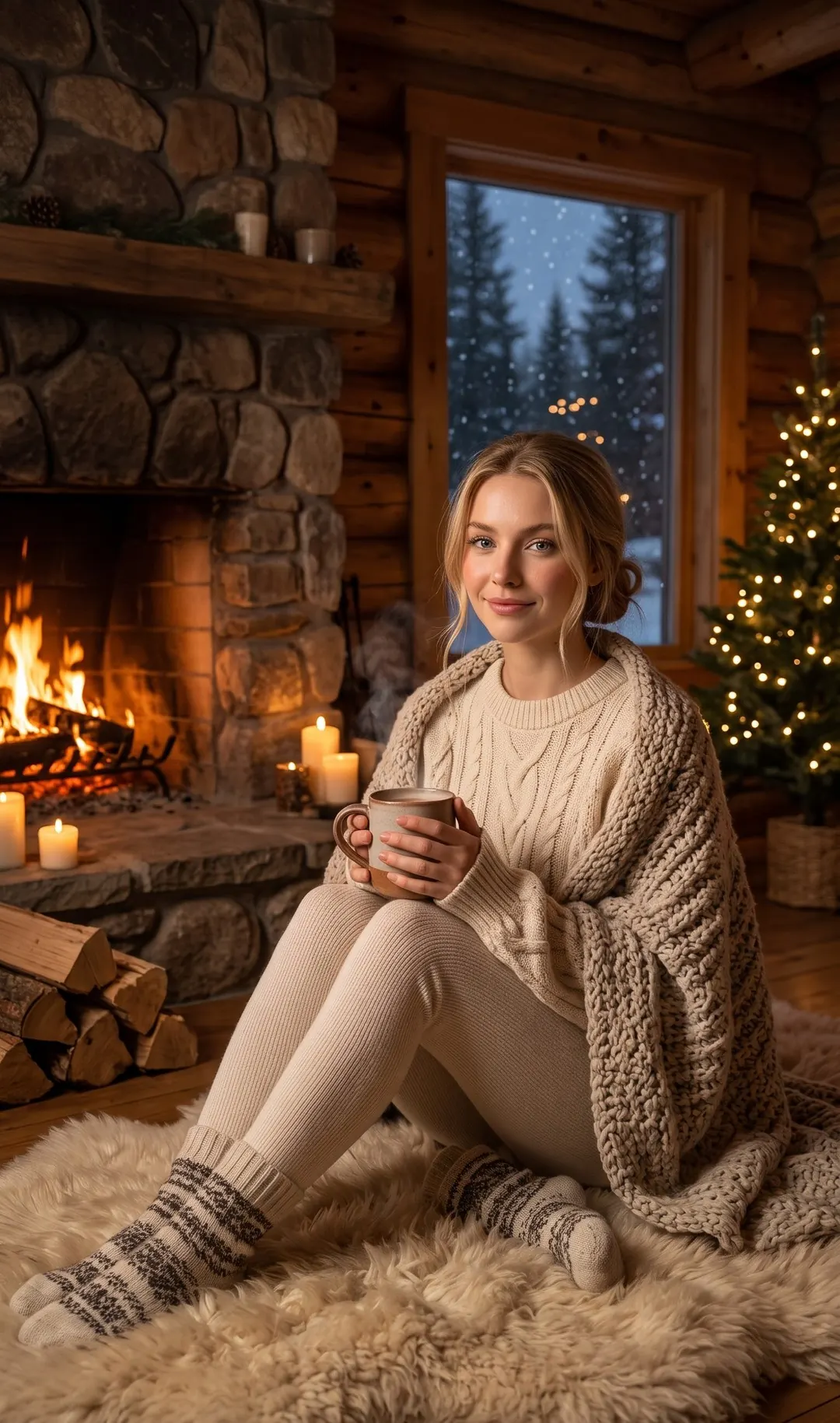
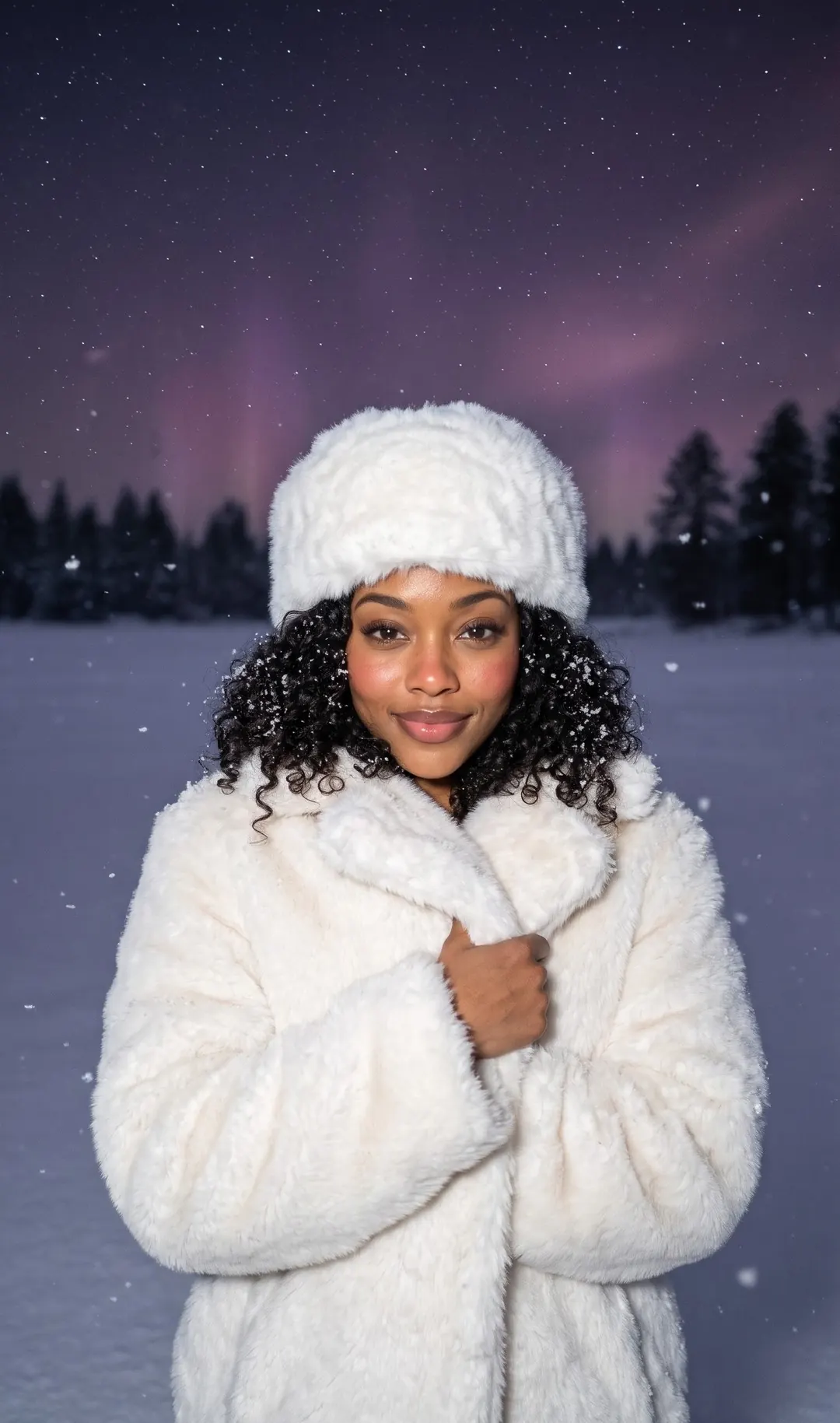
Turn one selfie into a real looking Christmas photo, from a princess gown in the snow to a 90s film snapshot, with your face kept.


 Rizz AI Photo · Free on iPhone and Android
In short
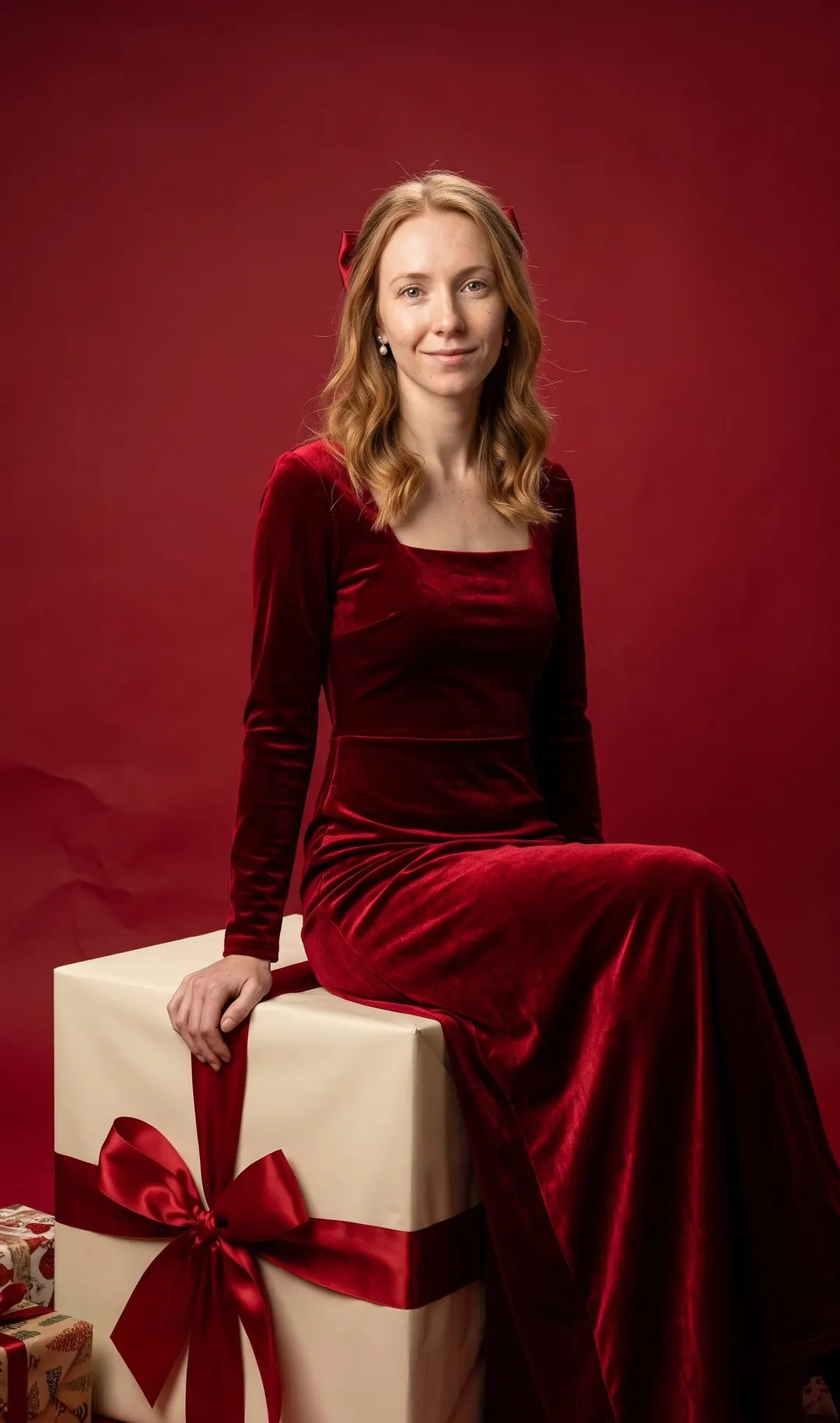
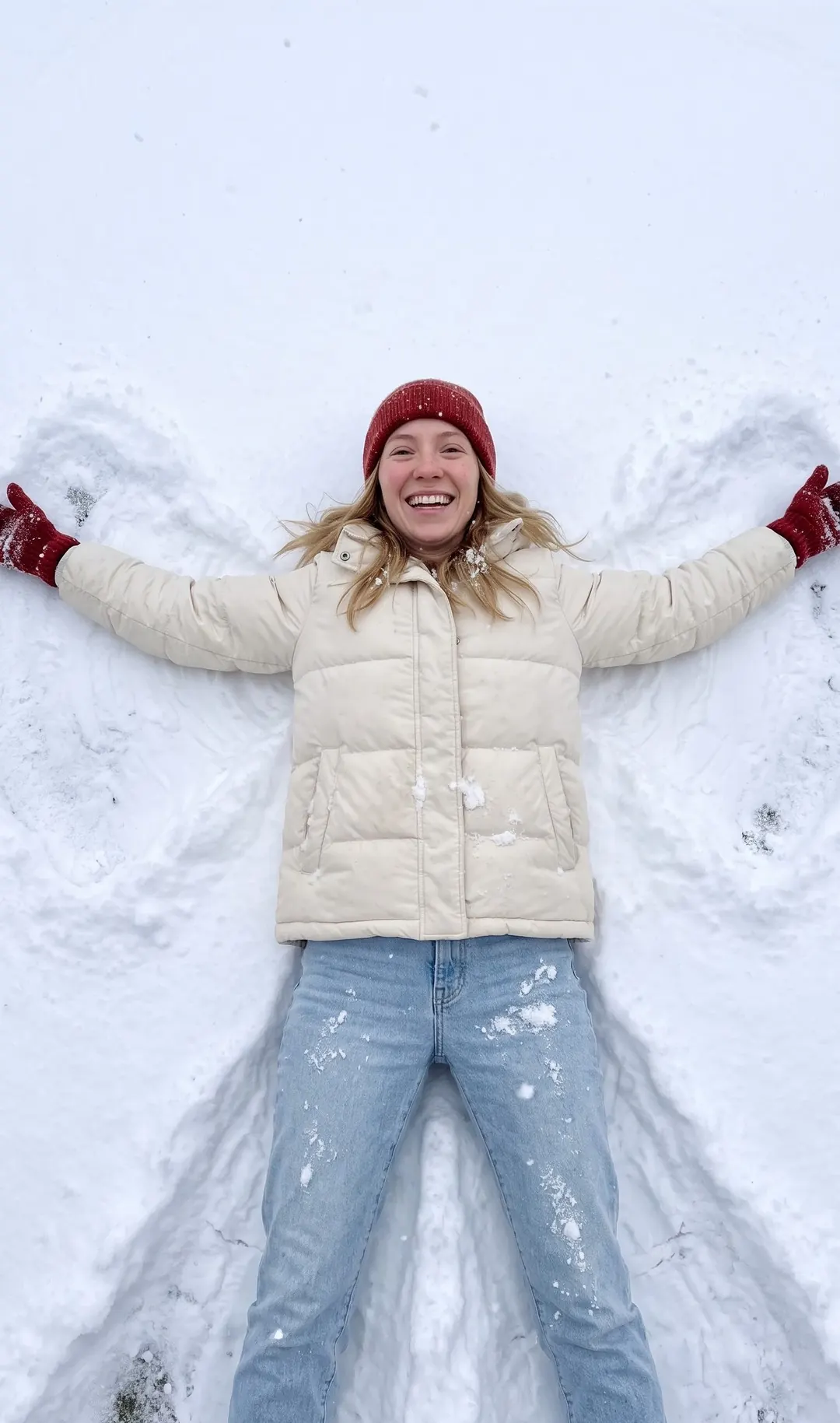
The Christmas filter in Rizz AI Photo is a set of AI looks rather than a sticker: pick a look like Christmas Princess, Photo Booth Strip or Snow Angel, add one selfie, and get a finished Christmas photo in about 20 seconds with your face kept.
Read more
It works on iPhone and Android and is free to download; each photo uses credits. Prefer to write it yourself? Copy one of the free Christmas filter prompts below into Gemini or ChatGPT.
Unlike a camera filter, the outfit, the room and the light all change, and the result is a photo you can post, print or use on a card.
Christmas filter looks
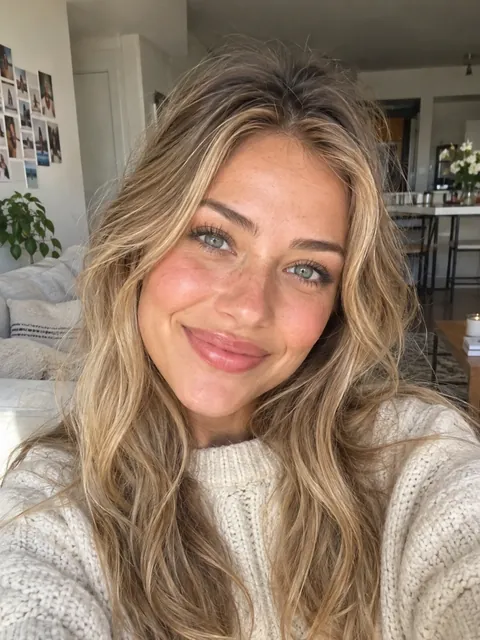
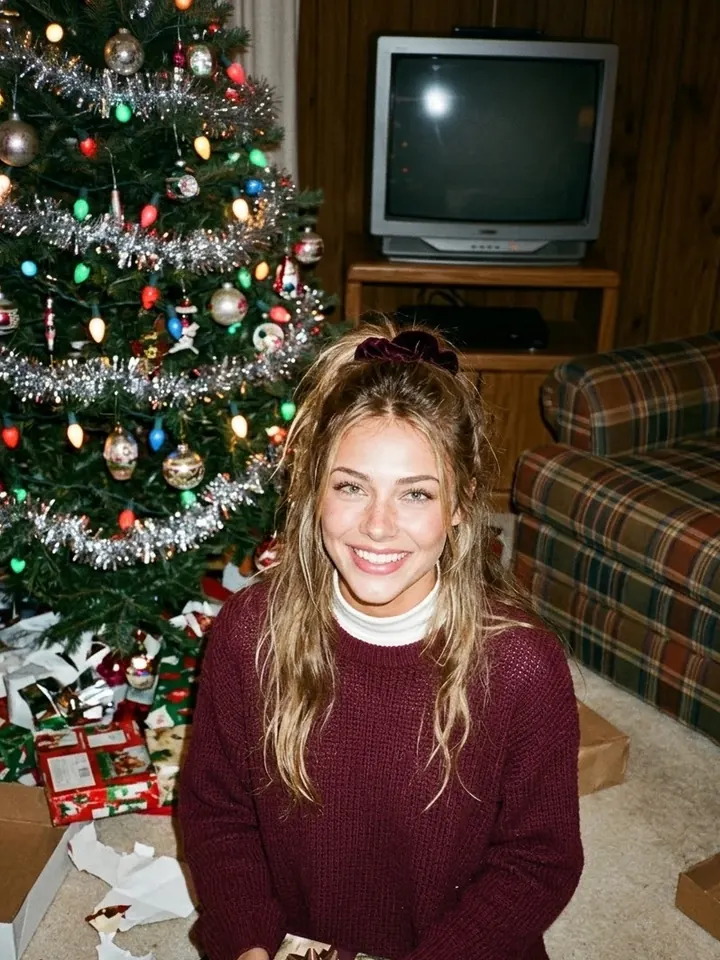
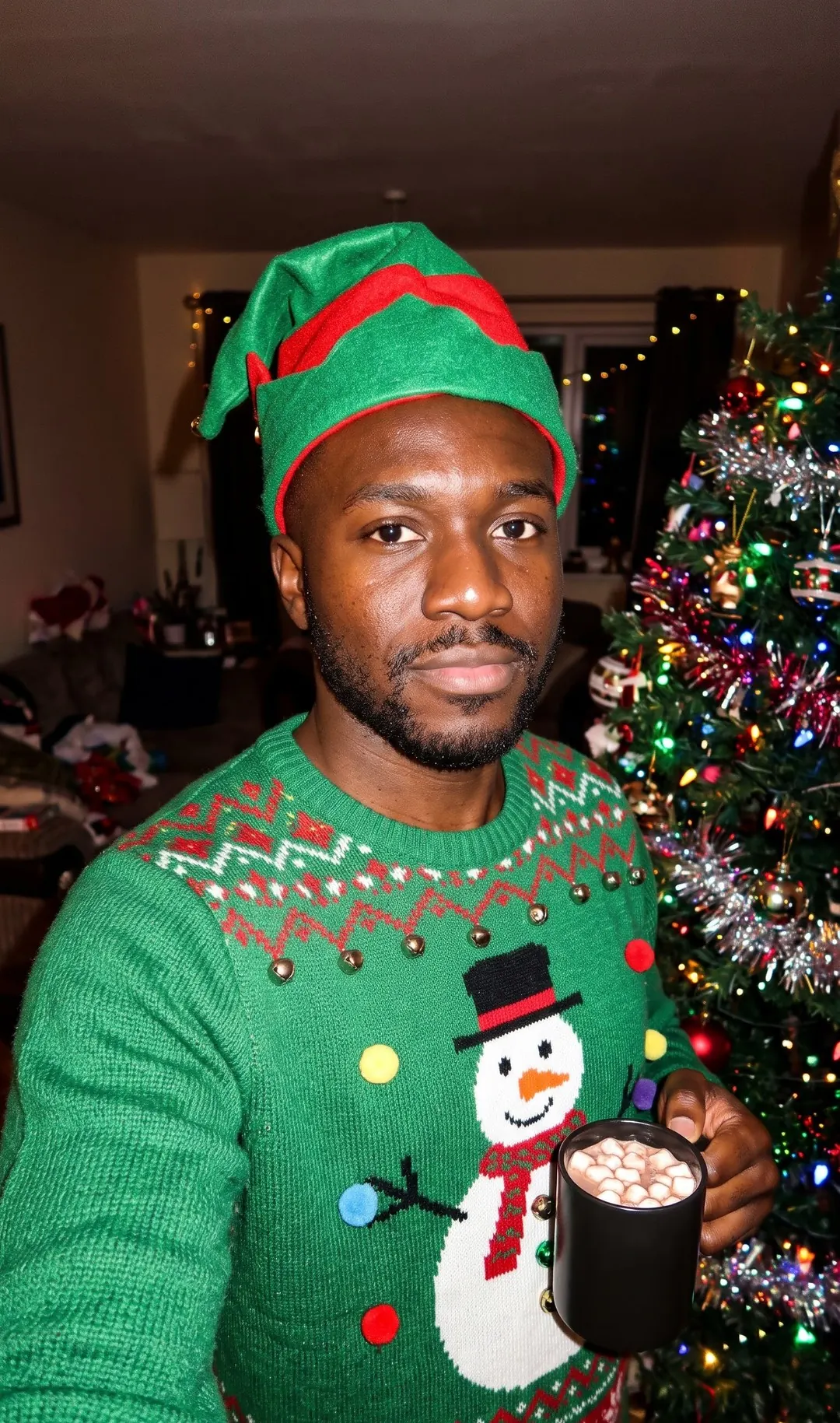
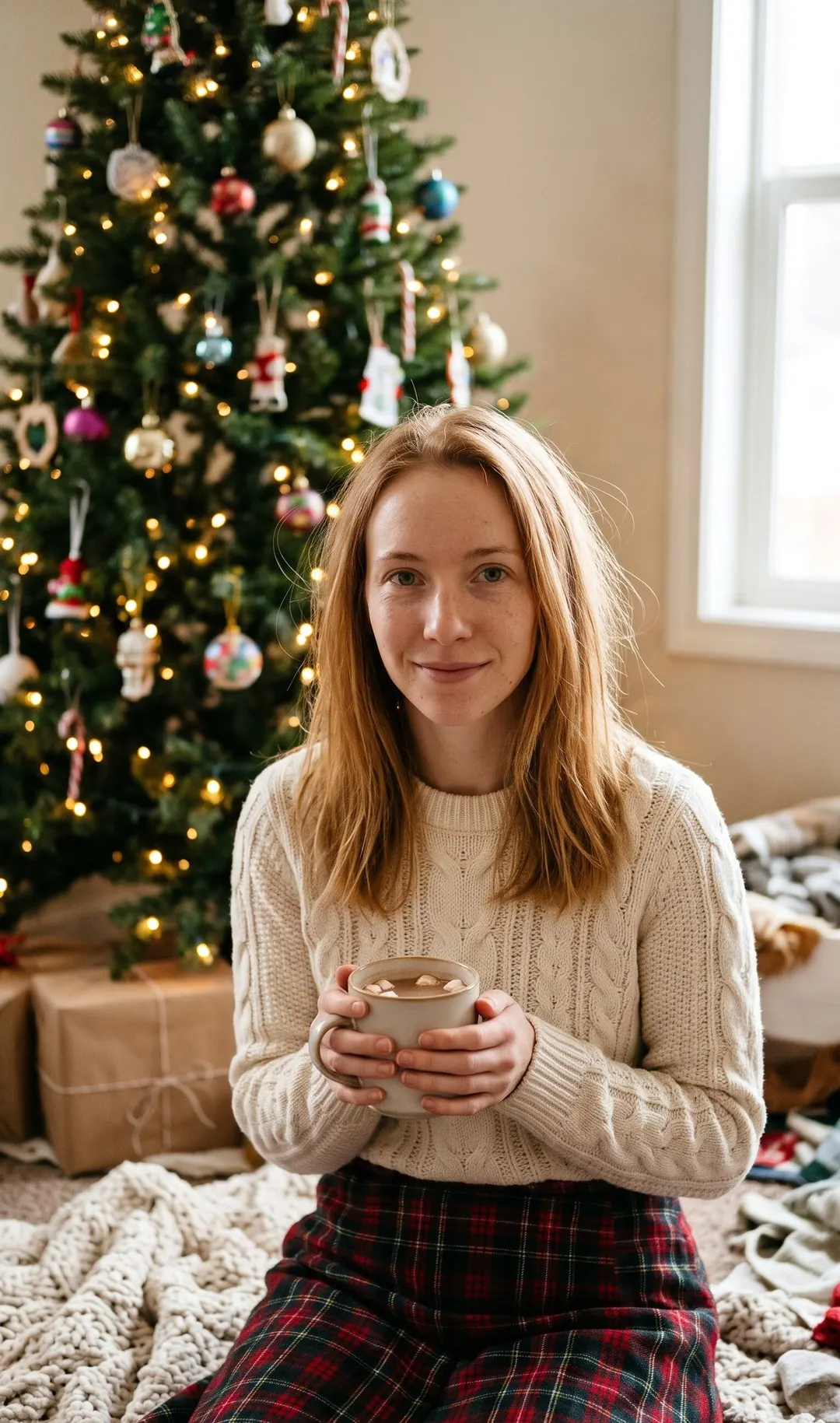
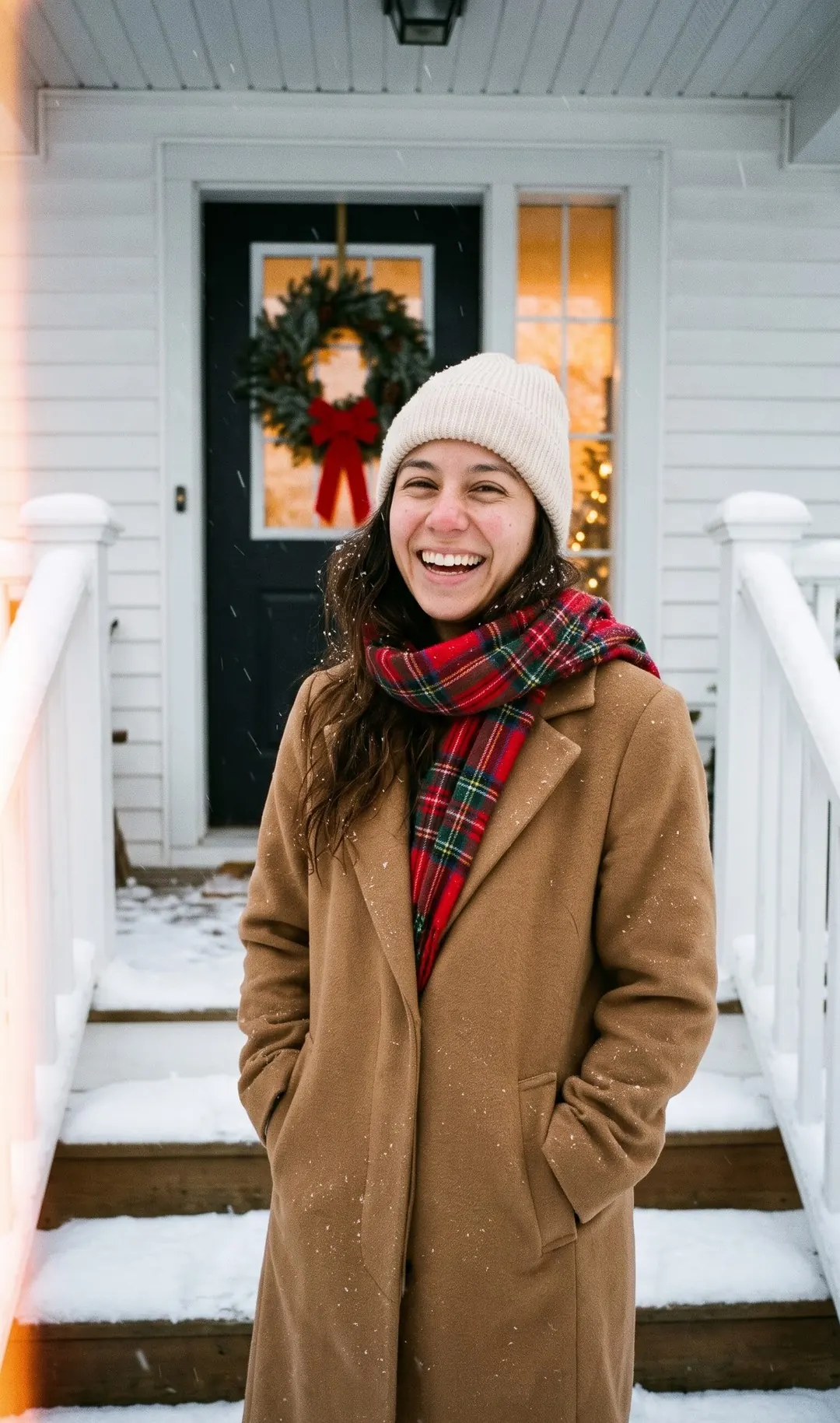
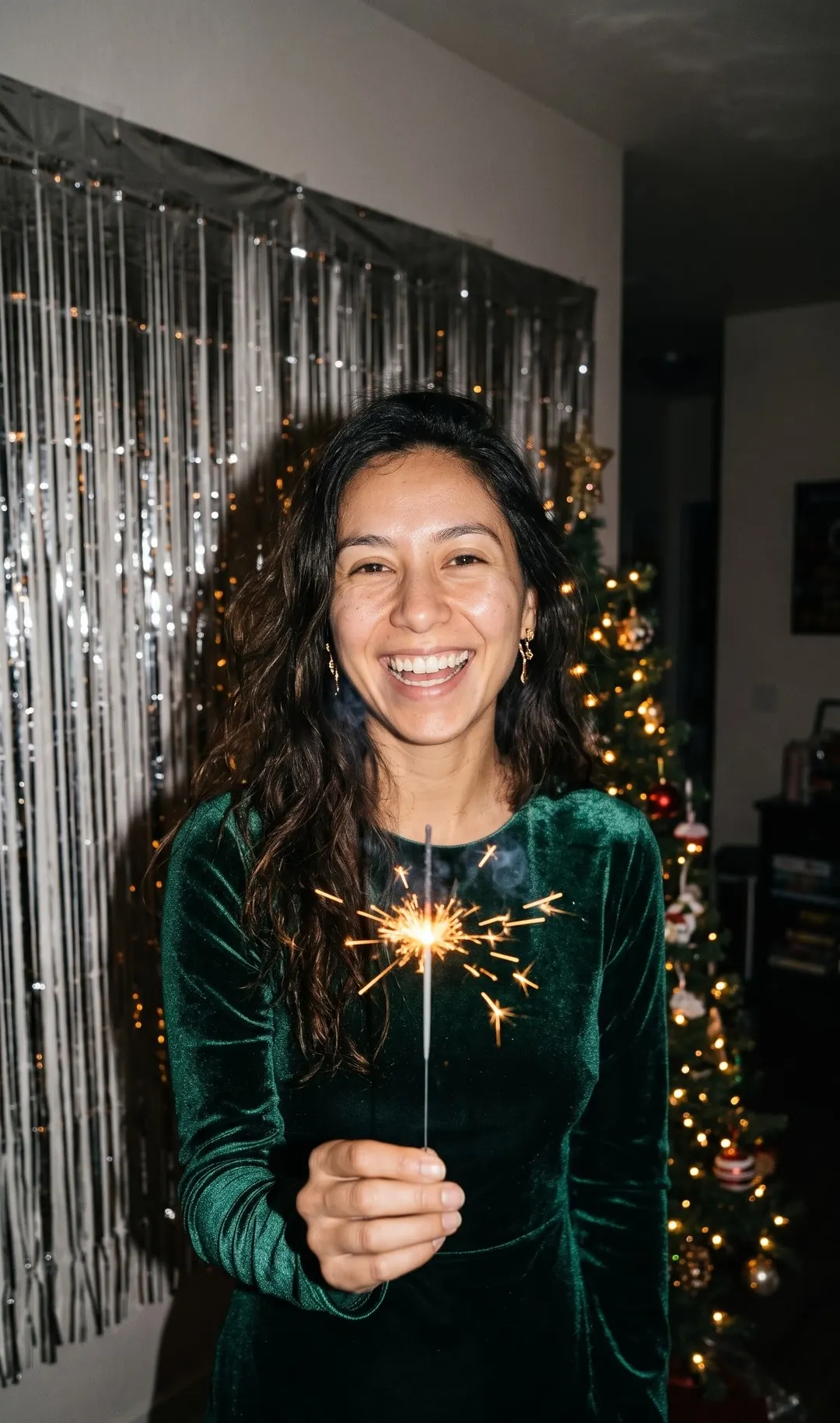
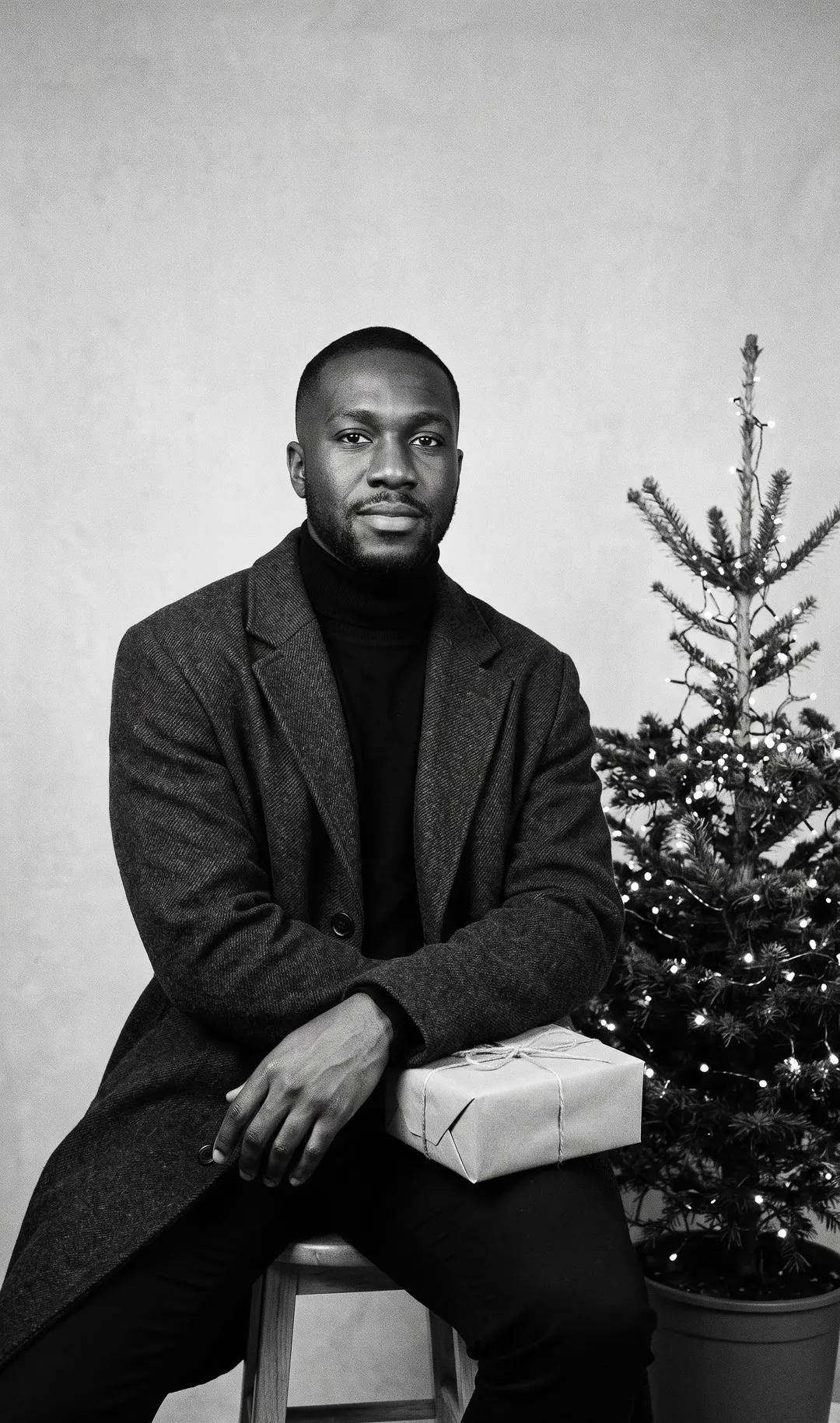
Every look below started as one everyday selfie. Tap a look to open it in the app and make your own.
How to use the Christmas filter
Three taps, no props and no snow needed. The filter keeps your face and builds the Christmas scene, the outfit and the light around you.
Read more
Most people make two or three looks from the same selfie and keep the best one. Photo Booth Strip and 90s Christmas Morning get the most comments on Instagram and TikTok, Velvet Bow Studio and Black and White Christmas make the neatest profile pictures, and Snowy Porch Card or Tree Glow Card leave room for a greeting on a card.
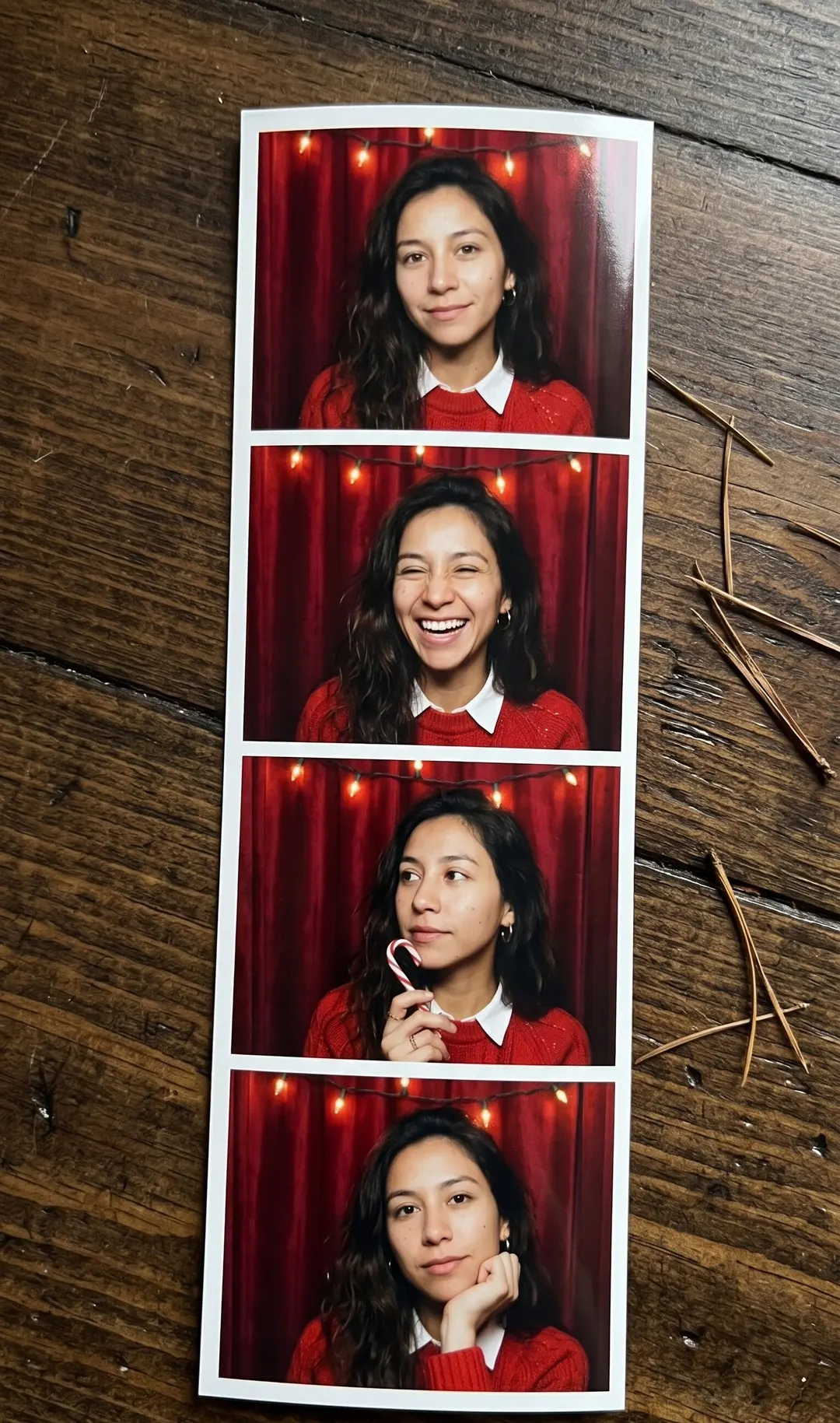 1Pick a Christmas look
Open Rizz AI Photo and tap a look in the Christmas 2026 row.
 2Add one selfie
A sharp, well lit photo of just you, looking near the camera.
 3Get your photo
Ready in about 20 seconds. Save it, share it or make another look.
Christmas filter prompts for Gemini and ChatGPT
Want the same looks for free? Attach your selfie in Gemini or ChatGPT and paste one of these.
Read more
They are simpler than the app looks, so expect a retry or two before the face is right.
For 30 more, see our Christmas AI photo prompts or the Christmas prompts for ChatGPT.

AI Christmas filter vs Snapchat, Instagram and TikTok filters
A camera filter on Snapchat, Instagram or TikTok adds things on top of your live video: a Santa hat, reindeer antlers, falling snow or a warm colour grade.
Read more
It is fun for stories, but your room, your clothes and your light stay the same.
An AI Christmas filter works on a still photo and changes the whole picture. You can be in a ball gown in a snowy palace square, on a wreathed front porch or on the carpet of a 1998 living room, while your face stays yours. That is why the results work as a holiday profile picture, a card photo or a feed post, not only a story.
Use both: an AI look for the photo you want to keep, and a camera filter for quick videos with friends.
More Christmas ideas
 AI Christmas photo generator
- Christmas prompts
 AI Christmas card generator
 Christmas prompts for men
 Christmas prompts for girls
 ChatGPT Christmas prompts
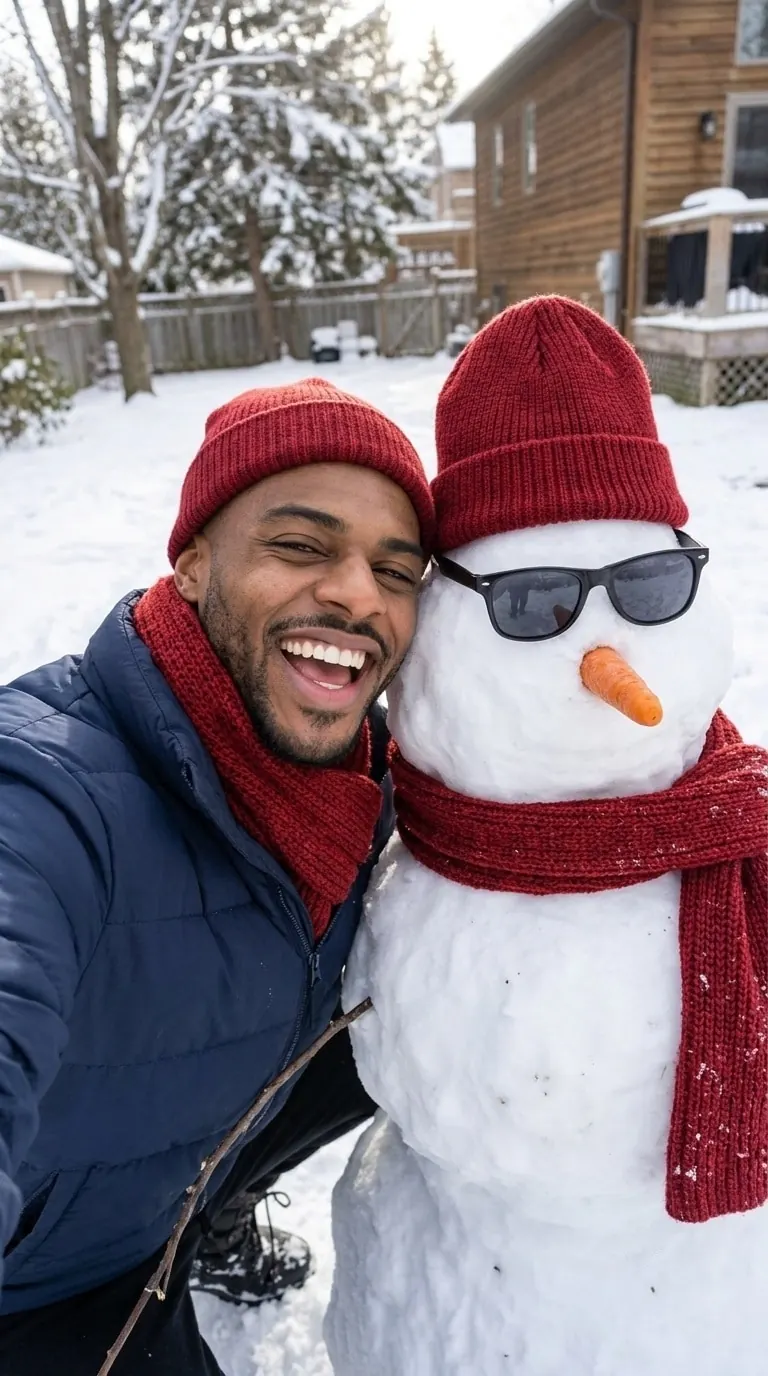 Christmas photos
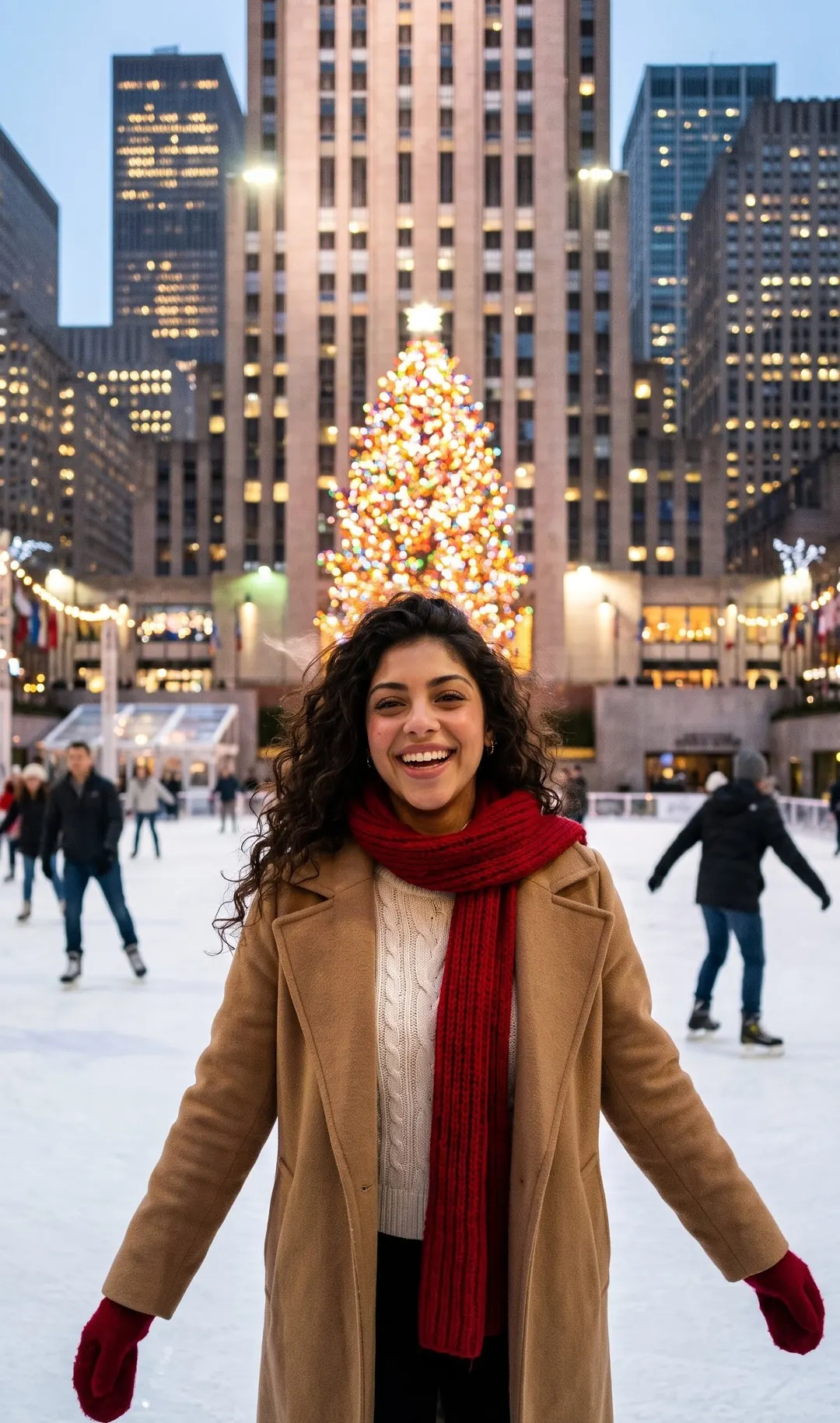 Christmas outfit prompts
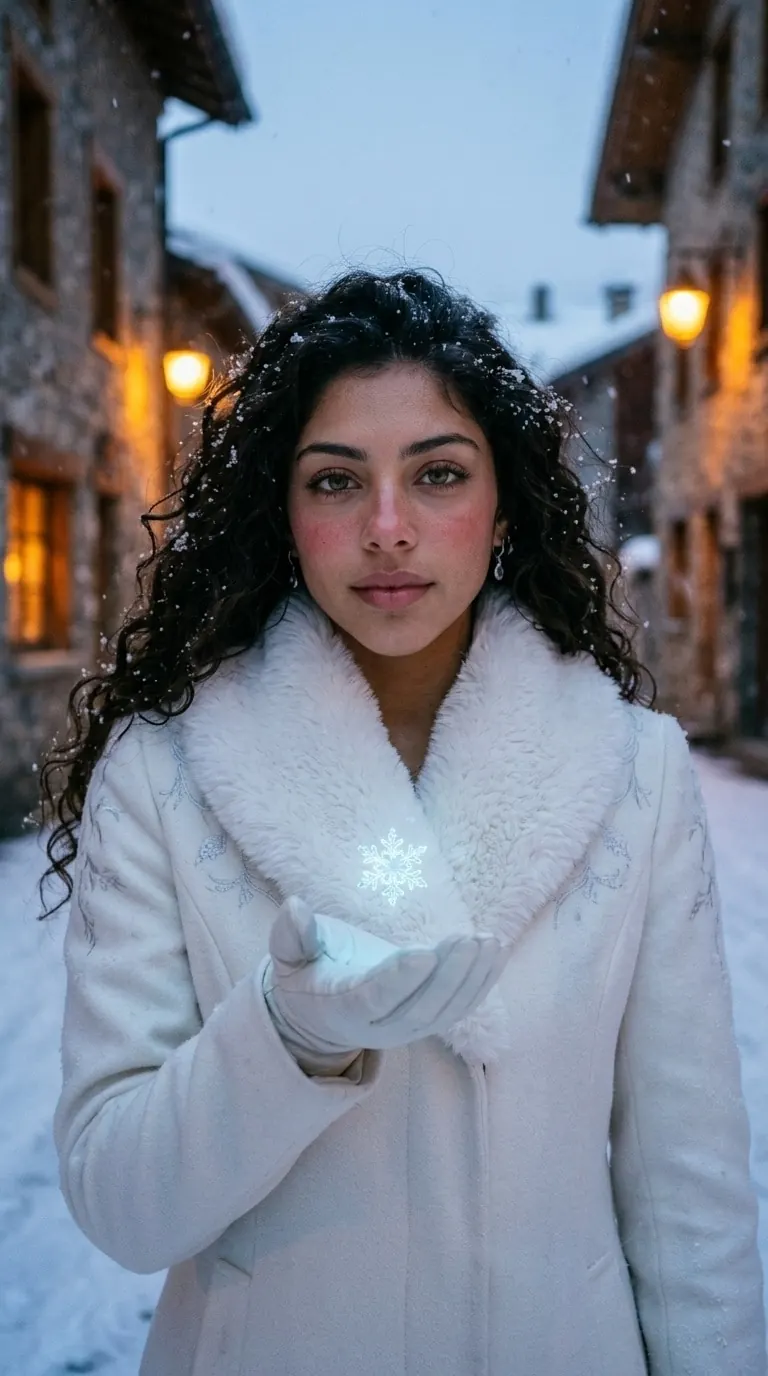 Christmas pfp ideas
- Christmas photo booth
- Ugly sweater photos
- AI Christmas glamour shots
- AI snow photo trend
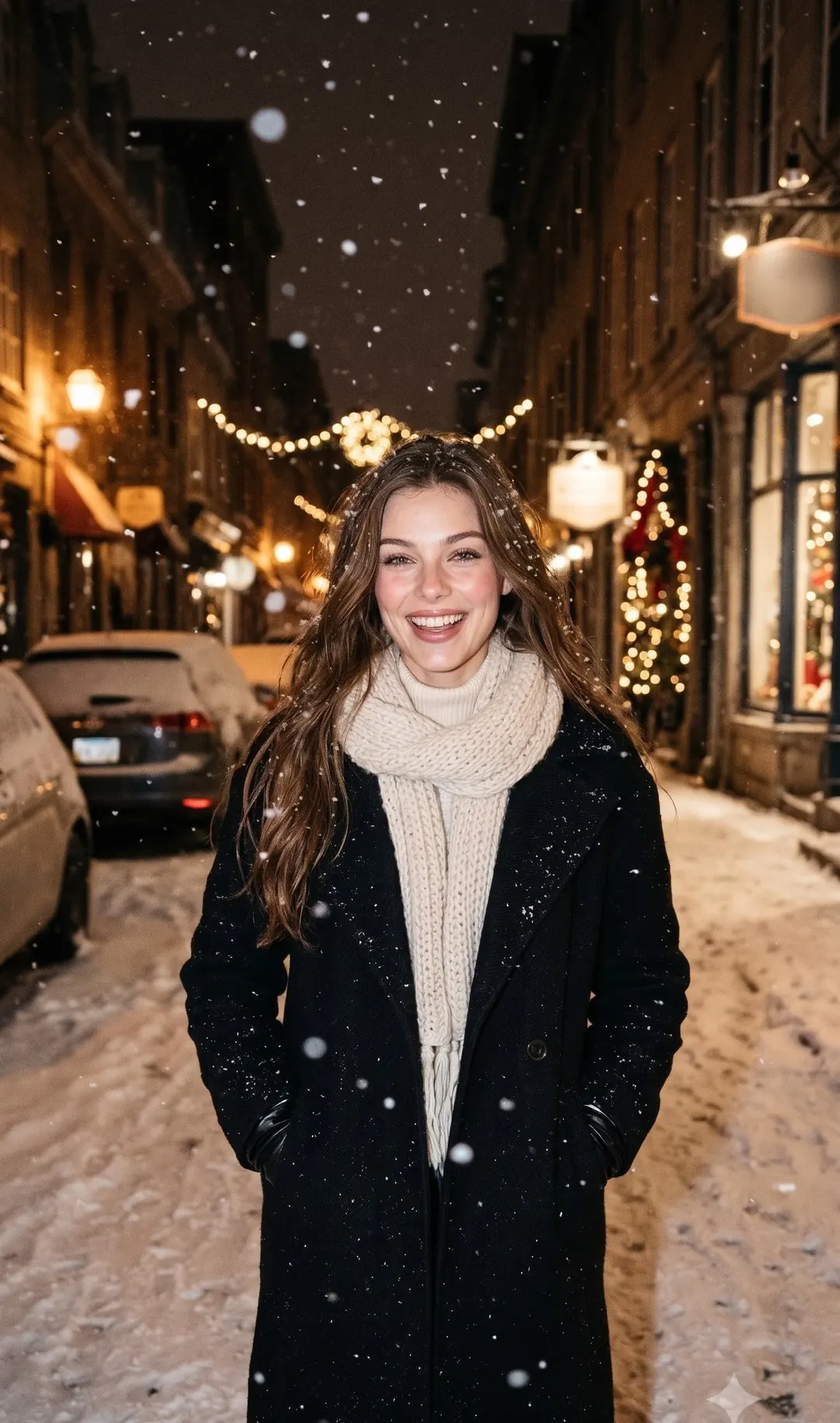 Christmas cards
 DIY Christmas photos
 Christmas 2026 trend
 GTA 6 Christmas
FAQ
What is the best Christmas filter for photos?
For a whole Christmas photo rather than a sticker, use an AI Christmas filter. Rizz AI Photo has a Christmas 2026 set with looks like Christmas Princess, Photo Booth Strip, 90s Christmas Morning and Snow Angel, and keeps your face.
Is the Christmas filter free?
Rizz AI Photo is free to download and you can browse every Christmas look. Making a photo uses credits. For a free route, paste one of the Christmas filter prompts on this page into Gemini or ChatGPT within their free limits.
Does the Christmas filter keep my face?
Yes. Each look is tuned to keep your face, hair and skin tone. A sharp, front facing photo of one person gives the best likeness.
Can I use the Christmas filter on Instagram or TikTok?
Yes. Save the photo from the app and post it like any other picture. Photo Booth Strip and 90s Christmas Morning work well as a carousel with your original selfie on the last slide.
Does it work for men?
Yes. Every Christmas look has an outfit for men and one for women, from a velvet tuxedo jacket to a snowman sweater with an elf hat.
Can I add a Santa hat filter to a photo?
The Ugly Sweater Flash and Photo Booth Strip looks dress you for a Christmas party. For a Santa hat on top of a live video, use a camera filter on Snapchat, Instagram or TikTok.
Keep reading
- AI Christmas photo generator10 Christmas looks from one selfie: photo booth strip, 90s morning, tree card, snow angel and more.
- Christmas AI photo prompts: 30 free prompts for 202630 copy and paste Christmas prompts, from tree glow portraits to family cards and pets.
- AI Christmas card generatorTurn one selfie into a Christmas card photo, then add a greeting, print it or send it as a digital card.
- Christmas PFP ideas: 16 aesthetic profile pictures for 202616 Christmas pfp ideas, aesthetic to funny, plus the right square size for Instagram and WhatsApp.
- How to make a Christmas photo booth strip of yourselfFour frame Christmas booth strips from one selfie, plus a real DIY booth setup.
- Ugly sweater photo ideas: 20 funny looks for the holidays20 ugly sweater photo ideas for parties, families and pets, with poses, props and free prompts.
By the Rizz AI Photo team · Updated
Skip the prompt.
Get the photo.
Rizz AI Photo runs Nano Banana 2.1 behind ready made styles. Upload a selfie, tap a style, and get your image in seconds. No prompt writing needed.
Rizz AI Photo · Free on iPhone and Android

On a computer?Scan with your phone camera to get Rizz AI Photo on iPhone or Android.